Best 4K Computer Monitors
Bring sharp detail and vibrant visuals to your desk with the best 4K computer monitors, ranked by user review ratings. Whether you’re editing photos, gaming, or working across multiple windows, a 4K display offers crisp resolution for work and play. Explore top-rated options to find the right fit for your setup, priorities, and budget.
What to look for in 4K computer monitors
1. Screen Size and Workspace
2. Panel Type and Colour Accuracy
3. Refresh Rate and Gaming Performance
4. Connections and Adjustability
-
1
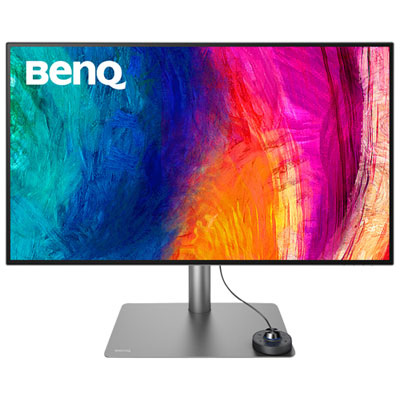
BenQ DesignVue 31.5" 4K UHD IPS LCD Monitor (PD3225U) - HDR - 98% P3 - Metallic Grey
About this product
A metallic grey 4K Ultra HD IPS monitor offering precise colour accuracy and multitasking features for creators.
(8)$1,199.99 Your price for this item is $1199.99 -
2
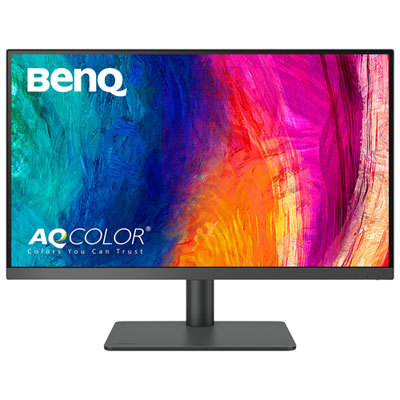
BenQ PD 27" 4K UHD IPS LCD Gaming Monitor (PD2706U) - FreeSync - 5ms - Metallic Grey
About this product
A metallic grey IPS LCD monitor offering 4K UHD resolution, FreeSync, and exceptional colour accuracy for designers.
(13)$549.99 Your price for this item is $549.99 -
3
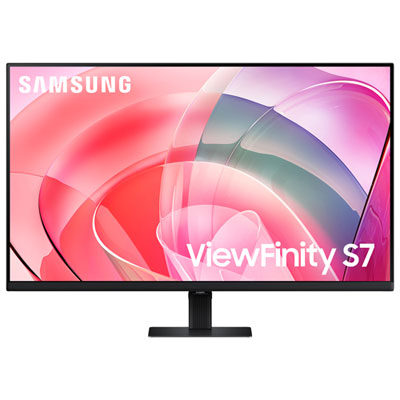
Samsung 32" 4K UHD VA LCD Monitor (LS32D702EANXGO) - Flicker-Free/Blue Light - HDR10
About this product
A black VA LCD monitor offering 4K Ultra HD resolution, 60Hz refresh rate, HDR10, and eye care features.
What customers like
(340)$329.95Your price for this item is $329.95SAVE $100 -
4

Samsung 32" 4K UHD OLED Gaming Monitor (LS32DG802SNXZA) - FreeSync/G-Sync - 0.03ms GTG - 240Hz - White
About this product
A white OLED gaming monitor delivering 4K Ultra HD visuals with 240Hz refresh rate and 0.03ms response time.
What customers like
(697)$1,299.97 Your price for this item is $1299.97 -
5

BenQ 27" 4K UHD IPS LCD Monitor for MacBook (MA270U) - Silver
About this product
A silver IPS LCD monitor offering 4K Ultra HD resolution, 60Hz refresh rate, and MacBook compatibility.
(13)$629.99 Your price for this item is $629.99 -
6

VIEWSONIC 32" 4K Uhd Mva Led 8Ms Monitor (Vx3276-4K-Mhd) - Flicker-Free/blue Light - 75Hz - HDr10 - In Silver
About this product
A sleek silver 32" 4K UHD monitor featuring a frameless design, 75Hz refresh rate, and MVA LED panel.
(15)$378.99Your price for this item is $378.99SAVE $70 -
7
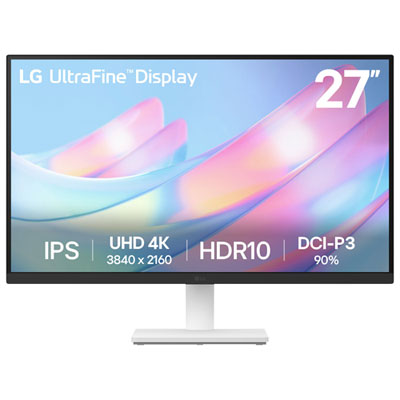
LG UltraFine 27" 4K UHD IPS Monitor (27US500-W) - HDR10 - White
About this product
A white 27-inch 4K UHD IPS monitor offering vibrant DCI-P3 90% colour and a 60Hz refresh rate.
What customers like
(122)$299.99 Your price for this item is $299.99 -
8
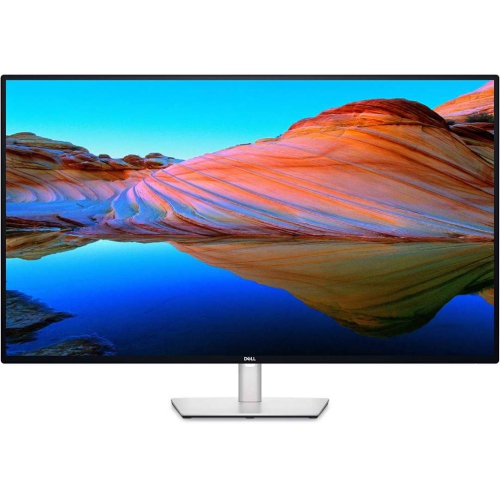
DELL - Ultrasharp 43" 4K Uhd Ips Led USB-C Hub Monitor (U4323Qe) - Light - Silver In Blue
About this product
An expansive 43-inch 4K monitor with USB-C hub, multi-PC connectivity, and ComfortView Plus for eye comfort.
$1,169.97Your price for this item is $1169.97SAVE $730 -
9
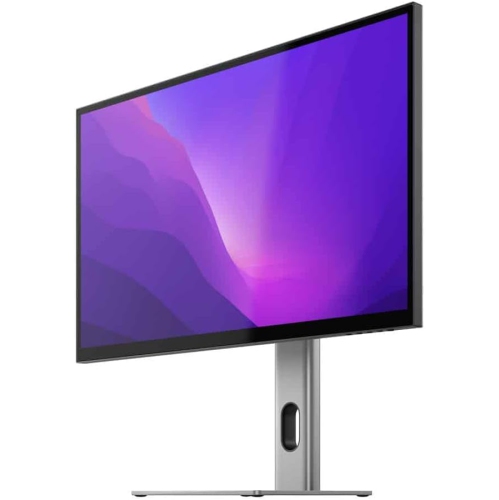
ALOGIC Clarity 27" 4K Uhd Ips Monitor
About this product
A UHD 4K monitor delivering stunning clarity and vibrant visuals for immersive computing experiences.
$1,281.55Your price for this item is $1281.55SAVE $67
FAQ
Most 4K computer monitors have a resolution of 3840 × 2160 pixels, also called 4K UHD. This provides four times the pixel count of Full HD, which has a resolution of 1920 × 1080.
Common panel types include IPS, VA and OLED. IPS panels are known for wide viewing angles and consistent colour, while VA panels typically offer higher native contrast than IPS. OLED panels use individually lit pixels and can display deep blacks without a separate backlight.
Refresh rate, measured in hertz (Hz), describes how many times a monitor can update its image each second. A 60 Hz monitor updates up to 60 times per second, while a 144 Hz monitor updates up to 144 times per second. Available refresh rates depend on the monitor, graphics hardware, connection and display settings.
Common connections include HDMI, DisplayPort and USB-C with video support. The supported resolution and refresh rate depend on the capabilities of the computer, monitor port and cable. Some USB-C monitors also support laptop charging and USB accessories through the same connection.
High dynamic range (HDR) is a display feature that supports a broader range of brightness and colour in compatible content. HDR and 4K describe different characteristics: HDR concerns tonal and colour information, while 4K refers to resolution. HDR support varies by monitor and also requires compatible content, hardware and software settings.
Top selling and popular products
Discover more categories related to Best 4K Computer Monitors

Some products may be subject to Environmental Handling Fees (EHF) depending on your province. Learn more about EHFs.