Best 4k HDR Monitors

Bring sharp detail and vibrant colour to your setup with the best 4K HDR monitors, ranked by customer review ratings. Whether you’re gaming, editing photos, or streaming movies, explore highly rated options that pair crisp 4K resolution with HDR support for enhanced contrast and lifelike visuals. Compare screen sizes, refresh rates, and connectivity to find the right fit for your desk.

Read More

What to look for in 4K HDR monitors

1. Screen Size and Panel Type

Choose a screen size that suits your desk space and viewing distance, with 27-inch and 32-inch models offering popular options for 4K detail. IPS panels generally provide wide viewing angles, VA panels offer strong native contrast, and OLED panels deliver deep blacks but require care with prolonged static content.

2. HDR Performance

Look beyond HDR signal support to peak brightness, colour gamut and contrast, which determine how effectively a monitor displays bright highlights and shadow detail. OLED panels or LCD monitors with effective full-array local dimming typically provide more impactful HDR than basic HDR-compatible displays.

3. Refresh Rate and Response Time

A 60Hz refresh rate suits everyday productivity and video viewing, while 120Hz or higher can make gaming and motion feel smoother. For gaming, consider response time and adaptive sync support, and check whether your computer or console can deliver your target frame rate at 4K.

4. Connectivity and Adjustability

Check that the HDMI or DisplayPort connections support 4K HDR at your preferred refresh rate with your device. USB-C with sufficient power delivery can simplify a compatible laptop setup, while height, tilt and swivel adjustments help you find a comfortable viewing position.
Citrus catapult arrow
  1. 1

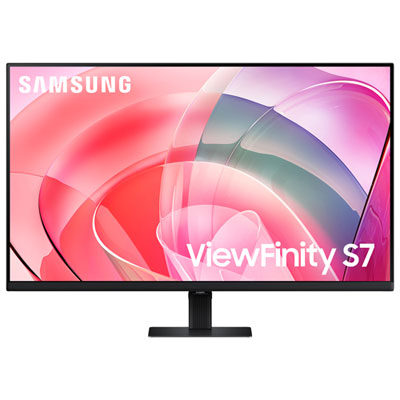
    Samsung 32" 4K UHD VA LCD Monitor (LS32D702EANXGO) - Flicker-Free/Blue Light - HDR10

    About this product

    A black VA LCD monitor offering 4K Ultra HD resolution, 60Hz refresh rate, HDR10, and eye care features.

    What customers like

    • Excellent 4K resolution and picture quality
    • Affordable price and great value
    • Vibrant colors and good contrast
    • Easy setup and user-friendly features
    • Large screen size with multi-window capability
    (340)
    $329.95
    SAVE $100
    Your price for this item is $329.95
  2. 2

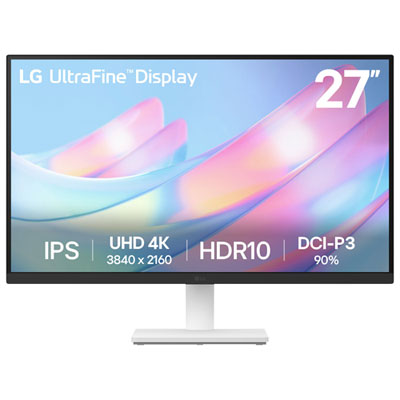
    LG UltraFine 27" 4K UHD IPS Monitor (27US500-W) - HDR10 - White

    About this product

    A white 27-inch 4K UHD IPS monitor offering vibrant DCI-P3 90% colour and a 60Hz refresh rate.

    What customers like

    • Crisp 4K resolution and excellent colour quality
    • Lightweight design with attractive appearance
    • Versatile connectivity and compatibility with MacBook Pro and PS5
    • Reliable performance and LG build quality
    • Good value for money and affordability
    (122)
    $299.99 Your price for this item is $299.99
  3. 3

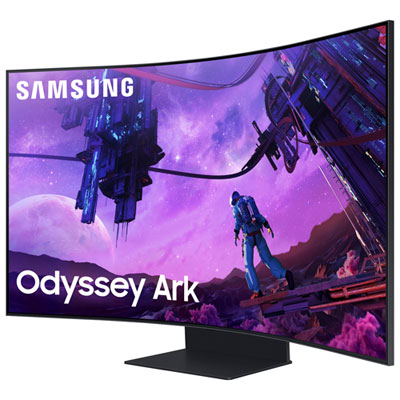
    Samsung Odyssey Arc 55" 4K UHD Curved VA LCD Gaming Monitor (LS55CG970NNXGO) - FreeSync Premium Pro - 1ms GTG - 165Hz - HDR10+

    About this product

    A 55" 4K curved gaming monitor in black with 165Hz refresh rate, HDR10+, and Dolby Atmos audio.

    What customers like

    • High refresh rate and fast response time for smooth gaming
    • Massive and immersive curved 55-inch display
    • Stunning 4K UHD picture quality with vibrant colors
    • Powerful built-in sound system with Dolby Atmos
    • Versatile multi-view and multitasking capabilities
    (786)
    $2,399.99
    SAVE $1600
    Your price for this item is $2399.99
  4. 4

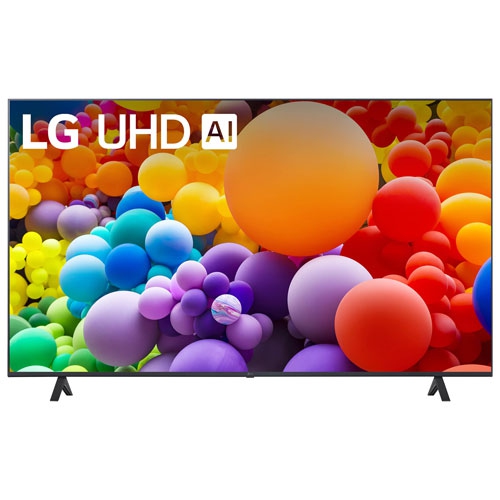
    LG - 55Ut7000Pua 55-In / 4K HDr / 60Hz / Smart Tv

    About this product

    An open box 55-inch 4K HDR Smart TV with 60Hz refresh rate, available in BC Lower Mainland.

    (1)
    $379.99
    SAVE $170
    Your price for this item is $379.99
  5. 5

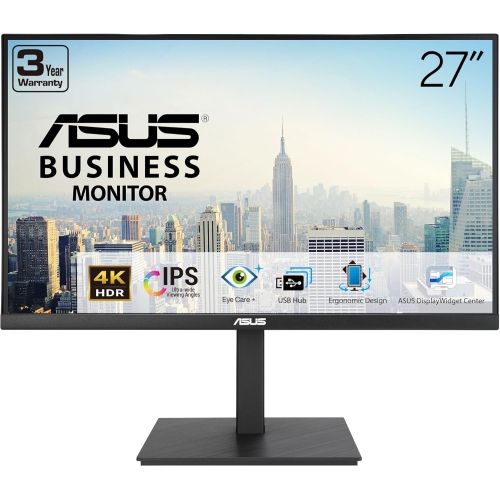
    ASUS 27" 4K Uhd Ips Business Monitor (Va27Ucps) - Flicker-Free/blue Light - HDr10 - USB-C

    About this product

    A 27-inch 4K UHD IPS monitor with HDR-10, USB-C PD65W, stereo speakers, and ergonomic design.

    (1)
    $449.00 Your price for this item is $449
  6. 6

    ASUS 27" 4K Uhd Ips Lcd Monitor (Va27Uqsb) - Flicker-Free/blue Light - HDr10 - Adaptivesync

    About this product

    A 27-inch 4K UHD IPS monitor with HDR-10, ergonomic design, stereo speakers, and blue light filter.

    (1)
    $449.00 Your price for this item is $449
  7. 7

    ASUS Vy 27" 4K Uhd Ips Lcd Monitor (Vy27Uq) - Flicker-Free/blue Light - HDr - Adaptive-Sync

    About this product

    A 27-inch 4K IPS monitor featuring HDR-10, Adaptive Sync, Eye Care Plus, and antibacterial treatment.

    (1)
    $339.68 Your price for this item is $339.68
  8. 8

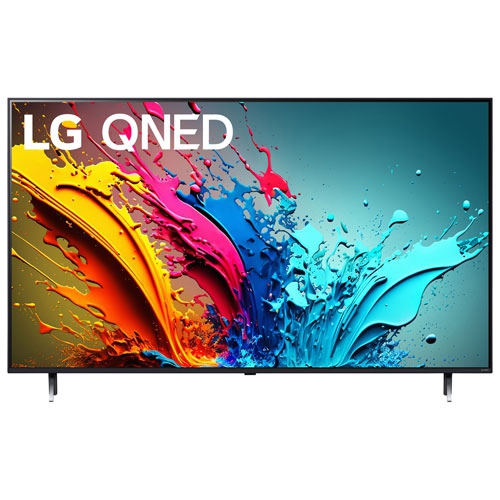
    LG - 55" Qned85 4K Uhd HDr10 Pro Qned 120Hz Webos Smart Tv (55Qned85Tua) - Great for Streaming

    About this product

    A 4K HDR smart TV with a 120Hz refresh rate for smooth, vibrant viewing experiences.

    $599.99
    SAVE $400
    Your price for this item is $599.99
  9. 9

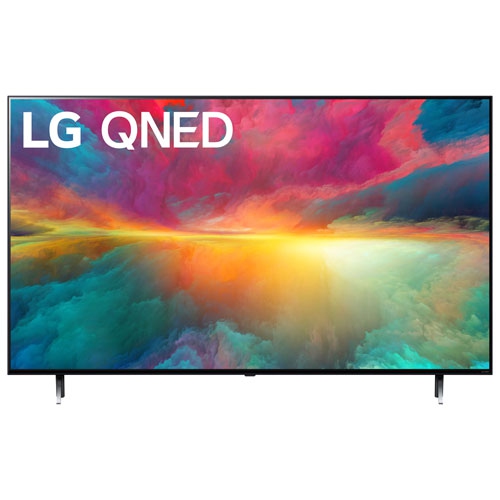
    LG - 55" Qned75 4K Uhd HDr Qned Webos 23 Smart Tv (55Qned75Ura) - Great for Streaming

    About this product

    A smart TV featuring a 55-inch 4K HDR display with a 60Hz refresh rate.

    $599.99
    SAVE $200
    Your price for this item is $599.99
  10. 10

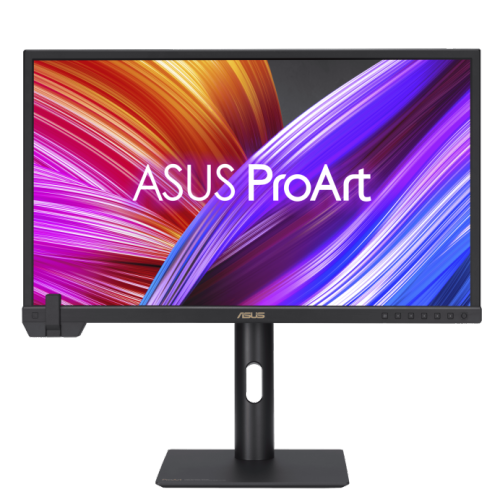
    ASUS Proart Display 23.6" 4K Uhd Ips Monitor (Pa24Us) - Vesa Displayhdr 600 - 99% Adobe RGB - 95% Dci-P3

    About this product

    A professional 24-inch 4K UHD IPS monitor with built-in colorimeter, HDR-10, and wide color gamut.

    $1,799.00 Your price for this item is $1799

Convincing HDR takes more than a high resolution

The best 4K HDR monitors bring fine detail and a wider range of light and shadow to gaming, creative work, and everyday viewing. A 4K monitor typically has a resolution of 3840 × 2160 pixels, providing crisp text, detailed textures, and room to keep several windows visible at once. HDR, or high dynamic range, adds another dimension: on a capable display, bright reflections can stand out against dark backgrounds without washing away subtle detail. A night scene might show both the glow of streetlights and the folds in a character’s dark jacket, while sunlit clouds retain texture rather than becoming a flat patch of white. Resolution alone does not determine that experience. Strong contrast, effective brightness control, wide colour coverage, and accurate HDR processing all contribute to image quality. Accepting an HDR signal is not the same as displaying it with convincing depth, so meaningful HDR performance depends on more than an HDR label. OLED and QD-OLED monitors control light at the pixel level, delivering deep blacks and precise highlights without backlight halos around bright objects. They are especially compelling for cinematic games and films viewed with controlled room lighting. Mini-LED LCD monitors use many small backlight zones and can deliver high brightness, making them appealing for mixed daytime use and vivid HDR scenes, although some blooming can remain around subtitles or stars against a dark sky. IPS panels are valued for wide viewing angles and consistent colour, while VA panels generally offer stronger native contrast; the backlight design still plays a major role in their HDR performance. The best fit therefore depends on how the screen will be used, not simply which panel technology sounds most advanced. A display for a bright home office, a dark gaming room, and a colour-focused workspace may need quite different strengths. Supported HDR formats also matter, since the monitor, source device, and content need to work together for the intended picture to appear.

Screen size and motion performance shape how a 4K HDR monitor feels in daily use. A 27-inch display offers particularly dense detail and can fit comfortably on a smaller desk, while a 32-inch display gives spreadsheets, editing timelines, and game worlds more physical space. Both have the same number of pixels at standard 4K resolution, but text and interface elements appear at different sizes unless scaling settings are adjusted. Larger screens benefit from enough desk depth to keep the whole picture within a comfortable field of view. Flat panels suit a broad range of office and creative tasks, including layouts where straight lines need to look straight, while curved screens can feel more enveloping during games and films when viewed from a central position. For motion, refresh rate describes how often the screen updates. A 120 Hz monitor can make scrolling and gameplay look smoother than a 60 Hz display, and higher refresh rates can add fluidity when the connected system produces enough frames. Response time is separate: it describes how quickly pixels change, affecting the clarity of moving objects. Fast response times, well-tuned overdrive on LCD panels, and variable refresh rate support can help reduce blur, trails, and screen tearing. Players who split their time between immersive adventures and fast multiplayer matches often value this balance as much as peak brightness. The related selection of Best 4K 120Hz Monitors focuses on the combination of high resolution and smooth refresh rates. Connection support is equally important: achieving 4K at a chosen refresh rate with HDR requires compatible ports, cables, and source hardware. A console setup may depend on the monitor’s HDMI capabilities, while a desktop graphics card may connect through DisplayPort. Not every input on the same monitor necessarily supports identical features. For laptop users, USB-C video input, suitable power delivery, and a built-in USB hub can simplify the desk, provided the laptop supports those functions. Built-in speakers can handle casual listening, though separate audio equipment offers more flexibility for games, films, and music.

A well-matched 4K HDR monitor should also feel comfortable through ordinary hours of use, from a morning spreadsheet to an evening film. Height adjustment, tilt, swivel, and a stable stand make it easier to position the screen without hunching or lifting the chin. A compatible monitor arm can free up desk space, but the mounting pattern and weight limit need to match the display. Stand footprint matters on narrow desks, especially when a keyboard, notebook, and drawing tablet share the surface. Materials and construction contribute to daily durability: a rigid stand, secure joints, accessible ports, and sturdy casing are more useful than decorative finishes alone. Screen coatings affect the viewing experience, too. Matte surfaces diffuse reflections from windows and lamps, while glossy finishes can preserve a clear, direct-looking image but may show distinct reflections. Thoughtful placement away from strong light sources helps either type. For photographers, designers, and video editors, colour gamut coverage and accuracy deserve separate attention; a wide gamut does not automatically mean faithful colour. Useful colour modes, calibration support, and an appropriate workflow help keep skin tones, neutral greys, and finished images consistent. Anyone alternating between creative work and browsing may appreciate an accurate standard colour mode alongside HDR capability. Long sessions with fixed toolbars also make panel care relevant. OLED displays can develop permanent image retention with prolonged, repeated static content, so built-in panel maintenance, sensible brightness settings, and allowing the screen to sleep are worthwhile habits. For any panel type, cleaning should follow the manufacturer’s directions, using a soft microfibre cloth and avoiding abrasive materials or liquid sprayed directly onto the screen. Keeping ventilation openings clear helps the display operate as intended. These practical details matter whether the monitor is for a student managing research, a remote worker juggling documents, or a gamer settling into a detailed open world during the cooler months. As a gift for a creative hobbyist or gaming enthusiast, a 4K HDR monitor is most useful when its size, connections, and performance suit the recipient’s existing setup and favourite activities.
Read More

FAQ

Some products may be subject to Environmental Handling Fees (EHF) depending on your province. Learn more about EHFs.