Best 4K Monitors for MacBook Pro
Find the best 4K monitors for MacBook Pro to bring sharp detail and more screen space to your workday. Ranked by user review ratings, this selection helps you compare highly rated options for creative projects, multitasking, and everyday use. Look for features that suit your setup, such as USB-C connectivity, accurate colours, and an adjustable stand for comfortable viewing.
What to look for in 4K monitors for MacBook Pro
1. Connectivity and Charging
2. Display Quality and Colour Accuracy
3. Screen Size and macOS Compatibility
4. Ergonomics and Built-in Ports
-
1
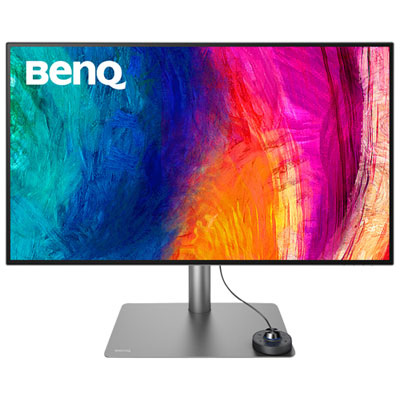
BenQ DesignVue 31.5" 4K UHD IPS LCD Monitor (PD3225U) - HDR - 98% P3 - Metallic Grey
About this product
A metallic grey 4K Ultra HD IPS monitor offering precise colour accuracy and multitasking features for creators.
(8)$1,199.99 Your price for this item is $1199.99 -
2

BenQ DesignVue 31.5" 4K Ultra HD 60Hz 5ms GTG IPS LED Monitor (PD3205U)
About this product
A 31.5" 4K Ultra HD IPS monitor with multiple ports, ergonomic design, and eye-care technologies.
(8)$719.99 Your price for this item is $719.99 -
3
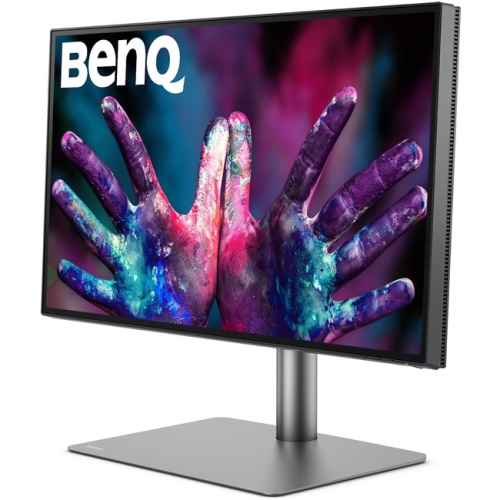
BENQ Pd2725U Pd2725U?27-Inch 4K Uhd P3 Thunderbolt 3 Mac Compatible Designer Monitor (Pd2725U)
About this product
A 27-inch 4K UHD IPS monitor in black with Thunderbolt 3, HDR, and Mac compatibility.
(2)$1,199.99Your price for this item is $1199.99SAVE $235 -
4

BenQ 27" 4K UHD IPS LCD Monitor for MacBook (MA270U) - Silver
About this product
A silver IPS LCD monitor offering 4K Ultra HD resolution, 60Hz refresh rate, and MacBook compatibility.
(13)$629.99 Your price for this item is $629.99 -
5
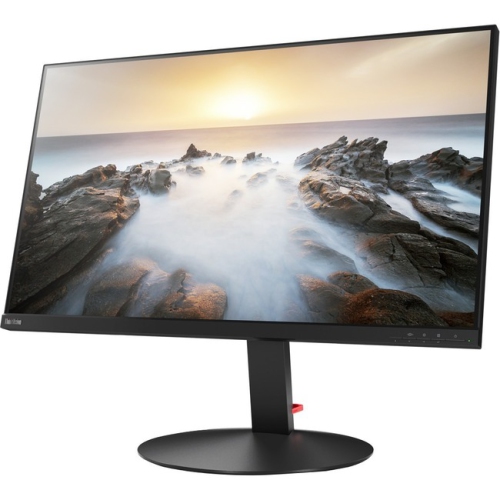
LENOVO Thinkvision P32U-10 32" 4K Uhd Wled Lcd Monitor (61C1Rar2Us) - Rose In Black
About this product
A 32-inch 4K UHD WLED LCD monitor in sleek black, offering vibrant visuals and wide viewing angles.
(11)$1,759.99 Your price for this item is $1759.99 -
6
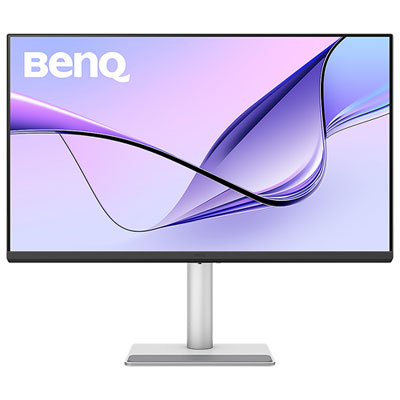
BenQ 31.5" 4K UHD IPS LCD Monitor for MacBook (MA320U) - Silver
About this product
A silver IPS LCD monitor offering 4K Ultra HD resolution, 60Hz refresh rate, and Mac colour tuning.
(5)$779.99 Your price for this item is $779.99 -
7
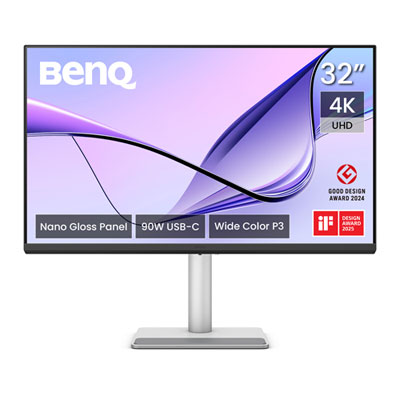
BenQ Nano Gloss 31.5" 4K UHD IPS LED Monitor for MacBook (MA320UP) - Silver
About this product
A silver IPS LED monitor offering 4K Ultra HD resolution and accurate colour tuning for MacBook users.
(2)$859.99 Your price for this item is $859.99 -
8
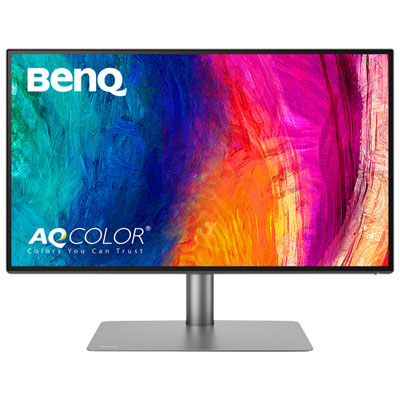
BenQ PD 27" 4K UHD IPS LCD Monitor (PD2725U) - 95% P3 - 100% sRGB
About this product
A 27" 4K Ultra HD IPS LCD monitor with crisp picture quality and smooth actions.
(2)$849.99 Your price for this item is $849.99 -
9
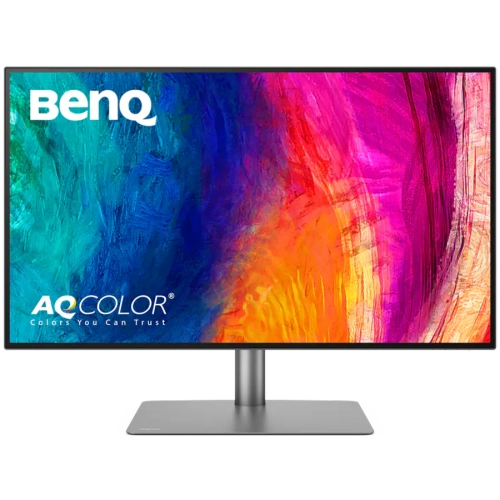
BENQ Pd 31.5" 4K Uhd Ips Led Monitor (Pd3225U) - 98% P3 - 99% Srgb - Mac Compatible - Metallic Gray In Black
About this product
A metallic grey and black 4K IPS LED monitor with 98% P3 coverage and deep contrast for vibrant visuals.
$1,199.98Your price for this item is $1199.98SAVE $147 -
10
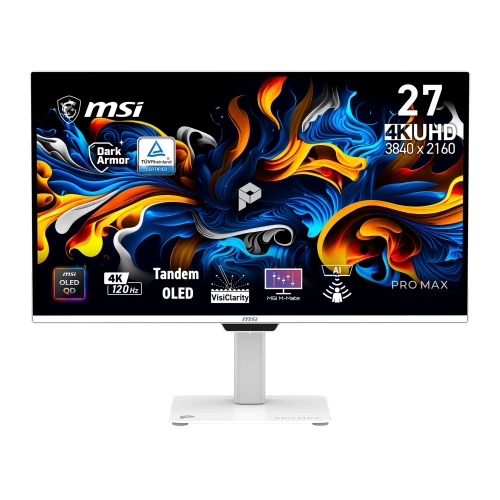
MSI Pro Max 27" 4K Uhd Qd-Oled Monitor (271Upxw12G) - 120Hz - HDr True Black 400 - G-Sync Compatible/freesync Premium Pro - Matte In White
About this product
A 27-inch 4K QD-OLED monitor with 120Hz refresh rate, ultra-fast response, and Mac colour synchronization.
$1,029.99 Your price for this item is $1029.99
FAQ
You can use USB-C, Thunderbolt or HDMI, depending on the ports on your MacBook Pro and monitor. For USB-C connections, the monitor must support video input through that port. Check that your cable or adapter supports 4K at your intended refresh rate, as some USB-C cables support charging only.
Yes. A monitor with USB-C Power Delivery or a compatible Thunderbolt connection can carry video and supply power through one cable. Check the monitor’s power output against your MacBook Pro’s charging requirements. If the monitor supplies less power than your laptop needs during demanding tasks, you may need to use the MacBook Pro’s power adapter.
sRGB and P3 describe colour gamuts, or the ranges of colours a display can show. sRGB is widely used for web content, while P3 covers a broader range and is common in Apple workflows. HDR refers to high dynamic range and requires support from the monitor, MacBook Pro, connection and content. You can select an available colour profile in macOS display settings.
The number of supported external displays depends on your MacBook Pro’s model, chip and supported display configurations. Check Apple’s specifications for your exact model before choosing monitors or a dock. A dock with multiple video ports does not automatically let your Mac run that many independent displays, and macOS generally does not support separate extended desktops through standard DisplayPort MST hubs.
Yes. Closed-display mode generally requires an external keyboard and mouse or trackpad, plus a power connection for your MacBook Pro. A compatible USB-C or Thunderbolt monitor may provide that power, or you can use the laptop’s power adapter. Connect the display and accessories before closing the lid.
Top selling and popular products
Discover more categories related to Best 4K Monitors for MacBook Pro
Some products may be subject to Environmental Handling Fees (EHF) depending on your province. Learn more about EHFs.