Best 4K 120Hz Monitors
Enjoy sharp detail and fluid motion with the best 4K 120Hz monitors for gaming, entertainment, and everyday multitasking. A 4K resolution brings crisp visuals to your screen, while a 120Hz refresh rate helps fast-paced action look smoother. Explore the monitors below, ranked by user review ratings, to find the right fit for your setup.
What to look for in 4K 120Hz monitors
1. Resolution and Refresh Rate
2. Connections and Compatibility
3. Panel Type and Picture Quality
4. Motion Clarity and Adaptive Sync
-
1
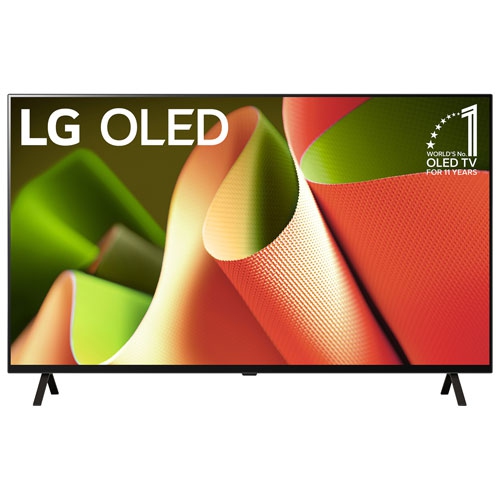
LG - Oled55B4Pua 55-In / 4K HDr / 120Hz / Oled Smart Tv
About this product
A 55-inch 4K HDR OLED Smart TV with a 120Hz refresh rate, perfect for immersive home entertainment.
(3)$1,299.99Your price for this item is $1299.99SAVE $500 -
2
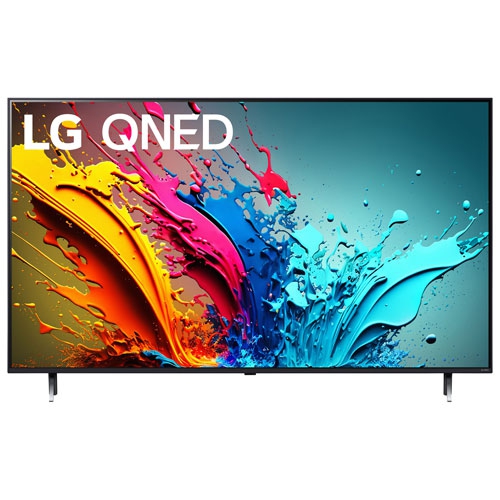
LG - 65" Qned 4K Uhd HDr10 Pro 120Hz Webos Smart Tv (65Qned85Tua) - Great for Streaming
About this product
A 4K HDR smart TV with a 120Hz refresh rate for smooth, vibrant viewing experiences.
$649.99Your price for this item is $649.99SAVE $250 -
3
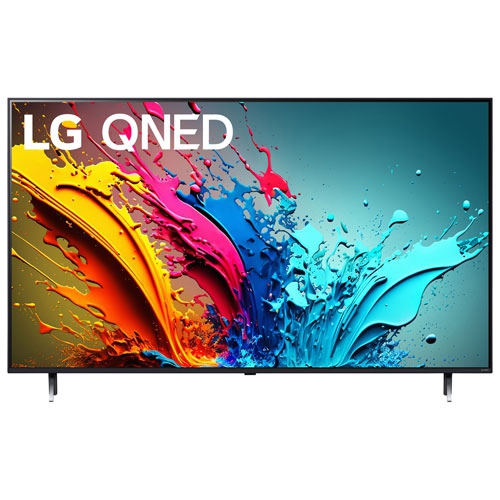
LG - 55" Qned85 4K Uhd HDr10 Pro Qned 120Hz Webos Smart Tv (55Qned85Tua) - Great for Streaming
About this product
A 4K HDR smart TV with a 120Hz refresh rate for smooth, vibrant viewing experiences.
$599.99Your price for this item is $599.99SAVE $400 -
4
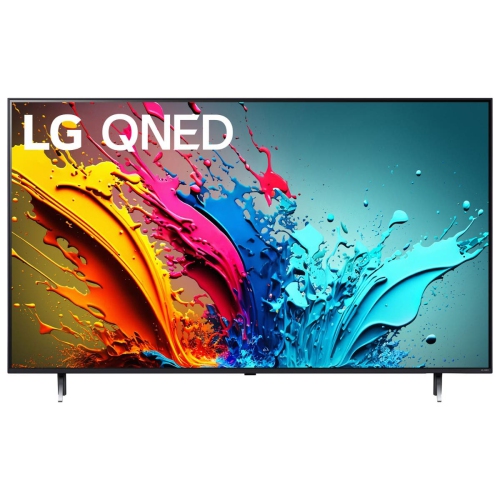
LG - 65Qned85Tua 65" 4K A8, 120Hz Qned85 Smart Tv (2024)
About this product
A 65-inch 4K smart TV featuring a 120Hz refresh rate and advanced QNED display technology.
$1,299.00Your price for this item is $1299SAVE $1200
FAQ
Look for a native 3840 × 2160 resolution, support for a 120Hz refresh rate at 4K, and ports compatible with your computer or console. Variable refresh rate support, response time, panel type, and HDR capabilities are also useful points of comparison. An adjustable stand and USB hub can add convenience for everyday use.
You need a computer or console, a compatible video output, and a cable that supports 4K at 120Hz. HDMI 2.1 or a suitable DisplayPort connection is commonly used, though some DisplayPort configurations require Display Stream Compression. Check the supported display modes for both your device and monitor, then select 3840 × 2160 at 120Hz in your display settings.
Yes, compatible consoles such as PlayStation 5 and Xbox Series X can output 4K at 120Hz to a monitor that supports the required HDMI display mode. You will also need a compatible HDMI cable and the appropriate console settings. Not every game supports 120 fps, and games that do may use a lower internal rendering resolution.
Variable refresh rate, or VRR, lets the monitor adjust its refresh rate to match the frames delivered by a compatible graphics card or console within a supported range. This helps reduce screen tearing and uneven motion when frame rates fluctuate. Compatibility varies across HDMI VRR, AMD FreeSync, and NVIDIA G-SYNC, so check support for your device and connection.
IPS panels typically offer wide viewing angles and consistent colour, while VA panels generally provide higher native contrast than IPS panels. OLED panels use individually lit pixels to produce deep blacks and fast pixel transitions. For HDR viewing, compare brightness, colour coverage, and local dimming on LCD models rather than relying on an HDR label alone.
Top selling and popular products
Discover more categories related to Best 4K 120Hz Monitors

Some products may be subject to Environmental Handling Fees (EHF) depending on your province. Learn more about EHFs.