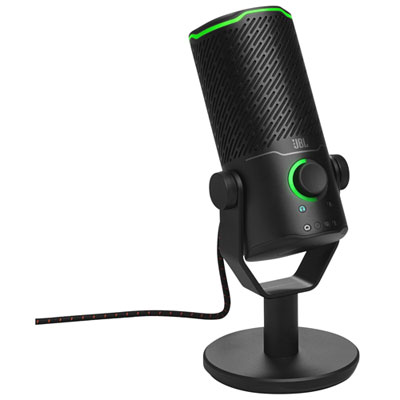
Best Conference Microphones

Make every voice heard with the best conference microphones for clear, productive meetings. Whether you’re connecting with remote colleagues or gathering around a boardroom table, the right microphone can help keep conversations focused and easy to follow. Explore our selection ranked by user review ratings to find an option that suits your meeting space and audio needs.

Read More

What to look for in conference microphones

1. Pickup Pattern and Coverage

Omnidirectional microphones capture voices from around a table, while directional models focus on a specific speaking area. Check the recommended pickup range against your room size and seating layout so participants can be heard clearly.

2. Voice Clarity

Look for features such as background noise reduction to help keep speech clear. For speakerphone models, acoustic echo cancellation and full-duplex audio can help conversations flow when people speak at the same time.

3. Connectivity and Compatibility

Check that the microphone connects to your meeting equipment through USB, Bluetooth or the audio inputs your system supports. Confirm compatibility with your conferencing software and whether the microphone requires a separate audio interface or speakers.

4. Controls and Installation

Accessible mute controls and visible status indicators make it easier to manage audio during meetings. Consider cable length and mounting options for a fixed setup, or portability and battery life for a wireless model you plan to move between rooms.
  1. 1

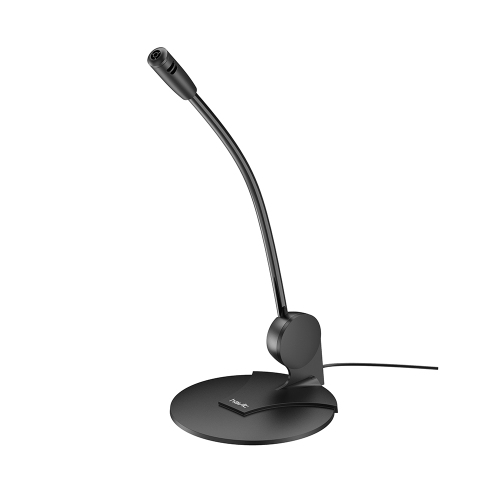
    HAVIT 3.5MM Plug Wired Goose Neck, Multi-Angle Conference Microphone for Computer

    About this product

    An omnidirectional, plug-and-play gooseneck microphone with 3.5mm jack for versatile desktop use.

    $9.90 Your price for this item is $9.90
  2. 2

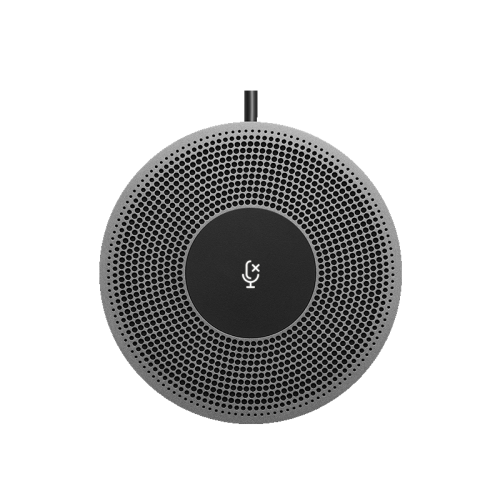
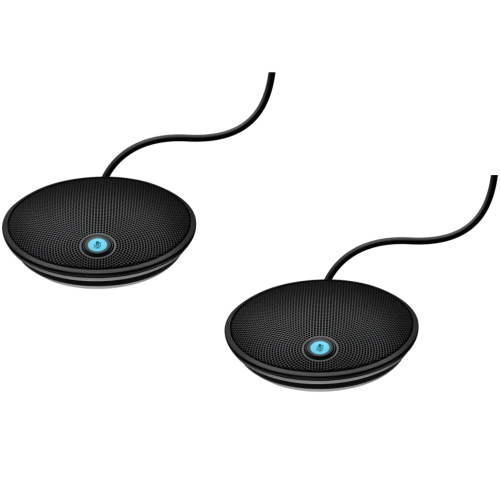
    LOGITECH Expansion Microphone for Meetup - (989-000405)

    About this product

    An expansion microphone that extends audio pickup range for clear conversations in larger meeting spaces.

    (5)
    $749.68 Your price for this item is $749.68
  3. 3

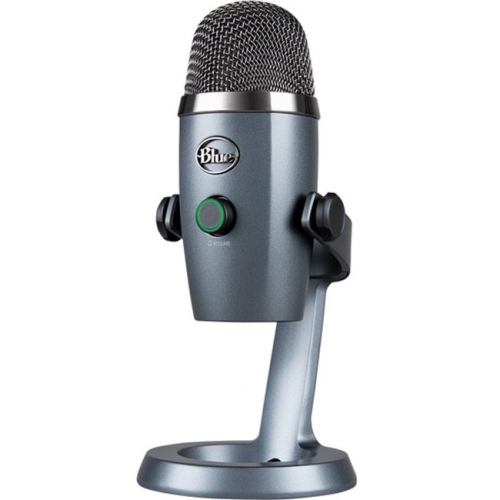
    BLUE Yeti Nano Microphone 988-000400

    About this product

    A compact blue USB microphone delivering professional-quality audio for streaming, podcasting, and recording.

    What customers like

    • Easy to set up and use
    • Excellent audio quality
    • Versatile and compatible with multiple devices
    • Great value for the price
    • Compact and space-saving design
    (321)
    $162.68 Your price for this item is $162.68
  4. 4

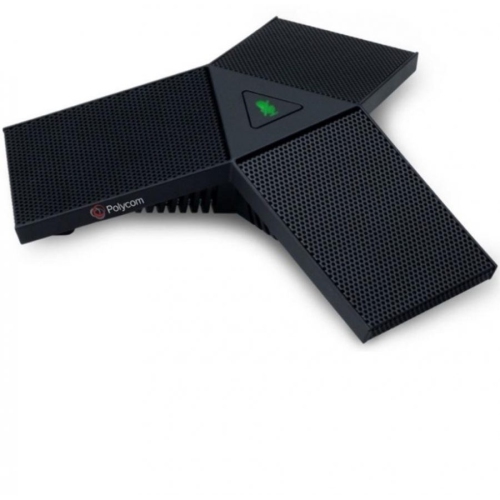
    HPI POLY Studio Wired Microphone (875M6Aa)

    About this product

    A wired USB table microphone designed for seamless integration with compatible conference phones and video bars.

    $299.99
    SAVE $52
    Your price for this item is $299.99
  5. 5

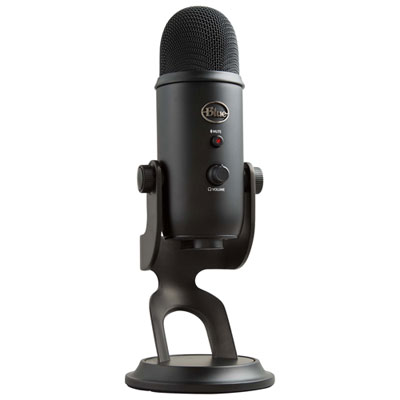
    Blue Microphones Yeti USB Microphone - Blackout Edition

    About this product

    A versatile black USB microphone delivering broadcast-quality sound with four pattern modes and advanced voice modulation.

    What customers like

    • Sturdy and durable build
    • Professional design and feel
    • Versatile recording modes
    • Excellent sound quality
    • Easy to use and set up
    (1,821)
    $129.98
    SAVE $30
    Your price for this item is $129.98
  6. 6

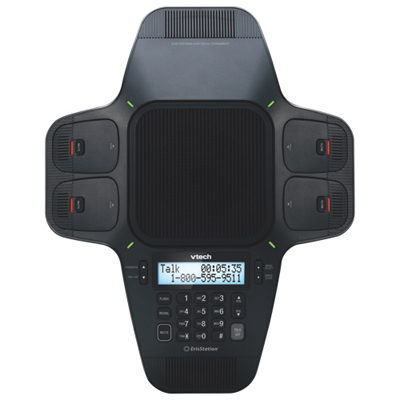
    VTech ErisStation VCS704 Wireless Conference Phone

    About this product

    A wireless conference phone featuring four portable microphones and advanced sound quality for clear group calls.

    (1)
    $399.99 Your price for this item is $399.99
  7. 7

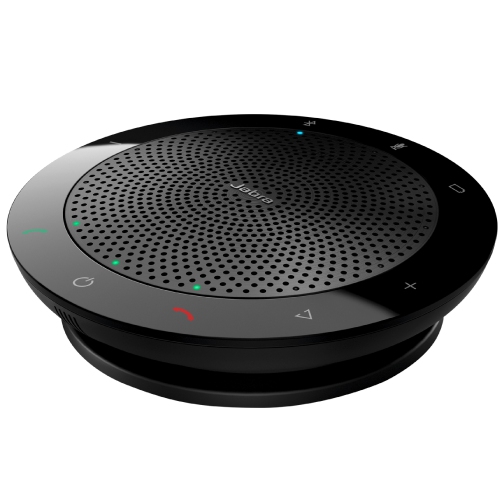
    JABRA Speak 510 Ms

    About this product

    A portable speakerphone with omni-directional microphone, USB and Bluetooth connectivity, and smart assistant integration.

    $219.99 Your price for this item is $219.99
  8. 8

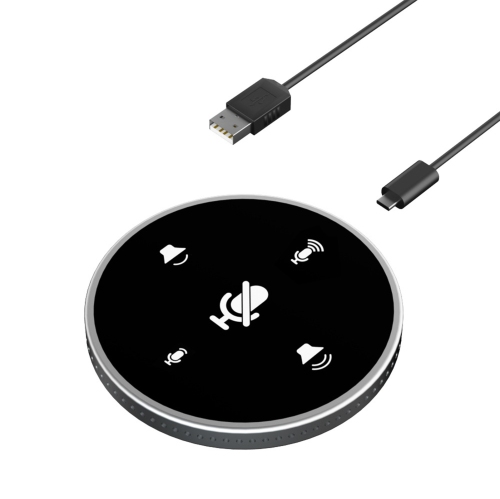
    ZYSCOPE USB Conference Microphone With Speaker, Omnidirectional Laptop Microphone With Touch Sensor for Mute/volume Adjustment

    About this product

    An omnidirectional USB conference microphone with built-in speaker, touch controls, and intelligent noise reduction.

    $84.99 Your price for this item is $84.99
  9. 9

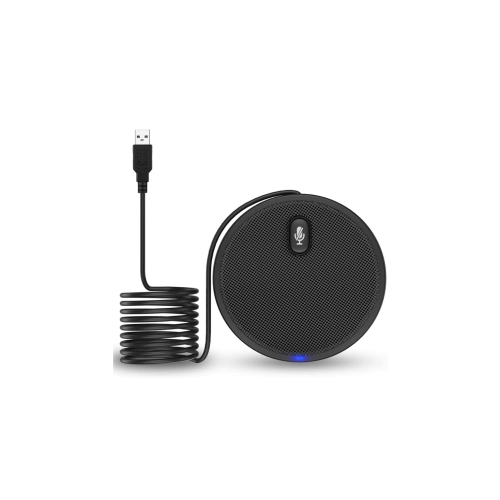
    DAZFE USB Conference Microphone

    About this product

    A USB conference microphone designed for clear audio capture during meetings and calls.

    $96.51
    SAVE $8
    Your price for this item is $96.51
  10. 10

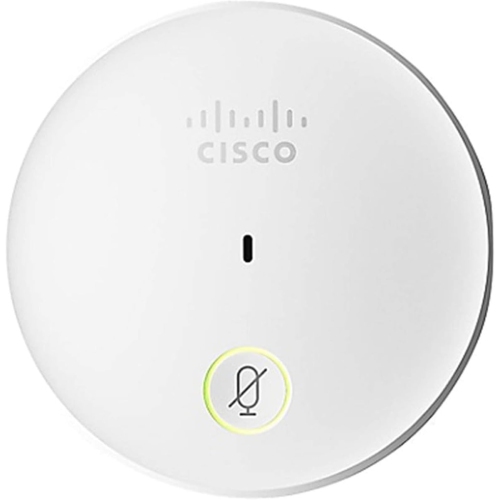
    CISCO Table Microphone With 4-Pin Mini Jack Connector, 7.5 Meters Cable (Cs-Mic-Table-J)

    About this product

    A high-quality table microphone with jack plug, ideal for clear audio in meetings and conferences.

    $788.42
    SAVE $78
    Your price for this item is $788.42

Clearer calls start with microphone coverage for every seat

The best conference microphones capture every participant clearly and suit the room size, seating arrangement, and calling setup. A compact USB conference microphone can be a practical fit for a home office or small meeting space, while a larger boardroom may need several linked microphones or an installed ceiling array to cover the full table. For hybrid meetings, the goal is straightforward: someone joining remotely should be able to follow a quiet comment from the far end of the room as easily as the main presenter. Tabletop conference microphones place voice pickup near seated participants without requiring anyone to wear a headset. Omnidirectional models collect sound from all directions, making them useful at round tables where people speak from different positions. Directional models focus on a narrower area and can help limit pickup from elsewhere in the room when positioned correctly. Boundary microphones sit close to a flat surface, such as a conference table, and offer a low-profile option that leaves sightlines open. A gooseneck microphone puts the capsule closer to an individual speaker’s mouth, which can suit council meetings, training sessions, and presentations with assigned speaking positions. Ceiling microphone arrays keep equipment off the table and can provide configurable coverage, though they generally require more planning, compatible audio equipment, and installation than a portable desktop model. A conference speakerphone combines microphones and a loudspeaker in one unit; a standalone conference microphone normally needs separate speakers or another playback device. That distinction matters when connecting equipment to a laptop, since better voice capture alone does not change how remote participants sound in the room. Office teams, educators, volunteer boards, and independent professionals can all benefit from equipment matched to their everyday conversations. The most useful choice is not necessarily the one with the greatest stated pickup distance, but the one that delivers intelligible speech from the seats people actually use.

Room acoustics and microphone placement make a noticeable difference to conference call clarity. Glass walls, bare floors, and long, hard tabletops reflect voices, while upholstered seating and acoustic treatments can reduce lingering room sound. In a small room with four people gathered closely, one centrally placed microphone may provide balanced coverage. At a long table, participants seated farther away can sound faint or distant even when they fall within a stated pickup range. Supported expansion microphones can bring pickup closer to those seats, but expansion connections are not universal and must match the conferencing system. Multiple independent USB microphones are not automatically a workable substitute, because the computer or meeting application may not combine them properly. Microphone arrays use several capsules and signal processing to help capture voices across a defined area; some use beamforming to focus pickup towards an active speaker. These features can be valuable during lively discussions, although no processing feature fully compensates for poor placement or a highly reflective room. Noise reduction can lessen certain steady background sounds, such as a ventilation fan, but may be less effective against nearby conversation, rustling papers, or someone tapping the table. Acoustic echo cancellation helps keep the voices coming through room speakers from being sent back to remote participants, and it may be handled by the speakerphone, conferencing software, or a dedicated audio processor. Full-duplex operation supports conversation in both directions at once, so a brief acknowledgement is less likely to interrupt the person speaking. Automatic gain control can help balance softer and louder voices, but it cannot make every seat sound identical. For everyday use, keeping microphones away from laptop exhaust vents, loose cables, and frequently handled documents helps preserve clear speech. A stable position within the intended coverage area is usually more useful than placing a microphone out of sight at the edge of the table. Speech-focused sound quality matters more here than the wide frequency response associated with music capture: clear consonants and consistent voice levels help listeners follow names, figures, and decisions without repeated clarification.

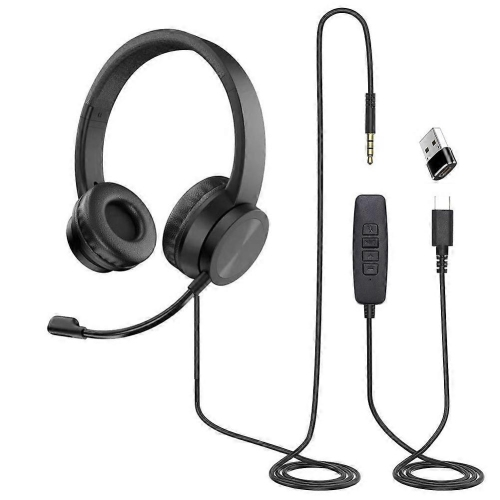
Connectivity, controls, construction, and care determine how comfortably conference microphones fit into daily work. USB models often offer a straightforward connection to a computer, but the connector type, operating system support, and meeting application compatibility still deserve attention. Some devices need an adapter for the computer’s ports, and advanced settings may require additional software. Bluetooth conference speakerphones can make it convenient to join a call from a phone or compatible computer, while wired USB operation can avoid the need to manage a wireless connection during a meeting. On rechargeable models, usable battery life depends on operating conditions, and charging during use is a feature to verify rather than assume. Installed systems may use networked audio, external processors, or analogue connections, each with its own cabling and power requirements. For example, a professional condenser microphone with an XLR output may need an audio interface and the specified phantom power supply; it will not connect directly to an ordinary laptop microphone socket. Clearly marked mute controls and visible status lights are useful when several people share a table, especially if the device’s mute state stays synchronized with the calling software. A compact housing is easier to carry between meeting spaces, whereas a weighted base and non-slip feet help a permanent tabletop microphone stay put. Metal grilles can protect the capsule from incidental contact, and well-fitted plastic housings can keep portable units light, although material alone does not establish durability. Secure ports, protected cable exits, and a carrying case also matter for equipment that travels regularly. Care is generally simple: disconnect the device before cleaning, follow its cleaning instructions, and keep liquid cleaners out of the grille and connectors. A soft, dry cloth is often suitable for exterior dust, while loosely coiled cables and protected storage help prevent strain. Shared room microphones work best when everyone nearby is meant to be heard. For individual callers at adjacent desks, Headsets for Conference Calls offer a different approach, placing the microphone close to the wearer and keeping incoming audio off room speakers. Matching the microphone format to that distinction helps make meetings clearer, more comfortable, and easier to manage.
Read More

FAQ

Some products may be subject to Environmental Handling Fees (EHF) depending on your province. Learn more about EHFs.