Headsets for Conference Calls
Conference calls are a great way to stay in touch with co-workers, clients, and friends without having to deal with the hassle of a traditional phone call. But if you're going to make the effort to set up a conference call, you might as well get something out of it. That's why we've rounded up some of the best headsets for conference calls on the market.
Sort
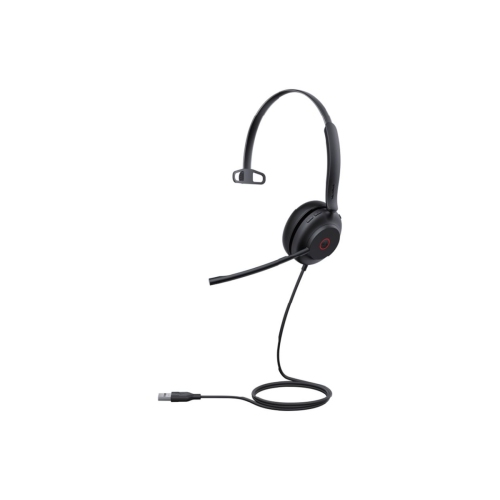
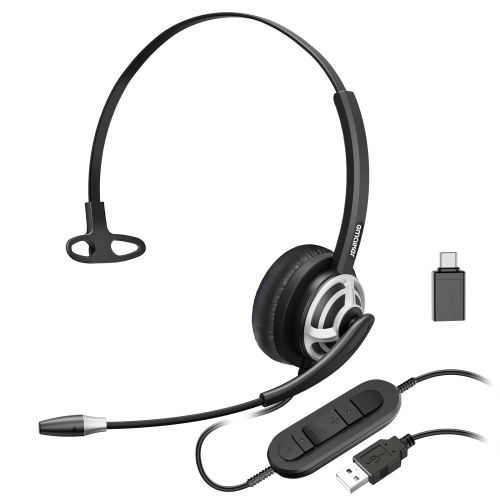
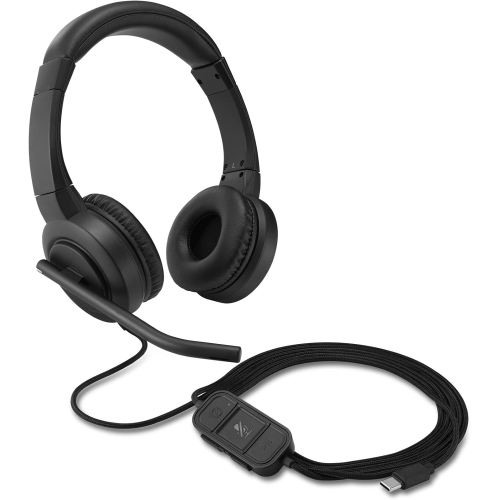
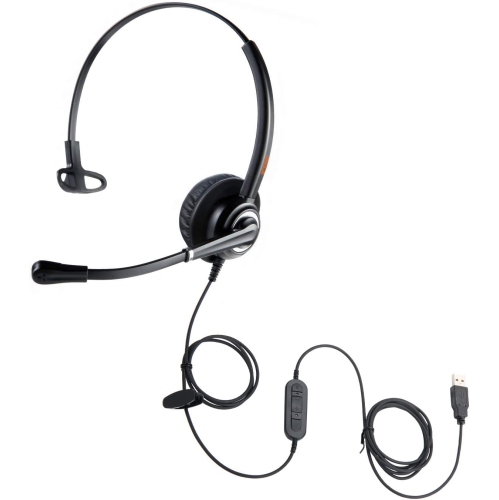


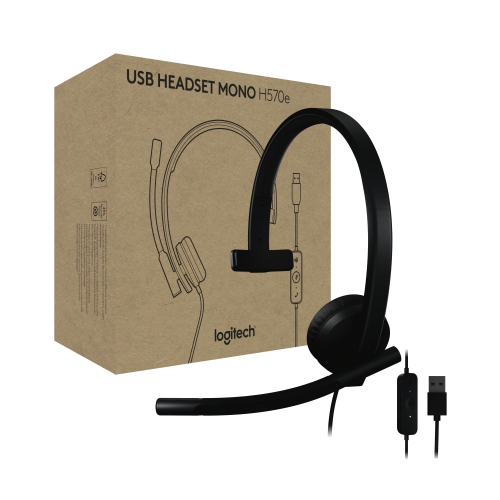
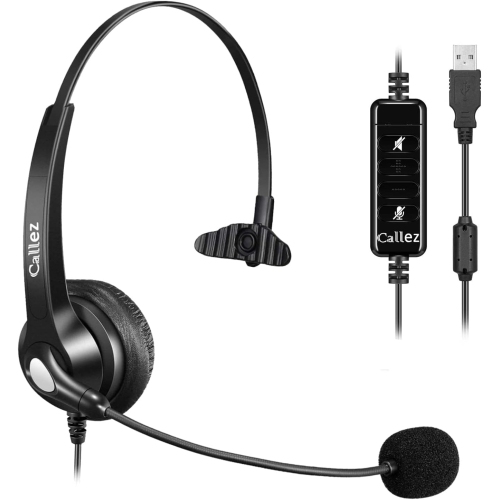
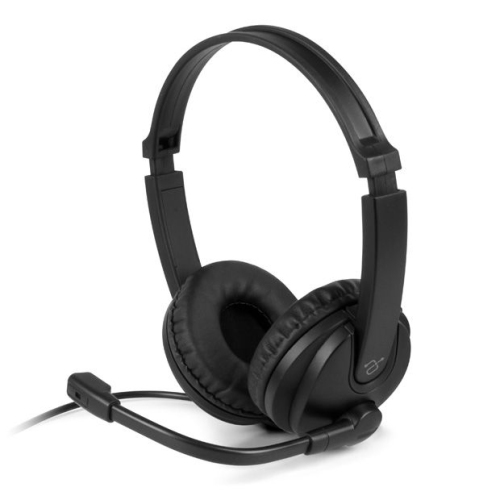
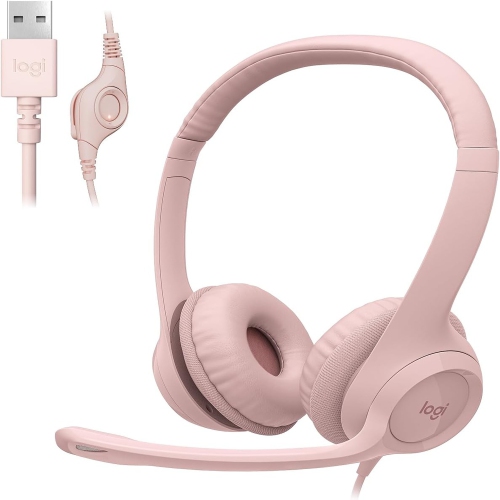
![PLANTRONICS Cs540 Convertible Wireless 6, 800 Hz Dect Headset System [Noise Cancelling Mic] (84693-01) great headset](https://multimedia.bbycastatic.ca/multimedia/products/500x500/124/12401/12401894.jpeg)




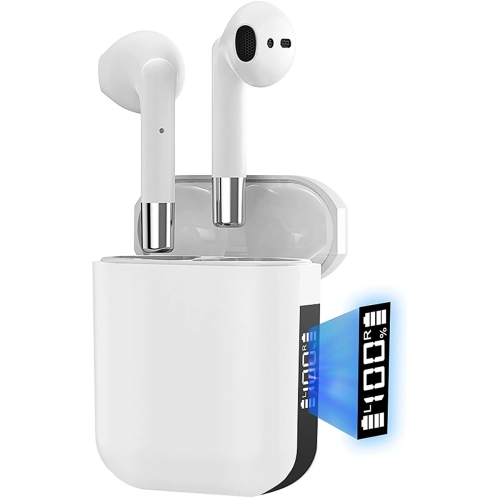
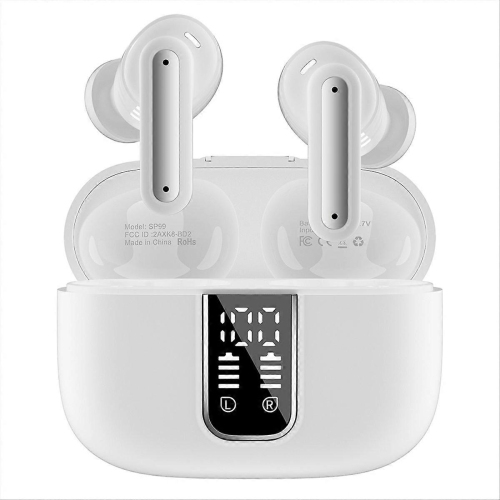
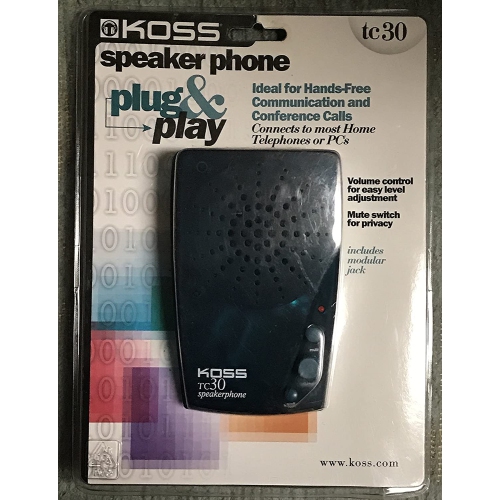
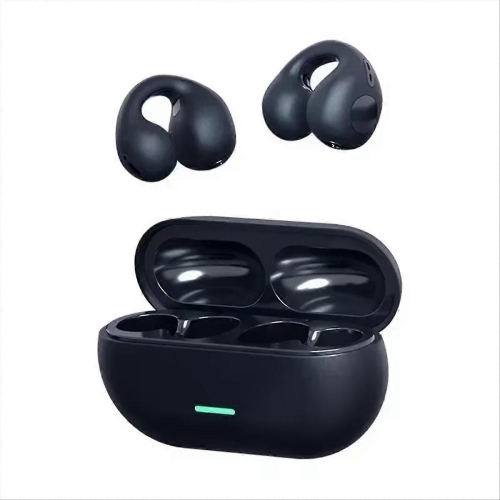
Why comfort and compatibility matter on every call
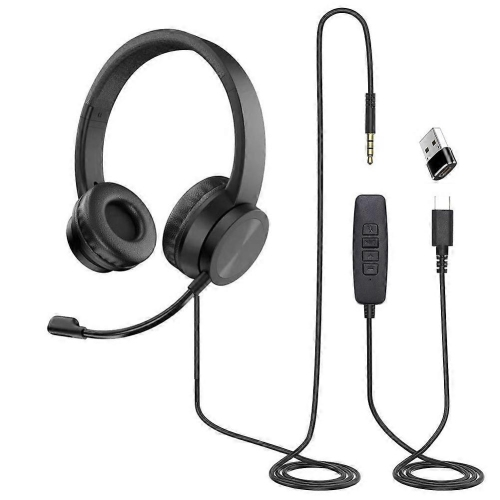
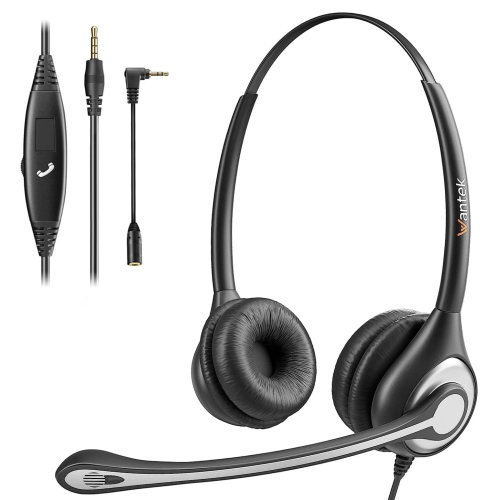
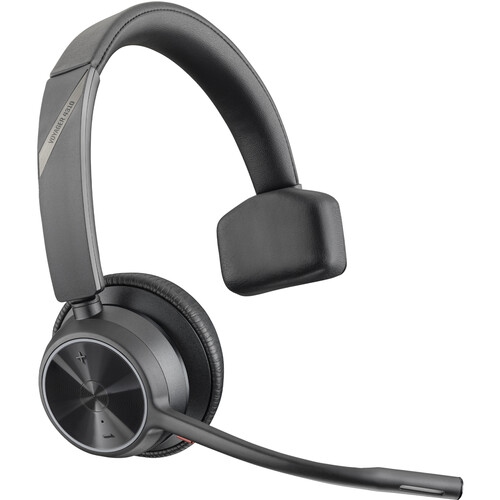
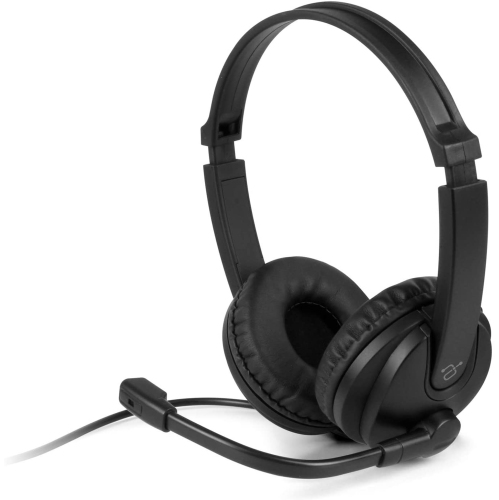
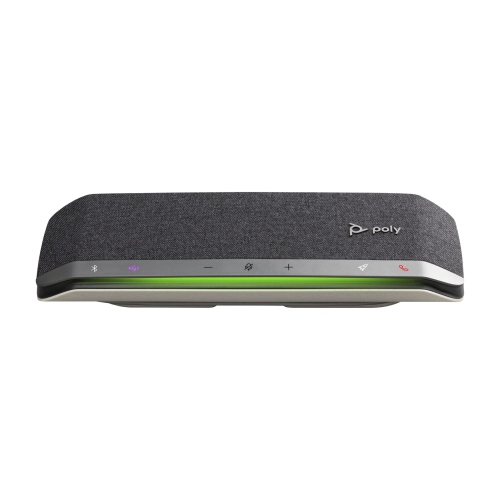
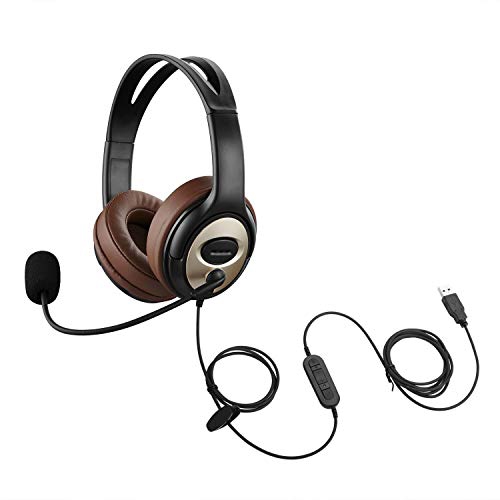
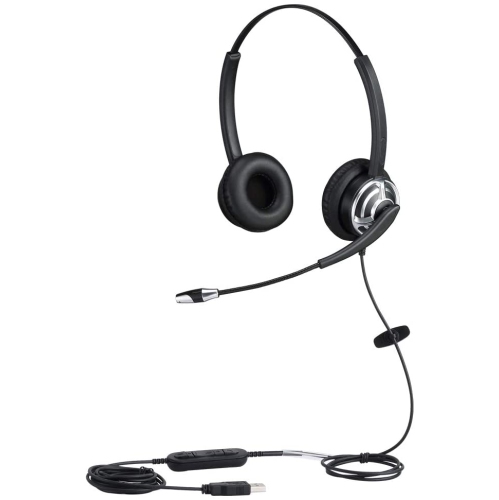
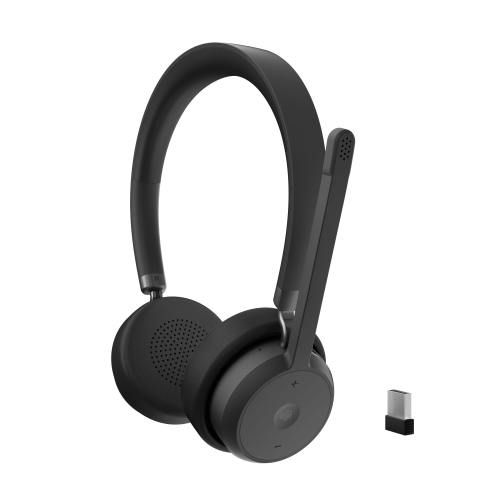
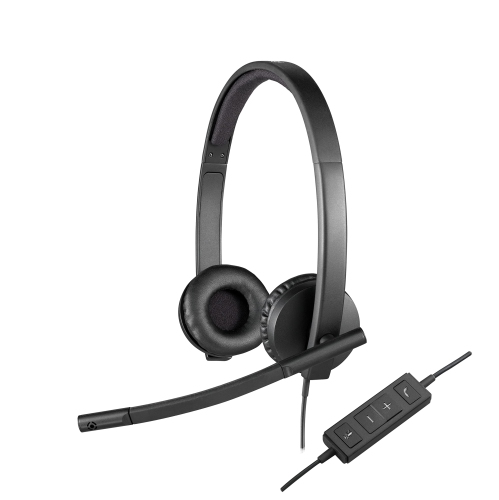
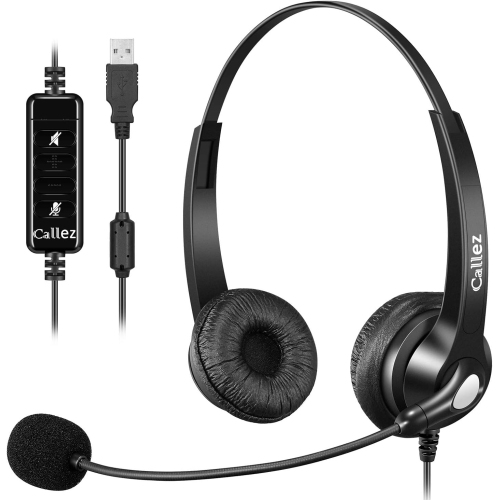
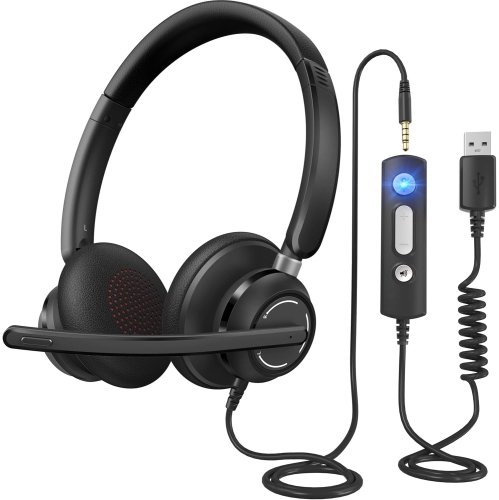
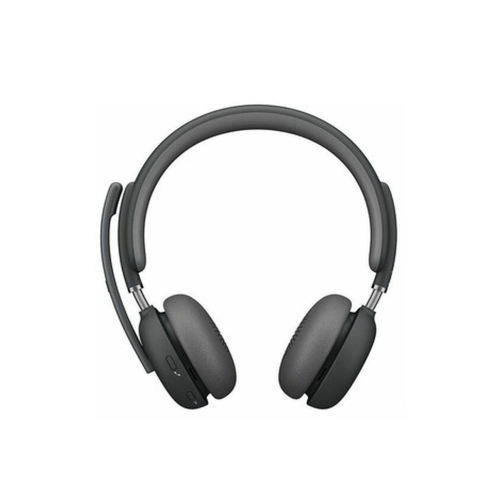
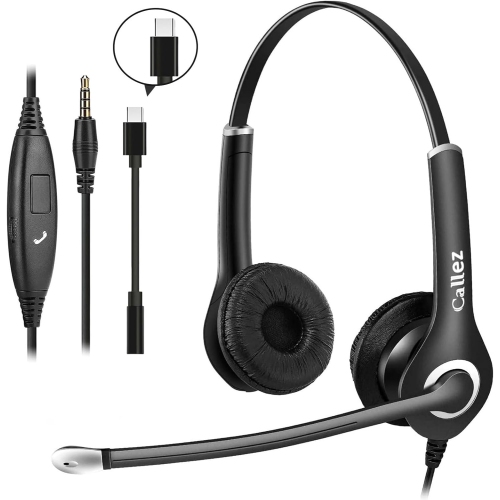
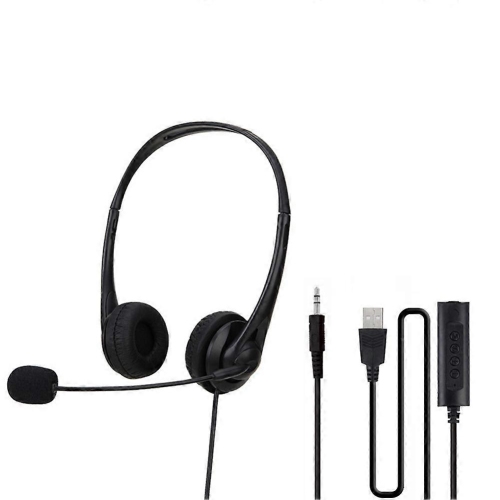
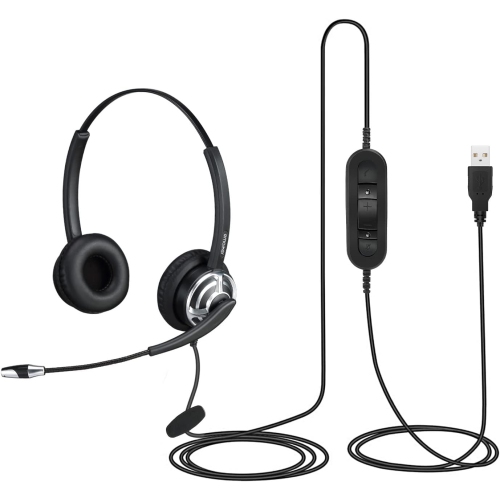
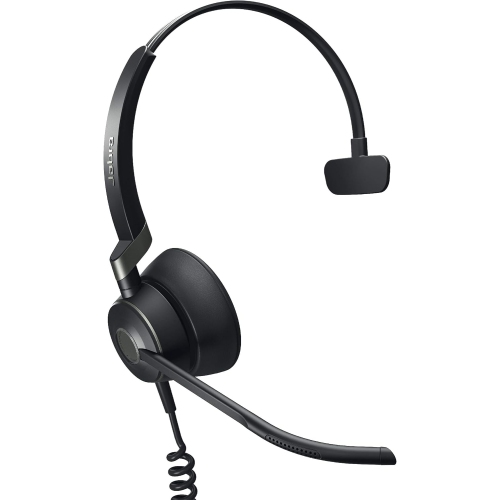
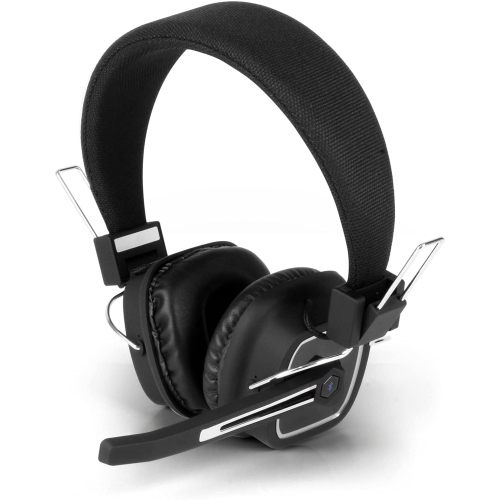
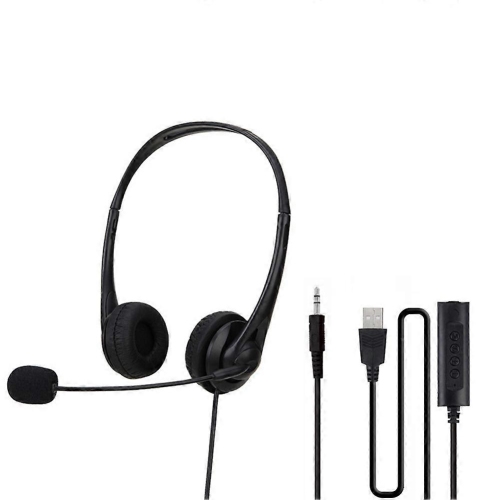
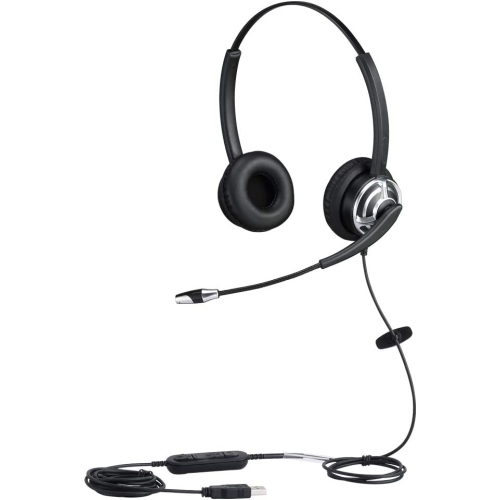
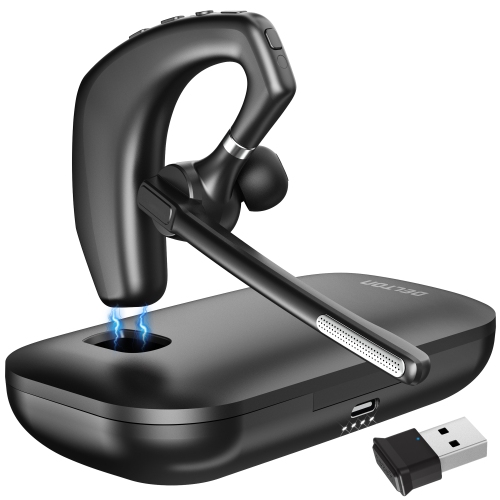
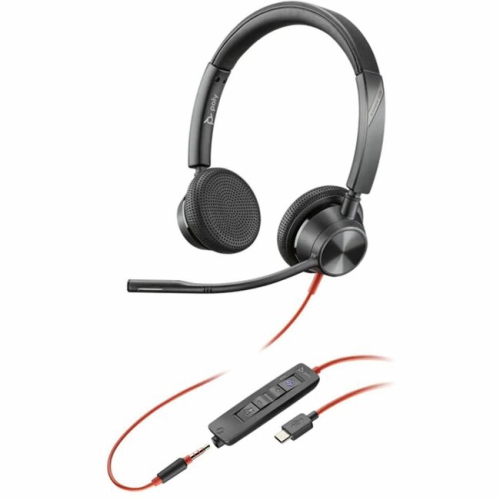
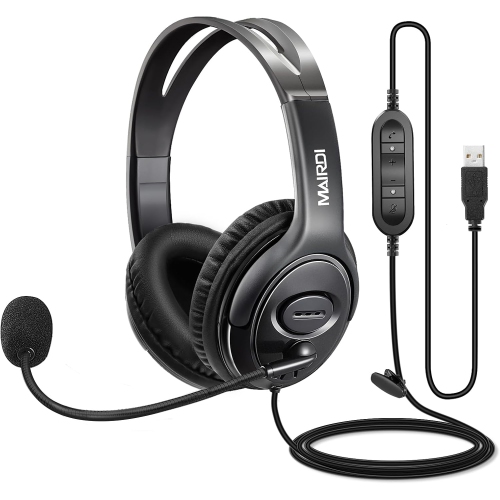
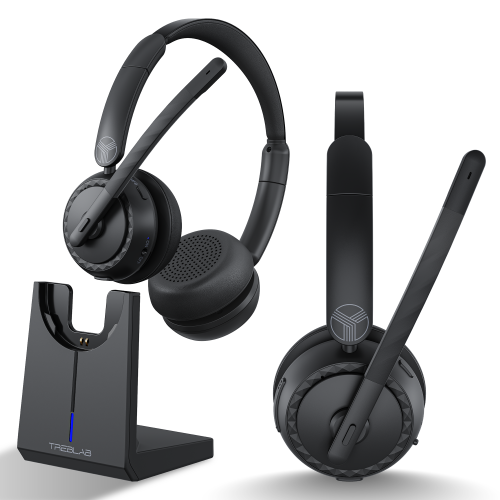
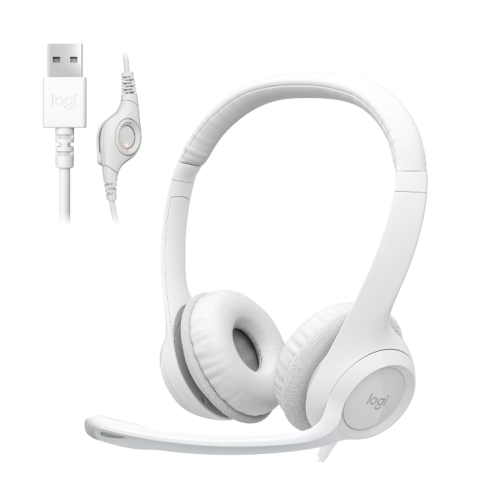
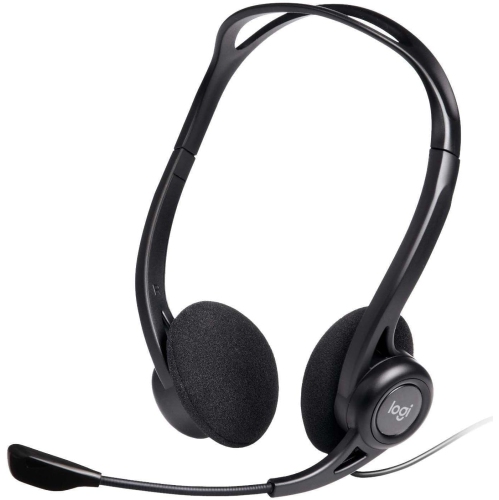
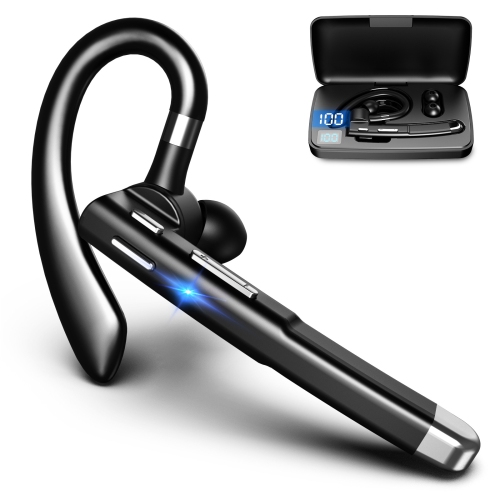
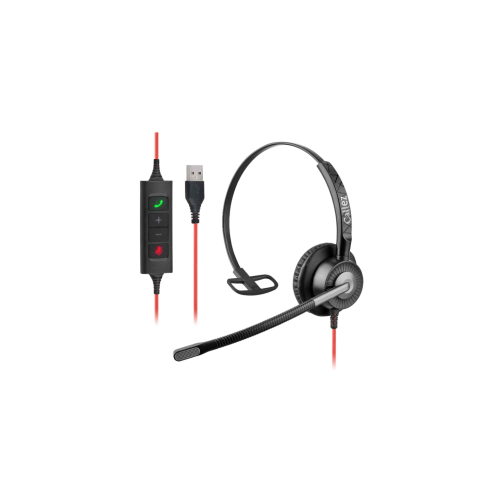
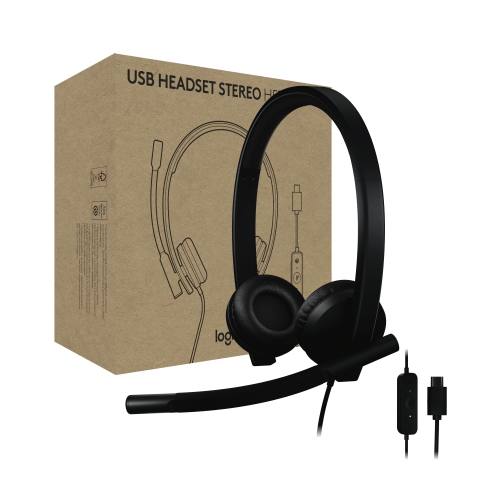
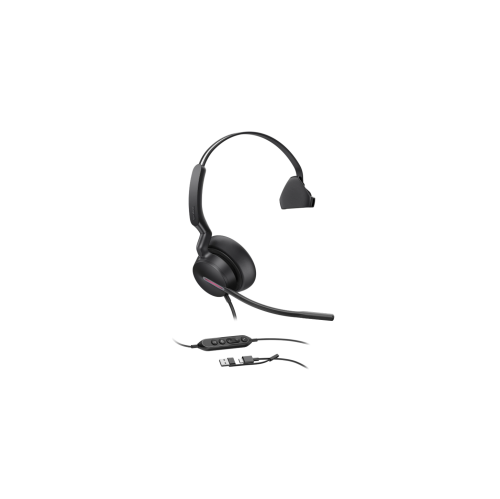
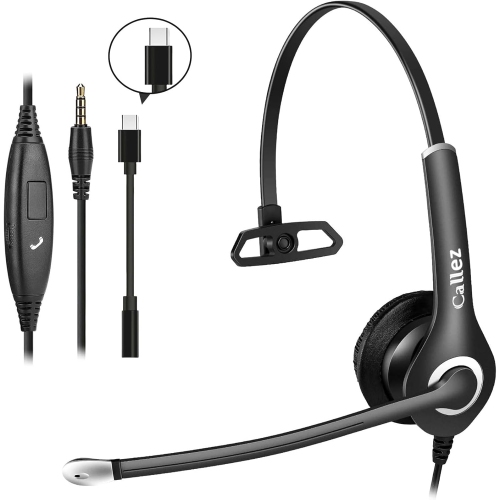
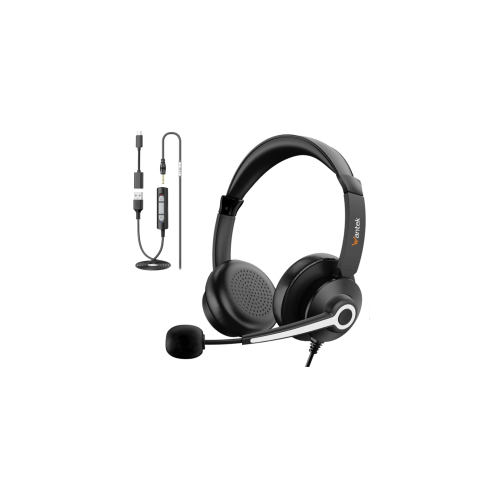
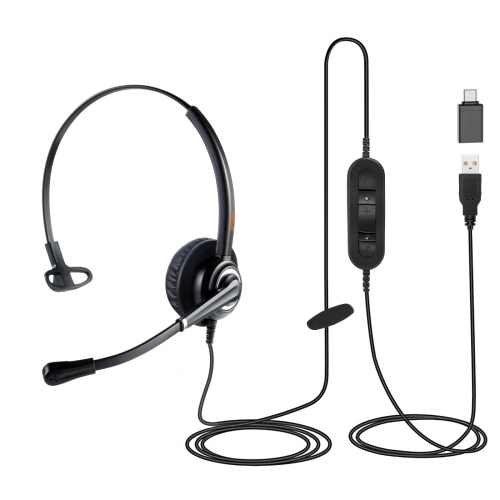
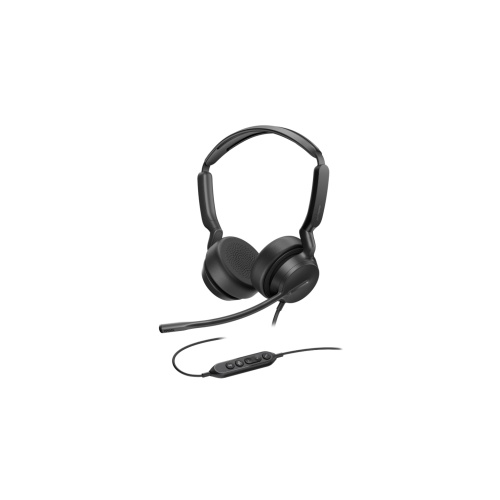
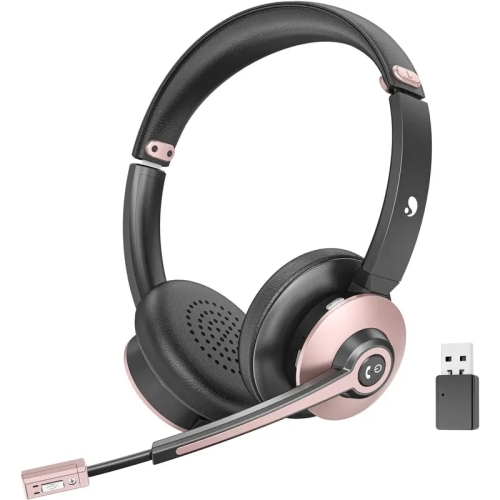
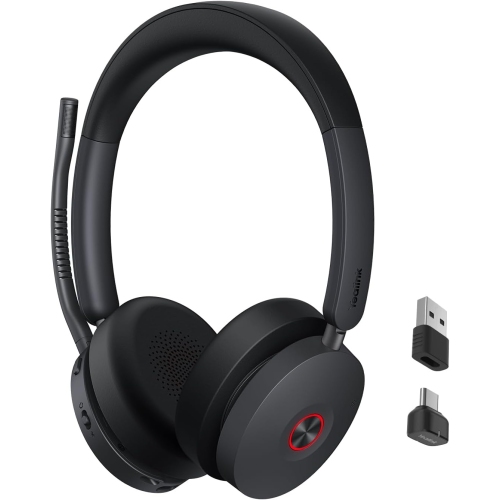
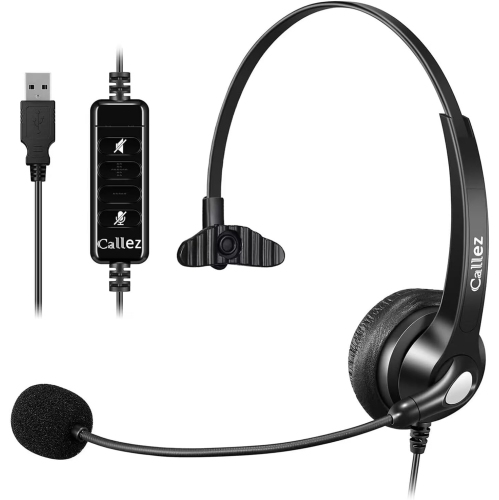
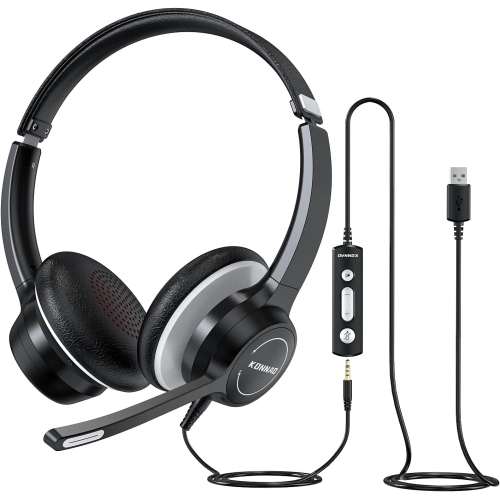
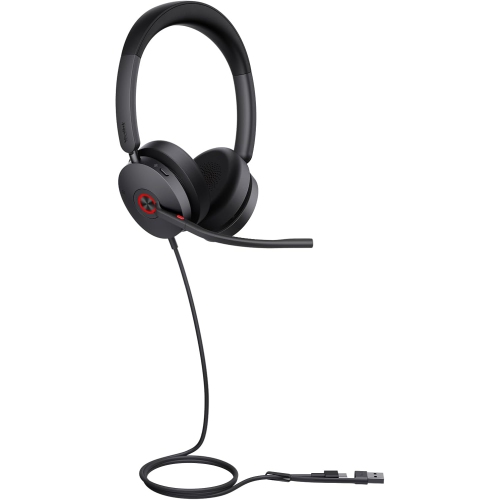
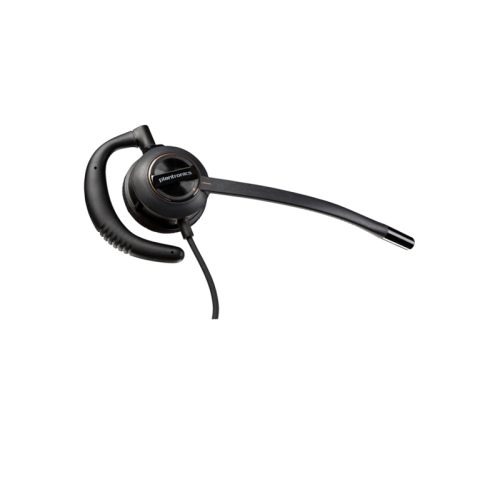
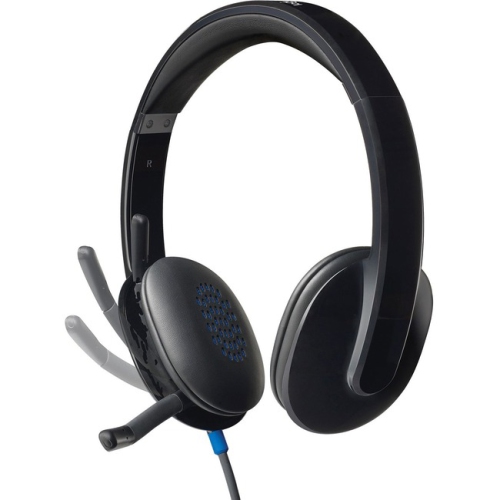
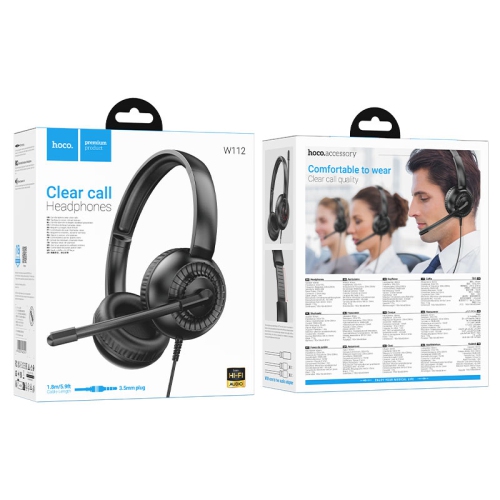
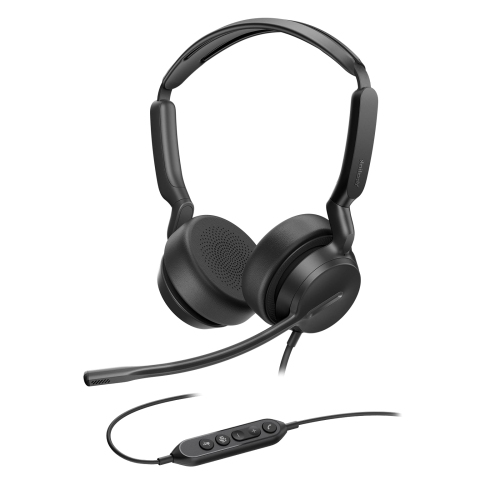
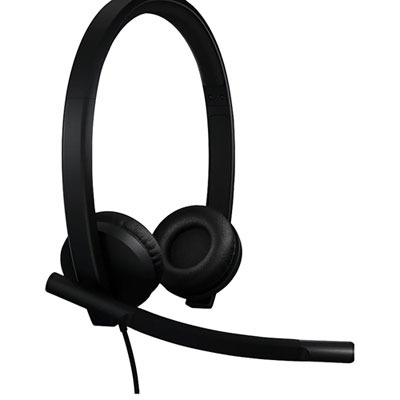
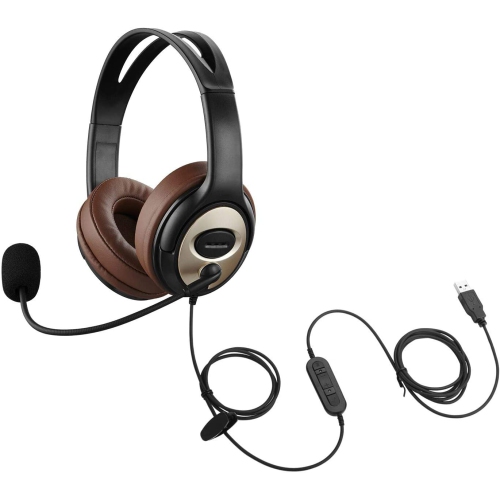
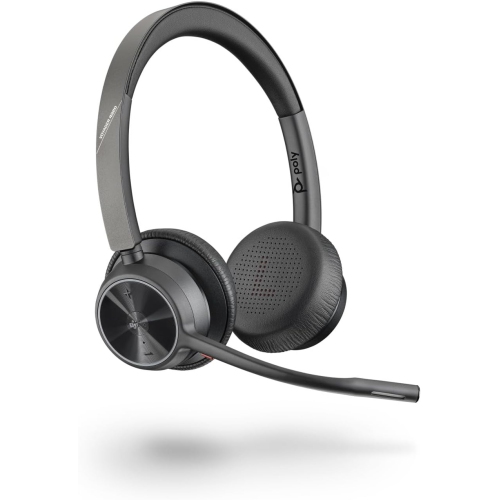
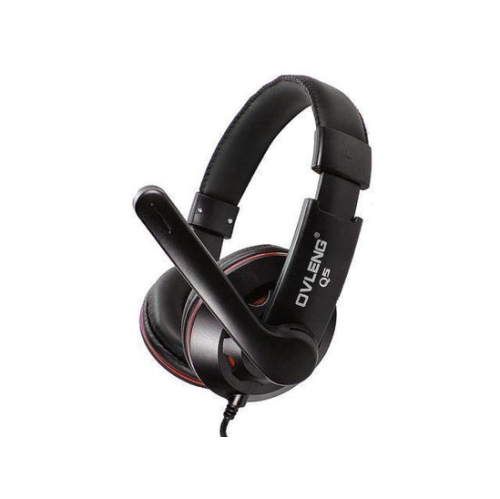
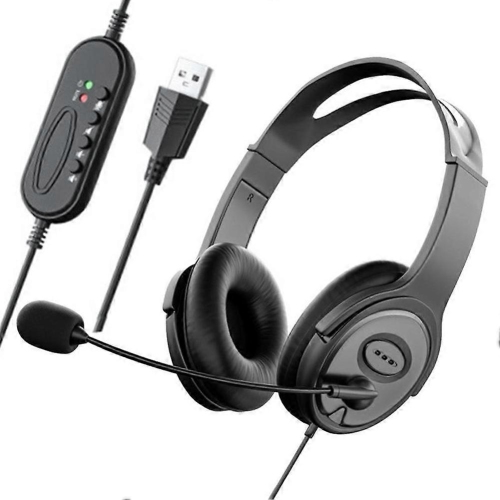
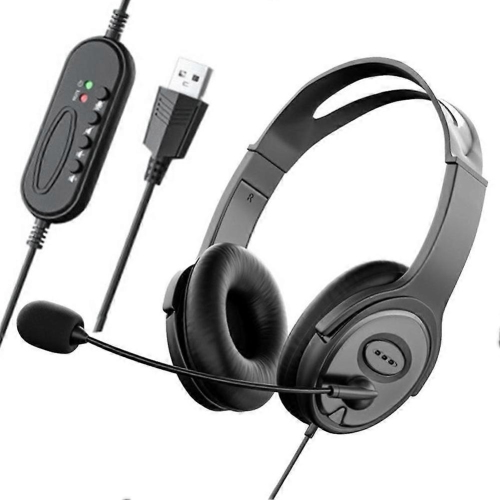
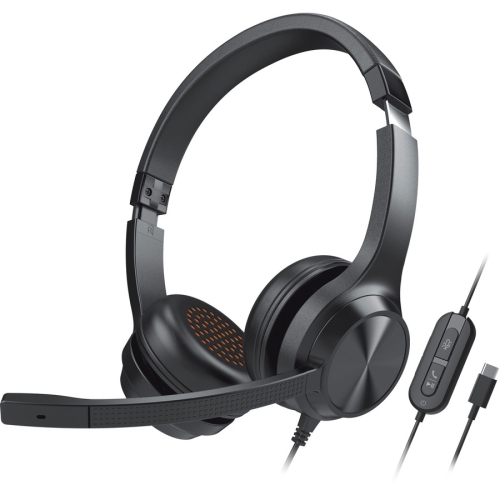
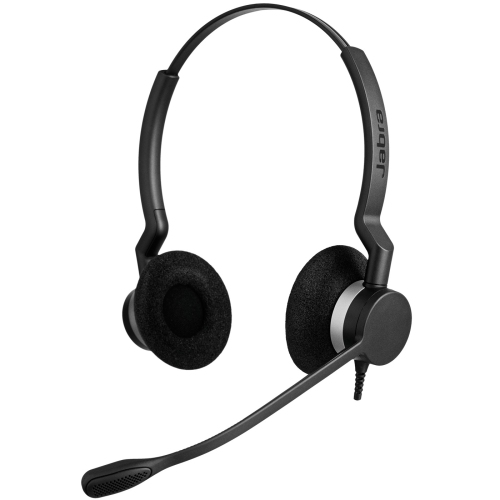
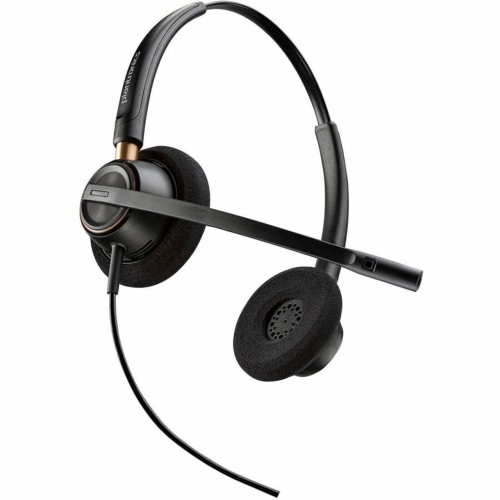
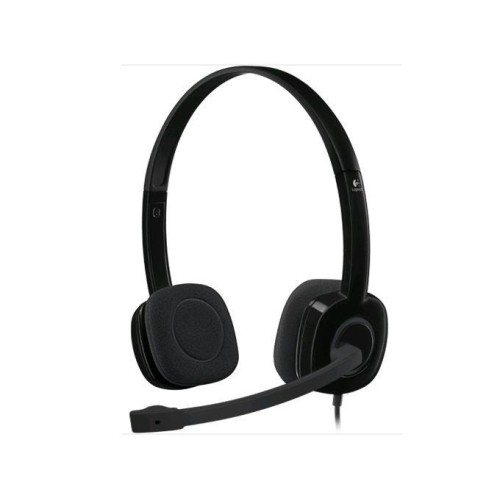
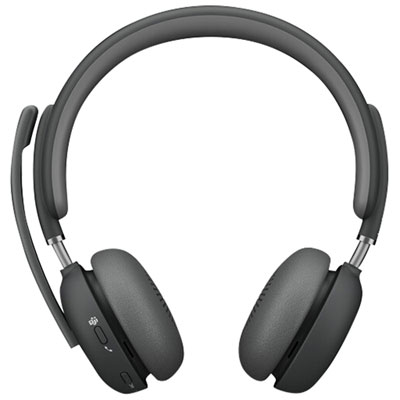
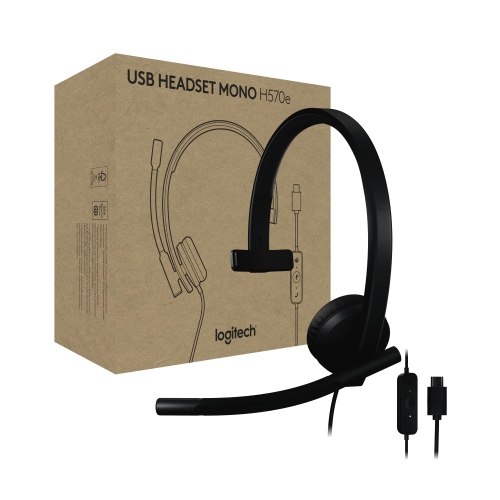
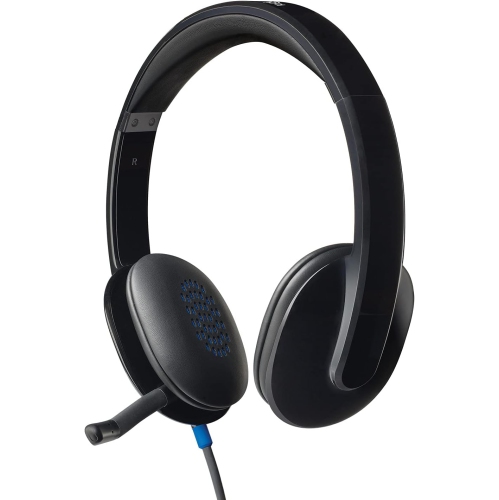
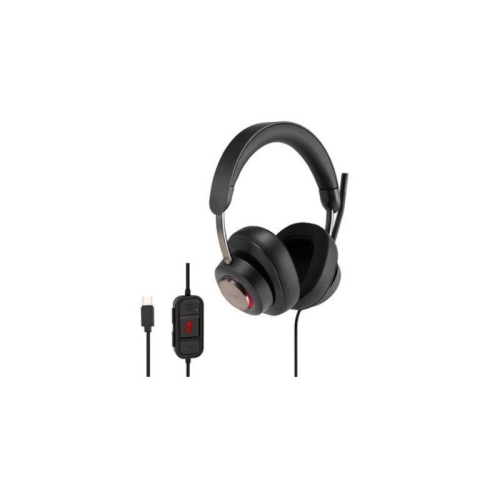
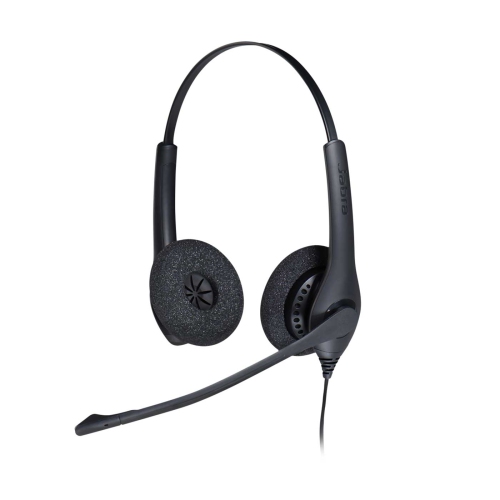
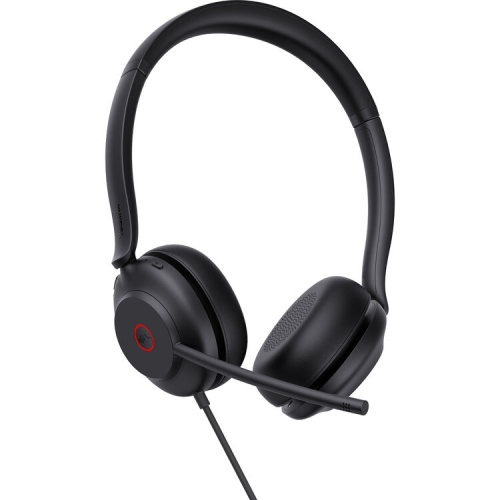
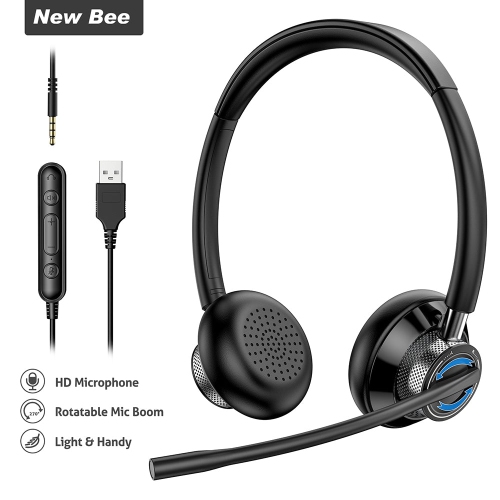
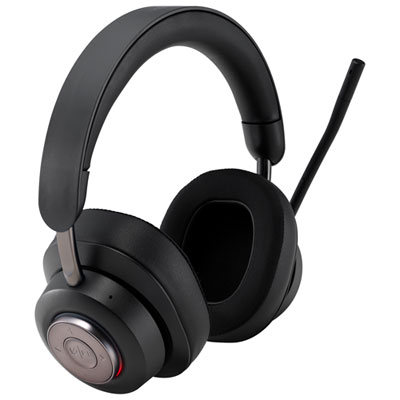
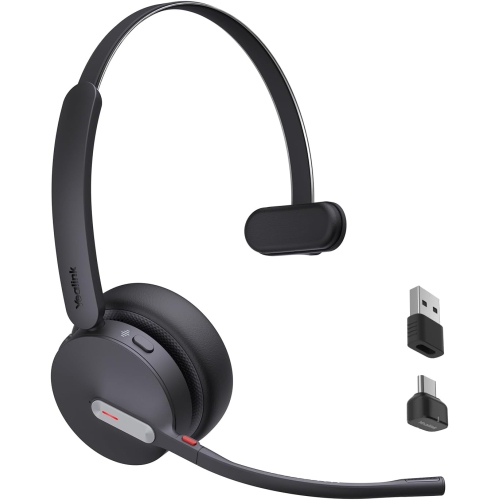
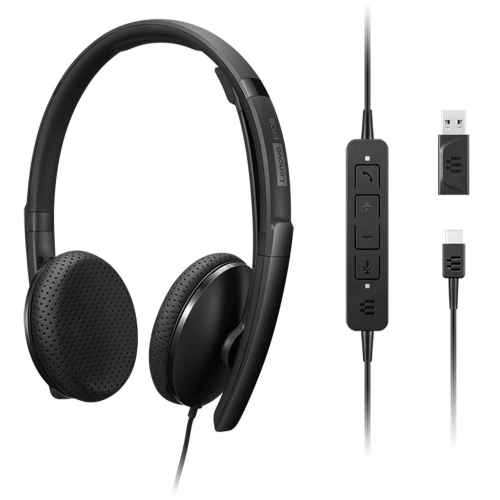
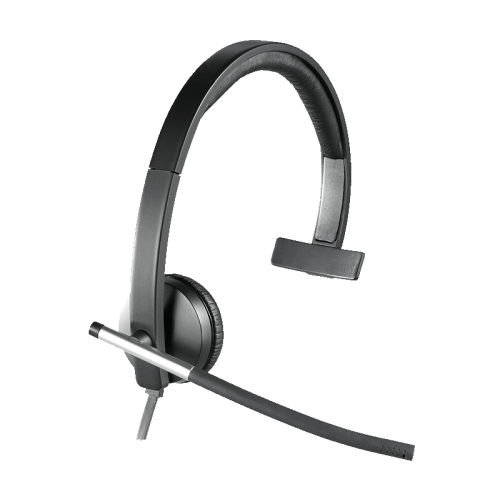
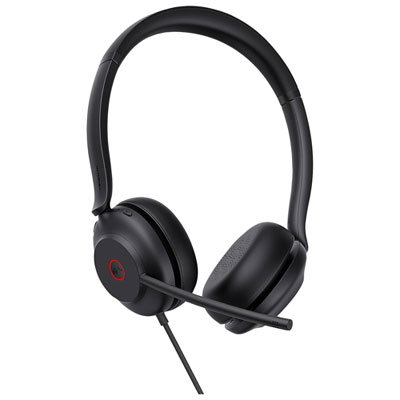
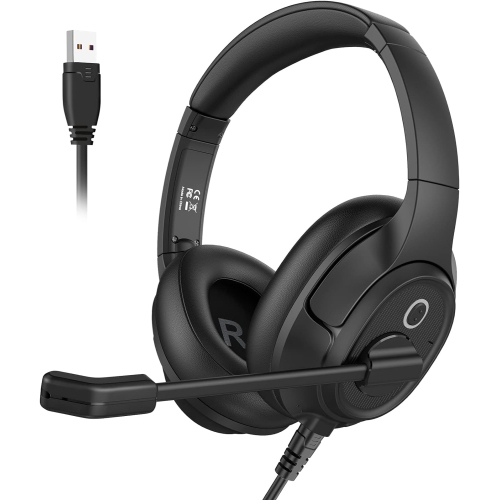
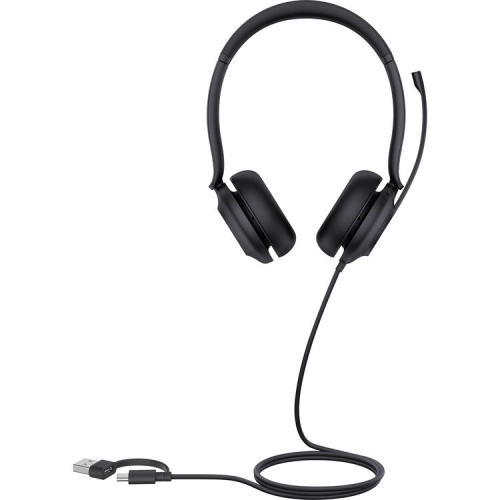
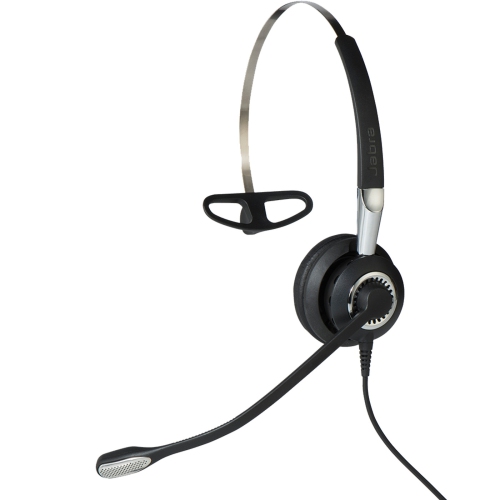
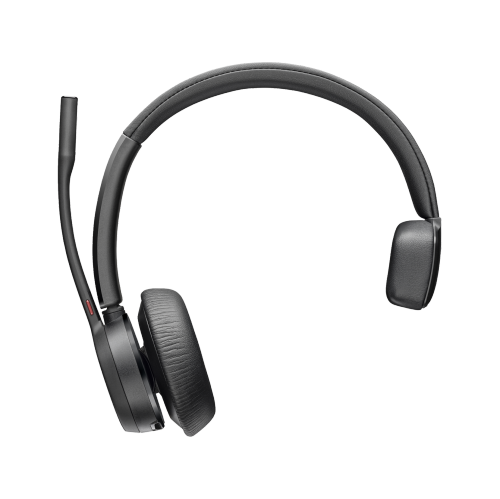
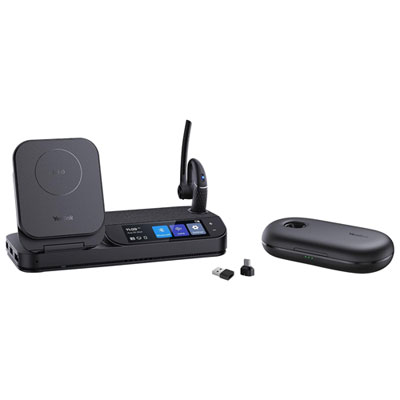
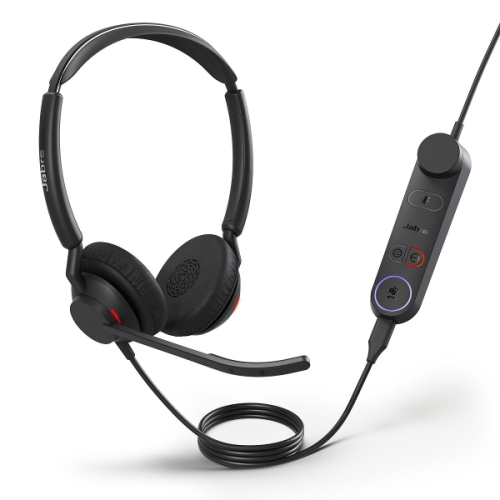
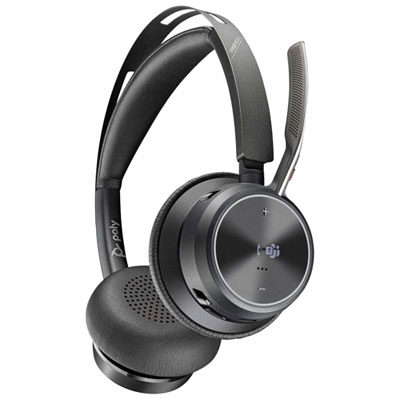
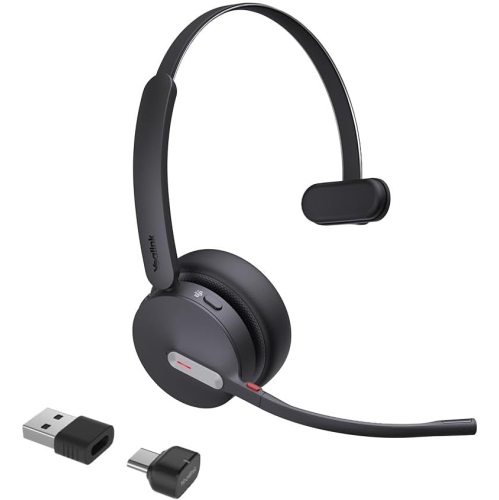
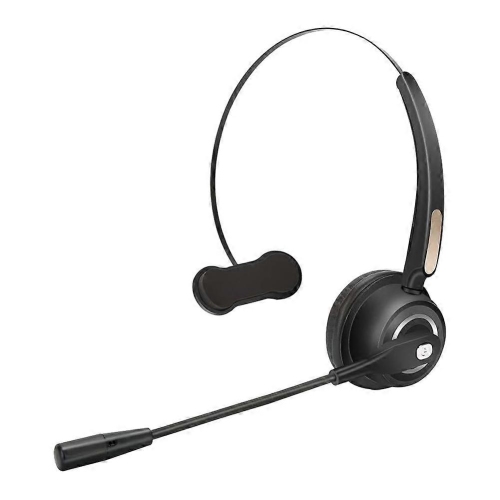
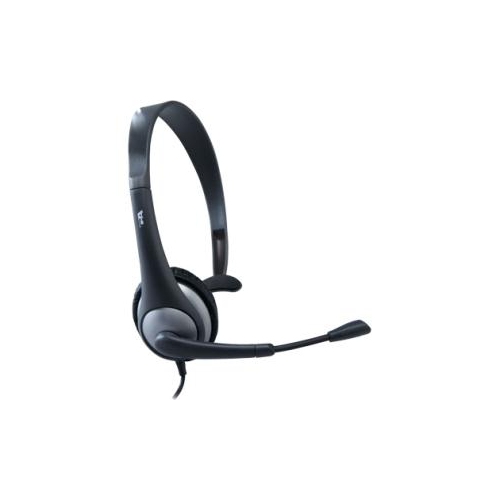
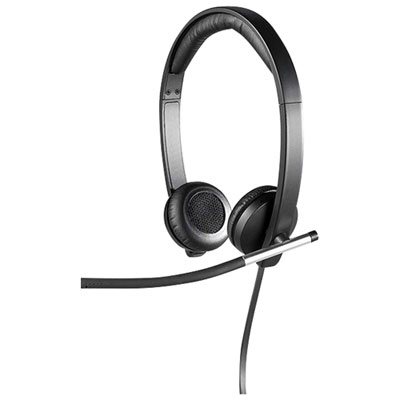
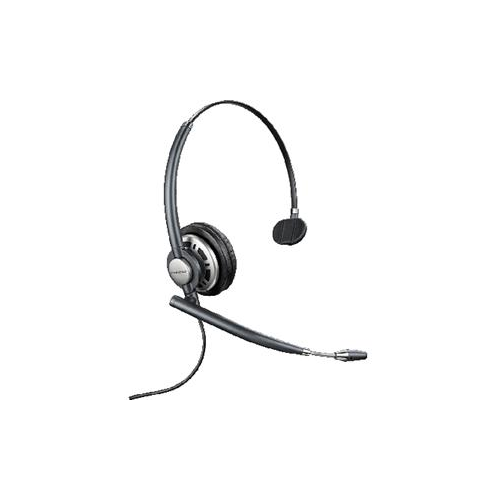
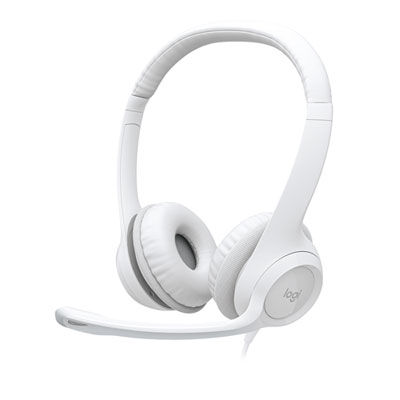
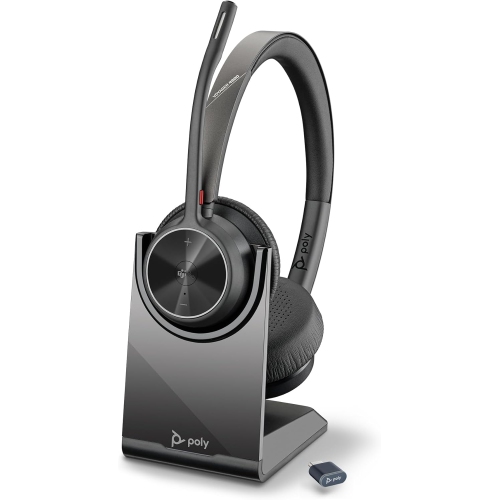
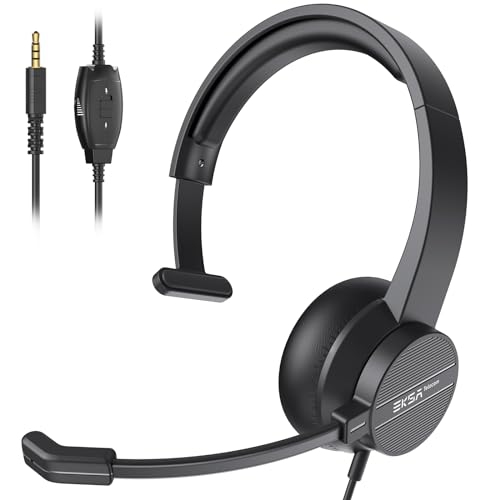
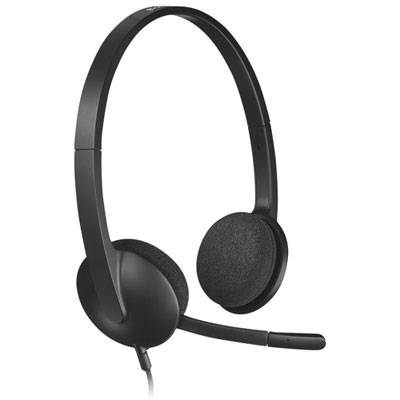
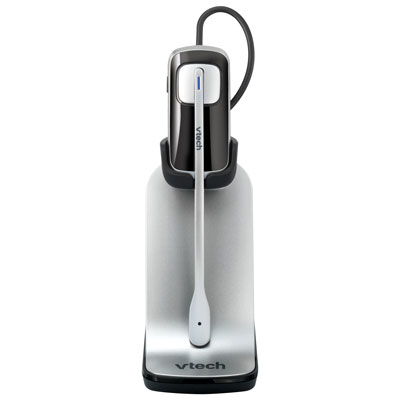
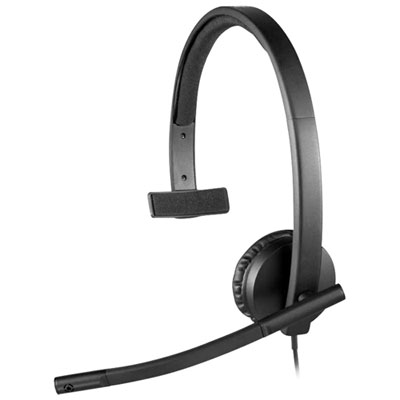
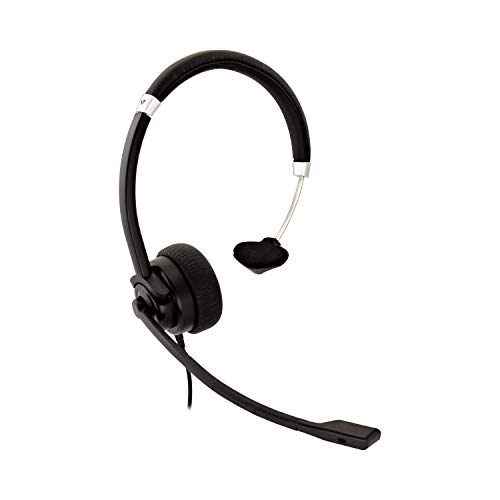
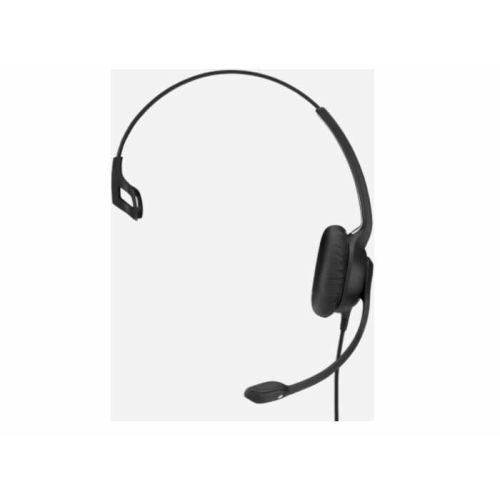
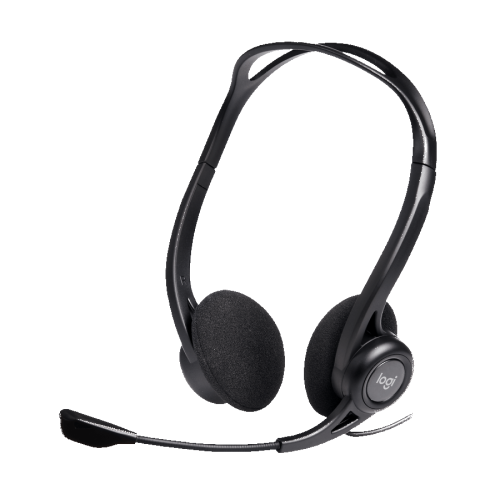
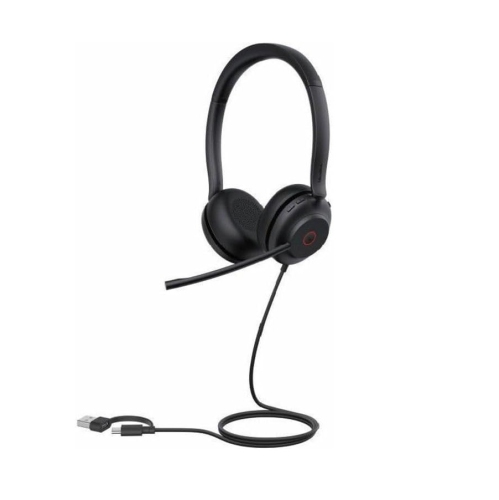
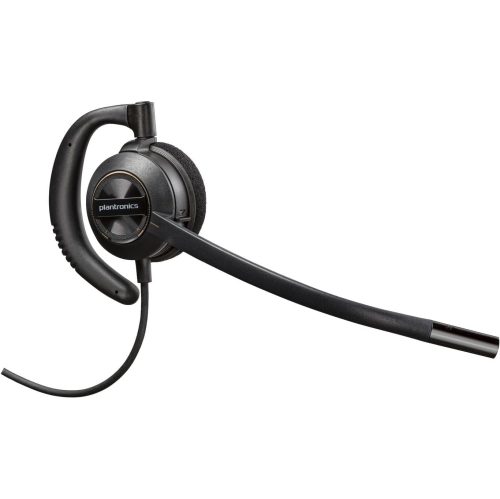
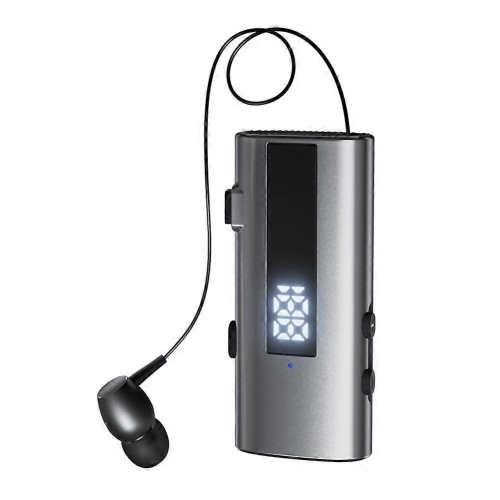
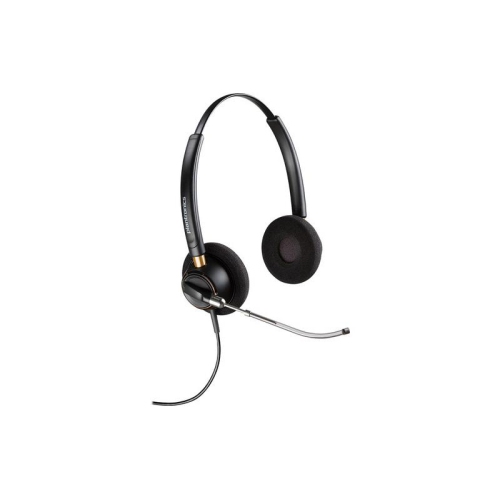
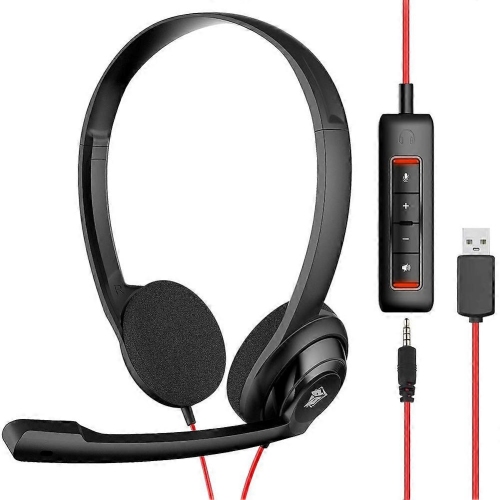
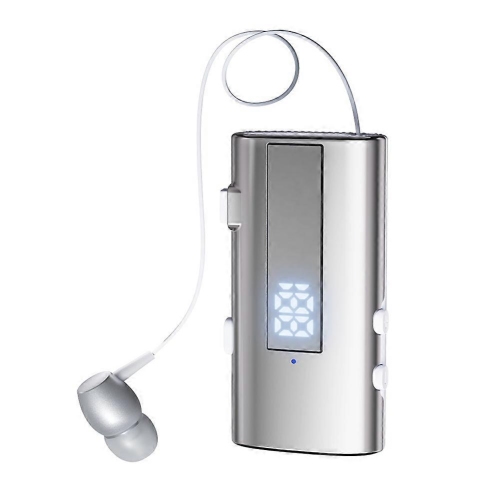
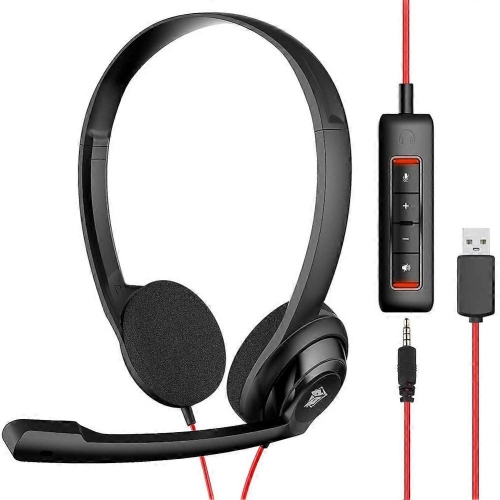
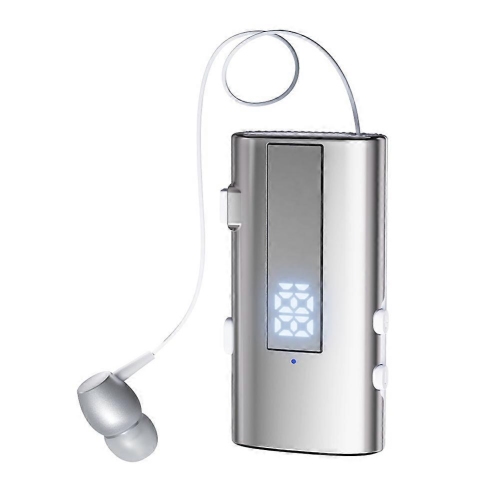
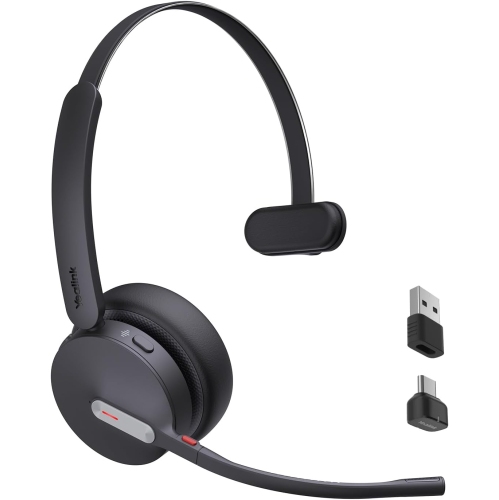
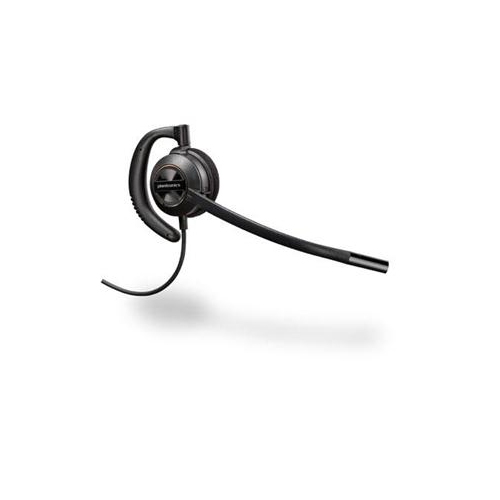
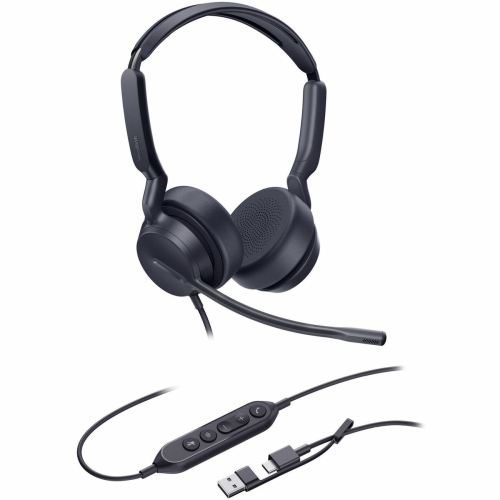
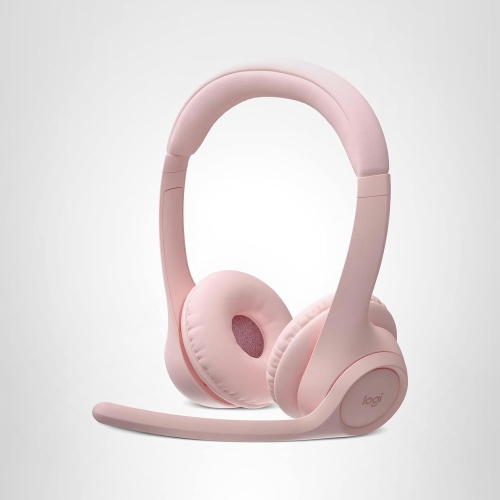
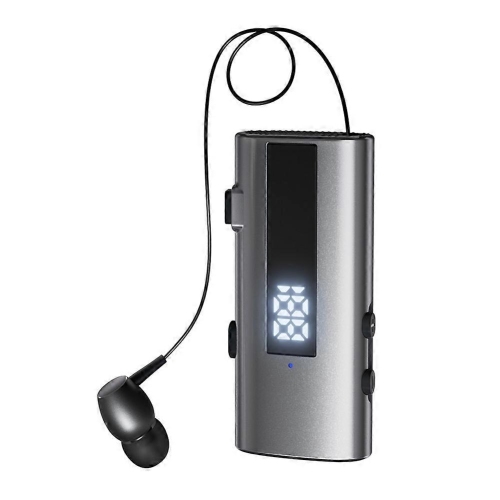
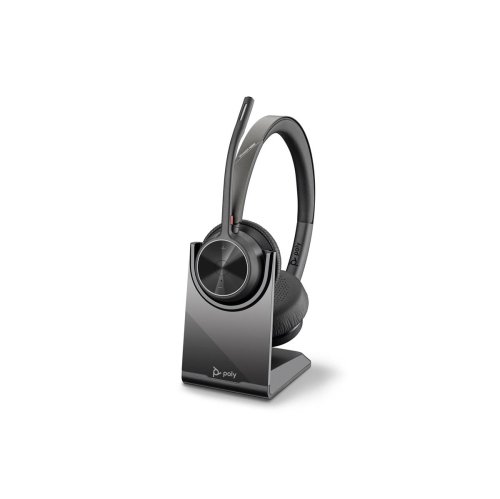
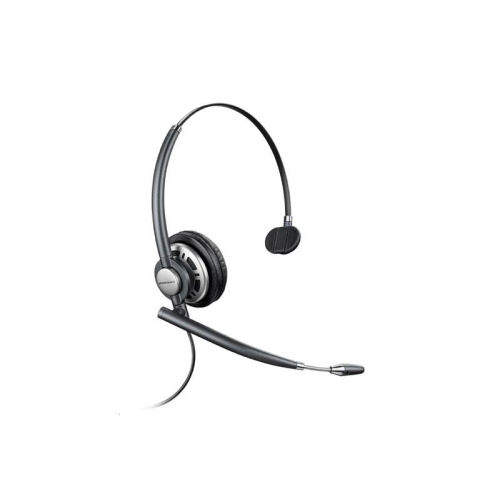
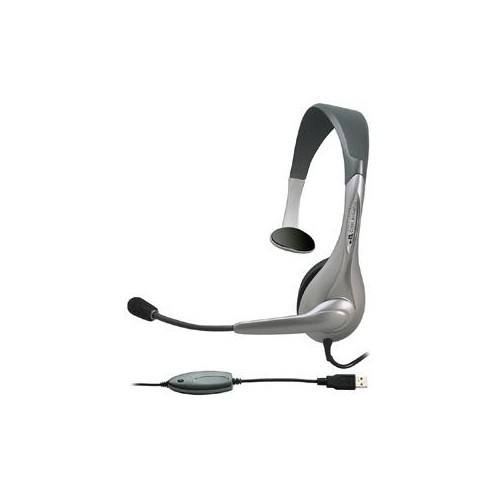
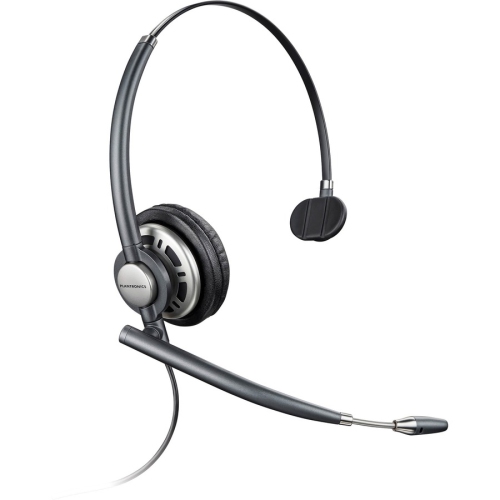
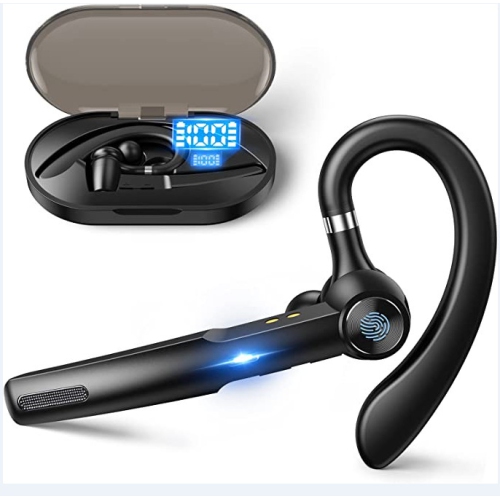
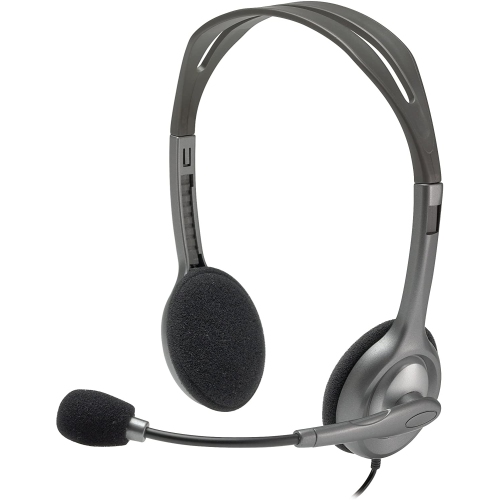
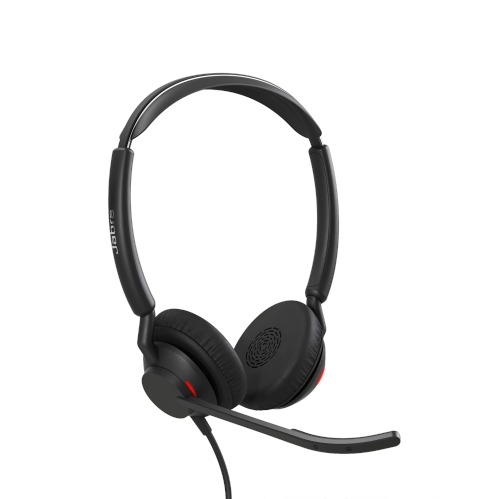
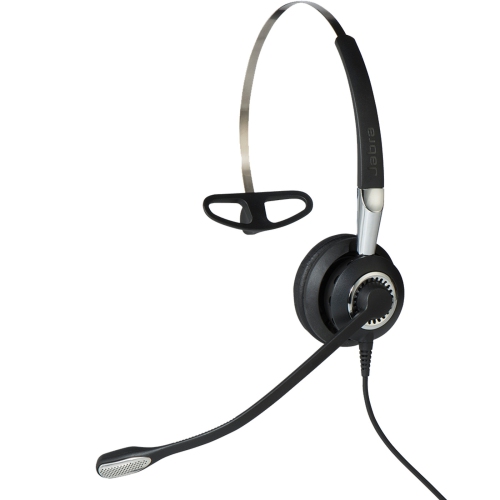
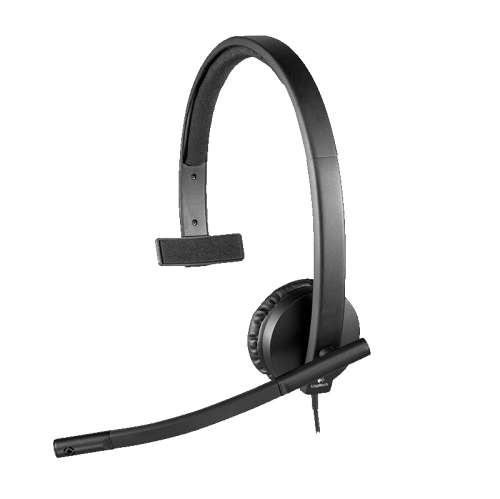
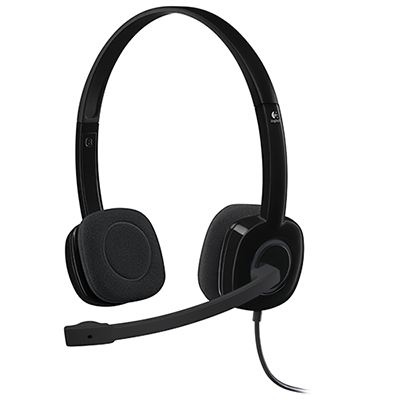
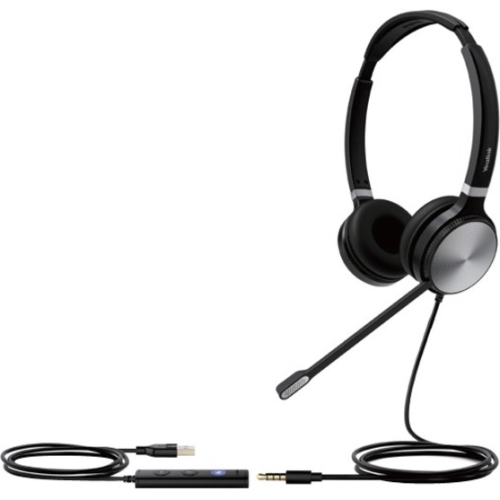
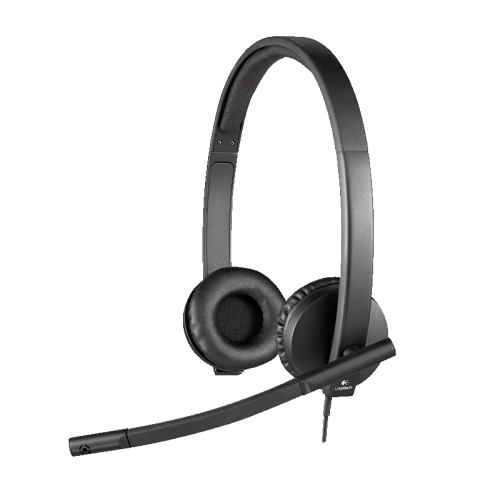
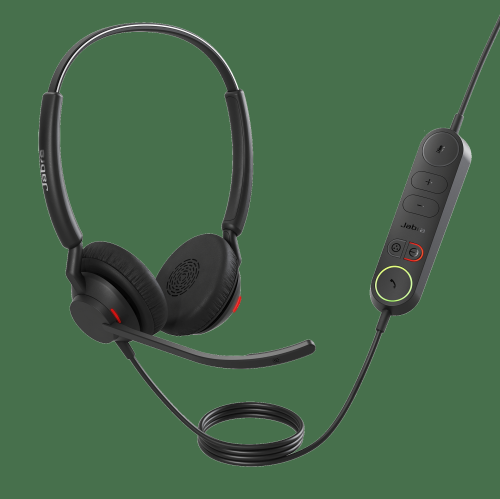
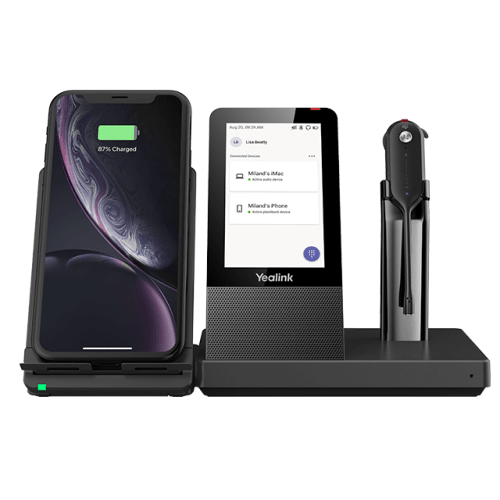
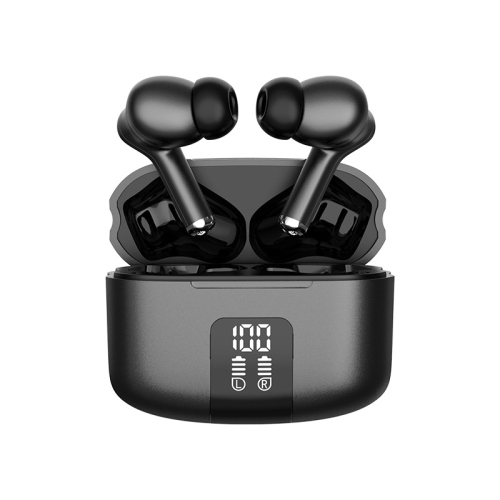
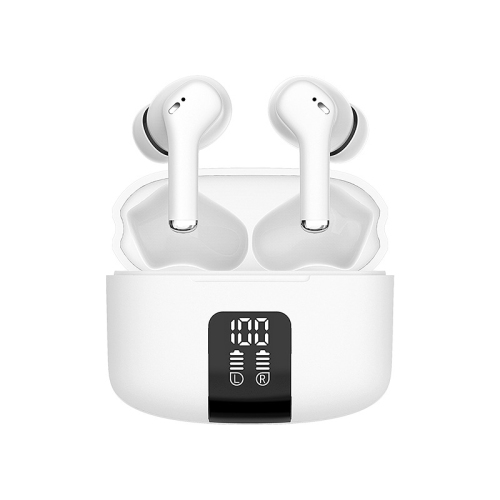
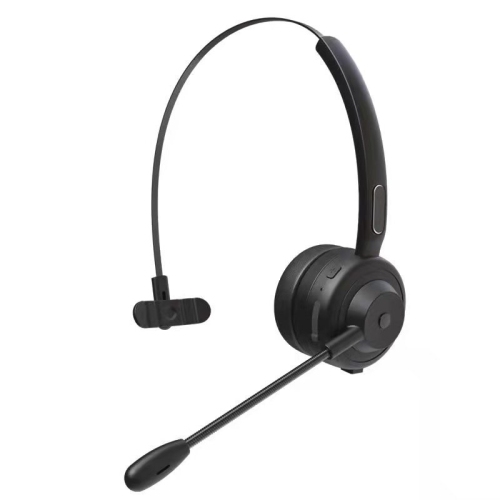
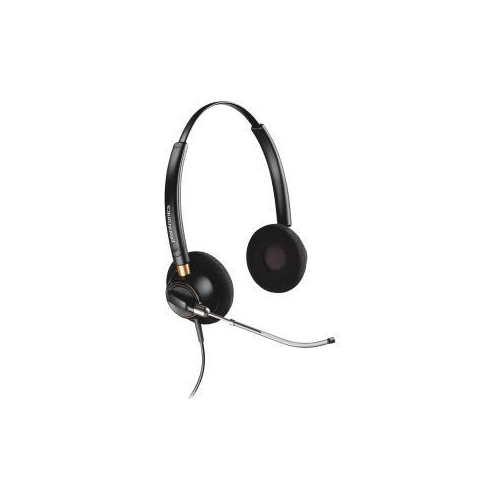
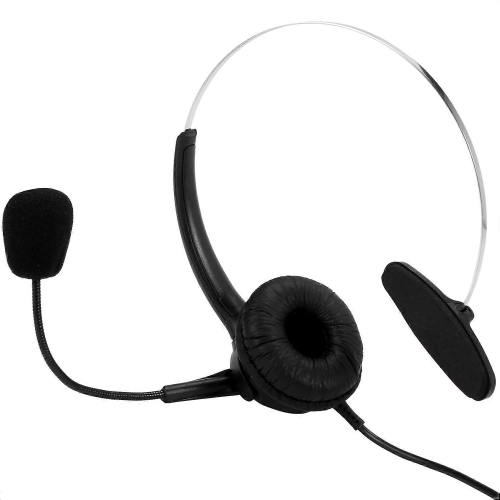
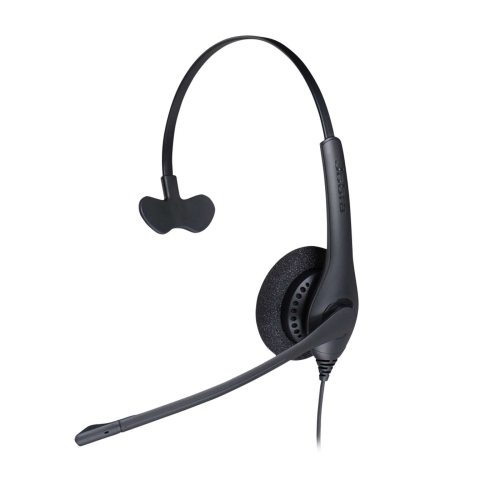
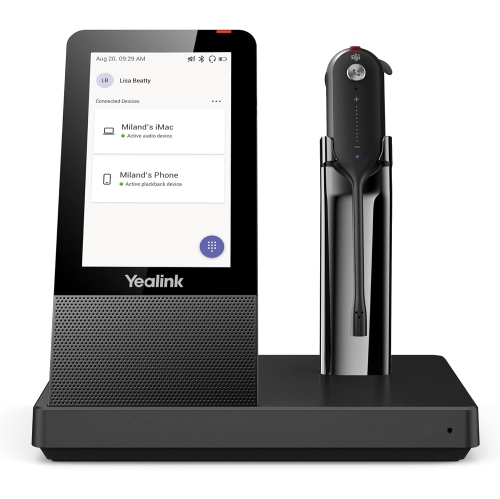
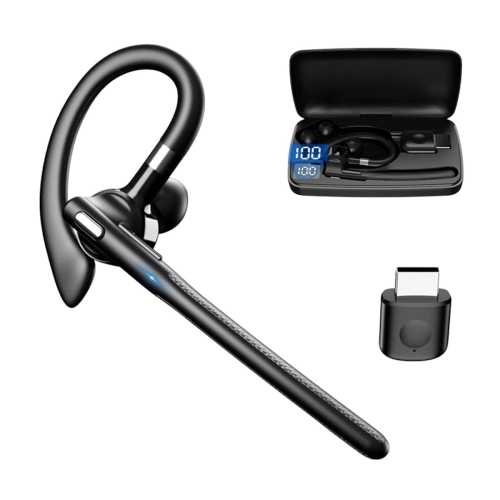
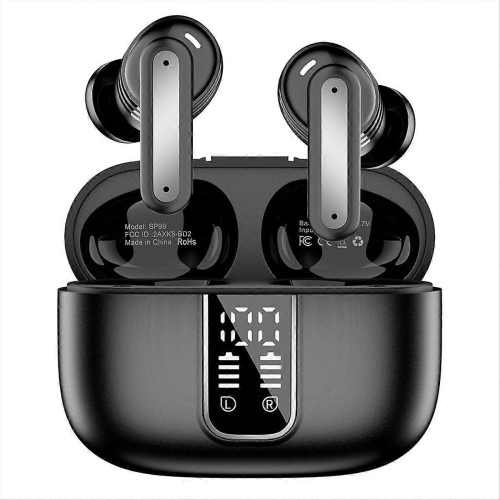
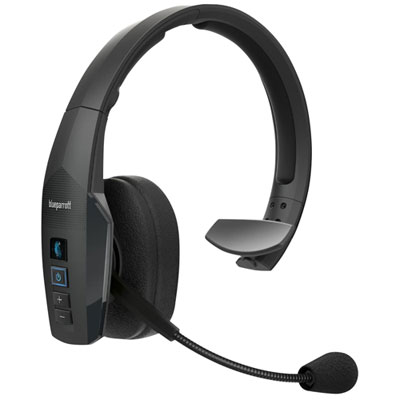
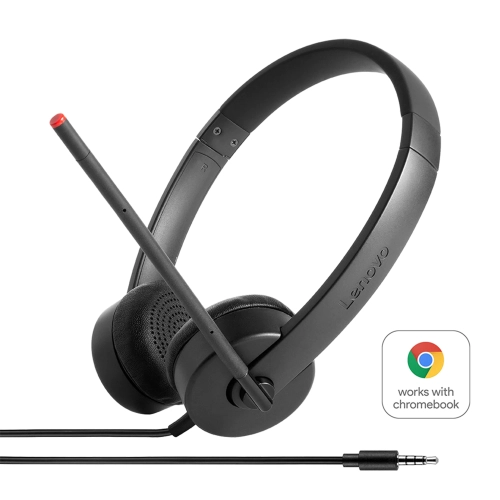
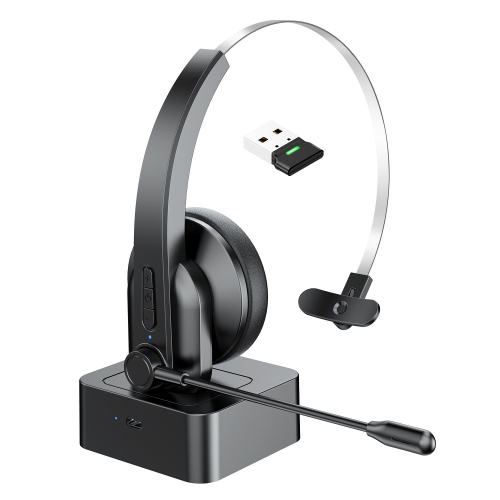
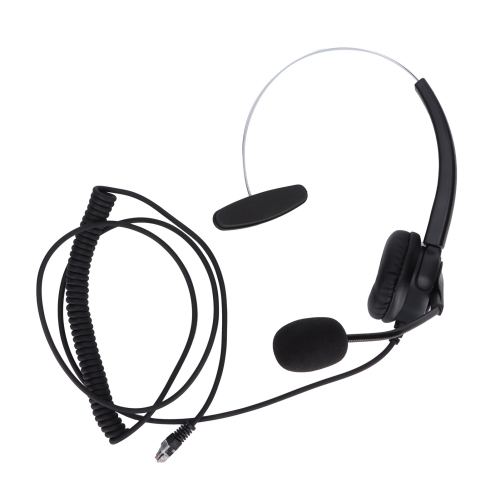
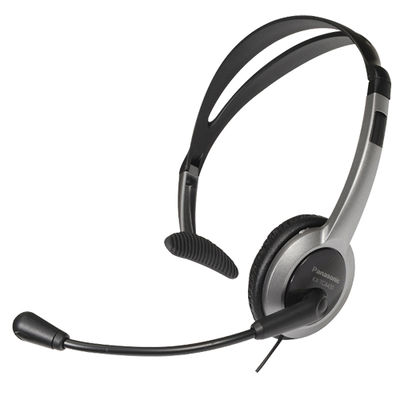
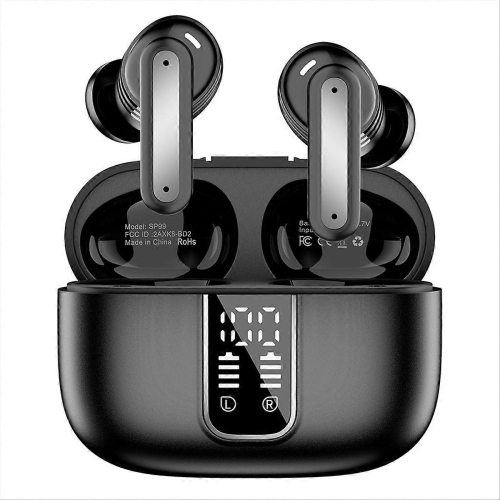
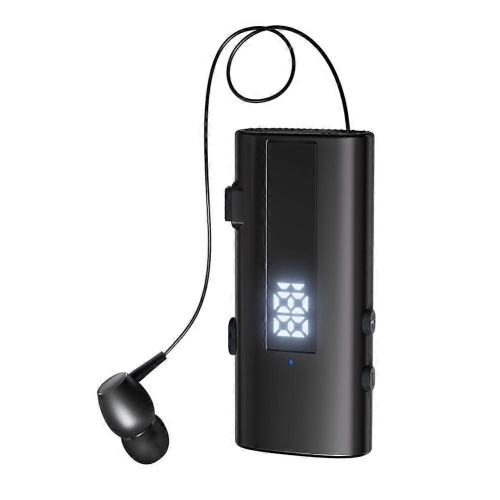
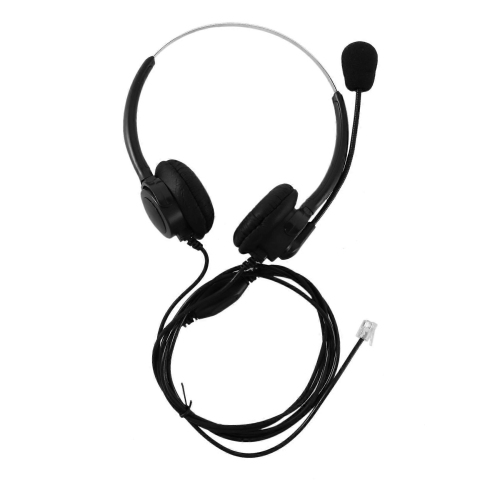
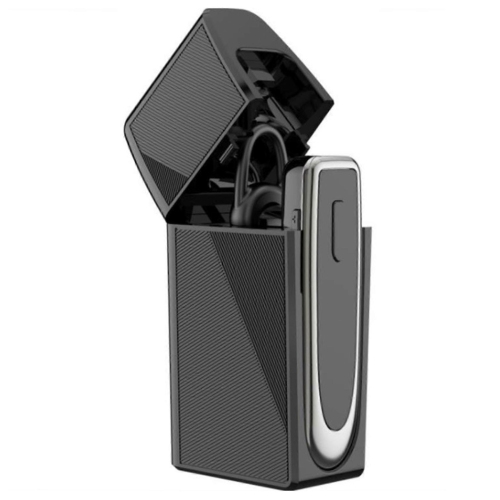
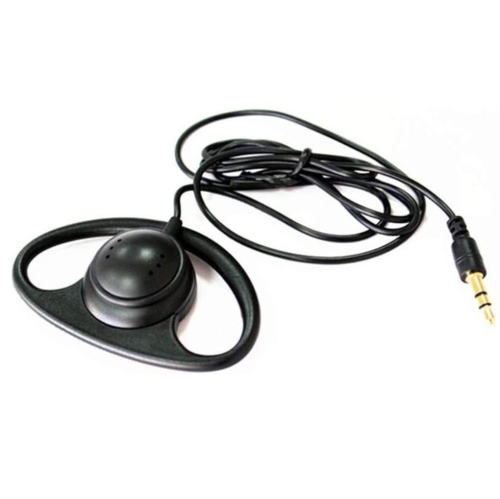
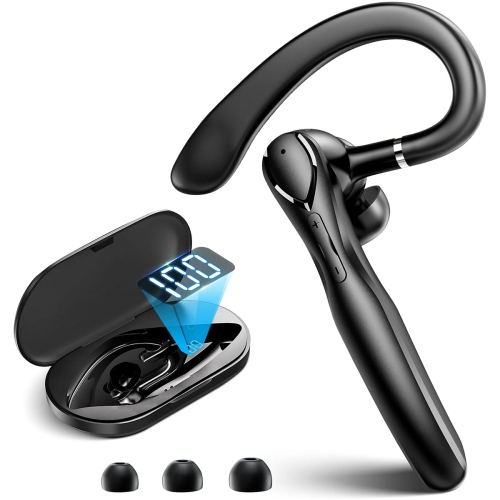
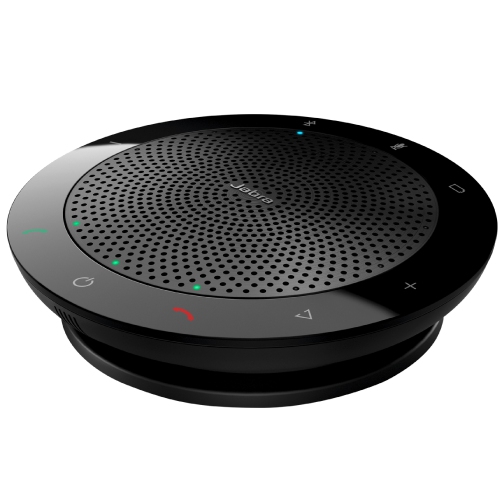
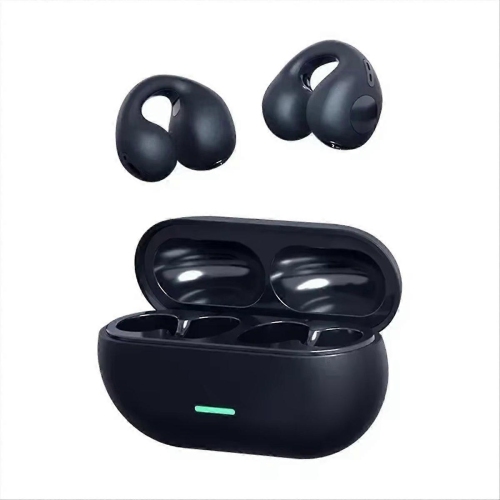
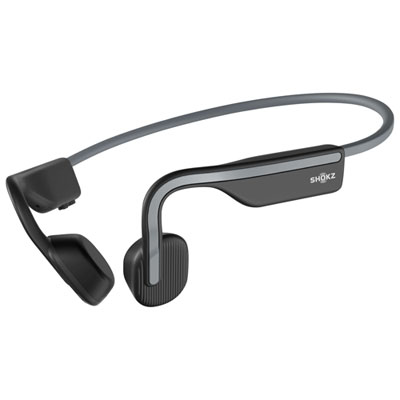
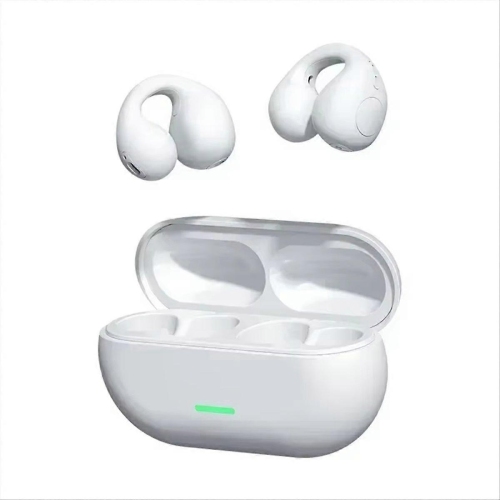
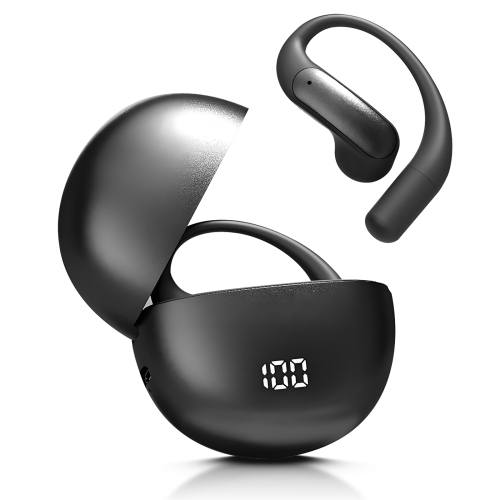
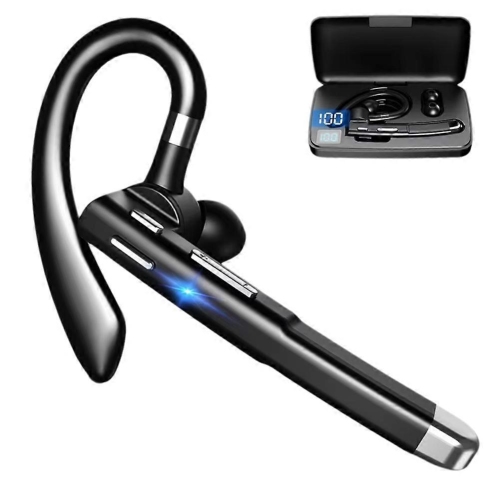
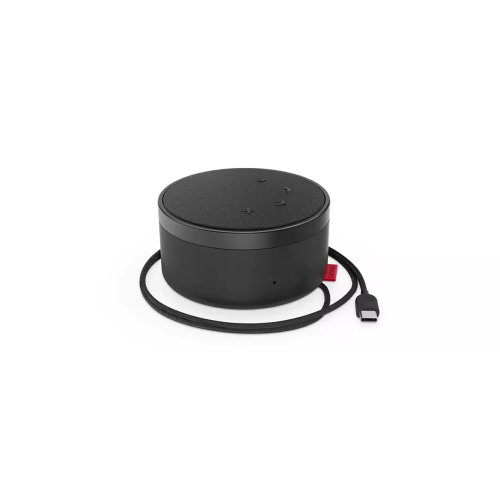
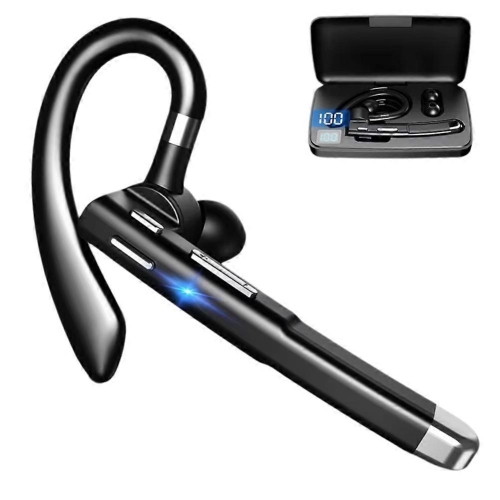
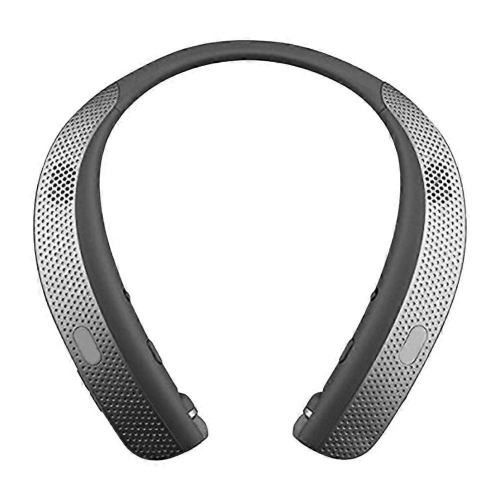
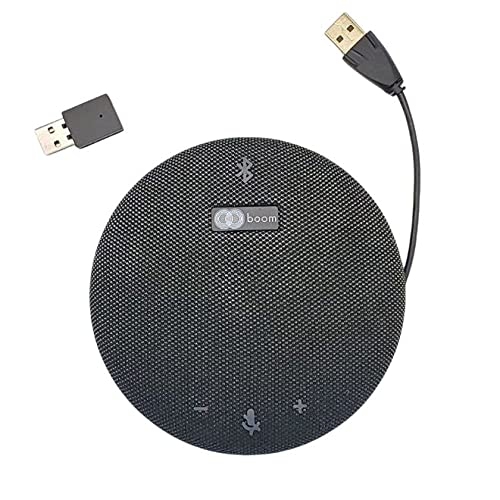
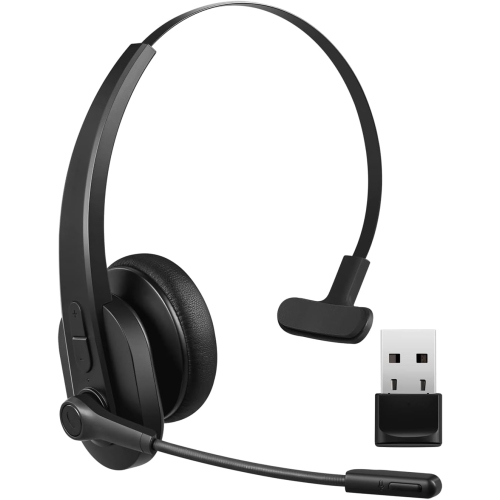
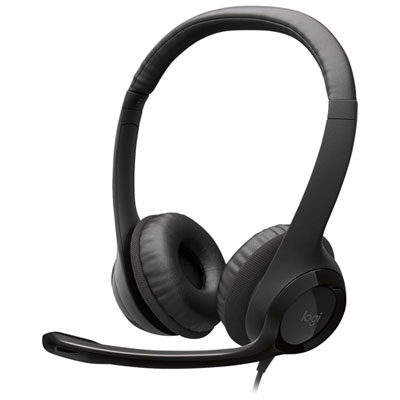
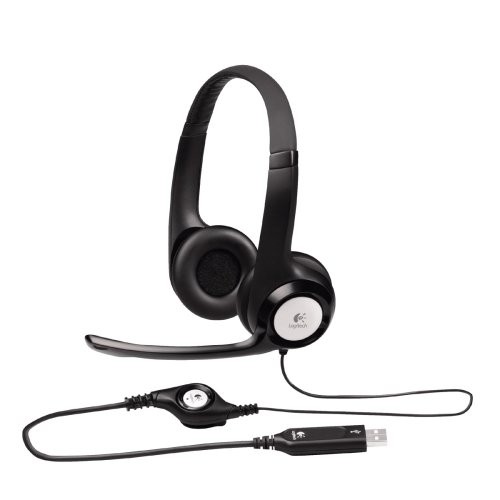
Headsets for conference calls are designed to make online conversations clearer, more comfortable, and easier to manage, whether you are joining a quick check-in from a home office or spending much of the day in virtual meetings. Unlike built-in laptop speakers and microphones, a dedicated headset places the audio closer to your ears and your voice closer to the microphone, helping you hear every detail while reducing the echo that can make a conversation feel distant or distracting. A wired headset is often a practical choice for a fixed workstation because it connects directly through USB or a traditional audio plug, does not require charging, and is generally simple to set up. Many include inline controls for adjusting volume, muting the microphone, or answering a call without reaching across your desk. Wireless headsets offer more freedom to move between meetings, take notes away from the computer, or step into another room while remaining connected. Bluetooth models can be convenient for switching between a computer and a mobile device, while headsets with a dedicated wireless receiver may provide a more consistent connection for office calling platforms. Before choosing, check that the headset works with the devices and meeting services you use, including computers, tablets, smartphones, Microsoft Teams, Zoom, Google Meet, or other calling applications. USB connections are often a dependable option for computers, while Bluetooth support may be more useful for people who regularly take calls from several devices. Compatibility details can vary, so reviewing the connection type, operating system support, and available controls can help prevent surprises when it is time to join a meeting.
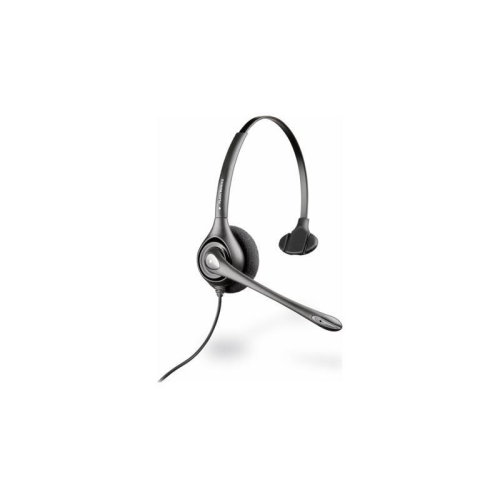
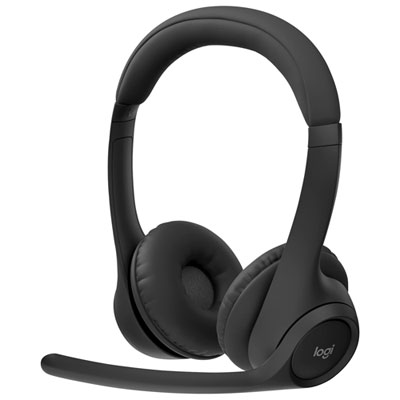
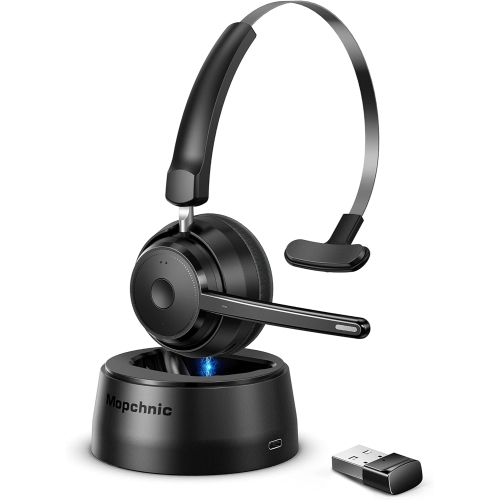
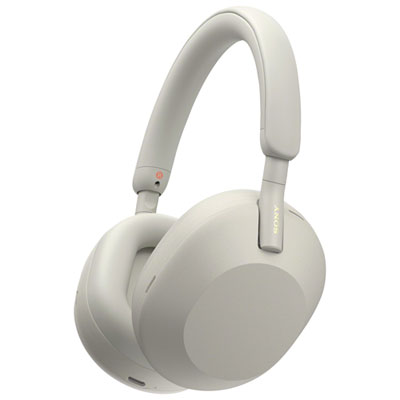
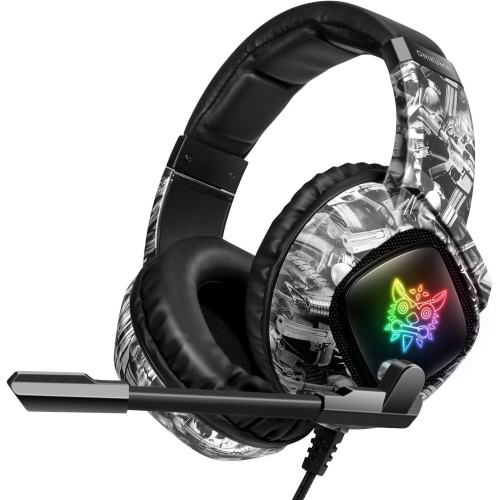
Comfort is one of the most important considerations when a headset may be worn through a full morning of calls. Look for soft ear cushions, a headband with balanced padding, and an adjustable fit that stays secure without pressing too firmly around the ears. On-ear designs can feel lighter and more breathable, while over-ear designs may provide a more enveloping fit and help reduce surrounding office noise. A lightweight headset can be especially helpful for students attending online classes, remote employees working from a dining table, customer service teams, reception staff, health-care administrators, and anyone who spends long periods speaking with clients or colleagues. Microphone design matters just as much as speaker quality. A flexible boom microphone can be positioned close to the mouth for clear speech, and some models include noise-cancelling microphone technology to reduce sounds such as keyboard taps, nearby conversations, household activity, or a furnace running during the cooler months. Active noise cancellation in the earcups serves a different purpose: it reduces some of the sound around the wearer, which can make it easier to concentrate in a busy home or shared workplace. Passive isolation from cushioned earcups may be enough for a quiet office, while adjustable noise controls can be useful for people who move between a private room, a co-working space, and a busier household. Features such as sidetone, which lets you hear a small amount of your own voice, can also help prevent speaking too loudly during a call. For more information about features and styles across the category, browse Best Headsets for Calls.
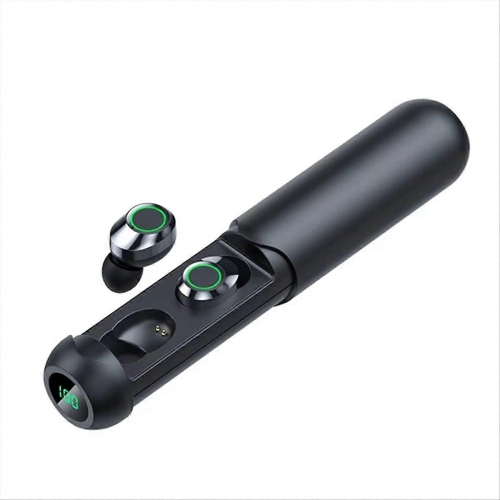
When comparing headsets for conference calls, consider how the headset will fit into the rhythm of the day rather than focusing on a single specification. Battery life is important for wireless models, particularly for people with back-to-back meetings, while a quick-charge feature can be helpful when the headset has been left unplugged overnight. A charging stand or carrying case may make storage easier, especially for someone who works between a home desk and an office. Foldable designs can fit neatly into a work bag, and a detachable or retractable boom may create a less formal profile when the headset is also used for music, travel, or casual conversations. Sound quality should make voices natural and easy to understand without requiring excessive volume, with balanced audio that remains comfortable during longer sessions. Dedicated mute indicators, call controls, and a visible busy light can help prevent awkward interruptions when a meeting starts unexpectedly. If the headset is being purchased as a gift, it can be a thoughtful choice for someone starting remote work, heading back to school, setting up a first home office, or replacing an uncomfortable headset that has been used every day. A more affordable wired option may suit a person who mainly calls from one computer, while a wireless model can be a better fit for someone who values movement and flexibility. During the cooler months, when more work, learning, and appointments may take place indoors, a dependable headset can help create a quieter and more focused calling space. Checking fit, connection type, microphone performance, controls, battery requirements, and compatibility together makes it easier to choose a headset that sounds clear to others and feels comfortable to wear meeting after meeting.
Comfort is one of the most important considerations when a headset may be worn through a full morning of calls. Look for soft ear cushions, a headband with balanced padding, and an adjustable fit that stays secure without pressing too firmly around the ears. On-ear designs can feel lighter and more breathable, while over-ear designs may provide a more enveloping fit and help reduce surrounding office noise. A lightweight headset can be especially helpful for students attending online classes, remote employees working from a dining table, customer service teams, reception staff, health-care administrators, and anyone who spends long periods speaking with clients or colleagues. Microphone design matters just as much as speaker quality. A flexible boom microphone can be positioned close to the mouth for clear speech, and some models include noise-cancelling microphone technology to reduce sounds such as keyboard taps, nearby conversations, household activity, or a furnace running during the cooler months. Active noise cancellation in the earcups serves a different purpose: it reduces some of the sound around the wearer, which can make it easier to concentrate in a busy home or shared workplace. Passive isolation from cushioned earcups may be enough for a quiet office, while adjustable noise controls can be useful for people who move between a private room, a co-working space, and a busier household. Features such as sidetone, which lets you hear a small amount of your own voice, can also help prevent speaking too loudly during a call. For more information about features and styles across the category, browse Best Headsets for Calls.
When comparing headsets for conference calls, consider how the headset will fit into the rhythm of the day rather than focusing on a single specification. Battery life is important for wireless models, particularly for people with back-to-back meetings, while a quick-charge feature can be helpful when the headset has been left unplugged overnight. A charging stand or carrying case may make storage easier, especially for someone who works between a home desk and an office. Foldable designs can fit neatly into a work bag, and a detachable or retractable boom may create a less formal profile when the headset is also used for music, travel, or casual conversations. Sound quality should make voices natural and easy to understand without requiring excessive volume, with balanced audio that remains comfortable during longer sessions. Dedicated mute indicators, call controls, and a visible busy light can help prevent awkward interruptions when a meeting starts unexpectedly. If the headset is being purchased as a gift, it can be a thoughtful choice for someone starting remote work, heading back to school, setting up a first home office, or replacing an uncomfortable headset that has been used every day. A more affordable wired option may suit a person who mainly calls from one computer, while a wireless model can be a better fit for someone who values movement and flexibility. During the cooler months, when more work, learning, and appointments may take place indoors, a dependable headset can help create a quieter and more focused calling space. Checking fit, connection type, microphone performance, controls, battery requirements, and compatibility together makes it easier to choose a headset that sounds clear to others and feels comfortable to wear meeting after meeting.
Top selling and popular products
-
 Your price for this item is $27.99
 -
 Your price for this item is $49
 -
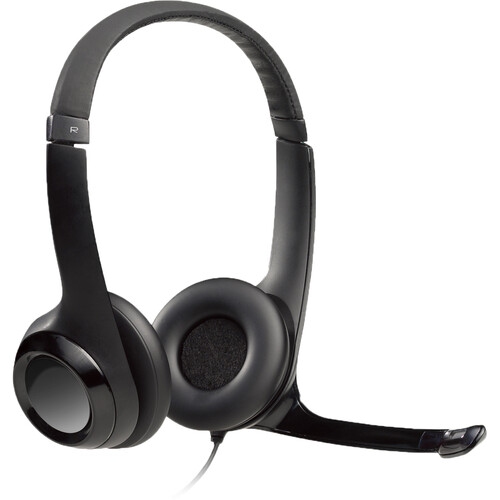 Your price for this item is $77.79
 -
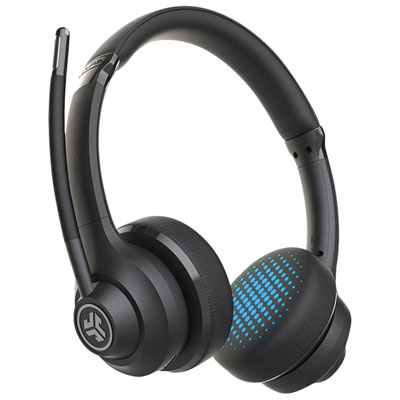 Your price for this item is $56.98
 -
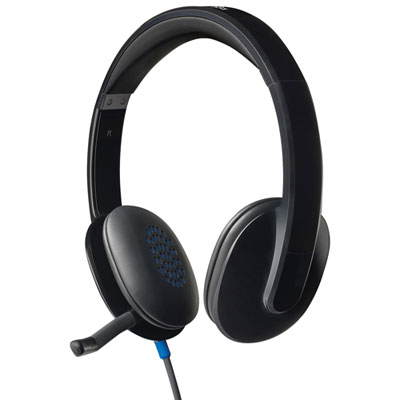 Your price for this item is $47.98
 -
 Your price for this item is $80.74
 -
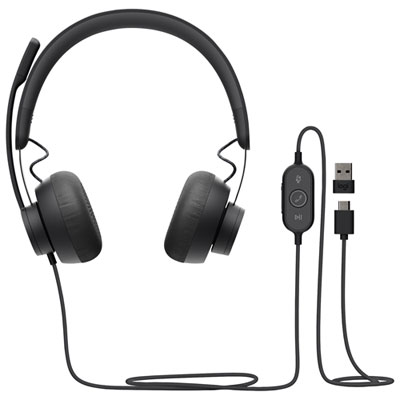 Your price for this item is $129.95
 -
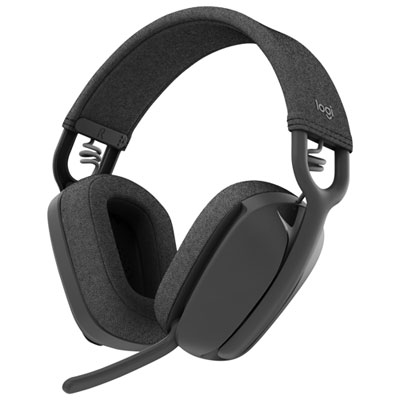 Your price for this item is $99.99
Discover more categories related to Headsets for Conference Calls
Top Collections:
Pokemon Centers, Best Cameras for Sports Photography, Kindle Devices, Samsung Galaxy Phones, Canon G7X Cameras, Pokémon 30th Celebration Cards, Refurbished Apple Laptops, iPhone 15 Apple, Laptops for Students, Budget Smartphones
Some products may be subject to Environmental Handling Fees
(EHF) depending on your province.
Learn more about EHFs.