Best Keyboards Under $1000
Find the best keyboards under $1000 for work, gaming, and everyday typing, ranked by user review ratings. Explore highly rated options and compare features such as key feel, connectivity, and layout to find a keyboard that suits your setup and budget.
What to look for in keyboards under $1000
1. Typing Feel and Switch Type
2. Connectivity and Compatibility
3. Layout and Comfort
4. Features and Value
-
1
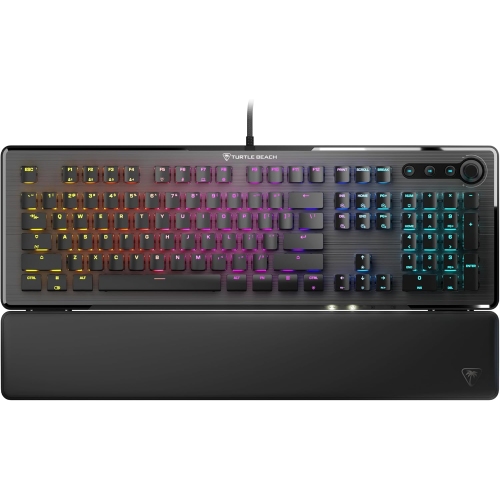
TURTLE BEACH Vulcan Ii Linear Keyboard (Black)
About this product
A sleek black linear keyboard designed for responsive and comfortable typing during gaming or work.
(6)$199.99 Your price for this item is $199.99 -
2
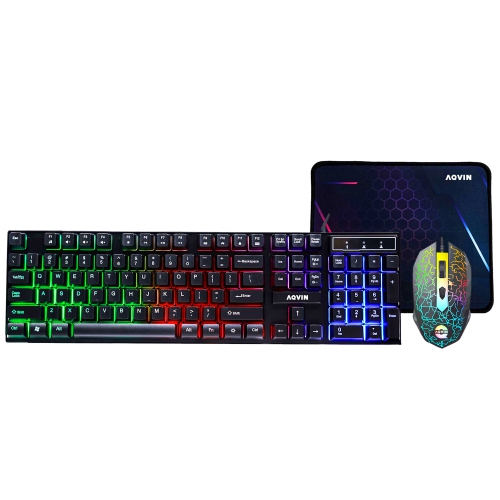
AQVIN RGB Gaming Keyboard And Mouse Combo w Pad for Gamers ~ Multimedia And Anti-Ghosting Capability Keys ~ Ergonomic Design - Up to 3200 Dpi
About this product
An ergonomic RGB keyboard and mouse combo with anti-ghosting keys, multimedia controls, and up to 3200 DPI.
(1)$49.99 Your price for this item is $49.99 -
3
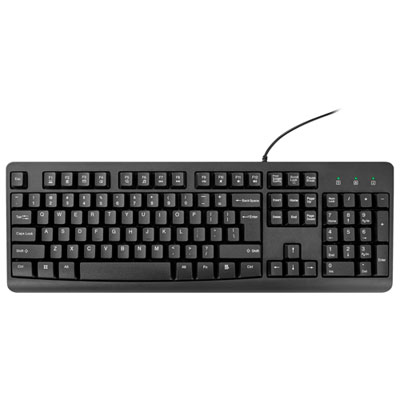
Best Buy Essentials Full-Size Keyboard - Only at Best Buy
About this product
A black full-size keyboard with 104 keys, numeric keypad, and status indicators for efficient typing.
What customers like
(214)$19.99 Your price for this item is $19.99 -
4
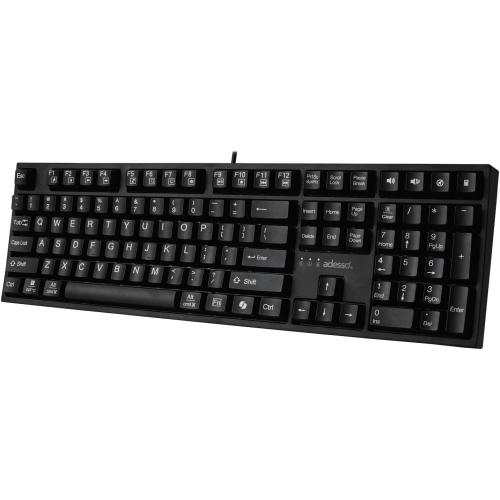
ADESSO Multi Os 2X Large Print Desktop Mechanical Keyboard With Copilot Key
About this product
A mechanical keyboard featuring extra-large print keys and a dedicated Copilot key for enhanced accessibility.
(7)$84.99 Your price for this item is $84.99 -
5
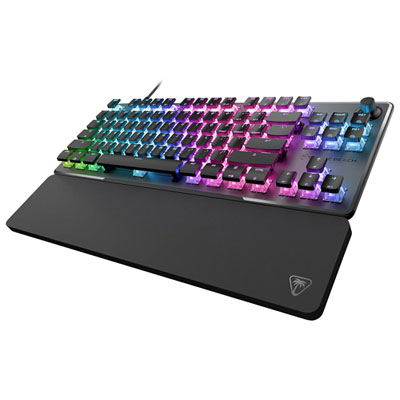
Turtle Beach Vulcan II Pro Tenkeyless Backlit Magnetic Mechanical Gaming Keyboard - Only at Best Buy
About this product
A black wired gaming keyboard featuring Hall-Effect magnetic switches and customizable per-key sensitivity for precision.
What customers like
(80)$69.99Your price for this item is $69.99SAVE $130 -
6
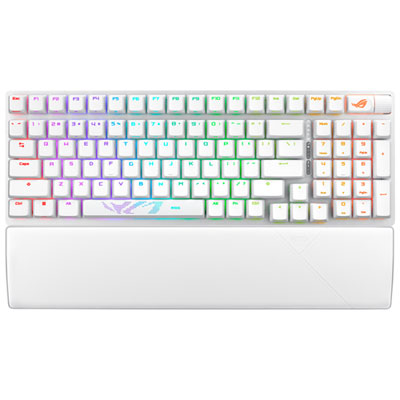
ASUS ROG Scope II 96 Bluetooth Backlit Mechanical NX Snow Gaming Keyboard - White
About this product
A versatile white mechanical keyboard with tri-mode connectivity, RGB lighting, NX Snow switches, and ergonomic wrist rest.
What customers like
(259)$229.99 Your price for this item is $229.99 -
7
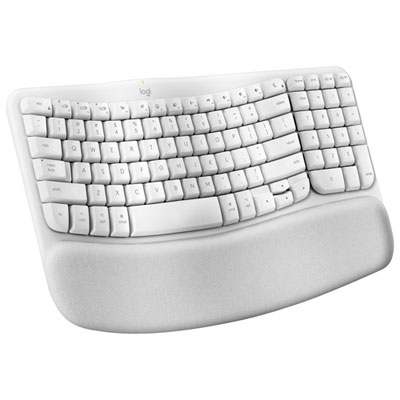
Logitech Wave Keys Wireless Ergonomic Full-Size Keyboard for Mac - Off-White
About this product
An ergonomic off-white wireless keyboard with a wavy keyframe, memory foam palm rest, and eco-friendly materials.
What customers like
(184)$79.99Your price for this item is $79.99SAVE $10 -
8

Logitech ERGO K860 Bluetooth Ergonomic Keyboard with Integrated Palm-rest
About this product
An ergonomic Bluetooth keyboard with a split keyframe and cushioned palm rest for enhanced wrist comfort.
What customers like
(2,420)$199.99 Your price for this item is $199.99 -
9
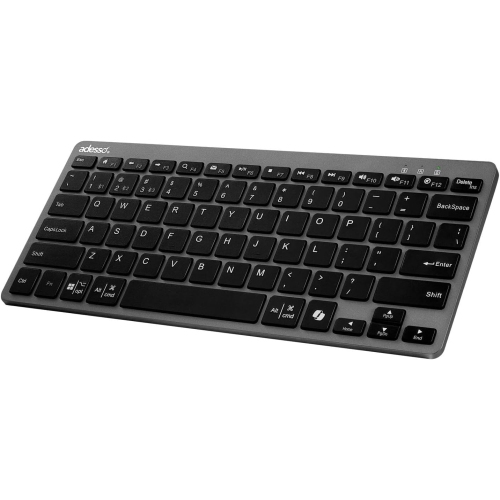
ADESSO Multi Os Bluetooth Scissor Switch Mini Keyboard With Copilot Key
About this product
A compact Bluetooth keyboard with scissor switch keys and a dedicated Copilot key for multi-OS use.
(12)$46.99 Your price for this item is $46.99 -
10
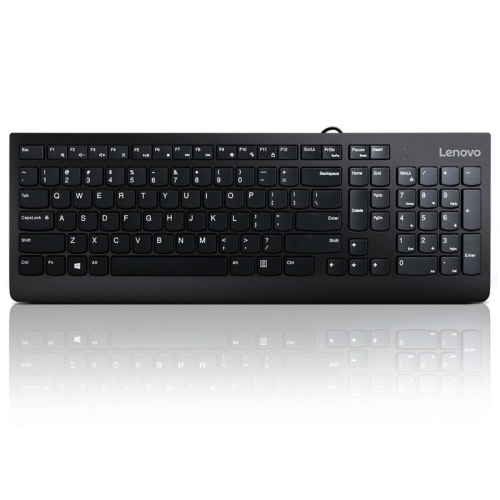
LENOVO 300 USB Keyboard - Us English
About this product
A reliable USB keyboard featuring a US English layout for comfortable and efficient typing.
What customers like
(131)$31.68 Your price for this item is $31.68
FAQ
Mechanical keyboards use individual switches beneath the keys, with options for linear, tactile or clicky feedback. Membrane keyboards use a flexible membrane layer to register keystrokes and typically have a softer feel. The choice depends on your preferred typing feel and sound.
Keyboards can connect through a USB cable, Bluetooth or a dedicated wireless USB receiver. Some support multiple connection methods and let you switch between paired devices. Wireless models may use replaceable batteries or a built-in rechargeable battery.
Check the keyboard’s supported operating systems and connection requirements. Basic typing may work across several systems, while shortcut keys, lighting controls and customization software can require a particular operating system. Also confirm that your computer has the necessary USB port or Bluetooth support.
Programmable keys let you assign functions such as opening an application, controlling media or entering a shortcut. Macros combine a sequence of keystrokes into one assigned action. Depending on the keyboard, these settings may be stored in onboard memory or managed through software.
Keyboard backlighting can be single-colour or RGB. Some models apply one lighting setting across all keys, while others offer separate lighting zones or per-key customization. Available controls may include brightness adjustment, static colours and animated effects.
Top selling and popular products
Discover more categories related to Best Keyboards Under $1000


Some products may be subject to Environmental Handling Fees (EHF) depending on your province. Learn more about EHFs.