Best Laptop Cooling Stands

Find the best laptop cooling stands for a cooler, more comfortable setup, whether you’re working, studying, or gaming. Cooling stands can help improve airflow around your laptop, while adjustable designs let you choose a comfortable viewing angle. Explore the options below, ranked by user review ratings, to find the right fit for your laptop and workspace.

Read More

What to look for in laptop cooling stands

1. Laptop Size and Fit

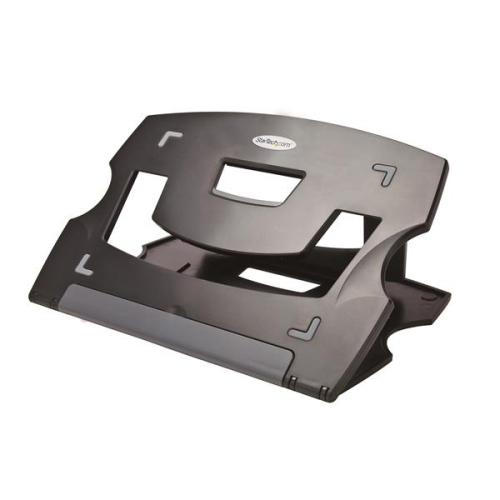
Check that the stand supports your laptop’s dimensions and weight, rather than relying on screen size alone. Non-slip pads and retaining tabs help keep your laptop in place, while an open platform can help keep its air vents clear.

2. Cooling Performance and Noise

Look for fans positioned to direct airflow towards your laptop’s intake vents, or a ventilated design that supports passive airflow. Adjustable fan speeds let you balance cooling with noise, though results will vary by laptop and workload.

3. Height and Angle Adjustment

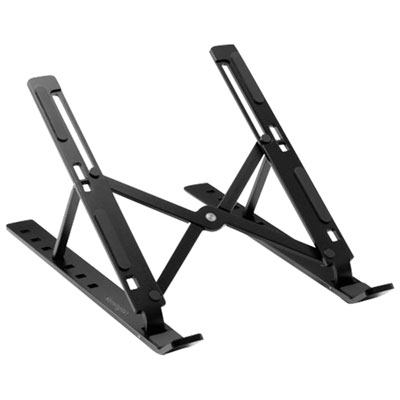
Adjustable height and tilt can help you position the screen for more comfortable viewing. For an elevated setup, consider using a separate keyboard and mouse to keep your hands at a comfortable working height.

4. Power and Portability

Check whether a powered stand needs a USB-A port, a USB-C port, or a separate power supply, and whether the required cable is included. If you move between workspaces, compare the stand’s weight and folded dimensions.
Citrus catapult arrow
  1. 1

    Aluratek Ergonomic Laptop Cooling Table with Fan

    About this product

    An ergonomic white cooling table with a built-in fan that prevents your laptop or tablet from overheating.

    What customers like

    • Effective and quiet cooling fan
    • Highly adjustable height and tilt
    • Sturdy and stable construction
    • Spacious and versatile surface
    • Lightweight and portable design
    (678)
    $59.99 Your price for this item is $59.99
  2. 2

    TARGUS Chill Mat Awe57Ca HD3 Gaming Cooling Stand

    About this product

    An aluminum cooling stand with three high-speed fans for enhanced laptop airflow during intense gaming sessions.

    What customers like

    • Quiet and adjustable fans
    • Fits large laptops up to 17 inches
    • Lightweight and low profile design
    • Durable and sturdy construction
    • Effective cooling performance
    (37)
    $130.68 Your price for this item is $130.68
  3. 3

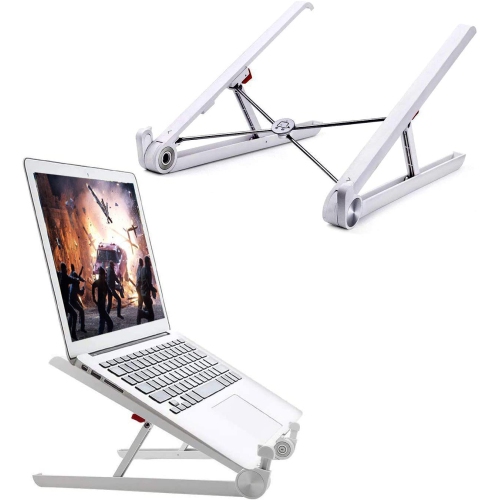
    DURAMEX (Tm) Portable Laptop Desk Stand Foldable Ventilated for Macbook And Notebook

    About this product

    A foldable, ventilated laptop desk stand with adjustable angles, ideal for 10" to 17" notebooks.

    (1)
    $9.99
    SAVE $10
    Your price for this item is $9.99
  4. 4

    TUTT F3 14" 1080P HD Ips Lcd Portable Monitor (F3) - USB-C/hdmi - 360° Rotation Stand - Built-In Speaker

    About this product

    A portable dual monitor extender with built-in speakers, cooling base, and 360° rotation for laptops.

    (4)
    $489.90
    SAVE $100
    Your price for this item is $489.90
  5. 5

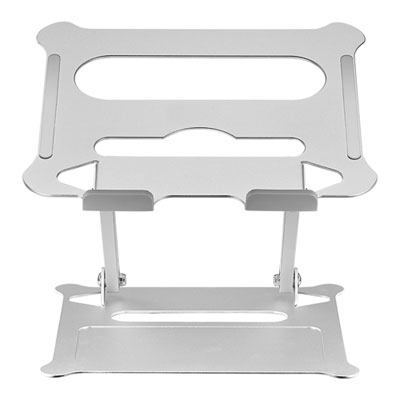
    Insignia Ergonomic Adjustable Laptop Stand - Silver - Only at Best Buy

    About this product

    An ergonomic silver laptop stand with adjustable height and angle, folding flat for easy portability.

    What customers like

    • Sturdy and stable
    • Affordable and good value
    • Space-saving and compact design
    • Highly adjustable for height and angle
    • Lightweight and portable
    (415)
    $52.97 Your price for this item is $52.97
  6. 6

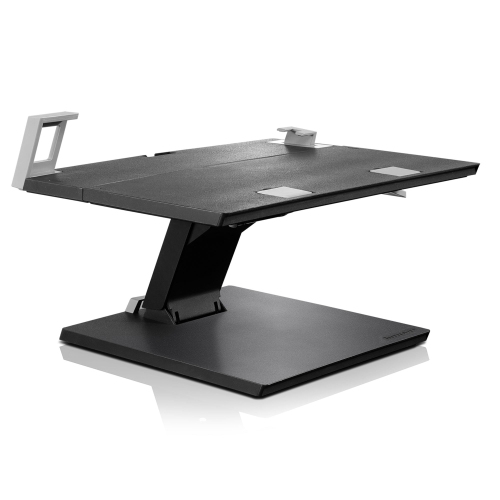
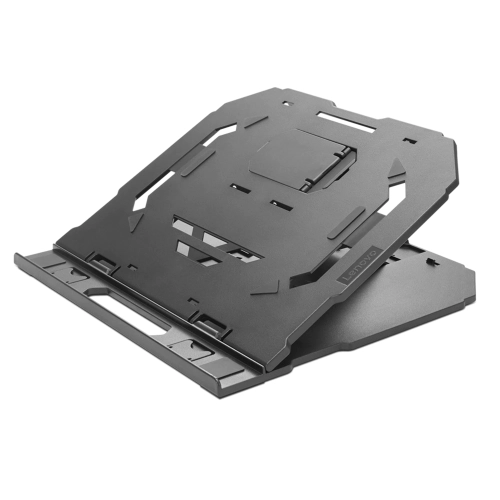
    LENOVO Adjustable Notebook Stand

    About this product

    An adjustable stand designed to elevate and support your notebook for improved comfort and productivity.

    What customers like

    • Highly adjustable with tilt, height, and swivel options
    • Good value for money
    • Easy to assemble and set up
    • Sturdy and stable build
    • Supports large and heavy laptops
    (58)
    $219.99
    SAVE $80
    Your price for this item is $219.99
  7. 7

    LENOVO 2-In-1 Laptop Stand

    About this product

    A versatile stand that elevates and supports laptops for improved ergonomics and productivity.

    What customers like

    • Sturdy and durable build
    • Adjustable angles for ergonomic comfort
    • Lightweight and highly portable
    • Bonus phone stand included
    • Improves airflow and cooling
    (447)
    $42.99 Your price for this item is $42.99
  8. 8

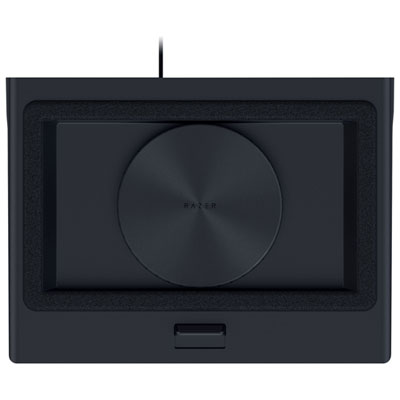
    Razer Laptop Cooling Pad

    About this product

    A cooling pad with a 140mm fan, foam seals, and customizable fan settings for optimal laptop performance.

    What customers like

    • Quiet operation with easy fan speed control
    • Multiple USB ports and integrated USB hub
    • Adjustable fit for 14-18 inch laptops
    • Effective cooling and noticeable temperature reduction
    • Customizable RGB lighting and sleek design
    (212)
    $179.99
    SAVE $20
    Your price for this item is $179.99
  9. 9

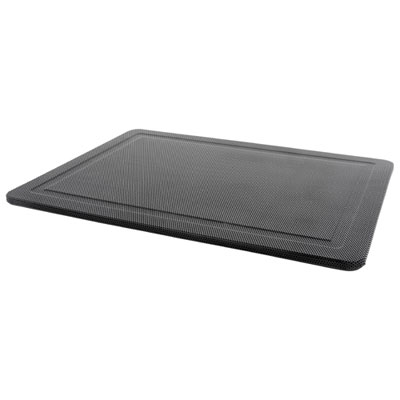
    Insignia Laptop Cooling Mat - Only at Best Buy

    About this product

    A black laptop cooling mat with USB pass-through and storage for laptops up to 15.6".

    What customers like

    • Fast delivery
    • Adjustable options
    • Quiet operation
    • Effective cooling
    • Laptop protection
    (32)
    $39.99 Your price for this item is $39.99
  10. 10

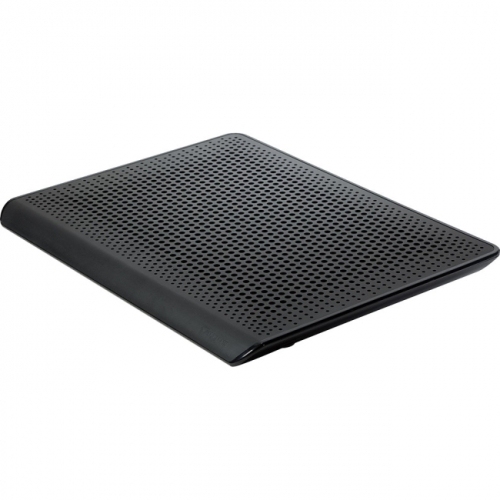
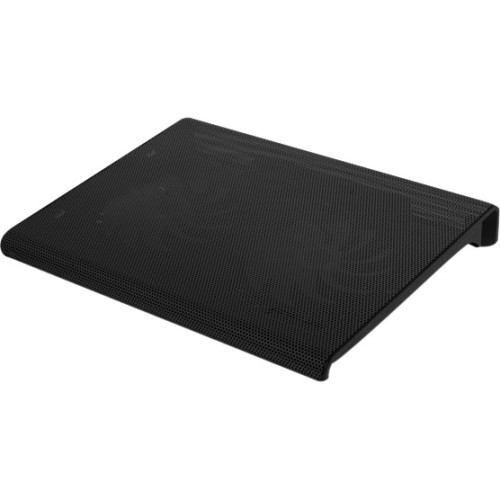
    ALURATEK Slim USB Laptop Cooling Pad (Black)

    About this product

    A slim black USB-powered cooling pad designed to keep your laptop cool during extended use.

    What customers like

    • Affordable price and good value
    • Quiet and soundless operation
    • Lightweight and portable design
    • Convenient USB connectivity
    • Effective cooling performance
    (86)
    $48.27
    SAVE $4
    Your price for this item is $48.27

Why fan placement matters more than fan count

The best laptop cooling stands combine effective airflow, a secure fit, and a comfortable working position for the laptop and the person using it. A cooling stand lifts a notebook off the desk, creating space around its underside, while fan-equipped designs move air towards compatible intake vents. That extra airflow can help a laptop manage the heat produced during gaming, video editing, large spreadsheet calculations, and other demanding tasks. Results depend on the laptop’s vent layout, internal cooling system, workload, and the stand’s design; no cooling accessory guarantees the same improvement across every computer. Passive stands rely on elevation and open construction rather than powered fans, making them useful when a quieter workspace and better screen positioning are the main priorities. Active cooling stands add one or more fans and may offer adjustable speeds, allowing airflow and sound levels to be balanced for different activities. A student writing an assignment in a shared room may appreciate a quiet setting, while someone rendering a video may prefer stronger airflow during a lengthy export. For laptops with bottom-facing air intakes, the placement of the fans and the amount of open space beneath the chassis matter more than fan count alone. A large fan positioned away from the intake may be less useful than a layout that directs air where the computer draws it in. Laptops that take in air through other areas may see less benefit from airflow directed at the underside. Cooling stands also need to leave side and rear exhaust vents unobstructed so heated air can escape. Designs with a raised rear edge can create this clearance while tilting the keyboard towards the user. For everyday browsing and office work, modest elevation may be enough to improve the desk setup; for sustained, demanding workloads, powered airflow can be a useful addition to the laptop’s own cooling system. The strongest match is therefore a stand that suits the computer’s construction and daily use, rather than simply the design with the most fans or the highest speed setting.

Fit involves more than the screen measurement printed on a laptop’s specifications. Two 15-inch laptops can have different chassis widths, depths, weights, and rubber-foot positions, so the stand’s usable platform dimensions and weight capacity are important considerations. A gaming laptop with a deep rear section needs stable support without covering its exhaust outlets, while a compact notebook needs retaining stops that hold it securely without pressing against the wrists. Front lips, silicone pads, and textured contact points help limit movement when typing or adjusting the screen. Those contact points should support the chassis without obstructing intake grilles or interfering with ports and charging cables. Height and tilt adjustments affect how naturally a cooling stand fits into a workspace. A low incline can suit occasional typing on the built-in keyboard, whereas a taller position works better with a separate keyboard and mouse, allowing the display to sit closer to eye level without raising the hands. On a narrow desk, the base footprint also matters: a stable platform still needs to leave room for a mouse, notebook, and external keyboard. Metal mesh surfaces provide openings for airflow, while aluminium frames can offer a rigid structure with a clean appearance. Plastic construction can keep weight down for carrying between a desk and a study space, although hinge quality, reinforcement, and overall stability matter more than material alone. Adjustable joints should hold their position under the laptop’s weight, and folding legs should lock or seat securely rather than shift during use. A firm, level surface gives most cooling stands the support and intake clearance they need. A fan-equipped stand resting directly on a blanket can still have its own airflow blocked, so it should not be treated as a substitute for a suitable lap desk or hard work surface. For shared desks and frequently rearranged workspaces, thoughtful cable routing and a base that is easy to lift can make everyday setup less cumbersome. These practical details often have more influence on long-term satisfaction than decorative lighting or an elaborate control panel.

Fan design, power requirements, and maintenance help distinguish cooling stands intended for occasional use from those suited to long daily sessions. Adjustable fan speeds are useful when a setup moves between quiet reading, voice calls, and more intensive work. Larger fans can sometimes move air at lower rotational speeds, but size alone does not determine noise: motor quality, grille design, vibration, and the surface beneath the stand also contribute. A low hum may be unobtrusive through headphones yet noticeable beside a microphone during a meeting or recording. Some designs use a foam seal or enclosed airflow chamber to direct air into compatible bottom intakes. Their effectiveness depends on a close match between the seal, chassis shape, and ventilation layout, and stronger airflow may come with more audible fan noise. For a closer look at this powered format, laptop stands with cooling fans bring together raised support and active airflow in one desk accessory. Power connections deserve attention, particularly on laptops with limited ports. Some cooling stands draw power through USB, while others require a separate power adapter; a pass-through port should not be assumed to support charging or data transfer unless specified. Cable length also affects whether the stand can sit comfortably beside a monitor or reach a nearby power connection. Regular care helps preserve airflow and keeps the platform pleasant to use. With the stand disconnected and the laptop removed, accessible surfaces can be wiped according to the manufacturer’s directions, and dust can be cleared from grilles or removable filters as instructed. Liquid should be kept away from motors and electrical connections. Cooling stands do not replace maintenance of the laptop itself, and persistent overheating, unexpected shutdowns, or unusually loud internal fans may need further attention. For commuters, a folding design with protected hinges and a manageable cable is easier to pack; for a permanent gaming or editing desk, a wider base and sturdy adjustment mechanism may take priority. As a gift for a student, remote worker, or PC gamer, a cooling stand is most useful when its dimensions, connections, and airflow layout match the laptop they already use.
Read More

FAQ

Some products may be subject to Environmental Handling Fees (EHF) depending on your province. Learn more about EHFs.