Best Laptops for Virtual School
The best laptops for virtual school help students stay connected, organized, and ready to learn. Whether you’re joining video lessons, researching assignments, or collaborating on projects, look for clear audio, reliable Wi-Fi, and battery life that supports your school day. Explore the laptops below, ranked by user review ratings, to find an option that fits your learning needs and budget.
What to look for in laptops for virtual school
1. Performance and Software Compatibility
2. Webcam, Audio and Connectivity
3. Display and Typing Comfort
4. Battery Life, Portability and Storage
-
1

APPLE Macbook Pro 13.3" W/ Touch Bar (Fall 2020) - Space ( M1 Chip / 256GB SSD / 8GB Ram) - En - In Grey
About this product
A powerful grey laptop featuring the M1 chip, 256GB SSD, 8GB RAM, and Touch Bar.
What customers like
(6,034)$1,500.00 Your price for this item is $1500 -
2

MICROSOFT Refurbished (Good) - Surface Laptop 3 15" Touchscreen - Amd Ryzen 7 Surface Edition - 32GB - 1Tb SSD - Windows 10 Home
About this product
A refurbished laptop featuring a 15" touch screen, 1TB SSD, AMD Ryzen 7, and 32GB memory.
What customers like
(2,498)$3,099.00Your price for this item is $3099SAVE $501 -
3

APPLE Refurbished (Good) - Macbook Pro With Touch Bar 13.3" - Space (Intel Core I5 2.4Ghz/256GB/8GB Ram) - En (2019 Model) In Grey
About this product
A refurbished grey laptop featuring an Intel Core i5 processor, 256GB storage, 8GB RAM, and Touch Bar.
What customers like
(880)$699.77Your price for this item is $699.77SAVE $1000 -
4
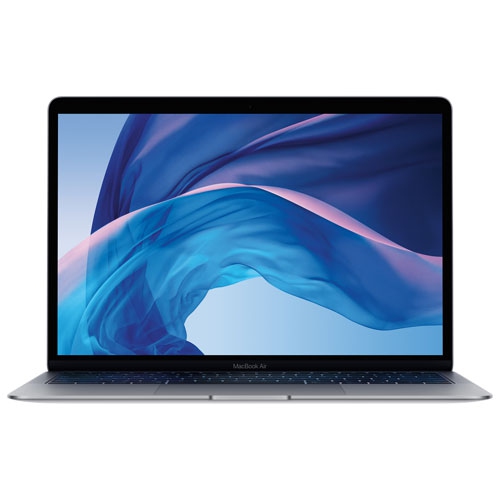
APPLE Refurbished (Good) - Macbook Air 13.3" - Space (Intel Core I5 1.6Ghz / 256GB SSD / 8GB Ram) - En (2019 Model) In Grey
About this product
A refurbished grey laptop featuring an Intel Core i5 processor, 256GB SSD, and 8GB RAM.
What customers like
(659)$699.77Your price for this item is $699.77SAVE $600 -
5

LENOVO Thinkpad E16 Gen 2 Business Laptop 16" Ips - Intel Core Ultra 7 155U - 16GB - 512GB SSD - Graphite In Black
About this product
A powerful Lenovo laptop with a 16" IPS display, Intel processor, 16GB RAM, and 512GB SSD.
What customers like
(264)$1,445.00Your price for this item is $1445SAVE $354 -
6
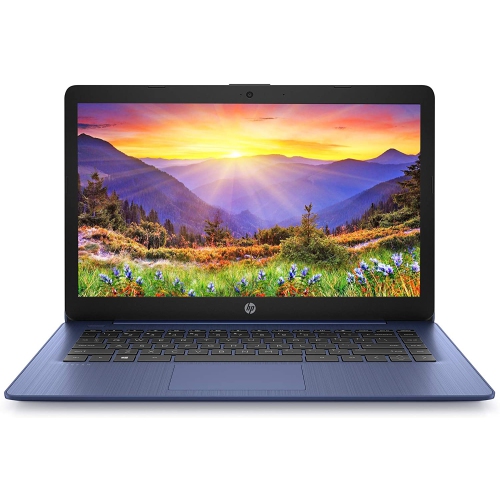
HP Stream 14" Laptop - Intel Celeron N4000 - 4GB Ram - 64GB Emmc - Windows 10 - Royal - Includes 1 Year Office 365 Subscription In Blue
About this product
A lightweight blue laptop featuring Intel Celeron N4000, 64GB eMMC storage, and Windows 10.
What customers like
(152)$320.00 Your price for this item is $320 -
7
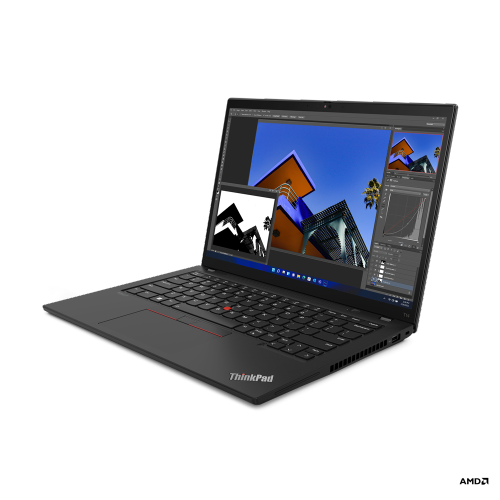
LENOVO Thinkpad T14 Gen 3 14" Touchscreen Business Laptop - Amd Ryzen 5 Pro 6650U - 16GB - 256GB SSD - Windows 11 Pro - Thunder In Black
About this product
A powerful black business laptop featuring an AMD Ryzen 5 Pro processor, 16GB RAM, and 256GB SSD.
What customers like
(119)$1,156.68Your price for this item is $1156.68SAVE $15 -
8
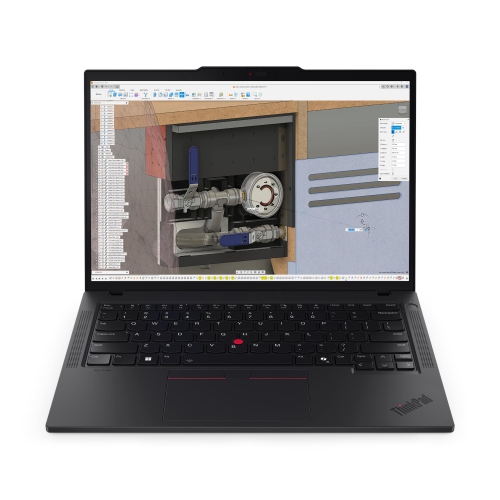
LENOVO Thinkpad P14S Gen 6 14" Laptop - Amd Ryzen Ai 7 Pro 350 - 32GB Ram - 1Tb SSD - Windows 11 Pro - In Black
About this product
A powerful black laptop featuring an AMD Ryzen AI 7 PRO processor, 32GB RAM, and 1TB SSD.
(6)$3,560.99Your price for this item is $3560.99SAVE $621 -
9
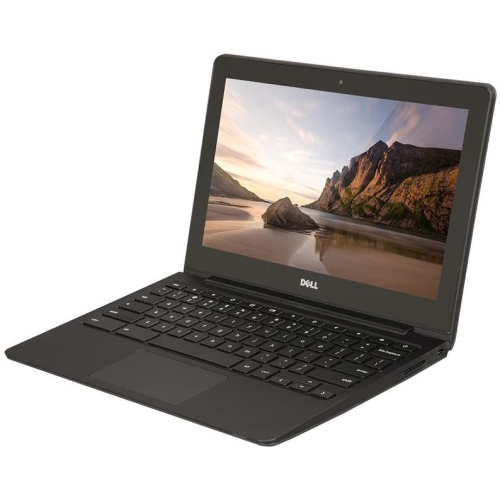
DELL Refurbished (Good) - Chromebook 11 11.6" Student Chromebook - Intel Celeron 2955U - 4GB Ram - 16GB Emmc - Chrome Os - In Black
About this product
A durable 11.6" Chromebook with Intel Celeron processor, 16GB SSD, 4GB RAM, and built-in webcam.
(1)$299.00 Your price for this item is $299 -
10
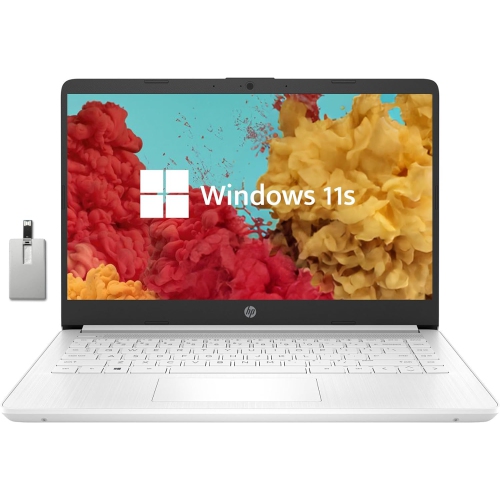
HP Stream 14" Laptop - Intel Celeron N4000 - 4GB Ddr4 - 64GB Emmc - Windows 10 Home S Mode - Diamond - Includes 1 Year Office 365 Personal In White
About this product
A lightweight laptop with Intel Celeron processor, 4GB RAM, 64GB storage, and Windows 10 in S Mode.
What customers like
(0)$449.00Your price for this item is $449SAVE $56
FAQ
Look for a built-in webcam, microphone, speakers and Wi-Fi for online classes. A comfortable keyboard, accessible audio controls and a battery suited to your daily class schedule are also useful. Check your school’s hardware and software requirements before choosing a laptop.
Choose an operating system that supports your school’s learning platform and required applications. Windows laptops and Mac laptops support many desktop programs, while Chromebooks centre on browser-based tools and supported apps. Some courses require software that works only with certain operating systems, so confirm compatibility with your school.
A traditional laptop has a keyboard attached to a hinged display. A 2-in-1 adds a touchscreen and a design that folds or detaches for tablet-style use. Some models support a compatible digital pen for handwritten notes and document annotations, though the pen may be sold separately.
USB ports let you connect accessories such as a mouse, headset or external webcam. HDMI or a USB-C port with video support can connect an external monitor. A headphone jack is useful for wired audio, while Bluetooth supports compatible wireless accessories. Check each port’s capabilities, as not all USB-C ports support charging or video output.
Local storage keeps files on the laptop, so saved documents can be available without an internet connection. Cloud storage keeps files online and can support sharing and access across devices. Some services also let you mark files for offline use. Your school may provide a cloud storage account with specific rules for saving and submitting assignments.
Top selling and popular products
Discover more categories related to Best Laptops for Virtual School


Some products may be subject to Environmental Handling Fees (EHF) depending on your province. Learn more about EHFs.