Latest Apple Computers
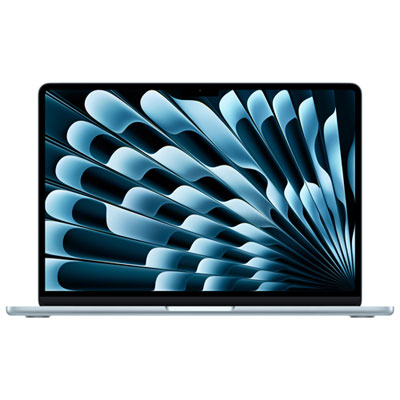
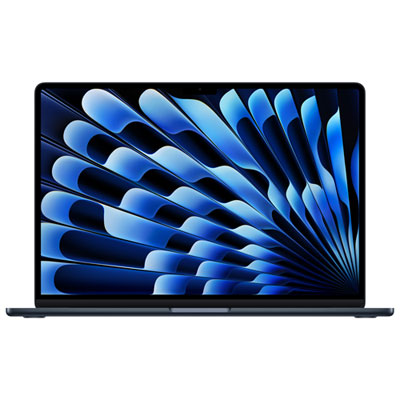
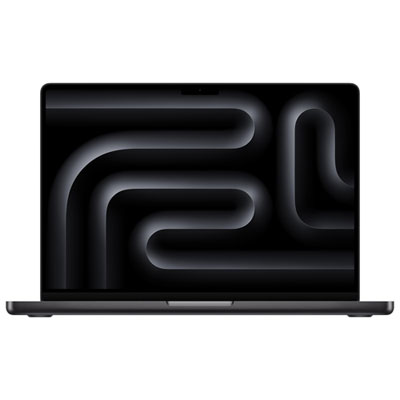
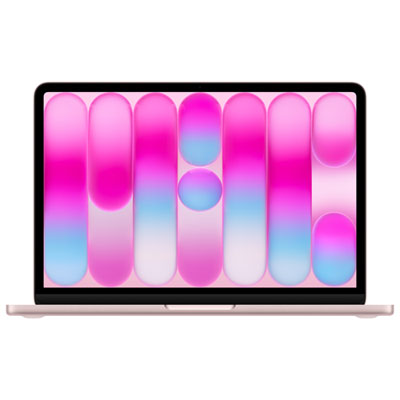
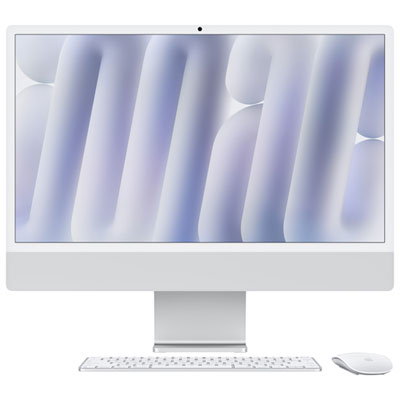
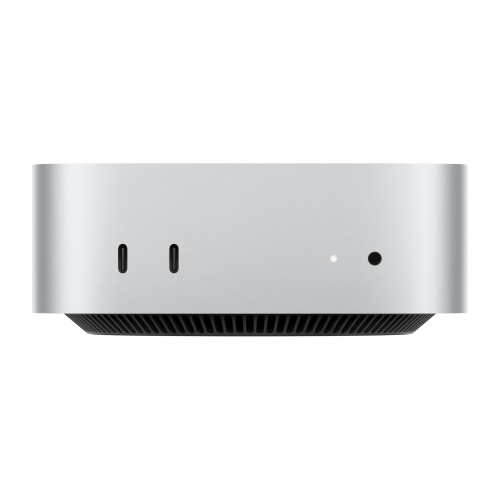
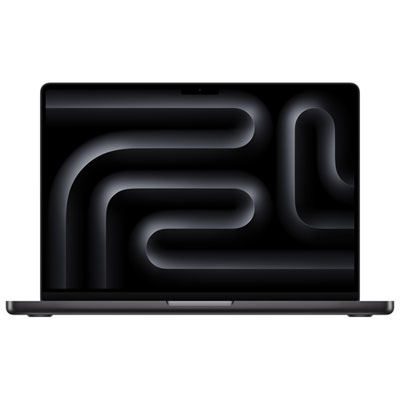
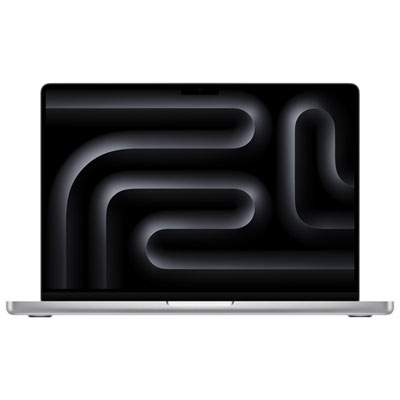
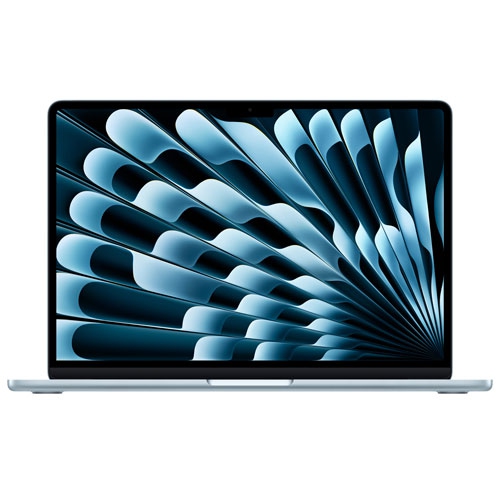
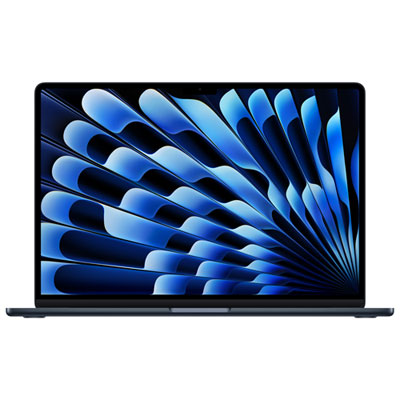
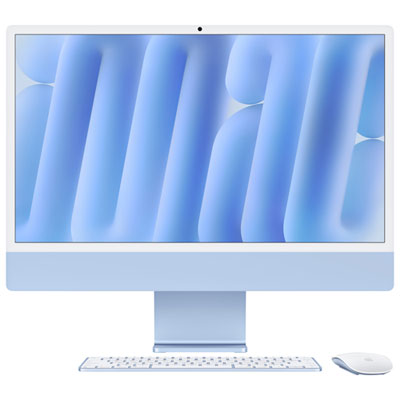
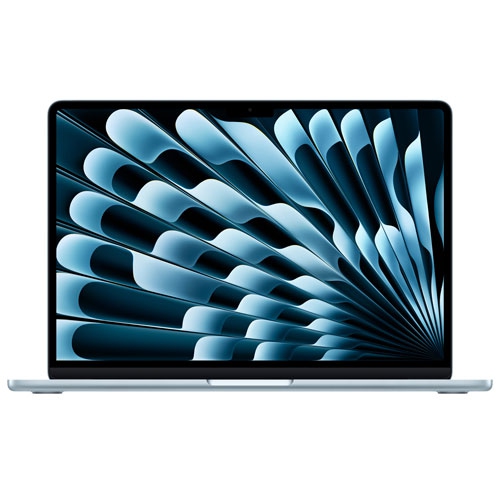
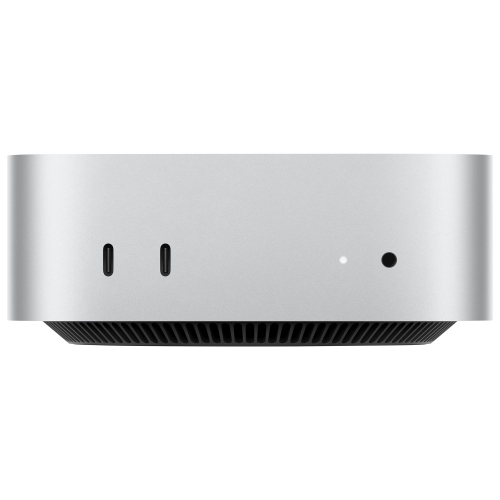
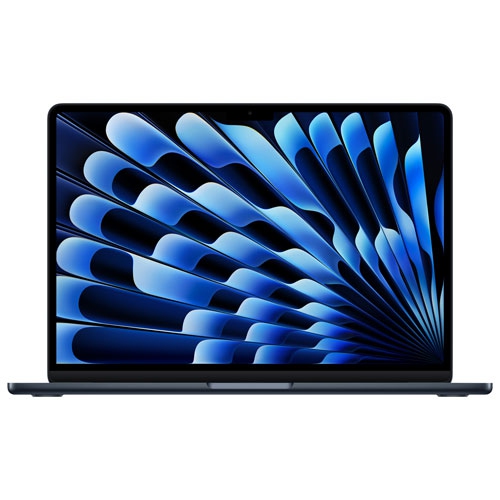
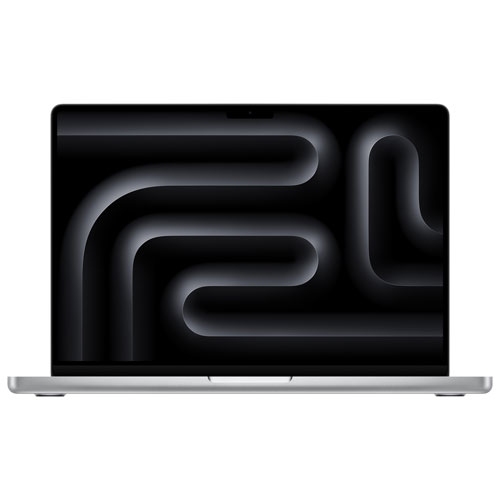
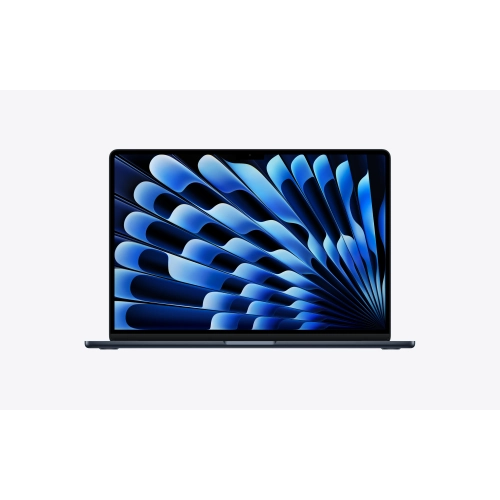
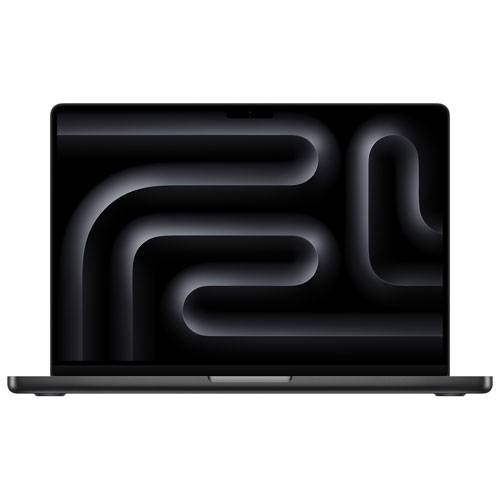
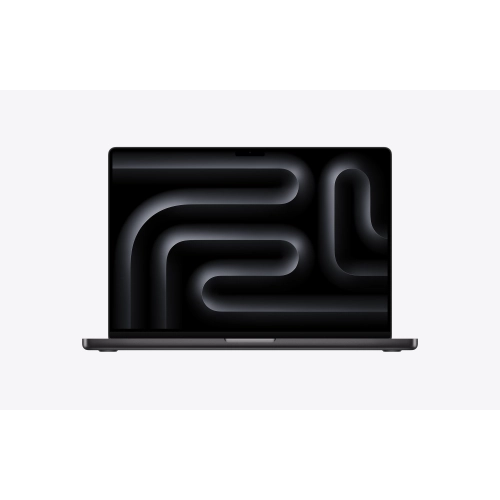
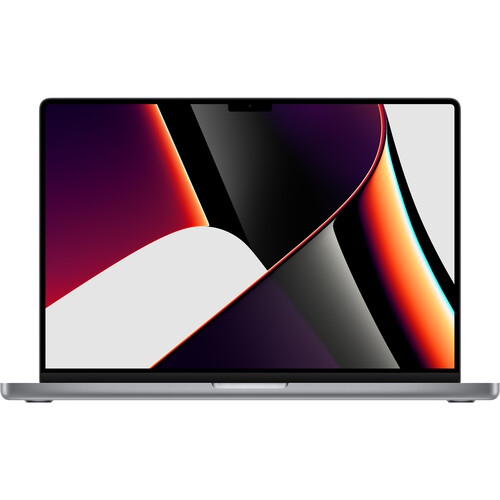
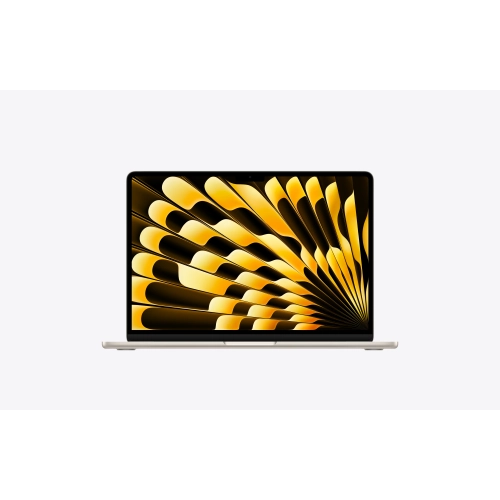
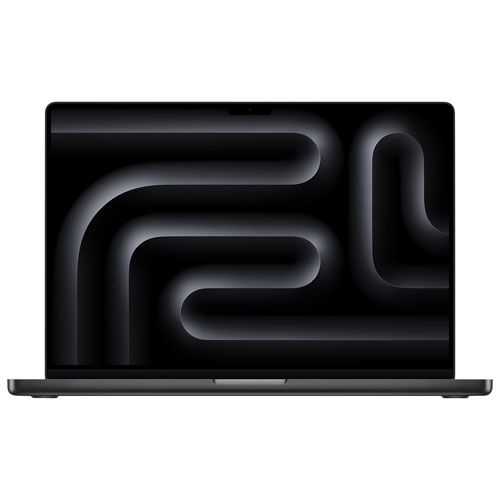
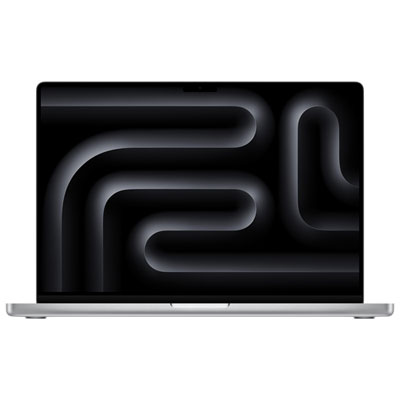
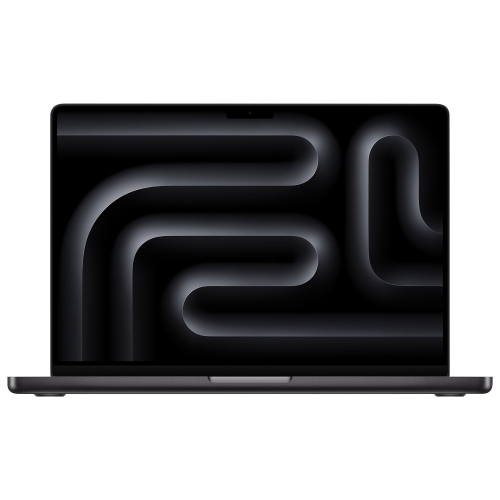
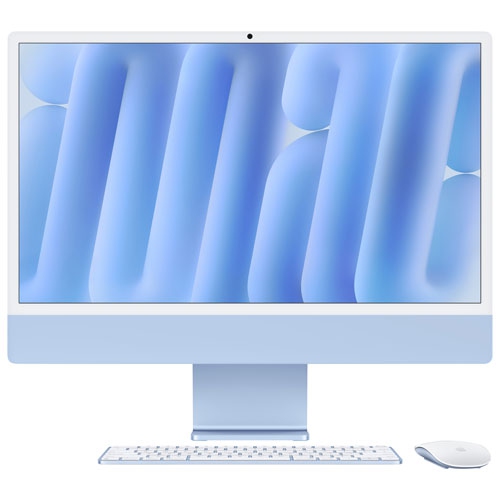
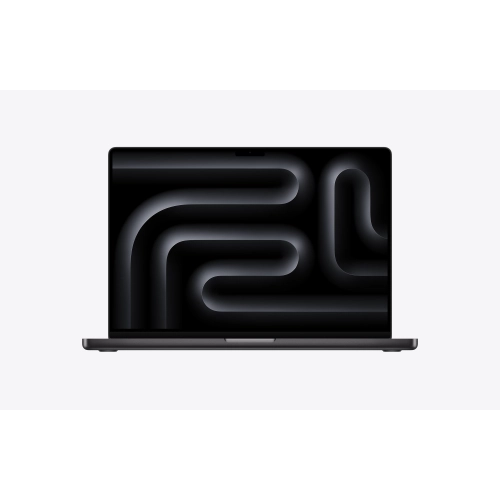
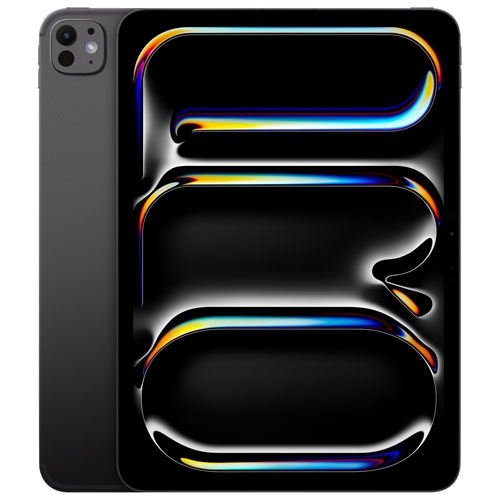
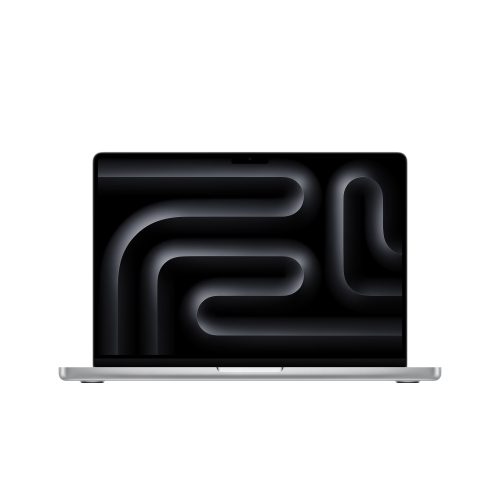
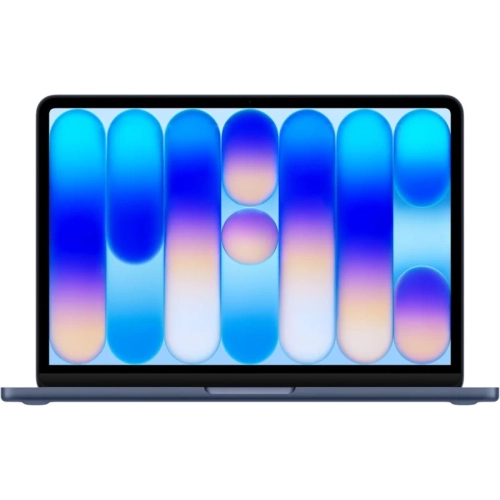
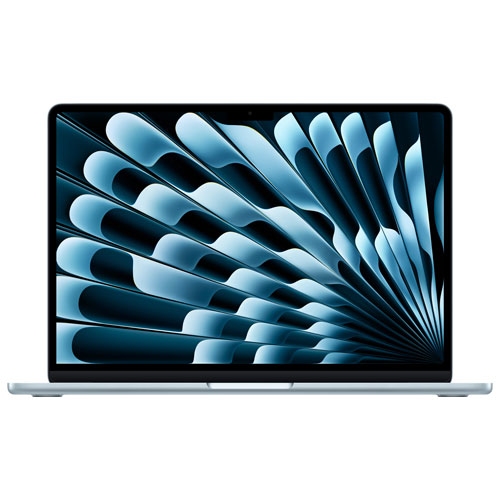
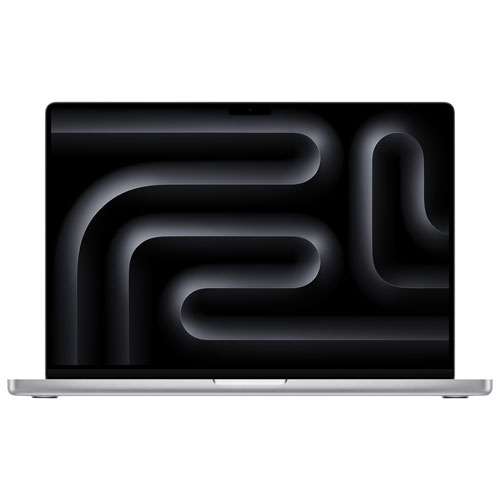
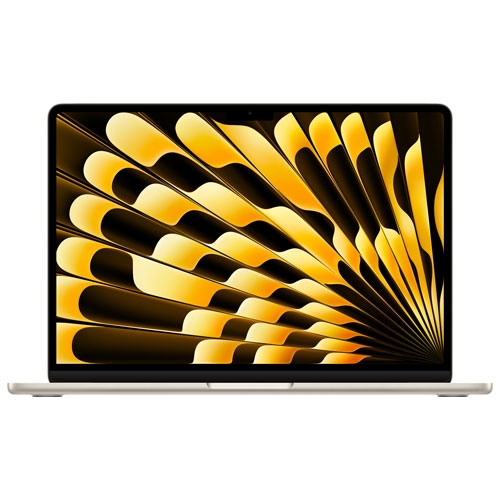
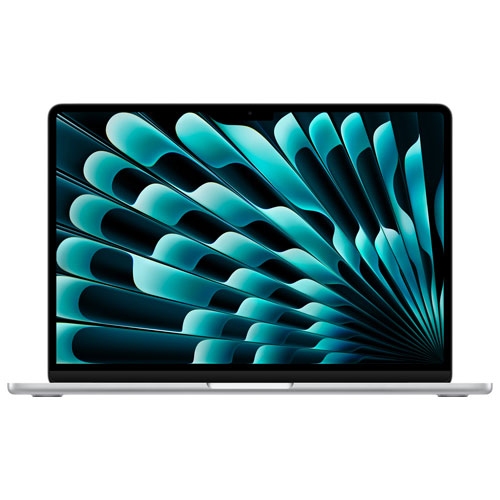
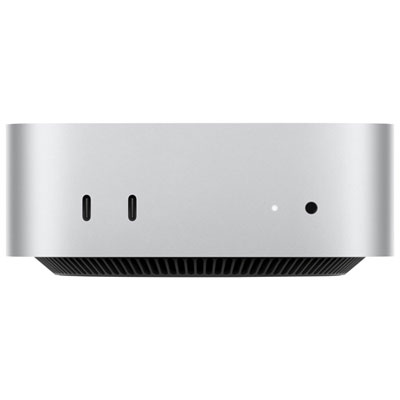
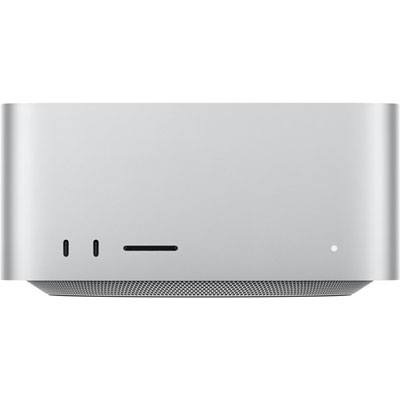
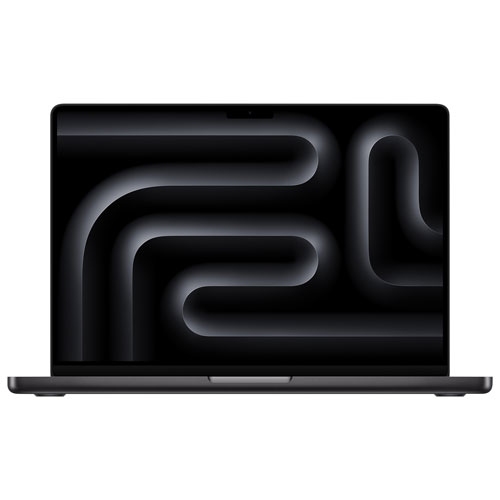
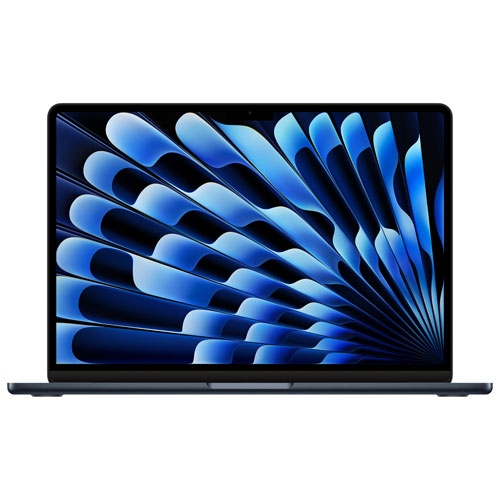
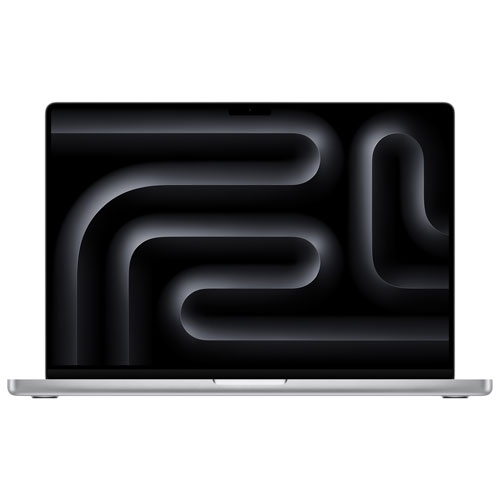
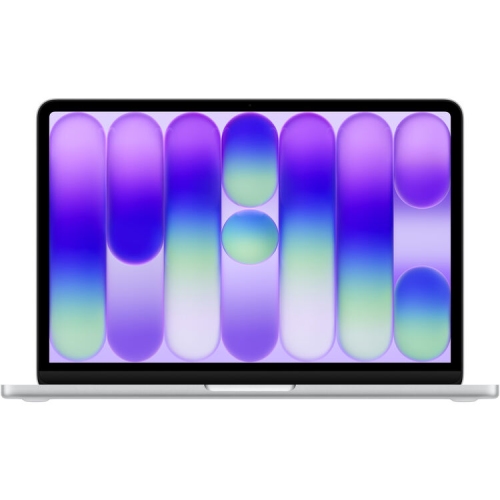
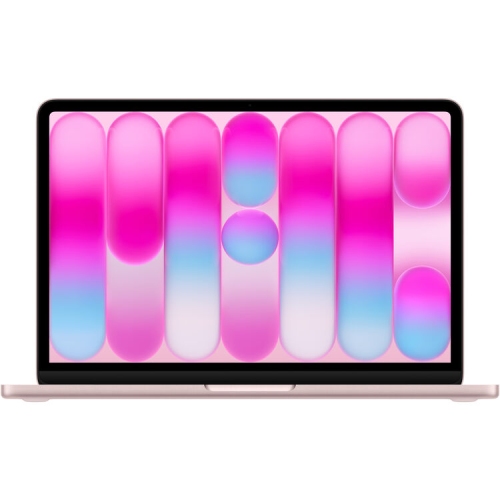
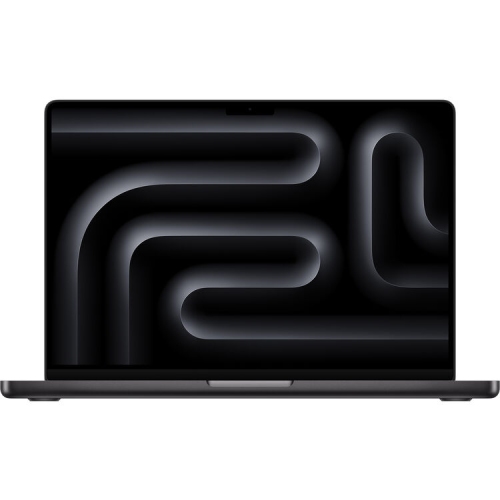
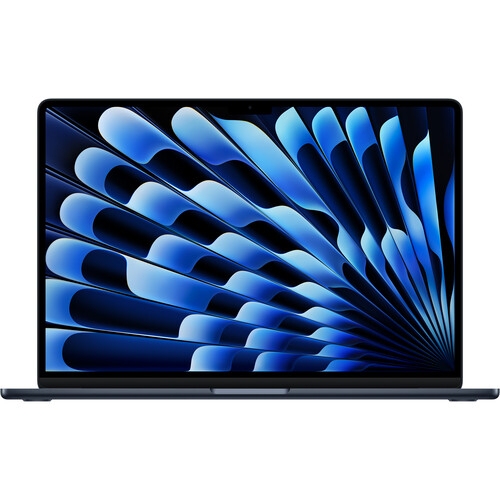
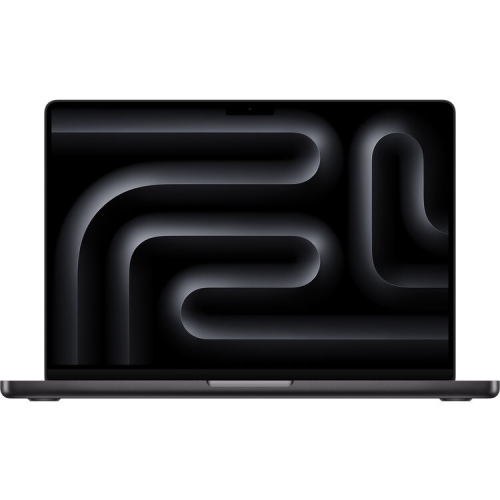
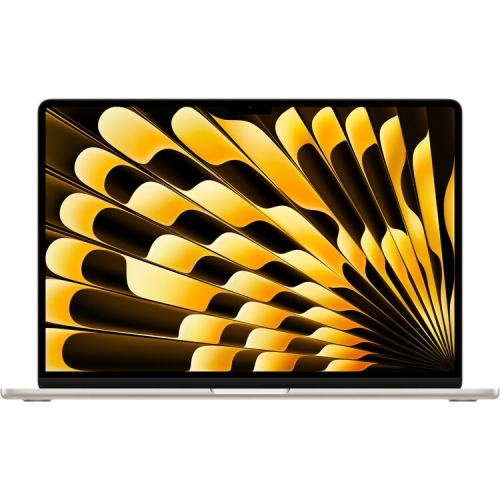
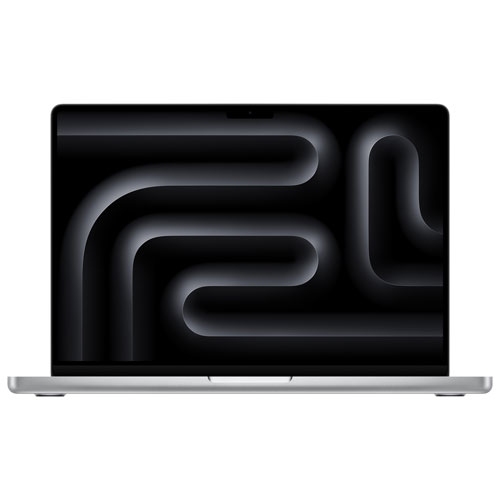
Explore the latest Apple computers to find a Mac laptop or desktop for work, study, or creative projects. Compare available models by performance, storage, display size, and connectivity to choose a computer that fits your daily needs and workspace.


FAQ
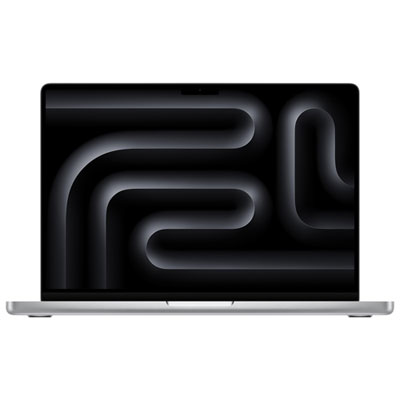
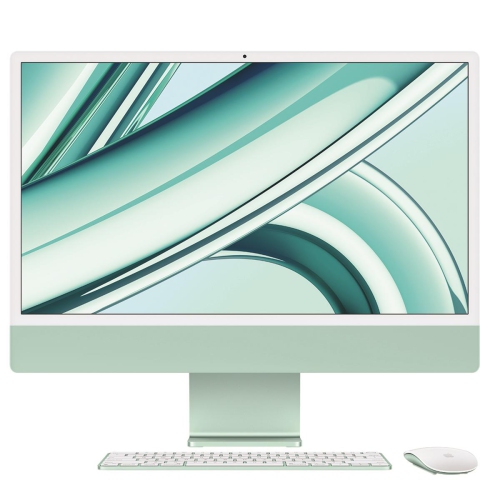
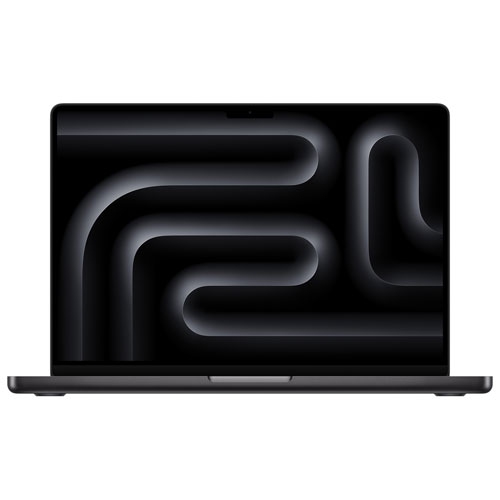
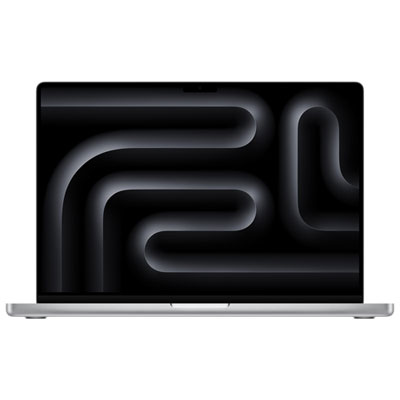
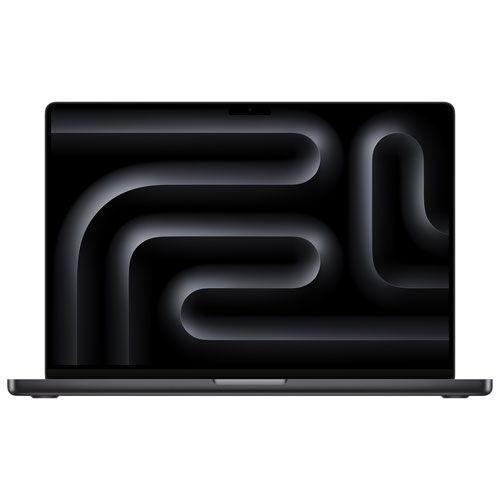
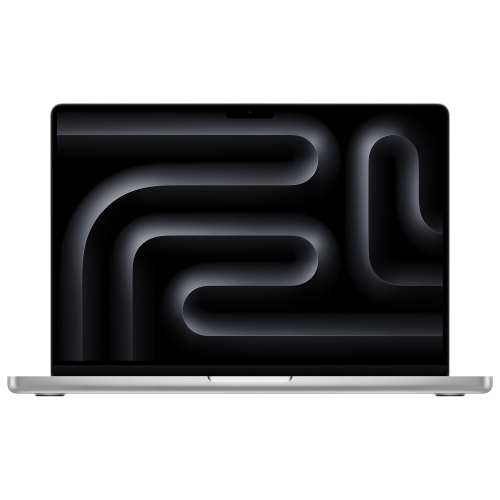
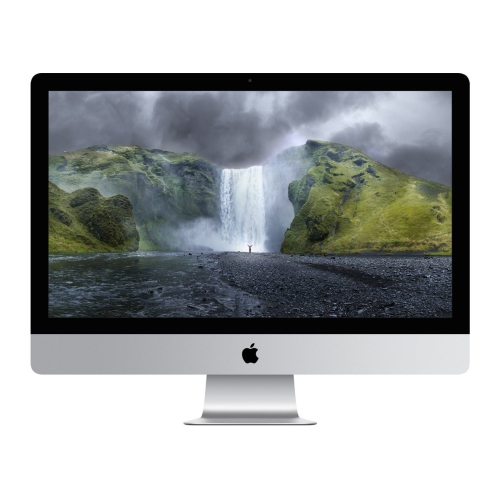
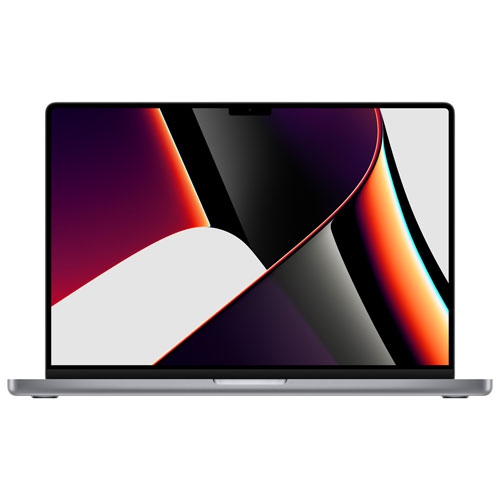
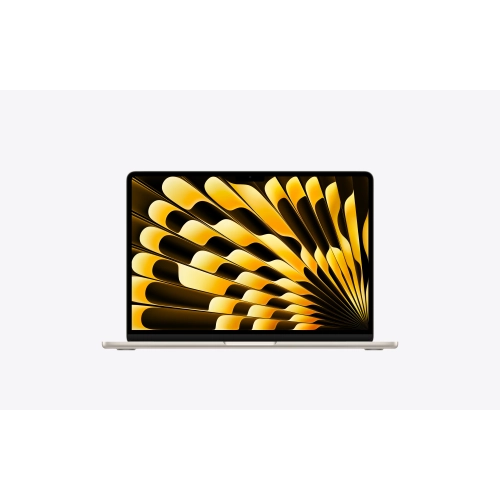
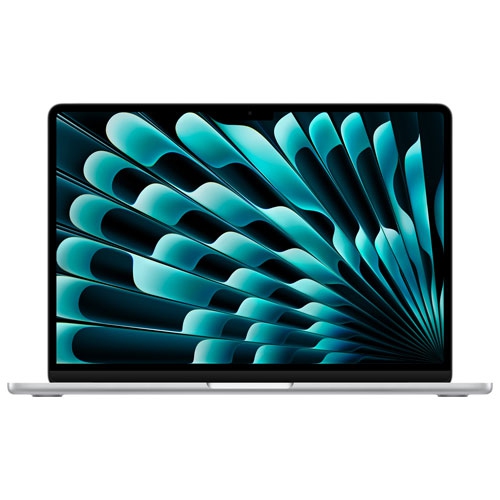
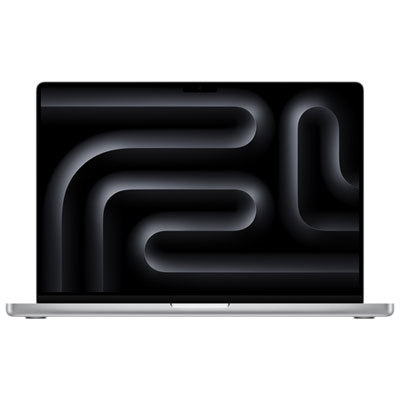
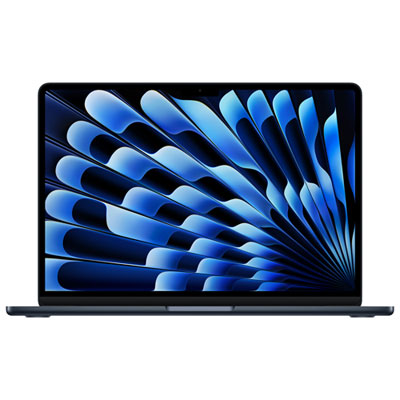
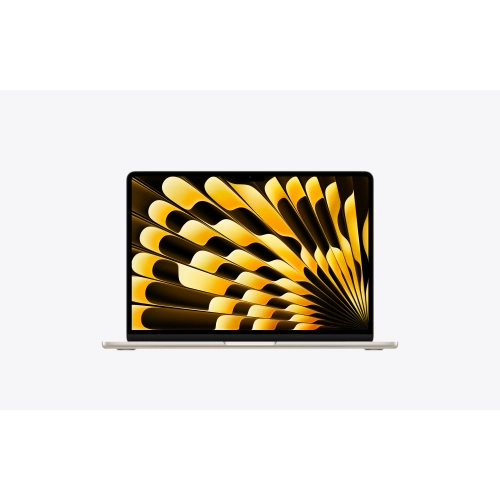
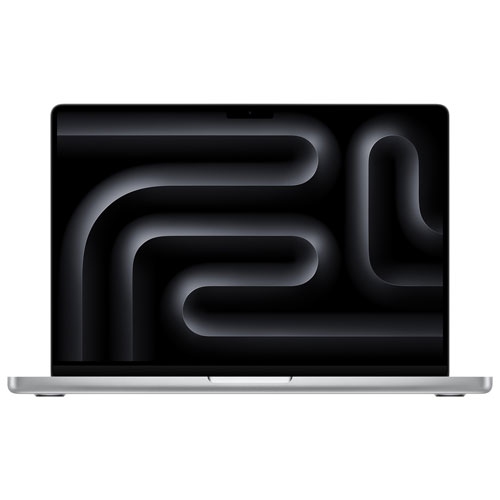
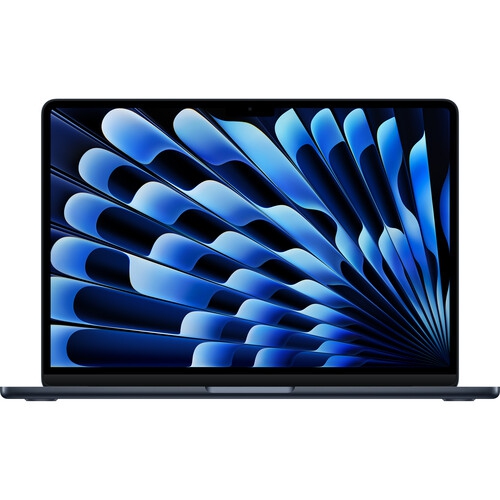
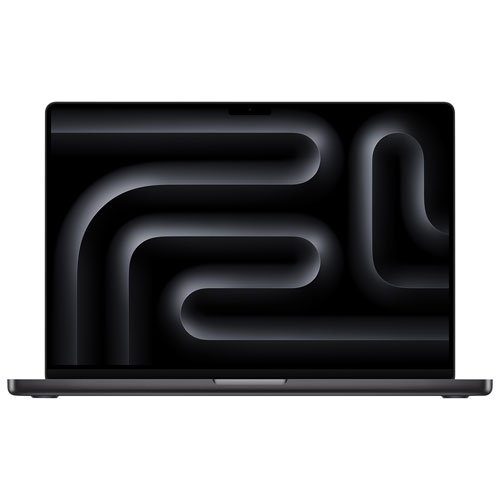
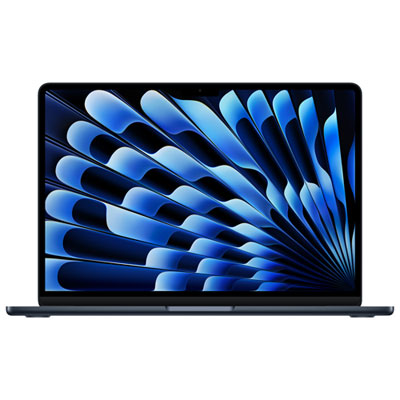
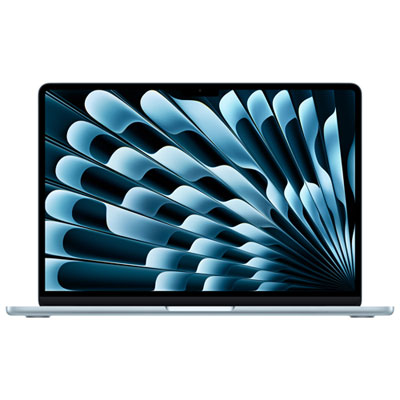
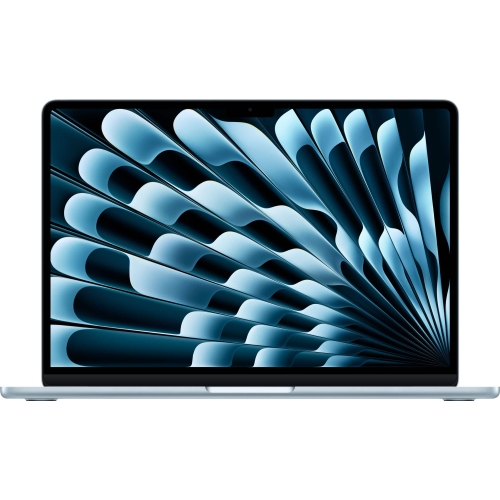
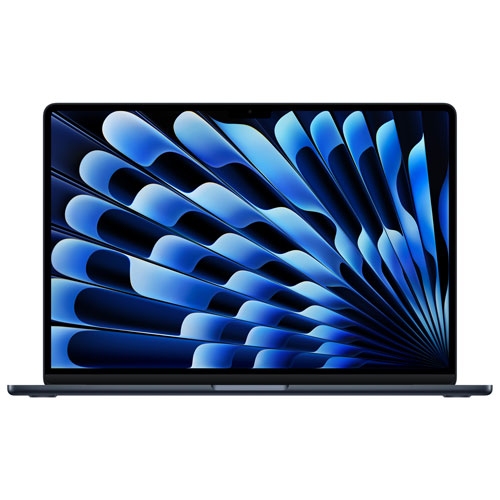
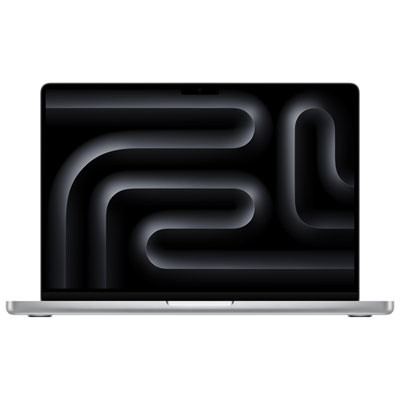
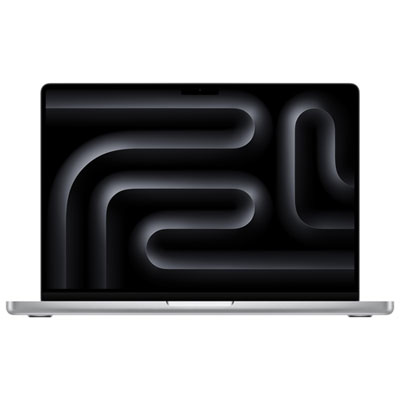
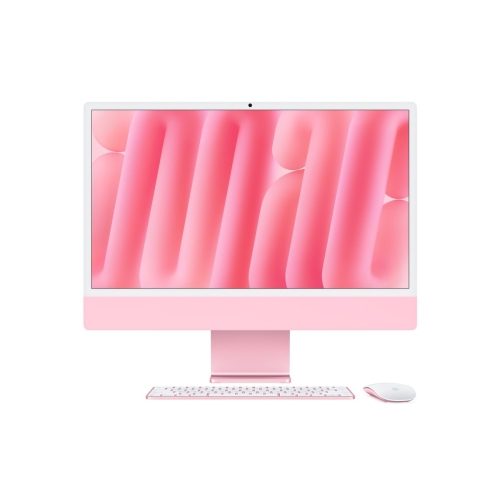
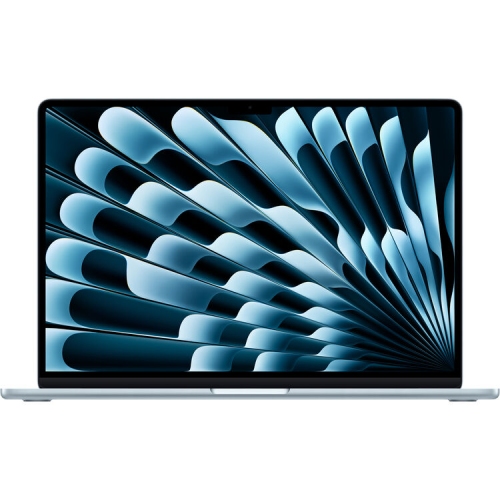
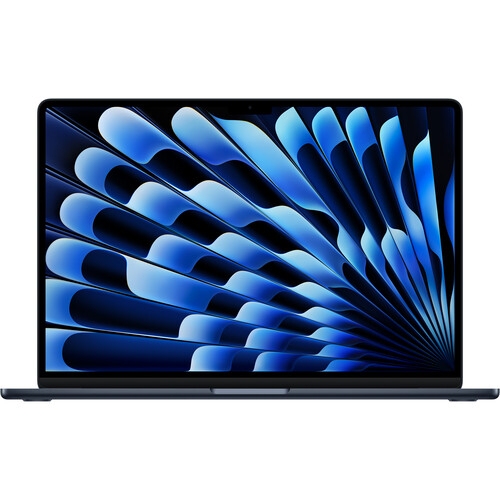
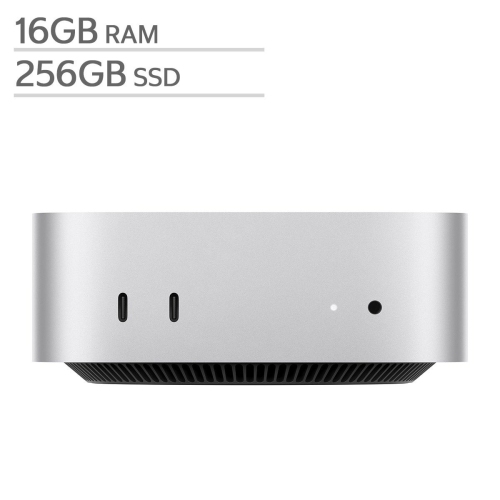
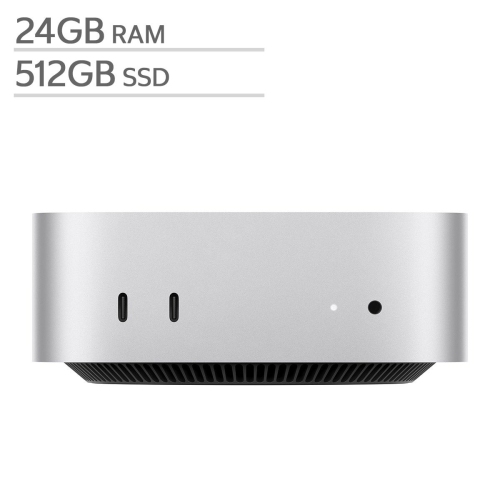
Apple laptops combine a display, keyboard, trackpad, and battery in one portable computer. Apple desktops are designed for a dedicated workspace and may use a built-in or separate display. Choose between them based on whether you want to work on the go or keep your computer at a desk.
Apple silicon refers to Apple-designed chips used in Mac computers. These chips combine computing and graphics functions and work closely with macOS. When choosing apps, check whether they support Apple silicon and the macOS version installed on your computer.
Apple computers run macOS and support compatible apps for productivity, browsing, creative projects, and entertainment. You can find apps through the Mac App Store and software developers. Check each app’s macOS requirements, especially if you rely on older software or specialized tools.
Compatible Apple devices can share files through AirDrop, sync content through iCloud, and use Continuity features to move between tasks. Some features require the same Apple Account, compatible software versions, and Wi-Fi or Bluetooth to be enabled.
Migration Assistant can help transfer documents, user accounts, and other supported content from another Mac or a Windows PC. You can also move files using external storage or cloud services. App transfer options vary, and Windows apps generally require a compatible Mac version or an alternative.
Top selling and popular products
Discover more categories related to Latest Apple Computers

Some products may be subject to Environmental Handling Fees (EHF) depending on your province. Learn more about EHFs.