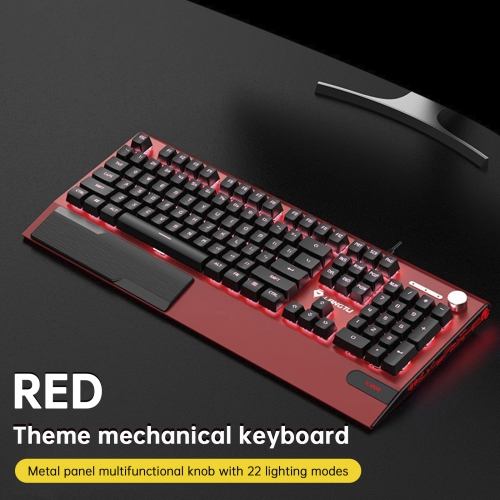
Best Mechanical Keyboards for Gaming

The best mechanical keyboards for gaming combine responsive switches, satisfying key feedback, and features that suit your play style. Whether you prefer a compact layout or a full-size keyboard with customizable lighting, explore options for your gaming setup. This list is ranked based on user review ratings, helping you compare keyboards through the experiences of fellow gamers.

Read More

What to look for in mechanical keyboards for gaming

1. Switch Type

Linear switches offer smooth keystrokes, tactile switches provide a noticeable bump, and clicky switches add audible feedback. Choose a feel and sound level that suits your gaming preferences and shared space.

2. Gaming Responsiveness

Look for low input latency and N-key rollover to help register simultaneous key presses accurately. Wired USB and low-latency 2.4 GHz wireless connections are often better suited to fast-paced gaming than Bluetooth.

3. Size and Layout

Full-size keyboards include a number pad, while tenkeyless and compact models leave more room for mouse movement. Check that a smaller layout retains the arrow keys, function keys and shortcuts you use most.

4. Customization and Build Quality

Programmable keys, onboard profiles and adjustable RGB lighting can help tailor your keyboard to different games. Hot-swappable switches make it easier to change key feel without soldering, while durable keycaps and a sturdy frame can stand up to frequent use.
  1. 1

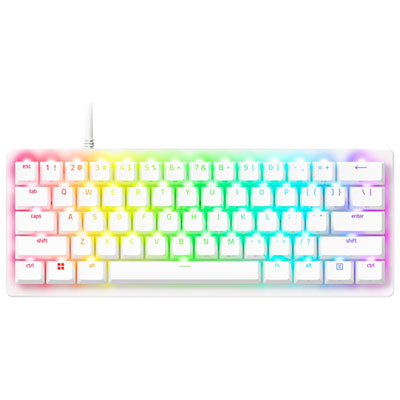
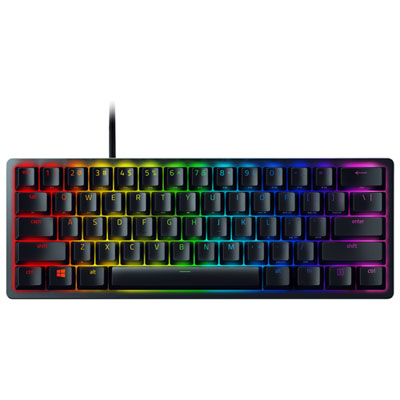
    Razer Huntsman V3 Pro Mini Backlit Mechanical Gaming Keyboard - White - English

    About this product

    A white mechanical gaming keyboard featuring ultra-fast analog optical switches and customizable actuation for precise control.

    (30)
    $189.99 Your price for this item is $189.99
  2. 2

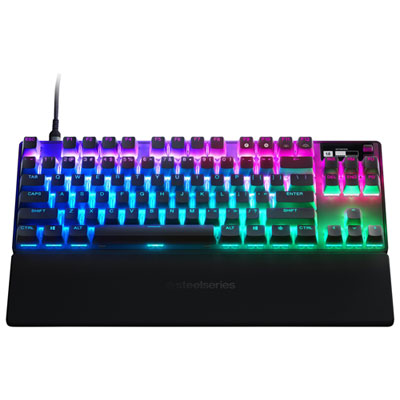
    SteelSeries Apex Pro TKL Backlit Mechanical Ergonomic Gaming Keyboard

    About this product

    A high-performance gaming keyboard with adjustable keystrokes for faster and more accurate gameplay.

    What customers like

    • Compact and portable design
    • Versatile RGB lighting and software customization
    • High-quality build and durability
    • Customizable actuation and key options
    • Responsive and quick gaming performance
    (433)
    $249.95 Your price for this item is $249.95
  3. 3

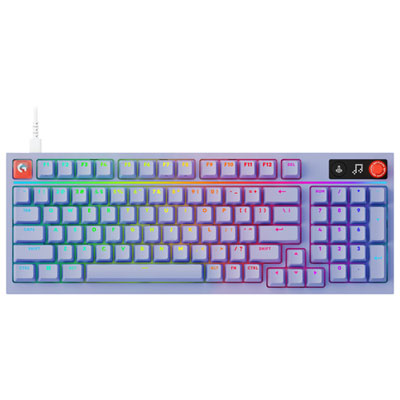
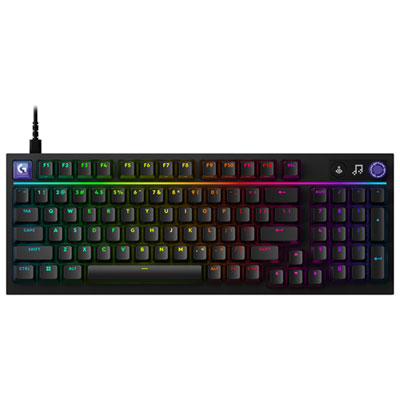
    Logitech G316 X 98 Backlit Mechanical Tactile Full-Size Gaming Keyboard - Lilac - English

    About this product

    A lilac backlit mechanical keyboard with tactile hot-swappable switches, customizable PBT keycaps, and 8kHz reporting.

    What customers like

    • Attractive lilac appearance with appealing backlighting
    • Comfortable, premium-feeling construction with a clean full-size layout
    • Customizable design with hot-swappable switches, keycaps, macros, and colour options
    • Fast, responsive performance with satisfying tactile typing
    • Reliable, durable design with convenient USB-C connectivity and volume control
    (24)
    $159.99 Your price for this item is $159.99
  4. 4

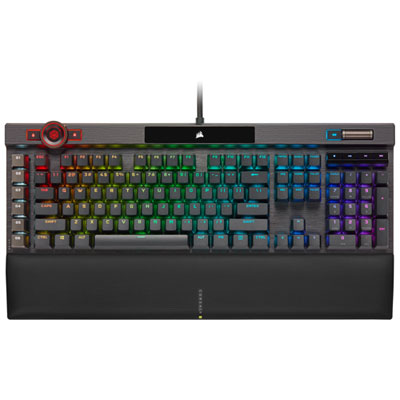
    Corsair K100 Opto-Mechanical Linear Switch Gaming Keyboard

    About this product

    A powerful gaming keyboard with hyper-fast input, customizable RGB backlighting, and a sleek black design.

    What customers like

    • High-quality build and components
    • Sleek and stylish design
    • Fast and responsive input
    • Comfortable typing experience with wrist rest
    • Customizable RGB backlighting
    (1,193)
    $364.95 Your price for this item is $364.95
  5. 5

    Logitech G316 X Backlit Mechanical Tactile Full-Size Gaming Keyboard - Black - English

    About this product

    A black wired mechanical keyboard featuring tactile switches, RGB lighting, and customizable PBT keycaps for gaming.

    What customers like

    • Convenient controls and customisation
    • Comfortable tactile typing feel
    • Responsive, precise performance
    • Sturdy, attractive design
    • Customisable RGB backlighting
    (76)
    $159.99 Your price for this item is $159.99
  6. 6

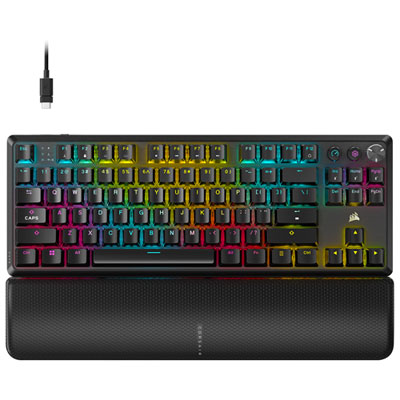
    Corsair K70 CORE Wireless Backlit Mechanical Red Linear TKL Gaming Keyboard - Black - Only at Best Buy

    About this product

    A wireless TKL gaming keyboard in black with red linear switches, per-key RGB backlighting, and quiet operation.

    What customers like

    • Sturdy, premium build quality with ergonomic design
    • Customizable RGB lighting and features
    • Versatile wireless connectivity and low latency
    • Smooth, quiet, and responsive typing experience
    • Compact tenkeyless layout with comfortable wrist rest
    (188)
    $224.99 Your price for this item is $224.99
  7. 7

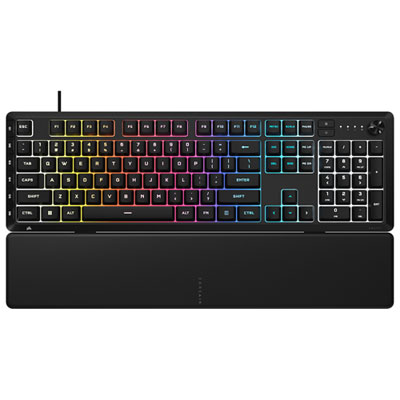
    Corsair SKIFF 100 Plus RGB Backlit Mechnical Linear Full-Size Gaming Keyboard

    About this product

    A black mechanical keyboard featuring linear switches, 10-zone RGB lighting, media dial, and detachable rubber palm rest.

    What customers like

    • Customisable RGB lighting
    • Comfortable detachable wrist rest
    • Convenient media control dial
    • Full-size layout with programmable keys
    • Quiet, responsive keys
    (46)
    $94.99
    SAVE $15
    Your price for this item is $94.99
  8. 8

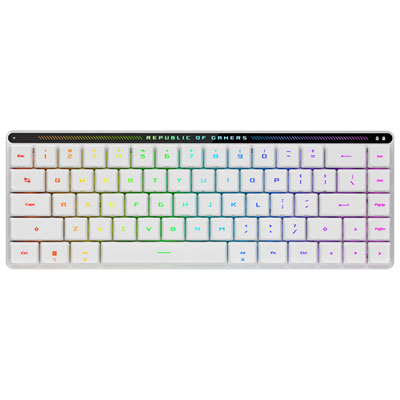
    ASUS ROG M603 Falchion RX Red Low Profile Bluetooth Backlit Mechanical Gaming Keyboard - White - Only at Best Buy

    About this product

    A white low-profile mechanical keyboard with red switches, RGB backlighting, and Bluetooth connectivity for gaming.

    What customers like

    • Compact and portable design
    • Responsive and fast red switches
    • Vibrant RGB lighting and sleek appearance
    • Smooth and comfortable typing experience
    • Versatile connectivity options including Bluetooth
    (32)
    $180.98 Your price for this item is $180.98
  9. 9

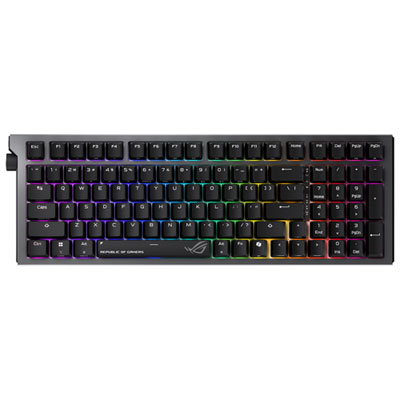
    ASUS ROG Strix Morph 96 Wireless Mechanical Gaming Keyboard

    About this product

    A black wireless mechanical keyboard featuring hot-swappable switches, tri-mode connectivity, and web-based customization.

    What customers like

    • Versatile tri-mode connectivity with reliable wireless performance
    • Highly customizable keys, lighting, and controls
    • Compact layout with full numeric keypad and intuitive control knob
    • Comfortable and quiet typing experience
    • Excellent build quality and premium materials
    (41)
    $199.99 Your price for this item is $199.99
  10. 10

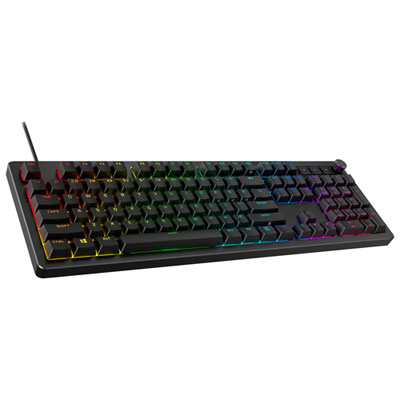
    HyperX Alloy Rise 75 Backlit Mechanical Ergonomic Full-Size Gaming Keyboard

    About this product

    An ergonomic mechanical keyboard featuring customizable RGB lighting, gasket-mounted comfort, and NGENUITY software compatibility.

    What customers like

    • Excellent build quality and durability
    • Smooth, responsive, and comfortable typing experience
    • Hot-swappable switches for easy customization
    • Highly customizable RGB lighting and features
    • Convenient media controls and volume knob
    (90)
    $199.99 Your price for this item is $199.99

The right key feel depends on how you play

The best mechanical keyboards for gaming bring together responsive switches, a comfortable layout, reliable connectivity, and a key feel that suits the way someone plays. A fast-paced shooter places different demands on a keyboard than a strategy game with dozens of shortcuts, so the strongest fit depends on more than lighting or appearance. Mechanical keyboards use individual switches beneath the keys, giving each press a distinct feel that can remain consistent through repeated movement commands, quick ability combinations, and everyday typing. Linear switches travel smoothly without a tactile bump, making them popular with players who prefer an uninterrupted press when holding movement keys or tapping through an action sequence. Tactile switches add a noticeable bump, which can help someone feel a keypress while dividing time between gaming, schoolwork, and writing. Clicky switches pair tactile feedback with an audible click; that sound may be satisfying at a private desk but less suitable beside a sleeping partner or an open microphone. Switch weight matters just as much as switch style. Lighter springs require less pressure, while heavier springs provide more resistance and may help reduce unintended presses for someone who rests their fingers firmly on the keys. Shorter actuation distances can register input earlier in a key’s travel, although a sensitive keyboard can also take practice to control. Neither a light switch nor a short actuation point guarantees better performance on its own. Stabilizers beneath wider keys, including the space bar and Enter key, influence whether those keys feel steady or wobble under an off-centre press. Sound also comes from the keycaps, case, desk surface, and internal construction, not simply the switch label. For a shared room, quieter switches and controlled case resonance can make gaming and voice chat more comfortable. For someone who enjoys a crisp, audible typing rhythm, a more pronounced sound and firmer key feel may be part of the appeal.

Keyboard size shapes how a gaming setup works in practice. A full-size mechanical gaming keyboard includes a number pad, making it useful for players who also enter figures, manage spreadsheets, or assign extra commands in simulation games. A tenkeyless layout removes the number pad while retaining a familiar group of navigation keys, leaving more room for broad mouse movements. That extra space can be particularly useful for a player using low mouse sensitivity, where a quick turn may send the mouse across much of the desk mat. Compact 75% and 65% layouts bring the mouse closer still, though the placement of arrow keys, navigation keys, and the function row varies. A 60% layout generally relies more heavily on key combinations for functions that larger keyboards give dedicated keys. For gaming mixed with editing documents or coding, those differences affect everyday comfort as much as desk appearance. Case height, adjustable feet, and an appropriately sized palm rest also influence fit; a flatter position may feel more natural than a steep typing angle, depending on chair height and arm placement. Connectivity is another practical distinction. A wired USB connection avoids battery management, while a dedicated wireless receiver can provide responsive play without a cable running across the desk. Bluetooth is convenient for switching between compatible devices, but its latency varies and may be less suitable for timing-sensitive competitive games. For wireless gaming keyboards, battery life depends on factors such as lighting brightness, connection mode, and polling rate. Higher polling rates can reduce the interval between input reports, but the overall result also depends on switch scanning, firmware, the computer, and the game. N-key rollover and anti-ghosting features help a keyboard handle overlapping inputs, such as holding movement keys while jumping and activating an ability. Beyond conventional mechanical switches, some gaming keyboards use magnetic Hall effect sensing with adjustable actuation and rapid trigger features. These can allow reset behaviour to follow key movement rather than a fixed reset point, though implementation varies. Broader layout and feature comparisons can also include Top Gaming Keyboards, particularly for setups used for both play and everyday tasks.

Materials and construction influence how a mechanical keyboard feels after the novelty of a new setup wears off. A rigid case can help keep the board planted during energetic play, while rubber feet reduce sliding on a smooth desktop. Metal housings often add weight and stiffness; well-built plastic housings can offer a lighter option for moving between rooms or taking to a gaming gathering. Keycaps are commonly made from ABS or PBT plastic. PBT often resists surface shine longer, while ABS can offer a smooth feel and a wide range of finishes, with thickness and manufacturing quality affecting both. Double-shot legends are formed from separate layers of plastic rather than surface printing, helping the characters remain readable through frequent use. Backlit legends can make controls easier to identify in a dim room, and customizable lighting can distinguish movement keys, ability groups, or separate profiles without lighting up every key equally. Internal plates, mounting systems, and sound-dampening layers also shape the experience: a gasket-mounted design may provide a softer feel, while a firmer assembly offers a more solid bottom-out. Hot-swappable sockets allow compatible switches to be replaced without soldering, which can be useful for changing key feel or addressing an individual switch issue. Compatibility still matters, since conventional mechanical, optical, and magnetic switches are not automatically interchangeable. Routine care is straightforward: disconnect the keyboard before cleaning, remove loose debris with a soft brush, and follow the manufacturer’s directions for keycap removal and surface cleaning. Liquid should never be sprayed directly into switches, and removable parts need to be fully dry before reassembly. Detachable cables, accessible software, and onboard profile storage can make a keyboard easier to maintain and move between compatible computers. Device and operating system support deserve attention, especially when advanced lighting or key assignments require software. As a gift for a regular gamer, a mechanical keyboard feels most personal when its layout, sound, and switch resistance match the recipient’s habits. Those details turn an eye-catching desktop accessory into something comfortable and useful through long campaigns, quick multiplayer matches, and the typing in between.
Read More

FAQ

Some products may be subject to Environmental Handling Fees (EHF) depending on your province. Learn more about EHFs.