Best Membrane Gaming Keyboards
Find the best membrane gaming keyboards for your setup with options ranked by user review ratings. Known for their softer key feel and typically quieter operation, membrane keyboards can be a practical choice for gaming and everyday typing. Explore the list to compare features and find a keyboard that suits your play style, desk space, and budget.
What to look for in membrane gaming keyboards
1. Key Feel and Noise
2. Anti-Ghosting and Key Rollover
3. Gaming Features and Compatibility
4. Layout and Comfort
-
1
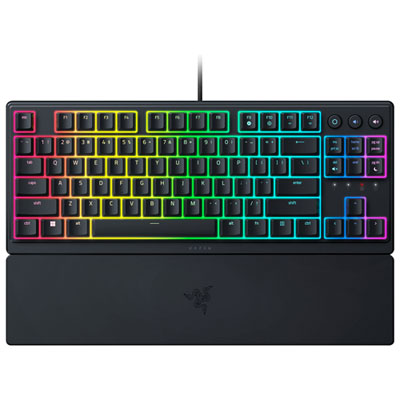
Razer Ornata V3 Tenkeyless Backlit Gaming Keyboard - Classic Black
About this product
A compact classic black gaming keyboard featuring Razer Mecha-Membrane switches and customizable RGB backlighting.
What customers like
(38)$79.99 Your price for this item is $79.99 -
2

HyperX Alloy Core Membrane Gaming Keyboard
About this product
A black membrane gaming keyboard featuring customizable RGB lighting, soft-touch keys, and five memory profiles.
What customers like
(2,800)$39.99Your price for this item is $39.99SAVE $15 -
3

SteelSeries Apex 3 Backlit Gaming Keyboard
About this product
A black backlit keyboard featuring whisper-quiet switches and IP32 water resistance for distraction-free gaming.
What customers like
(2,097)$76.98 Your price for this item is $76.98 -
4
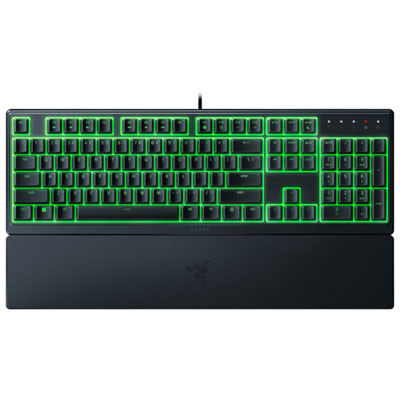
Razer Ornata V3 X Backlit Full-size Ergonomic Gaming Keyboard
About this product
A black, low-profile gaming keyboard featuring UV-coated keycaps and customizable Razer Chroma RGB lighting.
What customers like
(228)$44.98Your price for this item is $44.98SAVE $3 -
5
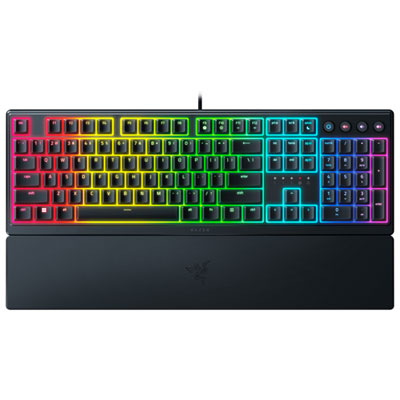
Razer Ornata V3 Backlit Full-size Ergonomic Gaming Keyboard
About this product
An ergonomic black keyboard with clicky mechanical membrane switches and customizable RGB lighting for immersive gaming.
What customers like
(131)$79.99Your price for this item is $79.99SAVE $10 -
6
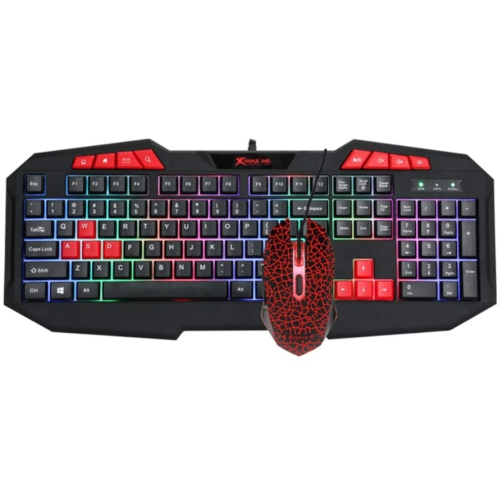
XTRIKE ME Rainbow Backlit Gaming Keyboard And Mouse Combo Mk-503 Kit, Membrane 112 Keys Switch Rating 10 Million USB
About this product
A black membrane keyboard and mouse combo featuring rainbow backlighting and 112 keys with 10 million keystroke durability.
$24.98Your price for this item is $24.98SAVE $25 -
7
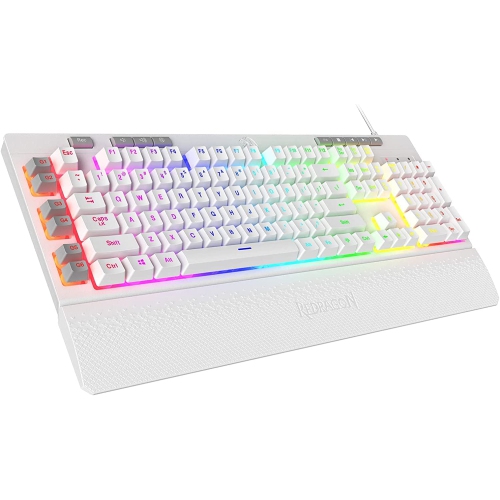
HLD Redragon K512 Shiva RGB Backlit Membrane Gaming Keyboard With Multimedia Keys, Linear Mechanical-Feel Switch, 6 Extra On-Boa
About this product
A vibrant RGB backlit membrane keyboard featuring linear mechanical-feel switches and dedicated multimedia keys.
$97.96Your price for this item is $97.96SAVE $30 -
8
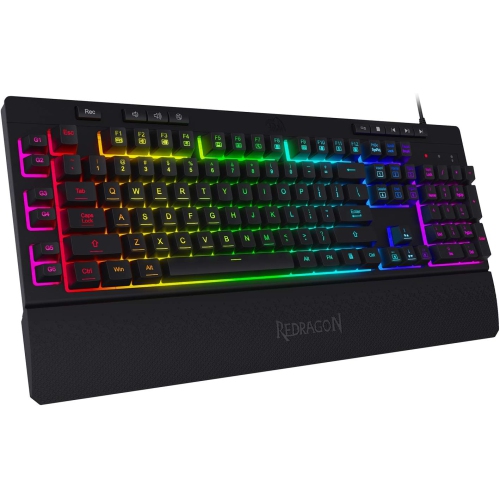
REDRAGON K512 Shiva RGB Backlit Membrane Gaming Keyboard w Multimedia Keys, Quiet Keyboard, 6 Extra On-Board Macro Keys, Dedicated Media Control
About this product
A RGB backlit gaming keyboard with 6 macro keys, anti-ghosting, and detachable wrist rest for comfort.
(14)$89.00Your price for this item is $89SAVE $11 -
9
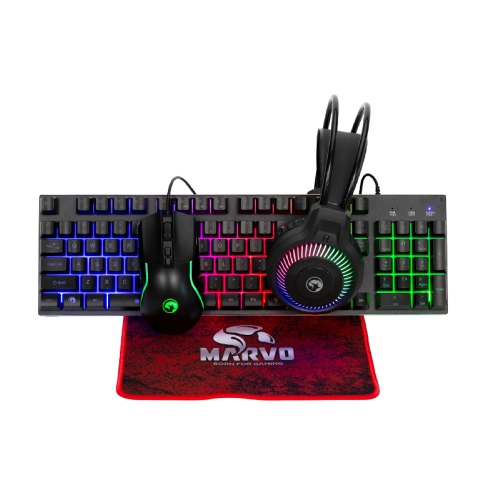
MARVO Cm416 4-In-1 Wired Gaming Keyboard, Mouse, Headset And Mouse Pad Combo Kit
About this product
A complete wired gaming set featuring a rainbow-backlit keyboard, RGB mouse, headset, and mouse pad.
$60.99 Your price for this item is $60.99 -
10
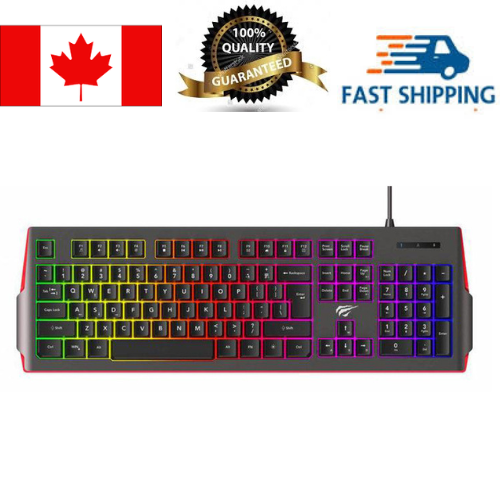
HAVIT Kb866L Wired RGB Backlit Membrane Fn Multi-Function Gaming Keyboard
About this product
A wired RGB backlit membrane keyboard featuring multi-function FN keys for an enhanced gaming experience.
$33.99 Your price for this item is $33.99
FAQ
A membrane gaming keyboard uses a flexible membrane layer beneath its keys to register keystrokes. Many designs feature rubber domes that compress when pressed. Gaming-focused models may also include backlighting, media controls and programmable keys.
Membrane keyboards typically use rubber domes over a shared membrane layer, while mechanical keyboards use an individual mechanical switch beneath each key. Membrane keys often have a softer, cushioned feel, whereas mechanical key feel varies by switch type. Sound and typing feel differ between models.
Membrane gaming keyboards are available with wired USB connections, wireless USB receivers or Bluetooth, depending on the model. Some support more than one connection method. Check compatibility with your computer or console, as certain keyboard features may require software for a supported operating system.
Lighting options may include single-colour backlighting, preset multicolour patterns or customizable RGB lighting. Some keyboards illuminate groups of keys in zones, while others offer individual key lighting. Brightness, effects and colour controls may be available through keyboard shortcuts or companion software.
Programmable keys let you assign supported shortcuts, commands or macros to selected keys. Profiles store different settings, such as key assignments and lighting preferences, for particular games or applications. Depending on the keyboard, profiles may be saved in companion software or onboard memory. Macro use is subject to each game's rules.
Top selling and popular products
Discover more categories related to Best Membrane Gaming Keyboards

Some products may be subject to Environmental Handling Fees (EHF) depending on your province. Learn more about EHFs.