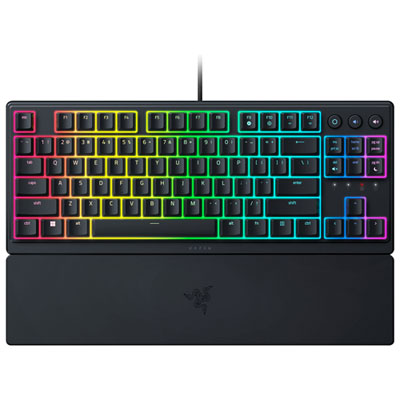
Best Membrane Keyboards

Find the best membrane keyboards for everyday typing, work, and gaming, ranked by user review ratings. Known for their soft key feel and often quieter operation, membrane keyboards offer a comfortable option for shared spaces and home setups. Explore top-rated options to find the layout, features, and value that suit your needs.

Read More

What to look for in the best membrane keyboards

1. Key Feel and Typing Noise

Membrane keyboards typically offer a soft, cushioned keystroke, but key travel and responsiveness vary by model. If you share a workspace, look for quiet keys that help keep typing noise down.

2. Size and Layout

Choose a full-size keyboard if you regularly use a number pad, or a compact model to leave more room for your mouse. Check the language layout and key spacing, and look for adjustable feet or a palm rest to support comfortable typing.

3. Connectivity and Compatibility

Wired USB models avoid battery changes, while Bluetooth and USB receiver options offer wireless flexibility. Confirm compatibility with your device and operating system, including support for shortcuts and any customization software.

4. Features for Work and Gaming

Backlit keys can improve visibility in dim lighting, while media controls and programmable shortcuts provide convenient access to common tasks. For gaming, check anti-ghosting and key rollover specifications to see which simultaneous key presses the keyboard can register.
Citrus catapult arrow
  1. 1

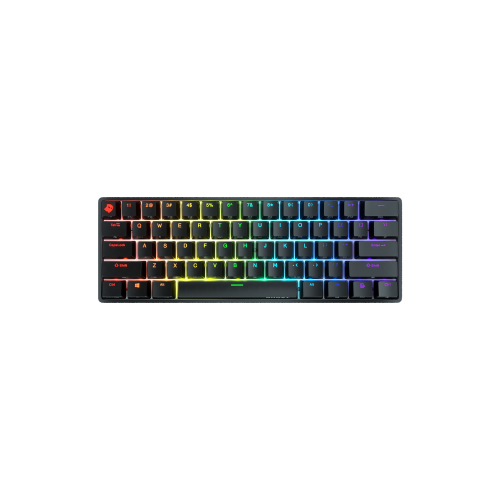
    HyperX Alloy Core Membrane Gaming Keyboard

    About this product

    A black membrane gaming keyboard featuring customizable RGB lighting, soft-touch keys, and five memory profiles.

    What customers like

    • Customizable and vibrant RGB lighting
    • Solid build quality and durability
    • Excellent value for the price
    • Quiet and comfortable typing experience
    • Convenient media and volume controls
    (2,800)
    $39.99
    SAVE $15
    Your price for this item is $39.99
  2. 2

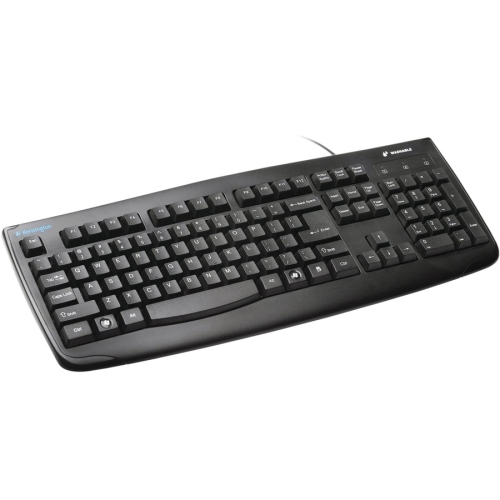
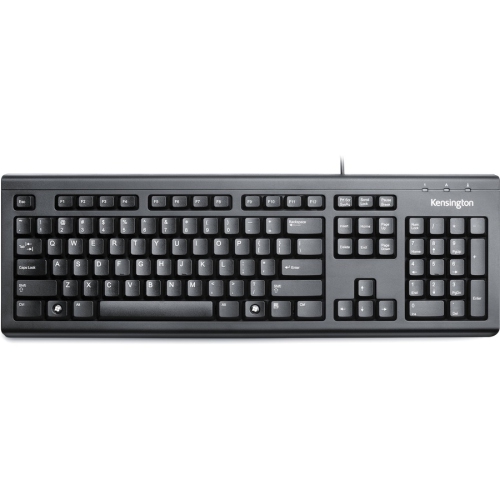
    KENSINGTON Pro Fit USB Washable Keyboard - (74200)

    About this product

    A durable USB keyboard with a washable, water-immersible design for easy cleaning of spills and debris.

    $47.99 Your price for this item is $47.99
  3. 3

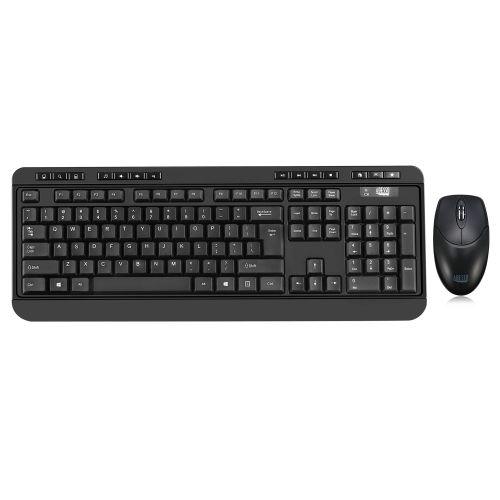
    ADESSO Antimicrobial Wireless Desktop Keyboard & Mouse Combo - French - (Wkb-1320Cb-Fr)

    About this product

    An antimicrobial wireless keyboard and mouse combo with French layout, 14 hotkeys, and quiet membrane keys.

    $47.99 Your price for this item is $47.99
  4. 4

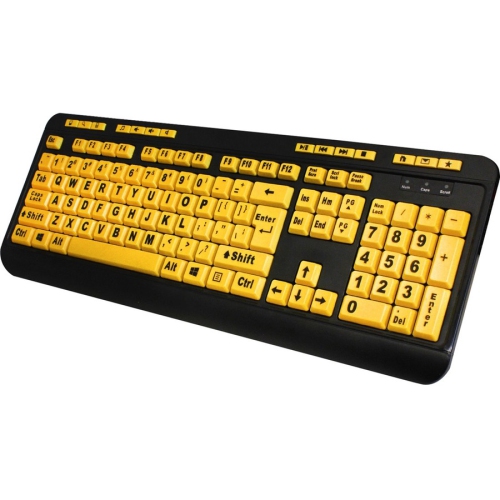
    ADESSO Luminous 4X Large Print Multimedia Desktop Keyboard

    About this product

    A black and fluorescent yellow keyboard featuring large print keys and multimedia hotkeys for enhanced visibility.

    $58.90
    SAVE $17
    Your price for this item is $58.90
  5. 5

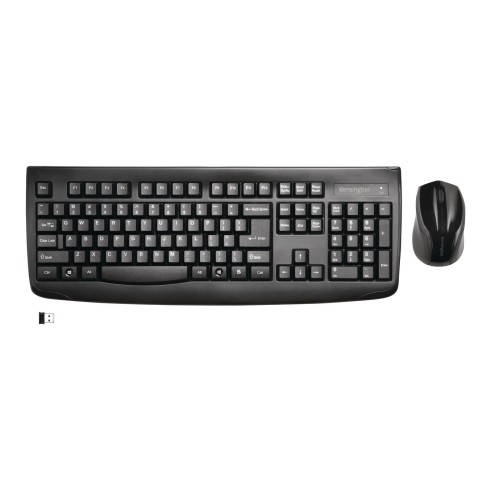
    KENSINGTON Pro Fit Wireless Laser Keyboard & Mouse Combo - (72324)

    About this product

    A wireless keyboard and mouse combo featuring a spill-resistant membrane and full-size layout with numeric keypad.

    $49.99 Your price for this item is $49.99
  6. 6

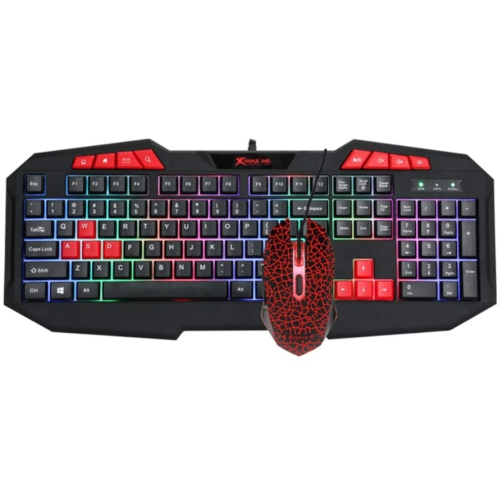
    XTRIKE ME Rainbow Backlit Gaming Keyboard And Mouse Combo Mk-503 Kit, Membrane 112 Keys Switch Rating 10 Million USB

    About this product

    A black membrane keyboard and mouse combo featuring rainbow backlighting and 112 keys with 10 million keystroke durability.

    $24.98
    SAVE $25
    Your price for this item is $24.98
  7. 7

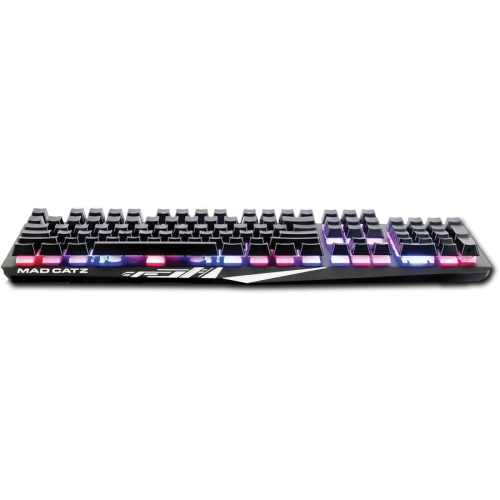
    MAD CATZ The Authentic S.t.r.i.k.e. 2 Membrane Gaming Keyboard

    About this product

    A Black gaming keyboard with cable connectivity, multimedia hot keys, and membrane keyswitch for an authentic gaming experience.

    $97.68
    SAVE $15
    Your price for this item is $97.68
  8. 8

    KENSINGTON K64370 Keyboard

    About this product

    A A reliable and versatile keyboard from Kensington, perfect for all your typing needs.

    $39.28
    SAVE $11
    Your price for this item is $39.28
  9. 9

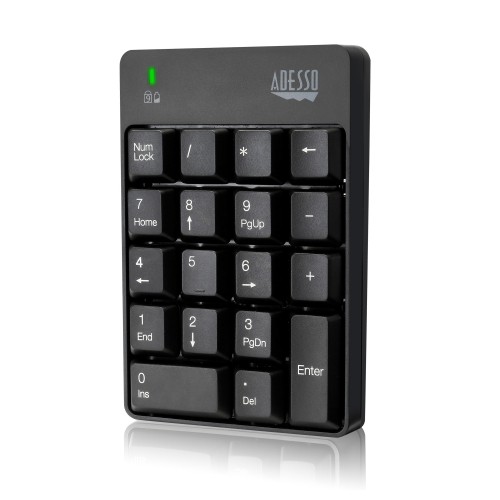
    ADESSO Wireless Keyboard Number Pad - (Wkb-6010Ub)

    About this product

    A wireless, spill-resistant 18-key number pad with quiet membrane switches for efficient, portable data entry.

    $44.99
    SAVE $8
    Your price for this item is $44.99
  10. 10

    CLUTCH CHAIRZ Ghost A1 - Aluminum Wireless Keyboard Black Cherry Mx (No Click) In Red

    About this product

    An aluminum wireless keyboard featuring quiet Cherry MX switches, doubleshot PBT keycaps, and Bluetooth 5.0 connectivity.

    $259.99 Your price for this item is $259.99

Typing comfort goes beyond a cushioned key feel

The best membrane keyboards pair a comfortable key feel with a layout and features that suit the way they will be used, whether that means writing assignments, handling spreadsheets, or settling into an evening of gaming. A membrane keyboard registers key presses through a layered membrane circuit, commonly paired with rubber domes that provide resistance and help the keys return to position. This construction often produces a cushioned typing feel and less sharp switch noise than a clicky mechanical design, although sound varies with the housing, keycaps, desk surface, and typing force. Quiet does not necessarily mean silent: a firmly struck space bar can still be noticeable in a shared room. For everyday typing, a predictable response across the letter keys matters more than decorative extras. Someone drafting long emails may prefer a soft landing with enough resistance to make each press feel deliberate, while a light typist may favour keys that need less force. Key travel also shapes the experience. Taller keys with deeper travel can feel familiar to desktop users, whereas low-profile designs may suit people moving between a laptop and an external keyboard. Some low-profile membrane designs use a scissor mechanism to steady each key, giving them a different feel from a traditional tall rubber-dome keyboard. The selection of Membrane Keyboards can serve home offices, study spaces, shared family computers, and gaming desks, with the strongest fit depending on typing habits rather than a single feature. For a student taking notes beside a roommate or someone answering messages while another person watches television nearby, restrained typing noise can be especially useful. Consistent spacing, clear key legends, and a stable base also make a practical difference throughout the day. A keyboard that stays put during a quick burst of typing and makes frequently used keys easy to find can feel more comfortable than one chosen for appearance alone.

Layout determines how naturally a membrane keyboard fits both the desk and the tasks happening on it. A full-size keyboard includes a number pad, making it useful for entering figures, maintaining household records, or working with tables of data. A tenkeyless layout removes that number pad while usually retaining the function row, arrow keys, and navigation cluster. This leaves more room for a mouse, which can help on a narrow desk or during games that involve broad mouse movements. Smaller layouts save still more space, but some commands move to key combinations, so compact dimensions come with a change in daily habits. Keyboard language matters as well: English, French, and bilingual layouts may differ in their printed characters and physical arrangement, and matching the keyboard to the operating system’s language settings helps those labels behave as expected. Physical comfort depends on more than size. A relatively low front edge, a supportive palm rest when pausing, and a position that lets the shoulders relax can all contribute to an easier setup. Raising the rear feet changes the typing angle, but a steeper angle is not automatically more comfortable; wrists generally benefit from staying close to a neutral position. Connection type adds another practical distinction. A wired USB membrane keyboard avoids battery changes and keeps the connection straightforward, provided the computer has a suitable port and the cable reaches comfortably. Wireless designs reduce cable clutter, while Bluetooth and USB-receiver connections have different pairing and port requirements. Multi-device switching, where supported, can be useful for moving between compatible computers without rearranging the desk. Compatibility details matter for shortcut keys, media controls, and any software needed to customise functions. For shared workspaces, dedicated volume and mute controls can be more useful than elaborate lighting, especially when switching from focused work to a video call. Backlit key legends can help in a dim room during the cooler months, although decorative lighting around the keys does not always illuminate the characters themselves.

For gaming, the best membrane keyboards combine a comfortable response with support for the key combinations a player actually uses. Anti-ghosting and key rollover describe aspects of how a keyboard handles multiple key presses, but support may apply only to certain keys or combinations. Holding a movement key while sprinting, jumping, and activating another command is a more meaningful scenario than assuming every gaming-labelled keyboard registers every possible input. A mode that disables the Windows key can help prevent an accidental interruption, while programmable shortcuts may suit games or repeated desktop tasks when supported by the required software. RGB lighting can add visual character to a setup, but lighting zones offer less individual control than per-key lighting, and neither feature establishes typing quality. Hybrid or mecha-membrane designs may add a more pronounced tactile or clicky response to a membrane-based mechanism; they should not be assumed to have the same sound or feel as a conventional rubber-dome model. Build and care matter just as much for long-term use. Many membrane keyboards use moulded plastic housings and keycaps, with differences in surface texture, frame stiffness, and legend application affecting how they feel and wear. Well-supported larger keys, secure feet, and a cable positioned away from sharp bends all contribute to a dependable everyday setup. Frequently used keycaps may develop a smoother finish over time, and individual keys or internal parts are not necessarily designed for replacement. Spill resistance, when specified, offers limited protection under stated conditions rather than permission to wash or immerse the keyboard. Routine care is usually simple: disconnect it or switch it off, clear loose debris gently, and wipe suitable surfaces with a lightly dampened cloth according to the manufacturer’s directions. Liquids should not be sprayed directly between the keys, and keycaps should only be removed if the design allows it. As a gift for a student, home-office worker, or casual gamer, a membrane keyboard is most useful when its layout, connection, and typing feel match an existing setup. Those practical details help it settle naturally into daily life, from the first morning password to the last message of the evening.
Read More

FAQ

Some products may be subject to Environmental Handling Fees (EHF) depending on your province. Learn more about EHFs.