Best Micro SD
Find the best microSD cards for storing photos, videos, games, and more. Ranked by user review ratings, this selection makes it easy to explore top-rated options for compatible smartphones, cameras, gaming consoles, and other devices. Compare storage capacities, read and write speeds, and device compatibility to find the right card for your needs.
What to look for in microSD cards
1. Device Compatibility
2. Storage Capacity
3. Speed Ratings
4. Durability and Endurance
-
1
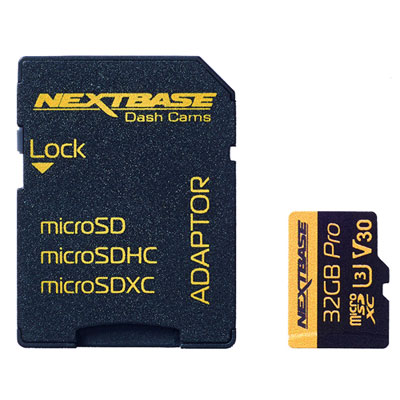
Nextbase 32GB U3 microSD Memory Card
About this product
A 32GB U3 microSD memory card designed for Nextbase Dash Cams, perfect for recording high-quality footage.
What customers like
(103)$39.99 Your price for this item is $39.99 -
2
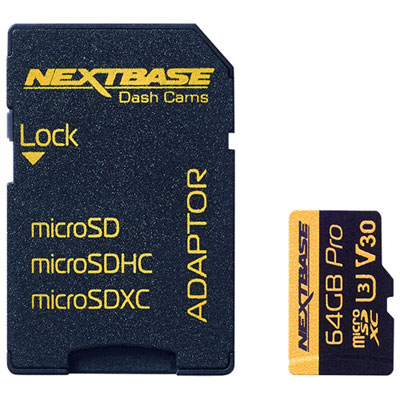
Nextbase 64GB 70 MB/s microSD Memory Card
About this product
A black microSD memory card designed for dash cams, supporting Full HD, 1440p, and 4K video recording.
What customers like
(34)$74.99 Your price for this item is $74.99 -
3
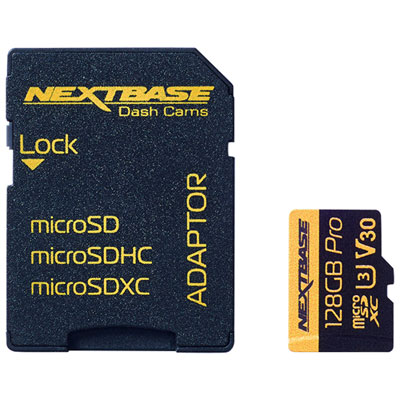
Nextbase 128GB 70MB/s microSD Memory Card
About this product
A high-speed 128GB microSD card designed for reliable dash cam video storage and quick data transfer.
What customers like
(79)$99.99 Your price for this item is $99.99 -
4
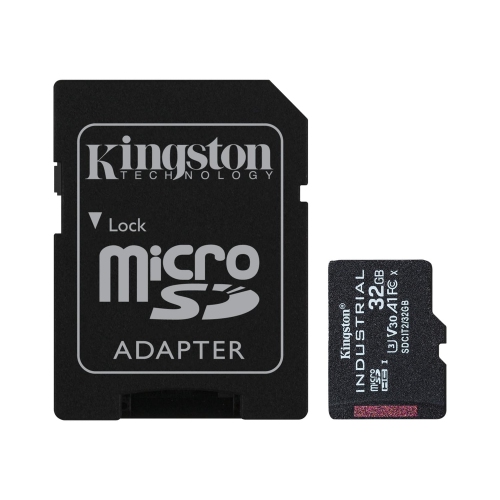
KINGSTON TECHNOLOGY - Industrial Micro Sd Card With Sd Reader, 32GB Capacity, Class 10, Uhs-I, U3, V30, A1
About this product
An industrial-grade micro SD card with SD reader, 32GB capacity, Class 10, UHS-I, U3, V30, A1.
(2)$158.97Your price for this item is $158.97SAVE $31 -
5
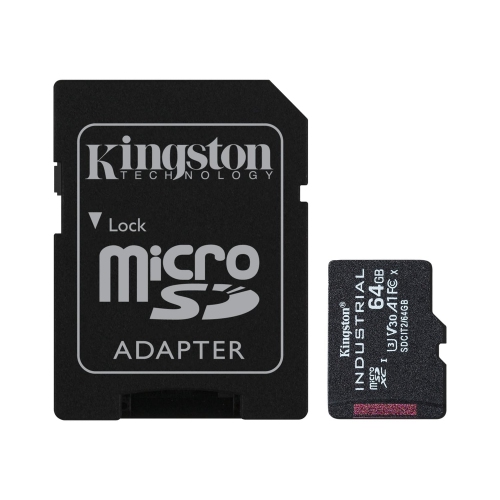
KINGSTON TECHNOLOGY - Industrial Micro Sd Card With Sd Reader, 64GB Capacity, Class 10, Uhs-I, U3, V30, A1
About this product
An industrial-grade micro SD card with SD reader, 64GB capacity, Class 10, UHS-I, U3, V30, A1.
(2)$240.97Your price for this item is $240.97SAVE $39 -
6
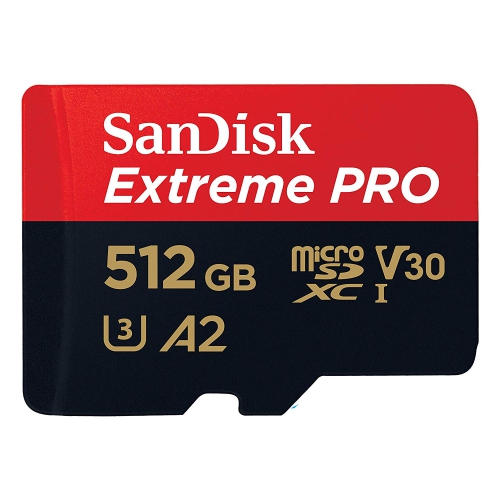
SANDISK Extreme Pro 512GB Micro Sd Card With Adapter Sdsqxcd-512G
About this product
A high-speed 512GB microSDXC card with adapter, offering up to 200MB/s read and A2 app performance.
(1)$170.99Your price for this item is $170.99SAVE $129 -
7
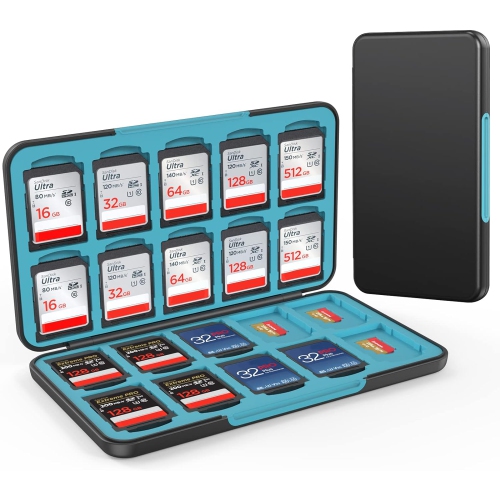
HLD Sd Card Holder for Memory Sd Card And Micro Card, Portable Sd Card Holder Sd Sdhc Sdxc Tf Card Storage w 20 Sd Card Slots & 20 Micro Sd Card
About this product
A portable case offering organized storage for 20 SD cards and 20 micro SD cards.
(1)$18.77Your price for this item is $18.77SAVE $31 -
8
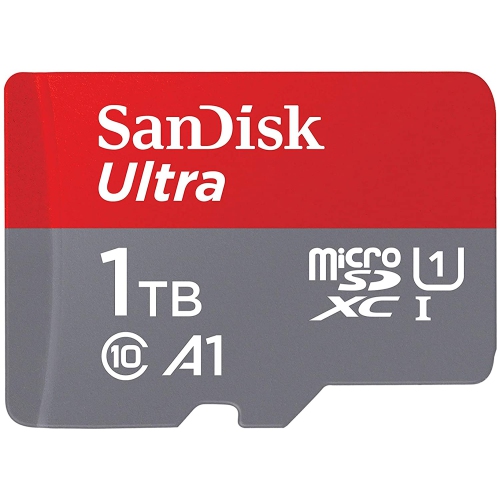
SANDISK Ultra 1Tb Microsdxc Uhs-I Memory Card 150Mb/s Micro Sd Card Sdsquac-1T00
About this product
A high-speed microSDXC card with 1TB capacity and up to 150MB/s read speed for faster app loading.
(1)$315.67Your price for this item is $315.67SAVE $211 -
9
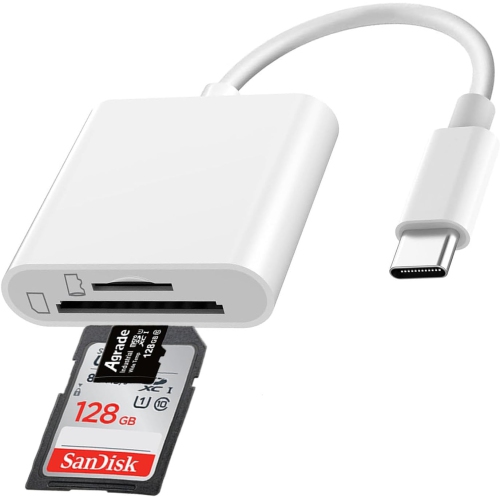
SHERVIN Micro Sd Card Reader USB C, Dual Card Slot Sd Memory Card Reader, Supports Sd/tf Memory Card Adapter, Trail Camera Viewer Micro Sd Card
About this product
A dual-slot USB-C card reader offering quick access to SD and microSD cards for effortless file transfers.
(5)$14.99Your price for this item is $14.99SAVE $15 -
10
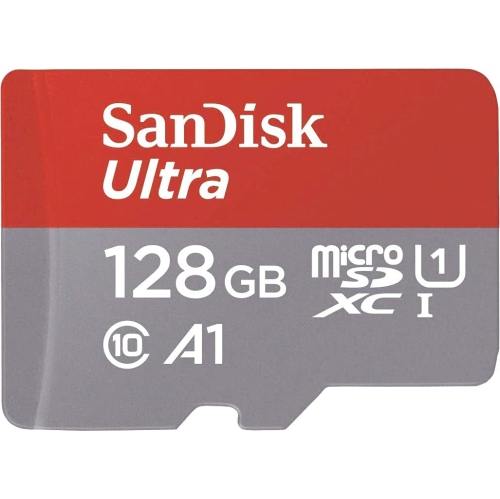
SANDISK Ultra 128GB Microsdxc Uhs-I Memory Card 140Mb/s Micro Sd Card Sdsquab-128G
About this product
A high-speed 128GB microSDXC card with up to 140MB/s read speed and A1 app performance.
(2)$31.99Your price for this item is $31.99SAVE $28
FAQ
Check your device’s manual or manufacturer support page for supported microSD standards and formatting requirements. Look for any requirements specific to your intended use, such as recording video, storing games or saving photos.
Insert the card into your device and look for the formatting option in its storage settings. Formatting erases existing files, so copy anything you want to keep beforehand. If your device offers a built-in formatting tool, use it to apply the device’s required settings.
Insert the card into a compatible card reader and connect it to your computer. Open File Explorer on Windows or Finder on a Mac, select the card and copy the files to your chosen folder. Eject the card through your operating system before removing it.
A microSD-to-SD adapter lets you insert a microSD card into a compatible SD card slot. It does not convert the card’s storage standard or file system, so the device must still support the microSD card you are using.
Use the file system specified by your device manufacturer. FAT32 and exFAT are common options, but support varies between cameras, gaming systems, phones and computers. Formatting the card through the device’s own storage menu usually applies the appropriate file system.
Top selling and popular products
Discover more categories related to Best Micro SD
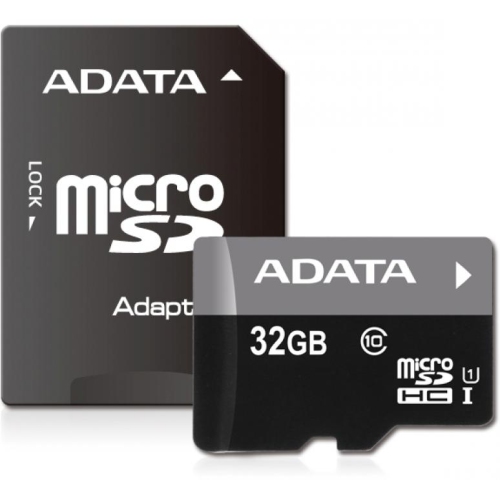

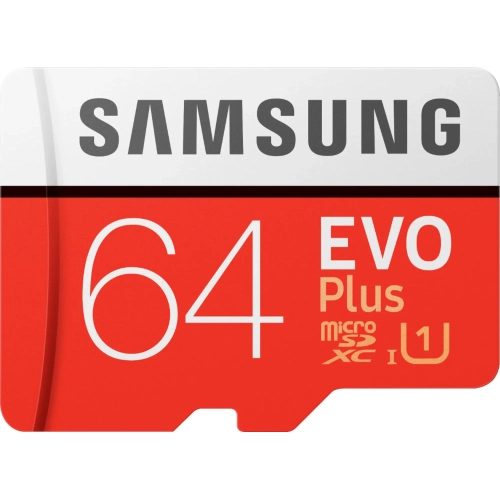
Some products may be subject to Environmental Handling Fees (EHF) depending on your province. Learn more about EHFs.