Best 64GB Micro SD Cards
Store more photos, videos, apps, and files with the best 64GB microSD cards, ranked by customer review ratings. Whether you need extra storage for a compatible smartphone, tablet, camera, or gaming device, explore top-rated options and compare read and write speeds to find the right card for your needs.
What to look for in 64GB microSD cards
1. Device Compatibility
2. Read and Write Speeds
3. App Performance
4. Durability and Endurance
-
1
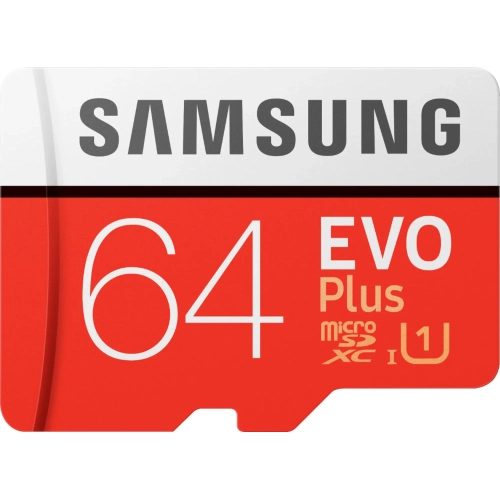
SAMSUNG - Evo Plus 64GB Microsdxc Uhs-I Memory Card
About this product
A durable microSDXC card with 64GB capacity, fast 100MB/sec. write speeds, and waterproof design.
What customers like
(452)$53.99 Your price for this item is $53.99 -
2
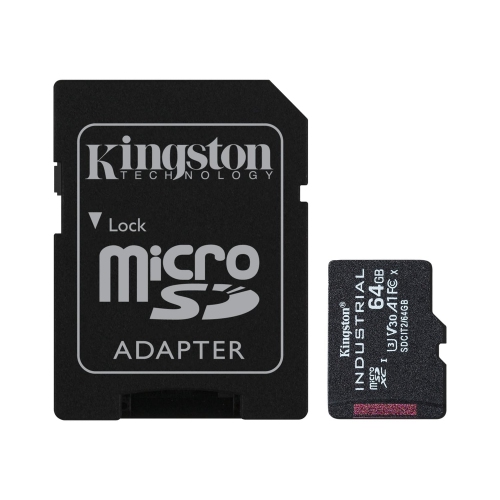
KINGSTON TECHNOLOGY - Industrial Micro Sd Card With Sd Reader, 64GB Capacity, Class 10, Uhs-I, U3, V30, A1
About this product
An industrial-grade micro SD card with SD reader, 64GB capacity, Class 10, UHS-I, U3, V30, A1.
(2)$240.97Your price for this item is $240.97SAVE $39 -
3
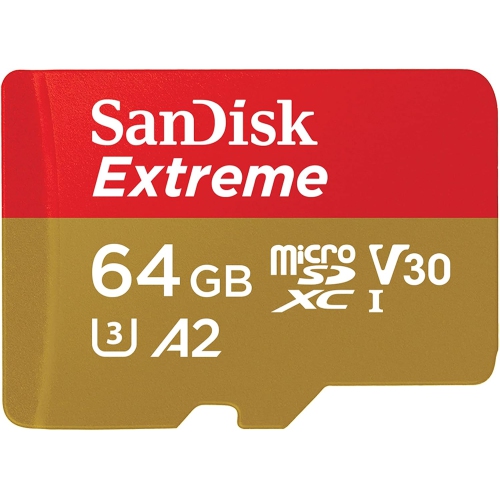
SANDISK 64GB Extreme Microsdxc Uhs-I Memory Card With Adapter - Up to 170Mb/s, C10, U3, V30, 4K, 5K, A2, Micro Sd Card - Sdsqxah-064G-Gn6Ma
About this product
A high-speed microSDXC card with adapter, supporting 4K/5K video, up to 170MB/s transfer rates.
(5)$73.05Your price for this item is $73.05SAVE $7 -
4
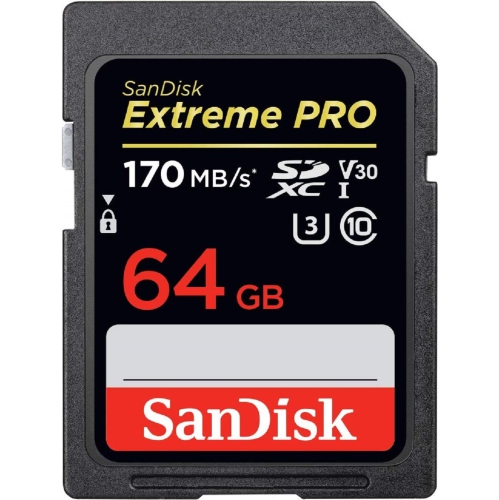
SANDISK Extreme Pro 64GB Sd Card Sdsdxxy-064G
About this product
A durable SD card offering up to 90MB/s write and 170MB/s transfer speeds for 4K UHD video.
(4)$42.99Your price for this item is $42.99SAVE $47 -
5
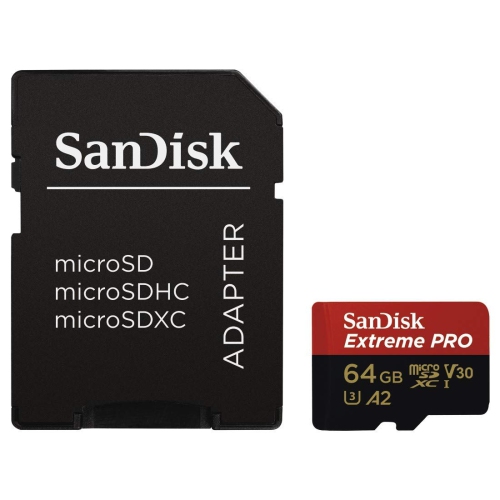
SANDISK Extreme Pro 64GB U3 A2 Micro Sd Card With Adapter Sdsqxcy-064G
About this product
A high-performance microSDXC memory card with fast transfer speeds and A2-rated application performance.
(3)$45.99Your price for this item is $45.99SAVE $4 -
6
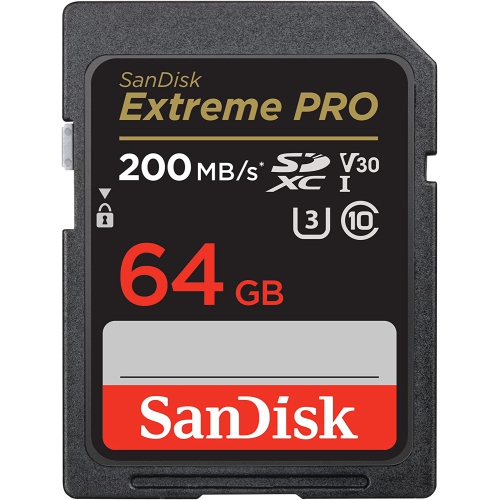
SANDISK Extreme Pro 64GB Sd Card Sdsdxxu-064G
About this product
A durable SD card offering up to 200MB/s transfer speeds and reliable 4K UHD video recording.
(2)$42.99Your price for this item is $42.99SAVE $47
FAQ
Check your device’s manual for supported card standards, file systems and speed-class requirements. A 64GB microSD card uses the microSDXC standard, so look for explicit microSDXC support rather than relying only on the presence of a microSD slot.
Yes. An SD adapter lets you insert a microSD card into a compatible full-size SD slot. The adapter does not change the card’s standard or specifications, so the device must still support SDXC when you use a 64GB microSDXC card.
MicroSDXC cards typically come formatted with exFAT. Some devices require a different format or their own folder structure, so follow the device manufacturer’s formatting instructions. Formatting erases existing files, so copy anything you want to keep beforehand.
Insert the card into a compatible card reader, then connect the reader to your computer. Open File Explorer on Windows or Finder on macOS to copy files between the card and your folders. Once transfers are complete, eject the card through the operating system before removing it.
UHS-I identifies the card’s bus interface, which governs how it communicates with a compatible device. It is separate from markings such as U1, U3 and V30, which indicate speed classes. Check both the interface and speed-class requirements listed in your device’s manual.
Top selling and popular products
Discover more categories related to Best 64GB Micro SD Cards
Some products may be subject to Environmental Handling Fees (EHF) depending on your province. Learn more about EHFs.