Best Gaming Monitors under $500
Find the best gaming monitors under $500 to upgrade your setup without stretching your budget. Ranked by user review ratings, this selection highlights top-rated options to help you narrow your search. Compare refresh rates, response times, screen sizes, and resolutions to find the right fit for your favourite games and play style.
What to look for in gaming monitors under $500
1. Screen Size and Resolution
2. Refresh Rate and Response Time
3. Panel Type and Picture Quality
4. Compatibility and Adjustability
-
1
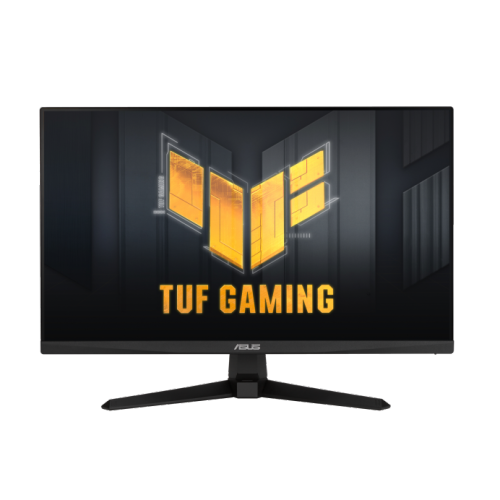
ASUS Tuf Gaming 24.5" 1080P HD Fast Ips Gaming Monitor (Vg259Q3A) - Freesync - 1Ms Gtg - 180Hz
About this product
A 25-inch Full HD gaming monitor with 180Hz refresh rate and 1ms response time.
(8)$149.98Your price for this item is $149.98SAVE $80 -
2
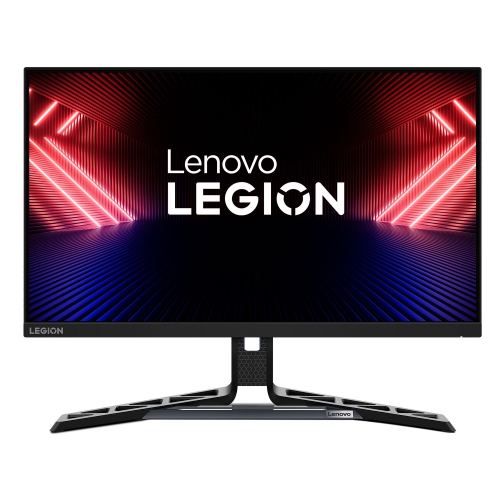
LENOVO Legion R25I-30 24.5-Inch Ips Fhd 180Hz Gaming Monitor, for Gaming
About this product
A fast 24.5-inch IPS monitor with Full HD resolution and a smooth 180Hz refresh rate.
(14)$419.00 Your price for this item is $419 -
3
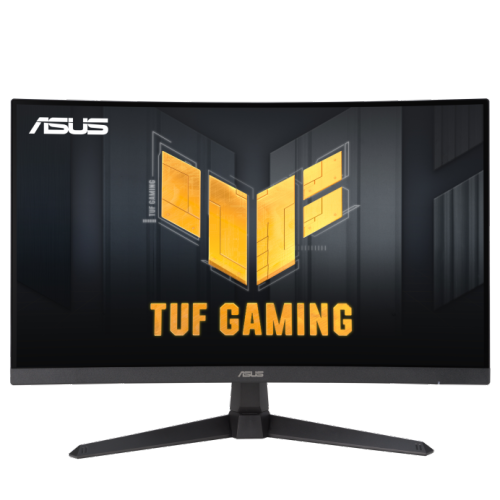
ASUS Tuf Gaming 27" Curved 1080P HD Gaming Monitor (Vg27Vqm1B) - Freesync Premium - 1Ms Gtg - 280Hz
About this product
A curved 27-inch Full HD gaming monitor with 280Hz refresh rate, 1ms response time, and FreeSync Premium.
(2)$349.00 Your price for this item is $349 -
4
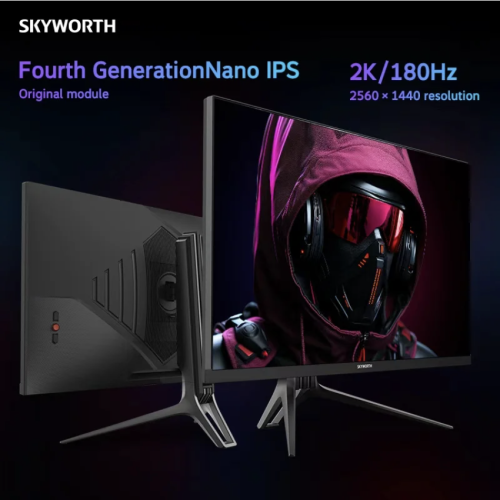
SKYWORTH 27" 1440P Qhd Fast Ips Gaming Monitor (27G5Qhp) - 1Ms - 180Hz
About this product
A QHD gaming monitor with 180Hz Fast IPS, 1ms response, 10-bit colour, and adjustable stand.
$239.99Your price for this item is $239.99SAVE $40 -
5
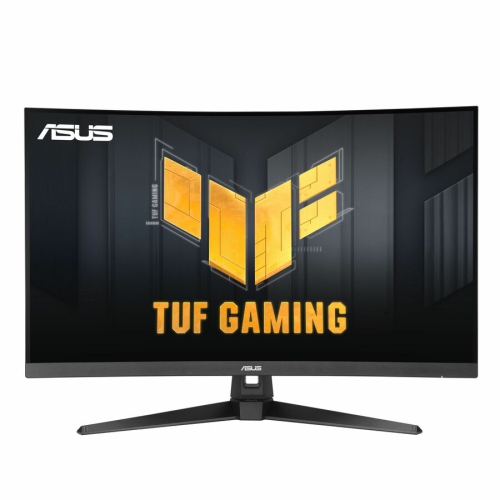
ASUS Tuf Gaming 31.5" 1440P Qhd Curved Va Led Gaming Monitor (Vg32Wq3B) - Freesync - 1Ms Gtg - 180Hz - HDr
About this product
A 31.5-inch curved QHD gaming monitor with 180 Hz refresh rate, 0.5ms response, and vibrant colours.
(5)$407.06Your price for this item is $407.06SAVE $40 -
6
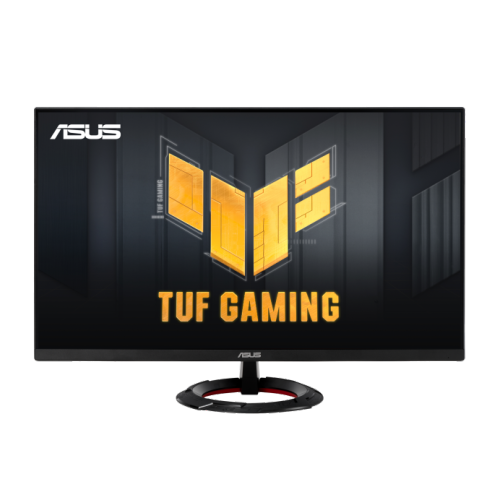
ASUS Tuf Gaming 23.8" 1080P HD Fast Ips Gaming Monitor (Vg249Q3R) - Freesync - 1Ms Gtg - 180Hz
About this product
A 23.8-inch Full HD gaming monitor with 180Hz refresh rate, Fast IPS panel, and FreeSync support.
(4)$189.00 Your price for this item is $189 -
7
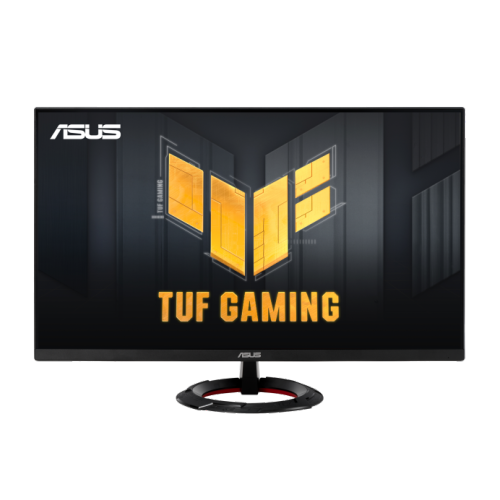
ASUS Tuf Gaming 27" 1080P HD Fast Ips Gaming Monitor (Vg279Q3R) - Freesync Premium - 1Ms Gtg - 180Hz
About this product
A 27-inch Full HD gaming monitor with 180Hz refresh rate, Fast IPS panel, and FreeSync support.
(1)$227.68 Your price for this item is $227.68 -
8
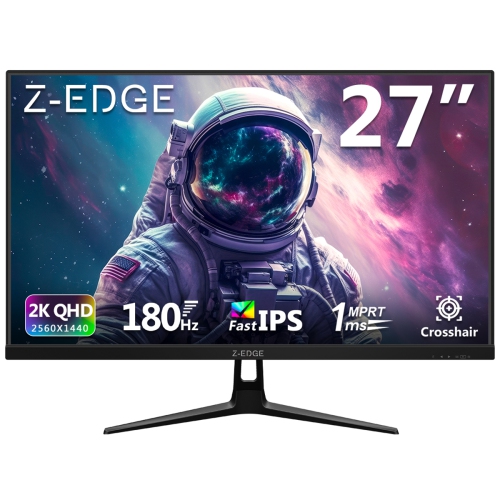
Z-EDGE 27" 1440P Qhd Fast Ips Led Gaming Monitor - Freesync - 180Hz
About this product
A fast-IPS gaming monitor with 2K QHD resolution, 180Hz refresh rate, 1ms response, and versatile connectivity.
$199.99Your price for this item is $199.99SAVE $50 -
9
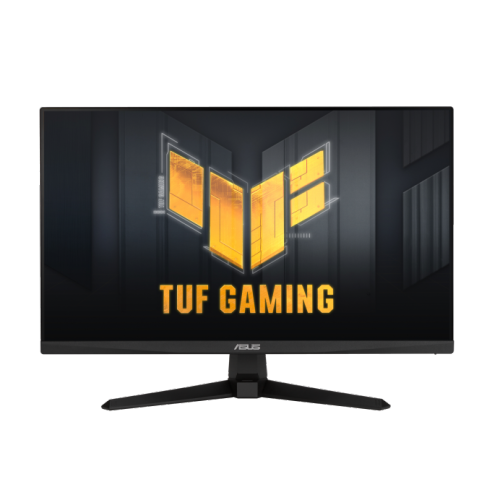
ASUS Tuf Gaming 24" 1080P HD Ips Gaming Monitor (Vg249Q3A) - Freesync Premium - 1Ms Gtg - 180Hz
About this product
A fast IPS gaming monitor with 180Hz refresh rate, 1ms response, and vibrant 99% sRGB colour.
$199.99 Your price for this item is $199.99 -
10
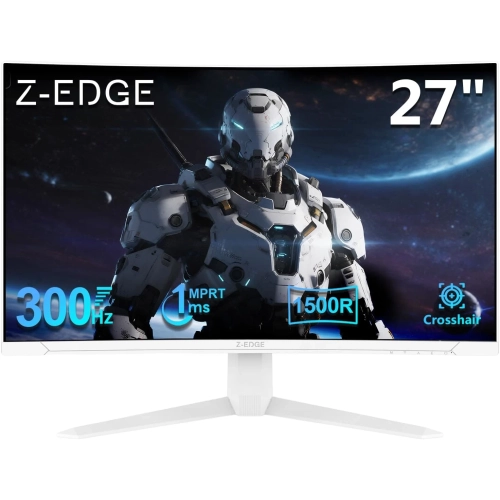
Z-EDGE 27" Curved 1080P HD Led Gaming Monitor - 1Ms Mprt - 300Hz
About this product
A frameless curved monitor offering 1080P FHD, 300Hz refresh rate, 1ms response, and versatile connectivity.
$349.99Your price for this item is $349.99SAVE $50
FAQ
Look for a refresh rate of at least 144Hz, adaptive sync support, and inputs that match your gaming system. Resolution, panel type, and stand adjustability also matter. Choose a balance that suits the games you play and the frame rates your system can deliver.
Refresh rate, measured in hertz (Hz), describes how many times a monitor updates its image each second. A higher refresh rate can make motion appear smoother, especially in fast-paced games. To take full advantage of it, your system needs to produce sufficiently high frame rates, and your connection must support the selected resolution and refresh rate.
IPS panels generally offer wide viewing angles and consistent colours. VA panels typically provide higher contrast and deeper blacks, though some show more trailing in dark scenes. TN panels often prioritize fast pixel transitions but have narrower viewing angles. Motion handling varies by model, so panel type alone does not tell the whole story.
These adaptive sync technologies allow a compatible monitor to adjust its refresh rate to match the graphics processor’s output, helping reduce screen tearing and stuttering. Support can vary by graphics card, monitor, and connection type, so check compatibility with your setup.
Yes. Many gaming monitors include HDMI for consoles and HDMI or DisplayPort for PCs. Check which resolutions, refresh rates, and variable refresh rate features each input supports. Multiple inputs let you keep both systems connected and switch between them through the monitor’s controls.
Top selling and popular products
Discover more categories related to Best Gaming Monitors under $500

Some products may be subject to Environmental Handling Fees (EHF) depending on your province. Learn more about EHFs.