Best Ultrawide Monitors Under $500
Get more room to work and play with the best ultrawide monitors under $500, ranked by user review ratings. Whether you’re comparing documents, juggling multiple windows, or diving into your favourite games, an ultrawide display gives you a broader view without stretching your budget. Explore top-rated options to find the right fit for your desk and daily routine.
What to look for in ultrawide monitors under $500
1. Screen Size and Aspect Ratio
2. Resolution and Panel Type
3. Refresh Rate and Gaming Features
4. Connectivity and Adjustability
-
1
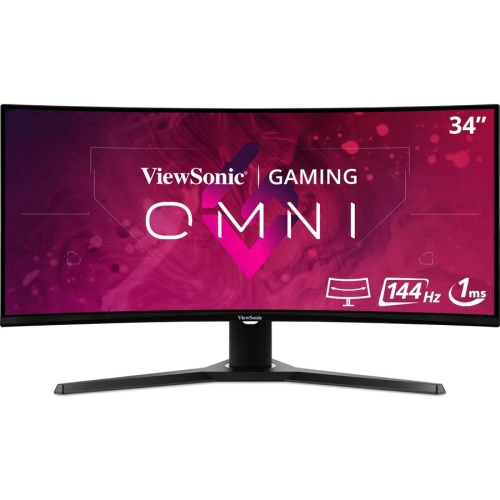
VIEWSONIC Omni 34" Ultrawide Curved 1440P Uwqhd Led Gaming Monitor (Vx3418-2Kpc) - Freesync Premium - 144Hz
About this product
An ultrawide curved LED monitor featuring 1440p resolution, 1ms response, 144Hz refresh, and FreeSync Premium.
(10)$435.99Your price for this item is $435.99SAVE $64 -
2
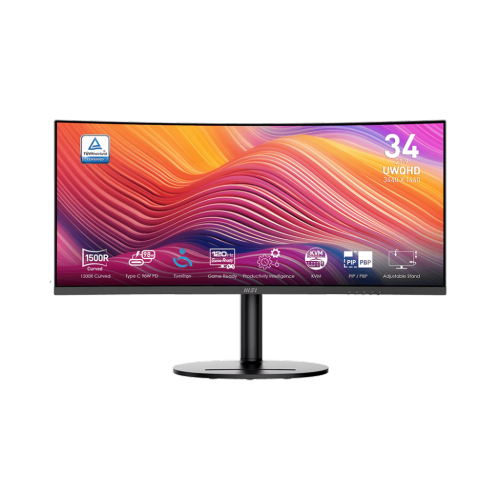
MSI Modern 34" Ultrawide Curved Uwqhd Va Led Monitor (Md342Cqp) - 120Hz - HDr Ready - Freesync Premium
About this product
A black curved UWQHD monitor with 120Hz refresh rate, 1ms response, Adaptive-Sync, and USB-C power delivery.
(3)$389.99Your price for this item is $389.99SAVE $90 -
3
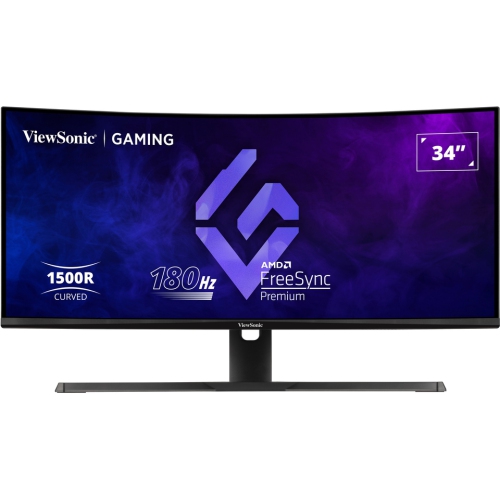
VIEWSONIC 34" Ultrawide Curved 1440P Wqhd Va Led Gaming Monitor (Vx3418-2K) - Freesync Premium - 1Ms Gtg - 180Hz - HDr10
About this product
An ultrawide curved VA LED monitor with 180Hz refresh rate and 1ms response time for immersive gaming.
(3)$400.99Your price for this item is $400.99SAVE $76 -
4
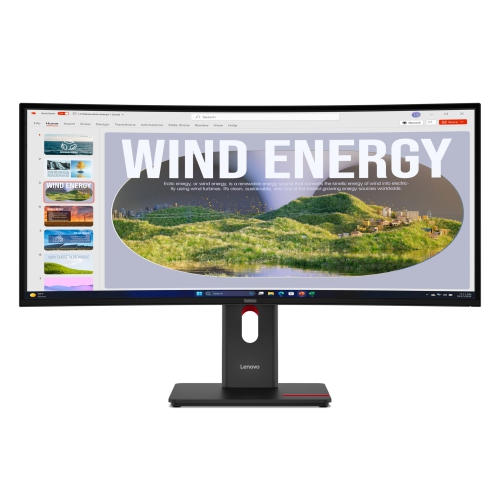
LENOVO Thinkvision 34" Curved Wqhd Va Monitor (T34Wd-40) - USB-C - 120Hz
About this product
A curved ultra-wide monitor offering immersive visuals and seamless multitasking for enhanced productivity.
(1)$899.00 Your price for this item is $899 -
5
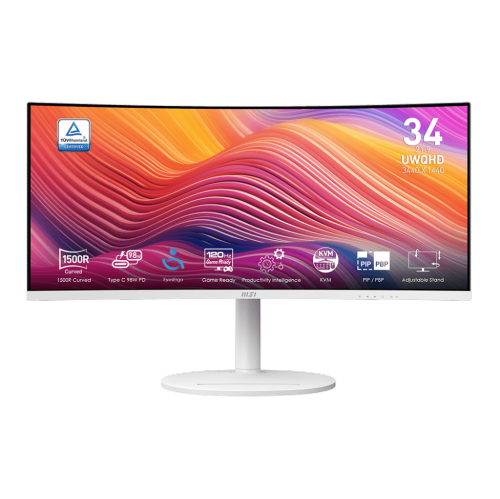
MSI Modern 34" Ultrawide Curved Uwqhd Va Led Monitor (Md342Cqpw) - 120Hz - HDr Ready - Freesync Premium - In White
About this product
A white curved UWQHD monitor with 120Hz refresh rate, 1ms response, USB-C 98W power delivery, and speakers.
(5)$399.99Your price for this item is $399.99SAVE $90 -
6
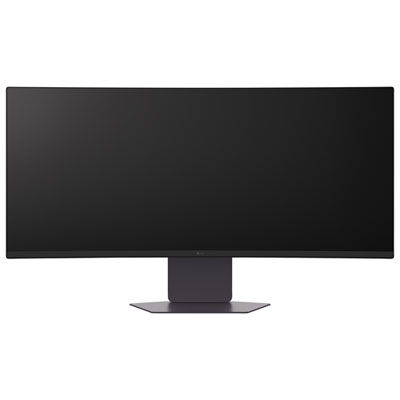
LG 34" Ultrawide Curved UWQHD VA LED Gaming Monitor (34G600A-B) - FreeSync Premium - 160Hz - HDR10
About this product
A black curved VA LED monitor with 160Hz refresh rate, 5ms response, FreeSync, and built-in speakers.
What customers like
(133)$389.99Your price for this item is $389.99SAVE $160 -
7
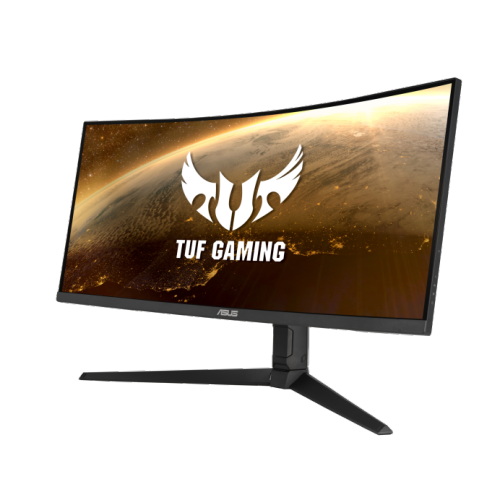
ASUS Tuf Gaming 34" Ultrawide Curved Uwqhd Led Gaming Monitor (Vg34Vql1B) - Freesync Premium - 165Hz - HDr400
About this product
A curved WQHD gaming monitor in black with 165Hz refresh rate, 1ms response, and FreeSync Premium.
What customers like
(84)$499.00 Your price for this item is $499 -
8
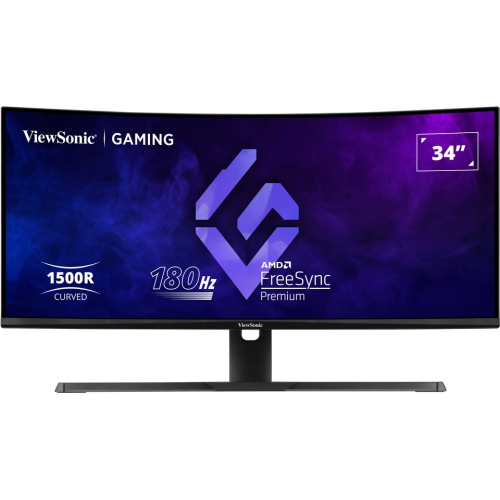
VIEWSONIC 34" Ultrawide Curved Uwqhd Mva Led Gaming Monitor (Vx3418-2Kpc) - Freesync Premium - 1Ms Gtg - 180Hz
About this product
An ultrawide curved gaming monitor with WQHD resolution, 180Hz refresh rate, and 1ms response time.
(10)$420.99Your price for this item is $420.99SAVE $73 -
9
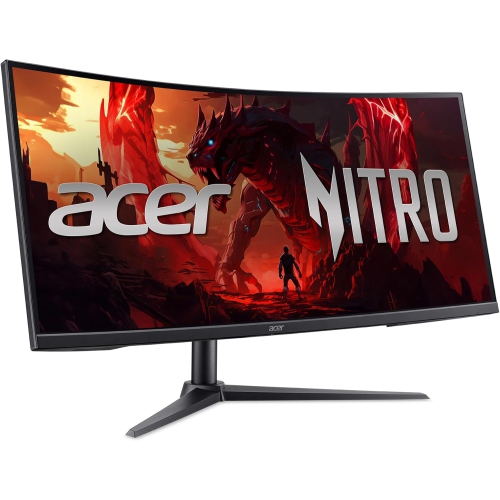
Open Box - Acer Nitro XZ2 34" Ultrawide Curved UWQHD VA LCD Gaming Monitor - FreeSync Premium - 1ms VRB - 240Hz - 2 Year Warranty
About this product
An ultrawide curved gaming monitor with UWQHD resolution, 240Hz refresh rate, and AMD FreeSync Premium.
(10)$309.00 Your price for this item is $309 -
10

SAMSUNG - Odyssey G5 34" Curved 1440P Wqhd Va Led Gaming Monitor (Lc34G55Twwnxza) - Freesync Premium - 1Ms Gtg - 165Hz - HDr10
About this product
An ultra-wide curved gaming monitor in black featuring WQHD resolution, 165Hz refresh rate, and HDR10 support.
What customers like
(1,193)$579.68 Your price for this item is $579.68
FAQ
Common connections include HDMI and DisplayPort, while some models also offer USB-C. A USB-C port may support video, data transfer and laptop charging, but its capabilities vary by monitor. Check that the monitor’s inputs match your computer’s video outputs.
IPS and VA are common panel types. IPS panels typically offer consistent colours across viewing angles, while VA panels generally provide higher contrast and deeper blacks. Colour coverage, refresh rate and other specifications vary by model.
Picture-by-picture displays two video sources side by side, such as a desktop computer and a laptop. Picture-in-picture places one source in an inset window over the main source. Not all ultrawide monitors include these features, and supported input combinations vary.
Most meeting apps let you share either your entire desktop or a selected application window. Sharing one application keeps the presentation focused without showing your full desktop. The available sharing controls depend on your meeting app and operating system.
A built-in USB hub lets you connect accessories, such as a keyboard and mouse, through the monitor. The hub usually requires an upstream USB connection to your computer, separate from HDMI or DisplayPort. Some USB-C monitors can carry video and USB data through one compatible cable.
Top selling and popular products
Discover more categories related to Best Ultrawide Monitors Under $500
Some products may be subject to Environmental Handling Fees (EHF) depending on your province. Learn more about EHFs.