Best Mice for Macbook Pro
Find the best mice for MacBook Pro, ranked by user review ratings to help you compare top-rated options. Whether you’re editing photos, working through spreadsheets, or browsing between meetings, explore options with comfortable designs, precise tracking, and convenient connectivity to find the right fit for your setup.
What to look for in mice for MacBook Pro
1. macOS Compatibility
2. Connection Options
3. Comfort and Portability
4. Controls and Battery Life
-
1
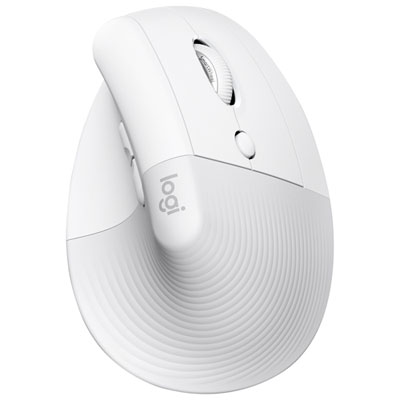
Logitech Lift Ergonomic 4000 DPI Wireless Mouse for Mac - Off-White
About this product
An ergonomic off-white wireless mouse with 4000 DPI, designed for Mac users to reduce wrist strain.
What customers like
(356)$109.99 Your price for this item is $109.99 -
2
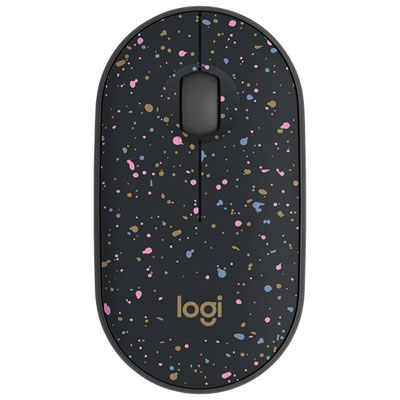
Logitech M340 1000 DPI Wireless Optical tracking Mouse - Speckles
About this product
A lightweight wireless mouse with Silent Touch Technology and a speckled finish for quiet, comfortable use.
What customers like
(98)$17.99 Your price for this item is $17.99 -
3
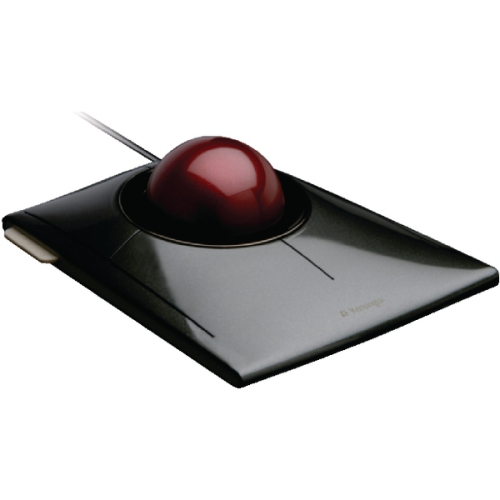
KENSINGTON Slimblade Trackball - (72327) In Black
About this product
A sleek black trackball featuring dual laser sensors and a low-profile design for precise, comfortable control.
(12)$98.99Your price for this item is $98.99SAVE $18 -
4
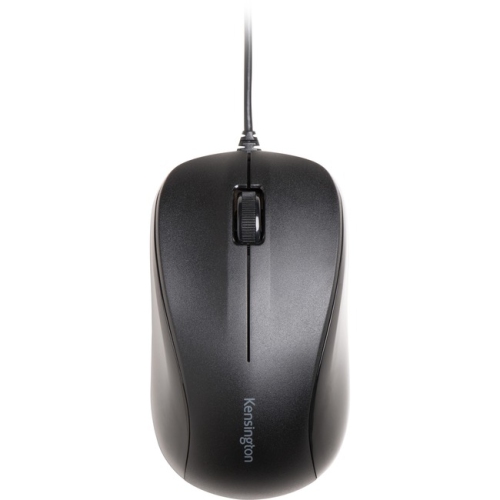
KENSINGTON Wired USB Mouse for Life - (K72110Us) In Black
About this product
A black wired USB mouse featuring 1000 dpi optical tracking, scroll wheel, and symmetrical three-button design.
What customers like
(38)$31.37Your price for this item is $31.37SAVE $3 -
5
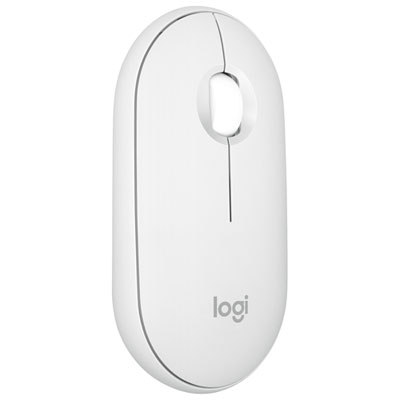
Logitech Pebble 2 M350s 4000 DPI Bluetooth Optical Mouse - Tonal White
About this product
A slim tonal white Bluetooth mouse with 4,000 DPI, silent clicks, and multi-device connectivity.
What customers like
(483)$34.99 Your price for this item is $34.99 -
6
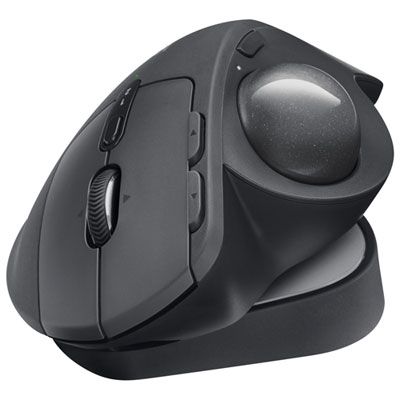
Logitech MX Ergo S Plus Advanced Ergonomic 2048 DPI Wireless Trackball Mouse - Graphite
About this product
An ergonomic graphite wireless trackball mouse with customizable buttons, dual-device connectivity, and up to 120-day battery life.
What customers like
(273)$149.99 Your price for this item is $149.99 -
7
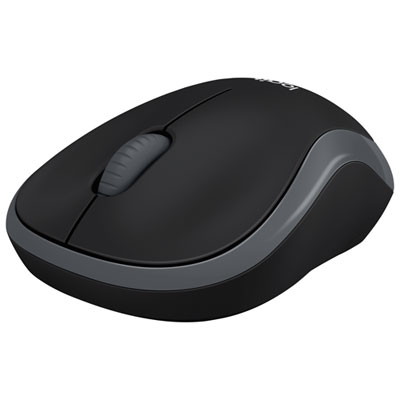
Logitech M185 Wireless Optical Mouse - Black
About this product
A black wireless optical mouse with ambidextrous design and USB nano receiver for precise navigation.
What customers like
(342)$19.99Your price for this item is $19.99SAVE $5 -
8
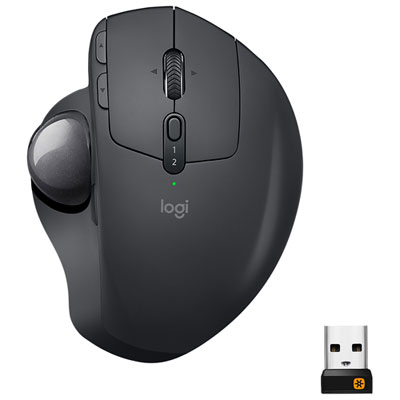
Logitech MX ERGO Plus Wireless Laser Trackball Mouse - Black
About this product
An ergonomic black wireless trackball mouse featuring an adjustable hinge and advanced precision laser tracking.
What customers like
(1,997)$99.95 Your price for this item is $99.95 -
9
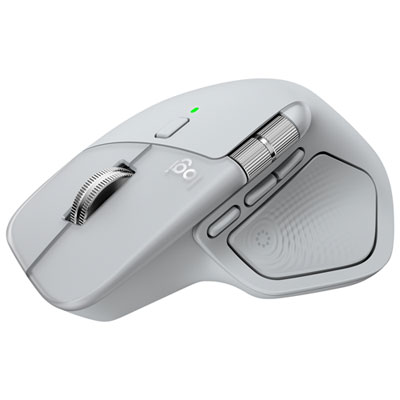
Logitech MX Master 4 Bluetooth Optical Mouse w/ Advanced Performance Haptic Feedback - Pale Grey
About this product
A pale grey Bluetooth optical mouse offering 8,000dpi precision, haptic feedback, and customizable Actions Ring.
What customers like
(399)$159.99 Your price for this item is $159.99 -
10
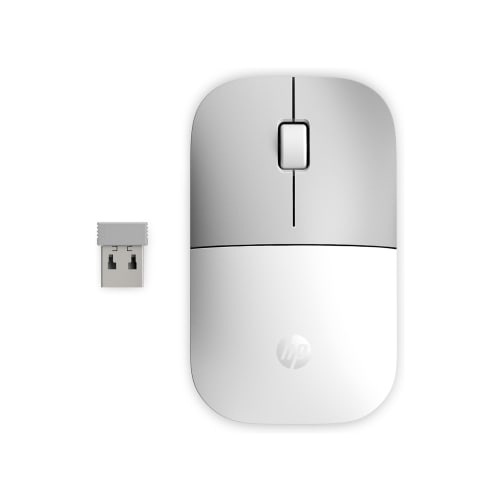
HEWLETT PACKARD HP 37000 Ceramic Wireless Mouse G2 In White
About this product
A white wireless mouse with ceramic finish, perfect for computer accessories.
What customers like
(48)$29.99Your price for this item is $29.99SAVE $30
FAQ
Look for stated macOS compatibility, a connection type that works with your MacBook Pro, and support for the features you want, such as programmable buttons or touch gestures. If the mouse uses companion software, check that it supports your installed version of macOS.
For a Bluetooth mouse, turn on pairing mode, open System Settings on your MacBook Pro, select Bluetooth, and choose the mouse. For a mouse with a USB receiver, plug the receiver into a compatible port. A USB-A receiver may require a USB-C adapter or hub, depending on your MacBook Pro.
Some touch-enabled mice support gestures such as swiping between pages or opening Mission Control. Other mice let you assign macOS actions to extra buttons through compatible software. Available gestures and button assignments vary by mouse and macOS version.
Yes. Multi-device mice can pair with more than one computer and let you switch between them using a button or selector. Some support both Bluetooth and a USB receiver. Check compatibility with each computer’s operating system, as button customisation may differ.
Depending on the connected mouse, macOS lets you adjust settings such as tracking speed, natural scrolling, and secondary click. Compatible companion software may offer additional options for button assignments, scrolling behaviour, and app-specific shortcuts.
Top selling and popular products
Discover more categories related to Best Mice for Macbook Pro


Some products may be subject to Environmental Handling Fees (EHF) depending on your province. Learn more about EHFs.