Gaming Mice for Macbook Pro
If you're a gamer, you know that a good mouse can make all the difference. A great gaming mouse can be comfortable, responsive, and easy to use in long gaming sessions. It also needs to be durable enough to withstand the wear and tear of constant use. Here are some great options that are compatible with MacBook Pro.
Sort

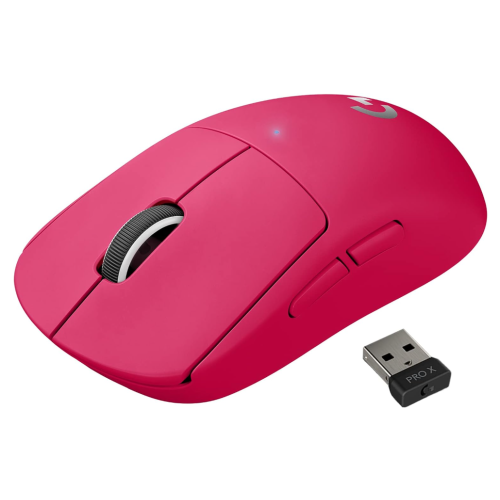
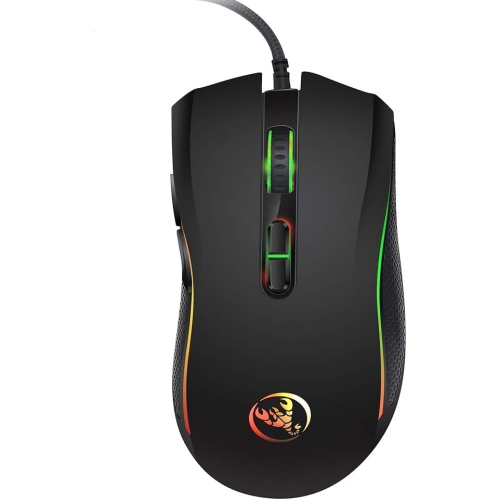
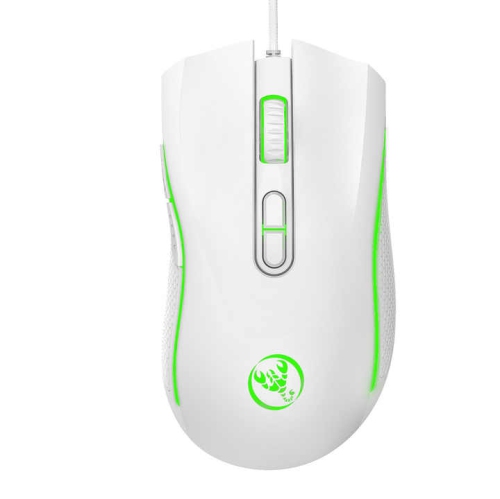
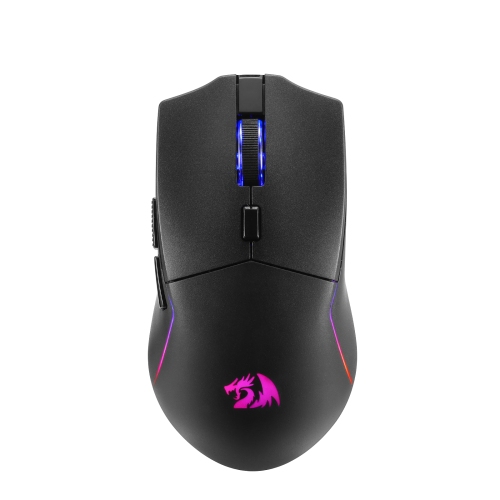
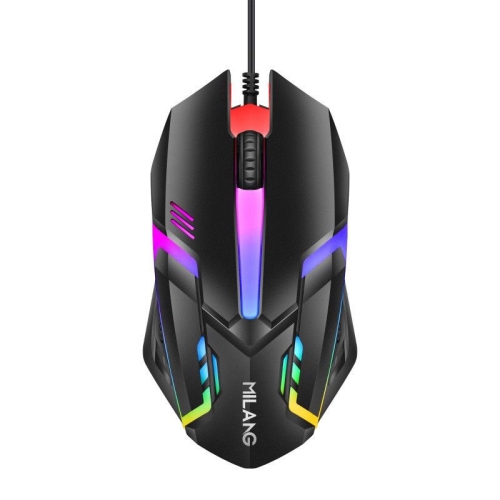
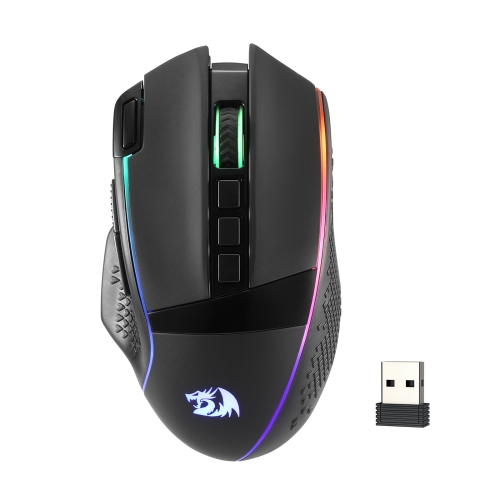
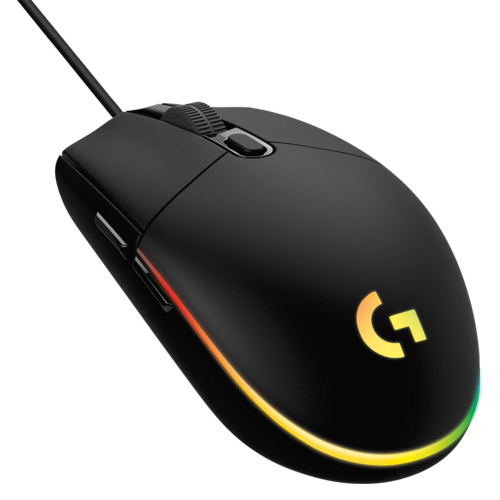
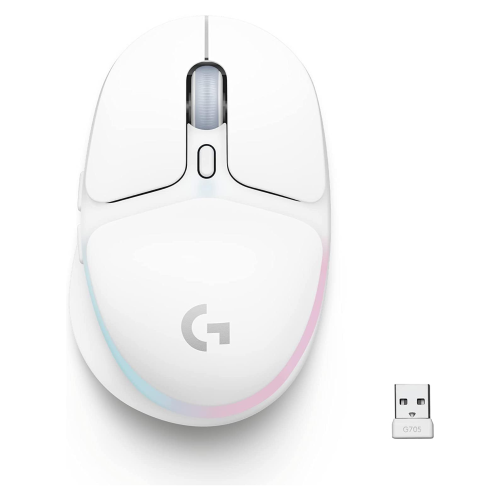
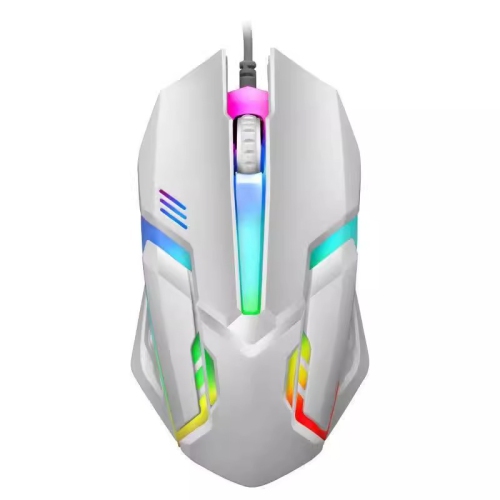
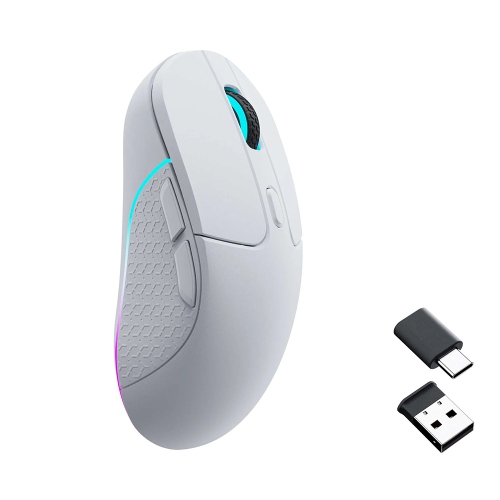
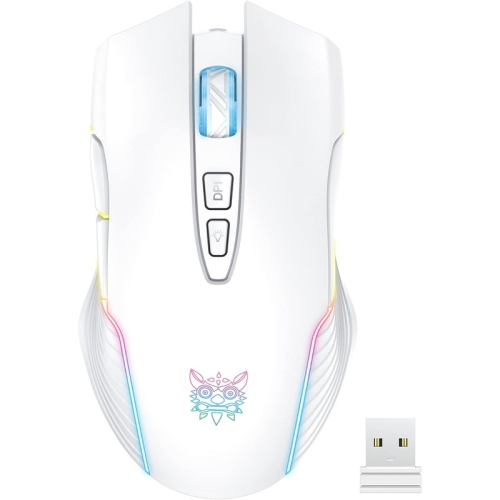
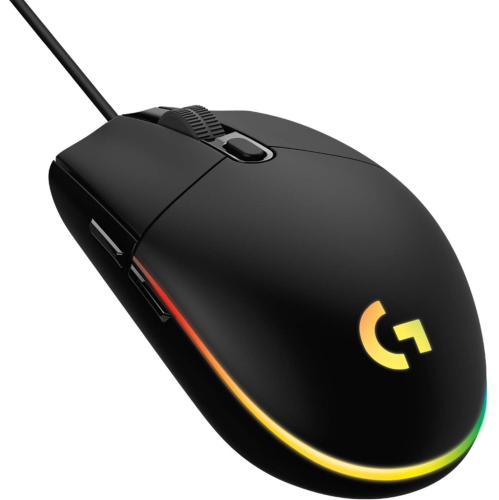
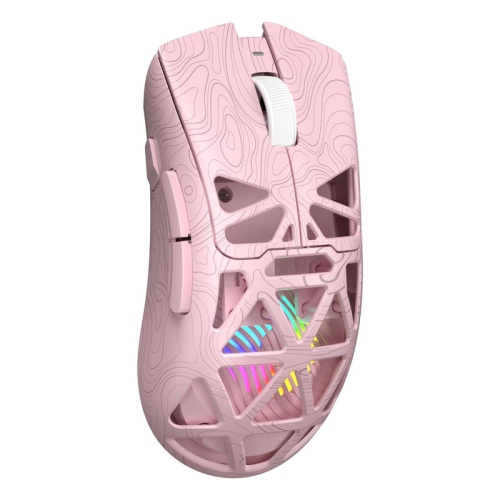
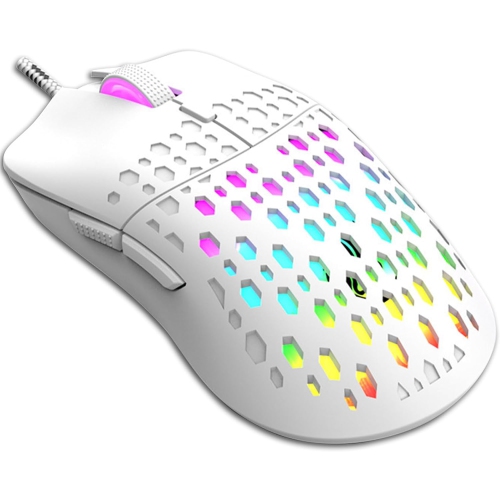
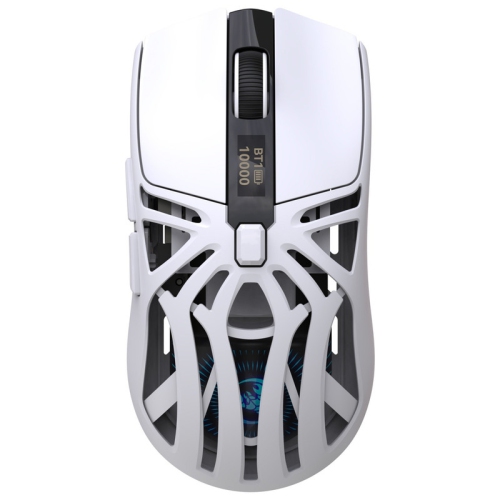
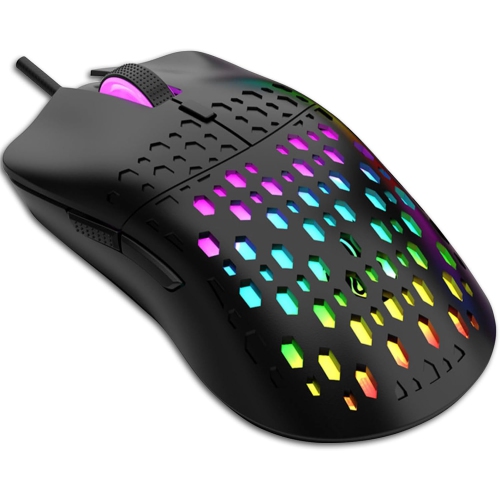
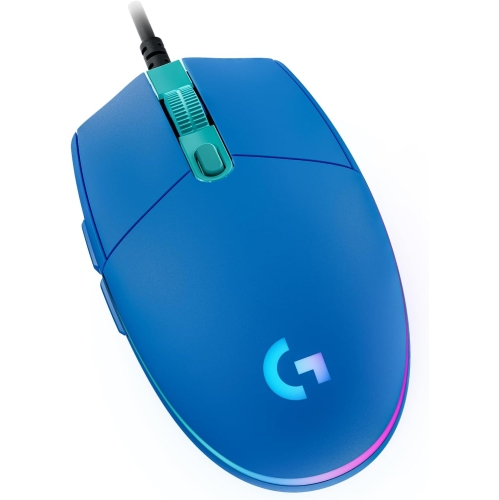
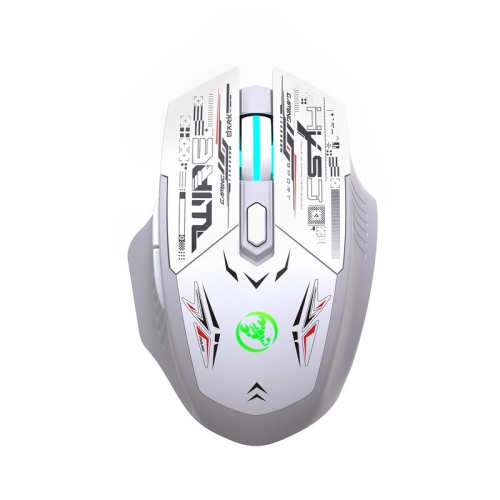
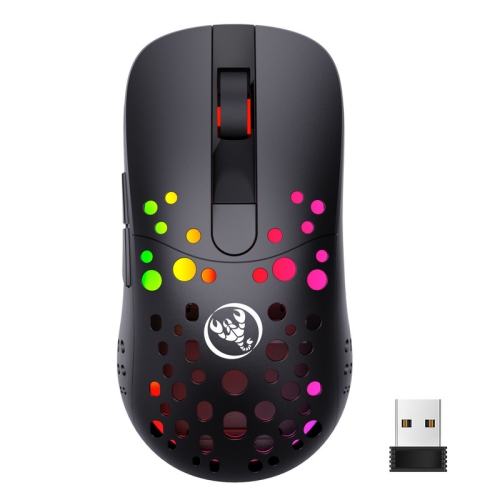
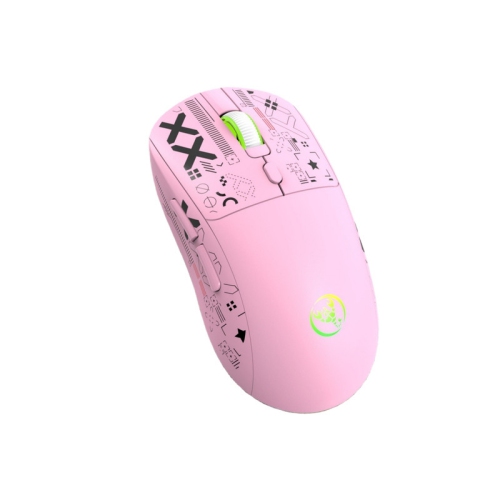
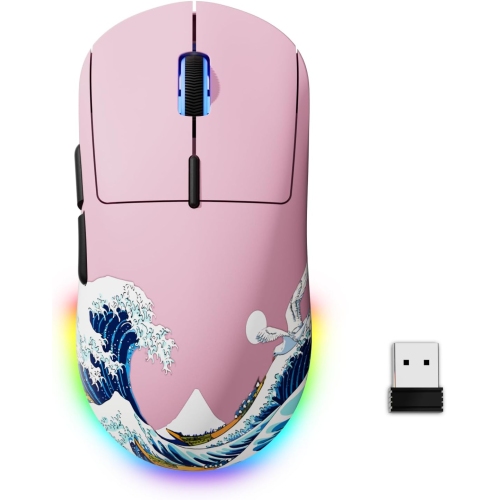
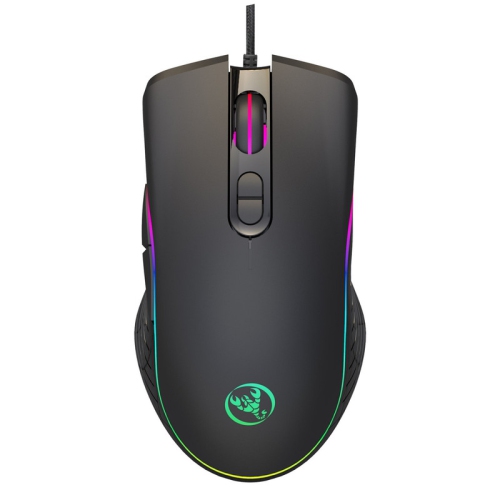
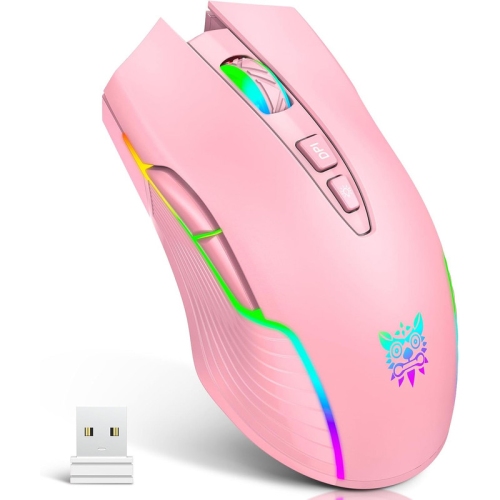
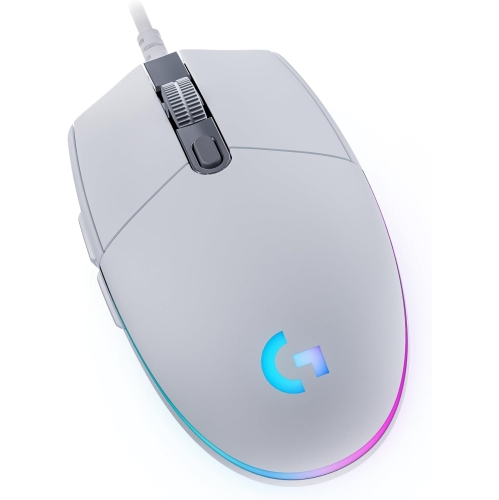
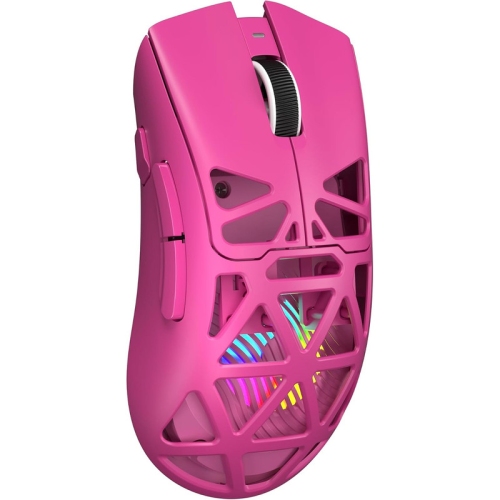
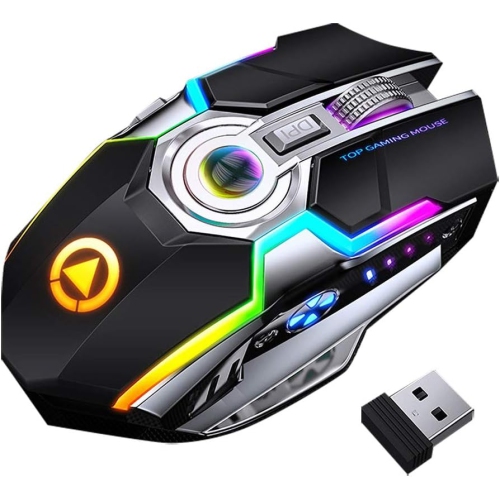
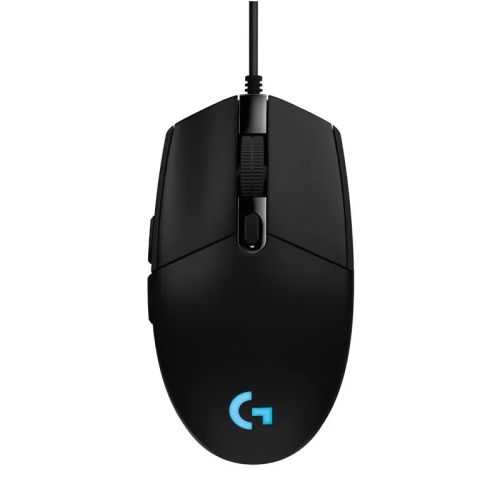
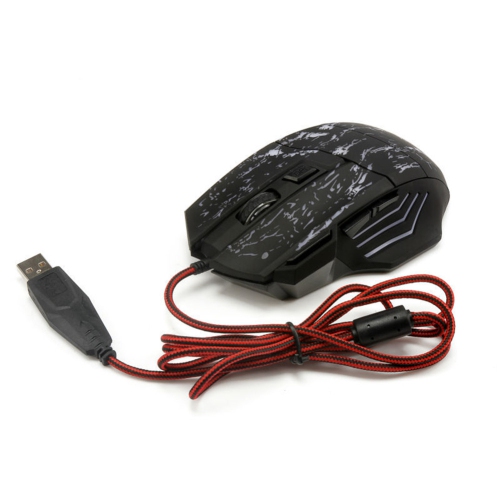
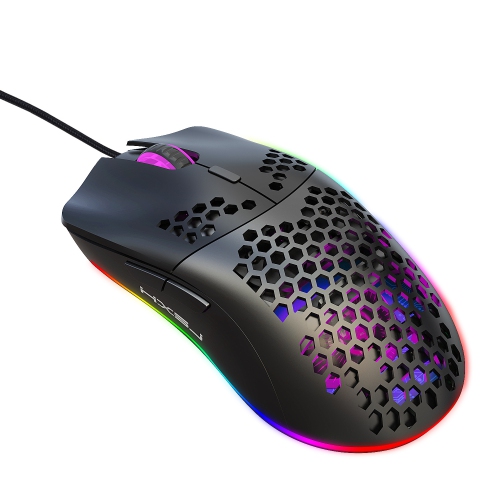
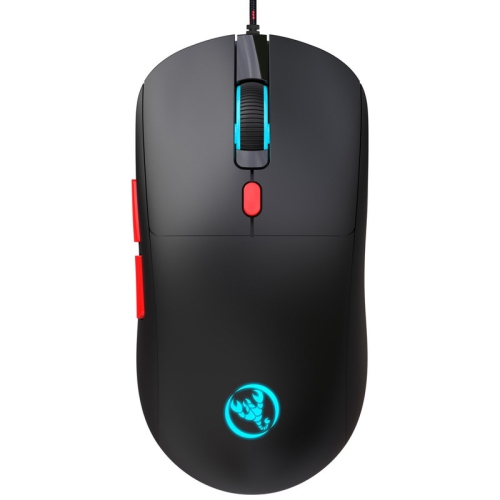
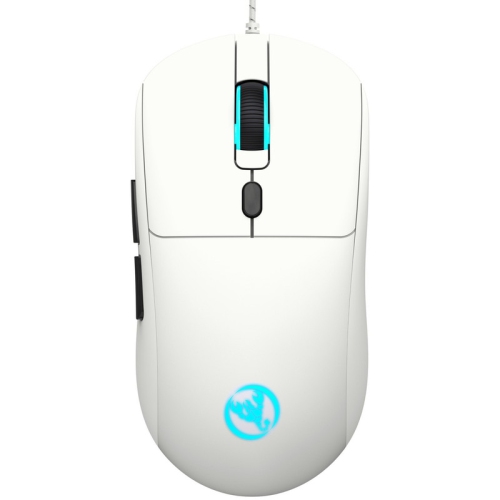
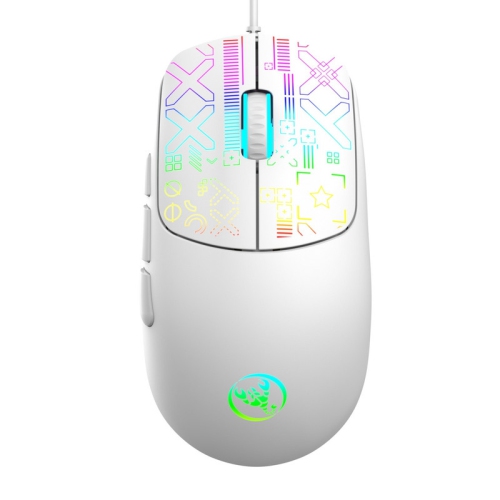
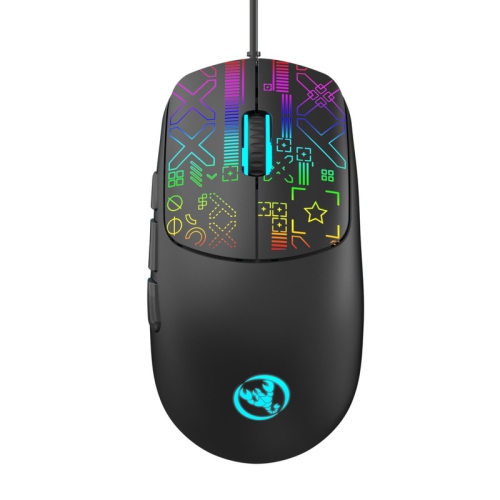
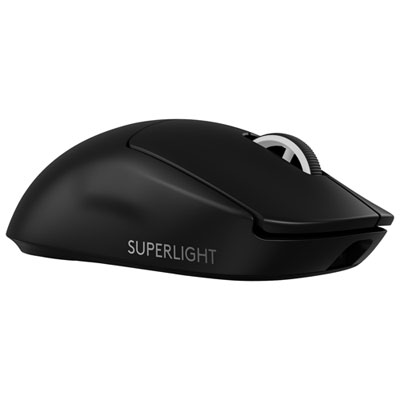
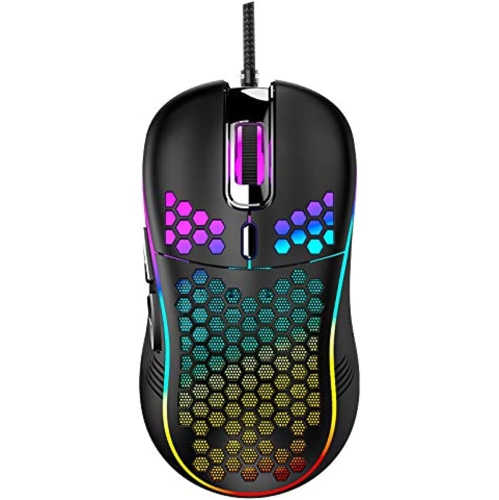
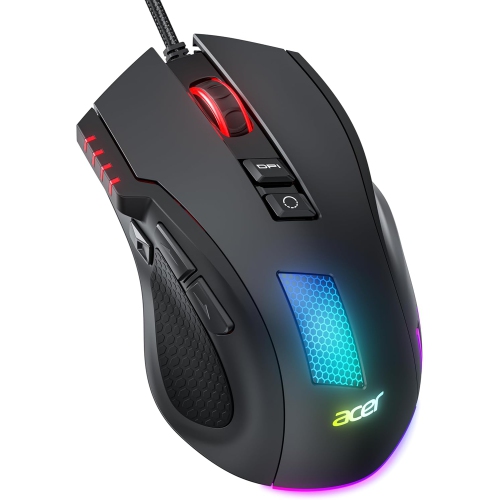
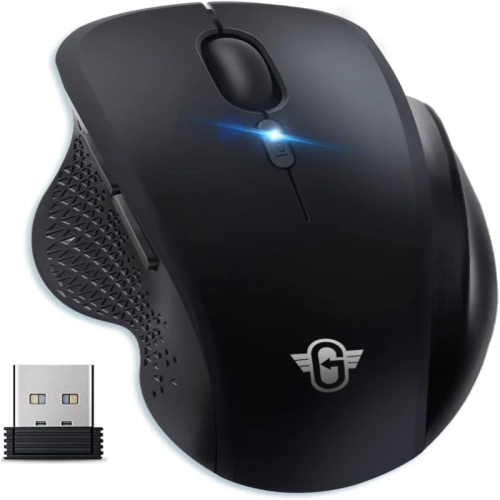
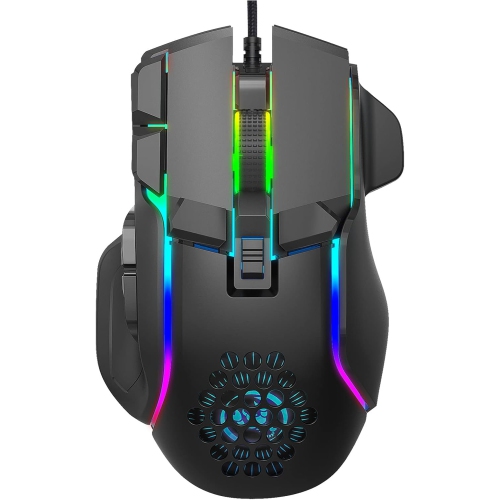
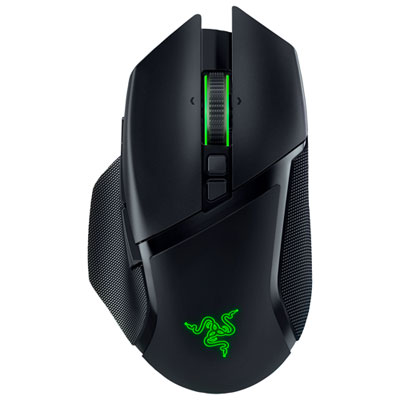
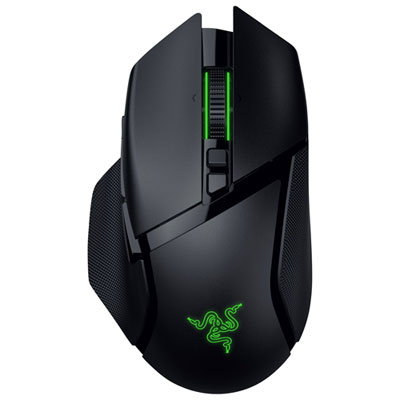
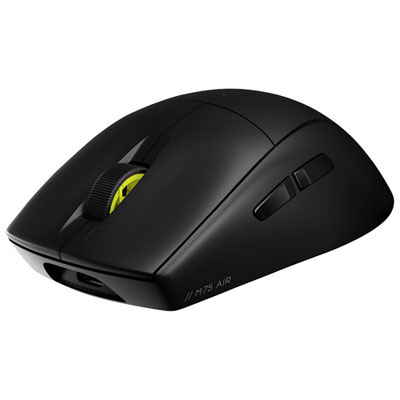
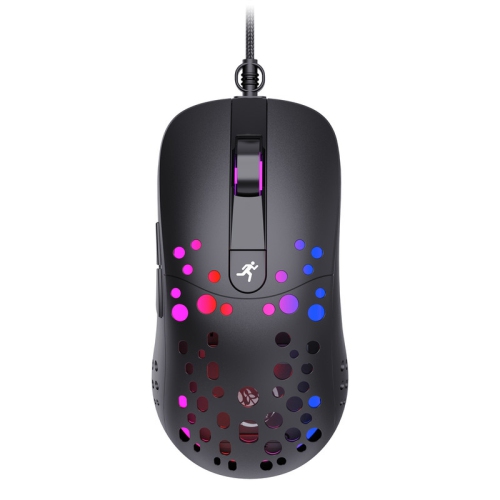
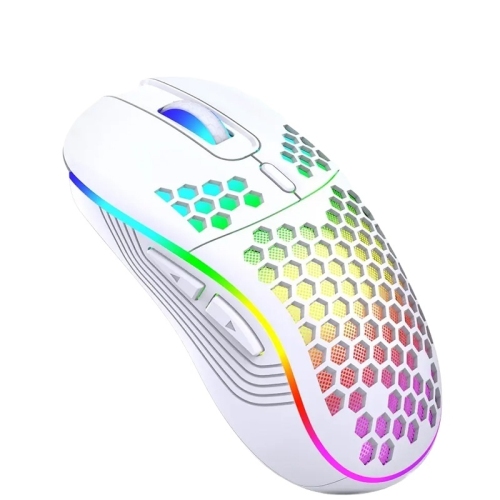
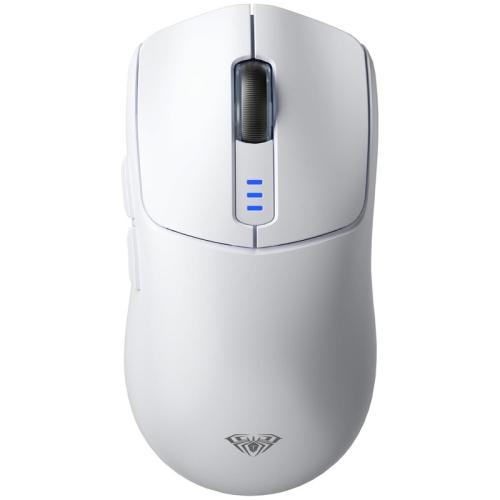
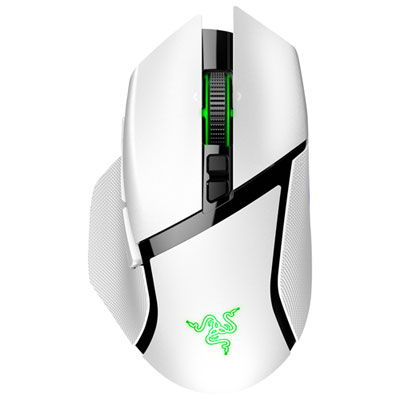
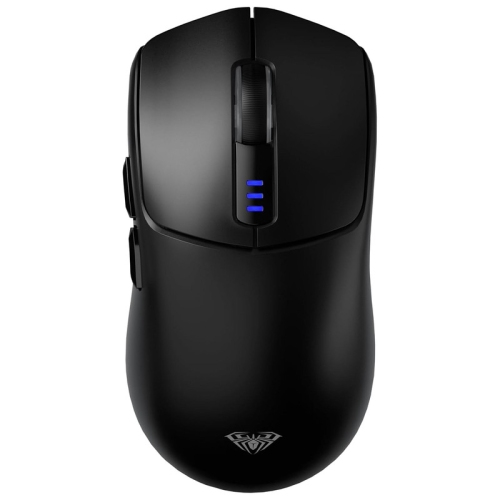
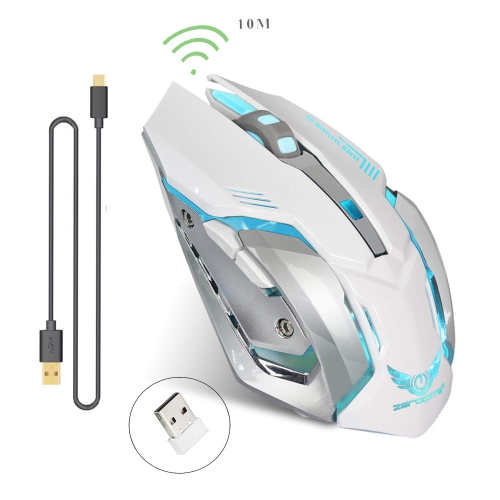
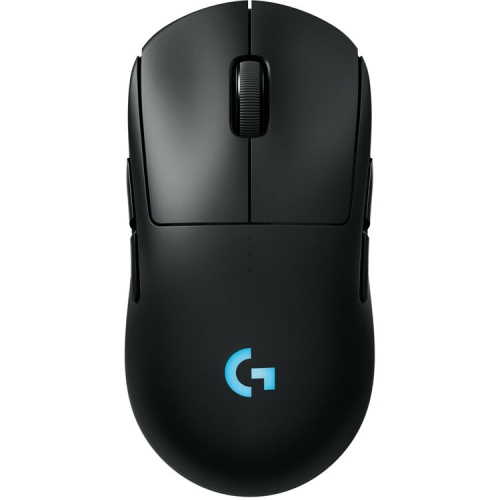
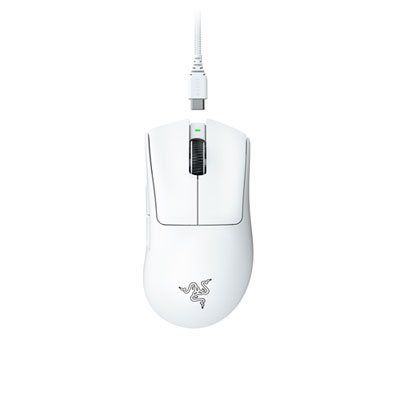
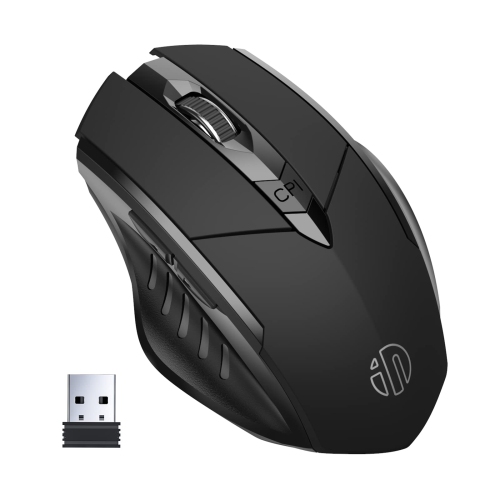
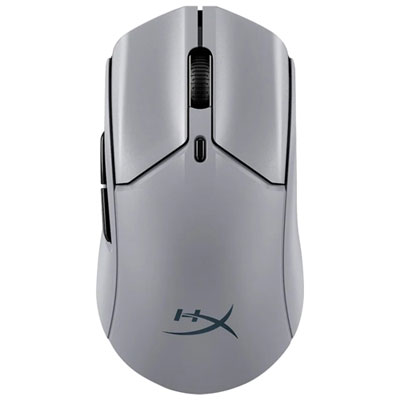
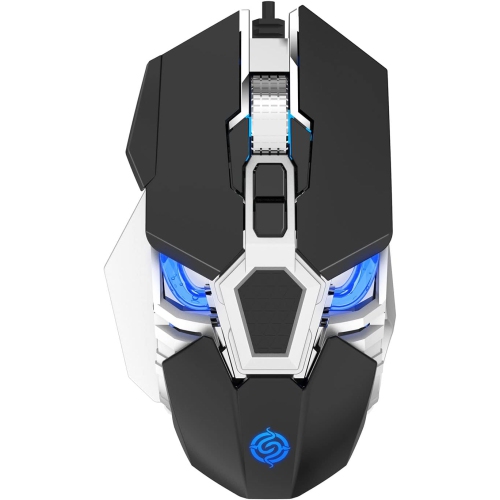
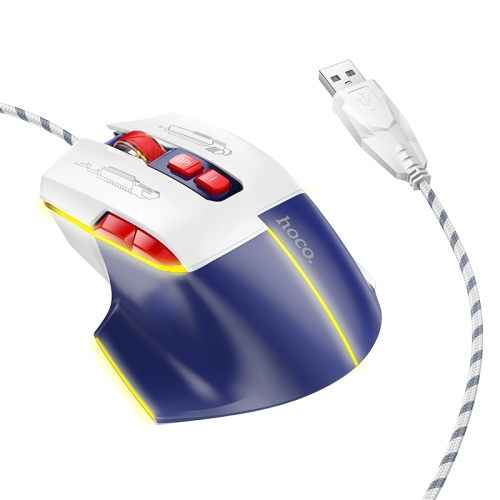
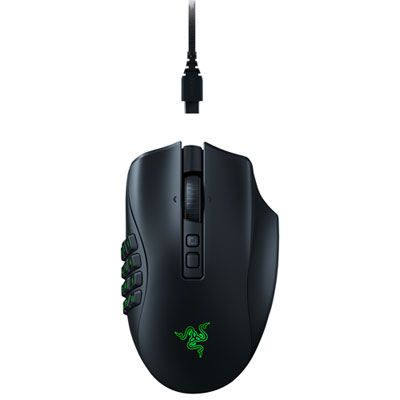

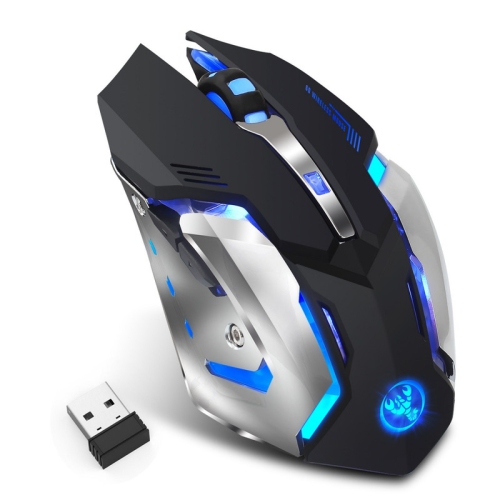
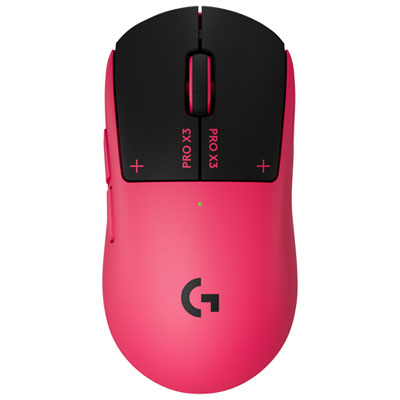
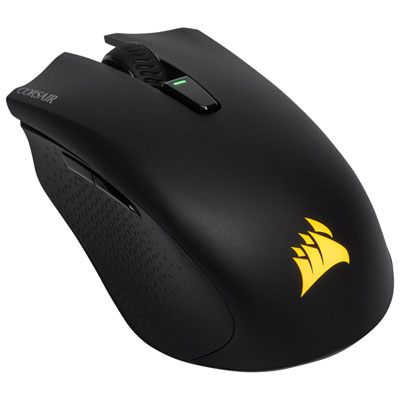

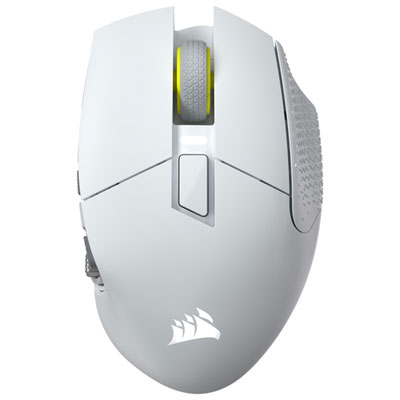
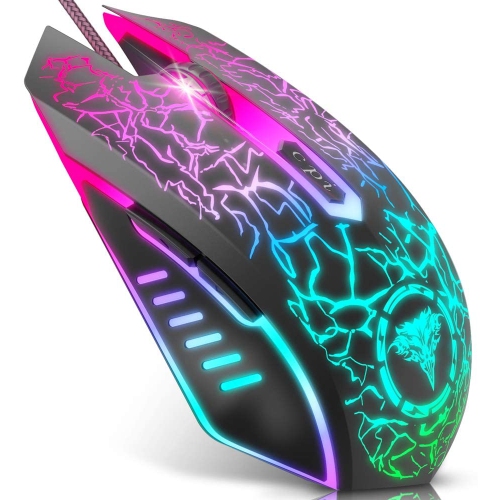
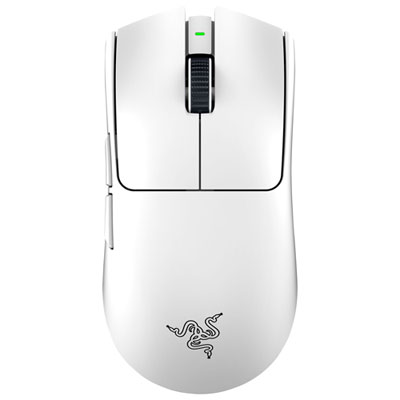
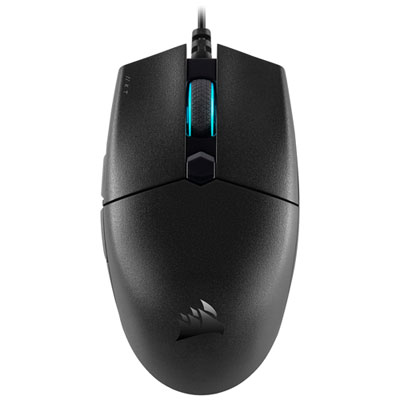
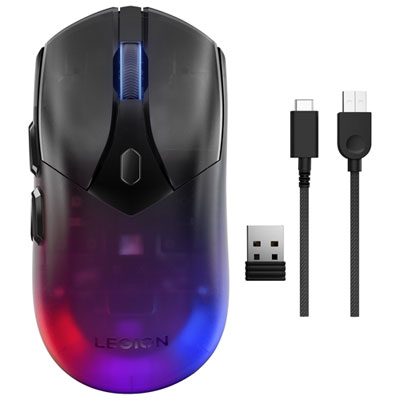
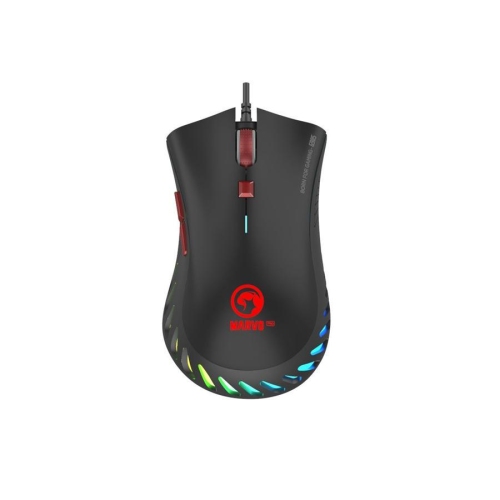
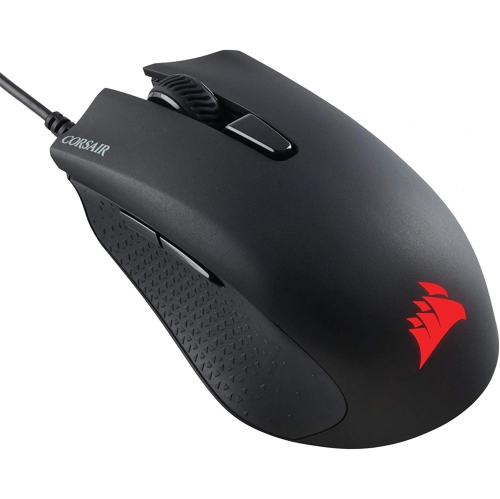
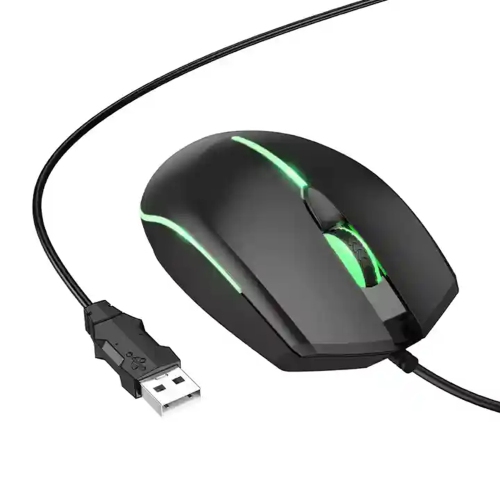
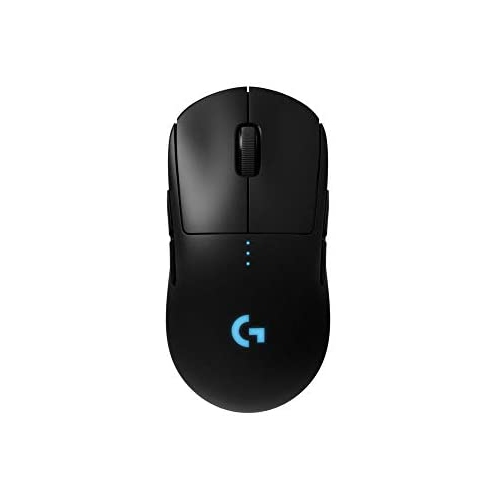
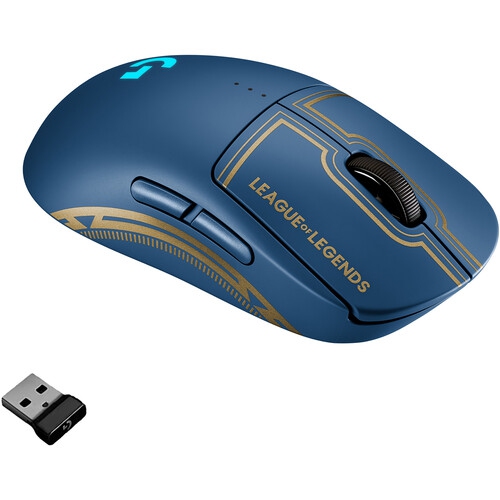
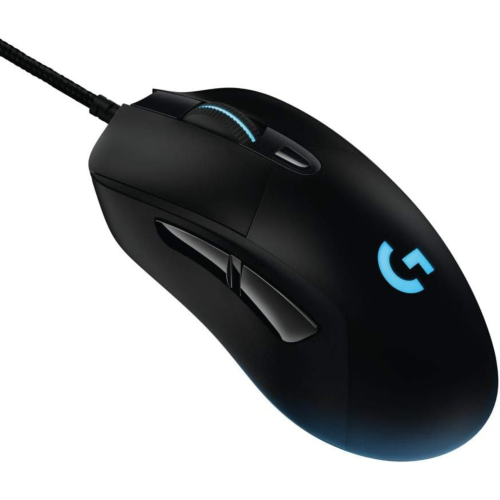
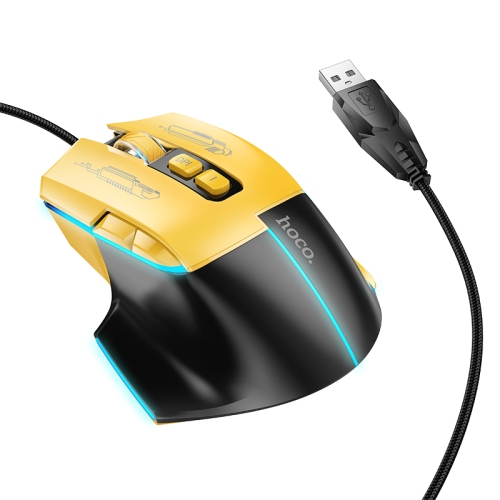

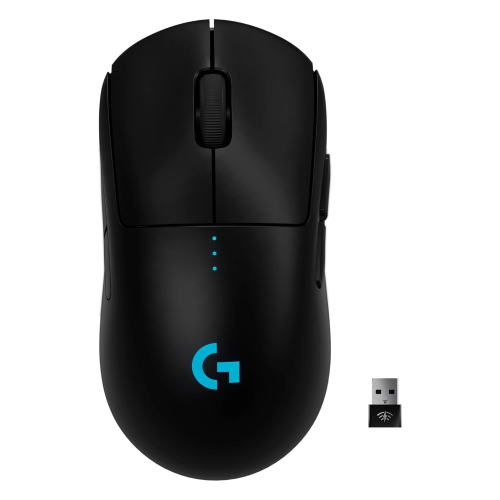
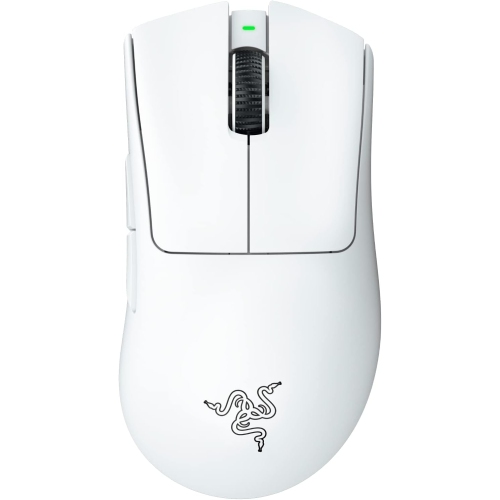
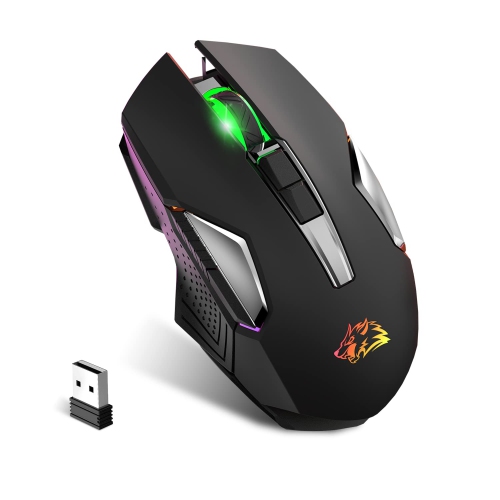
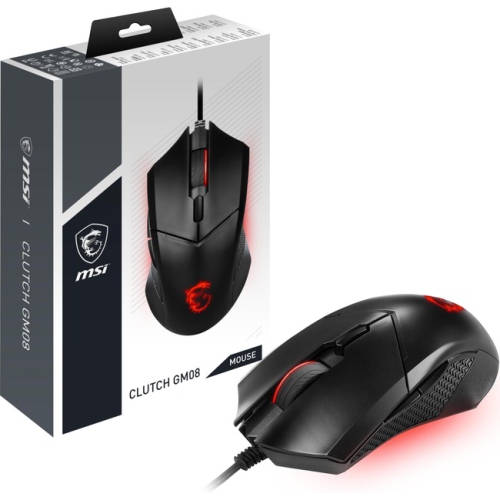
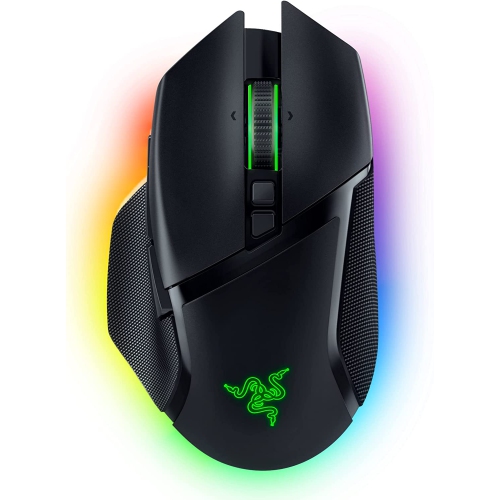
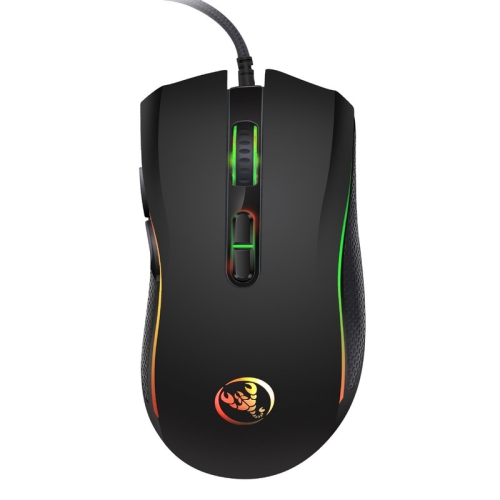
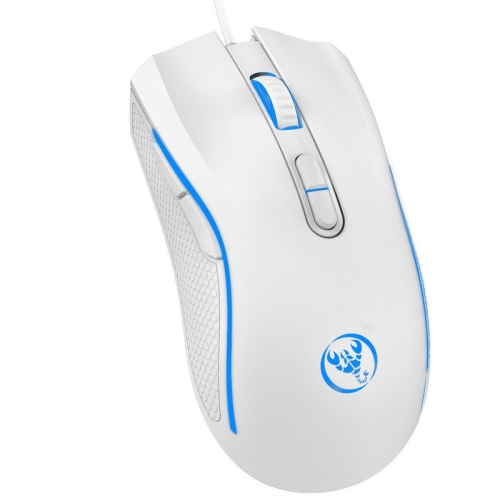
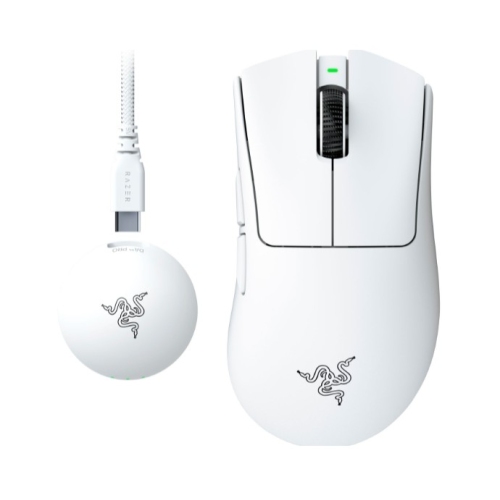
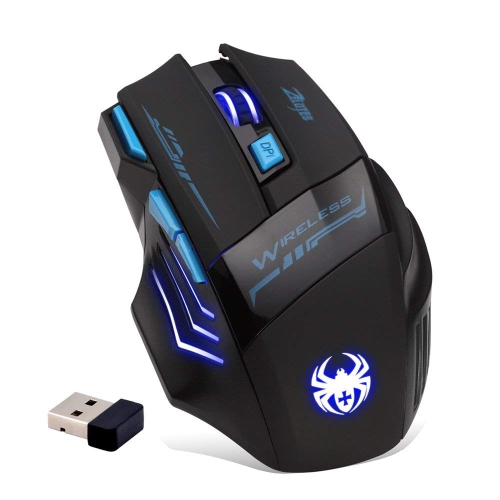
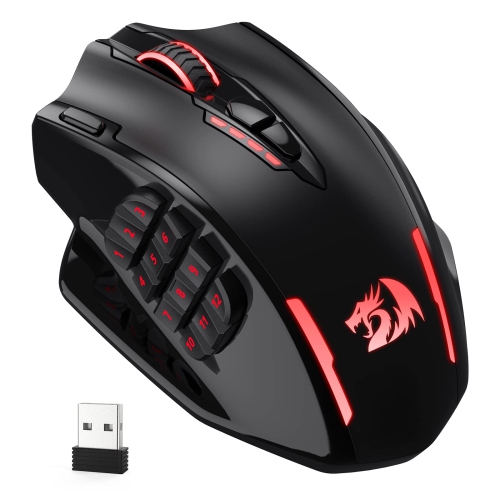
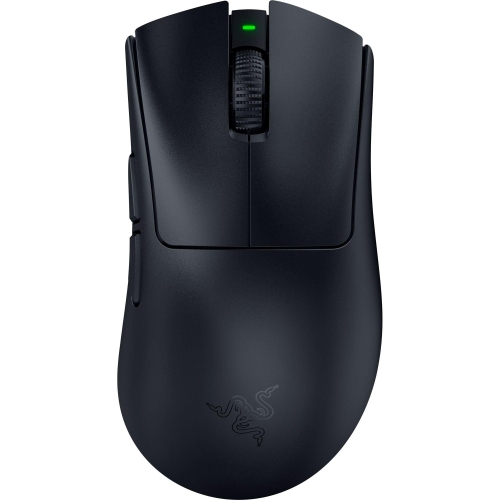
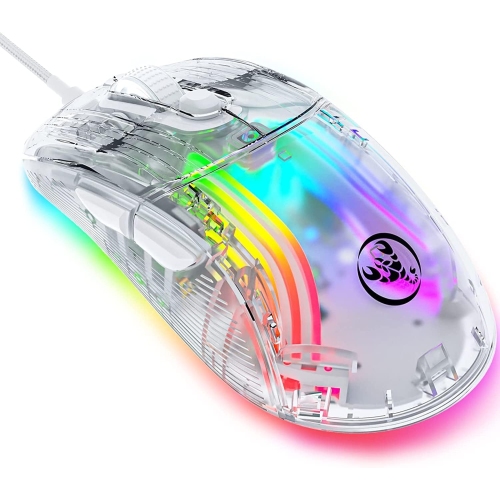

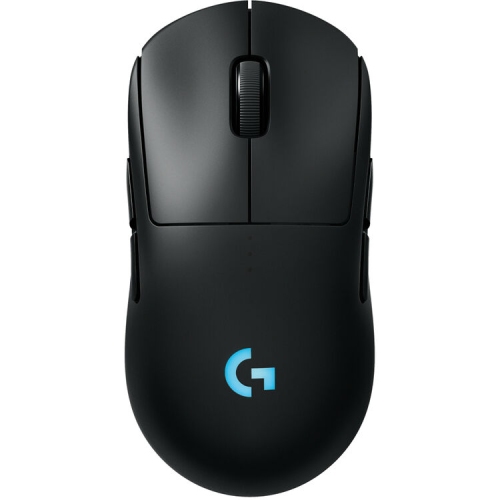
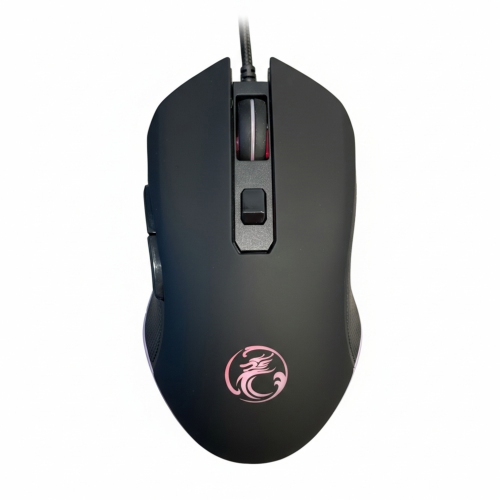
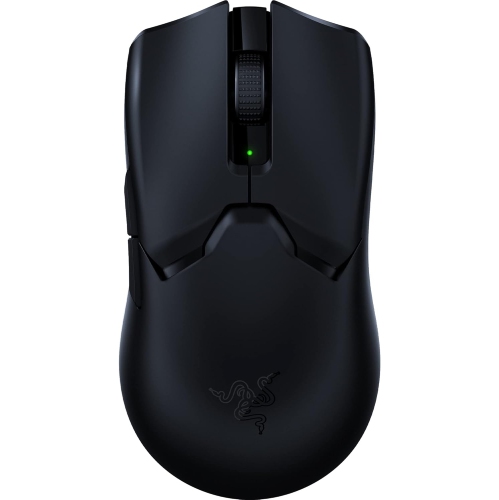
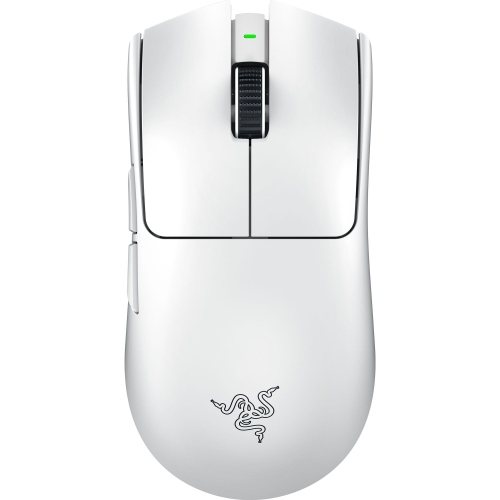
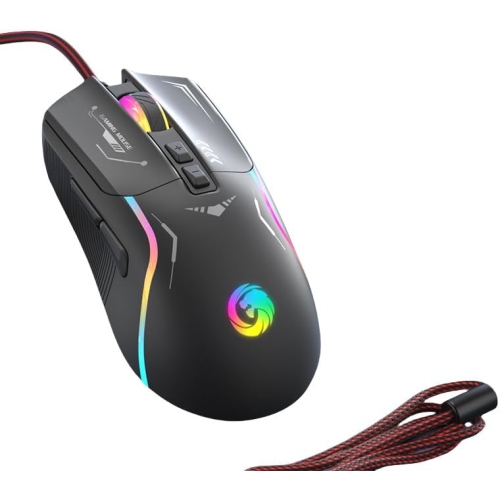
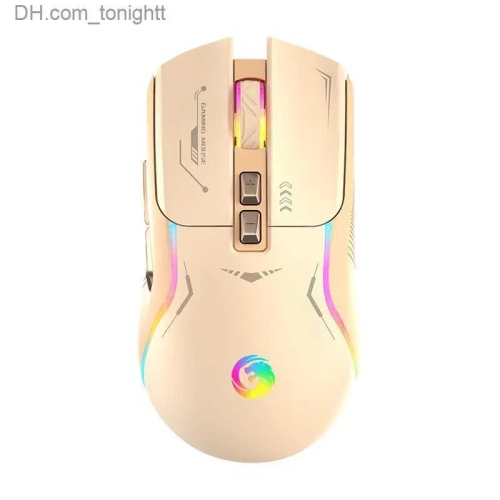
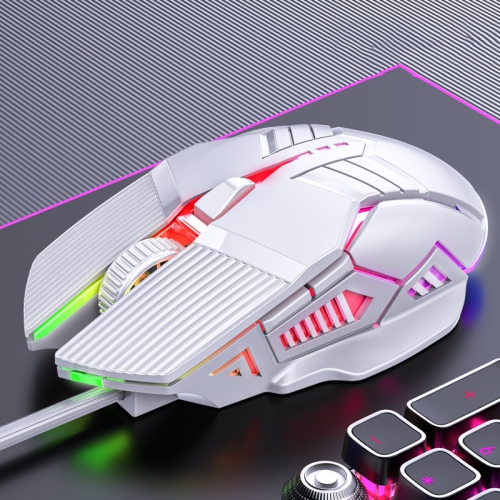
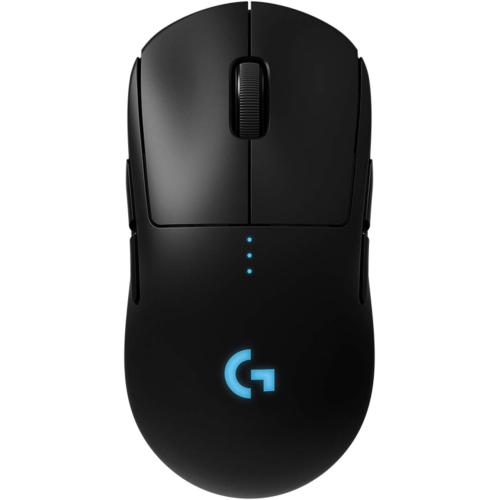
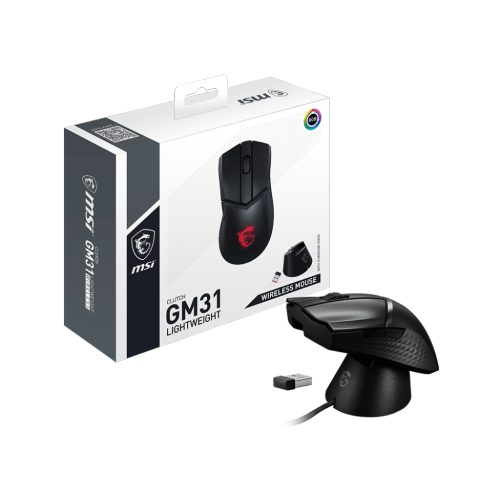

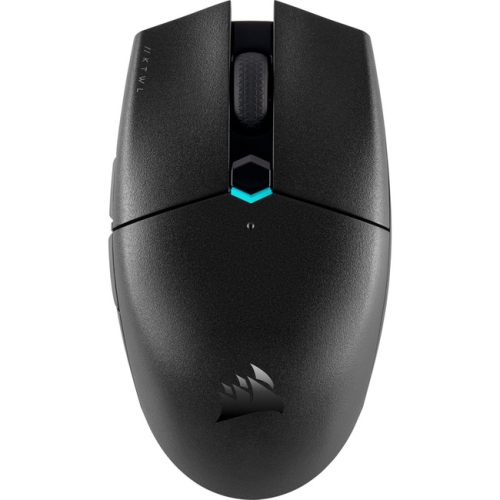
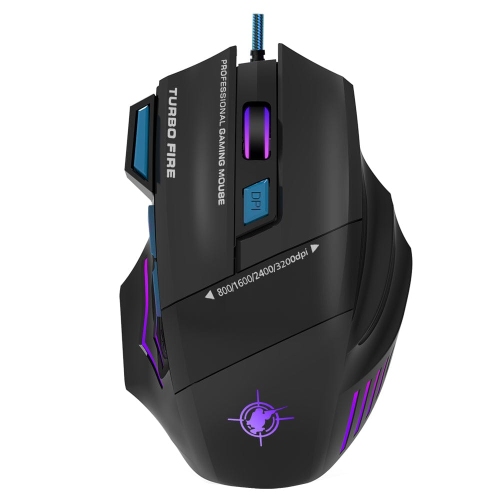
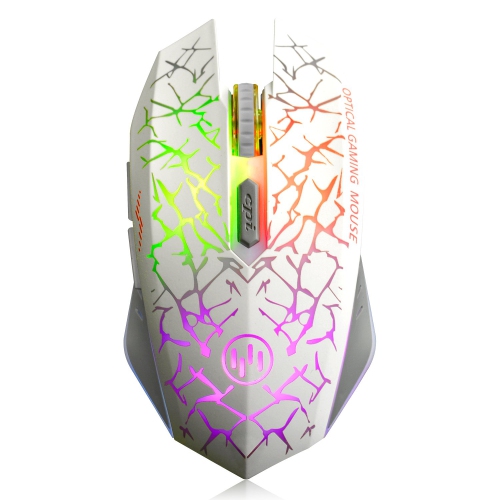
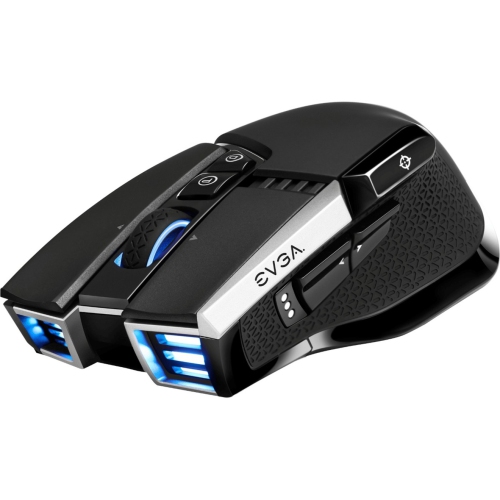
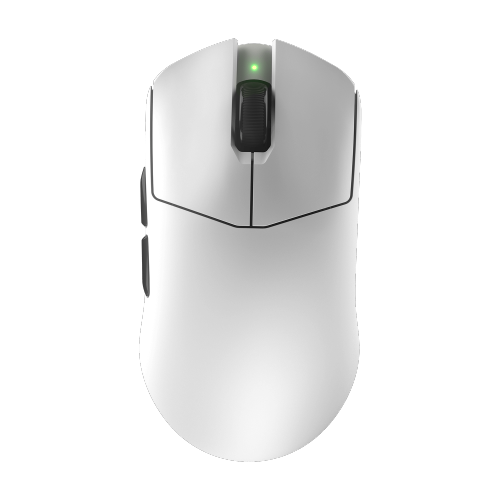
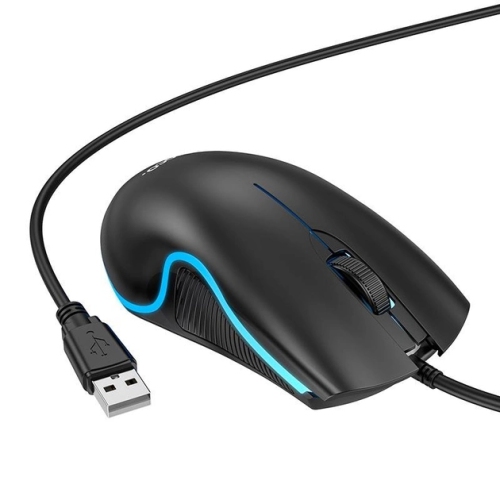
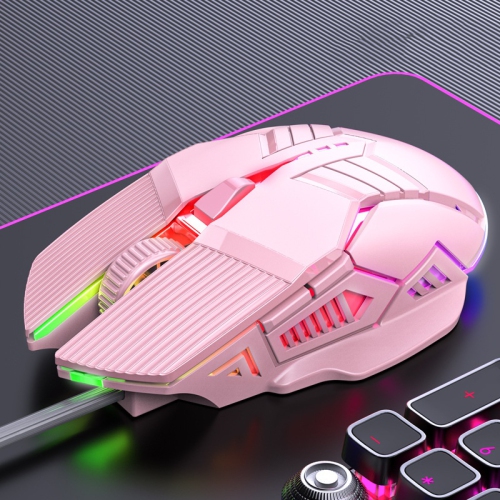
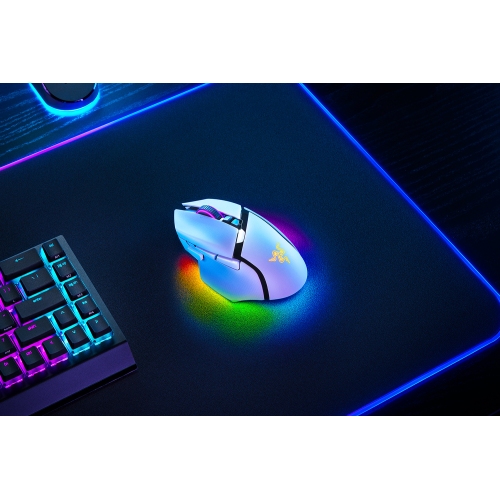
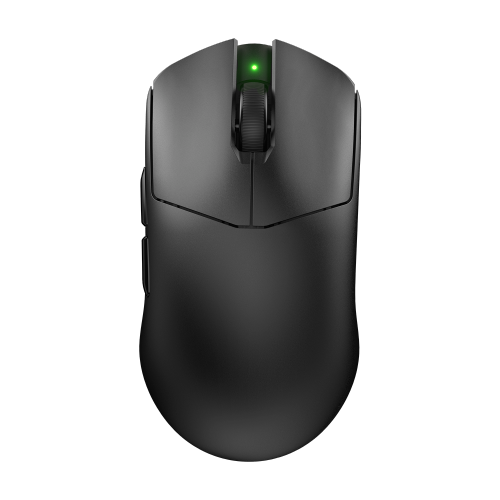
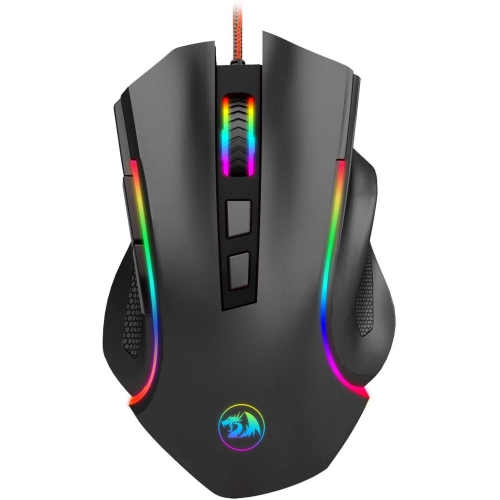

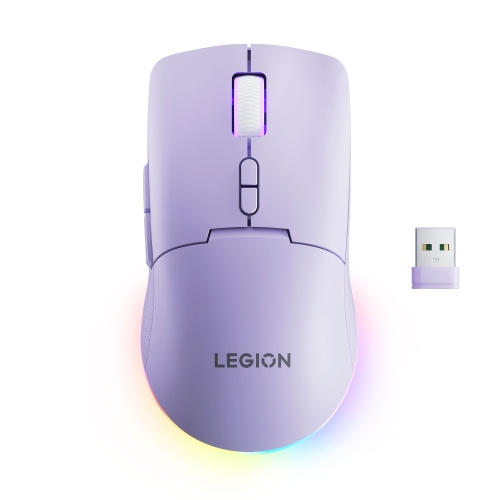
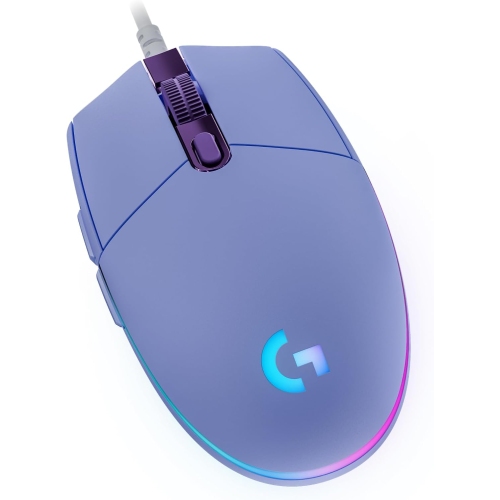
Why Mac mouse compatibility goes beyond basic clicking
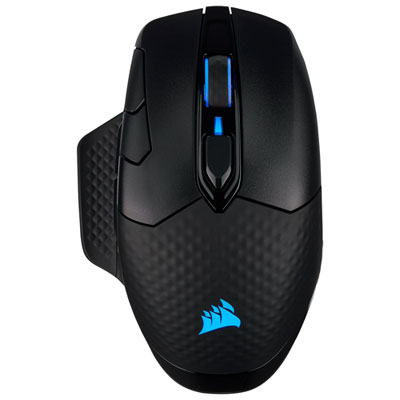
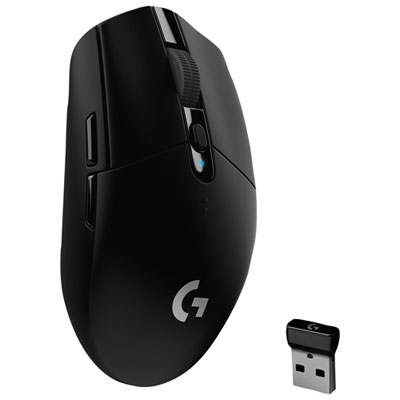
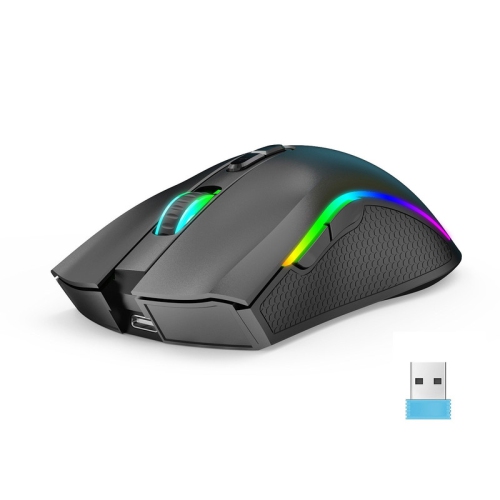
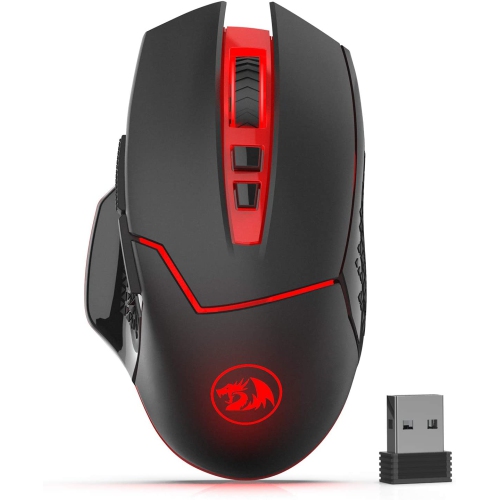
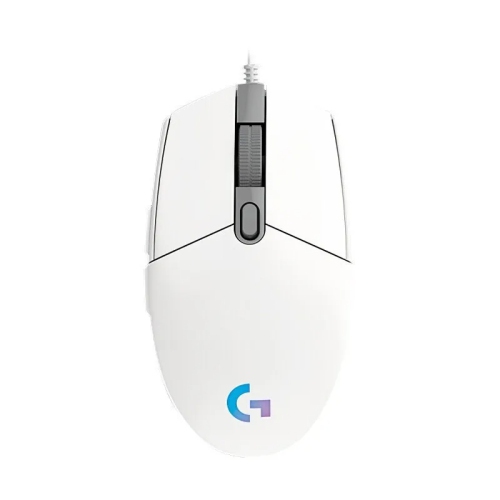
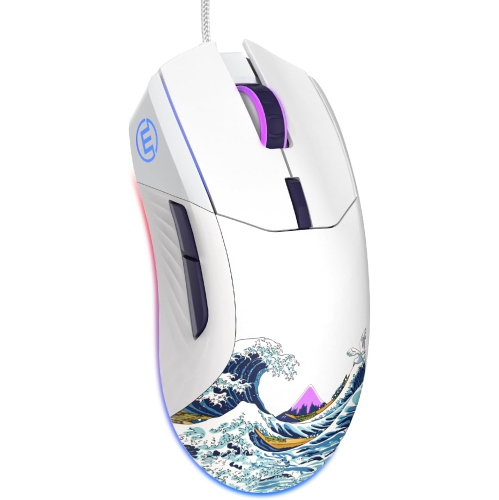
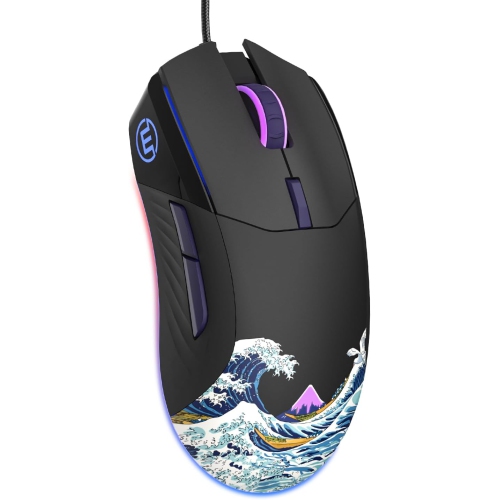
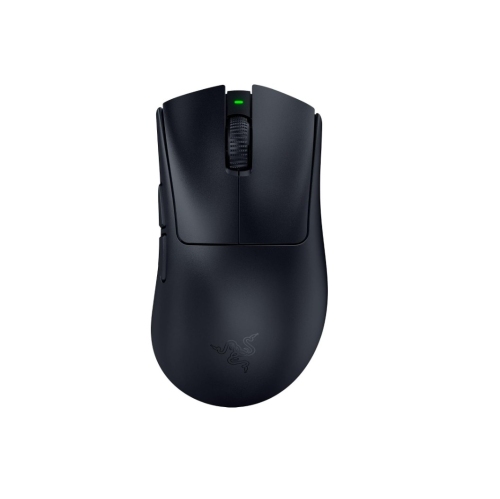
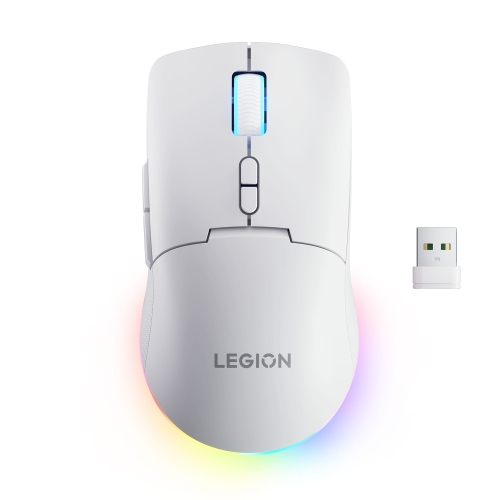
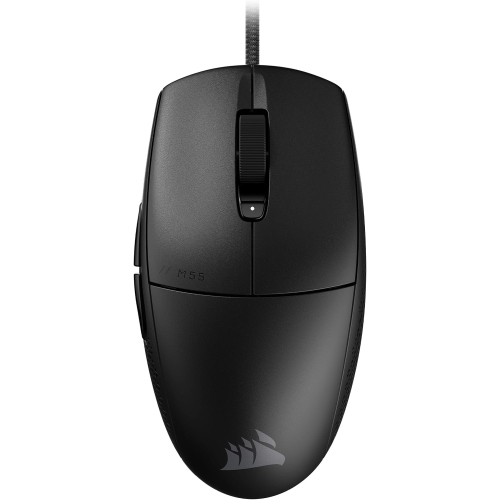
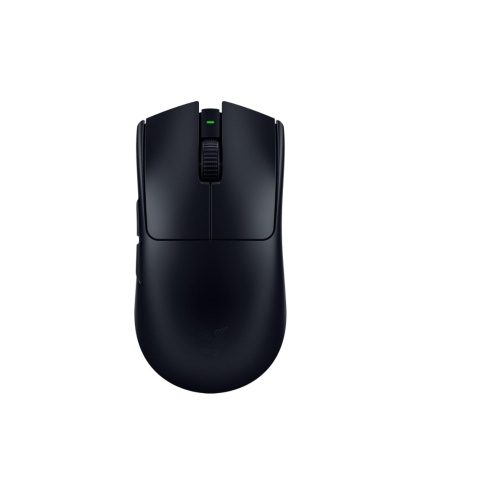
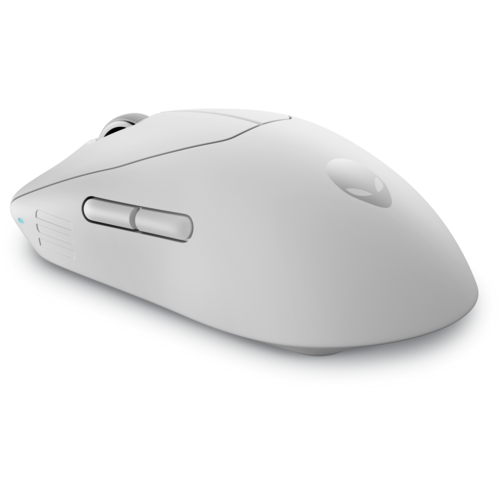
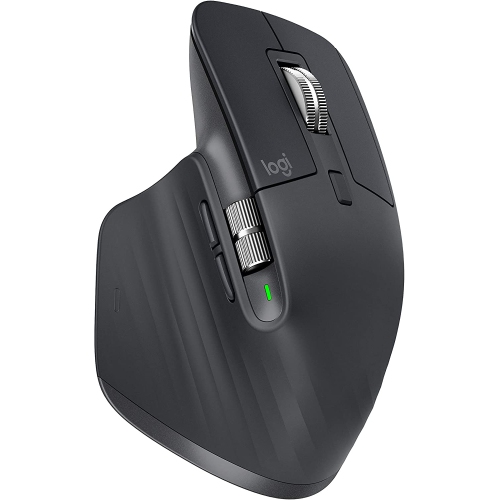
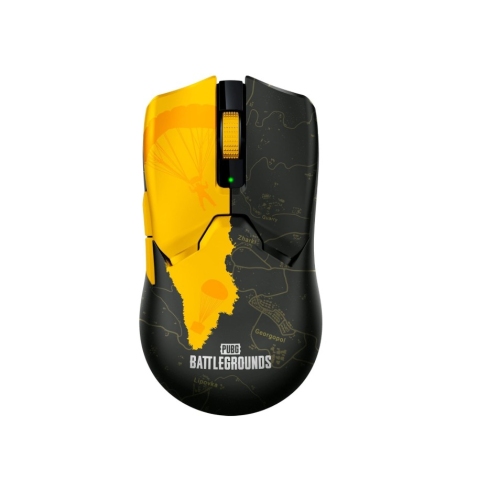
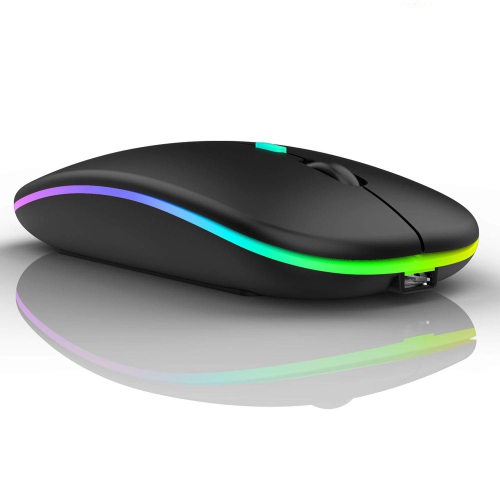
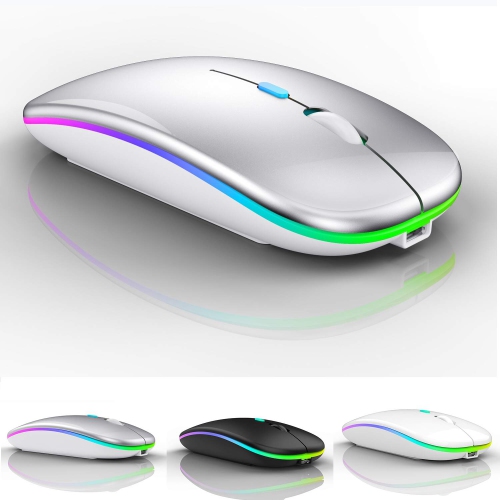
Gaming mice for MacBook Pro combine precise tracking, comfortable handling, and connections suited to responsive play. The most useful features include an accurate optical sensor, a reliable wired or low-latency wireless connection, and macOS support for the settings a player wants to adjust. Onboard memory can be particularly valuable because it allows supported sensitivity settings and button assignments to travel with the mouse rather than depend entirely on software running on the laptop. What that memory stores varies, however, and initial setup may still require compatible configuration software. Basic clicking and scrolling can work even when advanced controls, lighting adjustments, or macros are not supported on macOS, so those capabilities deserve separate attention. Connection type also shapes the experience at a desk. A wired mouse avoids battery charging and provides a consistent connection, while a dedicated wireless receiver can offer responsive play without a cable moving across the mouse pad. Bluetooth keeps a USB port free and makes switching between everyday tasks convenient, but its responsiveness may be less suitable for fast competitive games than a gaming-focused receiver or wired connection. The connector matters, too: a USB-A receiver or cable needs an appropriate adapter or hub when the laptop only has USB-C ports. A receiver tucked behind a crowded dock or positioned far from the mouse may also perform differently from one placed nearby with fewer obstructions. For a portable setup, a compact receiver, secure receiver storage, and a detachable cable can make packing simpler. Compatibility details remain important across gaming mice for MacBook Pro and the related Mac OS X Gaming Mice collection, since a general statement of Mac support does not necessarily cover every feature or operating system version. Game compatibility is separate from mouse compatibility as well; the mouse adds control options, but it does not change which games the laptop can run. Together, these details help distinguish a mouse that merely connects from one that fits naturally into a particular gaming setup.
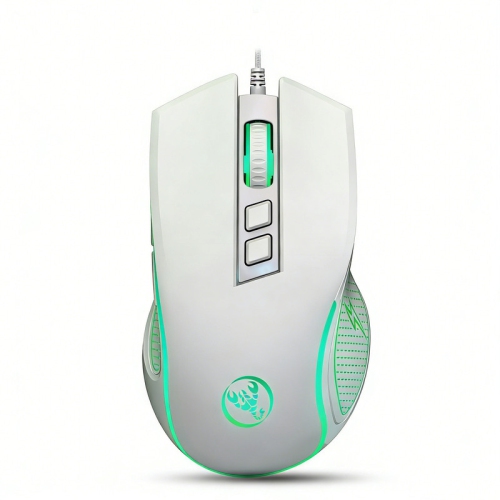
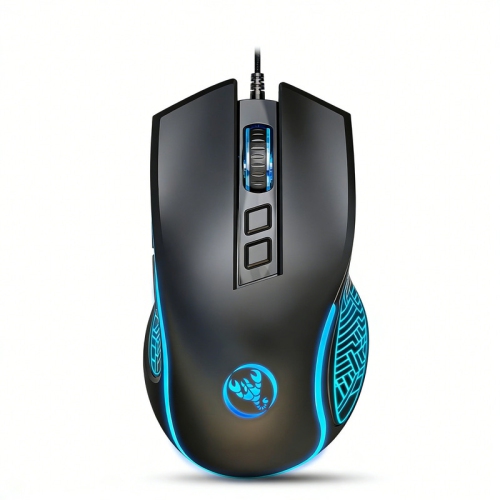
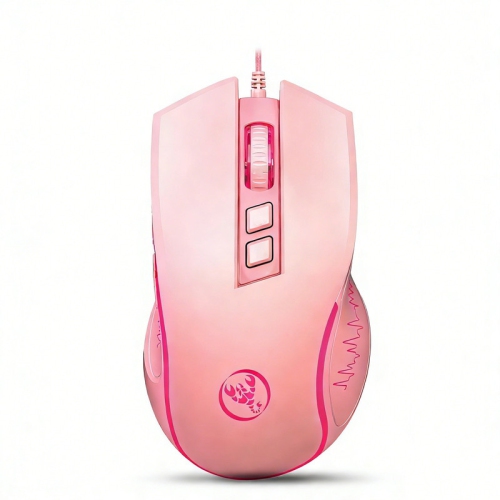
Shape and fit often matter more during a long session than an impressive specification on the box. A broad, supportive shell can suit a palm grip, where much of the hand rests on the mouse, while a shorter body or more pronounced rear curve may feel better with a claw grip. Fingertip players often favour a shape that leaves room for small adjustments without filling the hand. These are preferences rather than fixed rules, and hand size, finger reach, and desk posture all influence comfort. A right-handed contour may provide a useful thumb rest, whereas a symmetrical shell can offer a different feel; symmetrical styling alone does not guarantee equally accessible buttons for left-handed use. Weight changes the character of movement as well. A lighter mouse can feel easier to sweep across a large pad in a fast-paced action game, while a more substantial design may appeal to someone who prefers a steadier feel for deliberate movements. Sensor quality is about consistent tracking across slow adjustments and quick flicks, not simply the highest advertised sensitivity. Adjustable DPI settings let players match cursor movement to their display and available desk space, although in-game sensitivity and macOS pointer settings also affect the result. Higher polling rates can reduce the interval between movement updates, but their benefit depends on the connection, game, display, and computer rather than on a single number alone. Button placement is another practical distinction. Easily reached side buttons can keep frequently used actions close to the thumb in role-playing or strategy games, while a simpler layout can reduce accidental presses during quick reactions. A clearly defined scroll wheel helps with deliberate selections, and well-separated primary buttons can make repeated clicks feel more controlled. A quiet shared workspace, a small study desk, and a dedicated gaming station each place different demands on button sound, cable movement, and the amount of room available for broad mouse movements.
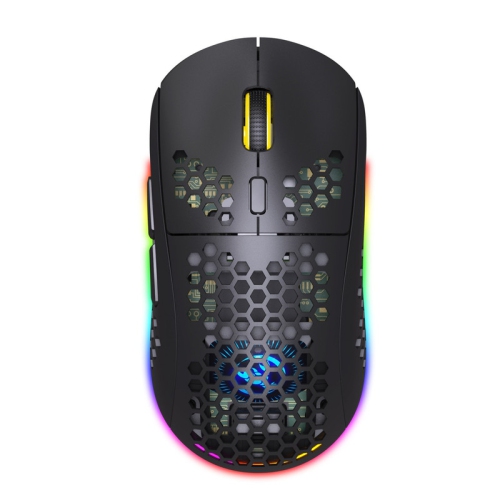
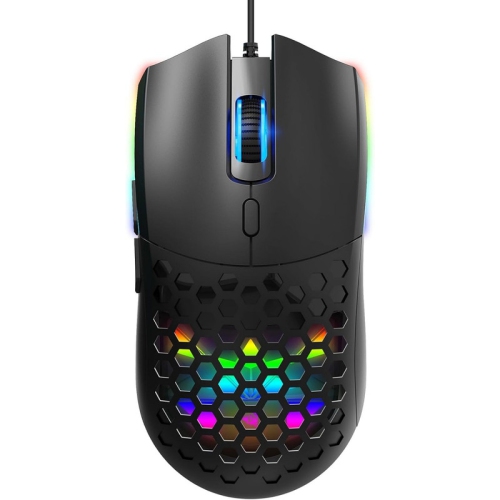
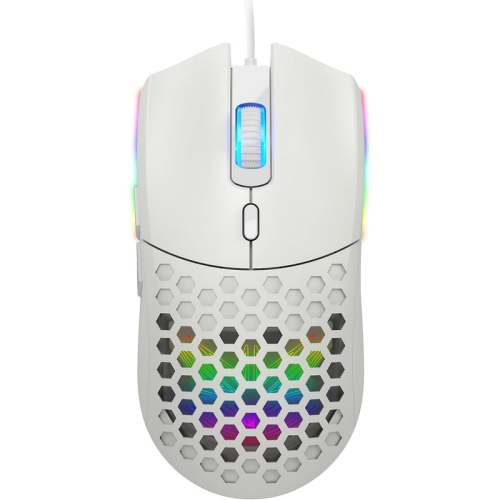
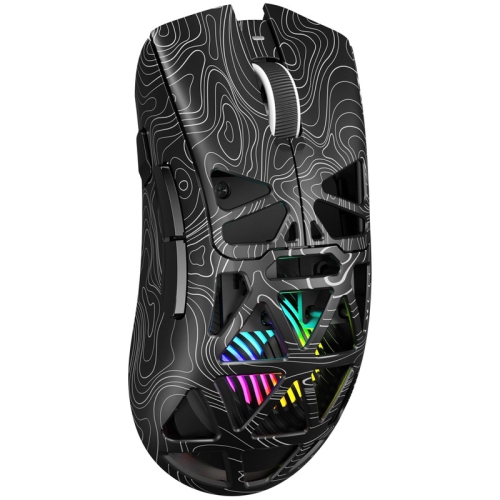
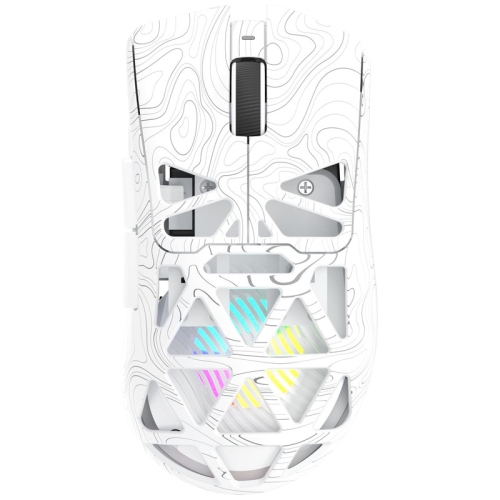
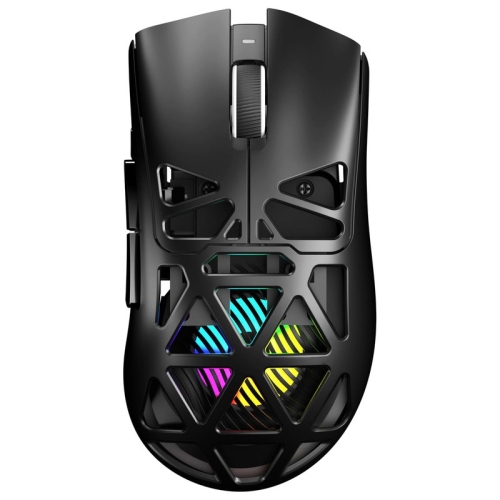
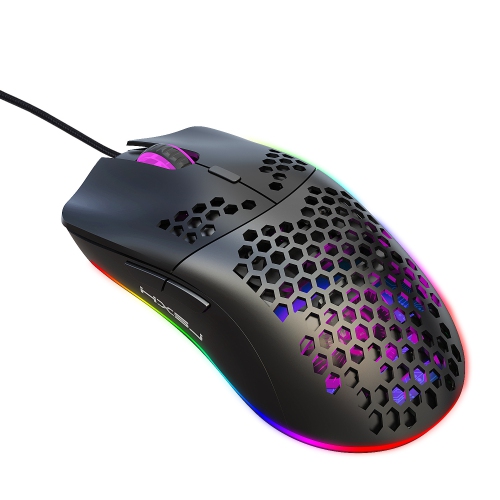
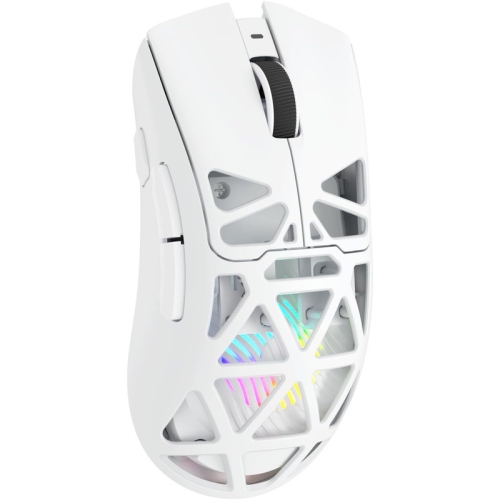
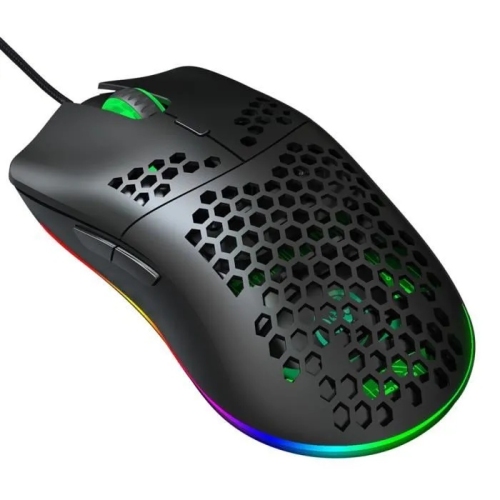
Materials and construction influence how a gaming mouse feels after the first few sessions. Many designs use moulded plastic shells to balance strength and weight, with smooth, textured, or rubberized surfaces providing different levels of grip. A matte finish can feel less slippery to some hands, while textured side panels may help maintain control when fingers shift during play. Rubberized coatings can feel comfortable but may show wear differently from hard plastic, especially with frequent handling. Ventilated or perforated shells can reduce weight, though their openings may require more attention to keep dust out. Underneath, smooth glide feet help the mouse move evenly across a suitable pad, and their condition can matter as much as the surface material. A clean, consistent mouse pad also reduces the scratchy feel that can develop when debris collects beneath the mouse. Routine care is usually straightforward: with the mouse switched off or disconnected, a soft, lightly dampened cloth can remove surface marks when permitted by the manufacturer's care instructions, while moisture should stay away from openings and charging contacts. Cable strain relief, secure buttons, and a solid scroll wheel are useful construction details for a mouse that moves between a desk and a laptop bag. Wireless designs add battery life and charging habits to those everyday considerations; usable time varies with lighting, polling settings, and connection mode. For someone who games and also edits photos, works with spreadsheets, or navigates a busy desktop, comfortable tracking and supported shortcuts can remain useful between gaming sessions. Students, casual players, and frequent travellers may appreciate a mouse that fits beside a laptop without requiring an elaborate setup. As a gift, a gaming mouse feels more personal when its shape, handedness, connection, and software support match the recipient's habits. Those practical details help make it a familiar part of the desk rather than an accessory that only comes out for occasional play.
Top selling and popular products
-
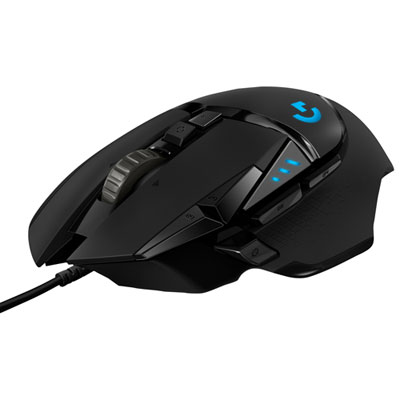 Your price for this item is $74.99
-
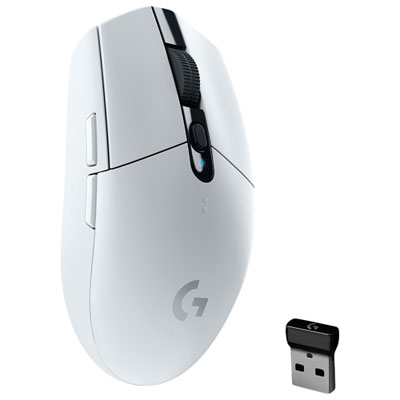 Your price for this item is $69.99
-
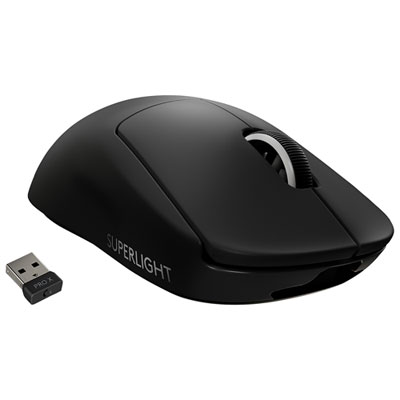 Your price for this item is $199.99
-
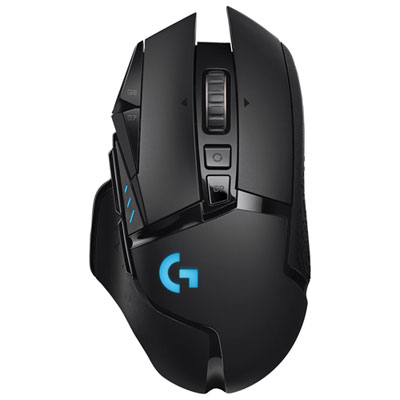 Your price for this item is $149.99
-
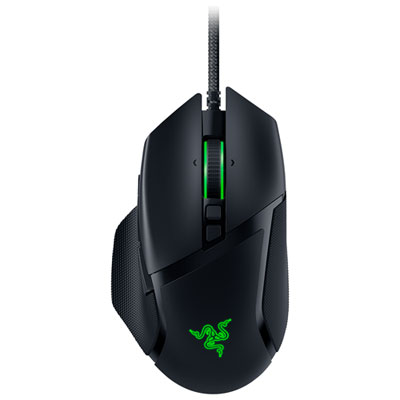 Your price for this item is $48.99
-
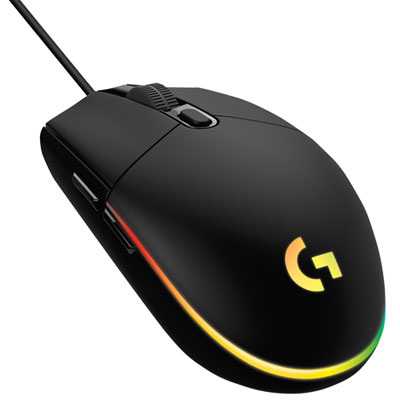 Your price for this item is $39.99
-
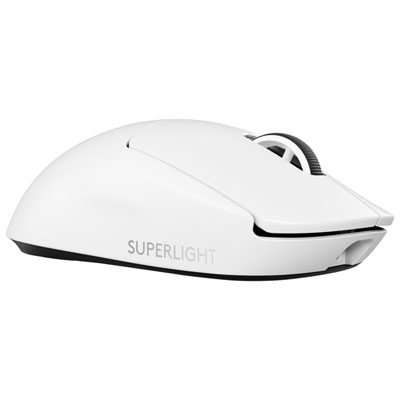 Your price for this item is $219.99
-
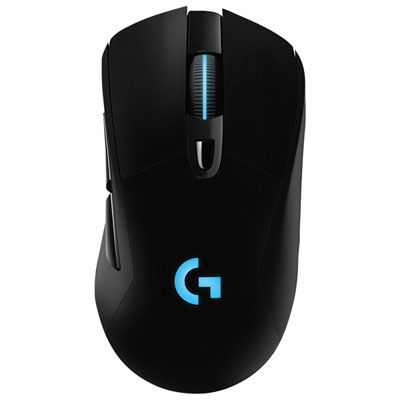 Your price for this item is $94.98
Discover more categories related to Gaming Mice for Macbook Pro
Top Collections:
Best Black Friday Deals This Year, Best Black Friday Deals On Electronics, Kindle Devices, Pokemon Centers, Best Black Friday Deals On Apple Products, Best Cameras for Sports Photography, Dyson Airwrap, Pokémon 30th Celebration Cards, Apple iPhone 17 Pro, Canon G7X Cameras
Some products may be subject to Environmental Handling Fees
(EHF) depending on your province.
Learn more about EHFs.