Best Office Keyboards
Find the best office keyboards for your workday with options ranked by customer review ratings. Whether you’re typing reports, managing spreadsheets, or tackling everyday tasks, explore keyboards with features such as comfortable key layouts, quiet typing, and wireless connectivity to find the right fit for your desk.
What to look for in office keyboards
1. Typing Comfort and Layout
2. Typing Noise and Key Feel
3. Connectivity and Compatibility
4. Productivity Features
-
1
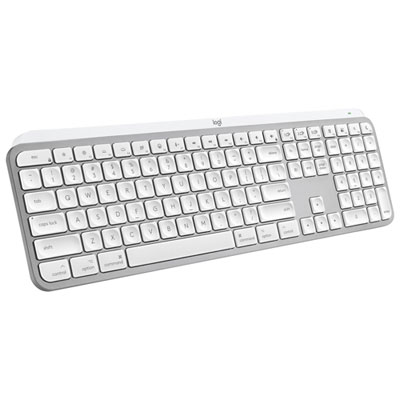
Logitech MX Keys S Wireless Backlit Keyboard for Mac/Ipad - Pale Grey - Only at Best Buy
About this product
A wireless backlit keyboard in pale grey, designed for Mac and iPad with customizable smart actions.
What customers like
(21)$169.99 Your price for this item is $169.99 -
2
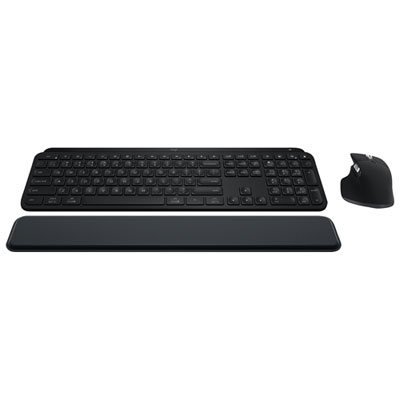
MX Keys S Bluetooth Combo - MX Keys S Keyboard, MX Master 3S Mouse, MX Palm Rest
About this product
A wireless combo featuring a backlit keyboard, ergonomic palm rest, and precision mouse with 8K DPI sensor.
What customers like
(660)$299.99 Your price for this item is $299.99 -
3
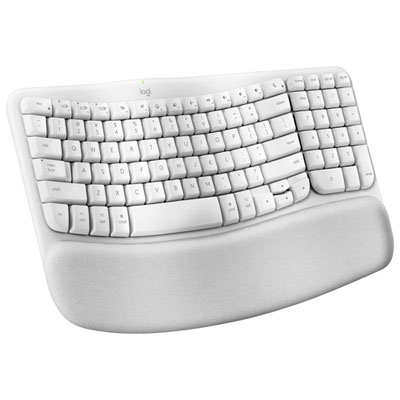
Logitech Wave Keys Wireless Ergonomic Full-Size Keyboard for Mac - Off-White
About this product
An ergonomic off-white wireless keyboard with a wavy keyframe, memory foam palm rest, and eco-friendly materials.
What customers like
(186)$89.99 Your price for this item is $89.99 -
4
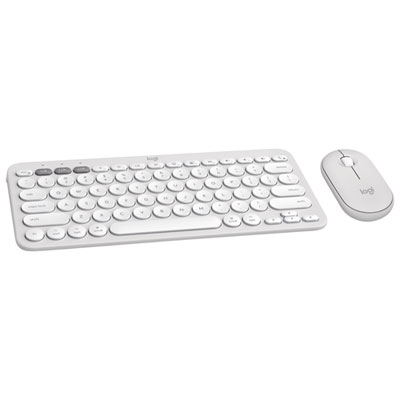
Logitech Pebble 2 Bluetooth Optical Ergonomic Keyboard & Mouse Combo for Mac - White
About this product
A sleek white Bluetooth keyboard and mouse combo designed for Mac with customizable keys and portable design.
What customers like
(35)$89.99 Your price for this item is $89.99 -
5
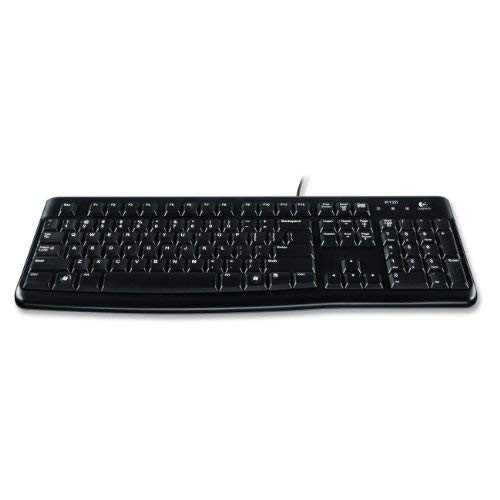
LOGITECH Wired Keyboard K120 - 920-002478 - In Black
About this product
A durable black wired keyboard featuring quiet keys, comfortable typing, and easy plug-and-play USB connectivity.
What customers like
(1,373)$29.99 Your price for this item is $29.99 -
6
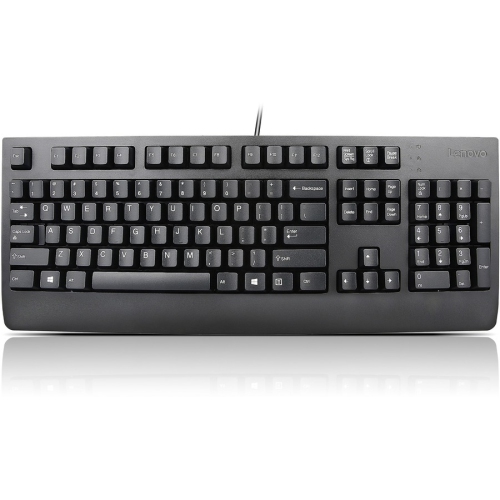
LENOVO Preferred Pro Ii USB Keyboard (4X30M86879)
About this product
A durable USB keyboard featuring finger-friendly keys and a sleek, modern design for reliable everyday use.
What customers like
(188)$57.68Your price for this item is $57.68SAVE $10 -
7
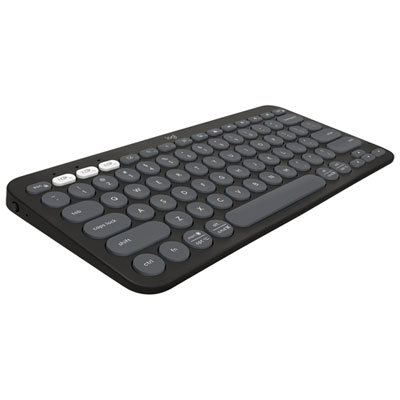
Logitech K380s Wireless Slim TKL Keyboard with Customizable Shortcuts - Tonal Graphite
About this product
A tonal graphite wireless keyboard with Bluetooth, customizable shortcuts, and Easy-Switch for three connected devices.
What customers like
(353)$59.99 Your price for this item is $59.99 -
8
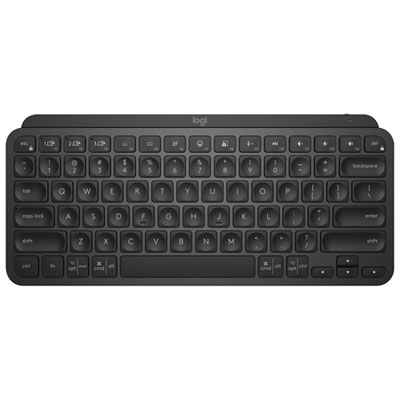
Logitech MX Keys Mini Bluetooth Backlit Ergonomic Keyboard - Black
About this product
A compact black Bluetooth keyboard with backlit, ergonomic design and tactile Perfect Stroke keys for comfortable typing.
What customers like
(699)$149.99 Your price for this item is $149.99 -
9
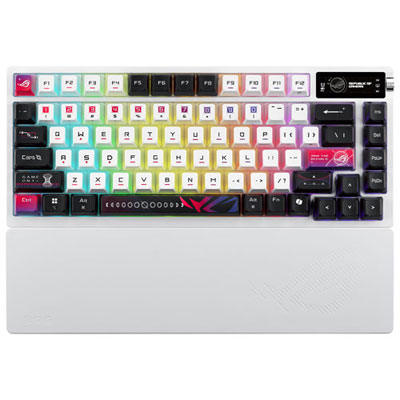
ASUS M704 ROG Azoth X Wireless Backlit 75% Gaming Keyboard - Only at Best Buy
About this product
A wireless 75% mechanical gaming keyboard featuring ROG NX switches and vibrant RGB backlit stellar-themed keycaps.
What customers like
(63)$399.99 Your price for this item is $399.99 -
10
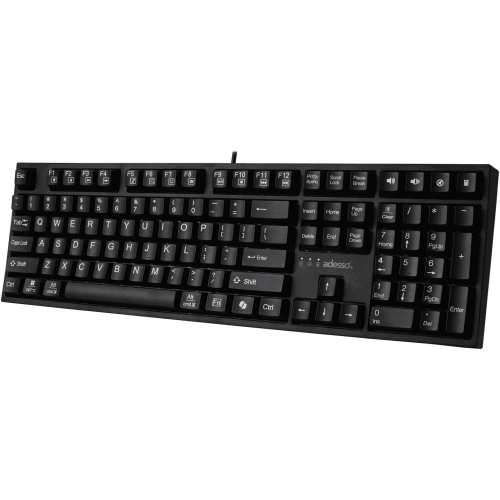
ADESSO Multi Os 2X Large Print Desktop Mechanical Keyboard With Copilot Key
About this product
A mechanical keyboard featuring extra-large print keys and a dedicated Copilot key for enhanced accessibility.
(7)$79.44Your price for this item is $79.44SAVE $7
FAQ
Useful office keyboard features include quiet keys, dedicated media controls, programmable shortcuts, and a number pad for data entry. Backlit keys can be helpful in dim workspaces, while multi-device pairing lets you switch between compatible computers or mobile devices.
Wired keyboards connect through a USB cable and generally draw power from the connected computer. Wireless keyboards use Bluetooth or a USB receiver and run on replaceable or rechargeable batteries. Check your computer’s available ports and supported connections before choosing.
Mechanical keyboards use individual switches beneath the keys, with typing feel and sound varying by switch type. Membrane keyboards use a flexible layer beneath the keys and often have a softer, quieter feel. For a shared office, consider membrane keys or mechanical switches specifically described as quiet.
Many office keyboards support both Windows and macOS, but key labels, shortcuts, and software features can differ. Some keyboards include a system toggle or dual-labelled keys for both platforms. Check operating system compatibility, especially if you want to customize keys through the manufacturer’s software.
Programmable keys let you assign supported actions, such as opening an application, entering a key combination, or controlling media playback. Some keyboards also support profiles with different assignments for different applications. Available options depend on the keyboard, its software, and your operating system.
Top selling and popular products
Discover more categories related to Best Office Keyboards
Some products may be subject to Environmental Handling Fees (EHF) depending on your province. Learn more about EHFs.