Best PC Components for PC Building
Build your next PC with confidence using our best PC components for PC building, ranked by customer review ratings. Whether you’re assembling your first desktop or upgrading your current setup, explore highly rated options to help you balance performance, compatibility, and budget. Compare components for gaming, creative work, or everyday tasks to find the right fit for your build.
What to look for in PC components for PC building
1. Component Compatibility
2. Performance Needs
3. Power and Cooling
4. Upgrade Options and Connectivity
-
1
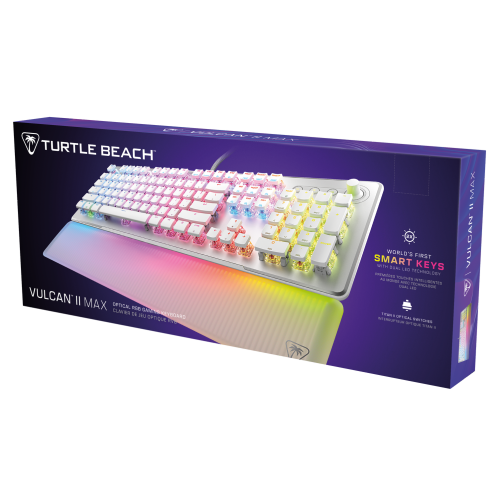
TURTLE BEACH Vulcan Ii Max Linear Gaming Keyboard (White) PC
About this product
A white linear mechanical keyboard designed for smooth, responsive gaming performance on PC.
(14)$309.99 Your price for this item is $309.99 -
2
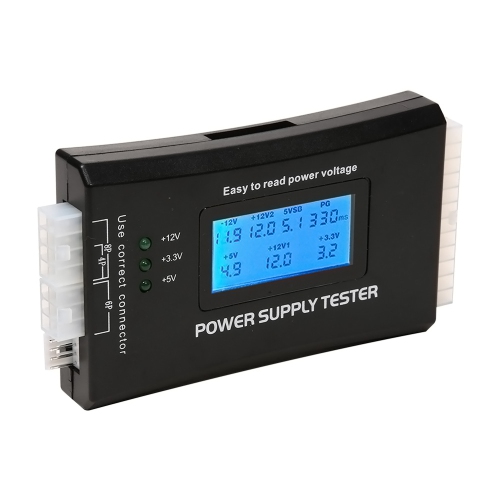
AXGEAR Power Supply Tester PC Computer Lcd 20/24 Pin 4 Psu Atx Btx Itx SATA HDD Digital
About this product
A digital LCD tester that checks ATX, BTX, and ITX power supplies for accurate voltage output.
(3)$14.99Your price for this item is $14.99SAVE $18 -
3
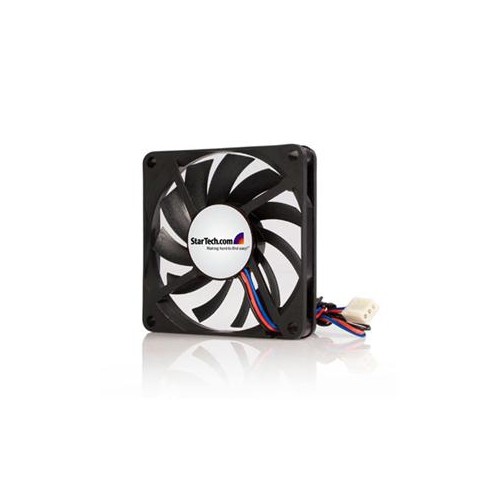
STARTECH Keep A System Running Cooler With A 70MM Ball Bearing Case Fan PC Fan Computer Case Fan 70MM Fan Tx3 Fan 3 Pin
About this product
A dual ball bearing 70mm case fan with a 3-pin TX3 connector for efficient cooling performance.
(1)$9.68Your price for this item is $9.68SAVE $10 -
4
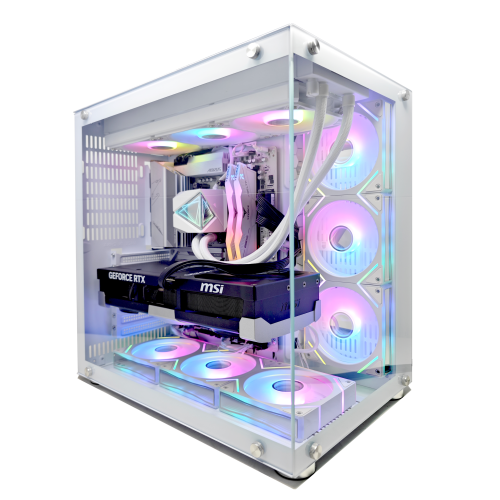
UNIWAY Pulse Gaming PC - Rtx 5070, Amd Ryzen 7 8700F, 32GB Memory, 2Tb SSD, Win 11 Pro, White, Liquid Cooled, Ai-Ready, 1-Year Warranty
About this product
A high-performance white desktop featuring Ryzen 7 8700F, RTX 5070, 32GB DDR5, and liquid cooling.
(1)$2,749.98Your price for this item is $2749.98SAVE $350 -
5
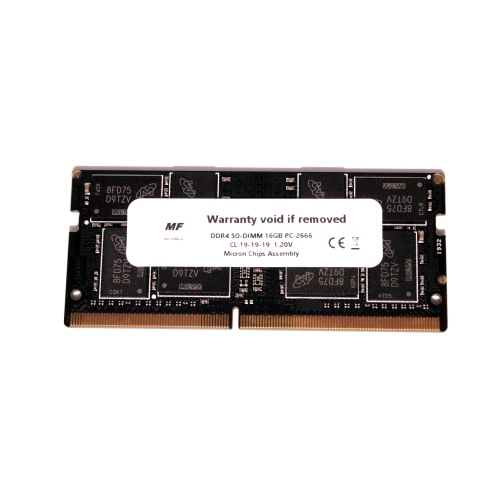
MF NO LABELS Ddr4 16GB PC-2666 So-Dimm High-Performance Laptop Memory
About this product
A high-performance 16GB DDR4 SO-DIMM laptop memory module with 2666MHz speed for enhanced multitasking.
(1)$94.99 Your price for this item is $94.99 -
6
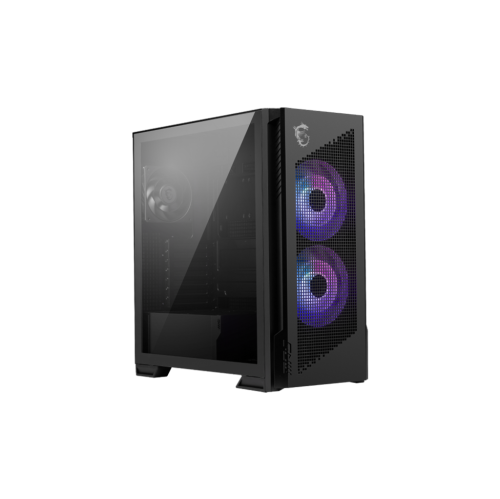
MSI Mpg Velox 300R Airflow Pz - Mid-Tower Gaming PC Case - Tempered Glass Side Panel - 2 X 160 MM Dual Layer Blades Fans - Support Up to 360Mm
About this product
A mid-tower gaming case featuring a tempered glass side panel and dual 160mm airflow fans.
(19)$229.99Your price for this item is $229.99SAVE $15 -
7
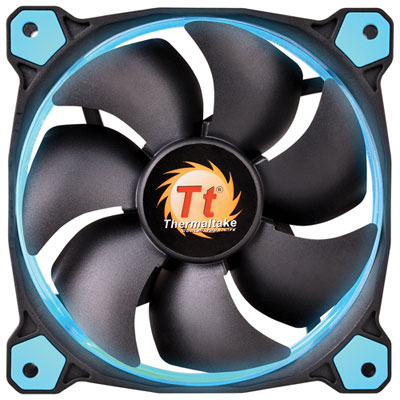
Thermaltake Riing 12 Series 120mm LED PC Case Cooling Fan - Blue
About this product
A black and blue LED cooling fan featuring optimized blades and anti-vibration mounting for quiet performance.
What customers like
(975)$19.99 Your price for this item is $19.99 -
8
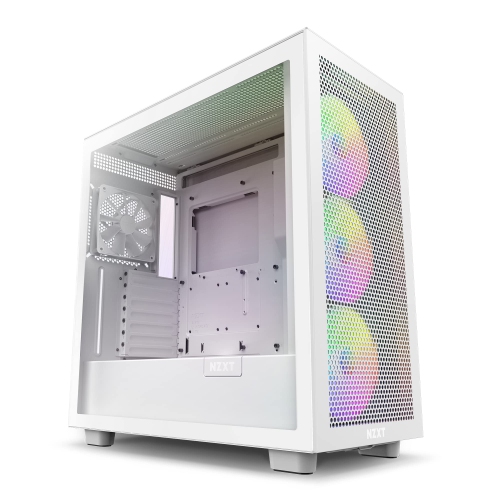
NZXT H7 Flow RGB Cm-H71Fw-R1 - Compact Atx Mid-Tower PC Gaming Case – High Airflow Perforated Front Panel
About this product
A Compact ATX mid-tower gaming case with high airflow, vivid RGB lighting, and dedicated GPU fan.
(3)$215.99Your price for this item is $215.99SAVE $60 -
9
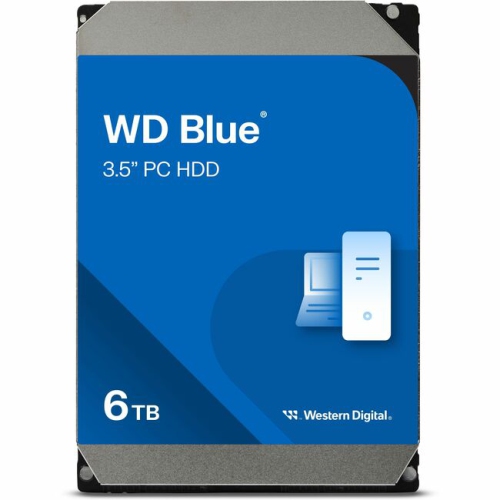
WD 60Ezax 3.5-Inch PC HDD (60Ezax) In Blue
About this product
A blue 3.5-inch internal hard drive with 6TB capacity, SATA interface, and 5400rpm speed.
What customers like
(91)$389.99Your price for this item is $389.99SAVE $110 -
10
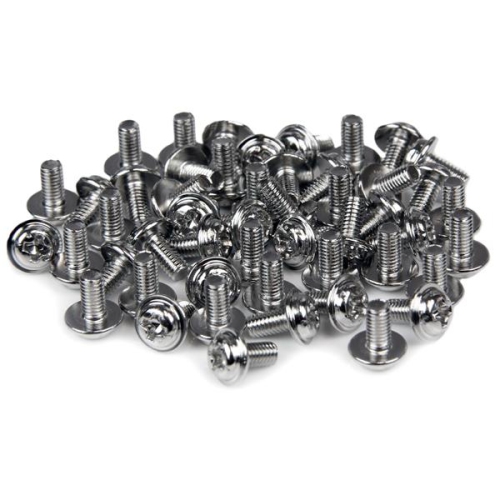
STARTECH PC Mounting Computer Screws M3 X 1/4In Long Standoff 50Pk
About this product
A pack of 50 M3 x 1/4" standoff screws for mounting various computer components.
(1)$15.99 Your price for this item is $15.99
FAQ
A typical desktop build needs a processor (CPU), motherboard, memory (RAM), storage drive, power supply, case and CPU cooler. You will also need a graphics card if your processor does not include integrated graphics. Case fans, an operating system and peripherals such as a monitor, keyboard and mouse complete the setup.
Match the processor’s socket type to the motherboard, then check the motherboard manufacturer’s CPU support list for the exact processor model. Chipset and BIOS support also matter: some compatible processors require a BIOS update before the system can start. Check the motherboard’s supported memory standard and available connections as well.
RAM temporarily holds data that the processor uses while applications are open. Its contents are cleared when the computer shuts down. Storage drives, such as SSDs and hard drives, retain your operating system, applications and files when the power is off. Your motherboard determines which RAM standards and storage interfaces you can use.
Integrated graphics are built into certain processors and typically share system memory. A dedicated graphics card is a separate component with its own graphics processor and video memory. When planning your build, check whether your CPU includes integrated graphics and whether your intended applications require a dedicated card.
A fully modular power supply lets you attach only the power cables your build needs. A semi-modular model has some permanently attached cables, while a non-modular model has all cables attached. Check that the power supply includes the connectors required by your motherboard, graphics card and other components.
Top selling and popular products
Discover more categories related to Best PC Components for PC Building

Some products may be subject to Environmental Handling Fees (EHF) depending on your province. Learn more about EHFs.