Best PC Keyboards
Find the best PC keyboards for work, gaming, and everyday typing with options ranked by customer review ratings. Compare key feel, layouts, and connectivity to choose a keyboard that fits your setup and typing preferences, with feedback from other shoppers to help guide your decision.
What to look for in PC keyboards
1. Switch Type and Typing Feel
2. Size and Layout
3. Connectivity and Compatibility
4. Comfort and Extra Features
-
1
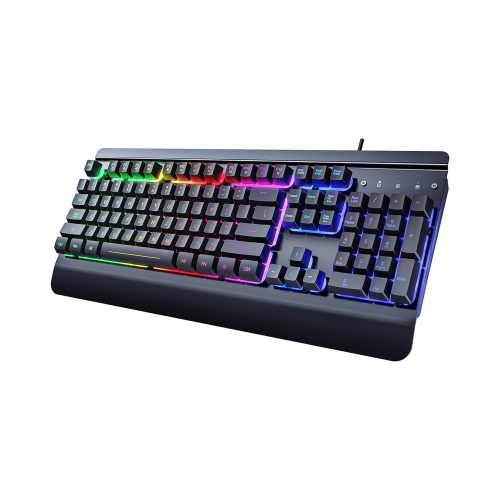
NIERBO 104 Keys All-Metal Panel, Rainbow Led Backlit Quiet Computer Keyboard, Wrist Rest, Multimedia Keys, Anti-Ghosting Keys, Waterproof Light Up
About this product
An ergonomic black all-metal keyboard with rainbow LED backlighting, wrist rest, multimedia, and anti-ghosting keys.
$109.99Your price for this item is $109.99SAVE $48 -
2
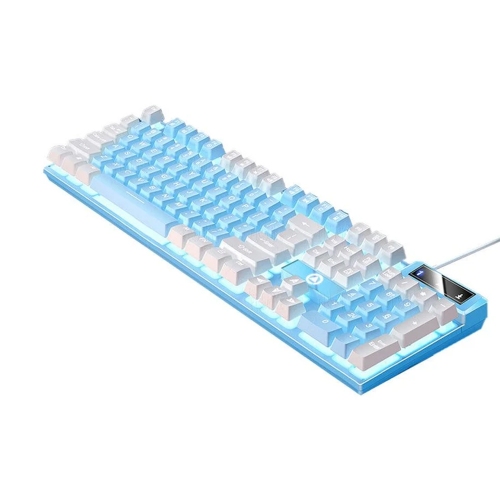
EHYBFXHG 104 Keys Mechanical Gaming Keyboard, Wired RGB Backlit USB Keyboard for PC Laptop Computer for Windows Gamers
About this product
A wired mechanical keyboard with RGB backlighting and tactile feedback, ideal for Windows gaming on PC or laptop.
$51.99Your price for this item is $51.99SAVE $7 -
3
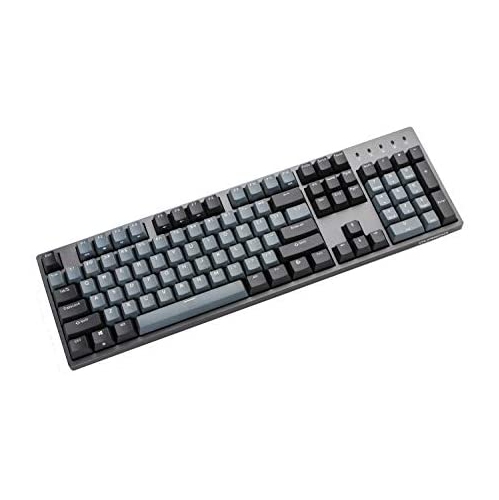
DURGOD Taurus K310 Mechanical Gaming Keyboard - 104 Keys - Double Shot Pbt - Nkro - USB Type C (Cherry Black, Grey)
About this product
A mechanical gaming keyboard with 104 keys, double shot PBT keycaps, and USB Type-C in black and grey.
$129.00 Your price for this item is $129 -
4
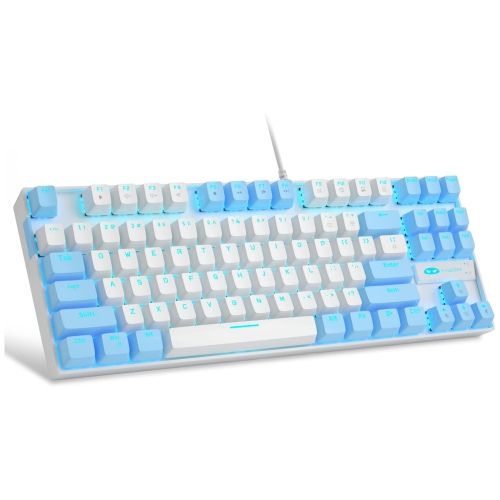
NIERBO 75% Mechanical Gaming Keyboard With Switch, Led Blue Backlit 87 Keys Compact Tkl Wi Computer Keyboard for Windows Laptop PC Gamer - White/blue
About this product
A compact white and blue mechanical keyboard with 87 keys, LED blue backlight, and ergonomic design.
$89.49 Your price for this item is $89.49 -
5
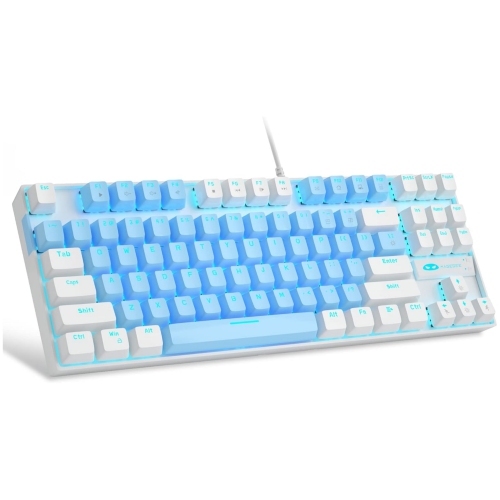
NIERBO 75% Mechanical Gaming Keyboard With Switch, Led Backlit 87 Keys Compact Tkl Wired Computer Keyboard for Windows Laptop PC Gamer - /white
About this product
A compact blue and white wired mechanical keyboard with 87 keys, LED backlighting, and ergonomic design.
$89.99Your price for this item is $89.99SAVE $39 -
6
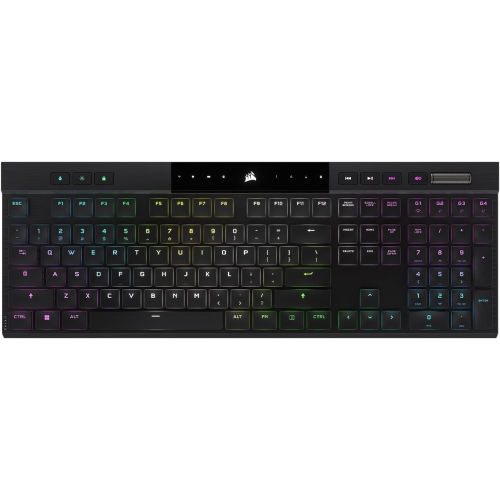
CORSAIR - K100 Air Wireless RGB Gaming Keyboard - In Black
About this product
A wireless RGB gaming keyboard in black featuring CHERRY MX mechanical switches and programmable macro keys.
$219.98Your price for this item is $219.98SAVE $69 -
7
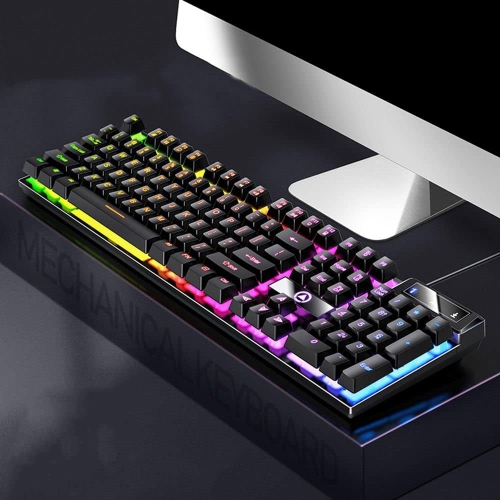
GREEN SCENIC 104-Key Mechanical Keyboard Backlit Keyboard Luminous Gaming Keyboard Mechanical Axis USB Wired Keyboard - Mixed Light In Black
About this product
A black mechanical gaming keyboard with mixed backlighting, reinforced steel plate, and anti-ghosting for precise performance.
$44.99 Your price for this item is $44.99 -
8
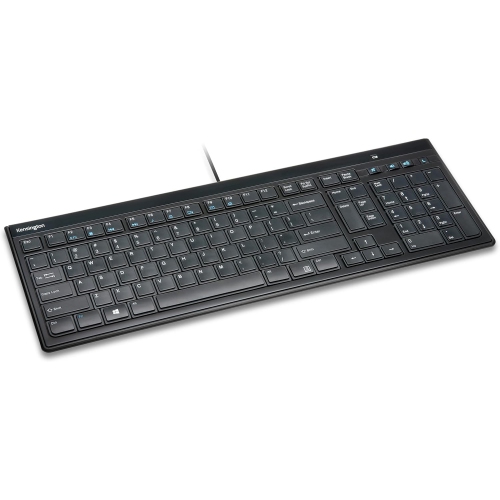
KENSINGSTON Kensington Slim Type Wired Keyboard (K72357Usa)
About this product
A slim wired keyboard with laptop-style keys, dedicated media controls, and plug-and-play USB connectivity.
$47.69 Your price for this item is $47.69 -
9
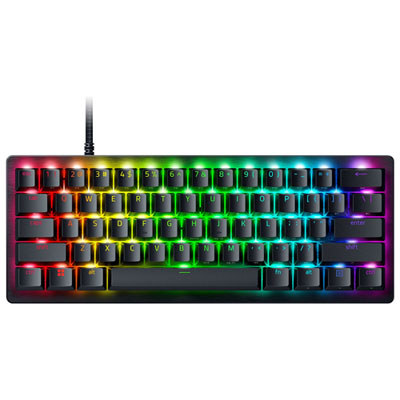
Razer Huntsman V3 Pro Mini Backlit Mechnical Analog Optical Gaming Keyboard
About this product
A compact 60% gaming keyboard featuring Gen-2 analog optical switches, adjustable actuation, and brushed aluminum top.
What customers like
(180)$219.99 Your price for this item is $219.99 -
10
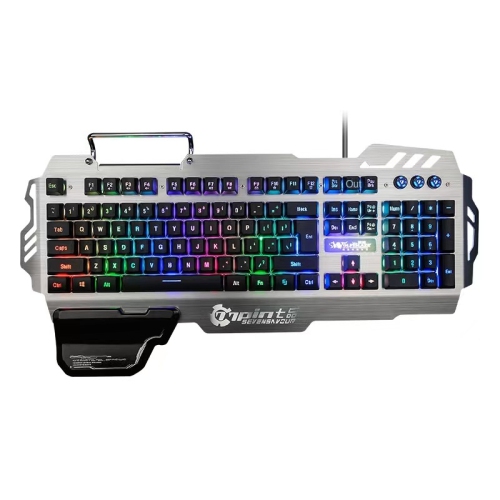
SUPERSHIELD Pk900 Gaming Keyboard - Multiple Color Rainbow Led Backlit - Mechanical Feeling - USB Wired Multimedia Gaming Keyboard for PC Windows w
About this product
A USB-wired gaming keyboard featuring rainbow LED backlighting, mechanical-feel keys, and ergonomic design for comfort.
$59.99Your price for this item is $59.99SAVE $26
FAQ
Mechanical keyboards use an individual switch beneath each key, while membrane keyboards use a pressure-sensitive membrane layer. Mechanical switches come in several styles, including linear, tactile and clicky. Membrane keyboards typically have a softer key feel, though typing feel and sound vary by model.
Wired keyboards usually connect through a USB cable. Wireless keyboards typically use Bluetooth or a USB receiver and draw power from replaceable or rechargeable batteries. Some keyboards support multiple connection methods and let you switch between paired devices.
Common options include US English, Canadian French and Canadian multilingual layouts. These differ in their printed characters and the placement of certain symbols. Choose a layout that matches your typing language, and check that your operating system’s keyboard settings match the layout you intend to use.
PC keyboards may have single-colour backlighting, multi-zone RGB lighting or per-key RGB lighting. Depending on the model, you can adjust brightness, select colours or choose lighting patterns using keyboard shortcuts or companion software. Some keyboards have no backlighting.
Programmable keys let you assign supported shortcuts, commands or sequences of keystrokes. Media controls provide access to functions such as volume adjustment, mute and playback. Available customization options depend on the keyboard, its software and your operating system.
Top selling and popular products
Discover more categories related to Best PC Keyboards


Some products may be subject to Environmental Handling Fees (EHF) depending on your province. Learn more about EHFs.