Best Super Ultrawide Monitors
Find the best super ultrawide monitors for expansive screen space that makes multitasking easier and gaming more immersive. Whether you’re comparing documents side by side or diving into your favourite games, explore options ranked by user review ratings to help you choose a monitor that fits your setup.
What to look for in super ultrawide monitors
1. Screen Size and Aspect Ratio
2. Resolution and Panel Type
3. Refresh Rate and Gaming Support
4. Connectivity and Workspace Features
-
1
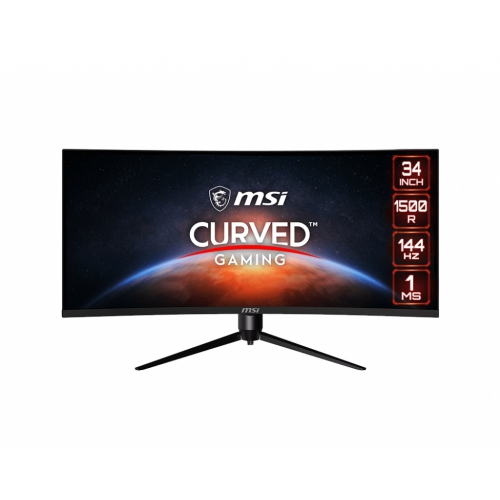
MSI Optix 34" Ultrawide Curved Uwqhd Va Lcd Gaming Monitor (Mag342Cqr) - Adaptive-Sync - 1Ms Gtg - 144Hz
About this product
A 34" curved monitor with UWQHD resolution, 144Hz refresh rate, Adaptive-Sync, and customizable RGB LED.
What customers like
(20)$620.68Your price for this item is $620.68SAVE $30 -
2
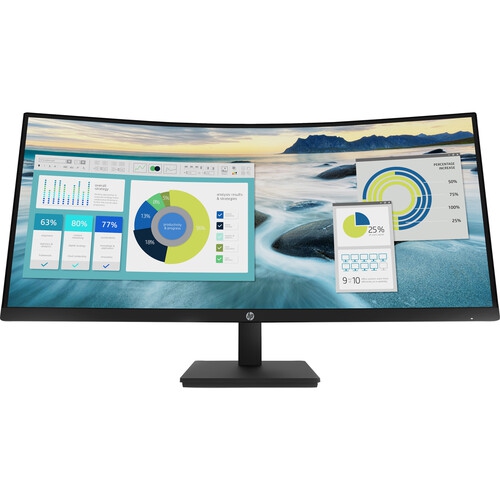
HP P34Hc 34" Ultrawide Curved 1440P Wqhd Va Lcd Monitor (21Y56Aa#aba) - Flicker-Free - Low Light In Blue
About this product
A curved WQHD VA LCD monitor in black with a 60Hz refresh rate and 5ms response time.
(16)$692.99Your price for this item is $692.99SAVE $121 -
3
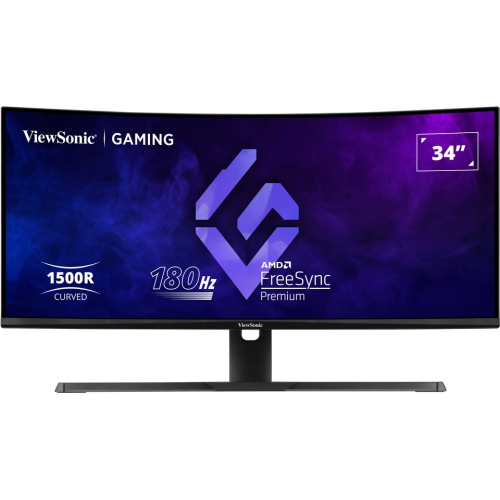
VIEWSONIC 34" Ultrawide Curved Uwqhd Mva Led Gaming Monitor (Vx3418-2Kpc) - Freesync Premium - 1Ms Gtg - 180Hz
About this product
An ultrawide curved gaming monitor with WQHD resolution, 180Hz refresh rate, and 1ms response time.
(10)$420.99Your price for this item is $420.99SAVE $73 -
4
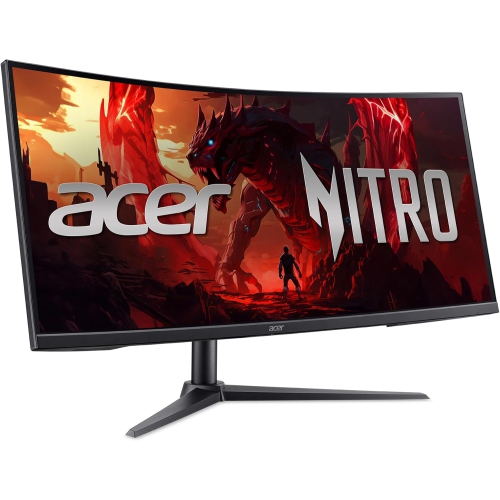
Open Box - Acer Nitro XZ2 34" Ultrawide Curved UWQHD VA LCD Gaming Monitor - FreeSync Premium - 1ms VRB - 240Hz - 2 Year Warranty
About this product
An ultrawide curved gaming monitor with UWQHD resolution, 240Hz refresh rate, and AMD FreeSync Premium.
(10)$305.00 Your price for this item is $305 -
5
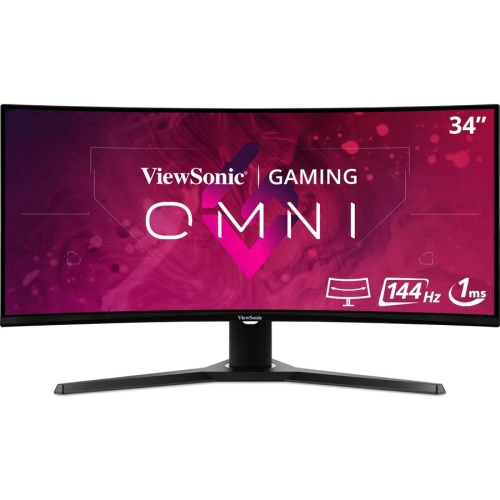
VIEWSONIC Omni 34" Ultrawide Curved 1440P Uwqhd Led Gaming Monitor (Vx3418-2Kpc) - Freesync Premium - 144Hz
About this product
An ultrawide curved LED monitor featuring 1440p resolution, 1ms response, 144Hz refresh, and FreeSync Premium.
(10)$453.68Your price for this item is $453.68SAVE $45 -
6
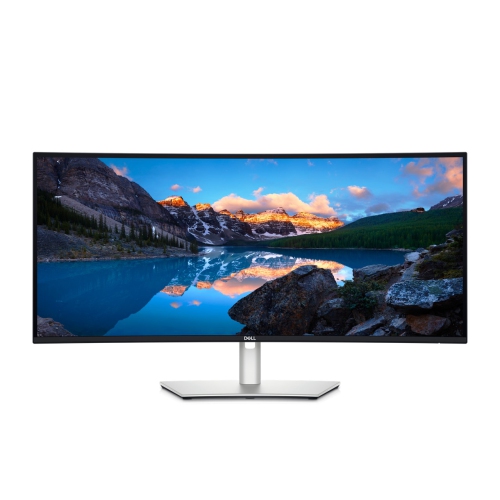
DELL Ultrasharp 34" Ultrawide Curved 1440P Uwqhd Ips Lcd Thunderbolt Hub Monitor (U3425We) - 120Hz
About this product
A curved Thunderbolt hub monitor offering immersive visuals and seamless connectivity for enhanced productivity.
(7)$1,199.00Your price for this item is $1199SAVE $300 -
7
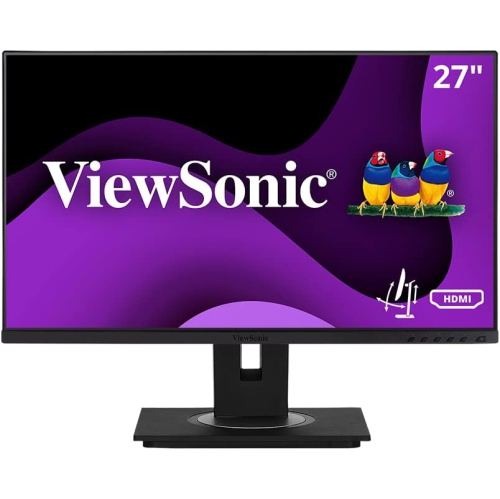
VIEWSONIC Vg 27" Ultrawide 1080P HD Ips Lcd Monitor (Vg2748A) - Flicker-Free/blue Light - 75Hz
About this product
An ultrawide IPS LCD monitor offering 1080p resolution, 75Hz refresh rate, and 5ms response time.
(4)$292.99Your price for this item is $292.99SAVE $18 -
8
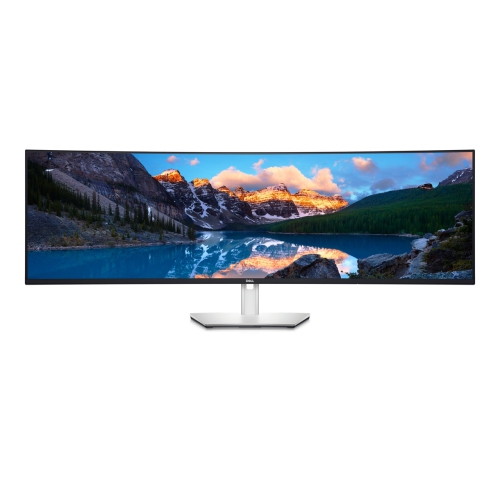
DELL Ultrasharp 49" Ultrawide Curved 1440P Dual Qhd Ips Lcd USB-C Hub Monitor (U4924Dw) In Black
About this product
A curved 49-inch USB-C hub monitor delivering immersive visuals and seamless connectivity for multitasking professionals.
(3)$2,170.85Your price for this item is $2170.85SAVE $217 -
9
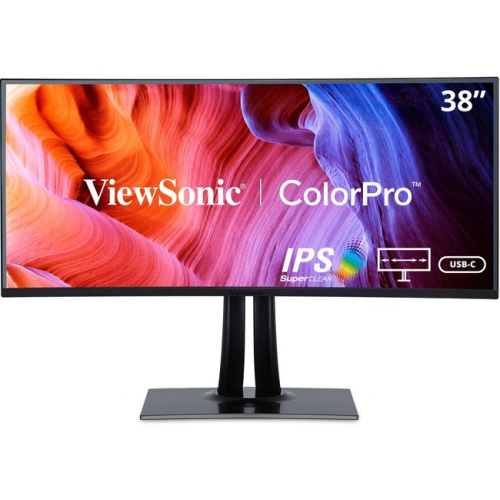
VIEWSONIC Colorpro Vp3881A 38" Ultrawide Curved Wqhd+ Ips Lcd Monitor (Vp3881A) - HDr10 - 100% Srgb/rec 709
About this product
A 38" IPS display with 3840 x 1600 resolution from ViewSonic, currently on sale.
(1)$1,742.99Your price for this item is $1742.99SAVE $321 -
10
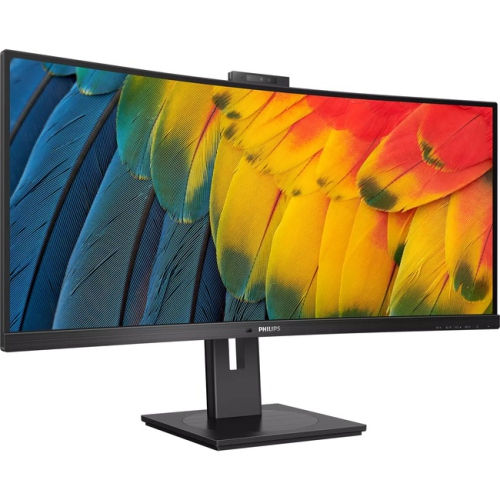
PHILIPS 5000 34" Ultrawide Curved Uwqhd Va Led Monitor (34B1U5600Ch) - Adaptive Sync
About this product
A textured black ultrawide curved monitor with UW-QHD resolution and built-in webcam for immersive viewing.
(1)$803.11Your price for this item is $803.11SAVE $80
FAQ
Super ultrawide monitors are available with VA, IPS and OLED panels, depending on the model. VA panels are known for high contrast, while IPS panels offer consistent colour across viewing angles. OLED panels use individually lit pixels and can display deep blacks. Panel choice depends on your preferences for gaming, office work or creative tasks.
Common connections include HDMI and DisplayPort, while some models also offer USB-C with video input and laptop charging. Built-in USB hubs let you connect accessories through the monitor. Check your computer’s video outputs and the monitor’s supported connection standards, as available resolution and refresh rate can vary by port and cable.
Picture-by-picture mode displays video from two connected sources side by side, such as a desktop computer and a laptop. It differs from picture-in-picture mode, which places one source in an inset over another. Availability, supported inputs and display settings vary by monitor.
Refresh rate, measured in hertz (Hz), describes how often a monitor updates its image. Adaptive sync adjusts the monitor’s refresh timing to match a compatible graphics source. For gaming setups, check that the monitor, graphics card and connection support the adaptive sync format you plan to use.
Operating system features such as Windows Snap and macOS window tiling let you arrange applications into separate sections of your desktop. Some monitors also include desktop software with custom layout options. Unlike picture-by-picture mode, these tools organise windows from a single computer rather than displaying separate video sources.
Top selling and popular products
Discover more categories related to Best Super Ultrawide Monitors
Some products may be subject to Environmental Handling Fees (EHF) depending on your province. Learn more about EHFs.