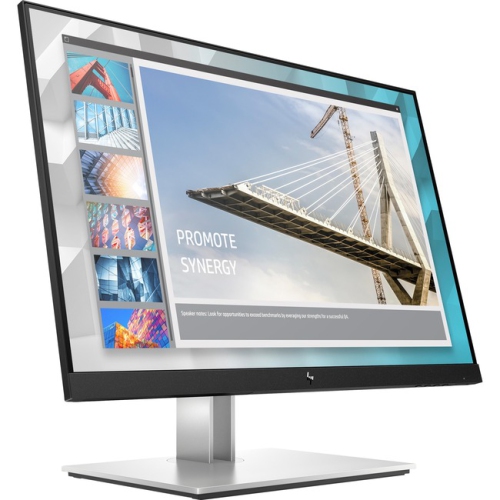
Top Ultrawide Monitors
Looking to enhance your productivity and immerse yourself in stunning visuals? Look no further than ultrawide monitors. These sleek and stylish displays offer an expansive viewing experience that stretches beyond the boundaries of traditional screens. With their wide aspect ratios and high resolutions, ultrawide monitors provide a panoramic view that's perfect for multitasking, gaming, and content creation. Whether you're a professional seeking a more efficient workflow or a gamer looking for a truly immersive gaming experience, our collection of top ultrawide monitors is sure to meet your needs. Explore the possibilities and discover a whole new level of visual excellence with these cutting-edge displays.

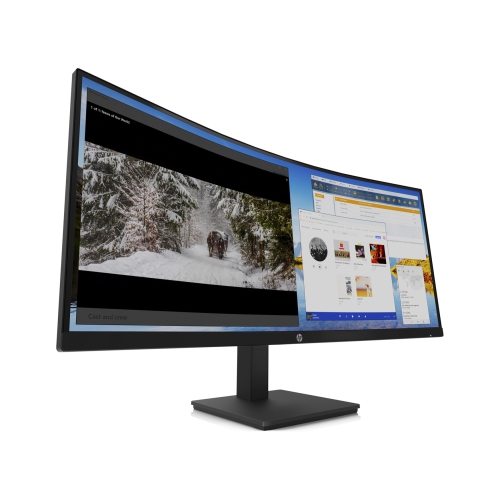
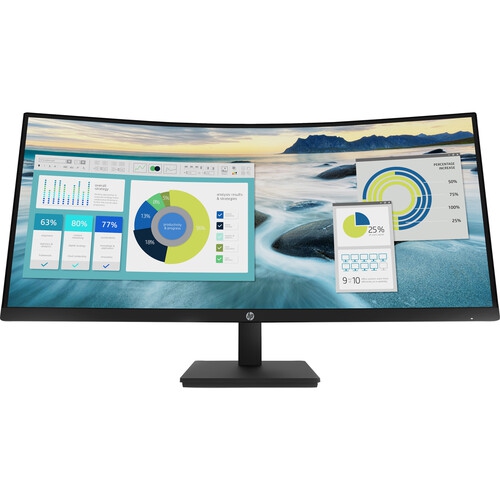
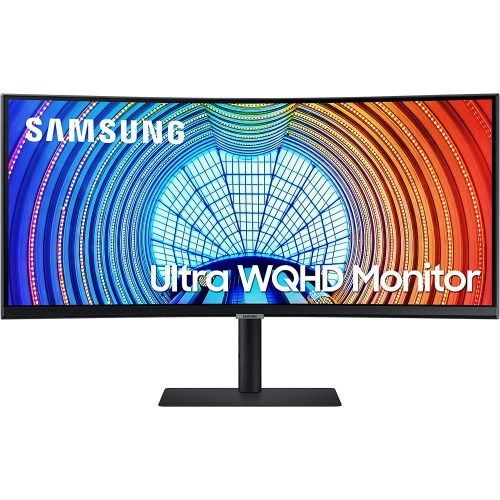

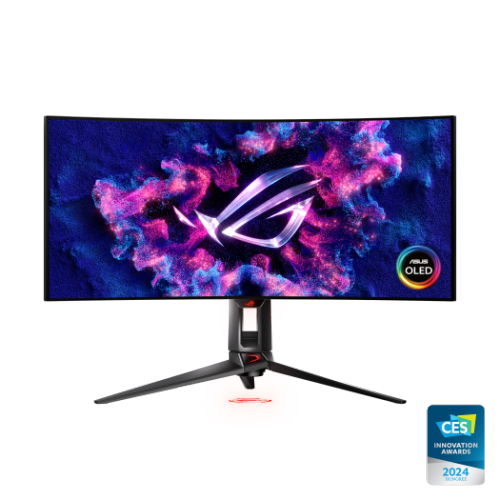
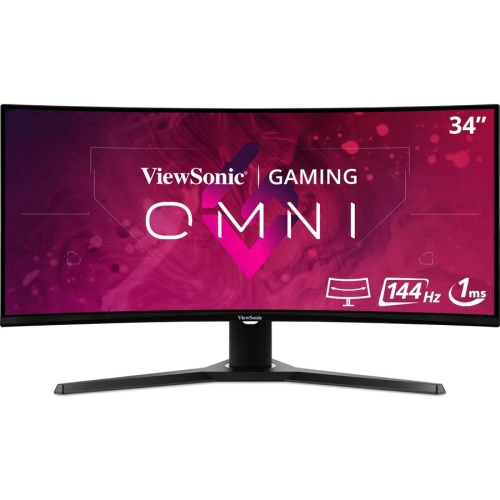
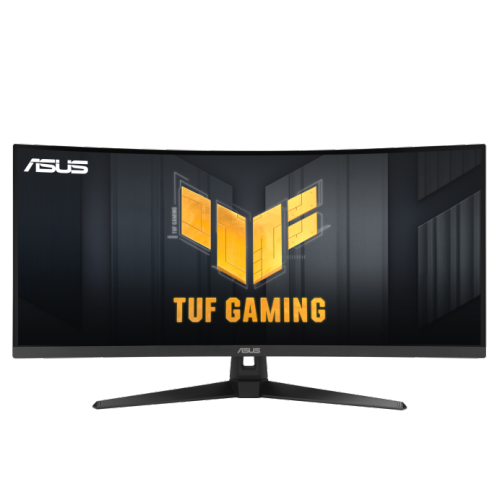
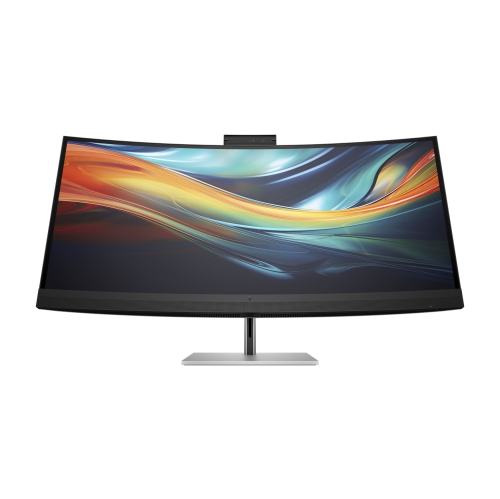
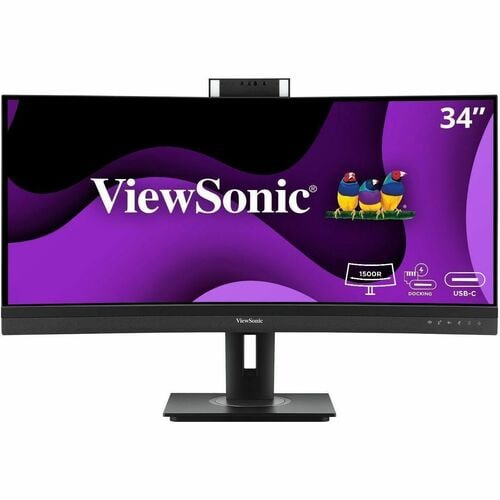
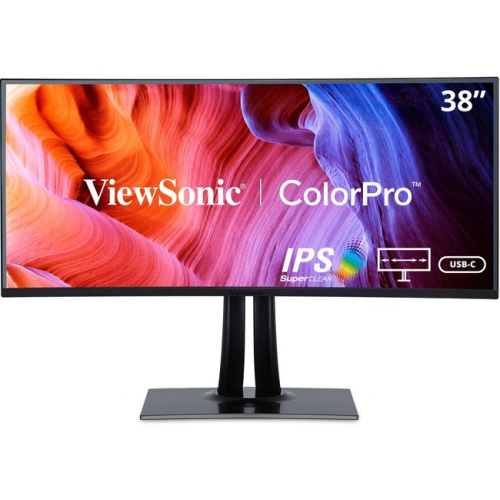
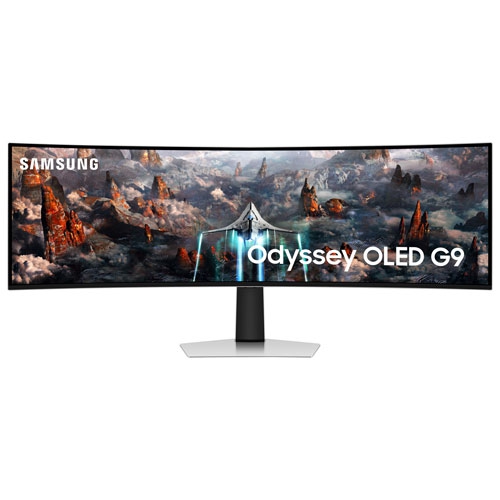
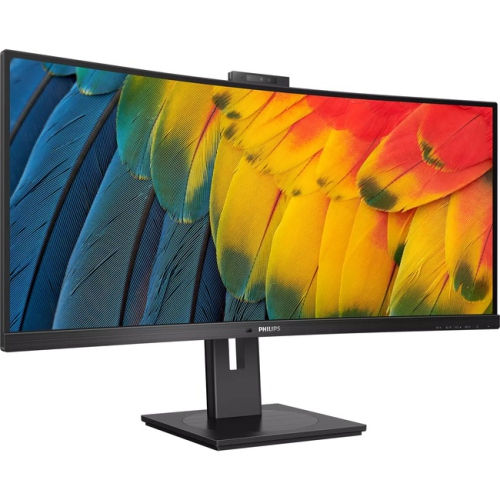
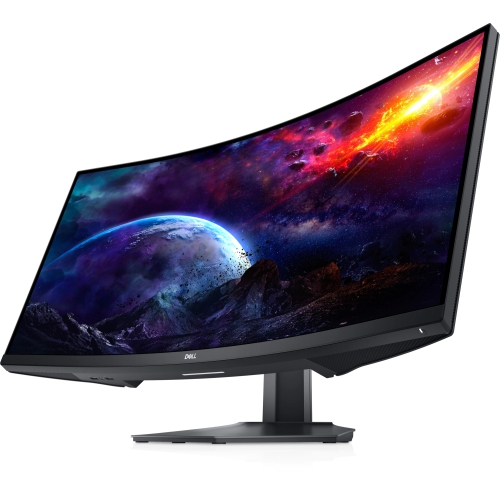
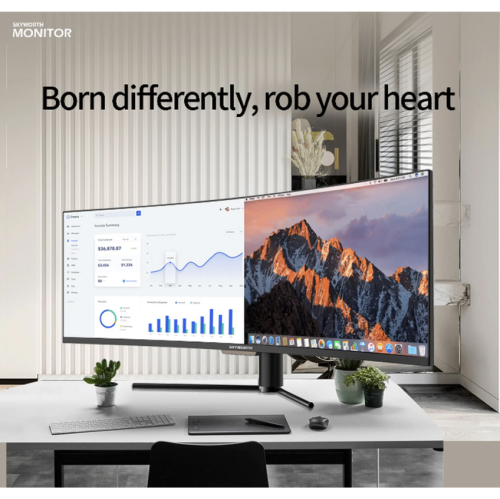
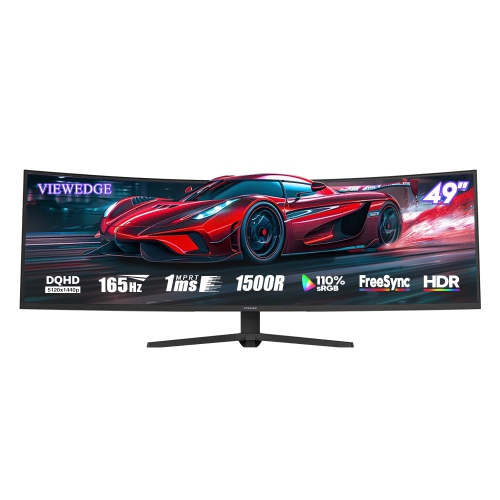
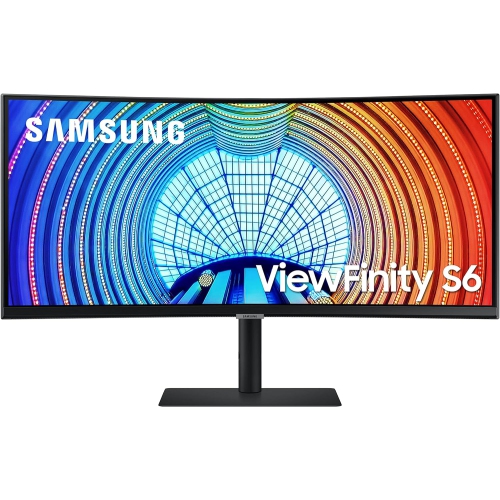
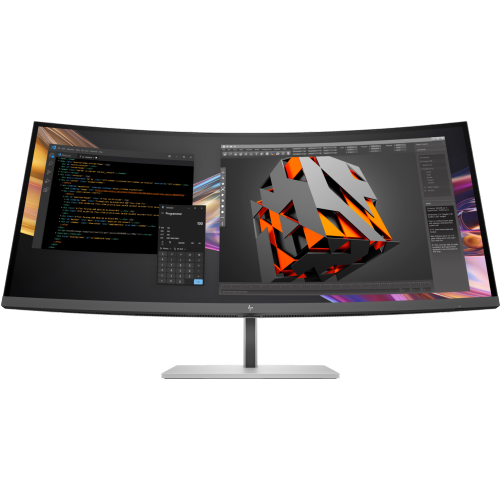
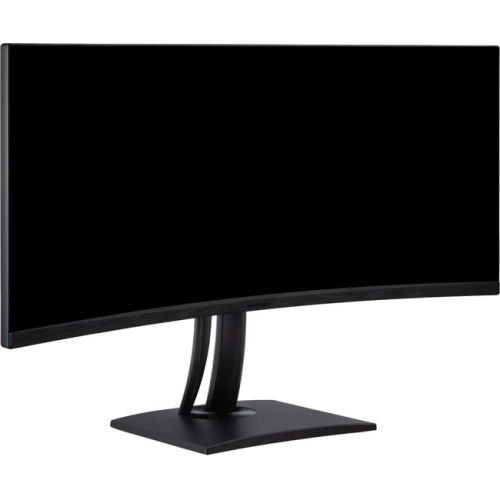
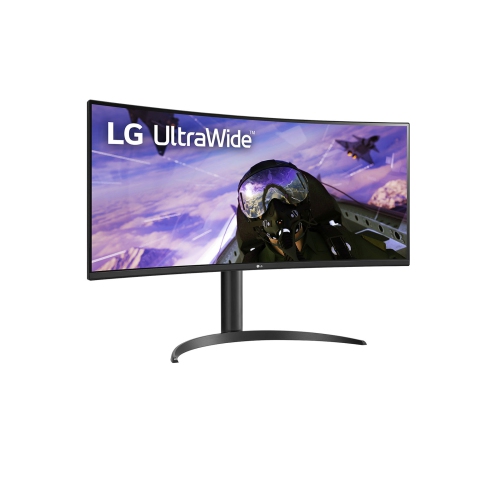
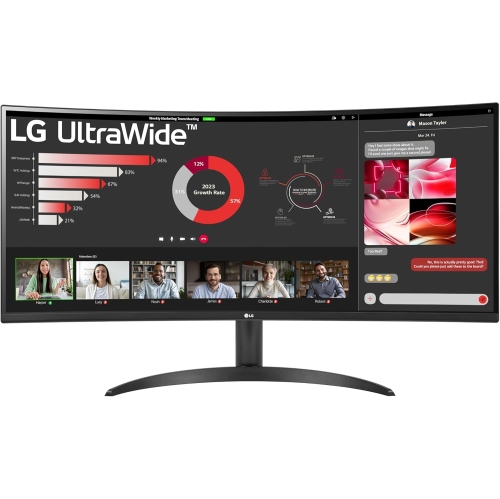
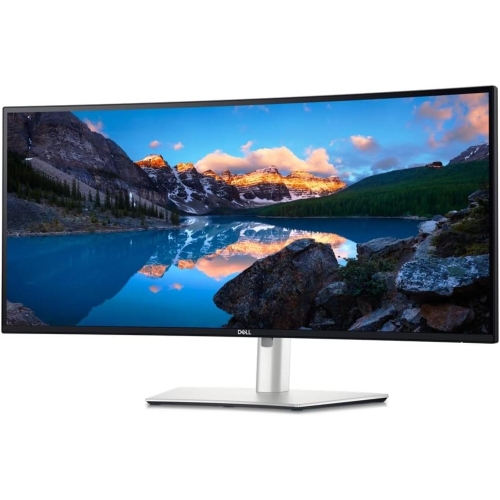
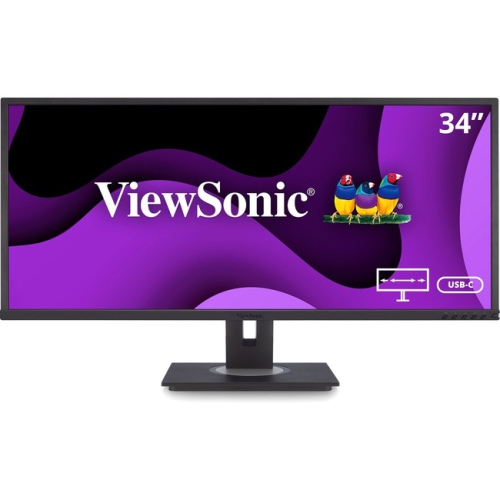

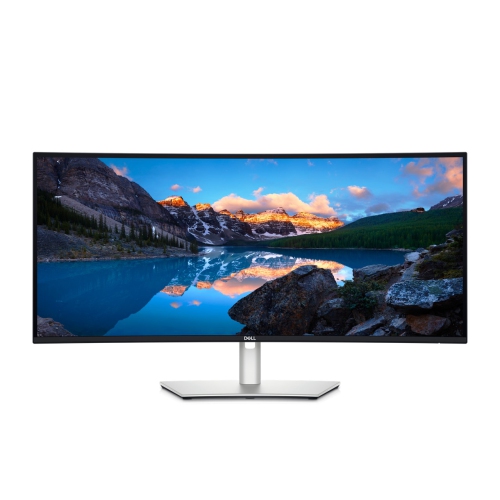
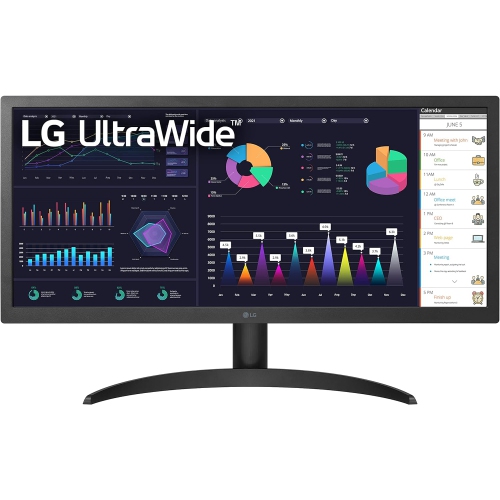
A wider workspace for work, play and creative projects
Panel type, resolution and motion performance are among the most important details when comparing top ultrawide monitors. OLED and QD-OLED panels are known for rich colour, deep blacks and strong contrast, which can make games, films and creative projects appear vivid, especially in a dimly lit room. They can also offer exceptionally quick response times, helping fast movement look clearer. IPS panels are valued for broad viewing angles, consistent colour and versatile everyday performance, while VA panels can provide strong contrast for entertainment and general use. Resolution should be considered alongside screen size: an ultrawide display with a higher pixel count can produce sharper text and finer detail, while a dual-QHD super ultrawide display is well suited to users who want the feel of two high-resolution screens in one. Gamers should look at refresh rate, response time, adaptive sync compatibility and the graphics power required to drive the display at its native resolution. A high refresh rate can make camera movement and scrolling feel smoother, but the computer or console must be able to produce enough frames to take advantage of it. For photo editing, video work and digital design, consider colour coverage, factory calibration, HDR support, brightness and the available colour modes. HDR can add greater depth between bright highlights and dark shadows when the content and computer support it, although results vary by panel technology and local dimming performance. Connectivity also matters for a clean, flexible setup. HDMI and DisplayPort are common choices for computers and gaming devices, while USB-C can carry video, data and power through one cable on compatible models. Some displays provide enough USB-C power delivery to charge a laptop while it is connected, reducing cable clutter. Built-in USB hubs, KVM functionality, headphone outputs and integrated speakers can also make a monitor more convenient for people who move between a desktop, laptop and other devices.
The best ultrawide monitor for one person may not be the best fit for another, so it helps to match the display to the way the desk is used throughout the day. A remote worker might appreciate the ability to keep a video call, spreadsheet and notes open together, while a student can use one side of the screen for research and the other for writing. Designers, photographers and video editors may prefer a high-resolution panel with accurate colour and enough horizontal space for timelines, toolbars and a large preview window. Developers can keep code, documentation and a testing environment visible at the same time, and users who regularly work with wide spreadsheets may find that an ultrawide layout reduces constant horizontal scrolling. Gamers often choose a curved display for a more enveloping view, particularly in racing, simulation and open-world titles, while a fast refresh rate and low response time can support competitive play. For more guidance focused on office layouts and everyday tasks, explore Best Ultrawide Monitors for Productivity. Ultrawide monitors can also make thoughtful gifts for someone setting up a home office, upgrading a gaming station or beginning a creative hobby, provided the recipient has enough room and a computer that supports the required resolution and connections. During the cooler months, when more time may be spent working, studying or enjoying entertainment indoors, a well-chosen display can become the central feature of a comfortable desk. Look for an adjustable stand, a matte or glossy finish that suits the room’s lighting, useful input ports and a warranty that matches the intended investment. It is also worth considering ergonomics: the top of the screen should sit near eye level, the viewing distance should feel natural and the wide panel should not require frequent neck movement. With the right combination of size, resolution, panel technology, connectivity and performance, an ultrawide monitor can turn a crowded desktop into a clearer, more capable workspace for both focused tasks and relaxed entertainment.
Top selling and popular products
-
 Your price for this item is $299
 -
 Your price for this item is $599
 -
 Your price for this item is $149.99
 -
 Your price for this item is $329.99
 -
 Your price for this item is $499
 -
 Your price for this item is $187.99
 -
 Your price for this item is $249.99
 -
 Your price for this item is $569.99