Best Ultrawide Monitors for Gaming
Expand your view of the action with the best ultrawide monitors for gaming, ranked by user review ratings. A wider field of view in compatible games can bring sweeping landscapes and fast-paced battles to life. Explore the top-rated options and compare refresh rates, response times, and resolutions to find the right fit for your gaming setup.
What to look for in ultrawide monitors for gaming
1. Screen Size and Aspect Ratio
2. Resolution and Graphics Performance
3. Refresh Rate and Response Time
4. Panel Technology and Connectivity
-
1
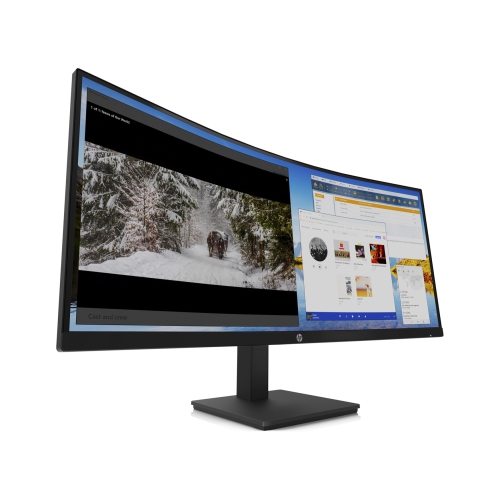
HP Inc. M34D 34" Ultrawide 1440P Wqhd Curved Va Led Monitor (3B1W4Aa#aba) - Flicker-Free/low Light In Blue
About this product
An ultrawide curved QHD monitor in black with 5ms response time and built-in audio for immersion.
What customers like
(30)$619.89Your price for this item is $619.89SAVE $109 -
2
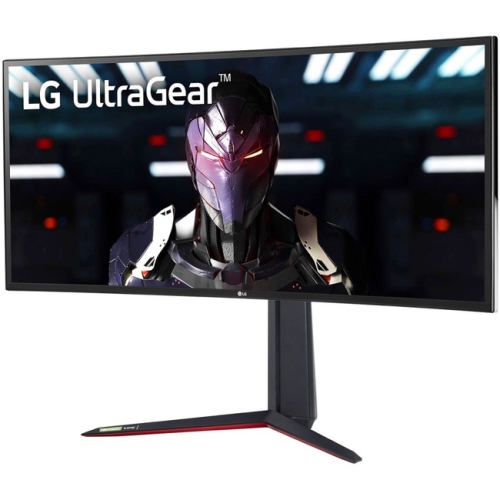
LG - Ultragear 34" Ultrawide Curved 1440P Wqhd Nano Ips Gaming Monitor (34Gn850-B) - G-Sync/freesync - 1Ms Gtg - 144Hz
About this product
A curved IPS gaming monitor with 144Hz refresh rate, 1ms response, G-Sync, and vibrant HDR400 visuals.
What customers like
(217)$1,448.68 Your price for this item is $1448.68 -
3
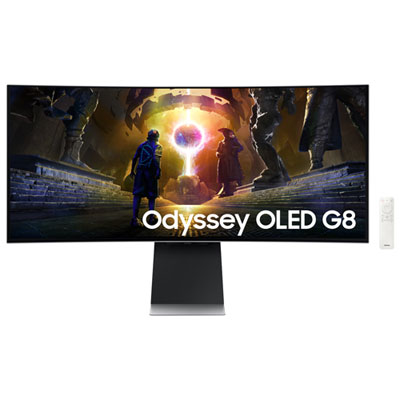
Samsung Odyssey G8 34" Ultrawide Curved UWQHD OLED Gaming Monitor (LS34DG850SNXZA) - G-Sync/FreeSync - 0.03ms GTG - 175Hz - Silver
About this product
A silver curved OLED gaming monitor with 175Hz refresh rate, 0.03ms response, and glare-free technology.
What customers like
(436)$899.99Your price for this item is $899.99SAVE $500 -
4

SAMSUNG Odyssey G93Sc 49" Curved Dual Qhd Oled Gaming Monitor (Ls49Cg932Snxza) - Freesync Premium Pro - 240Hz - Displayhdr True 400 In Black
About this product
An immersive black OLED curved gaming monitor featuring 240Hz refresh rate, 0.03ms response, and Dual QHD resolution.
What customers like
(28)$1,599.00Your price for this item is $1599SAVE $400 -
5
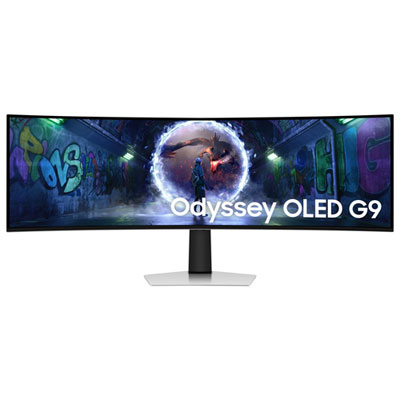
Samsung Odyssey G9 49" Ultrawide Curved 1440p WQHD OLED Gaming Monitor (LS49DG936SNXGO) - G-Sync/FreeSync - 0.03ms GTG - 240Hz - Silver - Only at Best Buy
About this product
An ultra-wide curved OLED gaming monitor in silver with 240Hz refresh rate and G-Sync/FreeSync support.
(10)$1,399.99Your price for this item is $1399.99SAVE $700 -
6
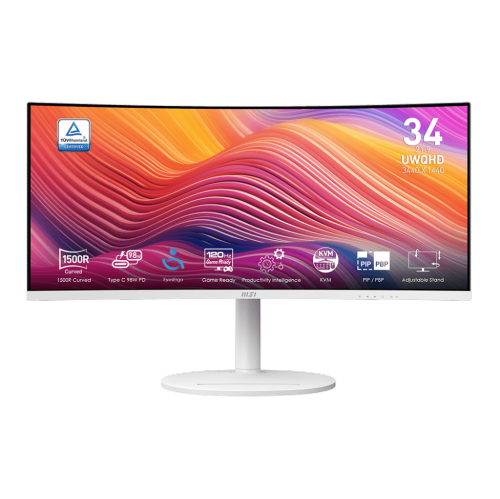
MSI Modern 34" Ultrawide Curved Uwqhd Va Led Monitor (Md342Cqpw) - 120Hz - HDr Ready - Freesync Premium - In White
About this product
A white curved UWQHD monitor with 120Hz refresh rate, 1ms response, USB-C 98W power delivery, and speakers.
(5)$399.99Your price for this item is $399.99SAVE $90 -
7
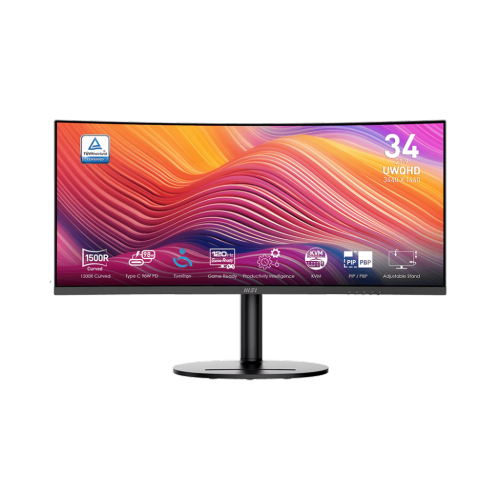
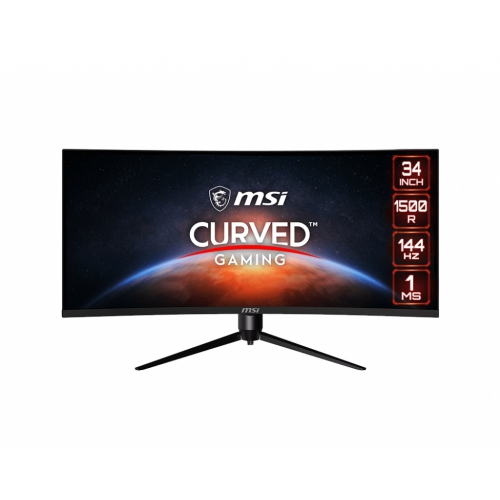
MSI Modern 34" Ultrawide Curved Uwqhd Va Led Monitor (Md342Cqp) - 120Hz - HDr Ready - Freesync Premium
About this product
A black curved UWQHD monitor with 120Hz refresh rate, 1ms response, Adaptive-Sync, and USB-C power delivery.
(3)$389.99Your price for this item is $389.99SAVE $90 -
8
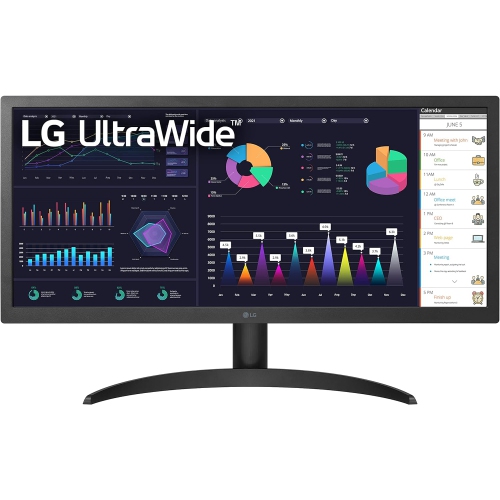
LG - Ultrawide 26" 1080P HD Ips Led Gaming Monitor (26Wq500B) - Freesync - HDr10
About this product
An open box 26" ultrawide monitor with HDR10, IPS technology, and AMD FreeSync for seamless visuals.
$204.99Your price for this item is $204.99SAVE $65 -
9

LG - Ultragear 34" Curved 1440P Uwqhd Oled Gaming Monitor - G-Sync/freesync - 0.03Ms Gtg - 240Hz - Purple-Grey
About this product
A 240Hz gaming monitor with UWQHD picture quality and a borderless design, backed by a 1-year warranty.
$1,229.97Your price for this item is $1229.97SAVE $170 -
10
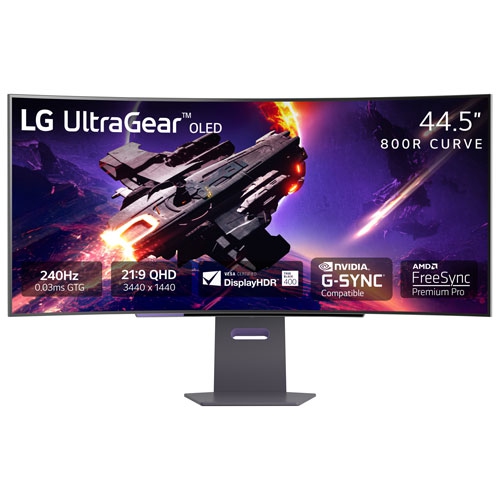
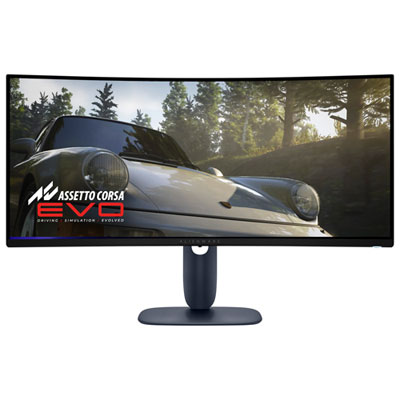
LG - Ultragear 45" Ultrawide Curved 1440P Wqhd Oled Gaming Monitor (45Gs95Qe-B) - G-Sync/freesync - 0.03Ms Gtg - 240Hz
About this product
An immersive 45" curved OLED gaming monitor with 240Hz refresh rate and 0.03ms response time.
$1,404.97Your price for this item is $1404.97SAVE $195
FAQ
Common panel types include IPS, VA and OLED. IPS panels typically offer consistent colours across viewing angles, while VA panels are known for strong contrast. OLED panels use individually lit pixels to produce deep blacks. Each type has different characteristics for colour, contrast and motion, so compare the display specifications with your gaming preferences.
Adaptive sync lets a monitor adjust its refresh rate to match the frames supplied by a compatible graphics card. Formats include AMD FreeSync and NVIDIA G-SYNC. Support can depend on the monitor, graphics card and connection, so check compatibility across your setup.
HDMI and DisplayPort are common connections for gaming devices. Some monitors also offer USB-C with video input, USB hubs for peripherals or headphone outputs. Check which resolution and refresh rate each input supports, as these can vary between ports on the same monitor.
Ultrawide support varies by game. Some titles display gameplay across the full screen, while others show black bars at the sides or use different formats for menus and cutscenes. Consoles generally output standard widescreen formats rather than native ultrawide formats. Check support for the games and platforms you plan to use.
HDR stands for High Dynamic Range, a display format that supports a broader range of brightness and colour than standard dynamic range. Using it requires compatible content, hardware and settings. HDR capabilities vary between monitors, so look at supported formats, brightness specifications and any DisplayHDR certification when comparing options.
Top selling and popular products
Discover more categories related to Best Ultrawide Monitors for Gaming
Some products may be subject to Environmental Handling Fees (EHF) depending on your province. Learn more about EHFs.