Best Tablets for 8-Year-Old
Finding the right tablet for an 8-year-old means balancing fun, learning, and everyday durability. Explore the best tablets for 8-year-olds, ranked by user review ratings, and compare features such as parental controls, battery life, and easy-to-use interfaces to find a fit for your child’s needs. From reading and homework to games and videos, a well-chosen tablet can support their growing interests.
What to look for in tablets for 8-year-olds
1. Parental Controls
2. Durability and Comfort
3. Learning Apps and Compatibility
4. Performance and Battery Life
-
1

APPLE Refurbished (Good) - Ipad 5Th Generation 9.7In Wifi Only 32GB In Space In Gray
About this product
A refurbished tablet featuring a 9.7-inch display, 32GB storage, Wi-Fi connectivity, and sleek space gray finish.
What customers like
(8,010)$109.99Your price for this item is $109.99SAVE $290 -
2
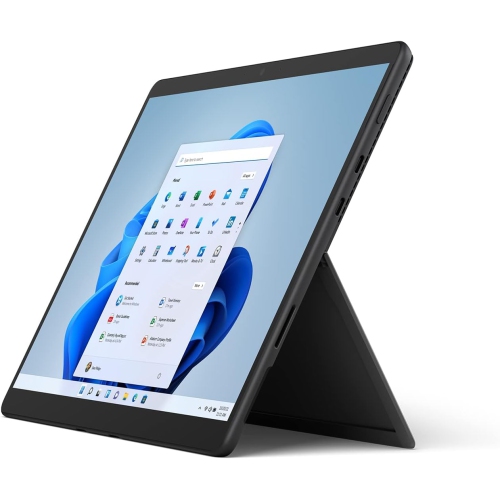
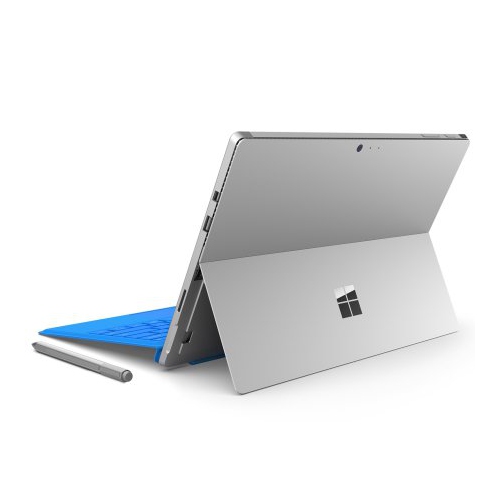
MICROSOFT Surface Pro 8: 13" Touchscreen Tablet (Intel Core I5/8GB Ram/512GB SSD/windows 11 Home) Device Only - Graphite
About this product
A versatile graphite tablet featuring a 13" touchscreen, Intel Core i5, 8GB RAM, and 512GB SSD.
What customers like
(43)$1,560.34Your price for this item is $1560.34SAVE $1438 -
3
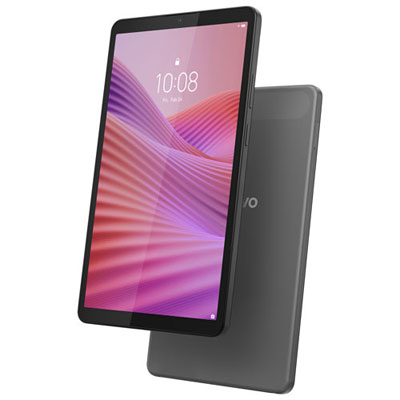
Open Box - Lenovo Tab One 8.7" 64GB Android 14 Tablet with MediaTek Helio G85 8-Core Processor - Luna Grey
About this product
A luna grey tablet featuring an 8-core processor, 64GB storage, and dual cameras for versatile use.
(7)$143.99Your price for this item is $143.99SAVE $6 -
4
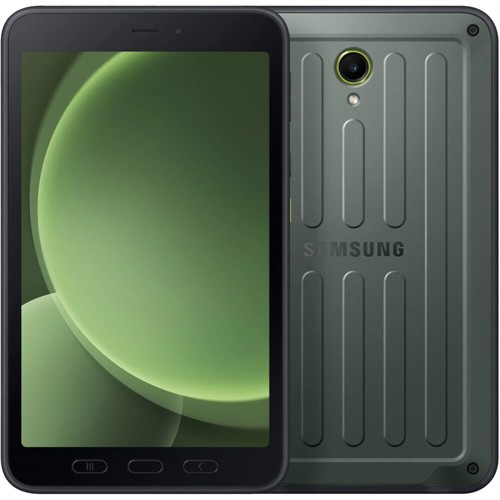
SAMSUNG 8" Galaxy Tab Active5 128GB Tablet
About this product
A rugged 8-inch tablet with 128GB storage, designed for durability and reliable performance on the go.
(2)$849.99Your price for this item is $849.99SAVE $450 -
5
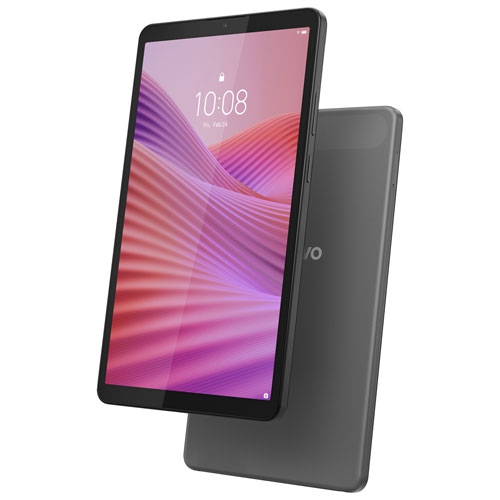
LENOVO Refurbished (Excellent) - Tab One 8.7" 64GB Android 14 Tablet With Mediatek Helio G85 8-Core Processor - Luna In Grey
About this product
A grey Android tablet featuring an 8-core processor, 64GB storage, dual cameras, and built-in speakers.
(2)$129.99Your price for this item is $129.99SAVE $30 -
6
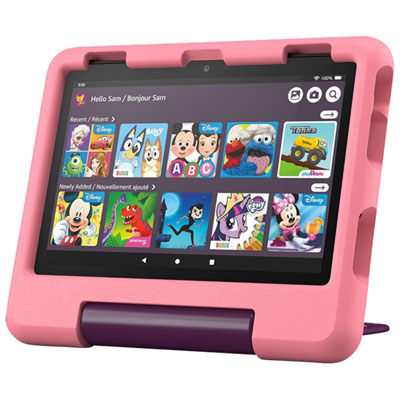
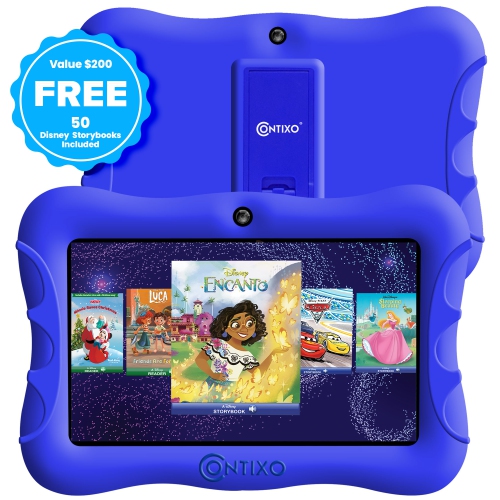
Amazon Fire HD 8 Kids (2024) 8" 32GB FireOS Tablet with Kid-Proof Case - Disney Princess
About this product
A child-friendly tablet with an 8" HD display, 32GB storage, and a durable Disney Princess case.
(1)$199.99 Your price for this item is $199.99 -
7
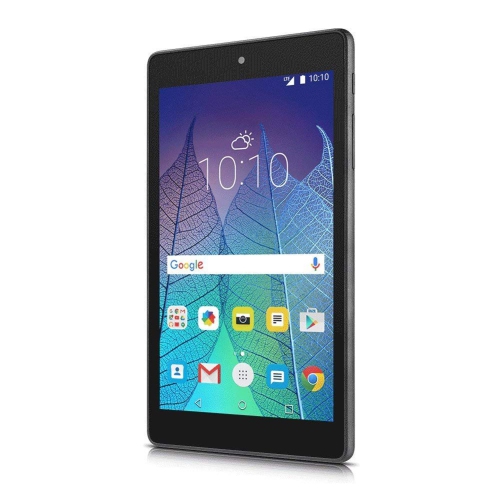
ALCATEL Refurbished (Good) - A30 9024O 16GB 8" Wi-Fi + Sim Unlocked Android Tablet-Black
About this product
A refurbished black Android tablet featuring 16GB storage, 2GB RAM, Wi-Fi, SIM support, and Snapdragon processor.
(1)$139.99 Your price for this item is $139.99 -
8

Open Box - Lenovo Tab Plus 11.5" 128GB Android 14 Tablet with MediaTek Helio G99 8-Core Processor - Luna Grey
About this product
An Android 14 tablet in Luna Grey featuring an 11.5" 2K display and octa JBL Hi-Fi speakers.
(1)$329.97 Your price for this item is $329.97 -
9
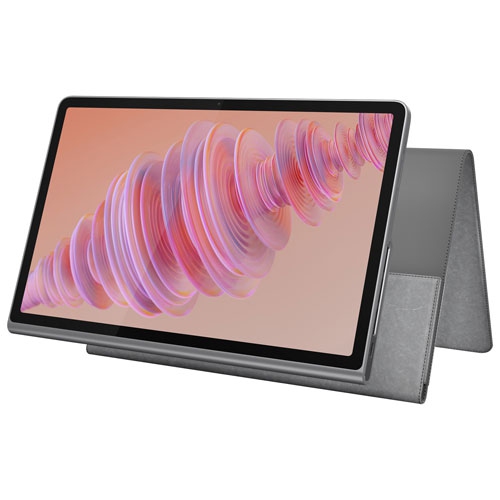
LENOVO - Tab Plus 11.5" 256GB Android 14 Tablet With Mediatek Helio G99 8-Core Processor With Case - Luna In Grey
About this product
A versatile grey tablet featuring an 11.5" 2K display, JBL Hi-Fi speakers, and Bluetooth speaker mode.
(1)$353.97Your price for this item is $353.97SAVE $65 -
10
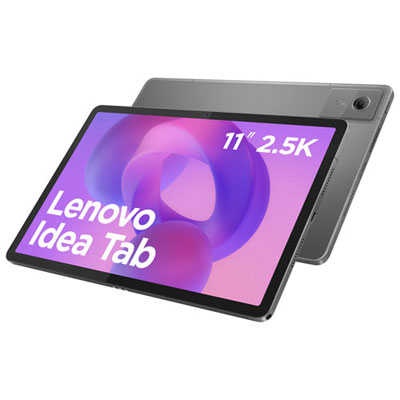
Open Box - Lenovo Idea Tab 11" 128GB Android 15 Tablet with MediaTek Dimensity 6300 8-Core Processor - Luna Grey
About this product
A sleek luna grey tablet with an 8-core processor, 8GB RAM, and immersive Dolby Atmos quad speakers.
(1)$279.99 Your price for this item is $279.99
FAQ
Look for an easy-to-use interface, enough storage for apps and downloaded media, and battery life that suits your child’s daily routine. Wi-Fi connectivity, multiple user profiles, and compatibility with a keyboard or stylus can also be useful for schoolwork and creative activities.
The best choice depends on the apps your child uses and the devices your family already owns. iPadOS and Android offer a broad selection of learning and entertainment apps, while Fire OS uses Amazon’s app store and services. Check that your child’s school apps are available for the operating system you choose.
Many tablets support reading apps, digital worksheets, video calls, and classroom platforms. A compatible keyboard can be useful for typing assignments, while a stylus offers another way to draw or write notes. Check the school’s device requirements, as some assignments may need software available only on a computer.
Children can read downloaded e-books, watch downloaded videos, draw, and use apps or games that support offline access. Download content while connected to Wi-Fi and check each app’s offline features before heading out. Some apps require an internet connection to sign in or access certain content.
A dedicated children’s tablet may include a simplified interface, bundled content, and a case. A general-purpose tablet may offer broader app compatibility and more options for schoolwork, creative projects, and family use. Compare the included features and check whether bundled content requires a subscription.
Top selling and popular products
Discover more categories related to Best Tablets for 8-Year-Old
Some products may be subject to Environmental Handling Fees (EHF) depending on your province. Learn more about EHFs.