Tablets for Middle School Students
Tablets for Middle School Students offer a versatile solution for learning, creativity, and entertainment. With options designed to keep up with busy school schedules and extracurricular activities, these tablets provide the flexibility students need both in and out of the classroom. Whether it’s researching assignments, staying organized, or enjoying downtime with games and videos, Tablets for Middle School Students are built to support a dynamic lifestyle. Explore a range of choices to find the perfect match for your student’s academic and personal interests.
Sort




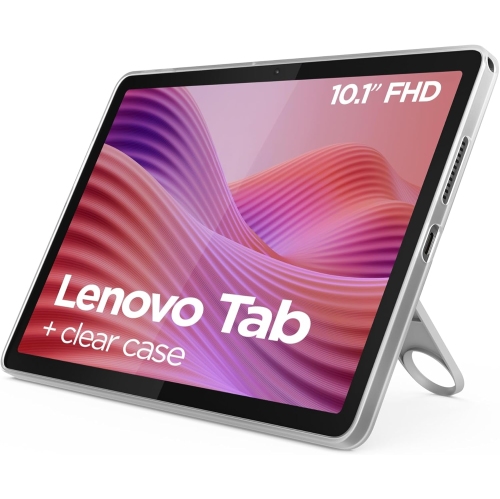
What makes a tablet practical for everyday schoolwork
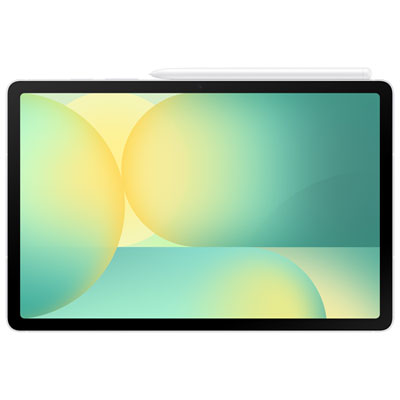
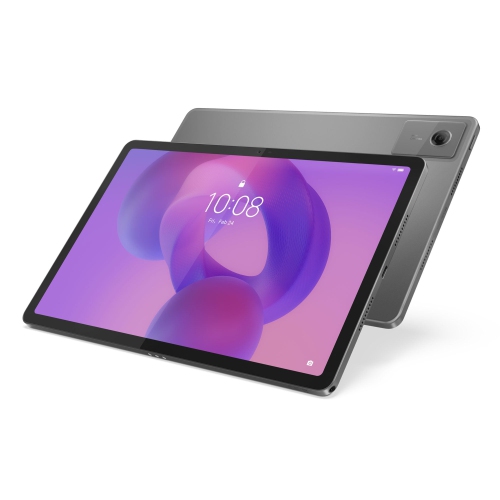
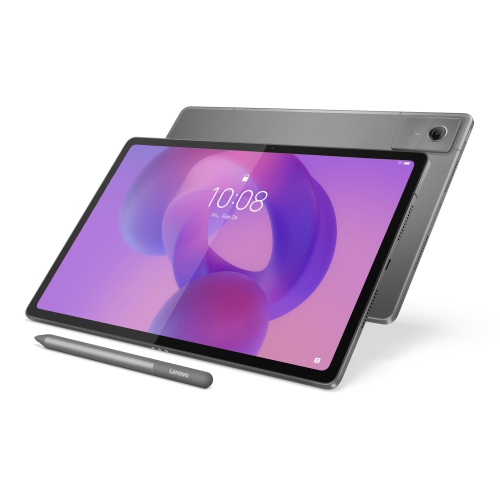
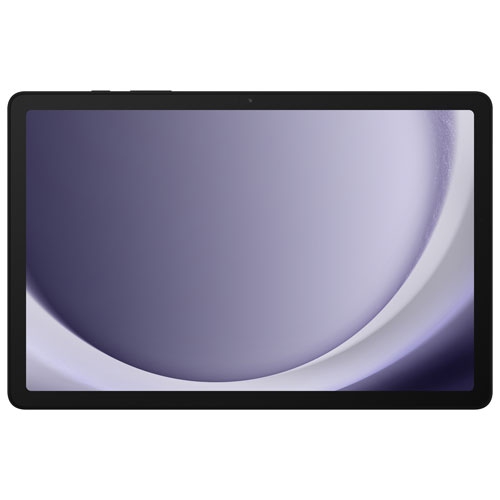
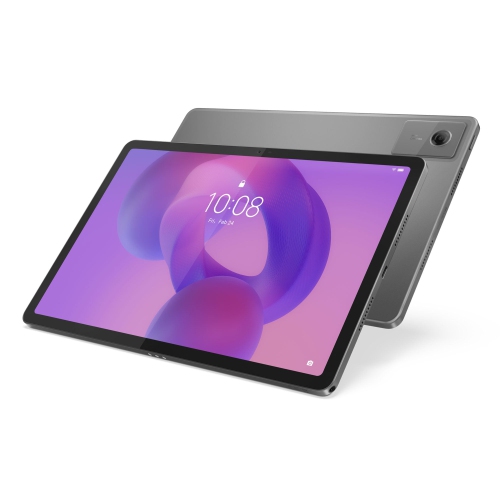
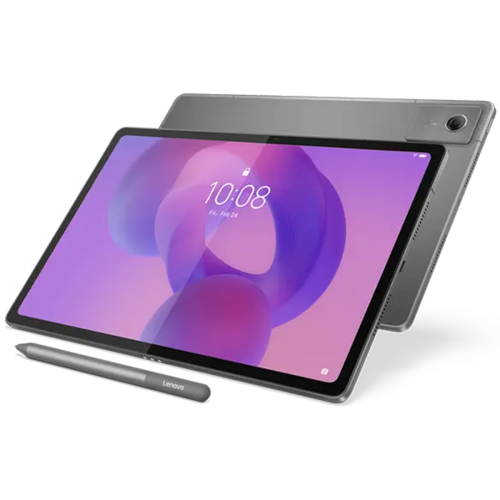
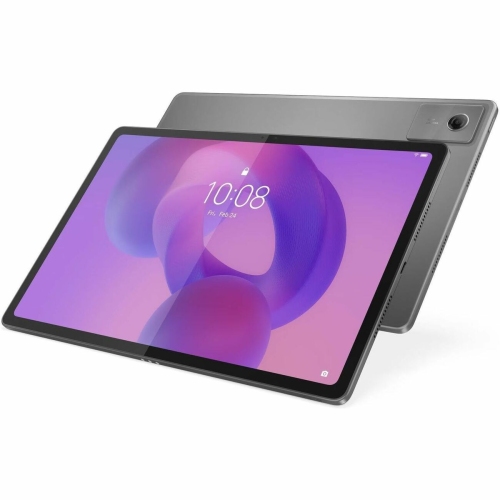
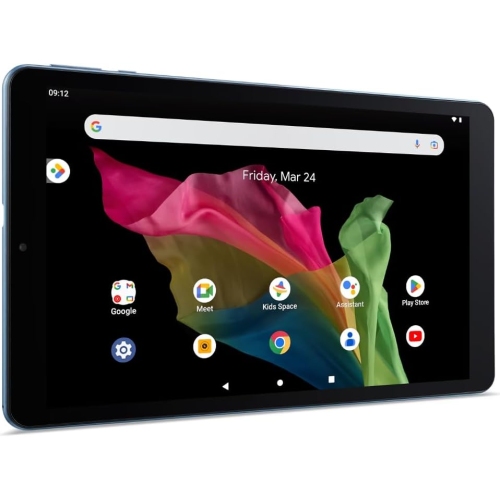
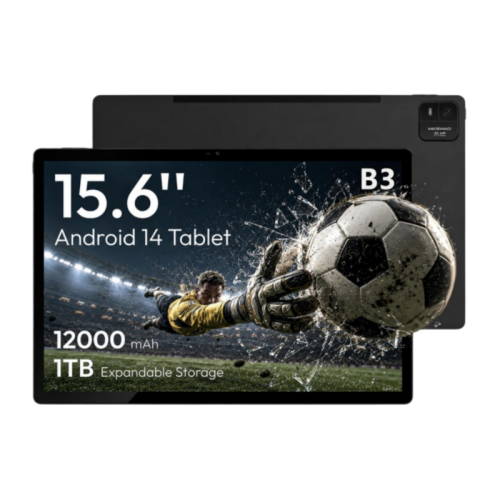
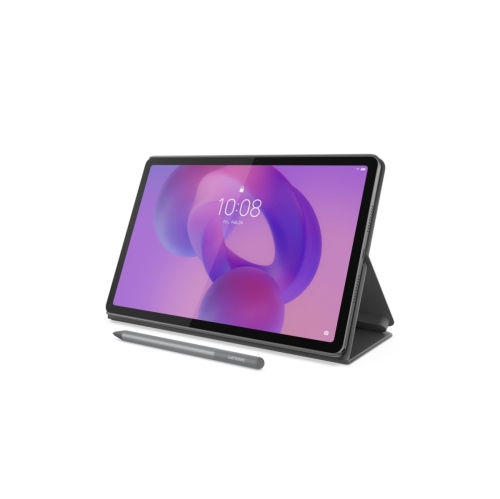
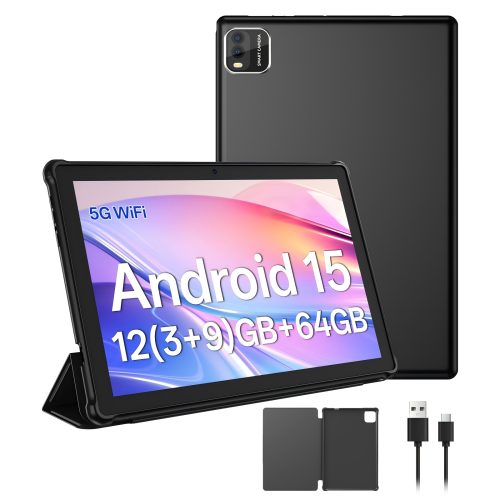
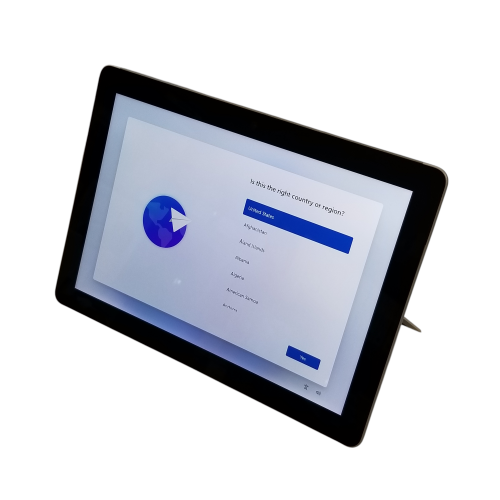
Tablets for middle school students combine a portable touchscreen with tools for reading, research, assignments, and creative work. At this stage, students often move between several subjects, manage longer projects, and take greater responsibility for keeping track of their schoolwork. A suitable tablet needs to handle those everyday demands without being awkward to carry between classrooms or use at a kitchen table. School app compatibility, dependable performance, a readable screen, and a durable design matter more than features a student is unlikely to use. A typical afternoon might involve reading a chapter, annotating a science diagram, checking assignment instructions, and joining a group discussion. The tablet’s operating system and supported apps determine how smoothly those activities fit together. School learning platforms, document tools, digital textbooks, and testing software may have different requirements, and a mobile app does not always offer every feature found in its desktop counterpart. Some assignments may still require a computer, particularly when they involve specialized software or advanced formatting. For everyday reading and written work, a 10-inch or 11-inch screen can provide room for text and diagrams while remaining manageable in a backpack. Larger displays give students more space for viewing a reference beside their notes, although they also add bulk. Smaller tablets are easier to hold for reading but can feel cramped when an on-screen keyboard covers part of a worksheet. Clear text, adjustable brightness, and comfortable viewing angles make a difference during longer reading sessions. A responsive touchscreen also helps with scrolling through documents, moving objects in a presentation, or zooming in on a map. For students who frequently write paragraphs or essays, support for a physical keyboard can make a tablet more practical. Those who prefer handwritten maths steps or labelled drawings may benefit from compatible pen input, particularly when the device supports accurate writing and palm rejection.
Daily performance is about more than opening a single app quickly. Middle school work can involve a browser with several research tabs, a document in progress, and a video lesson running alongside notes. A capable processor and sufficient memory help the tablet stay responsive as students switch between those tasks. Storage needs depend on how schoolwork is saved: downloaded textbooks, recorded presentations, art files, and offline videos can take up considerably more space than text documents. Cloud storage can make assignments accessible across devices, but local space remains useful when an internet connection is unreliable or unavailable. Wi-Fi compatibility matters for school and home networks, while offline access depends on the individual app and whether files have been downloaded beforehand. Battery life is another practical consideration for a device that travels through a school day. Published battery estimates reflect particular test conditions; video calls, high screen brightness, and demanding apps can shorten actual use between charges. Charging connections and keyboard or pen requirements also affect what needs to travel in the school bag. A sturdy case with raised edges can help protect the screen when the tablet is set face down, and reinforced corners may reduce damage from everyday bumps. A secure stand is useful for watching a lesson or typing at a desk, while a case with a comfortable grip can make the device easier to carry. Metal and plastic tablet bodies have different weights and finishes, but neither material alone establishes how well a device will withstand a fall. Case fit, port access, and the manufacturer’s durability information provide a clearer picture. In a crowded backpack, a separate padded compartment helps keep the screen away from loose stationery and pressure from heavy books. Routine care is straightforward: a soft, lint-free cloth removes fingerprints, and cleaning methods should follow the device maker’s directions. Keeping charging ports dry and avoiding pressure on the display can also help prevent damage during ordinary use.
Shared family expectations and accessible features can be just as important as the hardware. Separate accounts, where supported, help keep a student’s assignments, messages, and saved passwords apart from other household activity. Parental controls may offer app approval, content restrictions, and screen-time schedules, although the options vary by operating system and account type. School-managed accounts can add their own rules, including limits on downloads or access to certain services. A clear distinction between schoolwork and leisure use helps a tablet serve both purposes without notifications constantly interrupting a reading assignment. Headphone support, a reliable microphone, and a front-facing camera are useful for recorded presentations, language practice, and occasional remote participation. Camera quality also matters when students need to submit a legible photo of handwritten work rather than a blurred page with missing details. Accessibility settings can make everyday tasks more comfortable: adjustable text size, text-to-speech, captions, dictation, and display settings may support different learning needs and preferences. These features work best when they are compatible with the apps a student actually uses. Beyond homework, tablets can support digital drawing, music practice, recreational reading, and family communication, giving them a role outside the classroom without making entertainment their main purpose. They can also be a thoughtful gift for a student entering middle school or taking on more independent assignments, especially when school requirements and family preferences are already understood. For households comparing devices for different ages or stages of education, the broader Tablets for Students collection provides another place to explore study-focused options. The most useful fit is a tablet that supports the student’s actual workload, feels comfortable to handle, and works with the tools already used at school. That balance gives students room to organize their assignments, develop their interests, and build confidence with everyday digital tasks.
Daily performance is about more than opening a single app quickly. Middle school work can involve a browser with several research tabs, a document in progress, and a video lesson running alongside notes. A capable processor and sufficient memory help the tablet stay responsive as students switch between those tasks. Storage needs depend on how schoolwork is saved: downloaded textbooks, recorded presentations, art files, and offline videos can take up considerably more space than text documents. Cloud storage can make assignments accessible across devices, but local space remains useful when an internet connection is unreliable or unavailable. Wi-Fi compatibility matters for school and home networks, while offline access depends on the individual app and whether files have been downloaded beforehand. Battery life is another practical consideration for a device that travels through a school day. Published battery estimates reflect particular test conditions; video calls, high screen brightness, and demanding apps can shorten actual use between charges. Charging connections and keyboard or pen requirements also affect what needs to travel in the school bag. A sturdy case with raised edges can help protect the screen when the tablet is set face down, and reinforced corners may reduce damage from everyday bumps. A secure stand is useful for watching a lesson or typing at a desk, while a case with a comfortable grip can make the device easier to carry. Metal and plastic tablet bodies have different weights and finishes, but neither material alone establishes how well a device will withstand a fall. Case fit, port access, and the manufacturer’s durability information provide a clearer picture. In a crowded backpack, a separate padded compartment helps keep the screen away from loose stationery and pressure from heavy books. Routine care is straightforward: a soft, lint-free cloth removes fingerprints, and cleaning methods should follow the device maker’s directions. Keeping charging ports dry and avoiding pressure on the display can also help prevent damage during ordinary use.
Shared family expectations and accessible features can be just as important as the hardware. Separate accounts, where supported, help keep a student’s assignments, messages, and saved passwords apart from other household activity. Parental controls may offer app approval, content restrictions, and screen-time schedules, although the options vary by operating system and account type. School-managed accounts can add their own rules, including limits on downloads or access to certain services. A clear distinction between schoolwork and leisure use helps a tablet serve both purposes without notifications constantly interrupting a reading assignment. Headphone support, a reliable microphone, and a front-facing camera are useful for recorded presentations, language practice, and occasional remote participation. Camera quality also matters when students need to submit a legible photo of handwritten work rather than a blurred page with missing details. Accessibility settings can make everyday tasks more comfortable: adjustable text size, text-to-speech, captions, dictation, and display settings may support different learning needs and preferences. These features work best when they are compatible with the apps a student actually uses. Beyond homework, tablets can support digital drawing, music practice, recreational reading, and family communication, giving them a role outside the classroom without making entertainment their main purpose. They can also be a thoughtful gift for a student entering middle school or taking on more independent assignments, especially when school requirements and family preferences are already understood. For households comparing devices for different ages or stages of education, the broader Tablets for Students collection provides another place to explore study-focused options. The most useful fit is a tablet that supports the student’s actual workload, feels comfortable to handle, and works with the tools already used at school. That balance gives students room to organize their assignments, develop their interests, and build confidence with everyday digital tasks.
Top selling and popular products
-
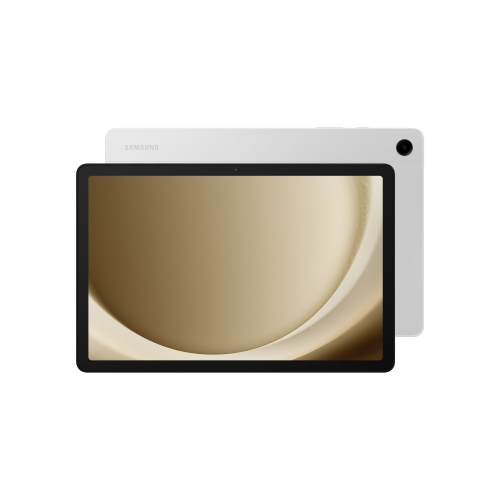 Your price for this item is $499.99
-
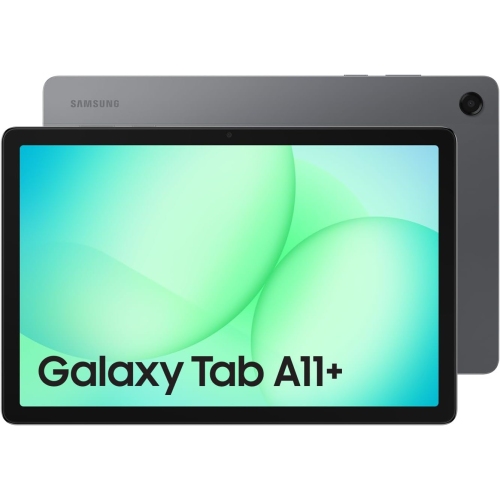 Your price for this item is $363.99
-
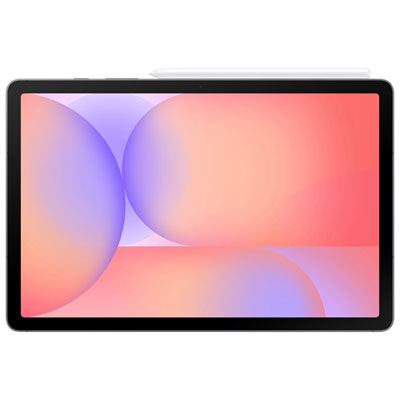 Your price for this item is $579.99
-
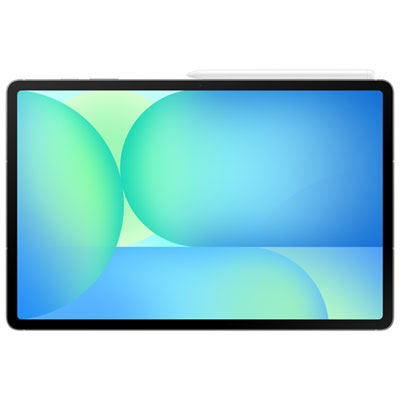 Your price for this item is $979.99
-
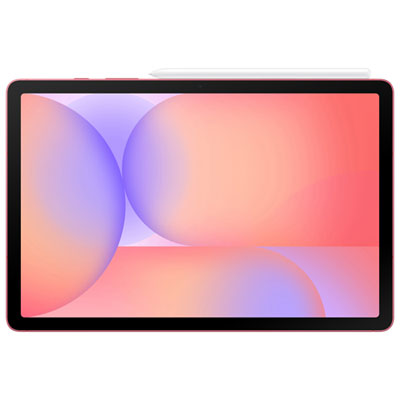 Your price for this item is $579.99
-
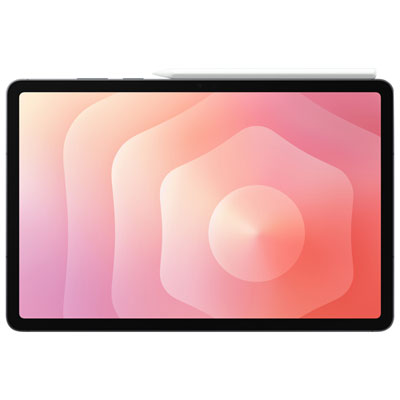 Your price for this item is $1399.99
-
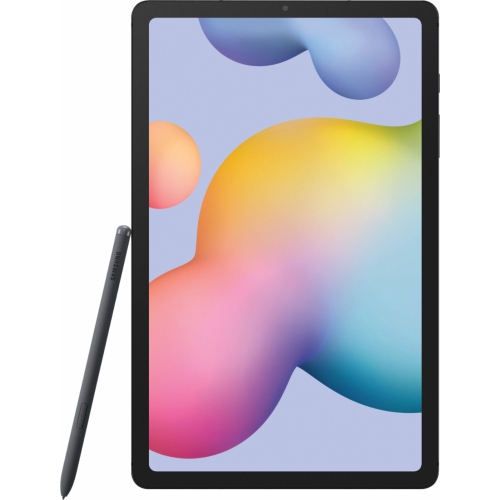 Your price for this item is $699.99
-
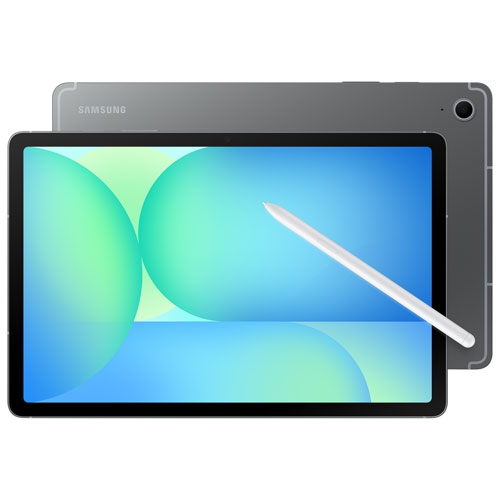 Your price for this item is $624.95
Discover more categories related to Tablets for Middle School Students
Top Collections:
Pokemon Centers, Pokémon 30th Celebration Cards, Best Budget Office Chairs, Kindle Devices, Best Cameras for Sports Photography, Canon G7X Cameras, Best Black Friday Deals On Electronics, Best Laptops for Writers, iPhone 15 Apple, Jackery Power Stations
Some products may be subject to Environmental Handling Fees
(EHF) depending on your province.
Learn more about EHFs.