Best Universal Docking Stations

Connect your laptop to more of what you need with the best universal docking stations, ranked by customer review ratings. Whether you’re setting up a home office or streamlining your workspace, explore options that bring monitors, peripherals, and other essentials together. Compare ports, display support, and laptop compatibility to find the right fit for your setup.

Read More

What to look for in universal docking stations

1. Laptop Compatibility

Check that the dock supports your laptop’s operating system and USB-C, USB-A or Thunderbolt connection. Universal does not mean every feature works with every laptop, and some docks require drivers.

2. Display Support

Choose a dock that supports your preferred number of monitors, resolutions and refresh rates. Confirm that your laptop can deliver that display configuration through the dock, particularly if you want extended desktops rather than mirrored screens.

3. Port Selection

Look for enough USB ports for your accessories, HDMI or DisplayPort connections for your monitors, and Ethernet if you need wired networking. Compare data transfer speeds if you regularly connect external storage.

4. Charging Power

If you want a single-cable setup, check that both your laptop and the dock support charging through USB-C. Compare the dock’s power delivery to the laptop against your laptop’s requirements, and confirm whether a power adapter is included.
Citrus catapult arrow
  1. 1

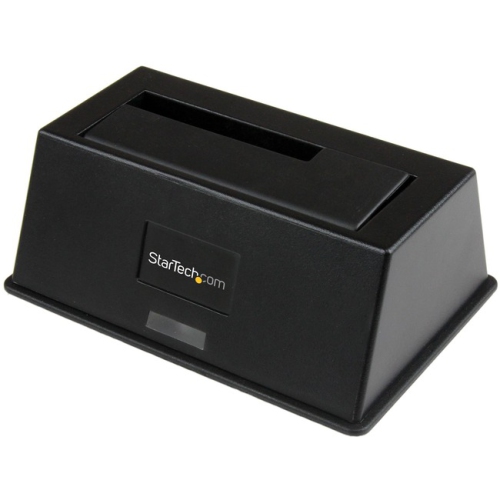
    STARTECH Universal Laptop Docking Station - USB-C & USB 3.0 2X4K 60W Pd

    About this product

    A universal docking station enabling dual 4K displays and 60W power delivery via USB-C or USB 3.0.

    (1)
    $383.00
    SAVE $66
    Your price for this item is $383
  2. 2

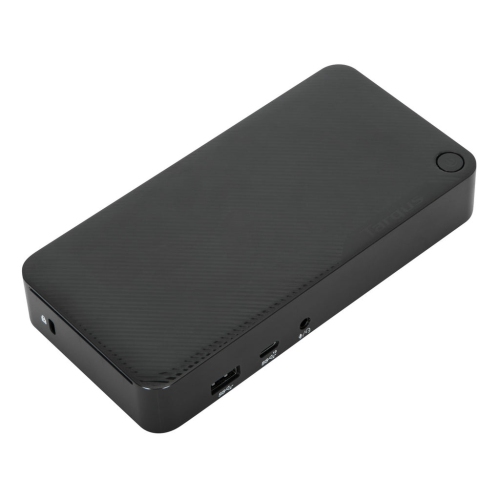
    TARGUS USB-C Universal Dv4K Docking Station - (Dock315Usz) In Silver

    About this product

    A silver docking station enabling dual 4K display connections and efficient workspace setup via USB-C.

    (12)
    $144.99
    SAVE $20
    Your price for this item is $144.99
  3. 3

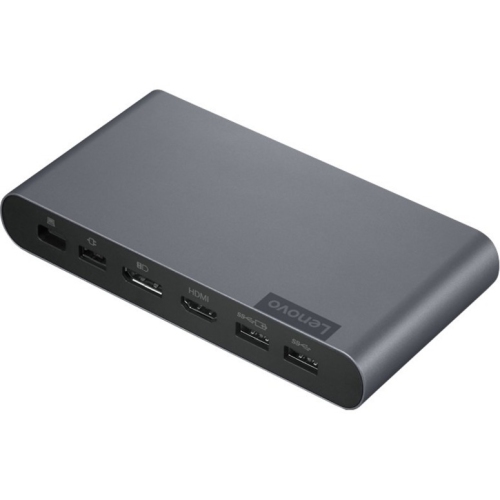
    LENOVO USB-C Universal Business Dock - Storm (40B30090Us) In Grey

    About this product

    A sleek grey USB-C dock offering enhanced port expansion, dual display support, and optimal power delivery.

    What customers like

    • Compact and sleek design
    • Easy setup and installation
    • Helps declutter and organize workspace
    • Versatile port selection and connectivity
    • Reliable performance and power delivery
    (52)
    $499.00 Your price for this item is $499
  4. 4

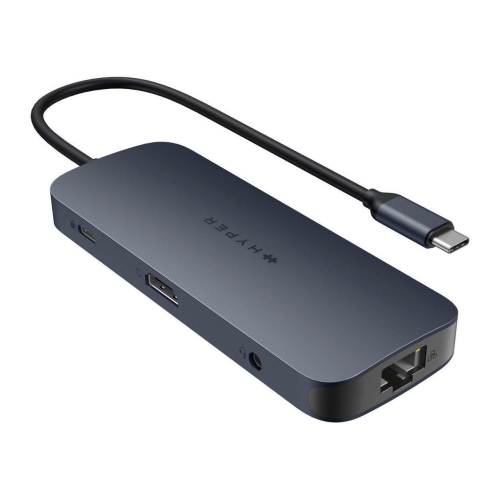
    TARGUS Hyper - Hyperdrive Next​ 10 Port USB-C Hub, 4K HDMI, Ethernet, 2 USB-C, 2 USB-A, Microsd/sd, Travel Dock for Macbook/pc

    About this product

    A versatile 10-port USB-C hub with 4K HDMI, Ethernet, USB-A, USB-C, and microSD/SD slots.

    What customers like

    • Strong build quality
    • Wide device compatibility
    • Easy setup and use
    • Multiple versatile ports
    • Compact and travel-friendly
    (222)
    $142.99 Your price for this item is $142.99
  5. 5

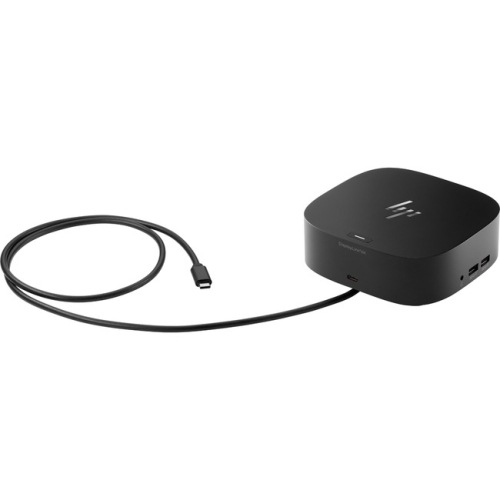
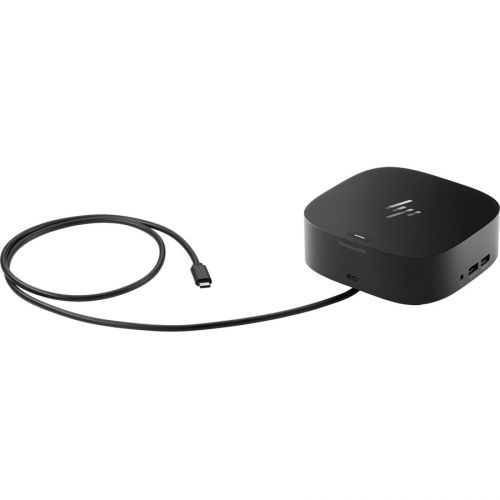
    HP USB-C/a Universal Dock G2

    About this product

    A versatile wired dock with six USB ports, HDMI, DisplayPort, and RJ-45 network connectivity.

    What customers like

    • Supports multi-monitor setups
    • Quick laptop charging
    • Easy installation
    • Expands connectivity options
    • Reliable performance
    (33)
    $239.68 Your price for this item is $239.68
  6. 6

    HP Docking Station

    About this product

    A versatile wired docking station with USB-C, six USB ports, HDMI, DisplayPort, and RJ-45 connectivity.

    What customers like

    • Easy setup and installation
    • Supports dual monitors and multiple displays
    • Compact and space-saving design
    • Universal compatibility with various laptops
    • Multiple connectivity options
    (0)
    $239.68 Your price for this item is $239.68
  7. 7

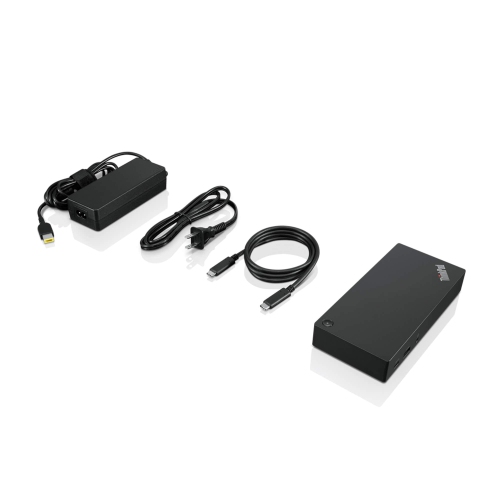
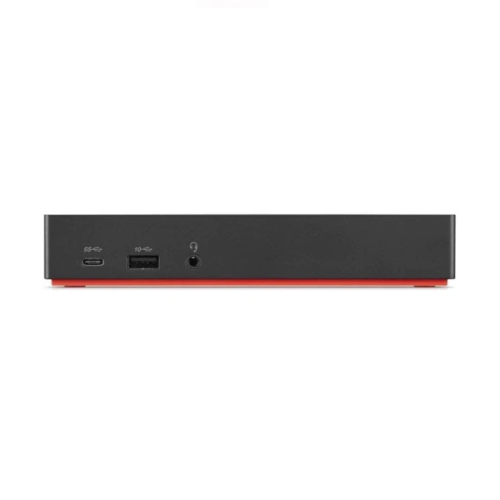
    LENOVO Thinkpad USB-C Dock Gen 2 (40As0090Us) - USB 3.1, USB-C Ethernet, Display Port, HDMI

    About this product

    A versatile USB-C dock offering USB 3.1, Ethernet, DisplayPort, and HDMI connectivity for streamlined workspaces.

    What customers like

    • Supports multiple monitors
    • Compact and sleek design
    • Versatile connectivity options
    • Easy setup and use
    • Compatible with various laptop brands
    (165)
    $159.99
    SAVE $130
    Your price for this item is $159.99
  8. 8

    HP USB-C Business Dock G5 - - (5Tw10Aa#aba) In Black

    About this product

    A versatile USB-C dock that connects your notebook to displays, devices, and wired networks with one cable.

    What customers like

    • Easy and convenient setup
    • Reliable performance and functionality
    • Versatile connectivity options
    • Compact and space-saving design
    • Supports multiple monitors and devices
    (500)
    $154.99
    SAVE $104
    Your price for this item is $154.99
  9. 9

    LENOVO Thinkpad Universal Thunderbolt 4 Dock - Black (40B00135Us) In Red

    About this product

    A universal Thunderbolt 4 dock in red and black offering reliable video, data, and power connectivity.

    What customers like

    • Convenient one-cable connectivity
    • Easy setup and installation
    • Solid build quality
    • Reliable and stable performance
    • Versatile port selection
    (373)
    $446.99
    SAVE $78
    Your price for this item is $446.99
  10. 10

    LENOVO Thinkpad USB-C Dock Gen 2 (40As0090Us)

    About this product

    A versatile USB-C dock enabling lightning-fast data transfer, wired networking, and vivid 4K or multi-display support.

    What customers like

    • Compact and sleek design
    • Convenient single-cable connectivity
    • Multiple high-speed ports
    • Supports dual and triple monitor setups
    • Compatible with various laptop brands
    (161)
    $159.99
    SAVE $130
    Your price for this item is $159.99

Why laptop compatibility matters more than port count

The best universal docking stations bring together the connections a laptop needs for a comfortable, capable workspace: external monitors, a keyboard and mouse, wired networking, storage, and, on compatible models, laptop charging. Rather than plugging in each accessory at the start of the day, a dock lets much of the desk stay connected while the computer comes and goes. That convenience suits a home office, a shared family workstation, or a desk used by different people throughout the week. “Universal” generally describes broader compatibility than a dock built for one particular laptop, but it does not mean every feature works with every computer. The host connection, operating system, display technology, and power requirements all affect what a docking station can do. A USB-C connector alone does not guarantee video output, charging, or a particular data transfer speed; the laptop port and the dock must support the required functions. Some universal docks can connect through either USB-C or USB-A, making them useful where newer and older laptops share the same peripherals. However, USB-A host connections do not charge a laptop and typically need USB graphics technology and compatible software to support external displays. Other docks rely on video signals supplied directly through a compatible USB-C port. For a household where one person writes reports and another attends online classes, those distinctions matter more than a long list of sockets. The most useful assortment includes options for straightforward single-screen work, more demanding multi-monitor layouts, and desks with a mix of older and newer accessories. A compact dock can suit occasional work at the dining table, while a larger powered model may be a better fit for a workstation that stays assembled. The wider selection of Best Docking Stations for Laptops also provides context for comparing universal connectivity with other laptop docking options. In either case, compatibility with the computer and the equipment already on the desk is the foundation of a useful setup.

Display support is often the biggest difference between universal docking stations that look similar at a glance. A dock described as supporting two or three monitors may offer different resolutions and refresh rates depending on how many screens are attached, which outputs are used, and the capabilities of the host computer. Dual 4K displays at 60 Hz, for example, require support across the complete connection path, including the laptop, dock, monitor inputs, and cables. A higher maximum resolution on one output does not necessarily apply to every output at once. Extended desktop support also matters: separate screens showing a spreadsheet, a document, and a video meeting are different from multiple screens mirroring the same image. Some operating systems handle multi-display connections differently, so the supported configuration is worth checking rather than assuming that two video ports always deliver two independent desktops. HDMI and DisplayPort outputs make sense when they match the monitors already in use, reducing the need for extra adapters behind the desk. Software-based USB graphics can offer flexible display support across compatible computers, although driver installation may require administrator permission on a work laptop. This approach is often well suited to documents, email, and general office tasks; fast-paced gaming, some protected video playback, and colour-sensitive work can have additional limitations. Charging deserves equally close attention. USB-C Power Delivery can allow a compatible dock to charge the laptop through the same cable that carries data and video, but the power delivered to the computer may be lower than the dock’s stated total input. A pass-through model may require a separate compatible charger, and some of the incoming power is reserved for the dock and its attached devices. A laptop with higher power needs may charge slowly or still require its own adapter during demanding work. For someone moving between meetings and a permanent desk, a dock with suitable host charging can simplify the daily routine considerably.

The remaining connections shape how smoothly a docking station fits into everyday use. USB-A ports accommodate many existing keyboards, mice, printers, and headsets, while downstream USB-C ports can serve newer accessories and storage devices. Port shape is only part of the story: a USB-C socket may support data without offering video output or enough charging power for an attached device. Transfer speeds also depend on the dock’s upstream connection and the bandwidth shared by connected equipment. Someone copying large photo folders from an external drive while using several displays has different needs from someone connecting a mouse and a webcam. Gigabit Ethernet can provide a useful wired alternative to Wi-Fi for large file transfers and video calls, although actual performance still depends on the network and internet connection. Memory card slots can be convenient for photography, and an audio connection can keep a wired headset close at hand. Physical design matters just as much once the dock becomes part of a daily workspace. An aluminium enclosure can feel sturdy and help dissipate heat, while a well-made plastic housing may keep a portable setup lighter. Neither material alone determines durability; secure sockets, cable strain relief, stable feet, and a suitable power supply all contribute. Front-facing ports are handy for accessories that are frequently unplugged, while rear-facing connections can keep monitor and network cables out of the main work area. The host cable needs enough reach to connect without pulling against the laptop port, especially when the computer sits on a stand. A detachable cable can be easier to replace, provided the replacement supports the required data, video, and power specifications. For care, disconnect power before wiping the exterior with a soft, dry cloth, keep liquids away from the ports, and leave ventilation openings clear. Some warmth during operation is normal, but a dock should not be buried beneath papers or tucked against a heat source. For students, remote workers, and anyone building a more orderly desk, a compatible universal dock can also make a thoughtful gift when the recipient’s laptop connections and monitor needs are known. Its lasting value lies in turning a collection of everyday devices into a workspace that is easier to connect, use, and leave ready for the next session.
Read More

FAQ

Some products may be subject to Environmental Handling Fees (EHF) depending on your province. Learn more about EHFs.