Best Docking Stations for Laptops
Connect your laptop to more of what you need with a docking station that brings monitors, peripherals, and charging together in one convenient hub. Ranked by user review ratings, these top-rated docking stations for laptops can help you compare options for your home office or workspace. Look for compatible ports, display support, and power delivery to find the right fit for your setup.
What to look for in docking stations for laptops
1. Laptop Compatibility
2. Display Support
3. Charging Power
4. Ports and Connectivity
-
1
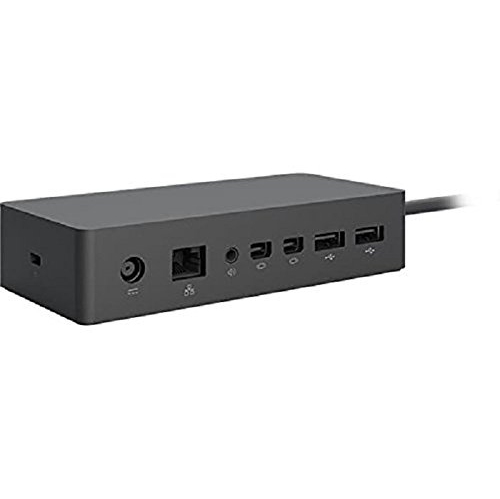
MICROSOFT Surface Dock - Docking Station - Gige - for Surface Book, Book 2, Book With Performance Base, Laptop, Pro 3, Pro 4
About this product
A versatile docking station offering multiple USB 3.0, video, Ethernet, and audio ports for Surface devices.
(1)$89.99Your price for this item is $89.99SAVE $110 -
2
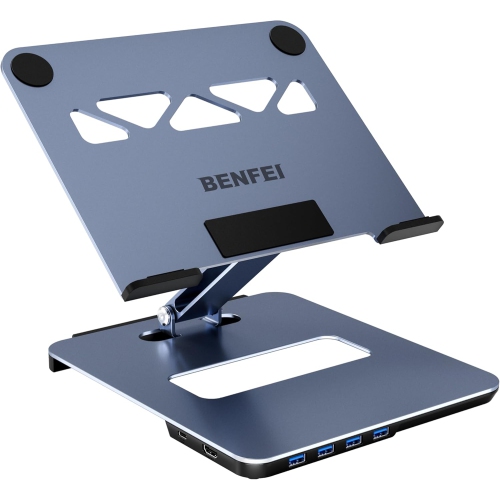
BENFEI Laptop Stand with USB C 6in1 Docking Station, HDMI 4K@60Hz, 4*USB3.0, 100W PD Compatible with MacBook Pro/Air, iPad Pro, XPS, Thinkpad
About this product
A versatile laptop stand with a 6-in-1 docking station, featuring HDMI 4K and 100W PD support.
(2)$29.99 Your price for this item is $29.99 -
3

STARTECH Universal Laptop Docking Station - USB-C & USB 3.0 2X4K 60W Pd
About this product
A universal docking station enabling dual 4K displays and 60W power delivery via USB-C or USB 3.0.
(1)$383.00Your price for this item is $383SAVE $66 -
4
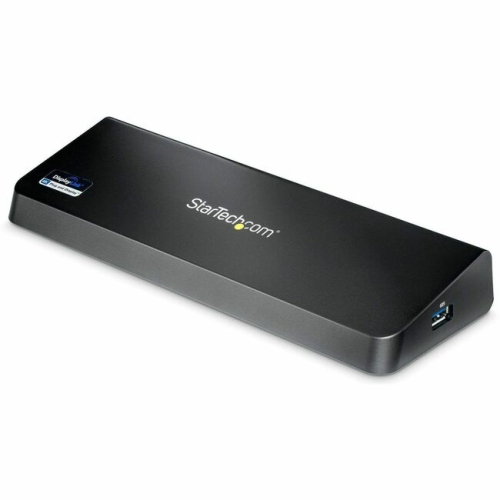
STARTECH 4K Docking Station for Laptops With Displayport And HDMI (USB3Dockhdpc)
About this product
A versatile docking station offering 4K DisplayPort, HDMI, four USB 3.0 ports, and Gigabit Ethernet connectivity.
(4)$164.35 Your price for this item is $164.35 -
5
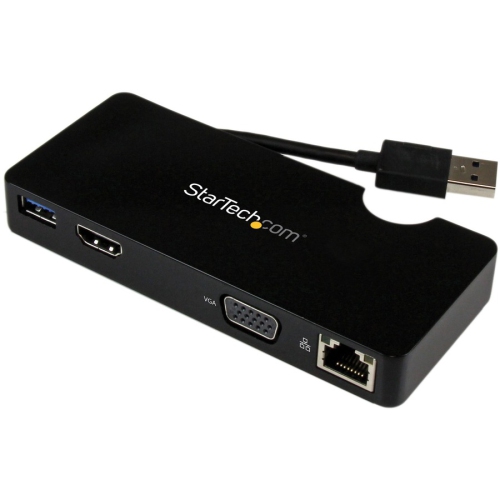
STARTECH Travel Docking Station for Laptops (USB3Smdockhv)
About this product
A compact docking station adding HDMI, VGA, and Gigabit Ethernet connectivity via USB 3.0 for laptops.
(5)$112.99Your price for this item is $112.99SAVE $21 -
6
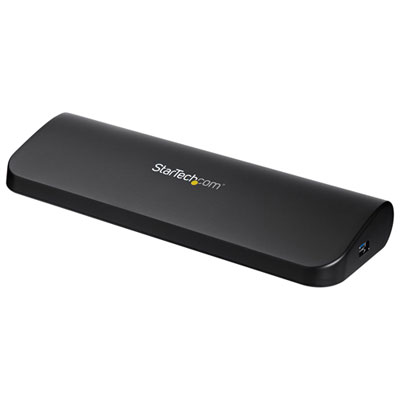
StarTech Dual-Monitor Docking Station for Laptops (USB3SDOCKHDV)
About this product
A versatile docking station enabling dual-monitor support and multiple peripheral connections via a single USB 3.0 port.
What customers like
(44)$124.99 Your price for this item is $124.99 -
7
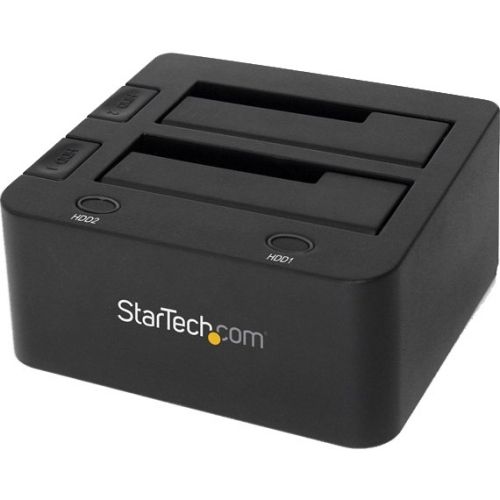
STARTECH USB 3.0 Dual Hard Drive Docking Station (Sdock2U33)
About this product
A dual-bay docking station enabling simultaneous SATA hard drive access via a single USB 3.0 connection.
(9)$107.69Your price for this item is $107.69SAVE $10 -
8
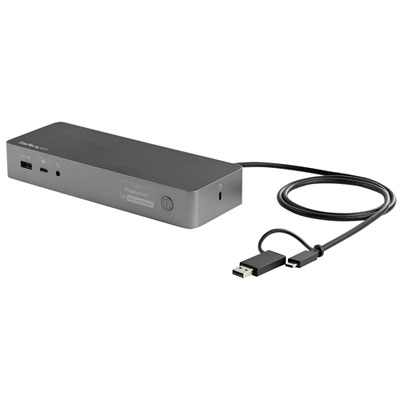
StarTech USB-C/USB-A Universal Laptop Docking Station (DK30C2DPEP)
About this product
A universal laptop docking station with dual-4K support, multiple monitor connections, and 100W power delivery.
(4)$364.99 Your price for this item is $364.99 -
9
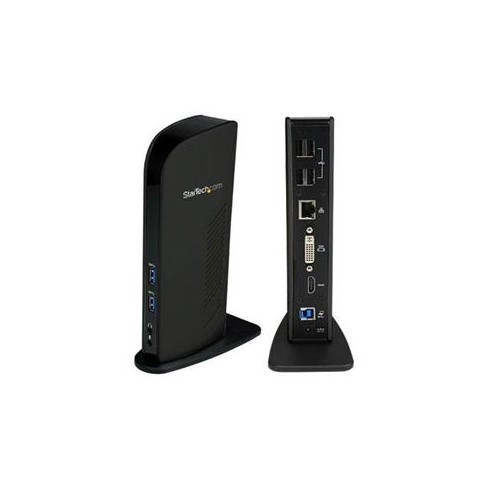
STARTECH Dual Monitor USB 3.0 Docking Station - HDMI & Dvi - 6 X USB
About this product
A versatile docking station offering HDMI, DVI, and six USB ports for dual monitor laptop setups.
(1)$148.68 Your price for this item is $148.68 -
10
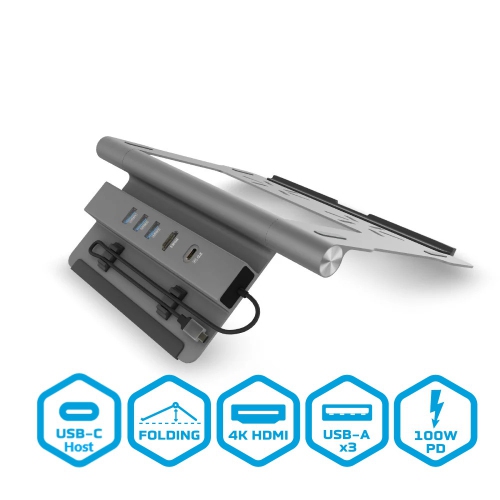
BLUEDIAMOND 5-In-1 USB-C Docking Station + Laptop Stand
About this product
A versatile docking station and adjustable laptop stand with 4K HDMI, USB-A 3.0, and 100W USB-C charging.
$89.99 Your price for this item is $89.99
FAQ
Choose a docking station with a host connection that matches your laptop and ports for the accessories you use. Common options include HDMI or DisplayPort for monitors, USB-A and USB-C for peripherals, Ethernet for wired networking, and audio connections. If you want to charge your laptop through the dock, check its USB Power Delivery support and your laptop’s charging requirements.
USB-C describes the connector, while Thunderbolt is a connection standard that uses the USB-C connector on Thunderbolt 3, 4, and 5 devices. USB-C docks vary in their support for data transfer, video output, and charging. Thunderbolt docks require a compatible laptop connection for their full feature set, though some also support USB-C connections with more limited functionality.
Check your laptop’s port specifications, operating system, and support for external displays. A USB-C port does not automatically support video output or charging. Compare these details with the dock’s requirements, including whether it uses DisplayPort Alt Mode, Thunderbolt, or DisplayLink. DisplayLink docks typically require software installation.
Many docking stations support multiple monitors, but the available display setup depends on your laptop, operating system, connection standard, and the dock’s specifications. Check the supported number of external displays, resolutions, and refresh rates. Some laptops and operating systems may mirror displays rather than extend the desktop when used with certain docks.
A USB hub mainly adds connections for peripherals such as keyboards, mice, and storage drives. A docking station typically offers a broader set of connections, which may include monitor outputs, Ethernet, audio, and laptop charging. The categories overlap, so compare the listed ports and connection features rather than relying on the name alone.
Top selling and popular products
Discover more categories related to Best Docking Stations for Laptops

Some products may be subject to Environmental Handling Fees (EHF) depending on your province. Learn more about EHFs.