Best USB C Dock
The best USB-C docks help you connect monitors, peripherals, and other essentials through a single port on your laptop. Explore options ranked by user review ratings, and compare connection types, display support, and charging capabilities to find the right fit for your setup. Whether you’re streamlining a home office or expanding your workspace, check compatibility with your laptop before choosing a dock.
What to look for in USB-C docks
1. Device Compatibility
2. Port Selection
3. Display Support
4. Charging Power
-
1
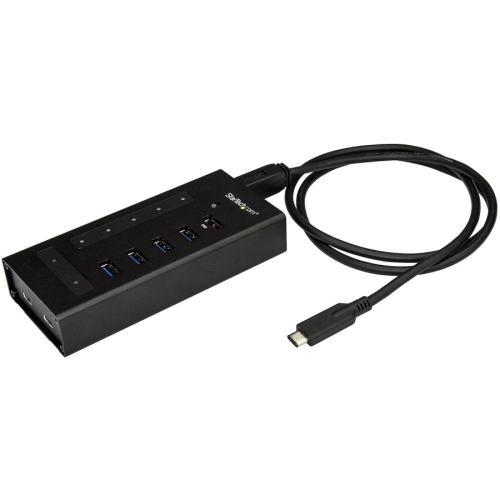
STARTECH.COM 7-Port USB-C Hub - Metal - USB-C to 5X USB-A And 2X USB-C - USB 3.0 (Hb30C5A2Cst)
About this product
A rugged metal USB-C hub offering 5 USB-A and 2 USB-C ports with 5Gbps transfer speeds.
(7)$143.31Your price for this item is $143.31SAVE $14 -
2
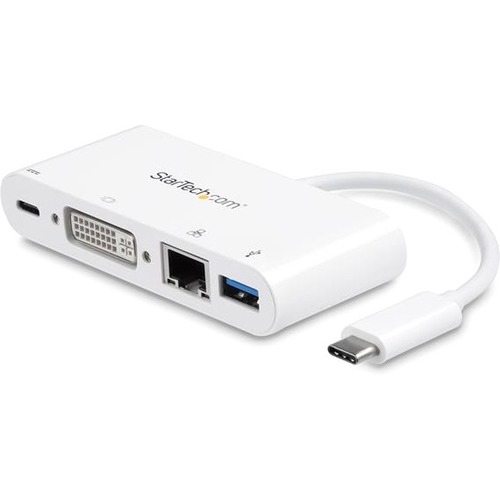
STARTECH USB-C Multiport Adapter (Dkt30CDvpd)
About this product
A sleek adapter offering DVI video, USB 3.0, and Gigabit Ethernet connectivity for USB-C laptops.
(3)$69.68 Your price for this item is $69.68 -
3

STARTECH USB-C Multiport Video Adapter - Rose USB-C Adapter - 4K In Gold
About this product
A versatile gold USB-C adapter offering 4K video output to VGA, DVI, HDMI, or Mini DisplayPort.
(1)$49.17 Your price for this item is $49.17 -
4
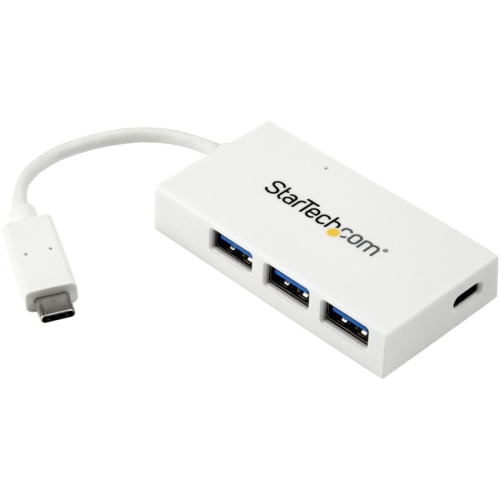
STARTECH.COM 4-Port USB-C Hub - USB-C to 1X USB-C And 3X USB-A - USB 3.0 Hub - (Hb30C3A1Cfbw) In White
About this product
A white USB-C hub offering one USB-C and three USB-A ports with SuperSpeed 5Gbps connectivity.
(1)$68.37Your price for this item is $68.37SAVE $6 -
5
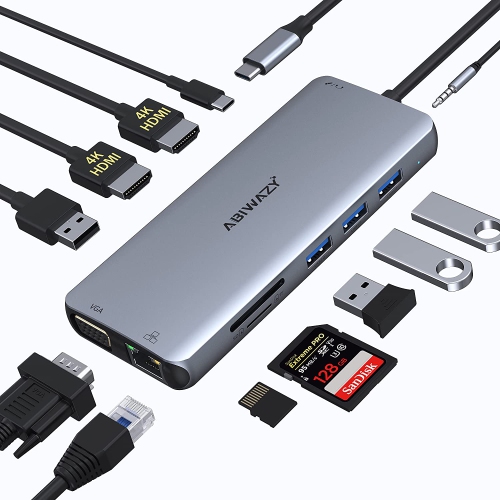
ZMUIPNG USB C Docking Station Dual Monitor Adapter USB-C Docking Station Triple Display USB C Hub to Dual HDMI, VGA, Ethernet, 2USB3.0, 2
About this product
A versatile USB-C docking station enabling triple display with dual HDMI, VGA, Ethernet, and multiple USB ports.
(1)$179.00Your price for this item is $179SAVE $170 -
6
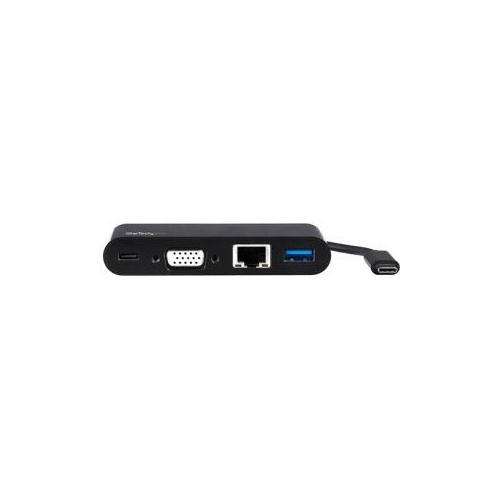
STARTECH USB C VGA Multiport Adapter - Power Delivery Charging (60W) - USB 3.0 - GBe - USB C Adapter for Mac, Window
About this product
A USB C VGA multiport adapter with power delivery charging, USB 3.0, and GbE compatibility for Mac and Windows.
(1)$111.68 Your price for this item is $111.68 -
7

CABLES TO GO USB C Dock Mst HDMI/dp/vga
About this product
A versatile USB-C docking station offering HDMI, DisplayPort, VGA outputs, and 65W power delivery.
(0)$239.13Your price for this item is $239.13SAVE $71 -
8

TARGUS USB-C Portable Laptop Stand With Integrated USB-C Hub
About this product
A space-saving laptop stand with integrated USB hub for improved posture and connectivity.
What customers like
(63)$109.99 Your price for this item is $109.99 -
9
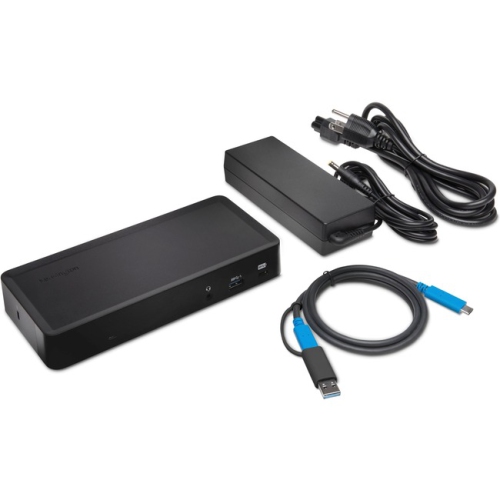
KENSINGTON Sd4700P USB-C Dock
About this product
A versatile docking station offering USB-C and USB 3.0 connectivity for seamless device expansion.
(6)$275.68 Your price for this item is $275.68 -
10
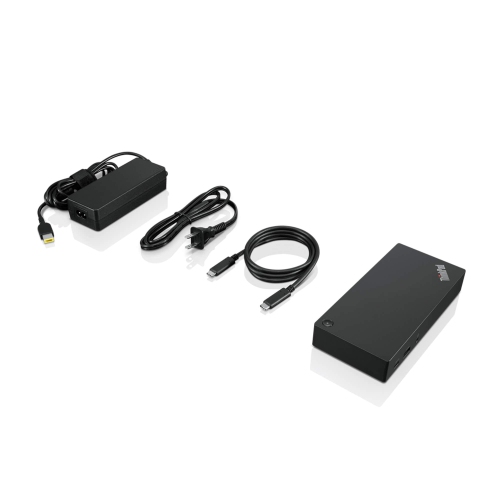
LENOVO Thinkpad USB-C Dock Gen 2 (40As0090Us) - USB 3.1, USB-C Ethernet, Display Port, HDMI
About this product
A versatile USB-C dock offering USB 3.1, Ethernet, DisplayPort, and HDMI connectivity for streamlined workspaces.
What customers like
(165)$159.99Your price for this item is $159.99SAVE $130
FAQ
A USB-C hub typically adds a few connections, such as USB ports and a card reader. A USB-C dock generally offers a broader range of connections for a desk setup, including monitor outputs, Ethernet, audio and laptop charging. Features vary, so compare the available ports and power requirements.
Check both your laptop’s USB-C specifications and the dock’s requirements. A USB-C connector alone does not confirm support for video output, laptop charging or Thunderbolt. Also check operating system compatibility and whether the dock requires drivers.
Choose ports that match the devices you plan to connect. HDMI or DisplayPort can connect monitors, USB-A can connect accessories such as keyboards and mice, and Ethernet provides a wired network connection. SD card slots and audio jacks may also be useful. Check each USB-C port’s listed functions, as some support data only.
Some USB-C docks support multiple monitors, but the number of displays and available display modes depend on the dock, laptop, operating system and connection technology. Multiple video ports do not always mean support for separate extended desktops. Check the dock’s display compatibility details for your laptop, particularly when using macOS.
USB-C describes the connector, while Thunderbolt is a connection technology that uses that connector on supported devices. Thunderbolt docks can offer greater bandwidth than many standard USB-C docks, depending on the connection versions involved. A Thunderbolt dock needs a compatible host connection for its full feature set; support for standard USB-C laptops varies by dock.
Top selling and popular products
Discover more categories related to Best USB C Dock

Some products may be subject to Environmental Handling Fees (EHF) depending on your province. Learn more about EHFs.