Best Widescreen Monitors
Find the best widescreen monitors for work, gaming, and entertainment, ranked by customer review ratings. Whether you need more room for multitasking or a wider view for movies and games, explore options with the screen size, resolution, and features to suit your setup.
What to look for in the best widescreen monitors
1. Screen Size and Aspect Ratio
2. Resolution and Text Clarity
3. Panel Type and Motion Performance
4. Connectivity and Adjustability
-
1

Samsung Odyssey Neo G9 57" 4K UHD Curved VA LED Gaming Monitor (LS57CG952NNXZA) - FreeSync Premium Pro - 1ms GTG - 240Hz - Black/White
About this product
A curved gaming monitor with a 57" 8K Ultra HD screen for immersive gameplay.
What customers like
(969)$3,299.99 Your price for this item is $3299.99 -
2
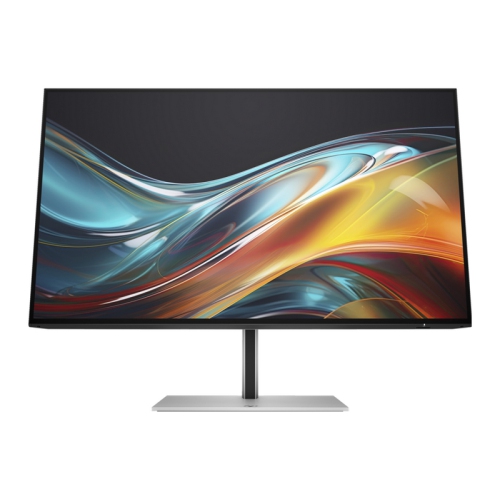
HP 724Pn 24" Wuxga Ips Lcd Monitor (8X534Aa#aba)
About this product
A high-resolution IPS monitor with 1920 x 1200 display, HDMI, DisplayPort, and built-in USB hub.
(4)$370.37Your price for this item is $370.37SAVE $37 -
3
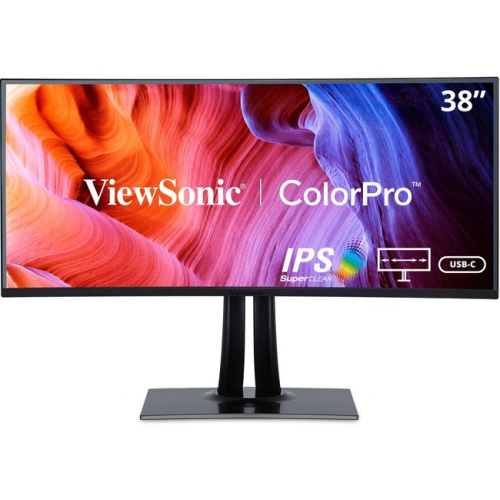
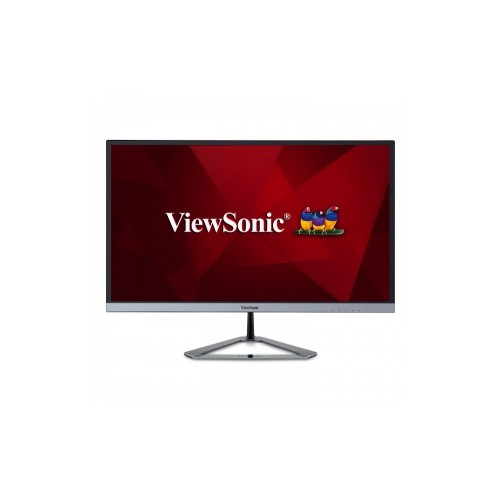
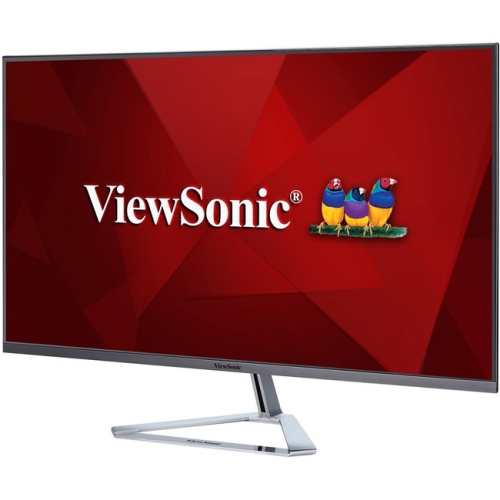
VIEWSONIC Colorpro Vp3881A 38" Ultrawide Curved Wqhd+ Ips Lcd Monitor (Vp3881A) - HDr10 - 100% Srgb/rec 709
About this product
A 38" IPS display with 3840 x 1600 resolution from ViewSonic, currently on sale.
(1)$1,742.99Your price for this item is $1742.99SAVE $321 -
4
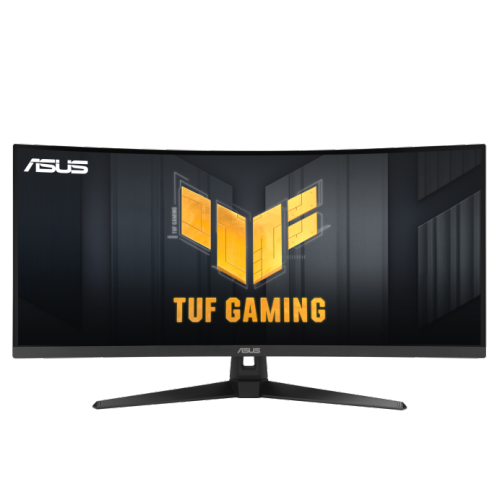
ASUS Tuf Gaming 34" Curved Uwqhd Gaming Monitor (Vg34Vq3B) - Freesync Premium - 180Hz - HDr
About this product
A curved WQHD gaming monitor with 180Hz refresh rate, 1ms response time, and FreeSync Premium support.
(9)$478.70Your price for this item is $478.70SAVE $47 -
5
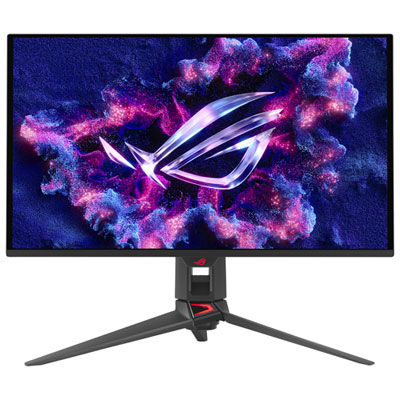
ASUS ROG Swift 27" 4K UHD QD-OLED Gaming Monitor (PG27UCDM) - G-SYNC - 0.03ms GTG - 240Hz Only at Best Buy
About this product
A 27-inch black QD-OLED monitor with 4K resolution, 240Hz refresh rate, and 0.03ms response time.
What customers like
(121)$1,599.99 Your price for this item is $1599.99 -
6
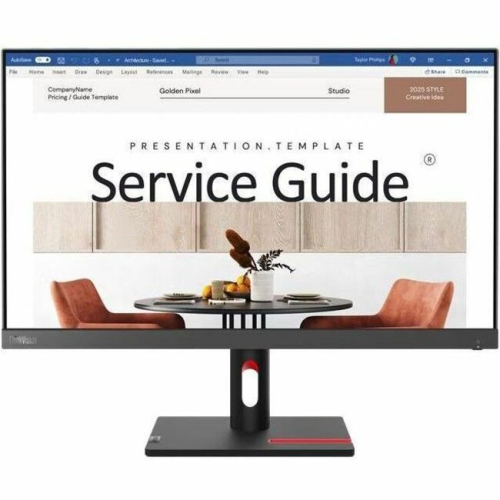
LENOVO S24I-30 Thinkvision S24I-30 Widescreen Led Monitor (63Dekat3Us)
About this product
A Full HD IPS monitor in Raven Black with 100Hz refresh rate, HDMI and VGA connectivity.
What customers like
(20)$406.68 Your price for this item is $406.68 -
7
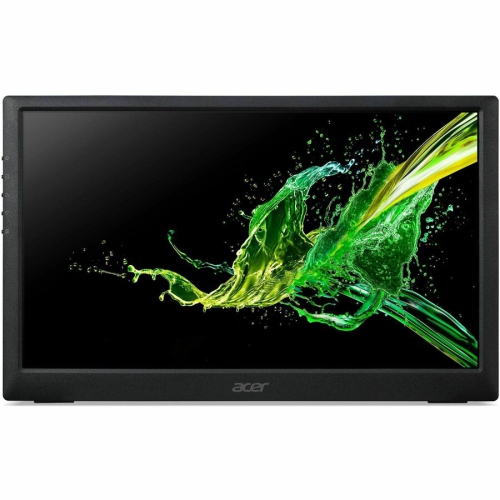
ACER Pm1 15.6" 1080P HD Ips Lcd Portable Monitor - USB-C
About this product
A sleek black widescreen LED monitor featuring a 15.6" display, 250 nits brightness, and HDMI connectivity.
What customers like
(68)$203.68 Your price for this item is $203.68 -
8

BenQ DesignVue 31.5" 4K Ultra HD 60Hz 5ms GTG IPS LED Monitor (PD3205U)
About this product
A 31.5" 4K Ultra HD IPS monitor with multiple ports, ergonomic design, and eye-care technologies.
(8)$719.99 Your price for this item is $719.99 -
9
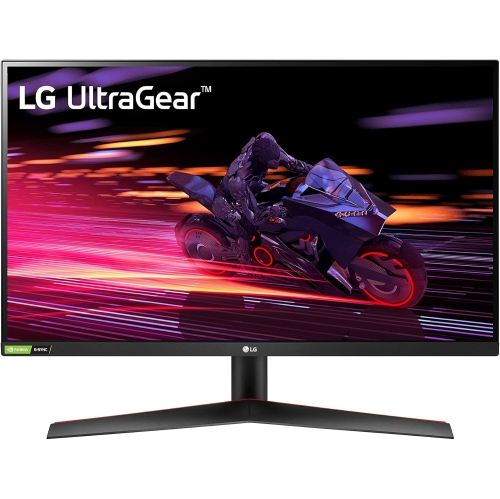
LG 27Gp700-B Ultragear 27Gp700-B Widescreen Gaming Lcd Monitor (27Gp700B)
About this product
A fast 240Hz IPS gaming monitor with 1ms response time, Full HD resolution, and FreeSync/G-Sync support.
What customers like
(90)$280.49Your price for this item is $280.49SAVE $89 -
10
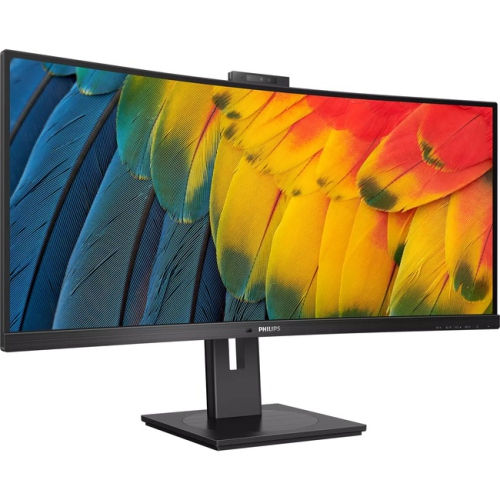
PHILIPS 5000 34" Ultrawide Curved Uwqhd Va Led Monitor (34B1U5600Ch) - Adaptive Sync
About this product
A textured black ultrawide curved monitor with UW-QHD resolution and built-in webcam for immersive viewing.
(1)$803.11Your price for this item is $803.11SAVE $80
FAQ
Common panel types include IPS, VA, TN and OLED. IPS panels are known for consistent colours across viewing angles, while VA panels typically offer strong contrast. TN panels often prioritize fast pixel response times. OLED panels use individually lit pixels to produce deep blacks and high contrast.
Refresh rate, measured in hertz (Hz), indicates how many times a display updates each second. Higher refresh rates can make motion and scrolling look smoother. For gaming, adaptive sync technologies such as AMD FreeSync and NVIDIA G-SYNC can match the monitor’s refresh rate to compatible graphics hardware.
HDMI and DisplayPort are common connections for carrying video and audio. Some monitors also support video, data and laptop charging through a single USB-C cable. Check both the monitor and computer specifications, as not every USB-C port supports video output or power delivery.
Picture-by-picture lets you display content from two connected sources side by side, while picture-in-picture places one source in a window over another. A built-in KVM switch lets you share a keyboard and mouse between connected computers. Some monitors also include software for arranging application windows.
Look for colour gamut coverage, colour accuracy and calibration options. sRGB is commonly used for web content, Adobe RGB is relevant to some photography and print workflows, and DCI-P3 is widely used in digital cinema. Factory calibration and hardware calibration support are also useful considerations for colour-focused work.
Top selling and popular products
Discover more categories related to Best Widescreen Monitors
Some products may be subject to Environmental Handling Fees (EHF) depending on your province. Learn more about EHFs.