High Performance Wireless Gaming Mice
High Performance Wireless Gaming Mice deliver the speed, precision, and freedom gamers need to stay ahead of the competition. Designed for seamless gameplay, these advanced mice offer reliable connectivity and responsive control, allowing you to focus on every move. Whether you’re gearing up for intense esports tournaments or immersive single-player adventures, explore a range of options that cater to every gaming style. Discover how High Performance Wireless Gaming Mice can enhance your setup and elevate your play.
Sort





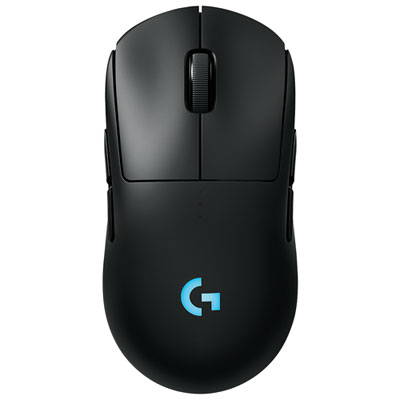


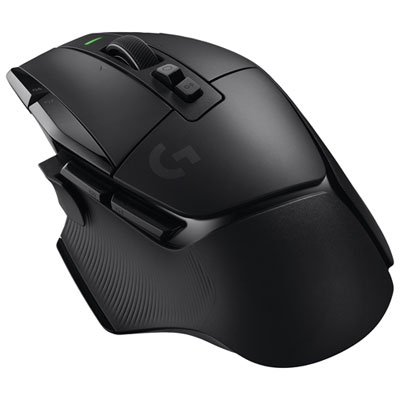


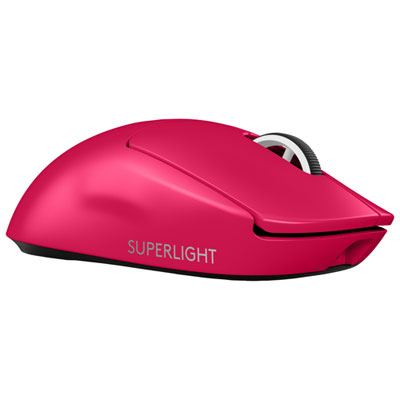
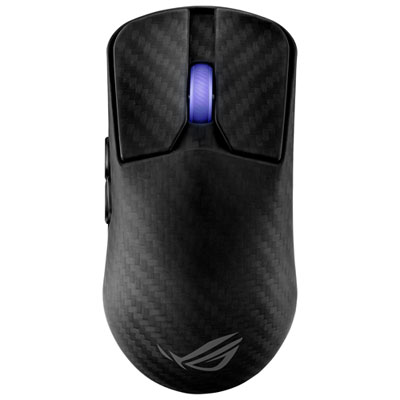

Why precise wireless control goes beyond sensor specs
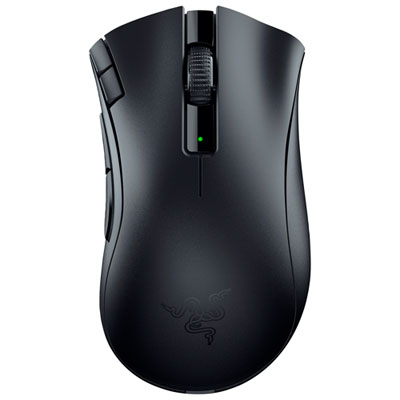
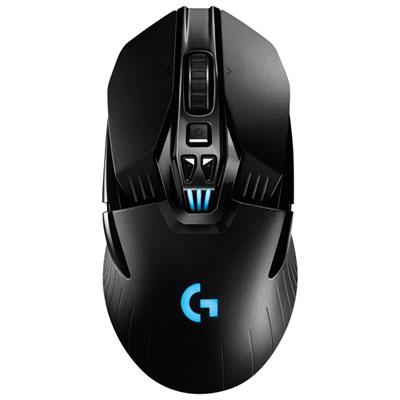
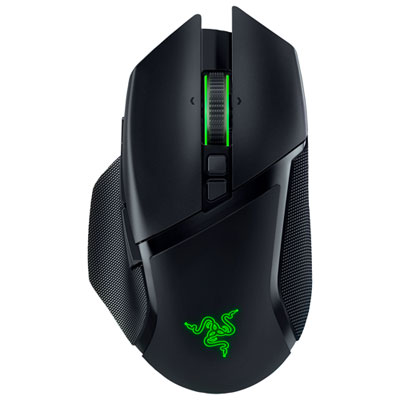
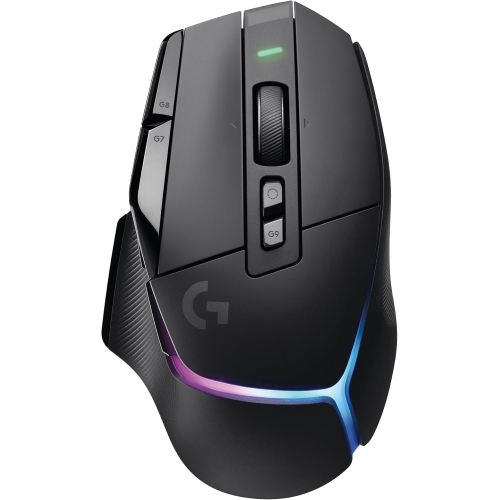
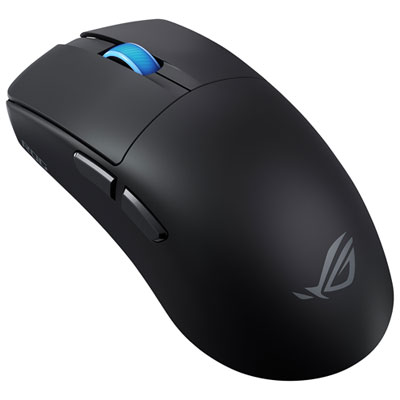
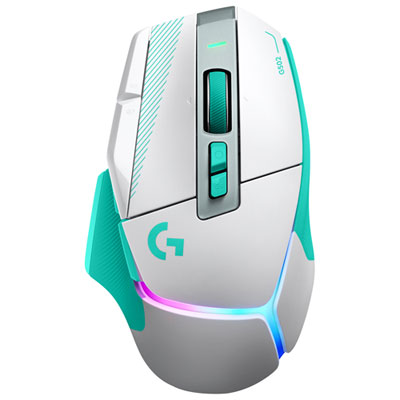
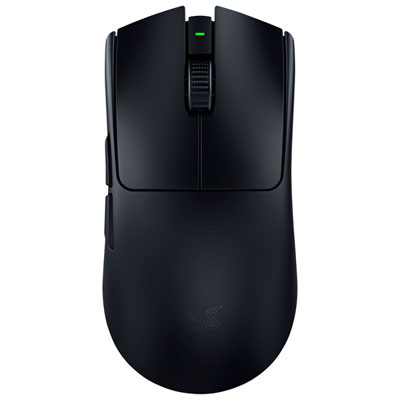
High-performance wireless gaming mice combine precise tracking, responsive inputs, and a cable-free connection for players who want freedom of movement without sacrificing control. Their appeal is especially clear during a wide sweep across a mouse pad: there is no cable catching on the desk edge or pulling against a carefully aimed movement. Performance comes from several features working together, including the sensor, wireless connection, switches, firmware, and physical design. A dedicated 2.4 GHz USB receiver is a common connection option for competitive gaming, while Bluetooth, where supported, offers convenient pairing for everyday tasks and devices with limited ports. These connection modes can have different response characteristics, so Bluetooth should not be assumed to deliver the same gaming performance as the dedicated receiver. For shoppers focused on input responsiveness, Low Latency Wireless Gaming Mice highlights a closely related selection. Low latency describes a short delay between a physical movement or button press and the computer receiving that input; it does not mean that every source of delay disappears. Polling rate describes how often the mouse reports to the computer. A 1,000 Hz polling rate provides a reporting interval of one millisecond, while higher supported rates shorten that interval further, though practical benefits depend on the game, computer, display, and settings. Higher polling rates can also increase battery use and processing demands. Sensor quality matters beyond a large maximum DPI number: consistent tracking, reliable handling of fast swipes, and predictable lift-off behaviour are useful when precision counts. DPI expresses sensitivity rather than overall quality, and a comfortable setting may be well below the sensor’s maximum. In a first-person shooter, lower sensitivity can leave room for controlled aiming and broad arm movements; in a strategy game, a faster setting may make navigation across a large screen feel more convenient. Adjustable sensitivity, reliable receiver placement, and a suitable mouse pad help bring these capabilities into everyday play.
Shape and fit make a high-performance wireless gaming mouse feel either natural or distracting, particularly through longer sessions. Hand length, hand width, grip style, and button reach are often more useful considerations than appearance alone. A palm grip rests much of the hand on the shell and may suit a fuller shape with supportive curves. A claw grip keeps the fingers arched, making the height and position of the rear hump important. A fingertip grip uses less contact with the body and can work well with a compact shape that allows small adjustments between the fingers. These are starting points rather than fixed rules: two people with similarly sized hands may prefer very different profiles. An ergonomic, right-handed shell can provide a defined thumb position, while a symmetrical shape offers a different feel; a symmetrical outline does not necessarily mean that the side buttons are suitable for left-handed use. Weight also changes the experience. A lighter mouse can feel easier to reposition during repeated swipes, whereas some players prefer a more substantial feel for steady cursor control. Balance matters alongside the number on the specification sheet, especially when lifting the mouse back to the centre of the pad. Shells commonly use moulded plastics with smooth, textured, or coated finishes, and each surface feels different against the hand. Optional grip tape can add traction, while low-friction feet help the mouse glide across a compatible pad. Button design contributes to both comfort and responsiveness, whether the switches are mechanical, optical, or another supported design. The force needed to press a button, its travel, and its release feel can be as noticeable as the switch technology. Accessible side buttons are useful for actions such as push-to-talk or frequently used commands, while a larger set of programmable controls may appeal to players of massively multiplayer online games. Distinct scroll-wheel steps can support deliberate weapon changes and menu navigation. For shared gaming and work setups, onboard profiles, where supported, can keep preferred sensitivity and button assignments close at hand without rebuilding the same settings each time.
Battery life, charging arrangements, and construction help determine how comfortably a wireless gaming mouse fits into a regular routine. Published battery estimates depend on test conditions, and actual use can vary with polling rate, lighting, connection mode, and other settings. A battery indicator makes it easier to spot when a charge is needed before an extended session, while a convenient charging port reduces the disruption of topping up between games. Some mice support play while connected by cable, but that capability should be confirmed rather than assumed; the cable’s flexibility and connector placement can affect movement when charging at the desk. Compatibility deserves similar attention, especially for players moving between a desktop and laptop or using an operating system with limited support for configuration software. Basic mouse functions and advanced customization may have different requirements. Receiver placement can also influence reliability: a supported extension accessory can bring the receiver closer to the mouse instead of leaving it behind a computer case or among other wireless devices. For durability, the details worth considering include shell rigidity, consistent button feel, secure connectors, and the condition of the glide feet. Switch endurance ratings describe tested operating cycles, not a guarantee that every part will last for a particular number of years. Everyday care is straightforward. A clean mouse pad helps keep dust and grit away from the feet, and a soft cloth can remove residue from the shell. Cleaning methods should follow the manufacturer’s directions, with liquids kept away from openings and the sensor. A protective case can help prevent scratches and accidental button pressure when carrying a mouse to a gaming event or a friend’s setup, and a secure storage compartment for the receiver, where included, is useful for travel. These mice can suit competitive players, frequent multiplayer teammates, and people who want one responsive device for gaming and daily computer use. As a gift, the strongest fit is often a mouse that matches the recipient’s hand, preferred grip, and existing setup rather than simply offering the largest specification numbers. Comfort, dependable tracking, and practical charging are qualities that remain noticeable long after the first session.
Shape and fit make a high-performance wireless gaming mouse feel either natural or distracting, particularly through longer sessions. Hand length, hand width, grip style, and button reach are often more useful considerations than appearance alone. A palm grip rests much of the hand on the shell and may suit a fuller shape with supportive curves. A claw grip keeps the fingers arched, making the height and position of the rear hump important. A fingertip grip uses less contact with the body and can work well with a compact shape that allows small adjustments between the fingers. These are starting points rather than fixed rules: two people with similarly sized hands may prefer very different profiles. An ergonomic, right-handed shell can provide a defined thumb position, while a symmetrical shape offers a different feel; a symmetrical outline does not necessarily mean that the side buttons are suitable for left-handed use. Weight also changes the experience. A lighter mouse can feel easier to reposition during repeated swipes, whereas some players prefer a more substantial feel for steady cursor control. Balance matters alongside the number on the specification sheet, especially when lifting the mouse back to the centre of the pad. Shells commonly use moulded plastics with smooth, textured, or coated finishes, and each surface feels different against the hand. Optional grip tape can add traction, while low-friction feet help the mouse glide across a compatible pad. Button design contributes to both comfort and responsiveness, whether the switches are mechanical, optical, or another supported design. The force needed to press a button, its travel, and its release feel can be as noticeable as the switch technology. Accessible side buttons are useful for actions such as push-to-talk or frequently used commands, while a larger set of programmable controls may appeal to players of massively multiplayer online games. Distinct scroll-wheel steps can support deliberate weapon changes and menu navigation. For shared gaming and work setups, onboard profiles, where supported, can keep preferred sensitivity and button assignments close at hand without rebuilding the same settings each time.
Battery life, charging arrangements, and construction help determine how comfortably a wireless gaming mouse fits into a regular routine. Published battery estimates depend on test conditions, and actual use can vary with polling rate, lighting, connection mode, and other settings. A battery indicator makes it easier to spot when a charge is needed before an extended session, while a convenient charging port reduces the disruption of topping up between games. Some mice support play while connected by cable, but that capability should be confirmed rather than assumed; the cable’s flexibility and connector placement can affect movement when charging at the desk. Compatibility deserves similar attention, especially for players moving between a desktop and laptop or using an operating system with limited support for configuration software. Basic mouse functions and advanced customization may have different requirements. Receiver placement can also influence reliability: a supported extension accessory can bring the receiver closer to the mouse instead of leaving it behind a computer case or among other wireless devices. For durability, the details worth considering include shell rigidity, consistent button feel, secure connectors, and the condition of the glide feet. Switch endurance ratings describe tested operating cycles, not a guarantee that every part will last for a particular number of years. Everyday care is straightforward. A clean mouse pad helps keep dust and grit away from the feet, and a soft cloth can remove residue from the shell. Cleaning methods should follow the manufacturer’s directions, with liquids kept away from openings and the sensor. A protective case can help prevent scratches and accidental button pressure when carrying a mouse to a gaming event or a friend’s setup, and a secure storage compartment for the receiver, where included, is useful for travel. These mice can suit competitive players, frequent multiplayer teammates, and people who want one responsive device for gaming and daily computer use. As a gift, the strongest fit is often a mouse that matches the recipient’s hand, preferred grip, and existing setup rather than simply offering the largest specification numbers. Comfort, dependable tracking, and practical charging are qualities that remain noticeable long after the first session.
Top selling and popular products
-
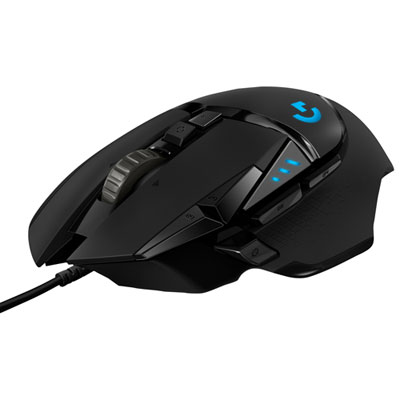 Your price for this item is $74.99
-
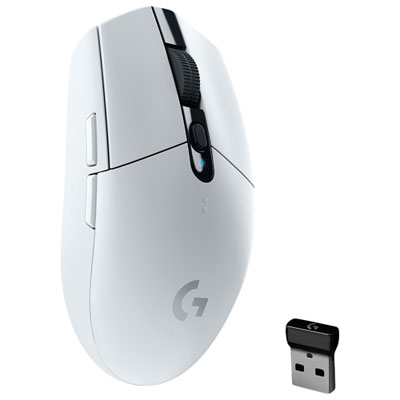 Your price for this item is $69.99
-
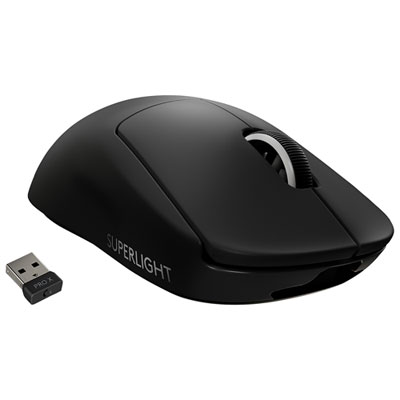 Your price for this item is $199.99
-
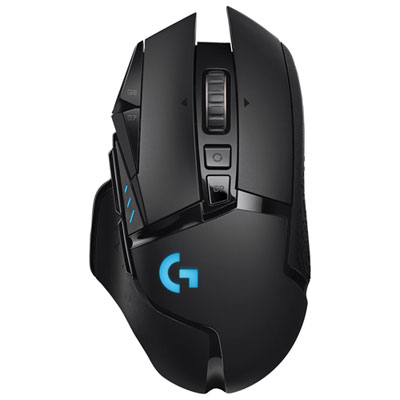 Your price for this item is $149.99
-
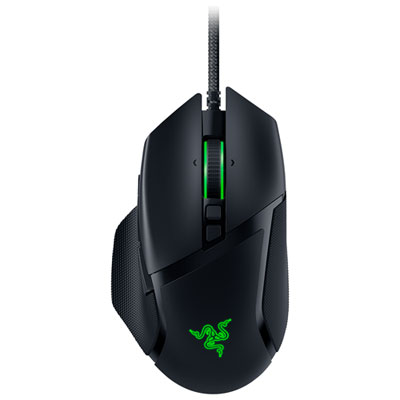 Your price for this item is $48.99
-
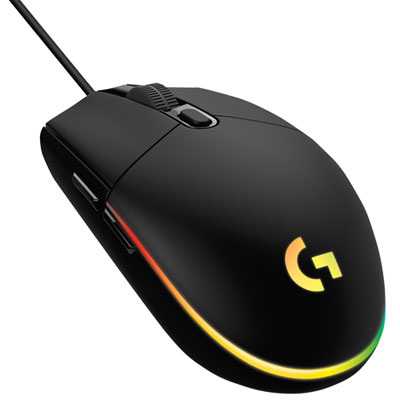 Your price for this item is $39.99
-
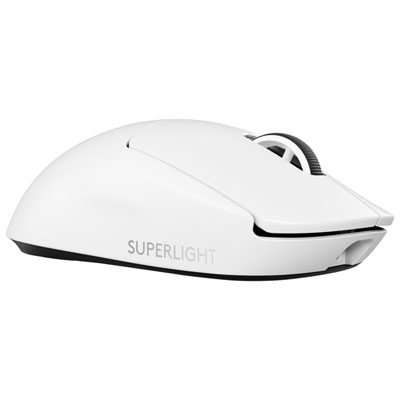 Your price for this item is $219.99
-
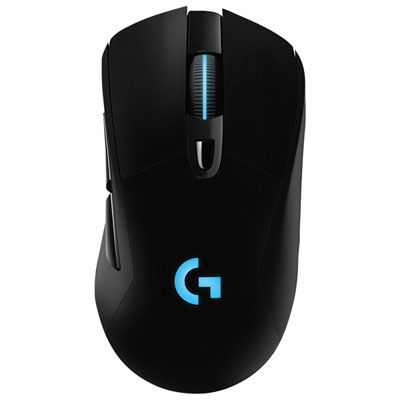 Your price for this item is $94.98
Discover more categories related to High Performance Wireless Gaming Mice
Top Collections:
Best Black Friday Deals This Year, Best Black Friday Deals On Electronics, Kindle Devices, Pokemon Centers, Best Black Friday Deals On Apple Products, Best Cameras for Sports Photography, Dyson Airwrap, Pokémon 30th Celebration Cards, Apple iPhone 17 Pro, Canon G7X Cameras
Some products may be subject to Environmental Handling Fees
(EHF) depending on your province.
Learn more about EHFs.