Best Storage for Nintendo Switch
Make room for more games, screenshots, and video clips with storage that suits your gaming library. Explore options ranked by user review ratings, and compare capacity, compatibility, and value to find the right fit for your console. Whether you download games regularly or just need extra space, the right storage can help you spend less time managing downloads and more time playing.
What to look for in storage options for Nintendo Switch
1. Console Compatibility
2. Storage Capacity
3. Card Performance
4. Digital and Physical Storage
-
1
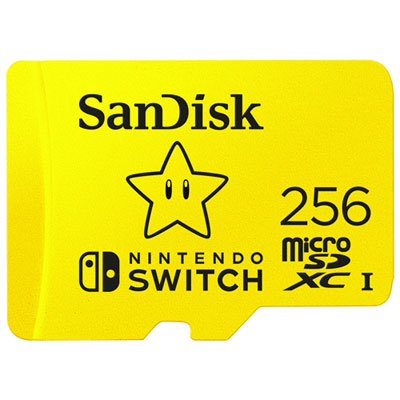
SanDisk 256GB 100MB/s microSDXC Memory Card for Nintendo Switch
About this product
A yellow microSDXC card offering 256GB storage and 100MB/s transfer speeds for smooth gaming and video.
What customers like
(3,440)$144.98 Your price for this item is $144.98 -
2
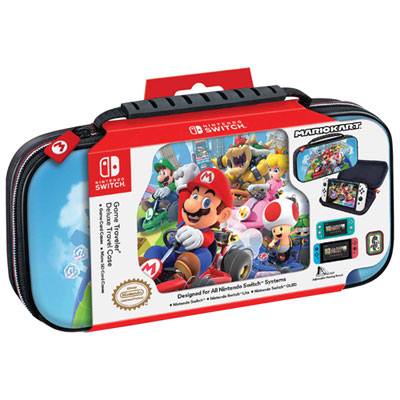
RDS Game Traveler Deluxe Travel Case for Nintendo Switch - Mario Kart
About this product
A hard shell travel case with Mario Kart graphics, featuring storage for game cards and Micro SD cards.
What customers like
(529)$19.97 Your price for this item is $19.97 -
3
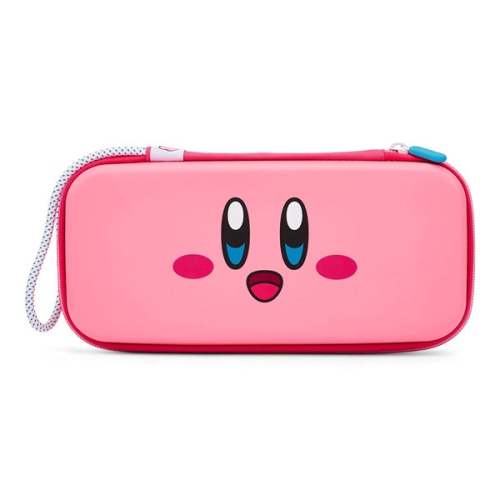
BDA / POWER A Kirby Power Nsw/nsw Lite/nsw Oled Travel Pro Slim Carrying Case
About this product
A sturdy polycarbonate hard shell case with wrist strap, felt lining, and storage for nine game cards.
What customers like
(79)$32.68 Your price for this item is $32.68 -
4
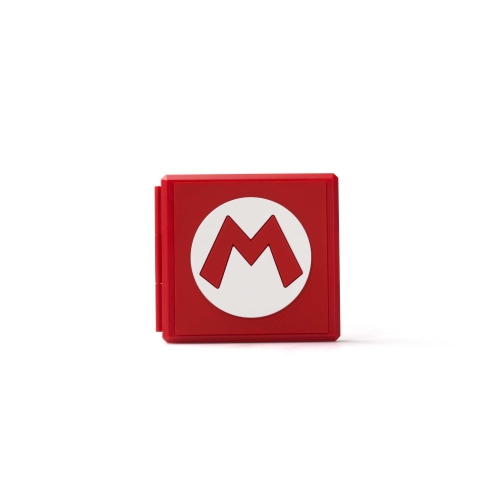
ACCO BRANDS Premium Game Card Case Switch - Mario M
About this product
A durable, compact case with Mario M design that securely holds 12 Switch game cards and 12 micro SD cards.
What customers like
(103)$19.99 Your price for this item is $19.99 -
5
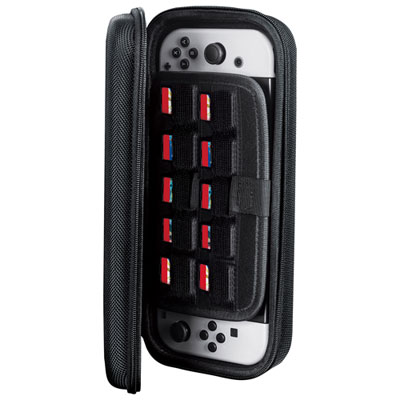
Insignia Go Storage & Travel Case for Nintendo Switch - Black - Only at Best Buy
About this product
A black travel case with zip closure and elastic strap to securely store your Nintendo Switch and accessories.
What customers like
(479)$19.99 Your price for this item is $19.99 -
6
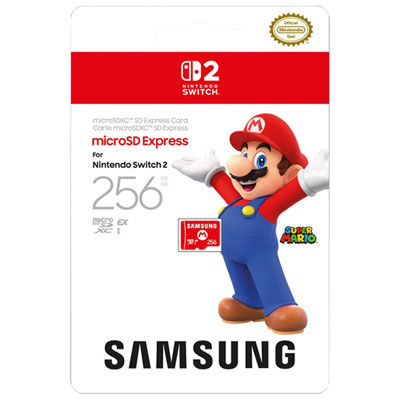
Samsung Super Mario 256GB microSD Express Card for Switch 2
About this product
A high-speed 256GB microSD Express card designed for smooth gameplay on Nintendo Switch 2 consoles.
What customers like
(672)$84.99 Your price for this item is $84.99 -
7
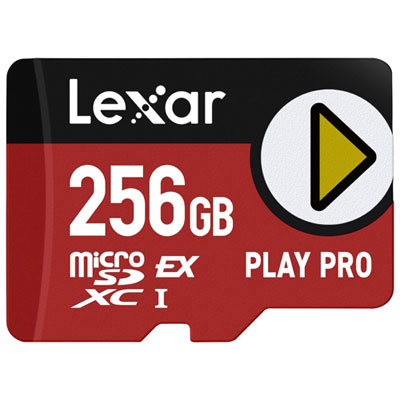
Lexar PLAY PRO 256GB 900MB/s microSDXC Memory Card for Nintendo Switch 2
About this product
A high-speed microSDXC card delivering up to 900MB/s read and 600MB/s write for smooth gaming.
What customers like
(89)$169.99 Your price for this item is $169.99 -
8
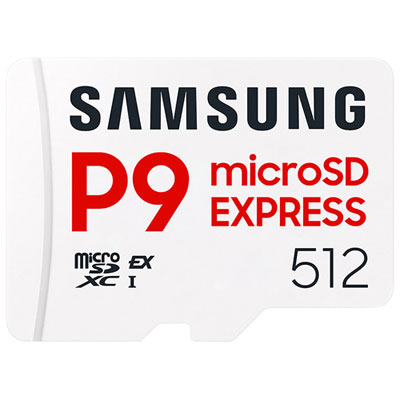
Samsung P9 Express 512GB 800MB/s MicroSDXC Memory Card works with Switch 2
About this product
A high-speed white microSDXC card offering 512GB storage and up to 800MB/s read speeds for smooth gaming.
What customers like
(134)$219.99 Your price for this item is $219.99 -
9
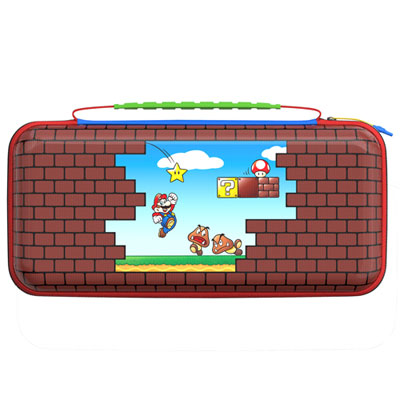
Turtle Beach PlayTrek Travel Case for Nintendo Switch 2/Switch - Mario Bricks
About this product
A rugged travel case featuring Mario Bricks artwork, offering console protection and organized game card storage.
(19)$34.99 Your price for this item is $34.99 -
10
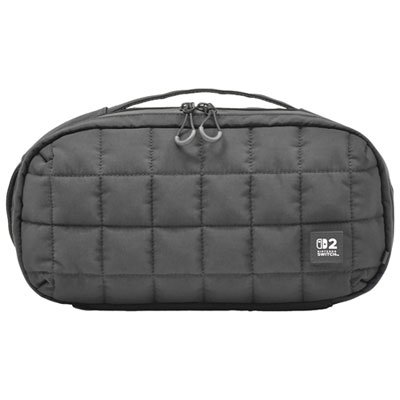
HORI Puff Pouch Storage & Travel Cases for Nintendo Switch 2
About this product
A stylish, sturdy pouch with spacious compartments and a soft handle for organizing and protecting your console.
(14)$39.99 Your price for this item is $39.99
FAQ
Nintendo Switch, Nintendo Switch Lite and Nintendo Switch – OLED Model use microSD, microSDHC or microSDXC cards for downloaded games and other supported content. A system update is required to use microSDXC cards. USB drives cannot be used to store games on these consoles.
Physical games run from their game cards, but save data is stored in the console’s system memory. Game updates, downloadable content and any required additional downloads use system memory or a microSD card.
Yes. Open System Settings, select Data Management, then choose Move Data Between System / microSD Card. You can transfer supported downloaded software, updates and downloadable content. Game save data cannot be moved to a microSD card.
Game saves are stored in the console’s system memory, not on game cards or microSD cards. A Nintendo Switch Online membership also provides Save Data Cloud backup for compatible games, though some titles do not support this feature.
Both options remove downloaded software while keeping its save data. Archiving leaves the game’s icon on the HOME Menu so you can select it to download the software again. Deleting removes the icon as well; eligible purchases can still be downloaded again through Nintendo eShop using the Nintendo Account that purchased them.
Top selling and popular products
Discover more categories related to Best Storage for Nintendo Switch
Some products may be subject to Environmental Handling Fees (EHF) depending on your province. Learn more about EHFs.