Top Rated Gaming Desktops
Top Rated Gaming Desktops are designed to deliver exceptional performance for gamers seeking immersive experiences and reliable power. Whether you're a casual player or a dedicated enthusiast, these desktops offer the speed and responsiveness needed for your favorite titles. Explore a selection of highly reviewed systems that cater to every gaming style and level, making it easier to find the perfect setup for your needs. Elevate your gameplay with options that have earned top ratings from fellow gamers.
Sort
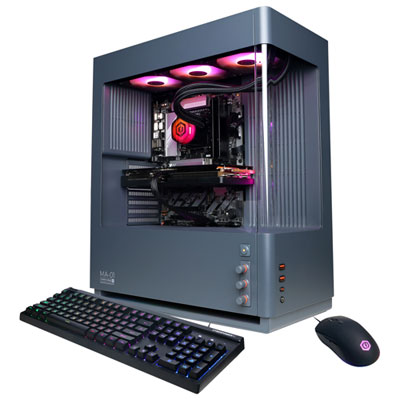
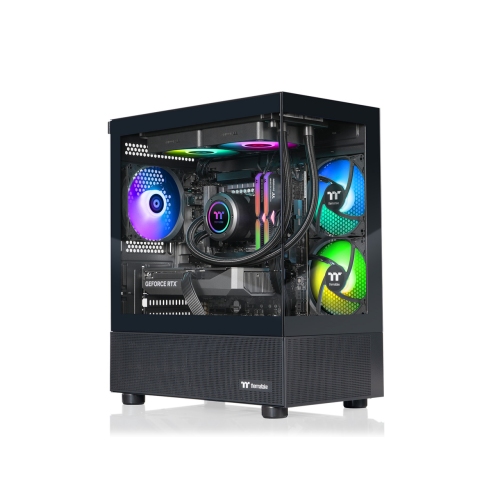
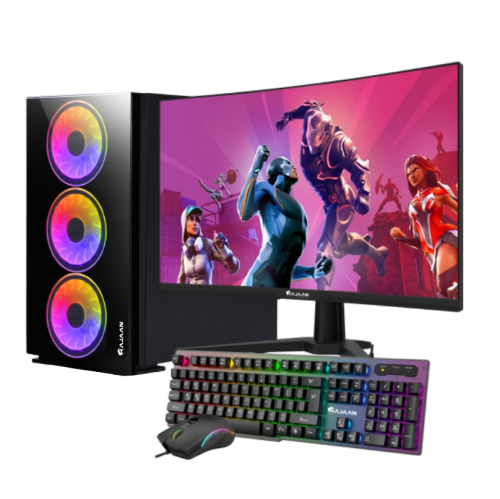

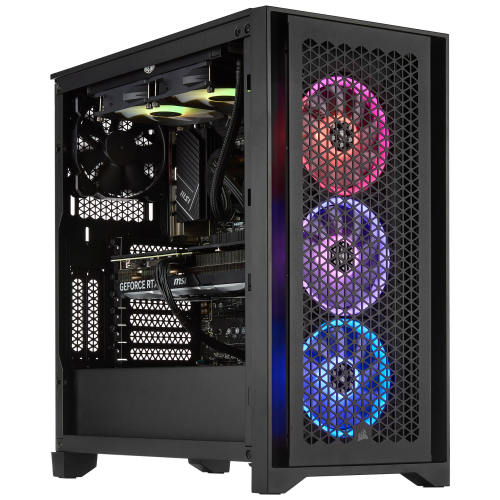

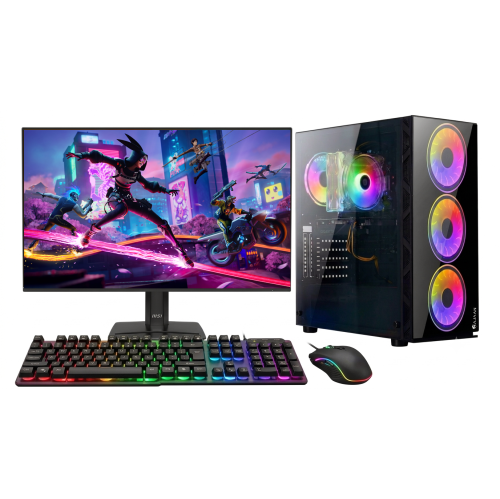
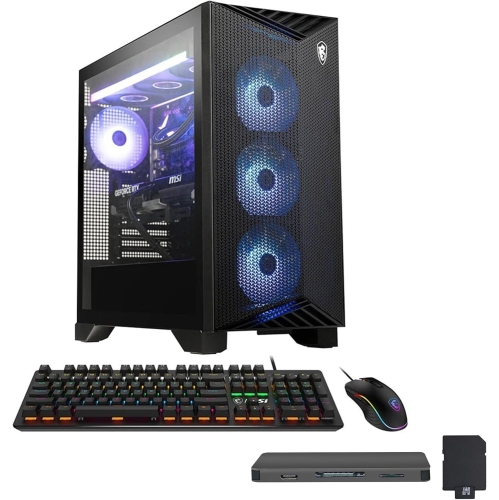
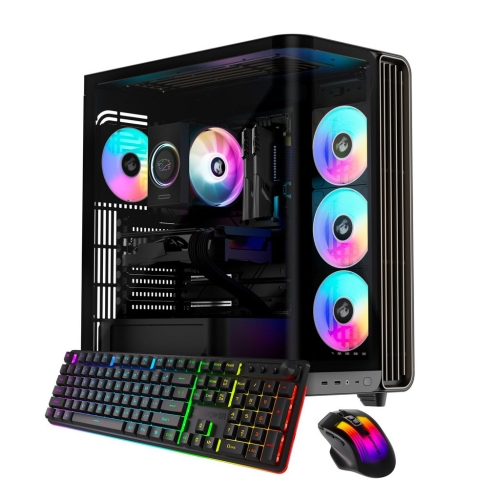
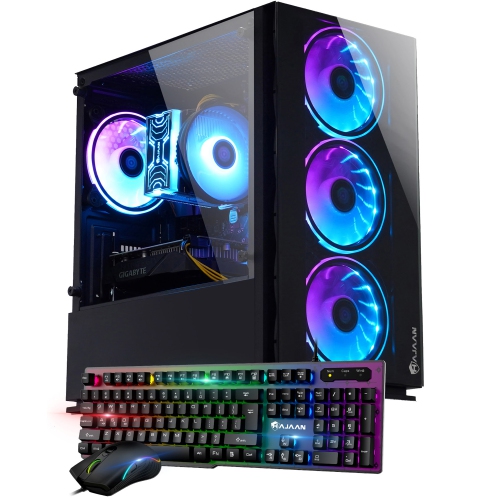
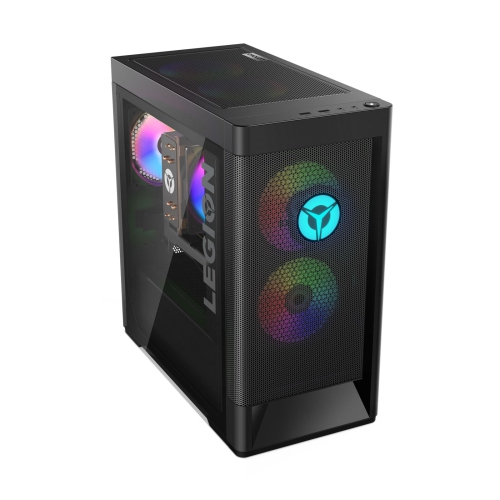
Why balanced hardware matters more than headline specs
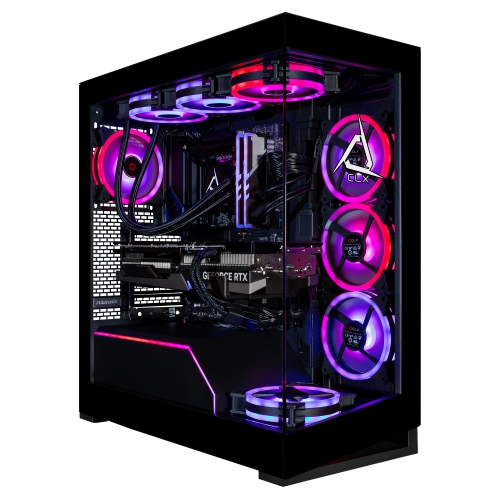
Top rated gaming desktops appeal to players who want a dedicated place for everything from quick competitive matches to sprawling adventures with detailed worlds. Their appeal comes from the way the components work together: the graphics card draws the scene, the processor handles game logic and other calculations, and system memory keeps active games and programs within easy reach. A balanced configuration matters more than a single impressive specification. A powerful graphics card paired with an underpowered processor may not deliver the smoothness expected in a busy strategy game, while a capable processor cannot make up for limited graphics performance at demanding display settings. The intended monitor helps define what makes sense. Playing at a higher resolution places greater demands on the graphics hardware, while taking advantage of a high-refresh-rate display also depends on the game, processor, and selected settings. Graphics memory can become especially relevant with detailed textures and higher resolutions, although requirements differ between games. For someone who enjoys fast-paced shooters, consistent frame delivery and responsive controls may matter more than turning every visual effect to its highest setting. Someone exploring story-driven games may place greater value on lighting, rich scenery, and sharp detail. Simulation fans may care most about how smoothly a desktop handles crowded cities, complex vehicles, or large groups of characters. These differences give useful context to customer ratings. Reviews describing the games played, display resolution, fan noise, and length of ownership say more than a score alone. A positive experience with lighter games does not necessarily indicate how the same configuration will handle a demanding new release. Comments about reliable startup, stable play, and everyday responsiveness also help explain what living with a desktop is like beyond a short performance test. The strongest fit is a system whose capabilities match the way it will actually be used, with enough flexibility for changing interests rather than specifications chosen only for their headline appeal.
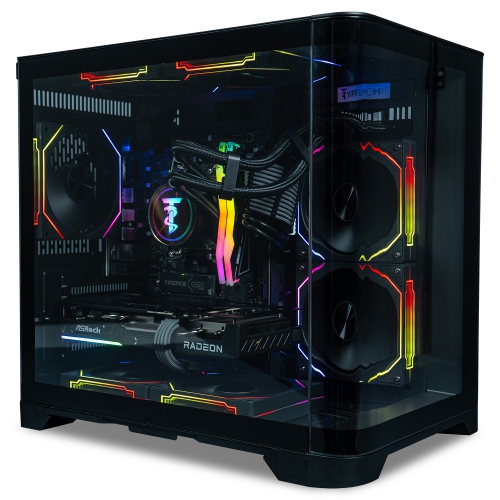
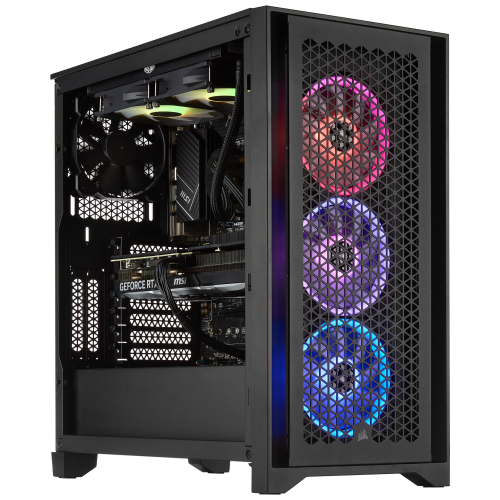
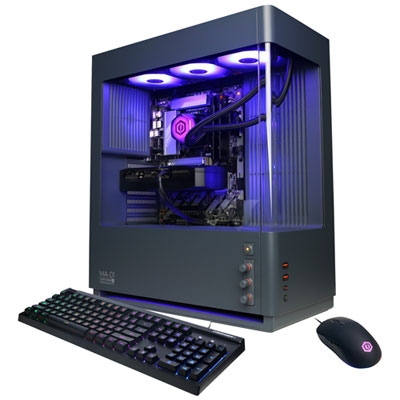
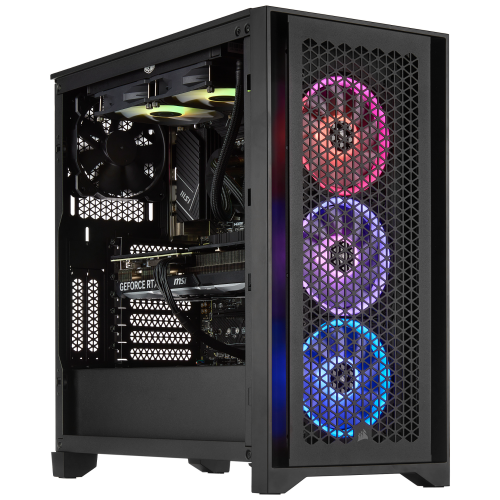
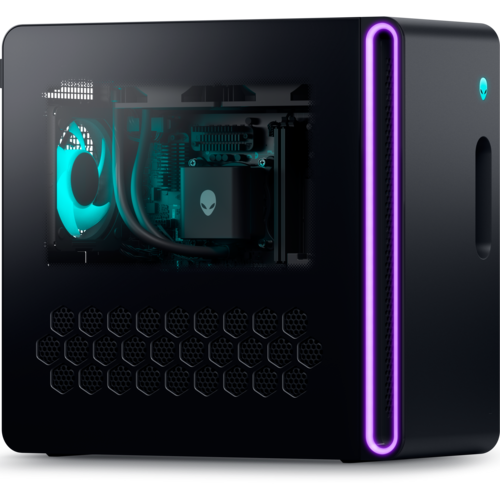
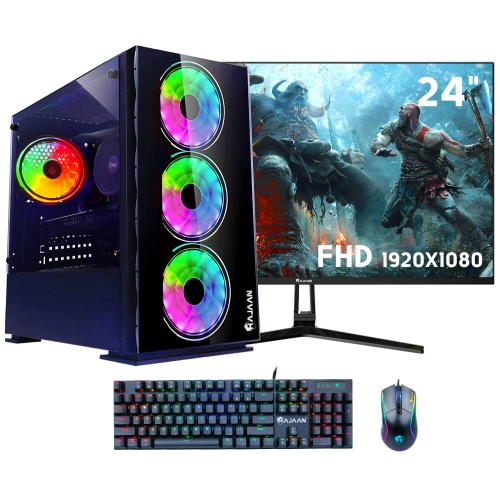
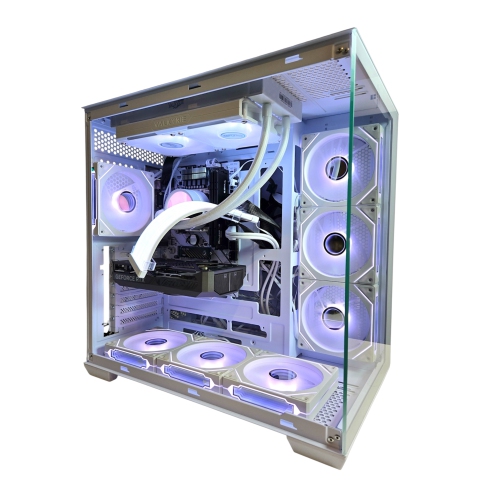
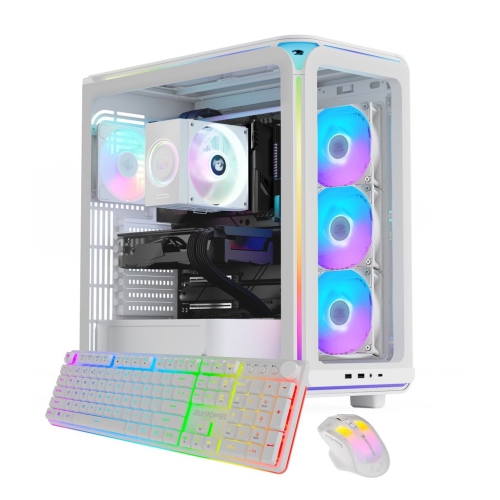
The physical design of a gaming desktop has a practical role in both comfort and long-term ownership. Cases commonly combine metal panels with plastic trim, mesh sections, or glass side panels, each contributing something different to the setup. Metal provides structure, mesh allows air to pass through, and glass gives a clear view of internal components and lighting. Good airflow depends on the complete case layout, fan placement, and unobstructed ventilation rather than appearance alone. A compact tower can leave more room on a shared work surface, but its dimensions still need to suit the graphics card, cooling hardware, and any planned additions. A larger tower may provide more room for upgrades and maintenance, though extra size does not automatically mean quieter operation or better performance. Placement matters just as much as measurements: a desktop tucked tightly into a cabinet can have less room to draw in fresh air or release heat. Clearance around vents, access to rear connections, and space for cables all affect how comfortably the system fits into a bedroom, home office, or dedicated gaming area. Front-facing connections are convenient for a headset, controller, or removable drive, while rear ports can keep permanent accessories neatly connected. Display outputs need to match the intended monitor arrangement, particularly when a setup includes more than one screen. Ethernet can provide a consistent wired connection for online play, while Wi-Fi offers flexibility when running a cable is impractical; neither removes the influence of the home network or internet service. Care is generally straightforward but worthwhile. Dust filters and vents benefit from regular attention according to the manufacturer’s directions, and cleaning should be done with the computer shut down and disconnected from power. Glass panels need careful handling, while cables should stay clear of fans and ventilation openings. Durable construction, accessible components, and sensible cable routing can make routine upkeep less awkward and help a desktop remain a dependable part of a frequently used setup.
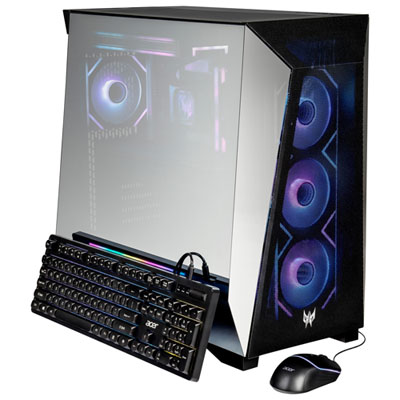
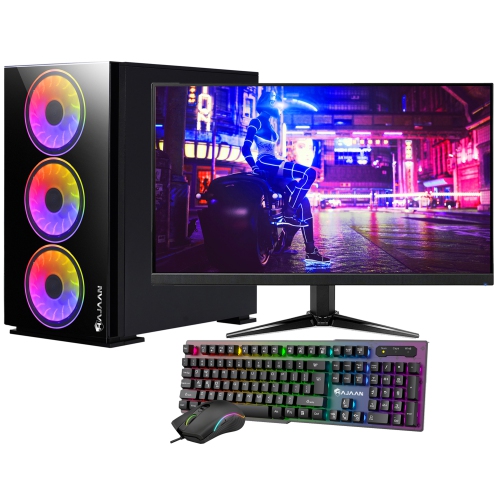
Gaming desktops often serve several roles throughout the day, which makes everyday usability an important part of their value. The same computer might handle school assignments or work programs before an evening of multiplayer games, voice chat, and sharing gameplay with friends. System memory becomes particularly relevant when several applications stay open together, while fast solid-state storage can shorten startup and loading times without necessarily increasing in-game frame rates. Storage capacity deserves attention as well: a library of large games, saved clips, creative projects, and personal files can grow quickly. Expansion options vary, so room for another drive or a future memory upgrade is useful only when the motherboard, case, and other components support it. Similar care applies to graphics upgrades, which can depend on physical clearance, power connections, and power supply capacity. For players who stream or edit video, a configuration that handles simultaneous tasks comfortably may be more useful than one focused narrowly on gaming alone. Noise can also shape the experience, especially when a microphone sits nearby or the computer shares a room with someone studying. Fan behaviour during a demanding game is more revealing than how quiet a desktop sounds at idle. For a shared family computer, separate user accounts and well-organized storage can help keep games, documents, and settings distinct. As a gift for a student, partner, or enthusiastic player, a gaming desktop is most personal when it suits the recipient’s favourite games, available space, existing display, and preferred accessories. A tower may not include every peripheral needed to complete the setup, so the full experience extends beyond the computer itself. The related Top 10 Gaming Computers collection offers another place to explore gaming-focused systems. Across different configurations, the most useful qualities remain consistent: performance suited to the intended games, comfortable everyday operation, practical connections, and a design that fits naturally into the space where it will be used.
Top selling and popular products
-
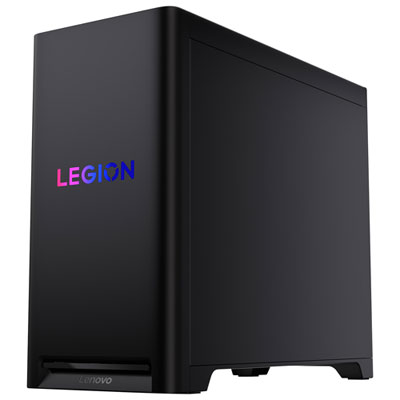 Your price for this item is $3499.99
-
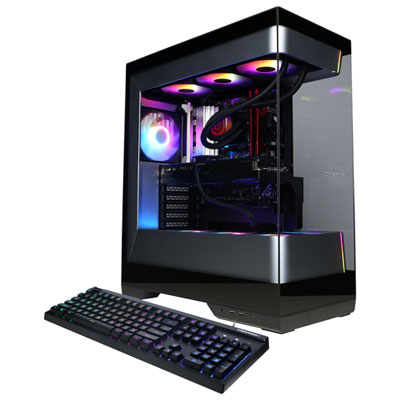 Your price for this item is $3559.99
-
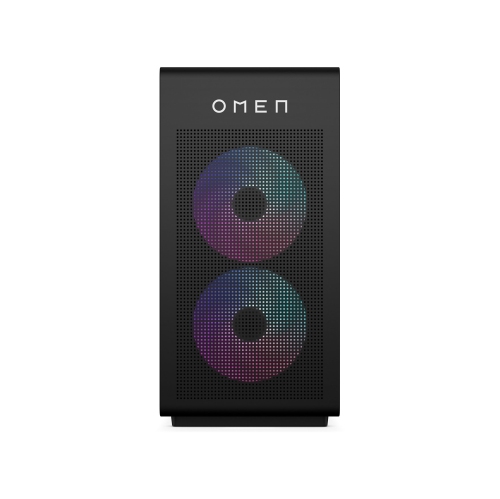 Your price for this item is $7958.99
-
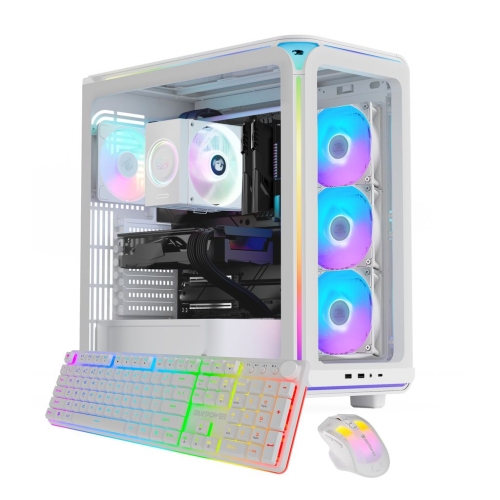 Your price for this item is $2999.99
-
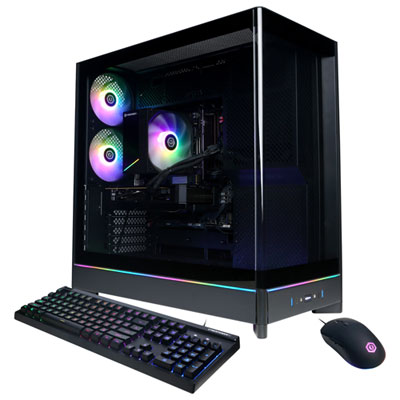 Your price for this item is $2149.99
-
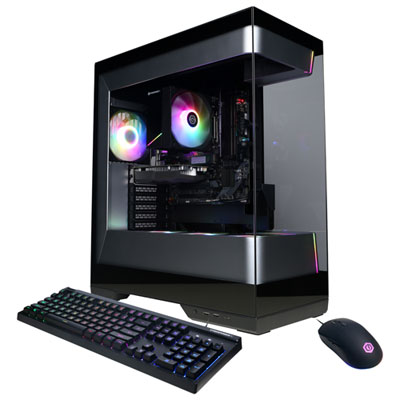 Your price for this item is $1549.99
-
 Your price for this item is $7579.99
-
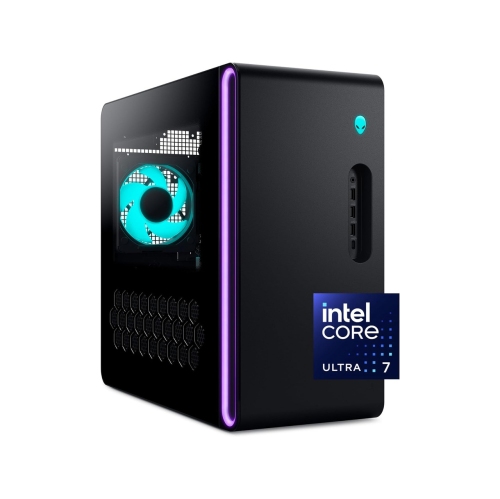 Your price for this item is $3150.49
Discover more categories related to Top Rated Gaming Desktops

Top Collections:
Best Black Friday Deals This Year, Best Black Friday Deals On Electronics, Kindle Devices, Pokemon Centers, Best Black Friday Deals On Apple Products, Best Cameras for Sports Photography, Dyson Airwrap, Pokémon 30th Celebration Cards, Apple iPhone 17 Pro, Canon G7X Cameras
Some products may be subject to Environmental Handling Fees
(EHF) depending on your province.
Learn more about EHFs.