Best Mousepads for CSGO

The best mousepads for CSGO offer a consistent surface for precise aiming, quick flicks, and controlled tracking. Whether you prefer a compact pad or an extended surface with more room for low-sensitivity movements, look for a balance of glide, stopping power, and a non-slip base. Explore the mousepads below, ranked by user review ratings, to find an option that suits your play style and desk setup.

Read More

What to look for in mousepads for CS:GO

1. Surface and Glide

Control-focused cloth surfaces add friction to help you stop your mouse precisely, while faster surfaces make sweeping movements feel easier. Choose a glide that suits your aiming style and preferred level of resistance.

2. Size and Desk Fit

Low-sensitivity settings typically require more room for wide mouse movements. Check the mousepad’s dimensions against your available desk space, allowing enough room for swipes without hitting your keyboard.

3. Tracking Consistency

Look for a uniform surface that supports reliable tracking with your mouse’s sensor. Consistent tracking across the pad helps make small aim adjustments and broad turns more predictable.

4. Base Grip and Durability

A non-slip base helps keep the mousepad in place during quick flicks and repeated swipes. Look for durable edges that resist fraying and a surface that is easy to clean, since dust and wear can affect glide.
Citrus catapult arrow
  1. 1

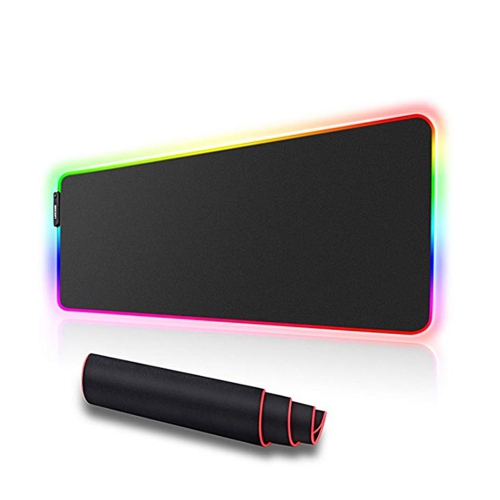
    SPEEDEX RGB Led Light Soft Gaming Mouse Pad Large 800X300X4MM Size, Oversized Glowing Led Extended Mousepad

    About this product

    An oversized soft mouse pad featuring nine customizable RGB lighting modes for an immersive gaming experience.

    (1)
    $28.99
    SAVE $23
    Your price for this item is $28.99
  2. 2

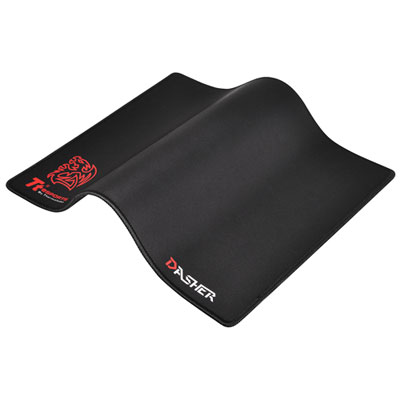
    TT eSports Dasher Medium Gaming Mouse Pad (MP-DSH-BLKSMS-04)

    About this product

    A black micro-textured Jersey cloth mouse pad offering responsive tracking, precision, and extra comfort for gaming.

    (1)
    $29.99 Your price for this item is $29.99
  3. 3

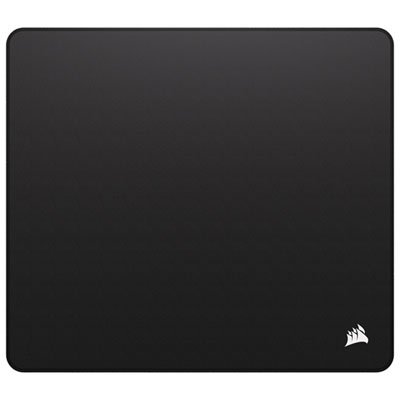
    Corsair Anti-fray Cloth Gaming Mouse Pads

    About this product

    A black micro-woven cloth mouse pad with anti-fray stitched edges and a grippy natural rubber base.

    (16)
    $19.99 Your price for this item is $19.99
  4. 4

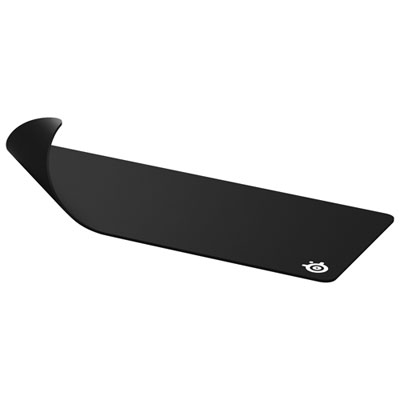
    SteelSeries QcK XXL Gaming Mouse Pad - Black

    About this product

    A black micro-woven cloth mouse pad offering a smooth, high-accuracy surface for optimal gaming performance.

    What customers like

    • Large and spacious size
    • Durable and high-quality construction
    • Smooth and precise tracking surface
    • Non-slip, stable base
    • Comfortable and soft padding
    (1,316)
    $49.99 Your price for this item is $49.99
  5. 5

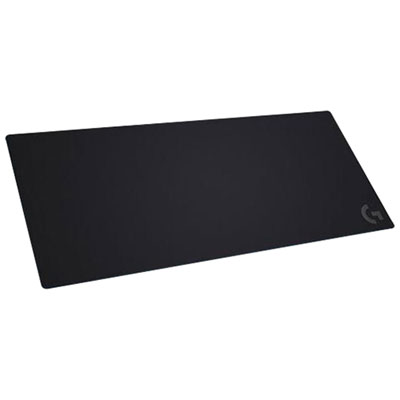
    Logitech G840 XL Rubber & Cloth Gaming Mouse Pad - Black

    About this product

    A black rubber and cloth mouse pad featuring K/DA artwork for optimized sensor accuracy and control.

    What customers like

    • Attractive appearance and design
    • Smooth surface for easy gliding
    • Comfortable and quality material
    • Spacious size
    • Good value for price
    (89)
    $70.99 Your price for this item is $70.99
  6. 6

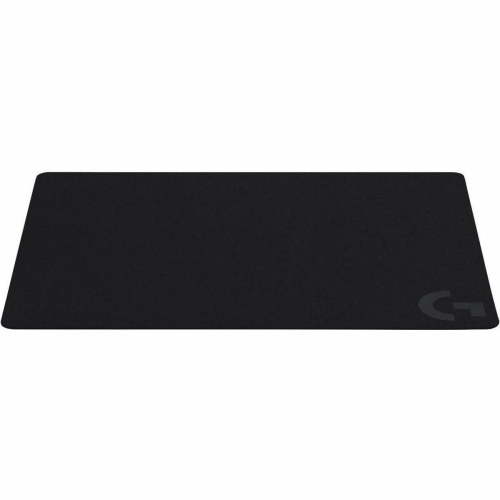
    LOGITECH G240 Cloth Gaming Mouse Pad - (943-000783) In Black

    About this product

    A black cloth gaming mouse pad offering moderate surface friction for precise low-DPI mouse movements.

    What customers like

    • Durable and high-quality design
    • Great value for the price
    • Smooth and precise mouse movement
    • Perfect size for various setups
    • Non-slip rubber base for stability
    (401)
    $30.99 Your price for this item is $30.99
  7. 7

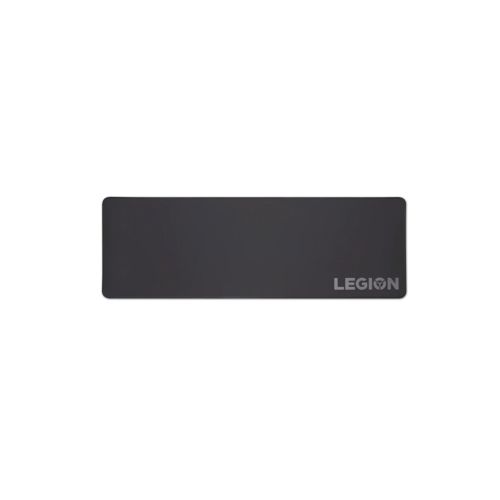
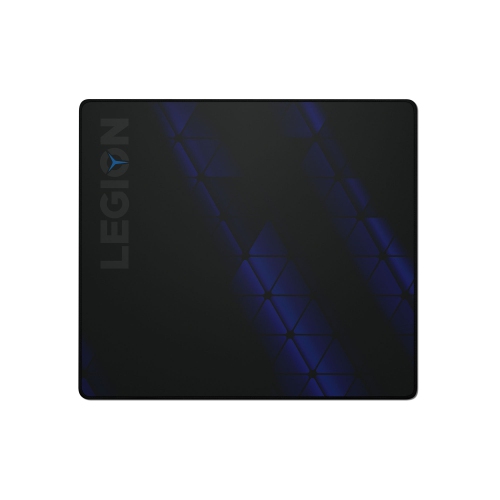
    LENOVO Legion Mouse Pad, for Gaming

    About this product

    A smooth, durable mouse pad designed to enhance precision and comfort during gaming sessions.

    What customers like

    • Smooth and comfortable texture
    • Excellent value for money
    • High build quality and durability
    • Large and spacious surface
    • Non-slip rubber base prevents movement
    (735)
    $23.99 Your price for this item is $23.99
  8. 8

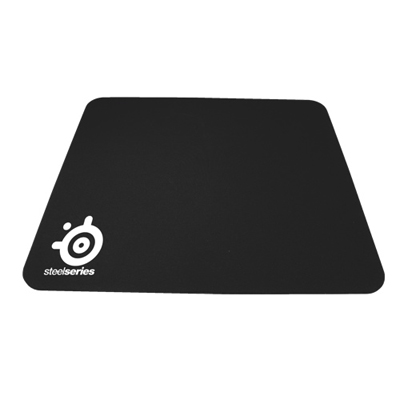
    SteelSeries QcK Pro Gaming Mouse Pad

    About this product

    A high-performance cloth mouse pad designed for precise, smooth gaming control and professional durability.

    What customers like

    • Great value and affordable price
    • Durable and long-lasting build
    • Smooth and precise mouse gliding
    • Excellent tracking accuracy for gaming
    • Stable no-slip rubberized base
    (2,957)
    $14.99 Your price for this item is $14.99
  9. 9

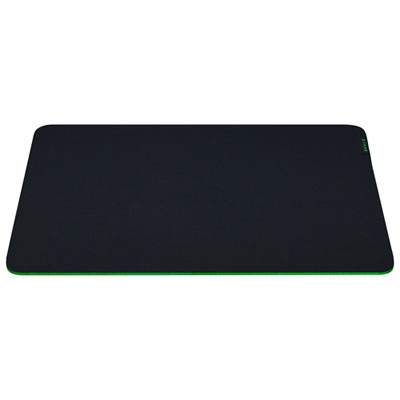
    Razer Gigantus V2 Soft Gaming Mouse Mat - Medium - Black

    About this product

    A soft black mouse mat offering smooth, precise control and ample space for gaming performance.

    What customers like

    • Thick, durable, and high-quality material
    • Spacious size provides ample room for gaming
    • Non-slip base ensures stability during use
    • Comfortable and well-cushioned for wrists
    • Smooth surface allows precise and effortless mouse movement
    (98)
    $10.98
    SAVE $4
    Your price for this item is $10.98

How mousepad feel shapes flicks and fine adjustments

The best mousepads for CS:GO combine consistent tracking, a comfortable surface, and enough room for the movements a player makes during a match. In a tactical shooter, the feel of the pad matters when lining up a narrow angle, making a small crosshair correction, or stopping a wide flick beside an opponent’s head. A control-oriented cloth surface is a useful starting point for players who prefer some resistance beneath the mouse, while a balanced surface offers a lighter glide without removing that sense of control. Neither style is automatically more accurate: the right feel depends on mouse sensitivity, mouse weight, grip, and how much pressure the player applies. The same considerations apply to CS2, where a predictable aiming surface supports both deliberate positioning and quick adjustments. Static friction describes the resistance felt when the mouse starts moving, while dynamic friction describes resistance once it is in motion. A pad with relatively low starting resistance can make tiny corrections feel easier, whereas more resistance during movement can help a player manage a fast swipe. Stopping power is the familiar term for how readily the mouse settles at the end of that movement, although the mouse feet and pressure from the hand also influence it. For someone who regularly overshoots a target, a more controlled surface may feel reassuring; someone who finds small adjustments difficult may prefer a smoother, less resistant weave. Cloth pads are popular for this balance of glide and feedback, but firmer hybrid surfaces and hard pads offer alternatives for players who favour easy movement and a more rigid feel. No mousepad replaces practice or guarantees better aim. Its value lies in providing a repeatable surface, so the mouse behaves predictably when switching between careful angle holding, spray control, and a rapid turn. That consistency is useful for competitive players, newcomers developing their preferred sensitivity, and anyone who also uses the same desk for everyday computer tasks.

Size and desk fit are just as important as surface speed, particularly for players who use a low in-game sensitivity and move the mouse with their whole arm. A generous dedicated mousepad leaves room for broad horizontal swipes and repeated repositioning without forcing the mouse onto the bare desk. Depth matters too: a wide pad can still feel restrictive if there is little space between the keyboard and the front edge of the desk. The distance needed to complete a full turn in the game provides a practical reference for usable space, though there should also be room for the way the player naturally resets the mouse. Compact pads suit smaller workspaces and shorter movements, while extended desk mats place both the keyboard and mouse on a shared surface. With an extended mat, the printed dimensions do not represent mouse space alone; the keyboard, its angle, and any nearby accessories take up part of that area. A non-slip rubber or similar backing helps the pad stay in place during abrupt changes of direction, provided the desk underneath is clean and the backing sits flat. Thickness affects cushioning and how strongly the underlying desktop can be felt. Cloth pads around 3 mm to 6 mm thick offer varying amounts of padding, with thicker options often making minor desk irregularities less noticeable. Thickness and softness are not interchangeable, however. A thick, firm base can feel quite different from a similarly thick, compressible foam base. Softer padding may cushion forearm contact, but it can also allow the mouse feet to sink slightly when pressed down, changing the resistance during play. Firmer bases tend to maintain a more uniform feel under different amounts of hand pressure. Edge construction contributes to comfort over long sessions: low-profile stitching can help limit fraying without creating a pronounced ridge beneath the wrist or forearm. Unstitched edges may feel flatter, although their durability depends on the quality of the fabric and bonding. A pad that lies flat, stays put, and leaves the arm free to move is often more useful than one chosen for its dimensions alone.

Materials, finish, and care determine how well a mousepad maintains its feel with regular use. A tightly woven cloth surface can provide smooth movement with a little tactile feedback, while a more textured weave may feel noticeable against bare skin. Players who rest much of their forearm on the desk may place more importance on that contact than players who mainly move from the wrist. Hard surfaces offer less cushioning and can make mouse movement more audible; they may also wear mouse feet differently from cloth. The interaction between the surface and the feet matters as much as the pad’s description, since worn, scratched, or dirty feet can make an otherwise even surface feel rough. Optical gaming mice generally work well on suitable gaming mousepads, but compatibility should still be checked, especially with unusual transparent or reflective finishes. Applied surface coatings can influence glide, and wear may gradually change how those finishes feel. Strong fabric bonding, neatly finished edges, and a backing that remains flat are useful durability features for a pad used through repeated practice sessions. Dust, skin oils, and crumbs can also create uneven movement, making routine care part of keeping the surface consistent. Cleaning methods vary by material: many cloth pads need gentle hand cleaning according to their care directions, while some hard pads can be wiped clean. Harsh scrubbing, unsuitable cleaners, machine washing, and direct heat can damage certain surfaces or backings. A washed pad should dry fully before use, and electronic features such as integrated lighting require particular care around moisture. For travel to a friend’s setup or a gaming event, a flexible pad is easier to pack when its construction permits rolling; folding can leave creases that interfere with movement. As a gift, a mousepad is most likely to suit a player when its size and surface feel match their existing habits rather than simply adding more desk coverage. Colour and pattern can complement a setup, but comfortable contact and predictable glide remain the everyday priorities. Pairing the surface with an appropriate mouse completes that relationship, and Best Mice for CS:GO offers a related selection for players considering both parts of their aiming setup.
Read More

FAQ

Some products may be subject to Environmental Handling Fees (EHF) depending on your province. Learn more about EHFs.