Best Mice for CS:GO
Precision and control can make all the difference in CS:GO. Explore the best mice for CS:GO, ranked by user review ratings, to find a gaming mouse that suits your grip and play style. Compare features such as adjustable DPI, responsive sensors, and customizable buttons to find the right fit for your next competitive match.
What to look for in mice for CS:GO
1. Sensor Accuracy
2. Shape and Grip
3. Weight and Glide
4. Connection and Responsiveness
-
1
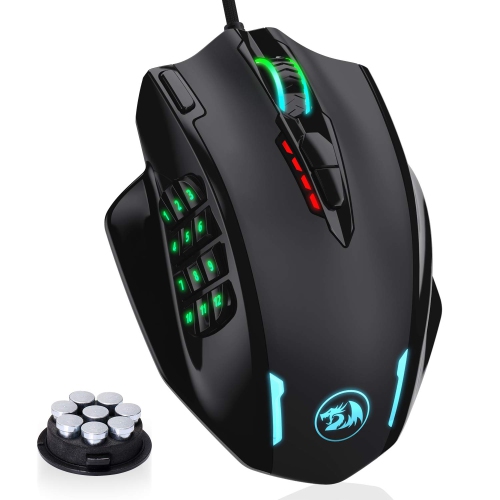
HLD RGB Gaming Mouse, 12400 Dpi Wired Laser Mmo Mouse With High Precision Actuation, 12 Macro Side Buttons
About this product
A high-precision wired laser mouse with 12400 DPI, RGB lighting, and 12 programmable macro side buttons.
(1)$76.96Your price for this item is $76.96SAVE $21 -
2
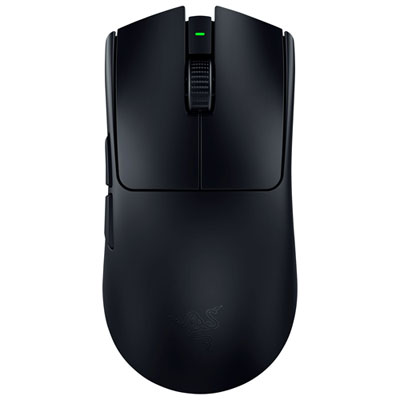
Razer Viper V3 Pro Wireless Gaming Mouse - Black
About this product
A wireless gaming mouse in black featuring an advanced optical sensor and ultra-low-latency performance.
What customers like
(514)$179.99 Your price for this item is $179.99 -
3

Logitech G203 LIGHTSYNC 8000 DPI Optical Gaming Mouse - Black
About this product
A black optical gaming mouse featuring 8,000 DPI sensitivity, customizable RGB lighting, and six programmable buttons.
What customers like
(1,867)$39.99 Your price for this item is $39.99 -
4
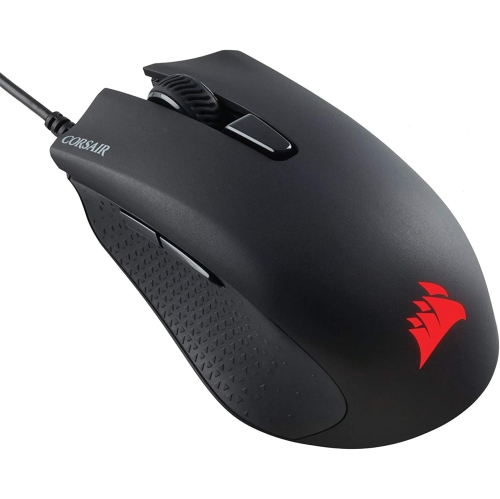
CORSAIR Memory Harpoon RGB Pro 12000 Dpi Wired Optical Gaming Mouse - (Ch-9301111-Na) In Black
About this product
A lightweight black wired optical gaming mouse featuring a 12,000 DPI sensor and customizable RGB lighting.
What customers like
(126)$97.68 Your price for this item is $97.68 -
5
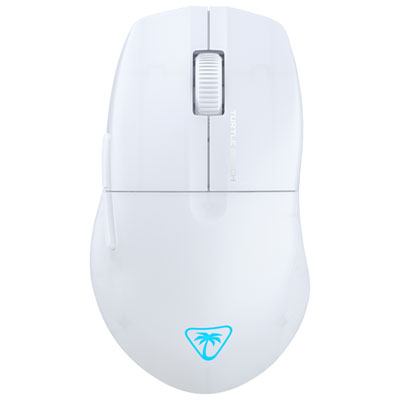
Turtle Beach Pure SEL 8000 DPI Gaming Mouse - White - Only at Best Buy
About this product
A white gaming mouse with 8,000 DPI sensor, ergonomic shape, semi-translucent shell, and RGB lighting.
What customers like
(25)$37.98Your price for this item is $37.98SAVE $12 -
6

Logitech G703 HERO 25600 DPI Wireless Optical Gaming Mouse - Black
About this product
A wireless optical gaming mouse in black featuring a 25,600 DPI sensor, programmable buttons, and RGB lighting.
What customers like
(1,626)$95.98Your price for this item is $95.98SAVE $24 -
7
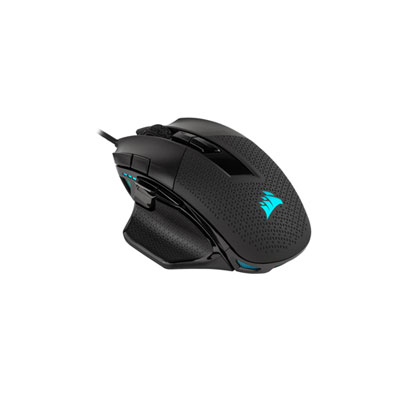
Corsair Nightsword RGB 18000 DPI Optical Gaming Mouse - Black
About this product
A high-precision black gaming mouse featuring an 18,000 DPI optical sensor and customizable weight system.
What customers like
(1,061)$134.99 Your price for this item is $134.99 -
8
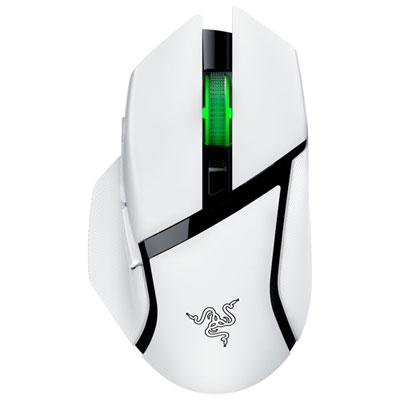
Razer Basilisk V3 X HyperSpeed Gaming Mouse - White - Only at Best Buy
About this product
A white wireless gaming mouse featuring low-latency performance and durable mechanical switches for precise control.
What customers like
(38)$68.99Your price for this item is $68.99SAVE $31 -
9
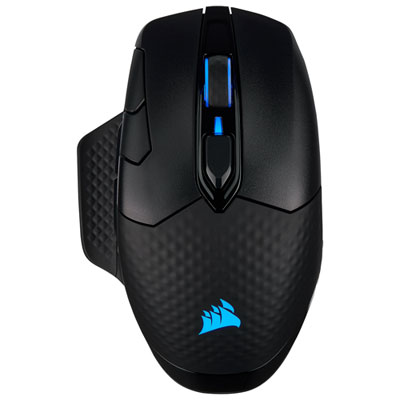
Corsair Dark Core RGB Pro 18000 dpi Wireless Optical Gaming Mouse - Black
About this product
A wireless black gaming mouse featuring an 18,000 DPI optical sensor and ultra-fast 2000Hz polling rate.
What customers like
(801)$119.99 Your price for this item is $119.99 -
10
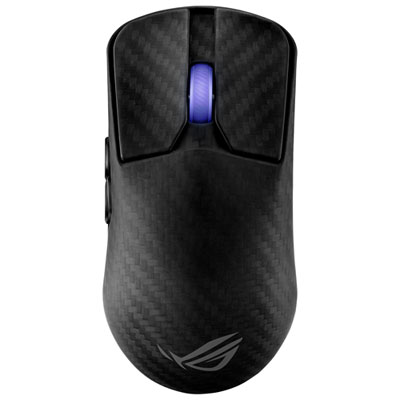
ASUS ROG Harpe Ace Extreme 42000 DPI Wireless Gaming Mouse - Black
About this product
A lightweight carbon fibre wireless mouse in black with 42,000dpi sensor and 8,000Hz polling rate.
What customers like
(22)$329.99Your price for this item is $329.99SAVE $40
FAQ
DPI describes how many movement counts a mouse registers per inch of travel, while in-game sensitivity controls how the game scales that input. Multiplying DPI by in-game sensitivity gives your effective DPI, or eDPI, which lets you compare sensitivity settings across different DPI configurations.
Polling rate, measured in hertz (Hz), describes how frequently a mouse reports input to your computer. A 1,000 Hz setting corresponds to one report every millisecond. Many gaming mice let you adjust this setting through their companion software.
Gaming mice may use a wired USB connection, a dedicated 2.4 GHz wireless USB receiver, or Bluetooth. Some support multiple connection modes. Wireless models require batteries or charging, and certain rechargeable models also support wired play through a USB cable.
Onboard memory stores supported settings directly on the mouse, such as DPI levels, button assignments, and lighting preferences. These settings can travel with the mouse when you connect it to another computer, although the available options vary by model.
Programmable buttons can be assigned to individual game actions, such as push-to-talk, switching weapons, or selecting equipment. Depending on the mouse, assignments are configured in the game’s settings or through companion software. For organized play, check the event’s rules before using macros or automated action sequences.
Top selling and popular products
Discover more categories related to Best Mice for CS:GO
Some products may be subject to Environmental Handling Fees (EHF) depending on your province. Learn more about EHFs.