Best Mice for CSGO

Find the best mice for CSGO with a selection ranked by user review ratings. Whether you prefer a lightweight design for quick flick shots or a comfortable grip for longer matches, explore gaming mice with features like precise tracking, adjustable sensitivity, and responsive buttons to find the right fit for your playstyle.

Read More

What to look for in the best mice for CS:GO

1. Sensor Accuracy

Look for an optical sensor with reliable tracking and adjustable DPI so you can fine-tune your sensitivity. Consistent tracking without unwanted acceleration helps you build repeatable aim for flick shots and small adjustments.

2. Shape and Weight

Choose a mouse that suits your hand size and preferred palm, claw or fingertip grip. A lightweight design can make sweeping movements easier, while a comfortable shape helps you maintain control during longer sessions.

3. Connection and Polling Rate

A wired connection or low-latency wireless connection can provide responsive input for competitive play. A polling rate of 1,000 Hz is a practical baseline; higher rates may offer smaller responsiveness gains but can increase system demands and wireless battery use.

4. Buttons and Glide

Look for responsive primary buttons and side buttons you can reach without changing your grip. Smooth mouse feet and a flexible cable, if you choose a wired model, help reduce drag across your mouse pad.
Citrus catapult arrow
  1. 1

    Logitech G703 HERO 25600 DPI Wireless Optical Gaming Mouse - Black

    About this product

    A wireless optical gaming mouse in black featuring a 25,600 DPI sensor, programmable buttons, and RGB lighting.

    What customers like

    • Smooth wireless performance
    • Highly customizable features
    • Excellent battery life
    • Comfortable ergonomic design
    • Accurate and responsive sensor
    (1,626)
    $95.98
    SAVE $24
    Your price for this item is $95.98
  2. 2

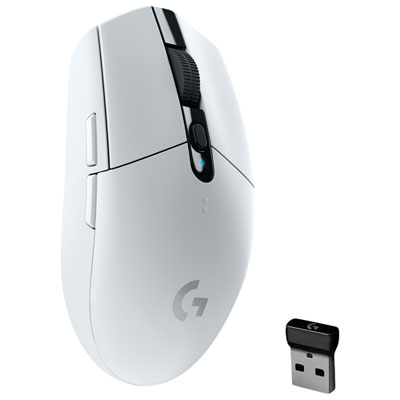
    Logitech G305 12000 DPI Wireless Optical Gaming Mouse - White

    About this product

    A wireless optical gaming mouse in white featuring a 12,000 DPI HERO sensor and 1 ms connectivity.

    What customers like

    • Lightweight and comfortable
    • Easy wireless setup and performance
    • Great value for price
    • Precise and responsive tracking
    • Excellent battery life
    (4,069)
    $69.99 Your price for this item is $69.99
  3. 3

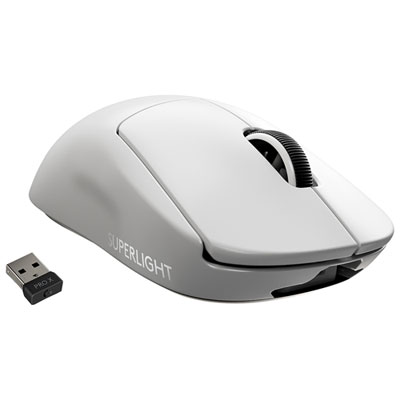
    Logitech G Pro X Superlight 25600 DPI Wireless HERO Optical Gaming Mouse - White

    About this product

    An ultra-lightweight white wireless gaming mouse with a 25,600 DPI HERO sensor and ambidextrous design.

    What customers like

    • Smooth wireless performance with no input lag
    • Customizable and user-friendly software
    • Precise and accurate HERO sensor
    • Ultra-lightweight and comfortable design
    • Exceptional battery life
    (3,770)
    $199.99 Your price for this item is $199.99
  4. 4

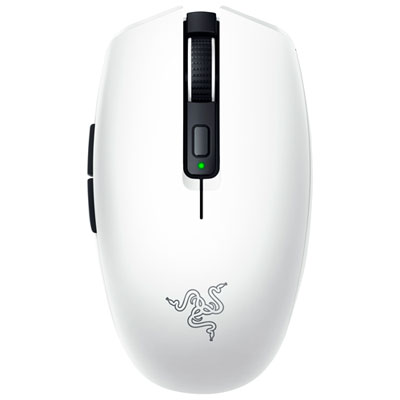
    Razer Orochi V2 18000 DPI Wireless Optical Gaming Mouse - White

    About this product

    A wireless optical gaming mouse in white featuring an 18K DPI sensor and up to 950 hours battery life.

    What customers like

    • Precise and responsive performance
    • Versatile connectivity options
    • Comfortable and ergonomic fit
    • Exceptional battery life
    • Lightweight and portable design
    (889)
    $47.99
    SAVE $42
    Your price for this item is $47.99
  5. 5

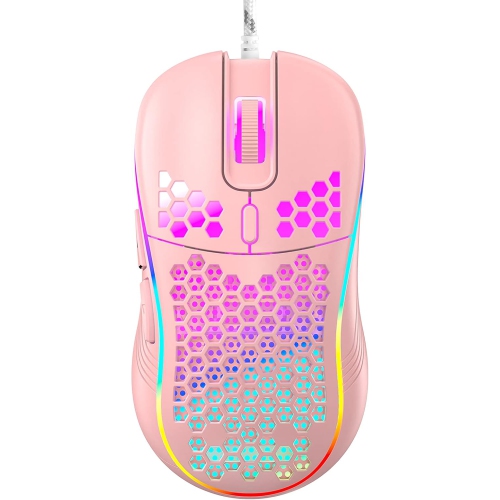
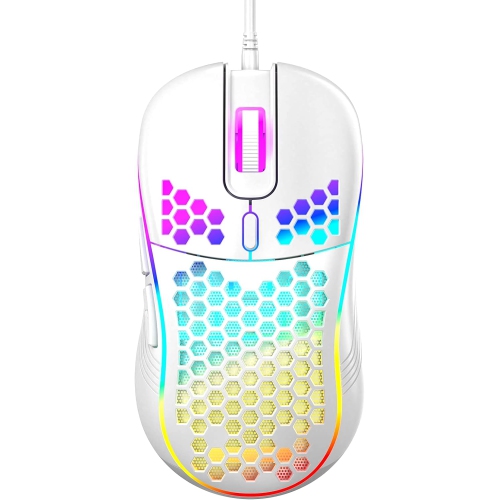
    RISOKEYS Risophy Honeycomb Wired Gaming Mouse, RGB Backlight And 7200 Adjustable Dpi, Ergonomic And Lightweight USB Computer Mouse w High Precision

    About this product

    An ergonomic, lightweight wired gaming mouse with RGB backlight, 7200 adjustable DPI, and high-precision sensor.

    $42.99
    SAVE $34
    Your price for this item is $42.99
  6. 6

    RISOKEYS Risophy Honeycomb Wired Gaming Mouse, RGB Backlight And 7200 Adjustable Dpi, Ergonomic And Lightweight USB Computer Mouse w High Precision

    About this product

    An ergonomic, lightweight wired gaming mouse featuring RGB backlight, 7200 adjustable DPI, and high-precision sensor.

    $32.99
    SAVE $44
    Your price for this item is $32.99
  7. 7

    RISOKEYS Wireless Lightweight Gaming Mouse Honeycomb w 7 Button Multi RGB Backlit Perforated Ergonomic Shell Optical Sensor Adjustable Dpi

    About this product

    A black wireless gaming mouse featuring a lightweight perforated shell, 7 buttons, RGB backlighting, and adjustable DPI.

    $48.99
    SAVE $39
    Your price for this item is $48.99
  8. 8

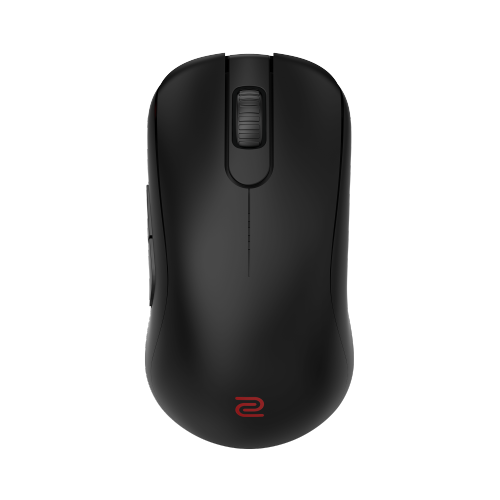
    ZOWIE S2-Dw 4K Wireless Mouse for Esports (S2-Dw)

    About this product

    A wireless esports mouse with 4K enhanced receiver and a compact design for stable, precise tracking.

    $199.99 Your price for this item is $199.99
  9. 9

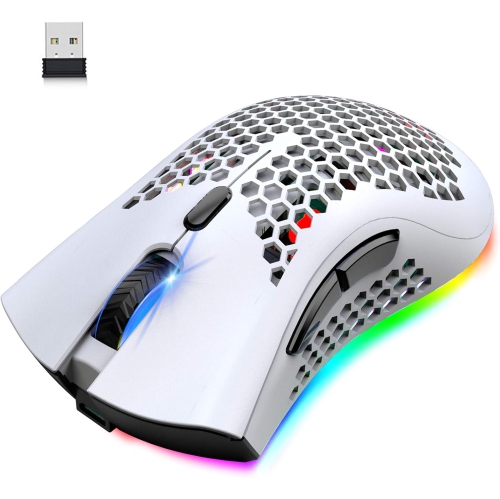
    RISOKEYS Risophy Wireless Lightweight Gaming Mouse Honeycomb w 7 Button Multi RGB Backlit Perforated Ergonomic Shell Optical Sensor Adjustable Dpi

    About this product

    A white wireless gaming mouse featuring a perforated ergonomic shell, 7 buttons, RGB backlighting, and adjustable DPI.

    $48.99
    SAVE $39
    Your price for this item is $48.99
  10. 10

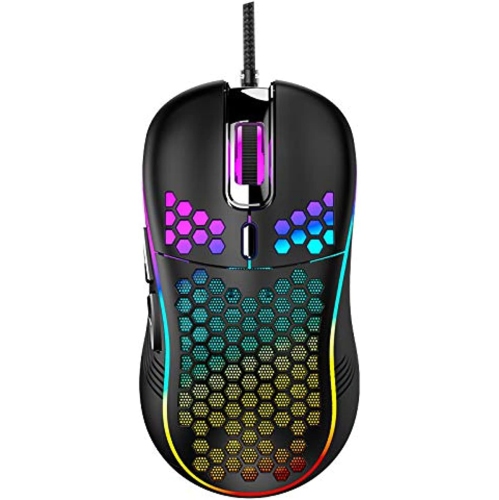
    RISOKEYS Risophy Wired Gaming Mouse, RGB Backlight And 7200 Adjustable Dpi, Ergonomic And Lightweight USB Computer Mouse w High Precision Sensor For

    About this product

    An ergonomic wired gaming mouse featuring RGB backlight, 7200 adjustable DPI, and a high-precision sensor.

    $47.99
    SAVE $37
    Your price for this item is $47.99

Why consistent tracking matters more than maximum DPI

The best mice for CS:GO combine a comfortable shape, dependable tracking, responsive clicks, and a weight that feels manageable through repeated aiming movements. These same qualities matter in Counter-Strike 2, where controlled crosshair placement and quick adjustments remain central to competitive play. A gaming mouse suited to tactical shooters needs to handle both a broad sweep across the mouse pad and a tiny correction when an opponent appears at the edge of a doorway. That makes consistent sensor behaviour more useful than an unusually high maximum sensitivity figure. Optical sensors designed for gaming can translate physical movement accurately across suitable surfaces, while adjustable sensitivity allows players to match cursor movement to their preferred aiming style. DPI describes how many movement counts the mouse reports per inch of travel; a higher setting does not automatically mean better aim. Players who use lower sensitivity often move their forearm across a larger area, while those using higher sensitivity may rely more on smaller wrist and finger movements. In either case, a mouse should feel predictable when starting, stopping, or changing direction. Polling rate, which describes how frequently the mouse reports to the computer, also contributes to responsiveness, although the benefit of higher settings depends on the game, computer, and display. Lift-off distance matters when repositioning: a mouse that stops tracking close to the pad can help prevent unwanted crosshair movement as it is lifted and reset. The overall balance of these features is more important than any single specification. A lightweight design can make repeated swipes less tiring, but some players prefer a little more mass for a steadier feeling in the hand. For casual matches, regular practice, or organised team play, the strongest fit is a mouse that supports repeatable movement without drawing attention away from the screen. No mouse guarantees better results, but an appropriate shape and reliable inputs can remove small frustrations that interrupt concentration during a close round.

Shape and size have a direct effect on how a gaming mouse feels over a full session. Hand length, palm width, finger position, and grip style all influence whether a shell feels supportive or awkward. A palm grip usually places more of the hand against the mouse, making the height and position of the rear curve especially noticeable. A claw grip arches the fingers while keeping part of the palm in contact with the shell, so a defined rear section and accessible main buttons may feel more secure. A fingertip grip leaves the palm largely clear of the mouse and often suits a compact shape that is easy to adjust with the fingers. These are broad patterns rather than fixed rules; two players with similarly sized hands can prefer quite different contours. Sculpted right-handed mice can support a relaxed hand position, while symmetrical designs may appeal to players who want a more even profile on either side. A symmetrical shell does not necessarily make a mouse fully suitable for left-handed use, since side buttons may still sit only on the left. Button placement is particularly important during tense moments: a side button should be reachable without forcing a grip change, but not so exposed that it gets pressed during a fast flick. Main buttons should offer a clear, consistent feel, and a defined scroll wheel can make weapon changes more deliberate. Shell materials and surface finishes also affect control. Matte plastic, textured side panels, and compatible grip tape each create a different sensation against the fingers, especially during longer sessions when hands become warm. Solid shells provide a continuous surface, while perforated designs reduce material and may collect dust more readily through their openings. Smooth mouse feet help the base move evenly, though the glide also depends on the mouse pad. A soft cloth surface generally feels different from a hard pad, so the mouse and its surface work together rather than independently. Comfort comes from that complete interaction, not simply from choosing the lightest body or the most pronounced contour.

Wired and wireless gaming mice can both suit CS:GO and CS2, with practical differences that become noticeable at the desk. A wired connection avoids battery management, and a flexible cable with enough slack can allow broad movements without pulling against the hand. Cable routing matters for low-sensitivity players who use much of the pad, since a cord catching on a monitor stand can interrupt an otherwise smooth sweep. Wireless designs remove that cable from the playing surface and can make a compact setup feel less cluttered. Models with a dedicated low-latency wireless receiver are generally better suited to competitive shooters than a standard Bluetooth connection, although actual performance varies by design. Receiver placement, nearby wireless traffic, and battery settings can all influence the experience. Battery life should be considered alongside weight and charging arrangements, particularly for players who move between a home desk and gaming gatherings. Onboard memory, where supported, can retain sensitivity or button settings without requiring the same software setup on every computer. Durability is just as relevant as speed: repeated clicks, frequent lifting, and travel all put stress on buttons, feet, cables, and charging ports. A well-assembled shell should feel stable under a normal grip, without distracting movement between panels. Routine care helps preserve that feel. Dust and debris can be removed from the sensor opening and around the scroll wheel with a soft brush, while the outer shell can be wiped according to the manufacturer’s cleaning directions. Liquid should never be sprayed directly into openings, and a clean mouse pad helps reduce buildup around the feet. For someone giving a gaming mouse as a gift, knowing the recipient’s preferred hand, grip, and connection type is more useful than choosing by lighting effects alone. Players who enjoy several competitive shooters may also find the broader selection of Best FPS Mice relevant to their setup. Whether used for relaxed evening matches or structured practice, a mouse that fits the hand and moves consistently can become a familiar, unobtrusive part of play.
Read More

FAQ

Some products may be subject to Environmental Handling Fees (EHF) depending on your province. Learn more about EHFs.