Best Tablets For Back To School Note Taking
Find the best tablets for back-to-school note taking, ranked by user review ratings to help you compare top-rated options. Whether you’re jotting down lecture notes, annotating readings, or organizing assignments, look for features such as stylus support, a comfortable screen size, and long battery life to help you stay on top of your studies.
What to look for in tablets for back-to-school note-taking
1. Stylus Support
2. Display Size and Portability
3. Note-Taking Apps and Compatibility
4. Battery Life and Storage
-
1
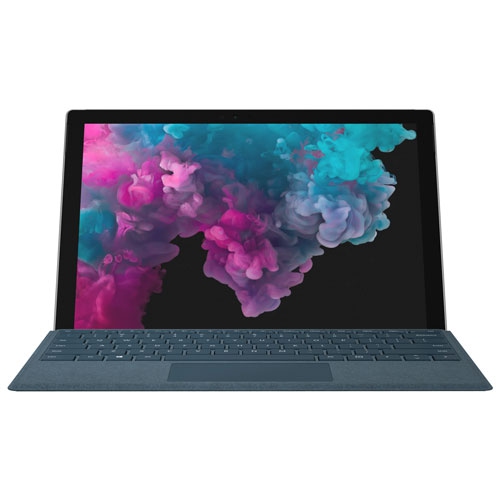
MICROSOFT Refurbished (Good) - Surface Pro 6 12.3" 128GB Windows 10 Tablet With 8Th Gen Intel Core I5 -Platinum
About this product
A refurbished platinum tablet featuring an 8th Gen Intel Core i5, 128GB storage, and Windows 10.
What customers like
(1,268)$699.00 Your price for this item is $699 -
2
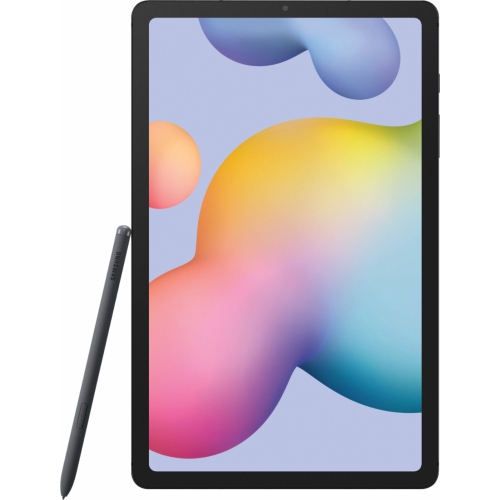
SAMSUNG Galaxy Tab S6 Lite P610 10.4-Inch 128GB, Wi-Fi, 4GB Ram - In Grey
About this product
An Oxford Gray tablet with 128GB storage and 4GB RAM, perfect for writing, sketching, or browsing.
What customers like
(579)$699.99Your price for this item is $699.99SAVE $200 -
3

SAMSUNG Galaxy Tab E Sm-T377 8-Inch 16GB, Wi-Fi + Cellular, 1.5GB Ram, Snapdragon 410 - Metallic In Black
About this product
A sleek black tablet featuring an 8" display, 16GB storage, quad-core processor, and 4G connectivity.
What customers like
(257)$340.01 Your price for this item is $340.01 -
4
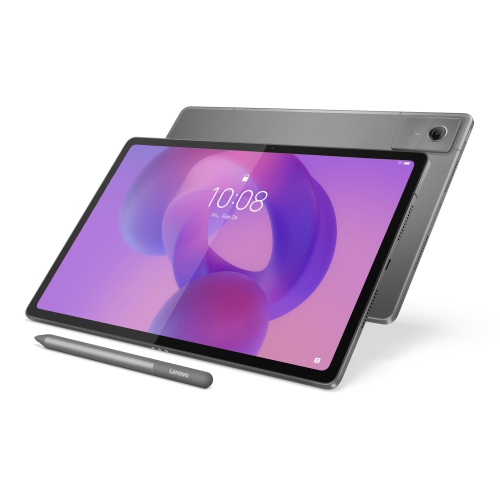
LENOVO Idea Tab Plus 12.1-Inch 128GB, 8GB Ram, Dimensity 6400
About this product
A versatile tablet featuring a 12.1" IPS 90Hz display, 8GB RAM, and 128GB storage.
What customers like
(46)$418.00Your price for this item is $418SAVE $81 -
5

IFLYTEK Ainote Air 2 8.2" 32GB Digital Notebook With Stylus, 293Ppi HD Glass E Ink Screen & 88.5% Screen-To-Body Display - In Black
About this product
An advanced E Ink tablet with stylus, adjustable light, multi-language support, and ChatGPT-powered features.
(1)$539.99Your price for this item is $539.99SAVE $160 -
6
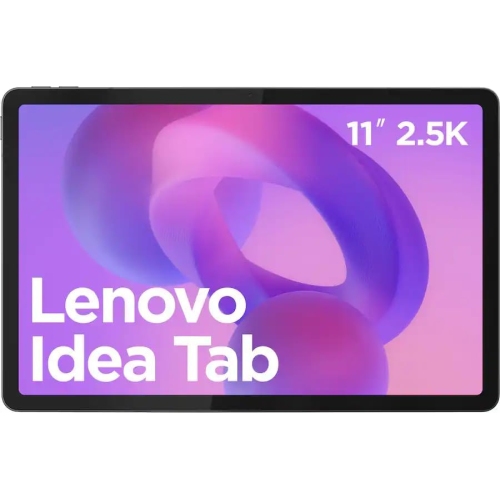
LENOVO Refurbished (Good) - Idea Tab 11-Inch 128GB, 8GB Ram, Dimensity 6300 With Stylus - In Grey
About this product
A versatile grey tablet featuring a MediaTek Dimensity 6300 processor, 8GB RAM, and Android 15.
$1,421.99 Your price for this item is $1421.99 -
7
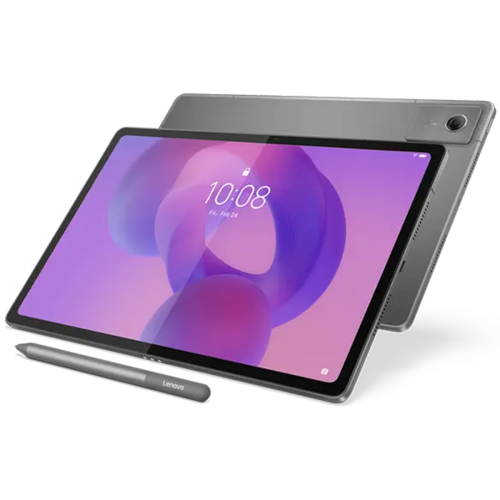
LENOVO Idea Tab Plus - Zag70916Ca 12.1In 2.5K (2560X1600) Mediatek Dimensity 6400 256GB Android 15 Luna Pen + Folio Case In Grey
About this product
A grey tablet featuring a 2.5K IPS display, 256GB storage, stylus, folio case, and Android 15.
$579.99Your price for this item is $579.99SAVE $120 -
8
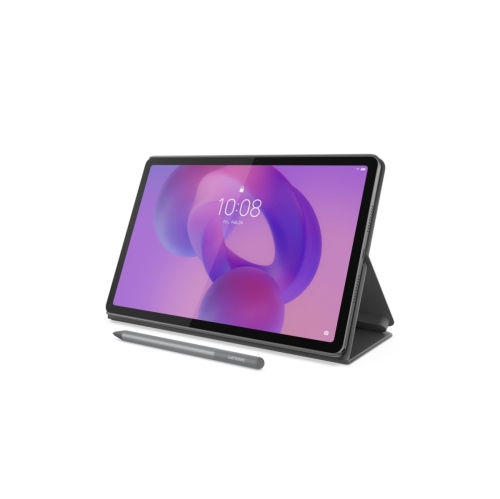
Lenovo Idea Tab 11-inch 128GB, Dimensity 6300 with Tab Pen - Grey
About this product
A sleek grey tablet featuring an 11" 2.5K display, 90Hz refresh rate, and Dolby Atmos speakers.
$299.00 Your price for this item is $299 -
9
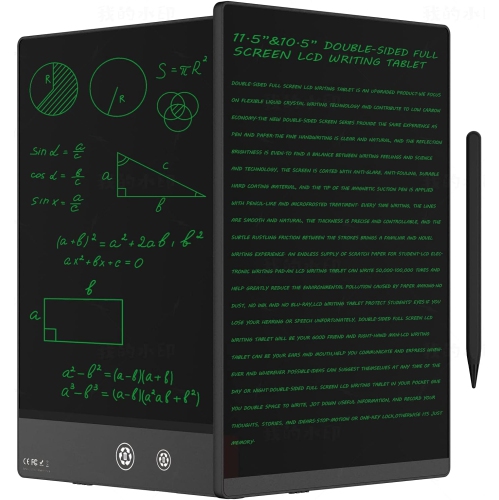
SYMLIS Lcd Writing Tablet for Adults 10.5″ Lcd Writing Tablet, Double-Sided Full Screen, Digital Notepad for School, Office, Home, Erasable, Reusable
About this product
A double-sided 10.5″ LCD writing tablet offering erasable, reusable note-taking for school, office, or home.
$30.28Your price for this item is $30.28SAVE $9 -
10
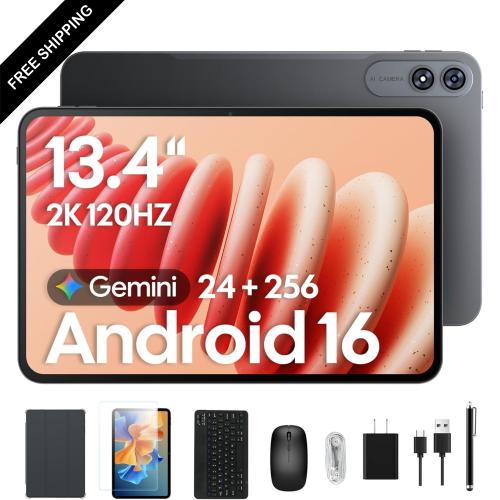
LDAS ELECTRONICS 13.4-Inch 256GB Tablet, Octa-Core With Keyboard, Mouse, Stylus & Case for 120Hz Streaming
About this product
A powerful tablet bundle featuring a 2K 120Hz IPS display, 24GB RAM, and 256GB storage.
$499.99Your price for this item is $499.99SAVE $50
FAQ
Look for active stylus support, palm rejection, battery life suited to your class schedule, and compatibility with your preferred note-taking apps. Multitasking features let you view course materials alongside your notes, while keyboard support gives you the option to type longer assignments.
An active stylus is useful for handwriting, annotating PDFs, and drawing diagrams. Depending on the tablet and app, it may support palm rejection, pressure sensitivity, and shortcut controls. Check compatibility with your tablet, as not every stylus supports every model.
iPadOS, Android, and Windows support a range of note-taking apps, though app availability and features vary. Before choosing a tablet, check whether it supports the apps, file formats, and learning platforms used by your school.
Many note-taking apps let you combine handwriting, typed text, images, and PDF annotations in one notebook. Some also offer handwriting-to-text conversion and searchable handwritten notes. Available tools depend on the app, operating system, and supported languages.
Choose a note-taking app with folders, notebooks, or tags to separate subjects and assignments. Cloud syncing can make notes accessible on compatible phones and computers when you sign in with the same account. Check for offline access and export options, such as PDF, if you need to study without Wi-Fi or share notes in a common format.
Top selling and popular products
Discover more categories related to Best Tablets For Back To School Note Taking
Some products may be subject to Environmental Handling Fees (EHF) depending on your province. Learn more about EHFs.