Best Tablets For College Note Taking
The best tablets for college note taking make it easy to capture lecture notes, annotate readings, and keep coursework organized. Whether you prefer typing or writing with a stylus, look for a comfortable screen size, responsive performance, and battery life that can keep up with your class schedule. Explore tablets ranked by user review ratings to find an option that fits your study habits and budget.
What to look for in tablets for college note-taking
1. Stylus Support
2. Note-Taking Apps and Multitasking
3. Screen Size and Portability
4. Battery Life and Charging
-
1
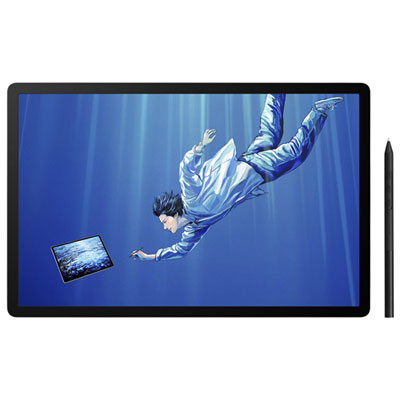
Wacom MovinkPad Pro 14 14" 3K OLED Graphic Tablet with Wacom Pro Pen 3 Stylus
About this product
A standalone creative tablet with a 3K OLED display, textured glass, built-in Android, and pressure-sensitive stylus.
(11)$1,539.99 Your price for this item is $1539.99 -
2
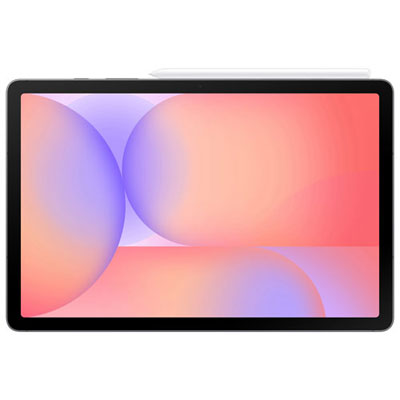
Geek Squad Certified Open Box - Samsung Galaxy Tab S10 Lite 10.9-inch 128GB, Exynos 1380 with S Pen - Grey
About this product
A slim grey tablet featuring a 10.9" display, Exynos 1380 processor, and included S Pen.
(6)$569.99 Your price for this item is $569.99 -
3
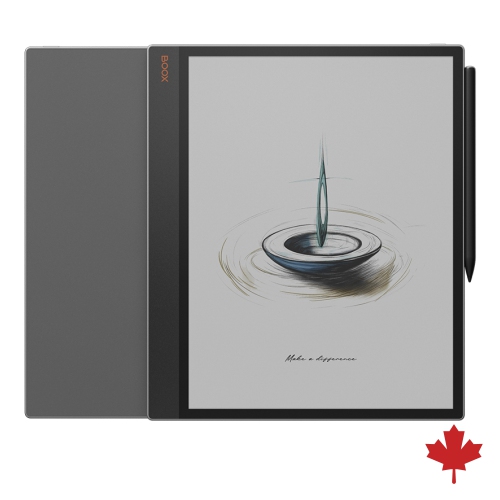
BOOX Tab X C 13.3" 128GB Colour E Ink Tablet With Inkspire Stylus & Dual-Tone Front Light for Split-Screen Reading And Writing - In Black
About this product
A 13.3-inch colour E-Ink tablet with dual-tone front light, 6GB RAM, and stylus support.
(4)$1,063.99 Your price for this item is $1063.99 -
4
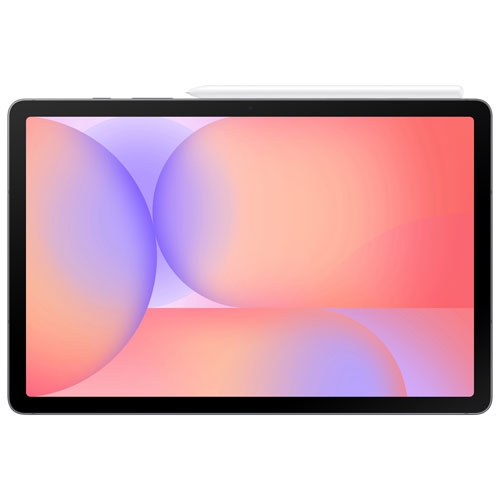
SAMSUNG - Galaxy Tab S10 Lite 10.9-Inch 128GB, Exynos 1380 With S Pen - In Grey
About this product
A sleek grey tablet featuring a 10.9" display, Exynos 1380 processor, and included S Pen.
(4)$399.99Your price for this item is $399.99SAVE $20 -
5
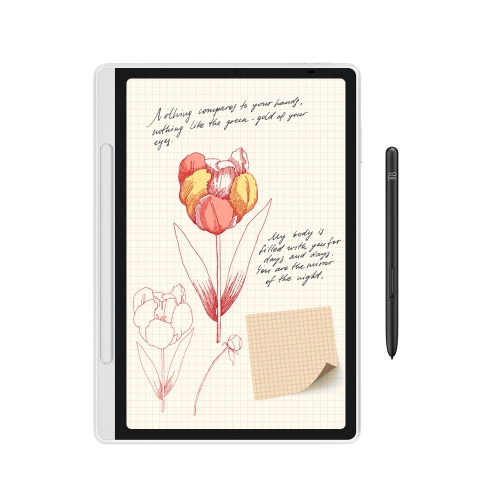
XPPEN Magic Note Pad - 3 In 1 Color Digital Notebook 10.95" Ebook Reader Paper Note Taking Tablet w 16384 Pressure Levels Pencil 2 Magnetic Folio
About this product
A versatile digital notebook with a color display, 16K pressure-level pen, and magnetic folio for seamless note-taking.
(3)$459.99Your price for this item is $459.99SAVE $180 -
6
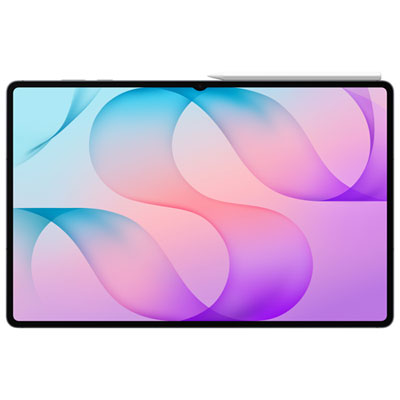
Samsung Galaxy Tab S12 Ultra 14.6" 512GB Android Tablet with MediaTek Dimensity 9500 Processor - Grey
About this product
A grey Android tablet with a vivid AMOLED display, S Pen, Galaxy AI, and 512GB storage.
(3)$2,199.99 Your price for this item is $2199.99 -
7
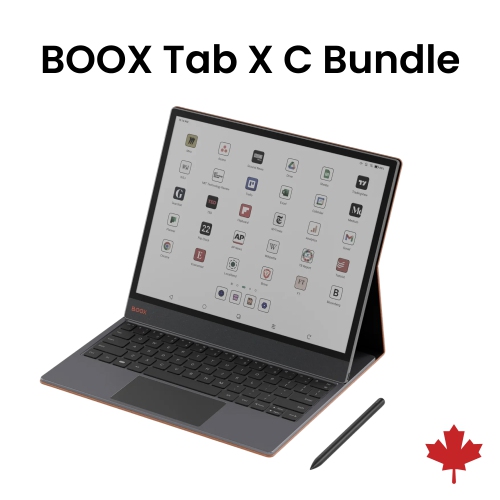
BOOX Tab X C 13.3" 128GB Colour E Ink Tablet With Inkspire Stylus & Magnetic Keyboard Cover With Trackpad - In Black
About this product
A versatile 13.3" colour E Ink tablet bundled with a magnetic keyboard cover featuring a built-in trackpad.
(1)$1,210.98Your price for this item is $1210.98SAVE $63 -
8

IFLYTEK Ainote Air 2 8.2" 32GB Digital Notebook With Stylus, 293Ppi HD Glass E Ink Screen & 88.5% Screen-To-Body Display - In Black
About this product
An advanced E Ink tablet with stylus, adjustable light, multi-language support, and ChatGPT-powered features.
(1)$539.99Your price for this item is $539.99SAVE $160 -
9

APPLE Refurbished (Good) - Ipad 5Th Generation 9.7In Wifi Only 32GB In Space In Gray
About this product
A refurbished tablet featuring a 9.7-inch display, 32GB storage, Wi-Fi connectivity, and sleek space gray finish.
What customers like
(8,010)$109.99Your price for this item is $109.99SAVE $290 -
10
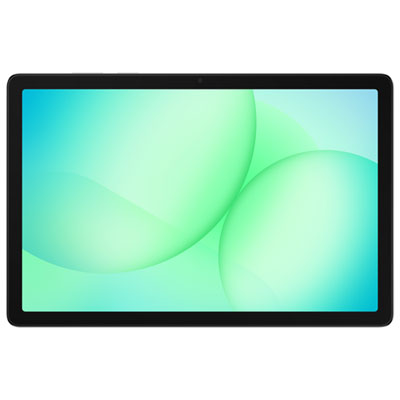
Samsung Galaxy Tab A11+ (Plus) 11-inch 256GB, Wi-Fi, 8GB RAM, MediaTek MT8775 - Silver
About this product
A silver Android tablet featuring a bright 11" display, 256GB storage, and Dolby quad speakers for immersive audio.
What customers like
(74)$389.99 Your price for this item is $389.99
FAQ
Look for active stylus support, compatibility with your preferred note-taking apps, and tools for annotating PDFs and organizing course materials. Split-screen functionality can let you view lecture slides alongside your notes. A keyboard connection is also useful if you prefer typing during some classes.
Passive capacitive styluses generally act like a fingertip, while compatible active styluses can offer features such as palm rejection, pressure sensitivity, and shortcut buttons. Stylus compatibility varies by tablet model, so check which pens the tablet supports and whether a pen is included or sold separately.
Useful app features include handwritten and typed notes, PDF annotation, searchable notebooks, and folders or tags for each course. Some apps also support handwriting-to-text conversion and audio attachments. Check that the app works with your tablet’s operating system and supports the file formats used in your classes.
Create a notebook or folder for each course, then separate notes by lecture date, topic, or assignment. Consistent file names and tags can help you find material when studying. Keep annotated readings and lecture slides with the related notes, and use bookmarks to mark sections you want to revisit.
Many note-taking apps offer cloud syncing across supported devices or access through a web browser. You can also export notes as PDFs for viewing on other computers. Check whether your chosen app supports your laptop’s operating system, your school account, and offline access when Wi-Fi is unavailable.
Top selling and popular products
Discover more categories related to Best Tablets For College Note Taking
Some products may be subject to Environmental Handling Fees (EHF) depending on your province. Learn more about EHFs.