Best Webcams for Online Teaching

The best webcams for online teaching deliver clear video, reliable audio, and flexible positioning for virtual lessons, presentations, and one-on-one instruction. This selection is ranked by user review ratings to help you compare highly rated options and find a webcam that suits your teaching setup, room layout, and streaming needs.

Read More

What to look for in the best webcams for online teaching

1. Video Resolution

Choose a webcam with at least 1080p Full HD resolution for a clear, detailed image during lessons. A higher-resolution camera can be useful if you need to show demonstrations, documents, or other teaching materials.

2. Microphone Quality

A built-in stereo or noise-reducing microphone can help students hear your instructions clearly. For larger rooms or areas with background noise, consider a webcam that supports an external microphone or headset.

3. Low-Light Performance

Look for features such as automatic light correction and HDR to maintain a visible image in classrooms, home offices, or rooms with uneven lighting. A webcam with a privacy shutter can also block the lens when the camera is not in use.

4. Compatibility and Mounting

Check that the webcam works with your computer and preferred teaching platforms, such as Zoom, Microsoft Teams, or Google Meet. A flexible clip, tripod mount, and adjustable field of view can make it easier to frame yourself, a whiteboard, or teaching materials.
Citrus catapult arrow
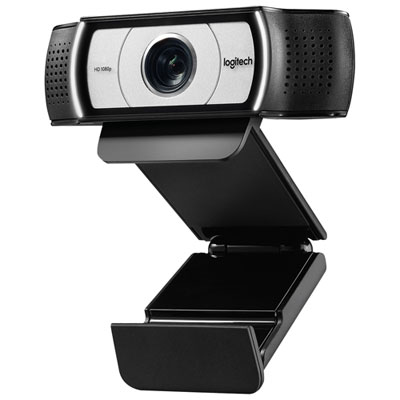
  1. 1

    About this product

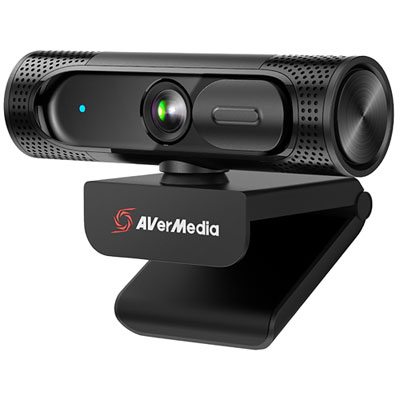
    An ultra-wide angle black webcam with 1080p HD video and dual omnidirectional microphones for clear calls.

    An ultra-wide angle black webcam with 1080p HD video and dual omnidirectional microphones for clear calls.

    What customers like

    • Clear 1080p HD video quality
    • Easy setup and installation
    • Wide-angle lens with ultra-wide field of view
    • Good built-in microphone and audio quality
    • Privacy shutter and lens cover for security
    (1,190)
    $149.99 Your price for this item is $149.99
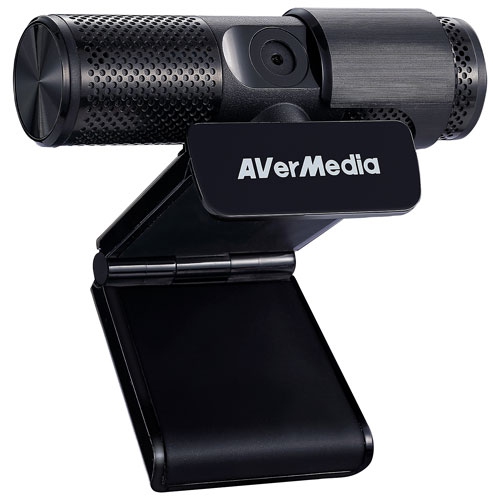
  2. 2

    About this product

    A plug-and-play USB webcam with 1080p HD video, dual microphones, and a 360-degree swivel design.

    A plug-and-play USB webcam with 1080p HD video, dual microphones, and a 360-degree swivel design.

    What customers like

    • Affordable price and great value
    • Clear 1080p video and picture quality
    • Convenient privacy cover and swivel design
    • Good built-in microphone and sound quality
    • Easy setup and plug-and-play functionality
    (173)
    $67.68
    SAVE $10
    Your price for this item is $67.68
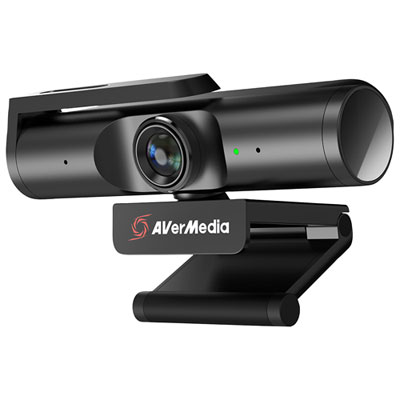
  3. 3

    About this product

    A 4K UHD webcam with Sony Exmor technology and 360-degree swivel design for versatile livestreaming.

    A 4K UHD webcam with Sony Exmor technology and 360-degree swivel design for versatile livestreaming.

    What customers like

    • Strong microphone and audio performance
    • Effective privacy shutter and lens cover
    • Wide-angle lens and versatile swivel design
    • Excellent 4K video and image quality
    • Easy plug-and-play setup and installation
    (108)
    $119.99
    SAVE $20
    Your price for this item is $119.99
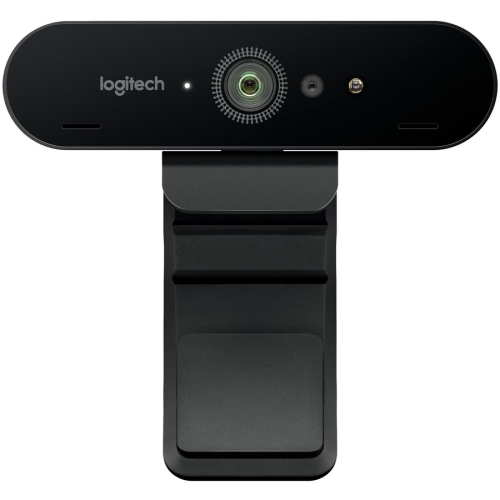
  4. 4

    About this product

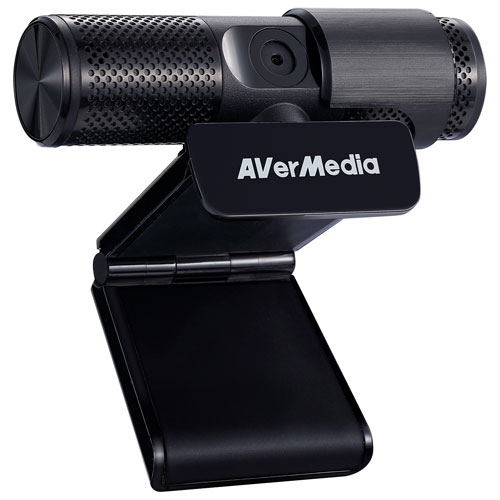
    A black 4K UHD webcam with built-in microphone, 5x digital zoom, and HDR for professional video.

    A black 4K UHD webcam with built-in microphone, 5x digital zoom, and HDR for professional video.

    What customers like

    • Excellent 4K video and picture quality
    • Versatile image and lighting adjustment features
    • Strong sound quality with built-in microphone
    • Solid build quality and adjustable mounting
    • Easy setup and user-friendly functionality
    (75)
    $230.68
    SAVE $10
    Your price for this item is $230.68
  5. 5

    About this product

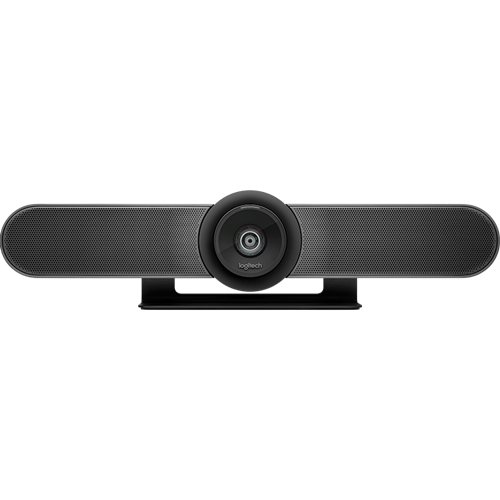
    A 4K conference webcam with a 120-degree field of view and integrated audio for clear meetings.

    A 4K conference webcam with a 120-degree field of view and integrated audio for clear meetings.

    (17)
    $884.68
    SAVE $15
    Your price for this item is $884.68
  6. 6

    About this product

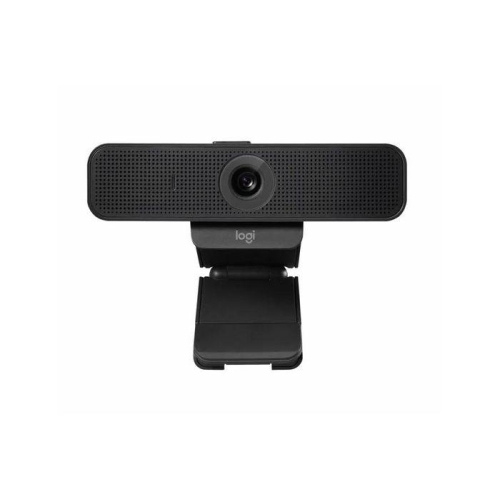
    A professional HD 1080p webcam with H.264 encoding for reliable, high-quality video and sound.

    A professional HD 1080p webcam with H.264 encoding for reliable, high-quality video and sound.

    (10)
    $180.68
    SAVE $18
    Your price for this item is $180.68
  7. 7

    About this product

    A full HD 1080p webcam and headset kit with 2MP CMOS sensor and 360-degree swivel design.

    A full HD 1080p webcam and headset kit with 2MP CMOS sensor and 360-degree swivel design.

    (9)
    $69.68
    SAVE $10
    Your price for this item is $69.68
  8. 8

    About this product

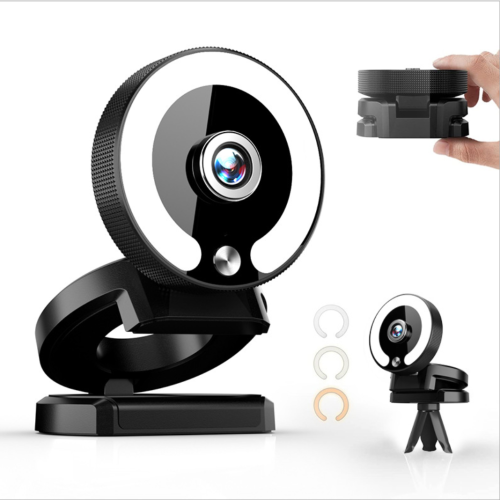
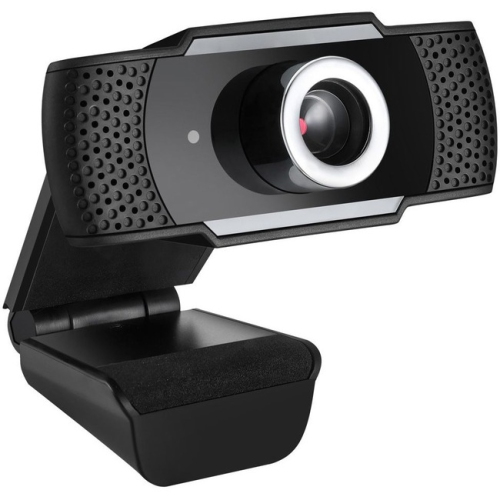
    A high-definition webcam featuring auto-focus, built-in microphone, LED ring light, and touch brightness control.

    A high-definition webcam featuring auto-focus, built-in microphone, LED ring light, and touch brightness control.

    (6)
    $79.99
    SAVE $50
    Your price for this item is $79.99
  9. 9

    About this product

    A black webcam with 1080p HD video, automatic framing, and dual stereo microphones for clear audio.

    A black webcam with 1080p HD video, automatic framing, and dual stereo microphones for clear audio.

    (2)
    $89.99 Your price for this item is $89.99
  10. 10

    About this product

    A high-definition USB webcam with 1080p resolution, built-in microphone, manual focus, and tripod mount.

    A high-definition USB webcam with 1080p resolution, built-in microphone, manual focus, and tripod mount.

    (0)
    $59.99 Your price for this item is $59.99

Clearer lessons start with the right webcam setup

The best webcams for online teaching help instructors look clear, sound natural, and stay focused on the lesson instead of adjusting equipment between classes. An external webcam can be a noticeable improvement over a built-in laptop camera, particularly when the computer is positioned below eye level or tucked beside a second monitor. Look for at least Full HD 1080p resolution for a sharp image that keeps facial expressions, handwritten notes, diagrams, and classroom materials easy to see. Higher-resolution models can provide extra detail and flexibility when cropping or zooming in a recording, although the practical benefit depends on the video platform, internet connection, and computer being used. Autofocus is helpful for teachers who hold up books, science projects, art supplies, flashcards, or musical instruments, while automatic exposure and white-balance adjustment can keep the picture balanced when daylight changes or a desk lamp is switched on. A wider field of view may be useful for showing a whiteboard, a small teaching area, or more than one person, but an overly wide lens can make a room feel distant and include distracting background details. For many online lessons, a moderate field of view creates a more personal, classroom-like frame that keeps the teacher centred without making the image feel cramped. Anyone comparing options in this category can also browse Webcams for Online Classes to find models intended for virtual instruction and remote learning.

Audio deserves just as much attention as video. Students may forgive a slightly imperfect picture, but muffled speech, keyboard noise, and room echo can make a lesson tiring to follow. Webcams with built-in microphones are convenient for occasional classes, tutoring sessions, office hours, and quick video calls, especially when the microphone is positioned close enough to capture a clear speaking voice. Noise reduction can help soften the sound of a fan, air purifier, household activity, or a busy shared workspace, though it does not replace good microphone placement. Teachers who record longer lessons, lead music instruction, demonstrate pronunciation, or work in a lively room may prefer a dedicated USB microphone or headset alongside the webcam. Check that the webcam connects through a compatible USB port and works with the video-conferencing or classroom platform used for lessons. Plug-and-play setup is valuable when classes take place on different computers, while adjustable mounts make it easier to attach the camera securely to a monitor, laptop display, tripod, or shelf. A privacy shutter or removable cover provides a simple way to block the lens when the camera is not in use. Teachers who move between sitting at a desk and standing at a board should consider a model with a flexible mounting angle, smooth adjustment, or subject tracking. Tracking features can follow a presenter across a modest teaching area, which is useful for demonstrations and active lessons, but a fixed webcam may be the better fit for a teacher who remains seated and wants a straightforward setup with fewer settings to manage.

Lighting and placement often make a greater difference than shoppers expect. Position the webcam at or just above eye level, with the lens facing straight ahead rather than pointing sharply upward from a desk. Placing a light source behind the camera can illuminate the face evenly, while a bright window directly behind the teacher may create a dark silhouette. During the cooler months, when daylight hours and indoor lighting patterns can shift, a camera with dependable low-light adjustment can help maintain a consistent appearance from one class to the next. A simple desk lamp with a soft bulb may be enough, and a tidy, uncluttered background can make lessons easier to follow without requiring a studio-style room. Webcams are practical gifts for university students, teacher candidates, tutors, language instructors, music teachers, and family members who lead lessons from home. They can also suit parents who support remote learning, professionals who deliver training sessions, or small business owners who host workshops and demonstrations. A compact Full HD webcam may be a thoughtful choice for someone beginning online tutoring, while a higher-resolution camera with stronger microphones, a broader view, or presenter tracking may suit an experienced instructor who records frequently or moves around while teaching. Before choosing, consider the person’s teaching style, available desk space, computer connections, preferred platform, room lighting, and whether the webcam will be used mainly for live classes, recorded content, student meetings, or a combination of all three. The right model should make the lesson feel more direct and comfortable, allowing the teacher to maintain eye contact, show materials clearly, and communicate with students as naturally as possible.
Read More

FAQ

Some products may be subject to Environmental Handling Fees(EHF) depending on your province. Learn more about EHFs.