Webcams for Online Teaching
Webcams for online teaching are essential tools for creating engaging and interactive virtual classrooms. Whether you're leading a lecture, tutoring one-on-one, or hosting group discussions, the right webcam helps ensure clear communication and a professional presence. Explore a wide selection of webcams designed to support educators in delivering lessons with confidence and ease. Find options that cater to various teaching environments and help you connect seamlessly with students from anywhere.
Sort
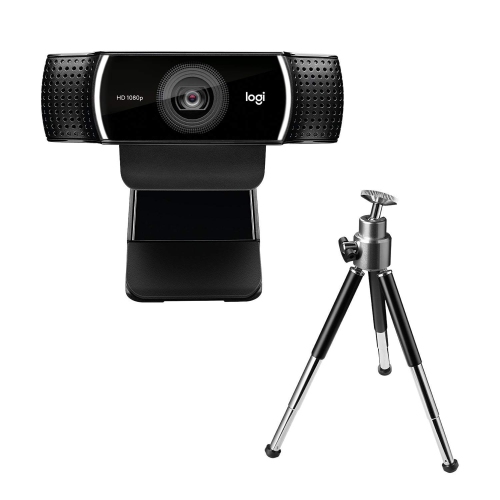
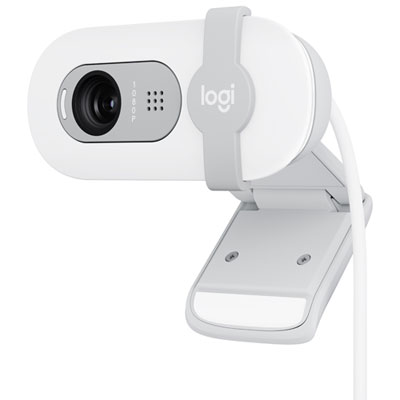
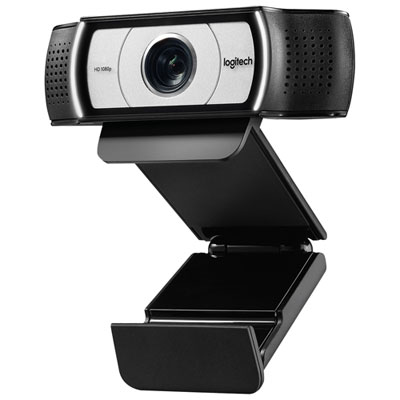
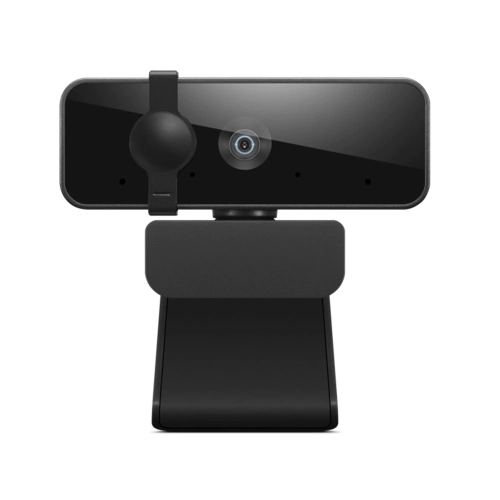
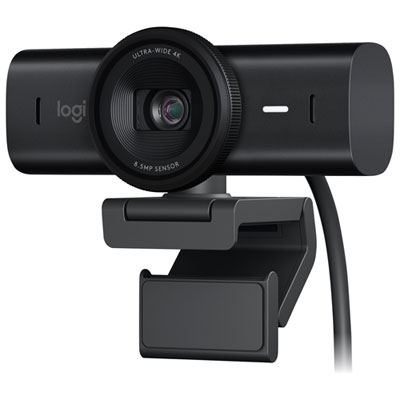
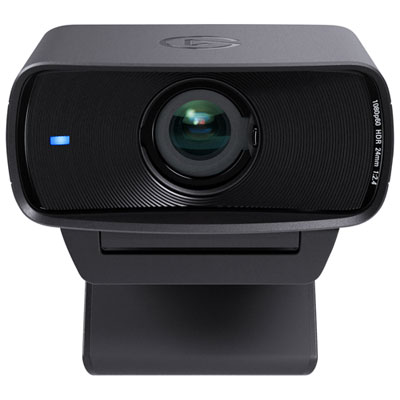
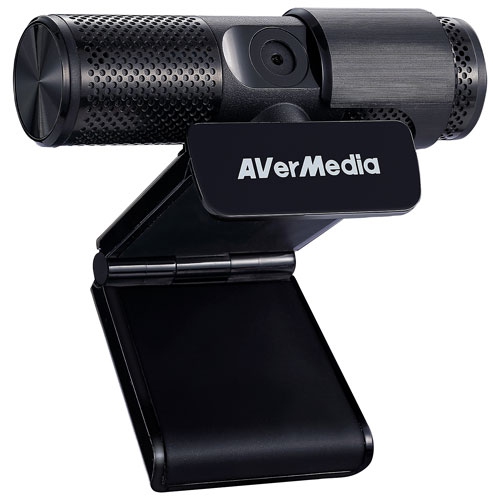
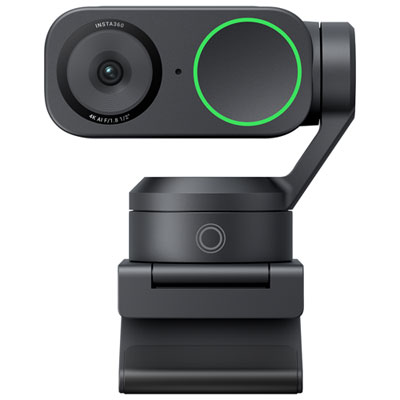
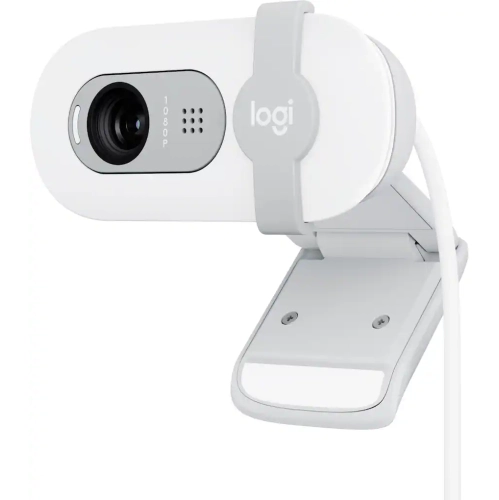
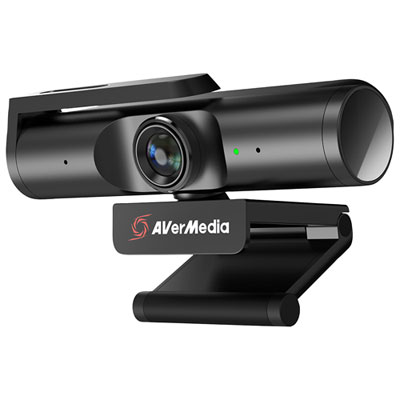
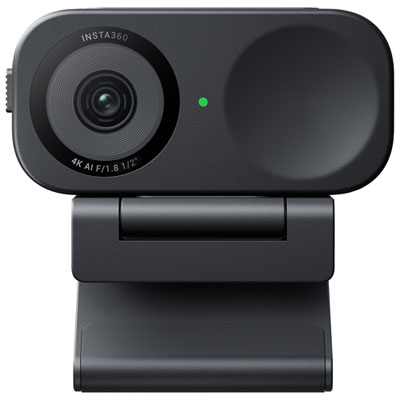
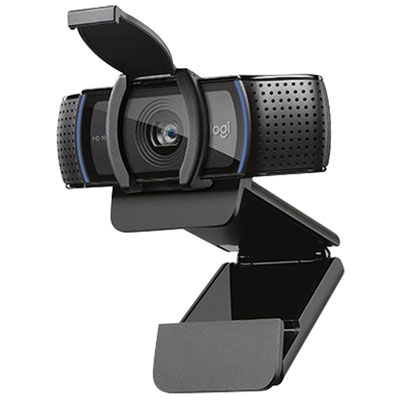
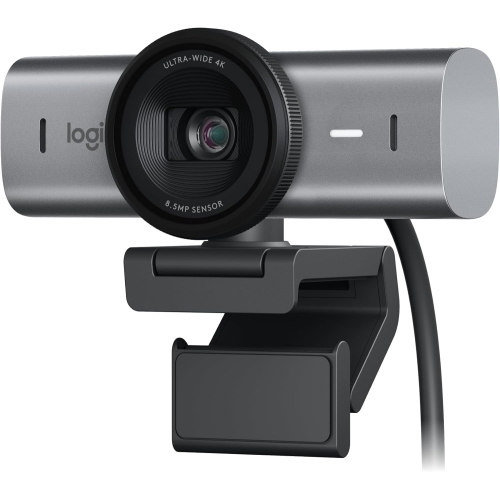
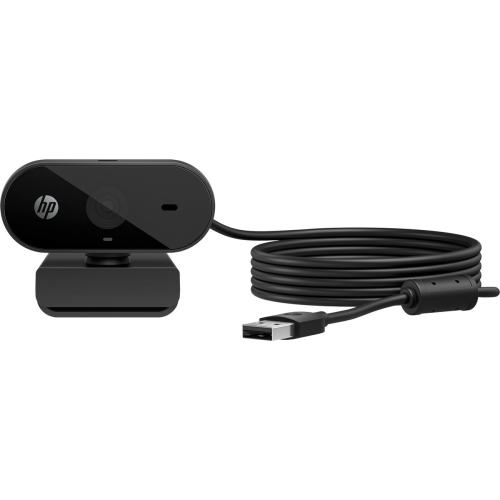
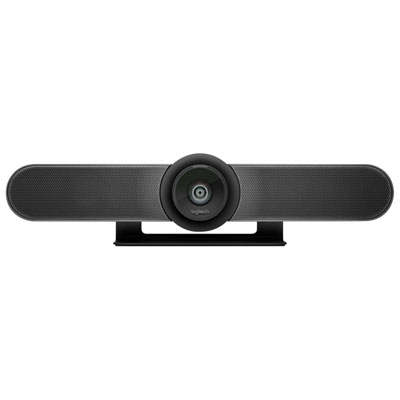
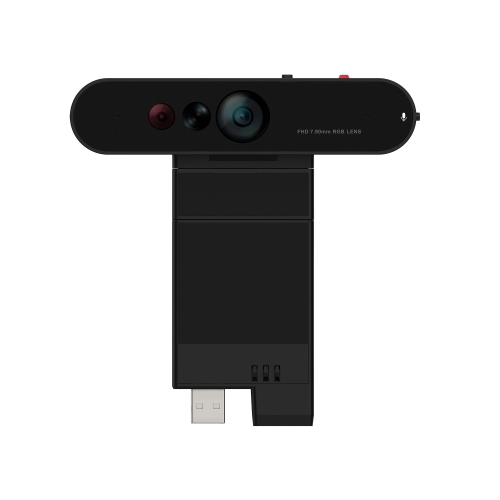
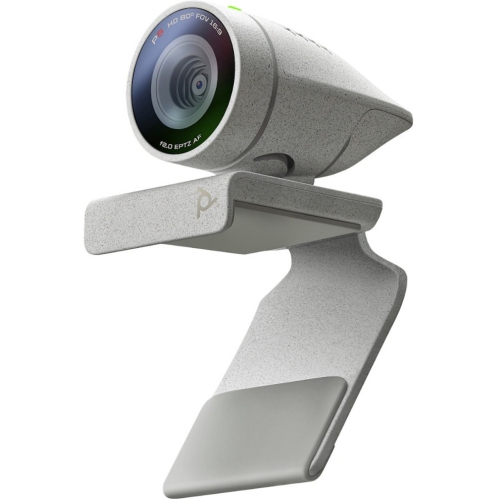
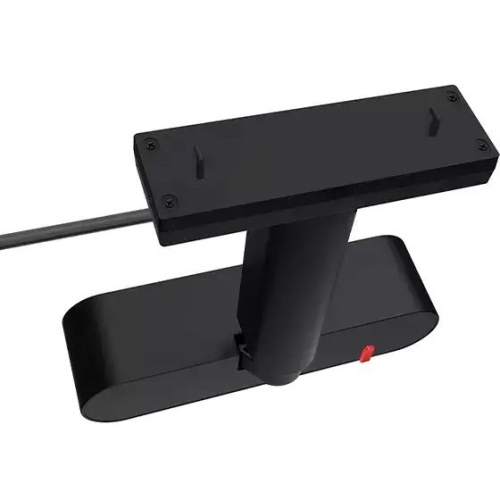
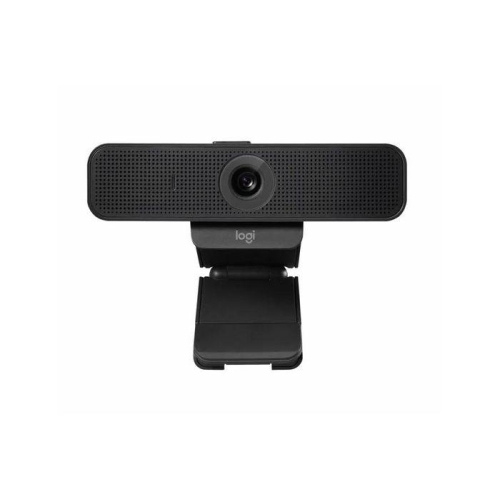
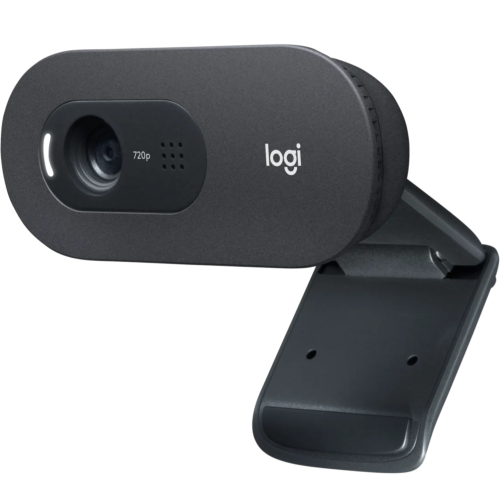
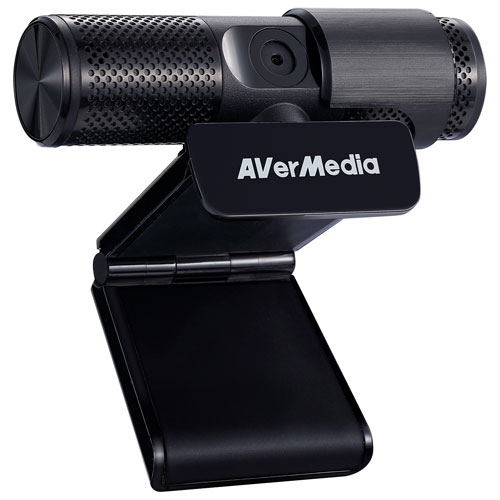
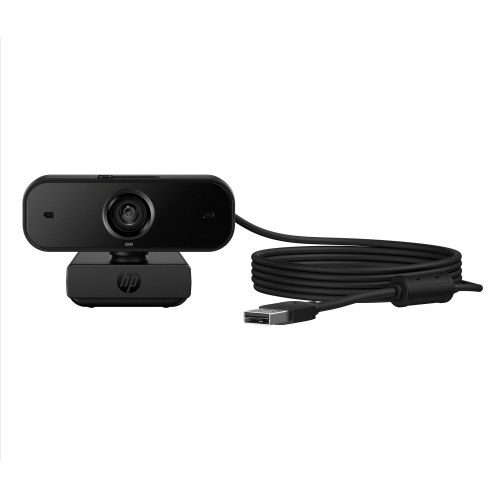
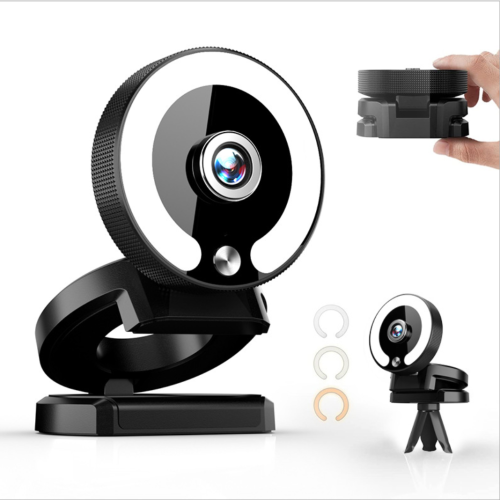
Clearer lessons through better framing, sound and camera placement
Webcams for online teaching help create a clearer, more engaging classroom experience when lessons take place through a computer. A built-in laptop camera can be useful for occasional calls, but a dedicated webcam gives instructors more control over framing, image quality, sound and placement. A well-positioned camera can make it easier for students to see facial expressions, demonstrations, handwritten work and teaching materials, whether the lesson is delivered from a home office, a classroom, a music room or a kitchen table. These cameras are useful for teachers, tutors, professors, language instructors, fitness coaches, music teachers and anyone who presents lessons through video conferencing software. They can also be a thoughtful gift for a student who attends remote classes, a family member who teaches from home or a new instructor building a more polished virtual setup. For more options suited to lessons, demonstrations and interactive instruction, explore Webcams for Online Classes.
When choosing a webcam for online teaching, start with the way lessons will be presented. A 1080p webcam is well suited to everyday video calls, virtual classrooms and live tutoring because it provides a sharp image without placing excessive demands on a computer or internet connection. A 4K webcam can be helpful for instructors who record lessons, crop video during editing or need to show fine details such as sheet music, diagrams, craft work or small components. Resolution is only one part of the picture, however. Autofocus can keep a teacher’s face, hands and teaching materials clear as they move between the camera and a desk, while manual focus may be preferable for a fixed setup where the subject remains at a consistent distance. A wider field of view can include more of a desk, whiteboard or standing area, although an overly wide view may make the instructor appear farther away. Consider the lighting in the teaching space as well. A webcam with good low-light performance, automatic exposure and balanced colour can help maintain a natural appearance when daylight changes or when overhead lighting casts shadows. During the cooler months, lessons may take place earlier in the morning or later in the afternoon, making dependable image adjustment especially useful. A built-in privacy cover offers a simple way to block the lens between classes, while a mounting clip, tripod thread or flexible stand makes it easier to position the camera at eye level. Placing the lens close to the top of the display can create a more natural sense of eye contact, particularly when students are watching a teacher explain a difficult concept or demonstrate a new technique.
Sound deserves just as much attention as video. A webcam with a built-in microphone can be a convenient choice for straightforward lessons, especially when the teacher works in a quiet room and wants a compact setup with fewer cables. Noise reduction can help limit the impact of keyboard clicks, fans and nearby household activity, but room acoustics still matter. Soft furnishings, curtains and bookshelves can reduce echoes, while keeping the camera away from a loud appliance can make speech easier to understand. In busier spaces, a separate headset or microphone may offer greater control over voice quality. Think about how much movement the lesson involves before selecting a camera. A seated instructor explaining slides may only need a stable webcam mounted on a monitor. Someone teaching art, cooking, science or music may benefit from a flexible arm, a wider view or a second angle that shows hands and materials. A camera with tracking or a broader capture area can support standing presentations and movement around a room, while a document camera-style design can point down at worksheets, books, diagrams or physical objects. Manual focus is valuable for detailed demonstrations, while responsive autofocus helps when an instructor alternates between speaking to the class and holding an item close to the lens. Check compatibility with the computer, operating system and preferred video platform, and look for plug-and-play USB connectivity when a simple setup is important. It is also worth considering cable length, mounting stability and whether the camera can be packed away between sessions. A dependable webcam should fit naturally into the instructor’s routine rather than requiring extensive adjustment before every class. With the right combination of image quality, sound, framing and flexibility, online teaching can feel more personal and connected, from a brief tutoring session to a full presentation attended by learners in different locations.
When choosing a webcam for online teaching, start with the way lessons will be presented. A 1080p webcam is well suited to everyday video calls, virtual classrooms and live tutoring because it provides a sharp image without placing excessive demands on a computer or internet connection. A 4K webcam can be helpful for instructors who record lessons, crop video during editing or need to show fine details such as sheet music, diagrams, craft work or small components. Resolution is only one part of the picture, however. Autofocus can keep a teacher’s face, hands and teaching materials clear as they move between the camera and a desk, while manual focus may be preferable for a fixed setup where the subject remains at a consistent distance. A wider field of view can include more of a desk, whiteboard or standing area, although an overly wide view may make the instructor appear farther away. Consider the lighting in the teaching space as well. A webcam with good low-light performance, automatic exposure and balanced colour can help maintain a natural appearance when daylight changes or when overhead lighting casts shadows. During the cooler months, lessons may take place earlier in the morning or later in the afternoon, making dependable image adjustment especially useful. A built-in privacy cover offers a simple way to block the lens between classes, while a mounting clip, tripod thread or flexible stand makes it easier to position the camera at eye level. Placing the lens close to the top of the display can create a more natural sense of eye contact, particularly when students are watching a teacher explain a difficult concept or demonstrate a new technique.
Sound deserves just as much attention as video. A webcam with a built-in microphone can be a convenient choice for straightforward lessons, especially when the teacher works in a quiet room and wants a compact setup with fewer cables. Noise reduction can help limit the impact of keyboard clicks, fans and nearby household activity, but room acoustics still matter. Soft furnishings, curtains and bookshelves can reduce echoes, while keeping the camera away from a loud appliance can make speech easier to understand. In busier spaces, a separate headset or microphone may offer greater control over voice quality. Think about how much movement the lesson involves before selecting a camera. A seated instructor explaining slides may only need a stable webcam mounted on a monitor. Someone teaching art, cooking, science or music may benefit from a flexible arm, a wider view or a second angle that shows hands and materials. A camera with tracking or a broader capture area can support standing presentations and movement around a room, while a document camera-style design can point down at worksheets, books, diagrams or physical objects. Manual focus is valuable for detailed demonstrations, while responsive autofocus helps when an instructor alternates between speaking to the class and holding an item close to the lens. Check compatibility with the computer, operating system and preferred video platform, and look for plug-and-play USB connectivity when a simple setup is important. It is also worth considering cable length, mounting stability and whether the camera can be packed away between sessions. A dependable webcam should fit naturally into the instructor’s routine rather than requiring extensive adjustment before every class. With the right combination of image quality, sound, framing and flexibility, online teaching can feel more personal and connected, from a brief tutoring session to a full presentation attended by learners in different locations.
Top selling and popular products
-
 Your price for this item is $99.99
 -
 Your price for this item is $123.44
 -
 Your price for this item is $27.99
 -
 Your price for this item is $59.76
 -
 Your price for this item is $149.99
 -
 Your price for this item is $199.98
 -
 Your price for this item is $49.99
 -
 Your price for this item is $59.99
Discover more categories related to Webcams for Online Teaching
Top Collections:
Best Laptops for Video Editing, Pokemon Centers, Samsung Z Fold, Kindle Devices, Best Cell Phones Under $300, Best Laptops for Writers, Best Budget Office Chairs, Best Cell Phones Under $500, Best Laptop Computers for Students, iPhone 15 Apple
Some products may be subject to Environmental Handling Fees
(EHF) depending on your province.
Learn more about EHFs.