Best Headphones for 3D Audio PS5
Bring your PS5 games to life with headphones that help you make the most of 3D audio, from pinpointing approaching footsteps to hearing the action all around you. Explore the best headphones for PS5 3D audio, ranked by user review ratings, and compare options for immersive sound, lasting comfort, and clear voice chat.
What to look for in headphones for PS5 3D audio
1. PS5 Compatibility
2. Sound Quality and Positional Detail
3. Comfort and Fit
4. Microphone and Controls
-
1
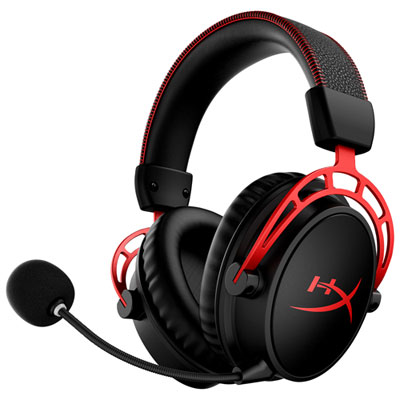
HyperX Cloud Alpha RF Wireless Gaming Headset (4P5D4AA) for Xbox Series X|S / Xbox One / PC / PS4 / PS5 / Nintendo Switch - Black
About this product
A black wireless gaming headset offering DTS Headphone:X Spatial Audio and up to 300 hours of battery life.
What customers like
(1,058)$158.98Your price for this item is $158.98SAVE $11 -
2
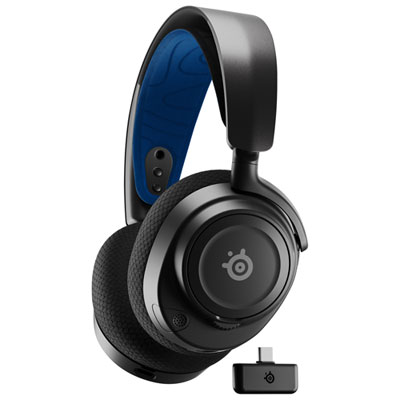
SteelSeries Arctis Nova 7P Wireless Gaming Headset for PC / PS4 / PS5 / Nintendo Switch - Black
About this product
A wireless black gaming headset delivering immersive sound and reliable connectivity for intense gaming sessions.
What customers like
(542)$249.99 Your price for this item is $249.99 -
3
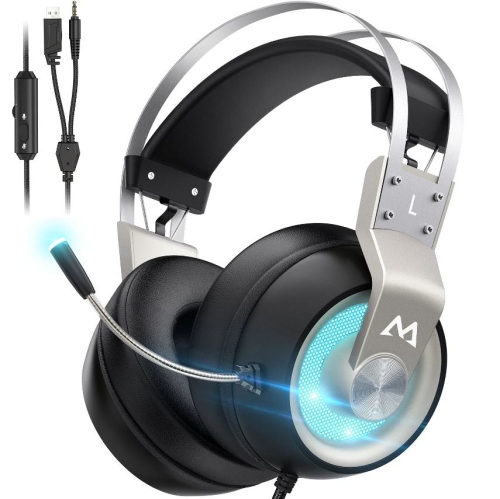
MPOW Eg3 Pro Gaming Headset, 3D Bass Surround Sound for Ps5 Ps4 Xbox Computer Headset With Noise Cancelling Mic
About this product
A gaming headset with 3D bass surround sound and noise-cancelling mic, suitable for multiple platforms.
(1)$52.74Your price for this item is $52.74SAVE $7 -
4

BEYERDYNAMIC Tygr 300 R Headphones
About this product
An open-back gaming headphone delivering balanced studio sound and exceptional comfort for immersive gameplay.
$279.99 Your price for this item is $279.99 -
5
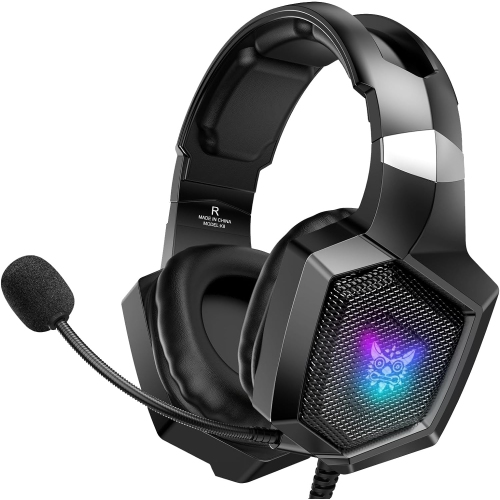
NANDDI Gaming With Rophone, Gaming Headphones for Ps4 Ps5 PC With RGB Lights, Playstation With Noise
About this product
A black over-ear wired gaming headset featuring RGB lights, noise reduction, and 7.1 surround sound.
$27.99Your price for this item is $27.99SAVE $5 -
6
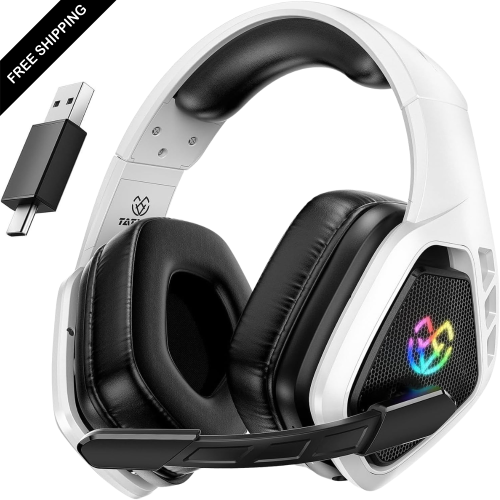
LDAS ELECTRONICS Wireless Gaming Headset for Ps5, Ps4, Switch, 2.4 Ghz USB & Type-C Bluetooth 5.3 Gaming Headphones w Microphone, 40H+ Battery
About this product
A wireless gaming headset with 3D surround sound, Bluetooth 5.3, microphone, and over 40 hours of battery life.
$69.99Your price for this item is $69.99SAVE $80 -
7
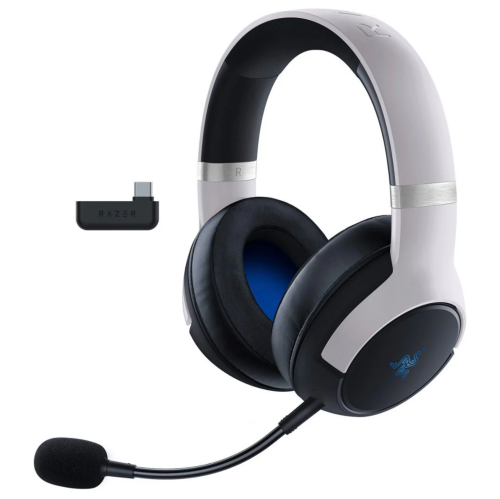
RAZER - Kaira Pro Dual Wireless Gaming Headset for Ps5, Ps4, PC, And Switch - In White
About this product
A white dual wireless gaming headset featuring haptic feedback and advanced connectivity for multiple platforms.
$199.99Your price for this item is $199.99SAVE $100 -
8
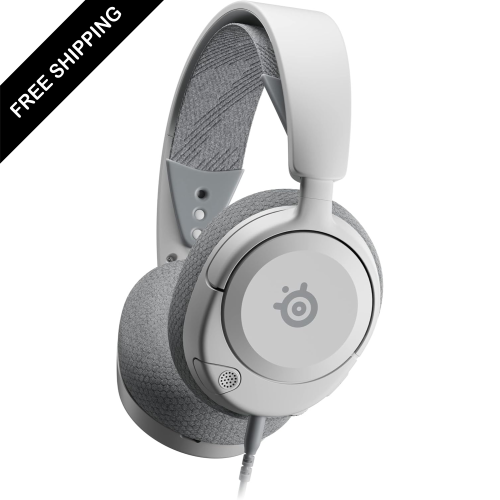
LDAS ELECTRONICS Multi-System Gaming Headset — Hi-Fi Drivers — 360° Spatial Audio — Comfort Design — Durable — Ultra Lightweight —
About this product
A white ultra-lightweight headset delivering immersive 360° spatial audio and hi-fi sound for gaming advantage.
$109.99Your price for this item is $109.99SAVE $30 -
9
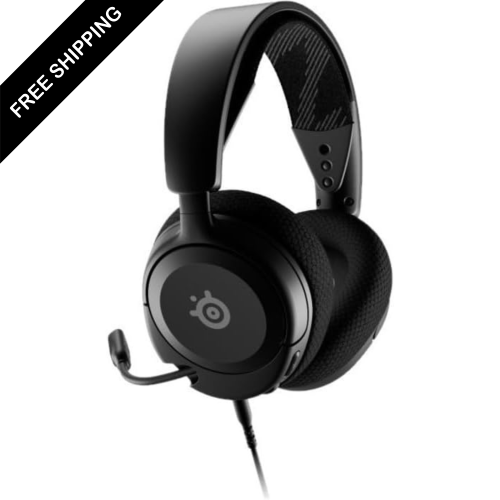
LDAS ELECTRONICS Multi-System Gaming Headset — Hi-Fi Drivers — 360° Spatial Audio — Comfort Design — Durable — Ultra Lightweight —
About this product
An ultra-lightweight gaming headset delivering immersive 360° spatial audio and comfortable, durable design.
$109.99Your price for this item is $109.99SAVE $30
FAQ
PS5 supports 3D audio through compatible stereo headphones connected to the DualSense controller’s 3.5 mm jack or through a supported USB connection. You do not need headphones with multiple surround-sound drivers, as the console processes the 3D audio.
Compatible wireless gaming headphones can connect through a PS5-supported USB transmitter. PS5 does not directly support standard Bluetooth headphones for game audio, so check that the headphones explicitly list PS5 compatibility.
No. PS5’s Tempest 3D AudioTech processes spatial audio for compatible stereo headphones. Built-in virtual surround sound is a separate feature and is not required. If your headset has its own surround processing, you can generally leave it off when using the console’s 3D audio.
Connect your compatible headphones, then open Settings > Sound > 3D Audio (Headphones) and enable 3D audio for headphones. Follow the on-screen options to adjust your profile. You may also need to select your headphones as the output device under Settings > Sound > Audio Output.
No. A microphone is not required to listen to PS5 3D audio. If you want voice chat, you can use a compatible headset microphone or the DualSense controller’s built-in microphone. PS5 lets you select your microphone separately under Settings > Sound > Microphone.
Top selling and popular products
Discover more categories related to Best Headphones for 3D Audio PS5
Some products may be subject to Environmental Handling Fees (EHF) depending on your province. Learn more about EHFs.