Best Memory Card for PS5
Make more room for your game library with storage that works with your PS5. While PS5 consoles don’t support traditional memory cards, compatible M.2 SSDs let you store and play PS5 games, and USB storage lets you keep games ready to transfer back to console storage. Explore the options below, ranked by user review ratings, and check PS5 compatibility to find the right fit for your setup.
What to look for in storage upgrades for PS5
1. Storage Compatibility
2. Read Speed
3. Storage Capacity
4. Size and Cooling
-
1
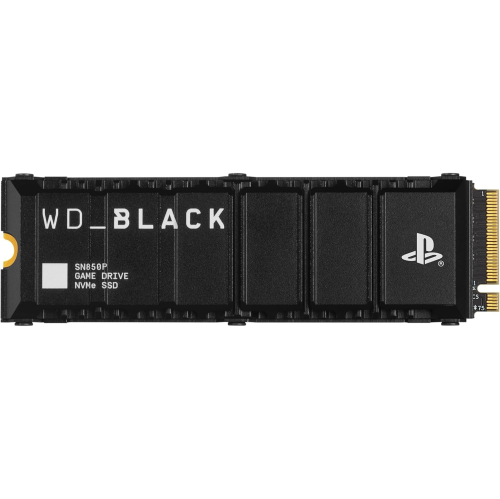
WD_BLACK 2Tb Sn850P Nvme M.2 SSD Officially Licensed Storage Expansion for Ps5 Consoles, Up to 7300Mb/s, With Heatsink - Wdbbyv0020Bnc-Wrsn
About this product
A high-speed NVMe M.2 SSD with heatsink, officially licensed for PS5 consoles, offering up to 7300MB/s.
What customers like
(1,997)$1,199.99 Your price for this item is $1199.99 -
2
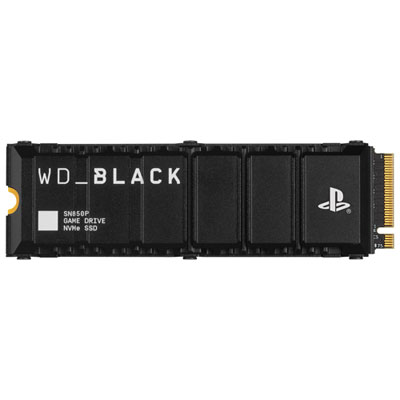
WD_BLACK SN850P 4TB NVMe PCI-e Internal Solid State Drive with Heatsink - Officially Licensed for PS5
About this product
An officially licensed 4TB NVMe SSD with heatsink, delivering fast PCIe Gen4 speeds for PlayStation 5 gaming.
What customers like
(705)$1,584.95 Your price for this item is $1584.95 -
3

Corsair MP600 Pro LPX 1TB M.2 NVMe PCI-e (Gen 4) Internal Solid State Drive with Heatsink - Optimized for PS5
About this product
A high-speed black NVMe SSD with heatsink, delivering rapid game loading and optimized for PlayStation 5.
What customers like
(253)$643.99 Your price for this item is $643.99 -
4
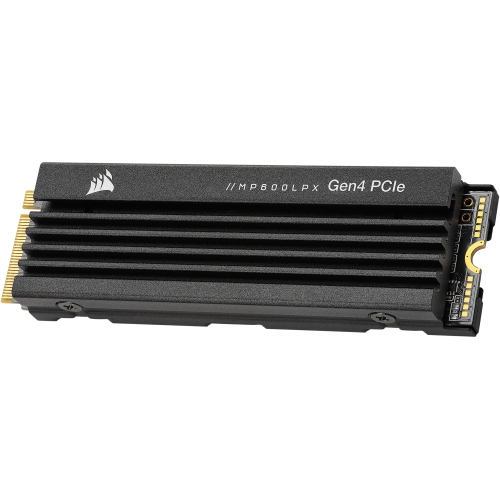
CORSAIR Mp600 Pro Lpx M.2 2280 1Tb PCi-Express 4.0 X4, Nvme 1.4 3D Internal Solid State Drive (SSD) Cssd-F1000GBmp600Plp, Optimized for Ps5
About this product
An ultra-fast 1TB PCIe 4.0 NVMe SSD optimized for PS5 and high-performance gaming systems.
$399.99Your price for this item is $399.99SAVE $100 -
5
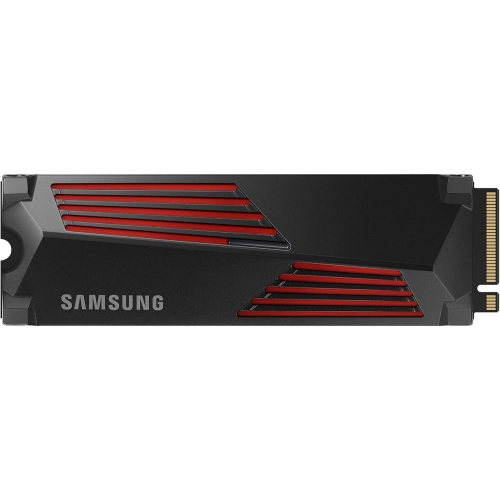
SAMSUNG 990 Pro 2Tb PCie Gen4 Nvme M.2 Internal SSD With Heatsink for Ps5 & PC
About this product
A high-speed PCIe Gen4 NVMe SSD with integrated heatsink, ideal for gaming on PS5 and PC.
$908.00 Your price for this item is $908
FAQ
PS5 consoles do not use traditional memory cards or SD cards to store and play games. To expand game storage, you can install a compatible internal M.2 SSD or connect a USB extended storage drive.
PS5 consoles support compatible PCIe Gen4 x4 M.2 NVMe SSDs that meet Sony’s requirements. The SSD must have a suitable heat-dissipation structure, such as a heatsink. M.2 SATA SSDs are not supported.
PS5 games can be stored on a USB extended storage drive, but they must be copied back to the console’s internal storage or a compatible installed M.2 SSD before you can play them. Compatible PS4 games can be played directly from USB extended storage.
PS5 saved game data stays in the console’s storage rather than on an expansion M.2 SSD or USB extended storage drive. PlayStation Plus members can also use cloud storage for saved data. Game installations and saved game data are managed separately.
After the compatible M.2 SSD is installed and formatted by the console, open Settings > Storage > Console Storage > Games and Apps. Select the games you want to move, then choose the M.2 SSD as the destination. You can also set the M.2 SSD as the default installation location for games.
Top selling and popular products
Discover more categories related to Best Memory Card for PS5
Some products may be subject to Environmental Handling Fees (EHF) depending on your province. Learn more about EHFs.