Boxing Day Deals Coming Soon
Our Boxing Day Sale returns in December 2026. In the meantime, shop our current top deals below.

Boxing Day Sale On Kids' Tablets & Accessories
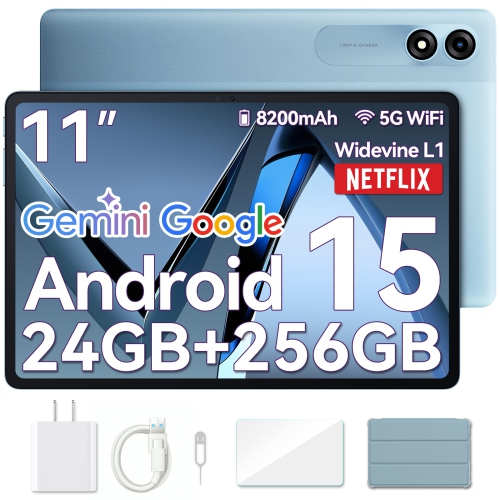
Discover unbeatable deals this Boxing Day on a fantastic selection of kids tablets and accessories at Best Buy Canada. Whether you're looking to enhance your child's learning experience or provide hours of entertainment, our exciting sale offers something for every young tech enthusiast. Explore a variety of user-friendly tablets designed with kids in mind, along with essential accessories that complement their digital adventures. From protective cases to fun styluses, find everything you need to make the most of your child's tablet experience while enjoying incredible savings. Dive into our Boxing Day sale and give the gift of technology that inspires creativity and learning. Remember, our Low Price Guarantee means you can shop confidently knowing that you'll find the best price at Best Buy, all year round. We encourage you to check our website frequently for the most up-to-date information on our latest offers and savings opportunities.
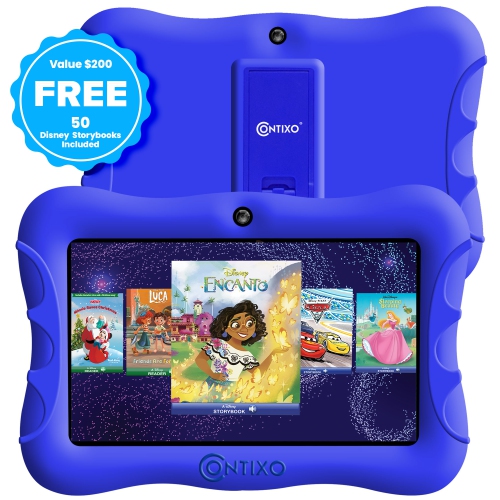
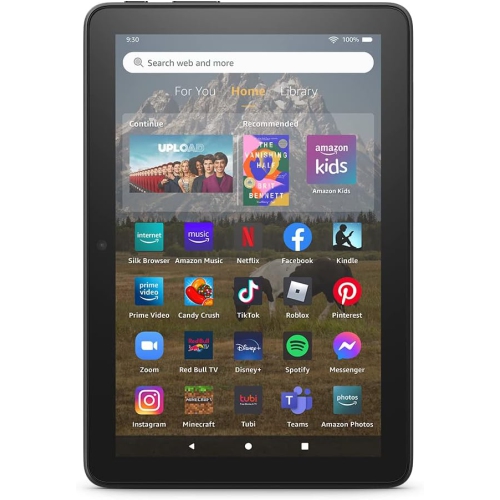
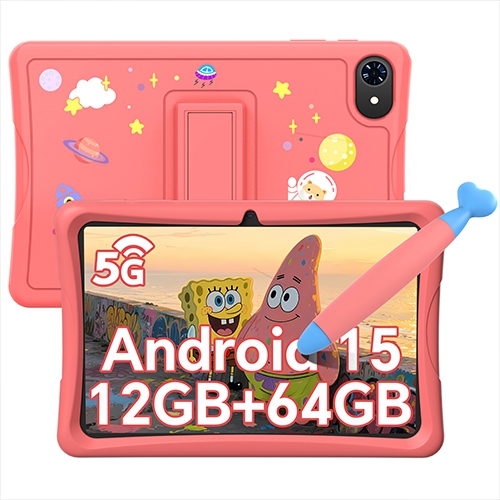


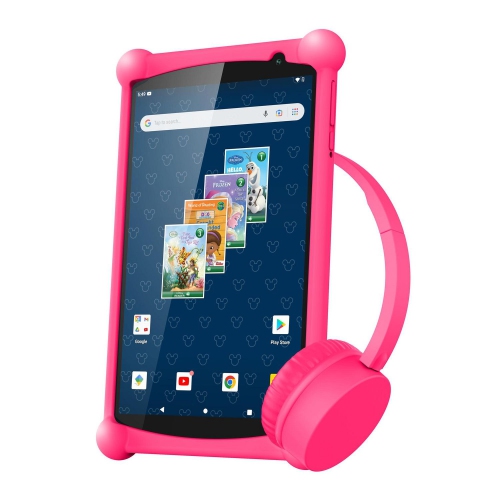





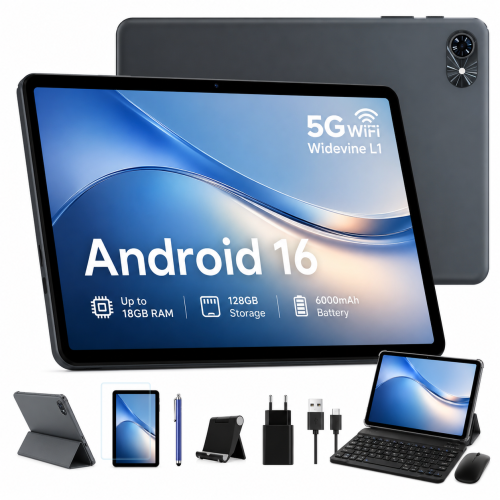
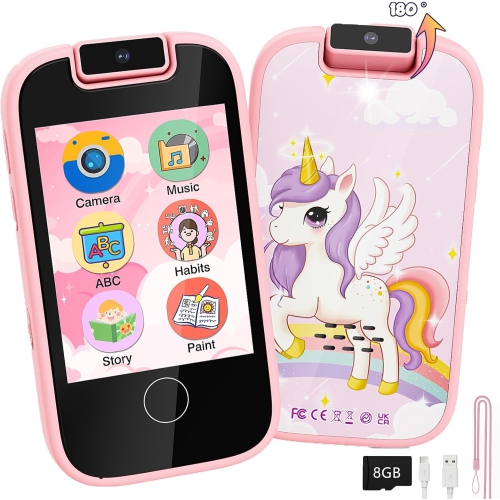



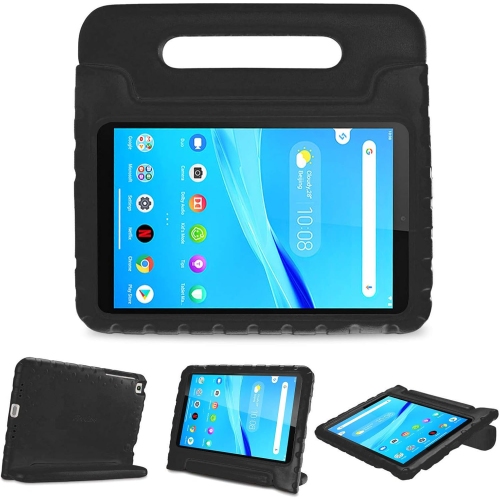
Tablets that fit your child’s age and everyday activities
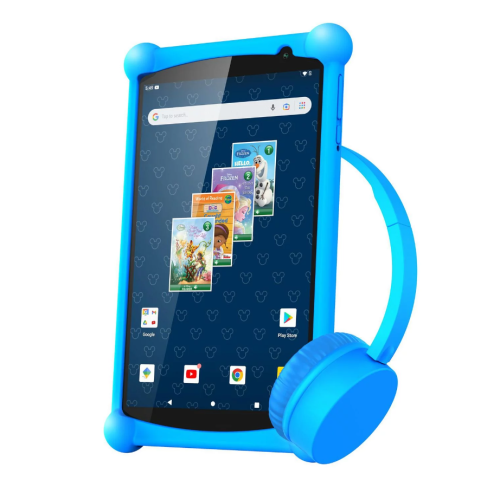
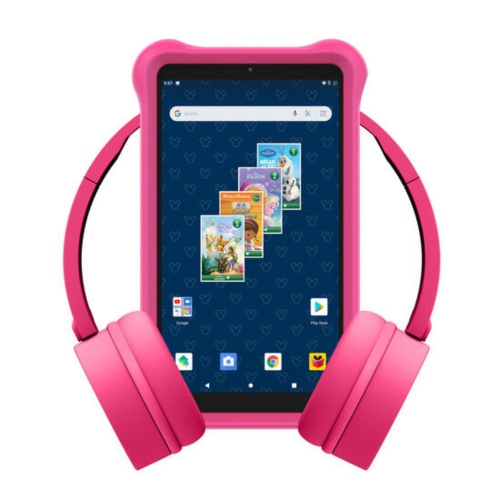
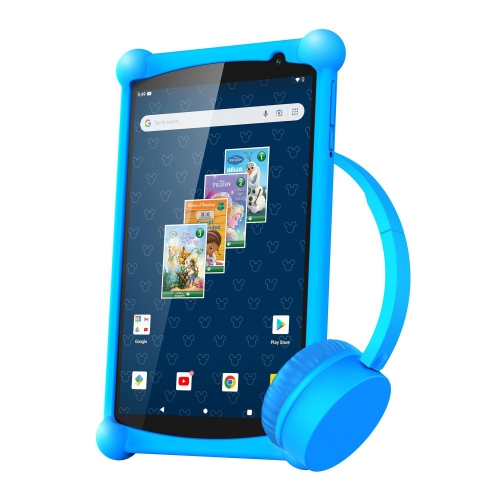
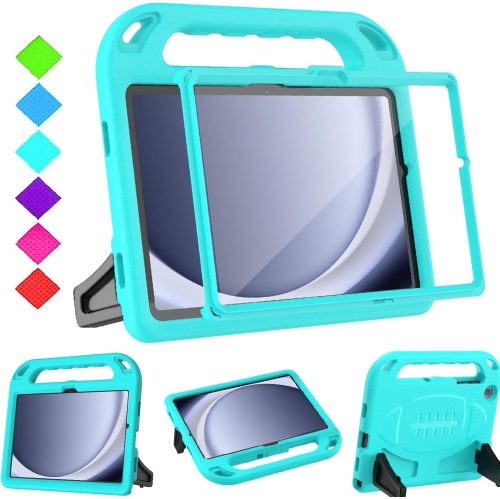
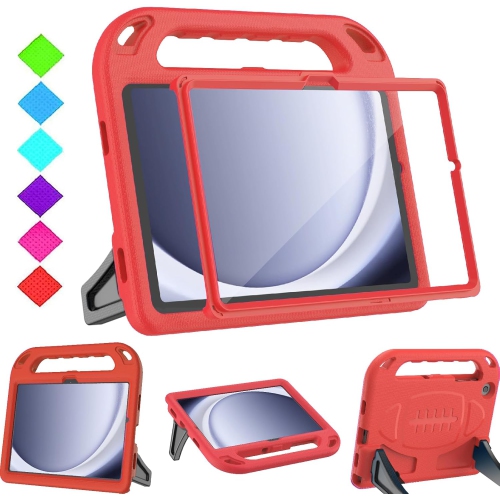
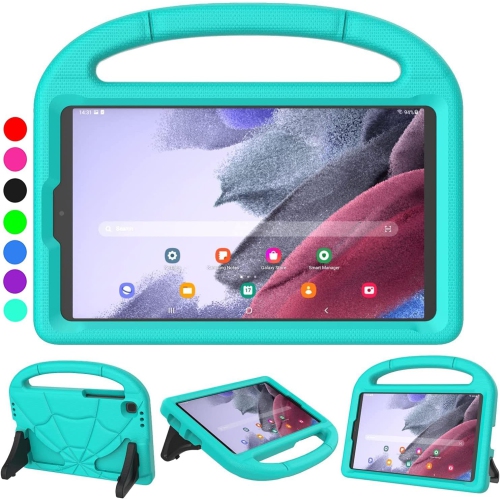
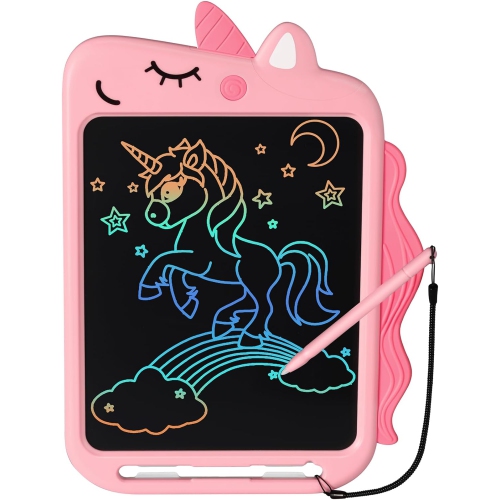
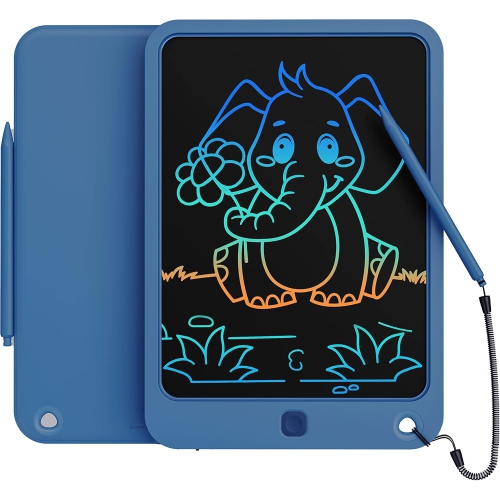
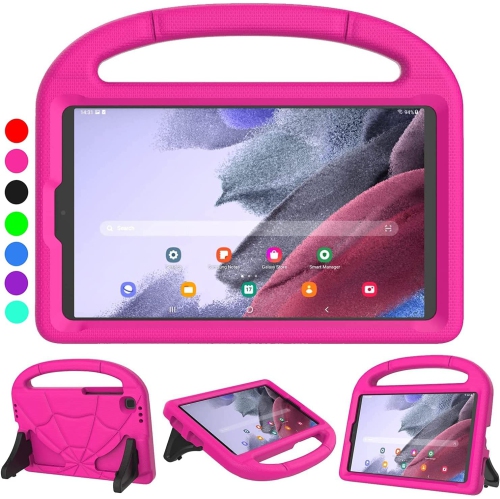
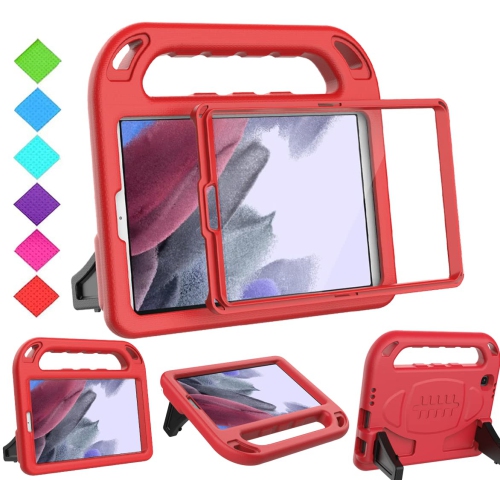
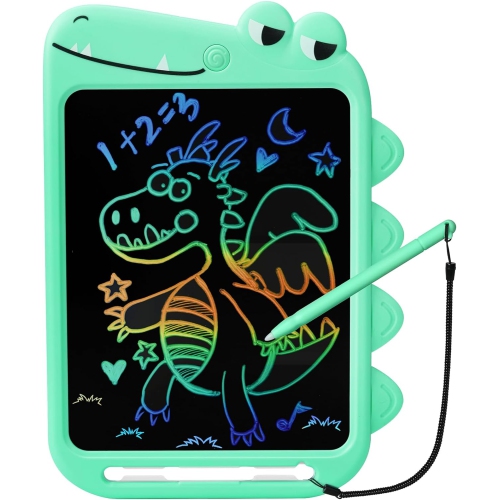
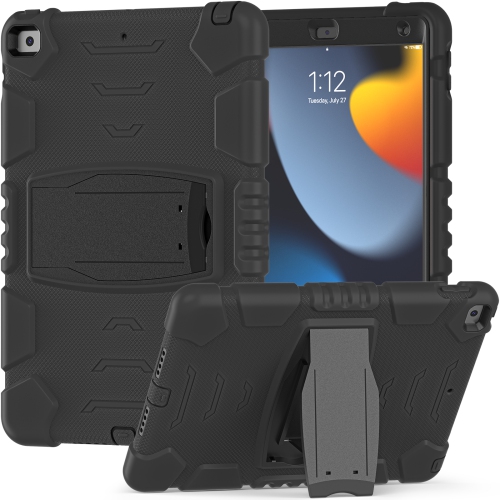
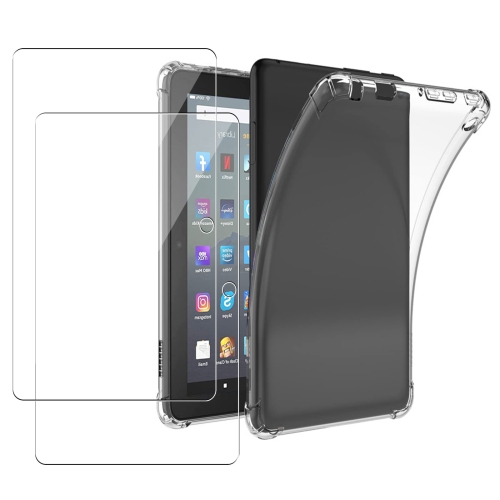
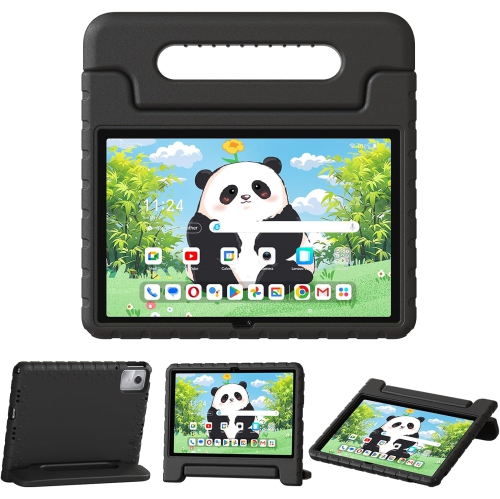
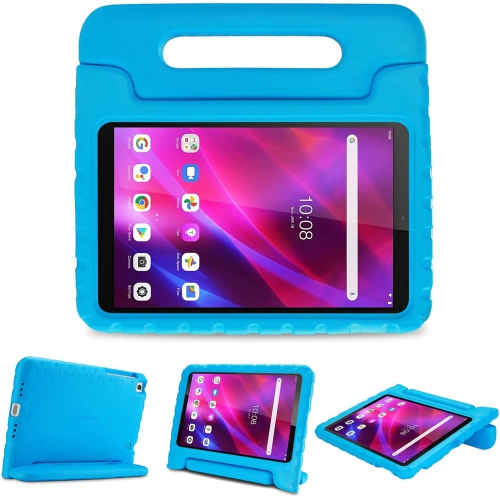
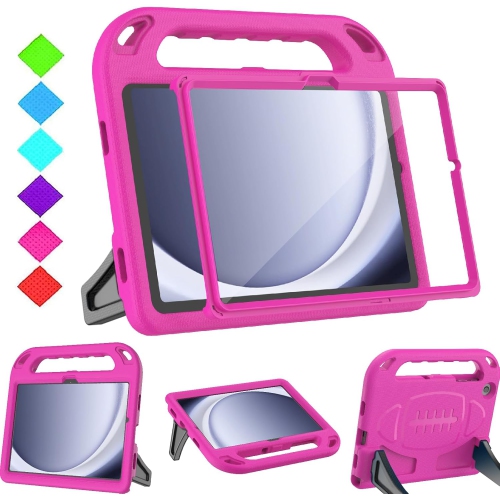
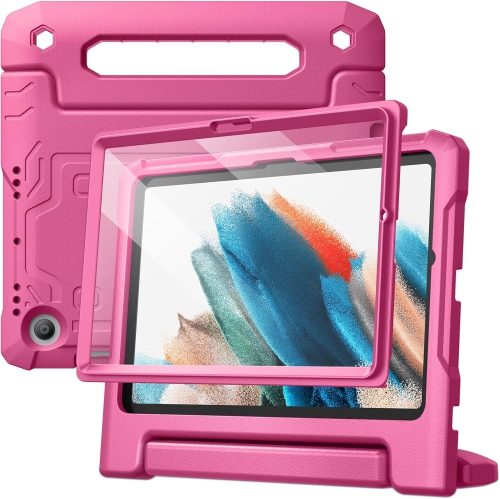
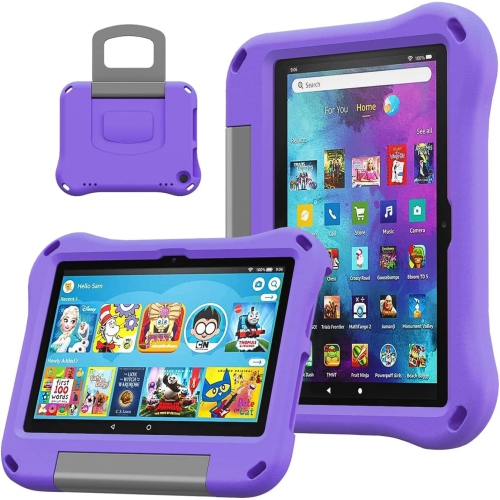
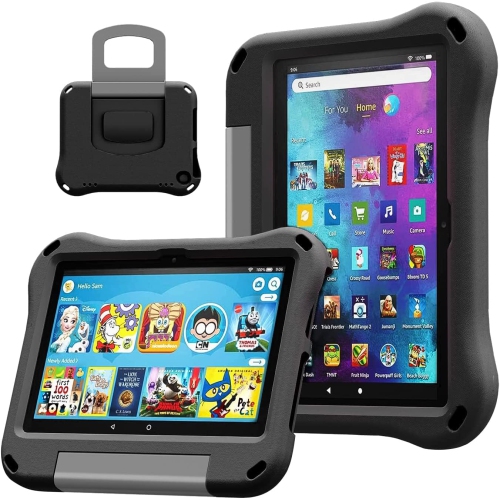
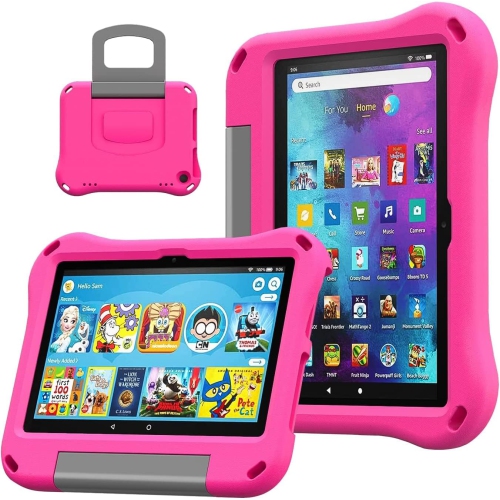
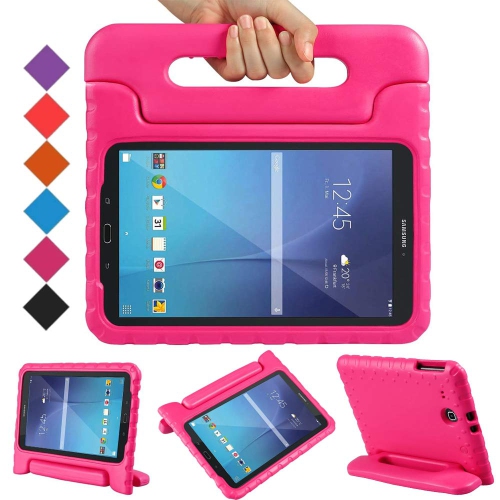
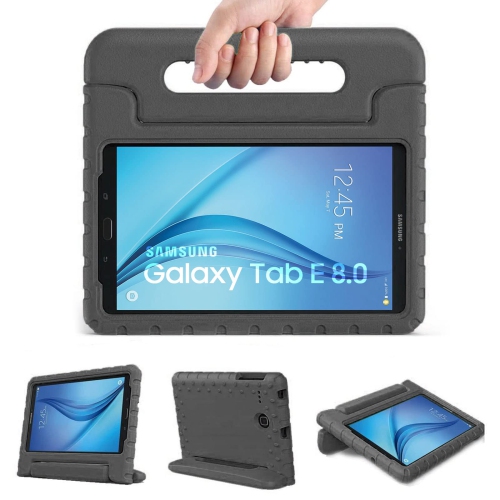
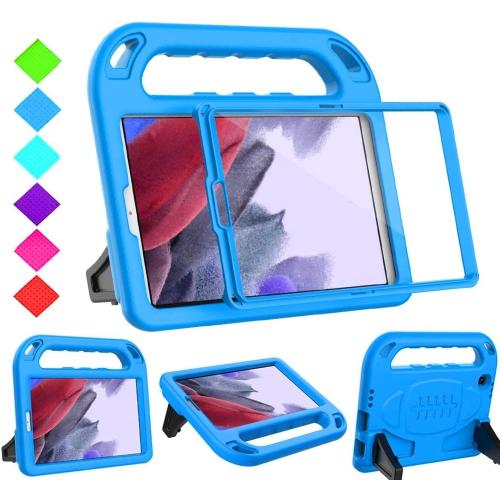
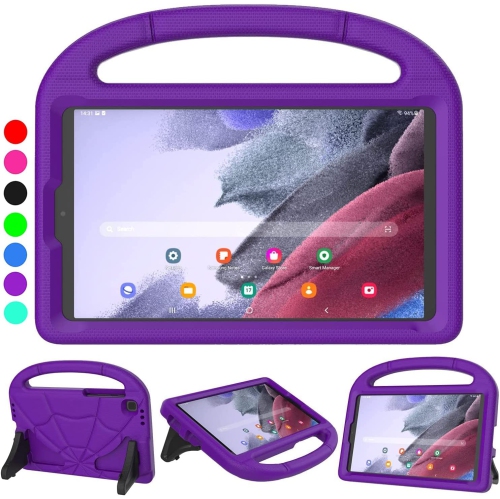
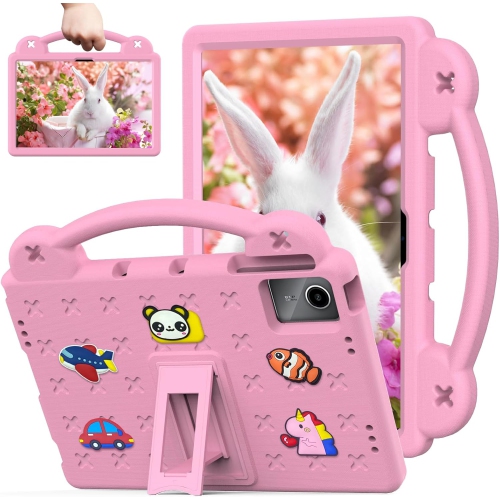
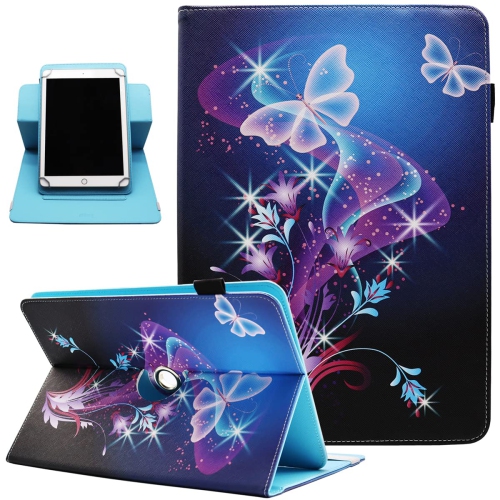
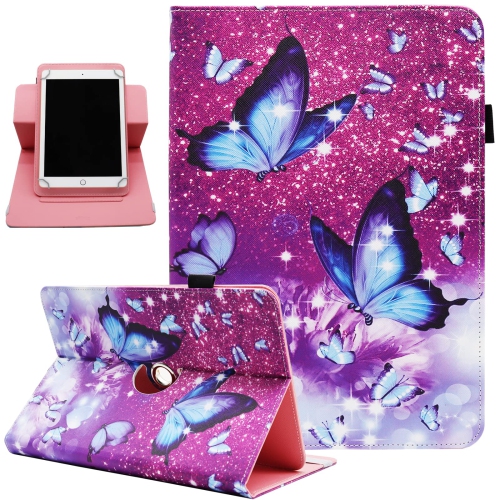
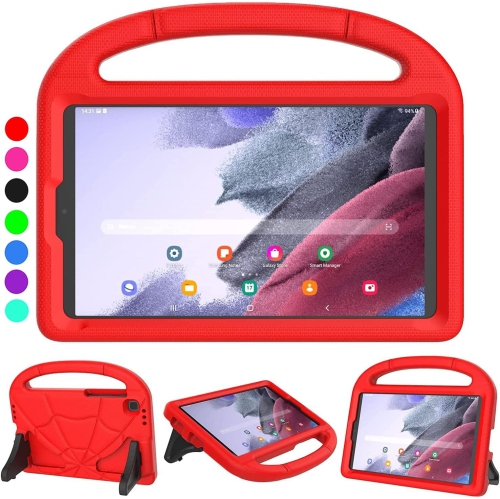
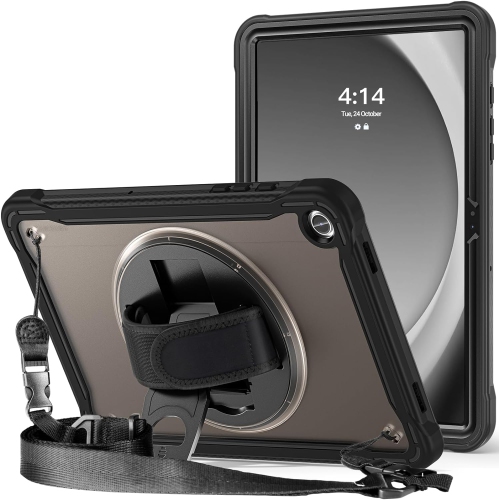
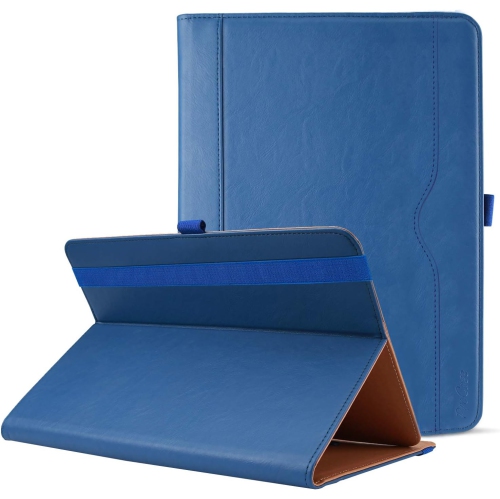
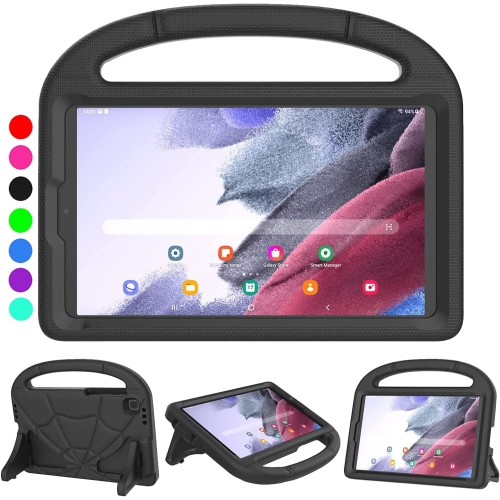
Protective accessories make a practical difference when a tablet is carried from room to room, propped beside a craft project, or slipped into a backpack. Cases made with flexible silicone or similar cushioning materials can improve grip and help absorb everyday bumps, while rigid shells may add structure around the back and edges. Protection depends on the design and fit, and no cover makes a tablet immune to damage. Raised edges can help keep the screen from touching a flat surface when placed face down, while reinforced corners provide extra cushioning where impacts often occur. Handles should feel comfortable in small hands, and a built-in stand should hold the tablet steadily at a usable angle without making it awkward to carry. Exact compatibility matters: screen size alone does not establish whether a case will fit, because button positions, camera openings, speakers, and charging ports can differ between devices. Screen protectors also need the correct dimensions and should preserve touch sensitivity; some finishes reduce reflections, while others prioritize a clear, smooth surface. For listening, children’s headphones should sit comfortably without excessive pressure, with an adjustable headband and ear cushions that suit the child’s size. A volume-limiting feature can help manage output, but its operation may depend on the connection and device settings, and it does not replace sensible listening levels or regular breaks. Wired headphones avoid a separate charging routine, while wireless designs reduce cable clutter but require compatible connectivity and battery management. A stylus can support drawing, handwriting practice, or precise selections, although active pens need explicit device compatibility and may require charging. Keyboards are more relevant for older children who write longer passages, and their usefulness depends on key spacing, stability, and how comfortably the screen can be positioned. A carrying sleeve can keep the tablet and a few accessories together, but enough room is needed for any fitted protective case. Small detachable parts, loose cords, and accessory age guidance deserve attention when younger children will use the setup.
Family-friendly tablet use depends as much on settings and everyday care as it does on the hardware. Parental controls may include separate child profiles, app approval, purchase restrictions, content filters, and time limits, but these features vary by operating system and service. A clear distinction between an adult account and a child’s account helps keep personal messages, payment details, and unsuitable content out of a child’s everyday view. Shared devices benefit from individual profiles where supported, so one sibling’s reading progress or saved activity does not overwrite another’s. Educational apps also vary widely: some offer structured practice with letters, numbers, or languages, while others are mainly entertainment with a learning theme. Age ratings, advertising, chat functions, permissions, and any subscription requirements are useful details to review before a child begins. Offline access is especially practical for a familiar story or puzzle on a long journey, but downloads may need periodic internet access to remain usable. For adults comparing a children’s setup with a general-purpose device, the related Boxing Day sale on Samsung tablets page offers another starting point for considering family tablet use. Once a device becomes part of the household, simple care habits help preserve its condition. A soft, lint-free cloth is usually suitable for routine wiping, with cleaning methods guided by the device and case manufacturers’ directions; liquid should not be sprayed directly into ports or openings. Cases may need occasional removal to clear trapped dust or crumbs. Charging cables should match the tablet’s connector and power requirements, with damaged cords taken out of use and charging kept away from bedding or other coverings. A consistent place to store and charge the tablet makes it easier to find before a trip and keeps accessories from disappearing between sofa cushions. Used alongside conversation, hands-on play, reading, and regular screen breaks, a thoughtfully configured tablet can serve as a flexible tool for both independent activities and shared family moments.
Top selling and popular products
-
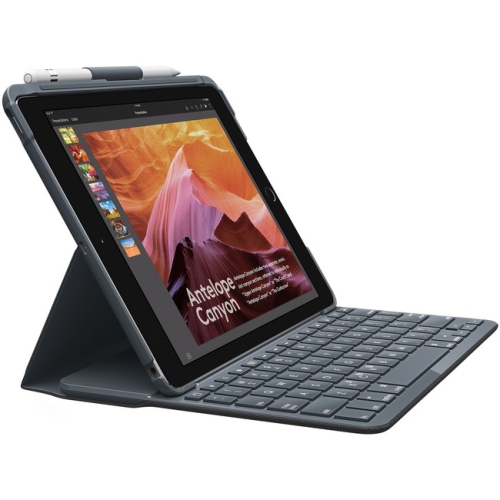 Your price for this item is $152.47
 -
 Your price for this item is $44.99
 -
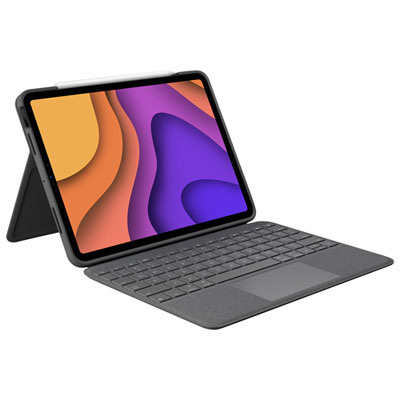 Your price for this item is $229.99
 -
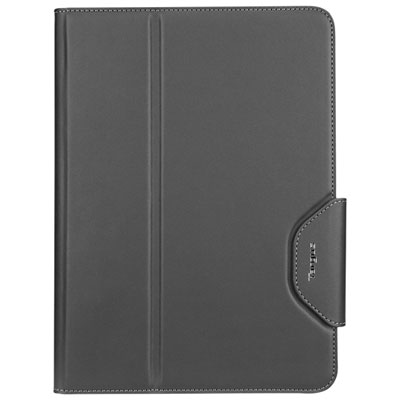 Your price for this item is $62.99
 -
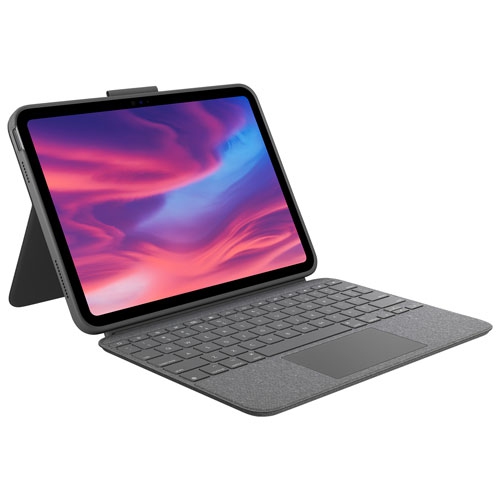 Your price for this item is $187.47
 -
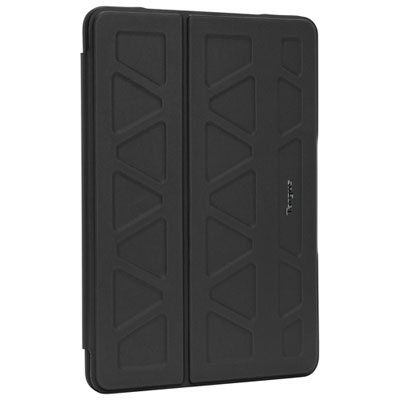 Your price for this item is $52.99
 -
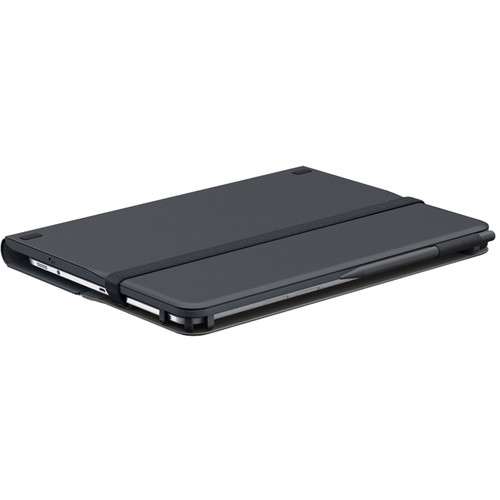 Your price for this item is $105.68
 -
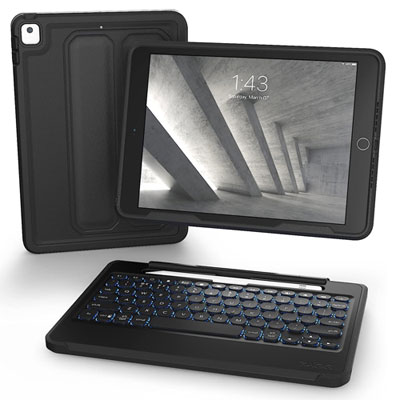 Your price for this item is $169.99