Best Livestream Cameras
Find the best livestream cameras for video calls, gaming sessions, and live broadcasts. Ranked by user review ratings, this selection highlights cameras that shoppers rate highly, helping you narrow down your options. Compare video resolution, autofocus, microphone quality, and compatibility with your setup to find the right fit for your next stream.
What to look for in livestream cameras
1. Video Quality
2. Connectivity and Compatibility
3. Autofocus and Framing
4. Audio and Extended Use
-
1
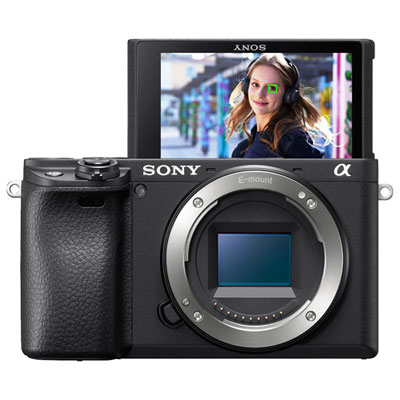
Sony Alpha a6400 Mirrorless Vlogger Camera (Body Only)
About this product
A compact, lightweight mirrorless camera with advanced autofocus and 4K video recording capabilities.
What customers like
(803)$1,249.99 Your price for this item is $1249.99 -
2

Logitech C922 Pro Stream 1080p HD Streaming & Gaming Webcam
About this product
A black webcam offering Full HD 1080p video at 30fps with dual omnidirectional microphones for streaming.
What customers like
(4,353)$119.99Your price for this item is $119.99SAVE $30 -
3
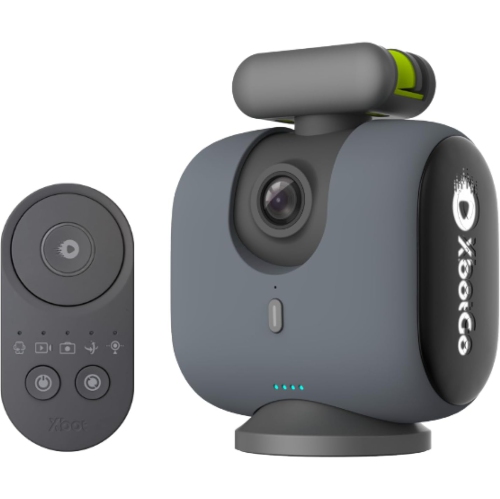
XBOTGO Chameleon Ai Auto Sports Action Camera - 4K 60Fps Tracking Camera for Team Sports, Live Streaming, No Subscription, Works w Ios &
About this product
An AI-powered action camera with 4K video, 360° rotation, team tracking, and 120° wide-angle view.
What customers like
(407)$439.99Your price for this item is $439.99SAVE $79 -
4
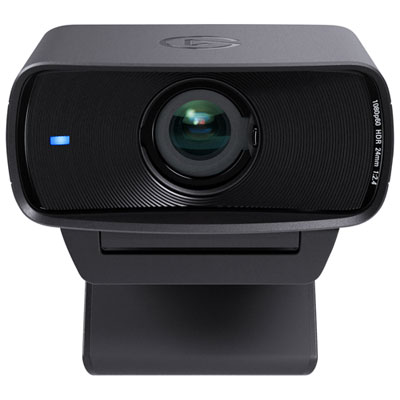
Elgato Facecam MK. 2 1080p Webcam (10WAC9901)
About this product
A black webcam delivering 1080p60 video, HDR technology, and advanced DSLR-style controls for professional streaming.
What customers like
(178)$144.99 Your price for this item is $144.99 -
5
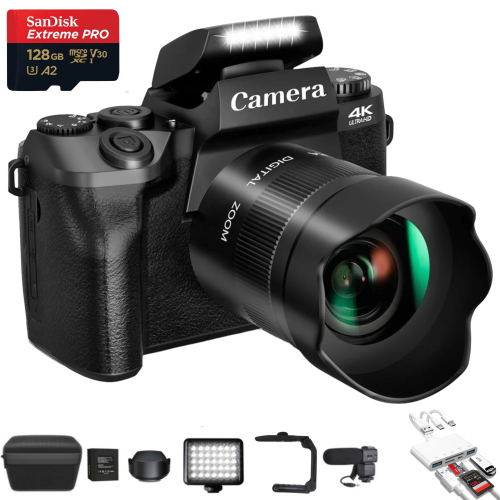
TUTT Digital Camera Camcorder 64Mp| 4K/60Fps Mirrorless | Dual Camera for Selfie Vlogging W5 | Premium Combo + 128GB Sandisk Extreme Pro (200Mb/s)
About this product
A compact 64MP mirrorless 4K camera with touchscreen, WiFi, external mic, and 128GB memory card.
(6)$289.90Your price for this item is $289.90SAVE $169 -
6
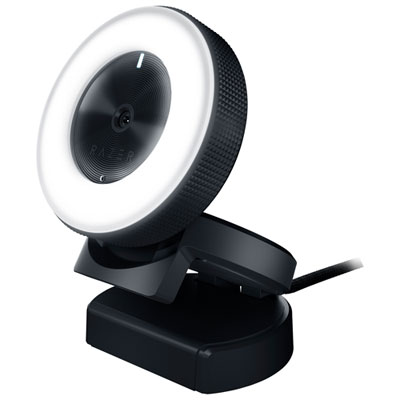
Razer Kiyo Ring Light 1080p HD Webcam (RZ19-02320100R3U1)
About this product
A webcam with built-in adjustable ring light and 1080p HD video for clear, well-lit streaming.
What customers like
(998)$59.99Your price for this item is $59.99SAVE $5 -
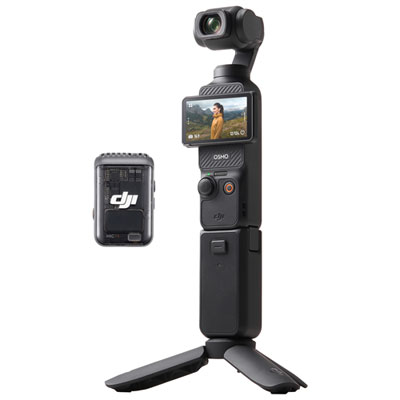
7
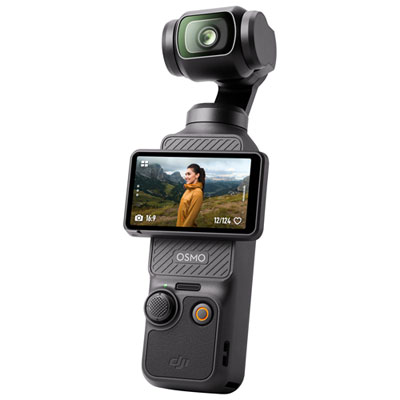
DJI Osmo Pocket 3 3-Axis Stabilized 4K Handheld Camera with Rotatable touchscreen - Black
About this product
A compact black handheld camera offering 4K 120fps recording with 3-axis stabilization and rotatable touchscreen.
What customers like
(784)$505.99 Your price for this item is $505.99 -
8

APPLE Ipad Air 13-Inch (M2): Liquid Retina Display, 128GB, Landscape 12Mp Front Camera/12Mp Back Camera, Wi-Fi 6E, Touch Id - In Blue
About this product
A 13-inch iPad Air with a liquid retina display, 128GB storage, Wi-Fi 6E, and all-day battery life in blue.
What customers like
(203)$1,549.99 Your price for this item is $1549.99 -
9
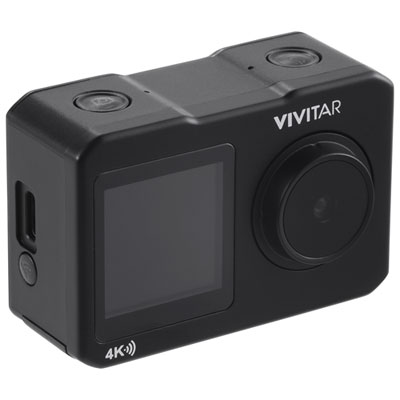
Vivitar Waterproof 4K Sports & Helmet Streaming Camera Content Creator Kit - Only at Best Buy
About this product
A waterproof, shockproof action camera kit with dual screens, 4K Ultra HD recording, mounts, and 64GB microSD card.
What customers like
(35)$69.99Your price for this item is $69.99SAVE $80 -
10
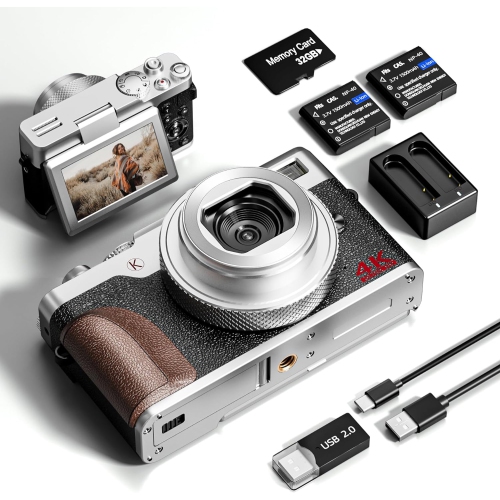
NBD Digital Camera, 64Mp Cameras for Photography, 5K Vlogging Camera For, 180°Flip Screen Digital Point And Shoot Camera w 18X Zoom, Compact
About this product
A compact 64MP digital camera featuring 5K video, 18X zoom, and a 180° flip screen for vlogging.
(5)$149.99Your price for this item is $149.99SAVE $20
FAQ
Compare video resolution, frame rate, autofocus options, connection types and compatibility with your streaming software. For longer broadcasts, check whether the camera supports continuous power and has any operating time limits. A camera with clean HDMI output may require a separate capture card.
A webcam typically connects directly to a computer through USB and has a built-in lens. A mirrorless camera offers interchangeable lenses and more manual controls, but may need a capture card, compatible USB streaming software and an external power source. Setup requirements vary by camera.
Many webcams and some other cameras transmit video directly over USB. Cameras with HDMI output generally connect through a capture card, which converts the signal into a video source your computer can use. Some cameras also support network streaming over Ethernet or Wi-Fi, depending on the model and software.
Clean HDMI output sends the camera’s video feed without on-screen menus, battery indicators or focus boxes. This lets compatible streaming software receive just the video image through a capture card. Check that the camera supports clean HDMI at your intended resolution and frame rate.
Yes, depending on your setup. Some cameras accept an external microphone through a microphone input. You can also connect a USB microphone or an audio interface directly to your computer and select it as the audio source in your streaming software. Separate audio and video sources may need a synchronization adjustment.
Top selling and popular products
Discover more categories related to Best Livestream Cameras

Some products may be subject to Environmental Handling Fees (EHF) depending on your province. Learn more about EHFs.