Mirrorless Cameras for Streaming
Mirrorless Cameras for Streaming offer a versatile solution for content creators, gamers, and professionals looking to elevate their live broadcasts. Designed for seamless integration with streaming setups, these cameras deliver impressive image quality and adaptability for various streaming environments. Whether you're building a home studio or upgrading your current gear, explore a range of mirrorless cameras for streaming that help you connect with your audience and bring your creative vision to life.
Sort
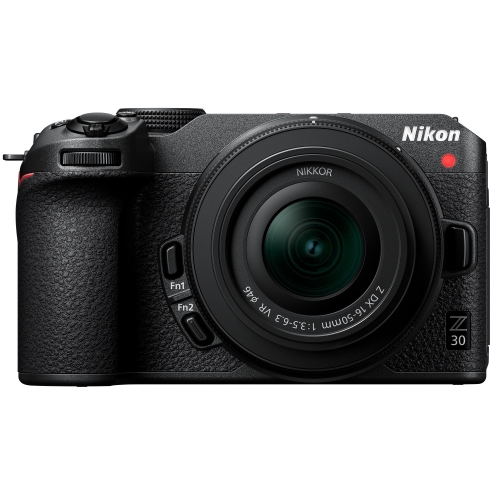

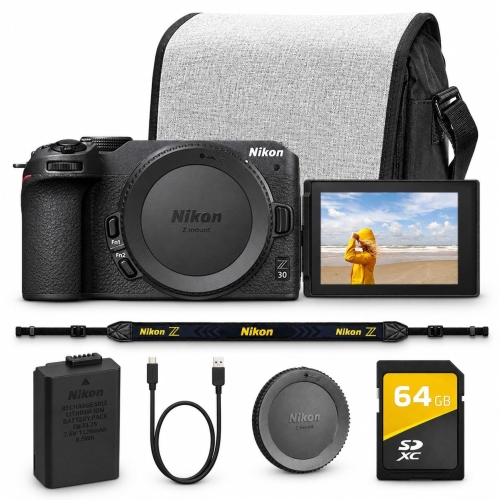
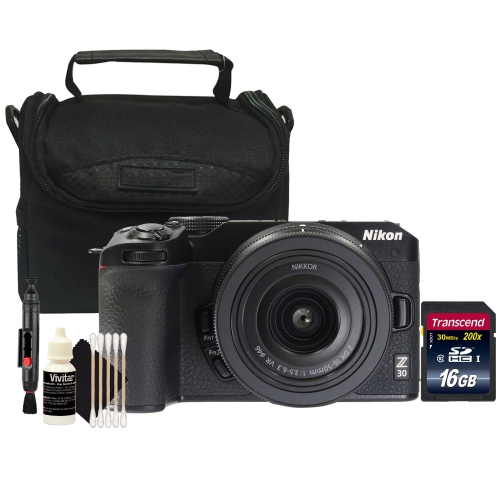
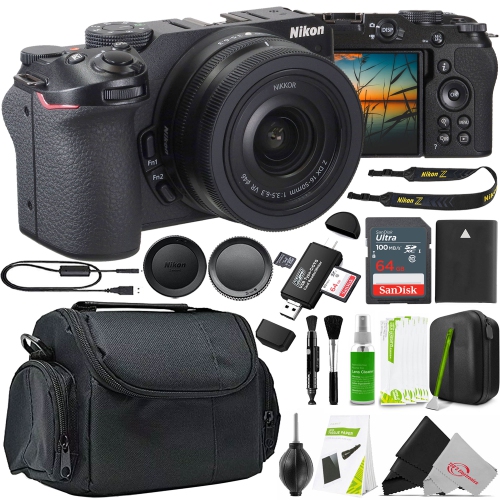

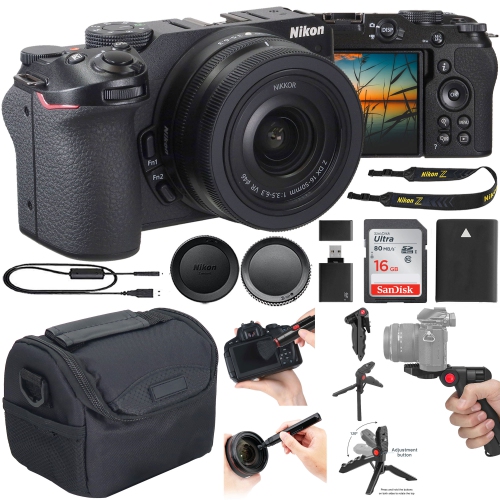
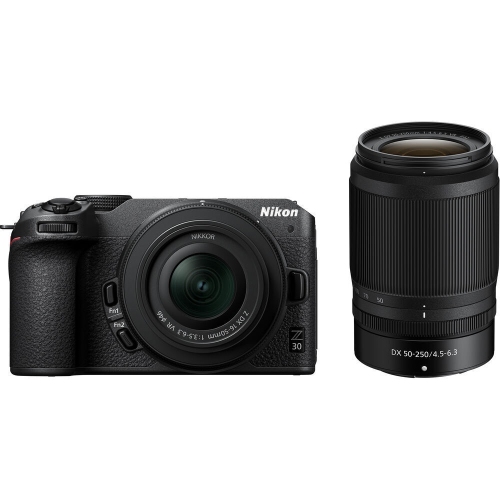
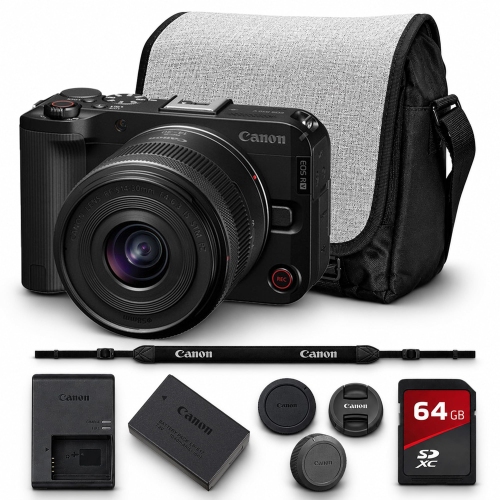
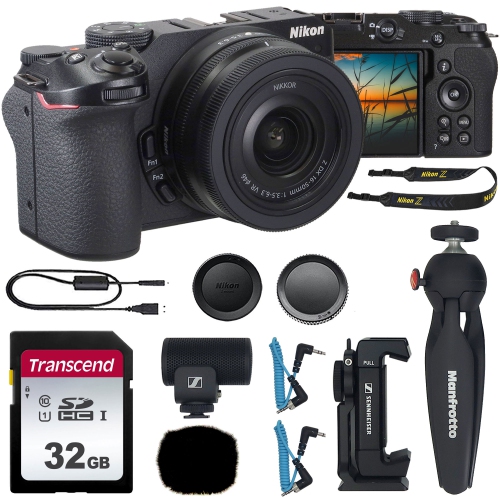
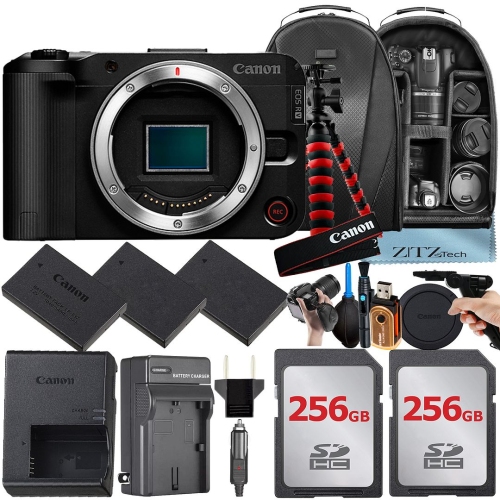
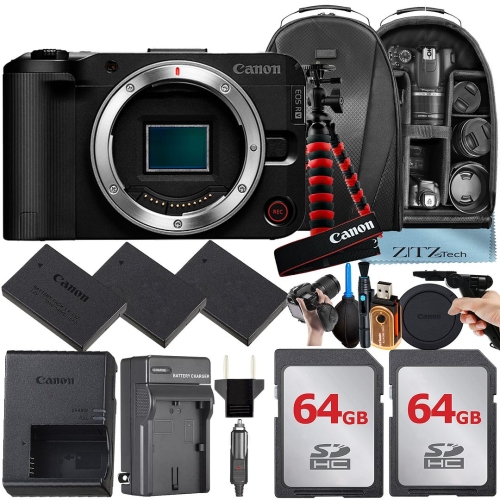
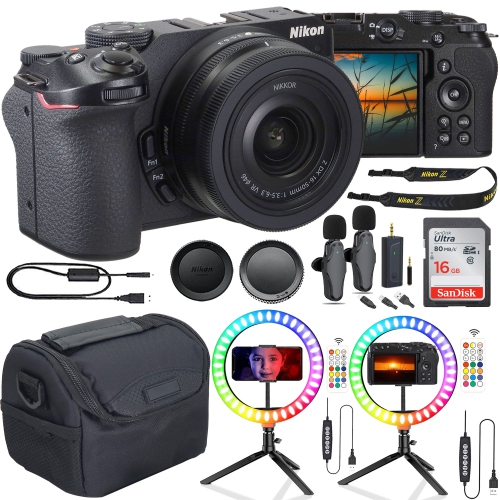
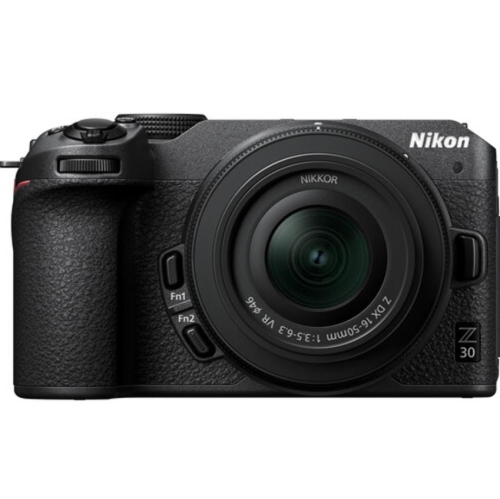
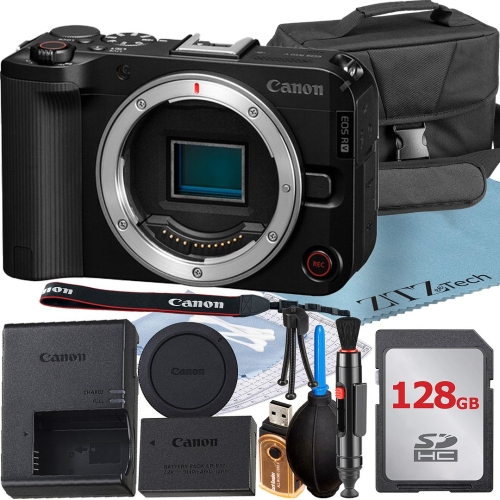
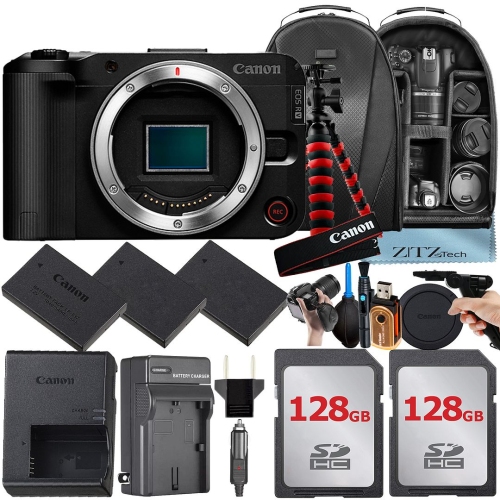
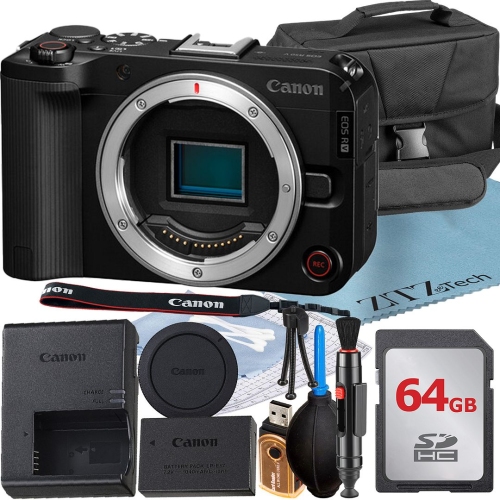
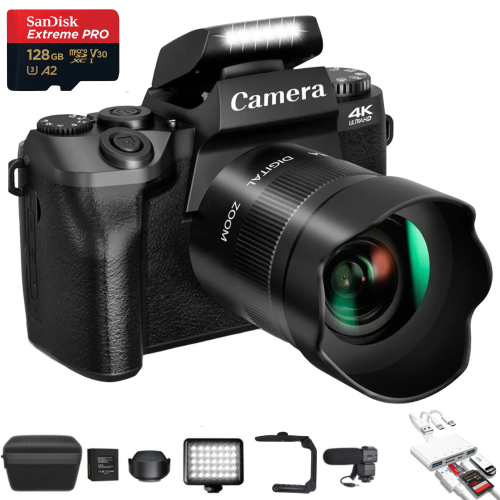
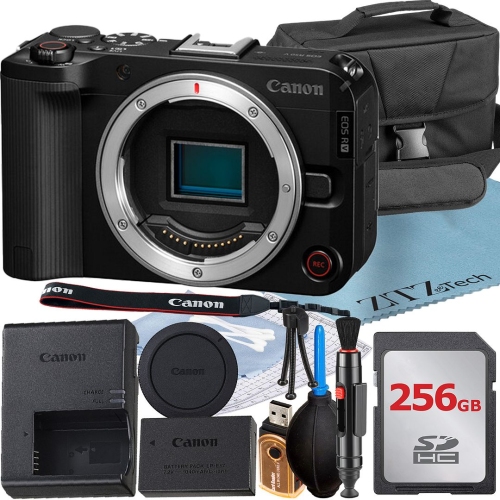
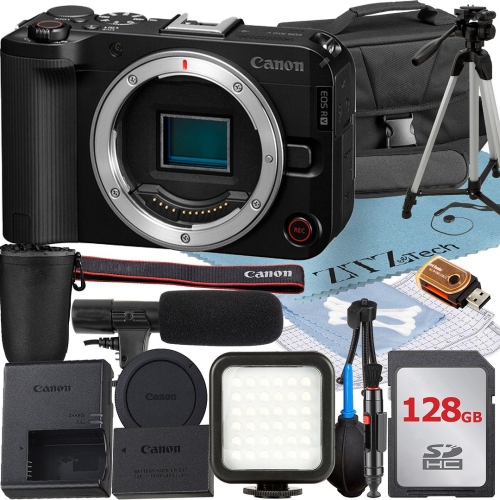
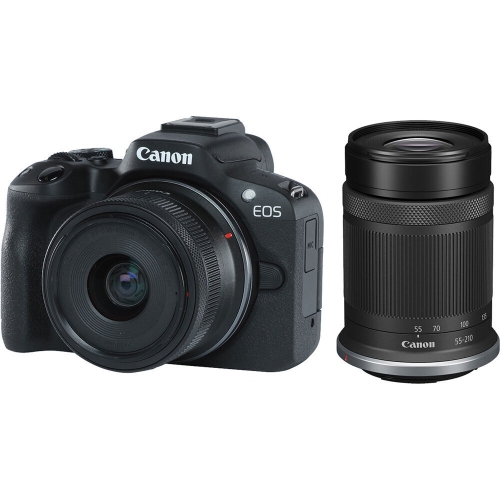
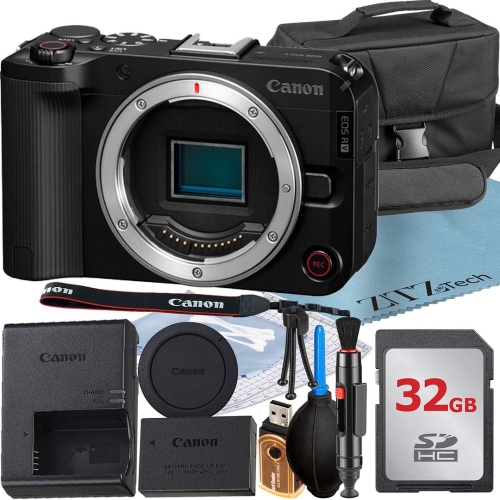
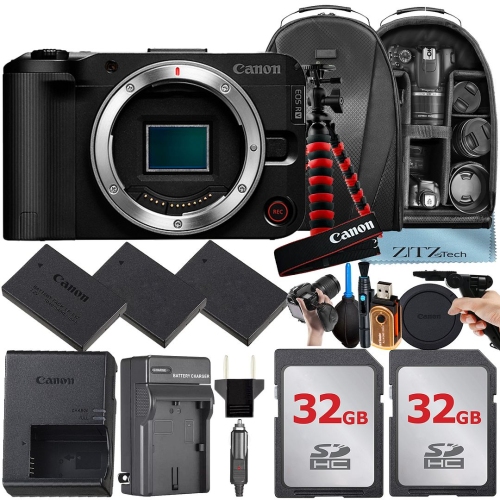
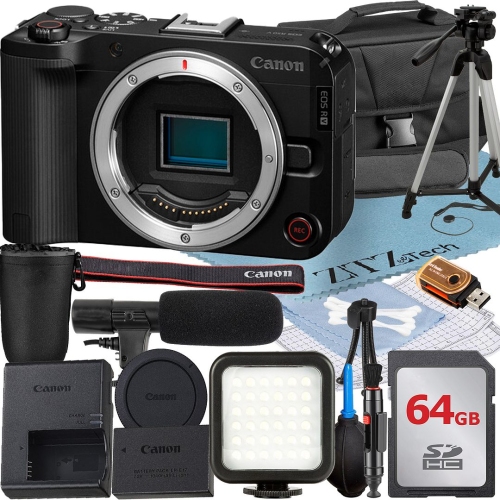
How lens choice shapes your on-screen look
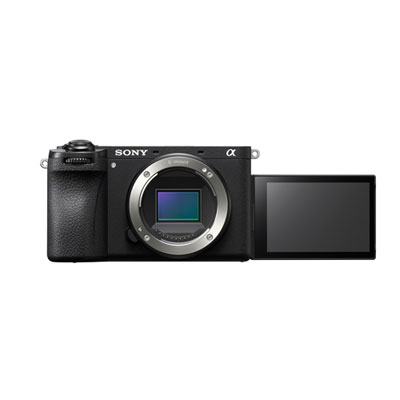
Mirrorless cameras for streaming bring interchangeable lenses, flexible framing, and detailed video to live broadcasts, virtual presentations, gaming streams, and online lessons. Unlike a camera with a fixed lens, a mirrorless body can be paired with different lenses to suit the space and the subject, whether that means a presenter seated at a desk or an instructor demonstrating movement across a room. Their larger sensors can provide greater control over background blur and help retain detail in less brightly lit spaces, although results also depend on the lens, lighting, and camera settings. APS-C and full-frame cameras are both relevant options for streaming; sensor size affects framing, lens choice, and potential low-light performance, but it does not determine the quality of a broadcast on its own. A well-lit image with accurate focus often matters more than the highest recording resolution. For a desk setup, a lens with a sufficiently wide field of view can include the presenter without requiring the camera to sit far beyond the monitor. A longer focal length generally needs more working distance and can create tighter framing for interviews or demonstrations. Maximum aperture also matters: a wide aperture can soften a distracting background, while a smaller aperture keeps more of the scene in focus when someone leans forward or holds an object near the camera. Face and eye detection can help maintain focus as a presenter moves, and continuous video autofocus is particularly useful for creators who alternate between speaking and showing small details. Smooth focus transitions are valuable when a close-up demonstration replaces a face in the frame. An articulating screen makes it easier to check composition from in front of the camera, although its position should not obstruct cables or encourage the presenter to look away from the audience. For streaming, dependable video output, suitable autofocus, and comfortable lens framing are often more relevant than still-photo specifications alone.
The connection between the camera and computer is central to a mirrorless streaming setup. Some mirrorless cameras support a direct USB webcam mode, while others require compatible software or an HDMI capture device. Direct USB streaming can simplify a desktop arrangement, but supported resolution, frame rate, audio transmission, and operating system compatibility vary by camera. A USB-C connector alone does not confirm webcam functionality, and high-resolution internal recording does not necessarily translate into the same resolution over USB. With an HDMI setup, a compatible capture device converts the camera’s video signal into a feed that streaming or video-call software can recognize. Clean HDMI output means the feed can appear without camera menus, focus boxes, battery symbols, or other display overlays; this is a camera feature, not a special property of the HDMI cable. The camera, cable, capture device, and computer must support the intended output format. Full HD can provide a clear image for many broadcasts, while 4K may offer additional detail or room to crop when the complete workflow supports it. Frame rate should also suit the content: a seated conversation has different motion demands from an energetic exercise demonstration. Long sessions introduce practical considerations beyond image quality. Supported USB power delivery or a manufacturer-approved AC adapter and battery coupler can help maintain power, but not every camera can operate continuously through its USB port. A battery coupler, sometimes called a dummy battery, must match the camera and its power requirements. Continuous operating limits and heat management also deserve attention, since uninterrupted live output may behave differently from short recorded clips. Clear sound is equally important. An external microphone connected to the camera or computer can make speech easier to understand than a distant built-in microphone, especially when a keyboard, fan, or other background noise is nearby. When audio and video follow separate paths, software delay adjustments may be needed to keep speech aligned with lip movement. Reliable connections and a tested audio path help a polished image translate into a convincing live presentation.
The physical fit of a mirrorless camera matters just as much as its output specifications when it becomes part of a regularly used streaming space. Compact bodies can sit neatly above a monitor or beside a laptop, while larger bodies and lenses need a mount that supports their combined weight without sagging. Camera construction varies, with reinforced plastic and metal components offering different balances of weight and rigidity. A firm tripod socket, accessible ports, and enough clearance around the screen and battery compartment make everyday use more convenient. On a crowded desk, a securely mounted camera and sensibly routed cables reduce accidental movement when someone reaches for a notebook or adjusts a microphone. Lens weight can shift the balance forward, so a mount should be suitable for the complete setup rather than the body alone. Care is straightforward but important: a lens cap protects the front element between sessions, a blower can remove loose dust, and a clean lens cloth helps address fingerprints without abrasive wiping. Lens changes are best kept brief and carried out in a clean space to limit dust entering the camera. A padded case provides protection when the same equipment travels between a home desk, teaching space, and recording studio. These cameras suit creators who want a consistent on-screen look, tutors demonstrating written work, musicians sharing performances, and professionals presenting to remote audiences. They can also make a thoughtful gift for someone developing a channel or taking online teaching seriously, particularly when the camera fits lenses and accessories the recipient already uses. For wearable viewpoints or broadcasts centred on movement, Action Cameras for Live Streaming offer a different approach to framing and mounting. Mirrorless cameras are especially useful when interchangeable lenses, controlled composition, and a stable presentation position are priorities. The most suitable setup balances image quality with practical details: a lens that fits the room, focus that follows the subject, a supported connection to the computer, and power arrangements suited to the length of the broadcast.
Top selling and popular products
-
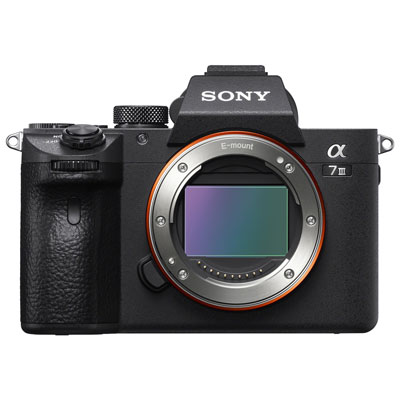 Your price for this item is $1799.99
-
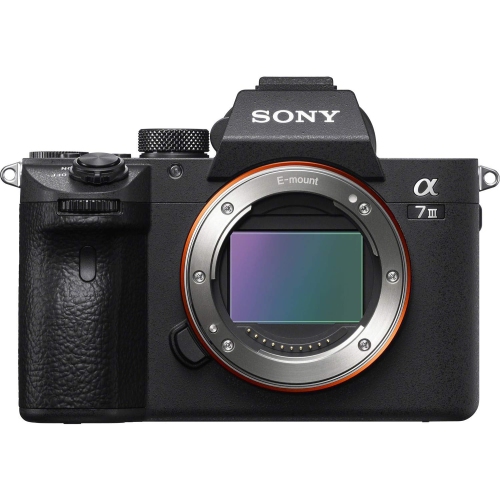 Your price for this item is $1899
-
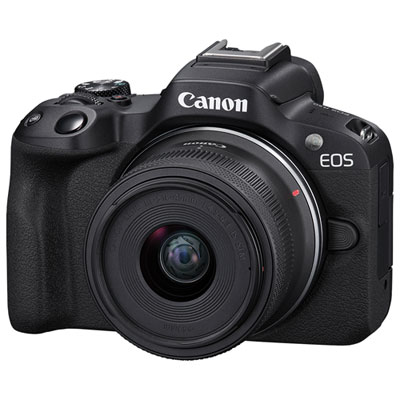 Your price for this item is $949.99
-
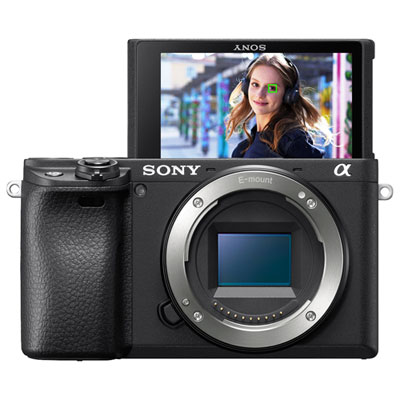 Your price for this item is $1049.99
-
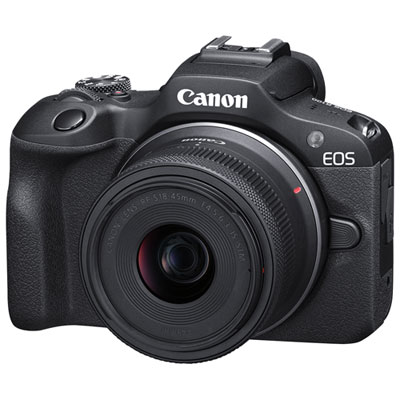 Your price for this item is $599.99
-
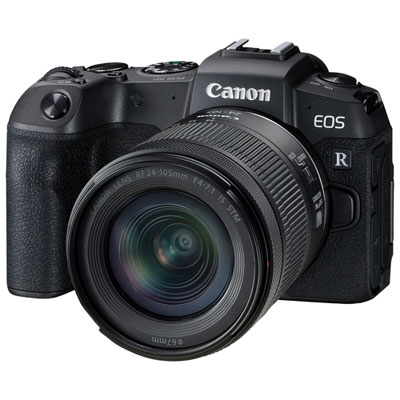 Your price for this item is $1299.99
-
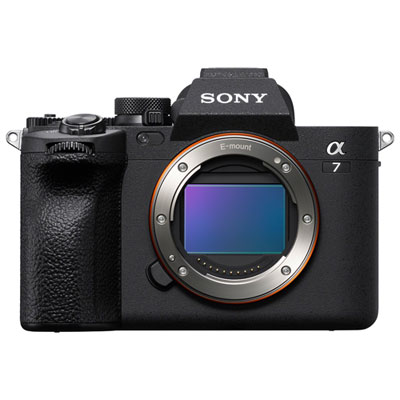 Your price for this item is $2699.99
-
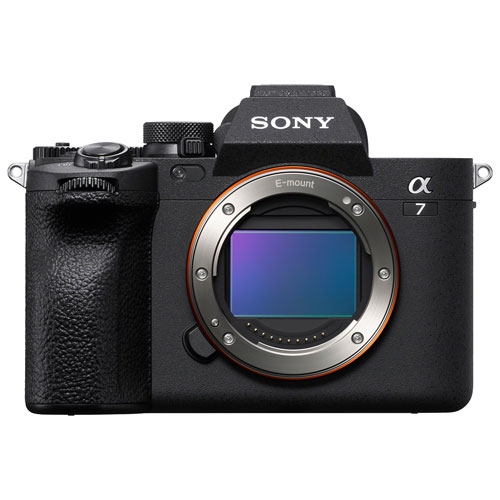 Your price for this item is $2469.99
Discover more categories related to Mirrorless Cameras for Streaming
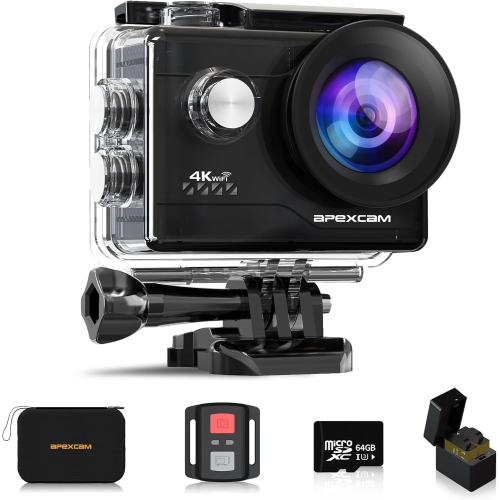
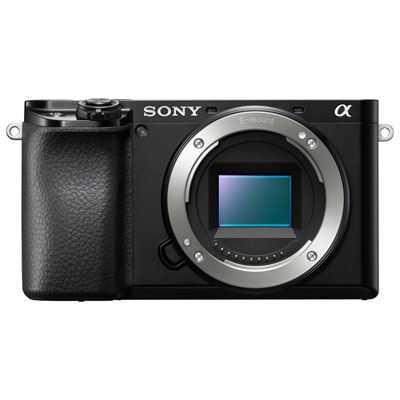
Top Collections:
Best Black Friday Deals This Year, Best Black Friday Deals On Electronics, Kindle Devices, Pokemon Centers, Best Black Friday Deals On Apple Products, Best Cameras for Sports Photography, Dyson Airwrap, Pokémon 30th Celebration Cards, Apple iPhone 17 Pro, Canon G7X Cameras
Some products may be subject to Environmental Handling Fees
(EHF) depending on your province.
Learn more about EHFs.