Budget Cameras for School Projects
Budget Cameras for School Projects make it easy to capture classroom memories, document group assignments, and create engaging visual presentations without stretching your wallet. Whether you’re a student or an educator, finding an affordable camera helps bring creativity to schoolwork and supports a variety of academic activities. Explore options designed to fit your budget while offering the flexibility needed for projects, events, and everyday classroom use.
Sort
Why the assignment should shape the camera choice
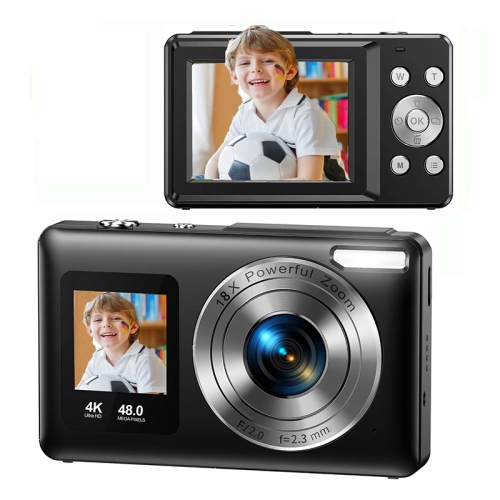
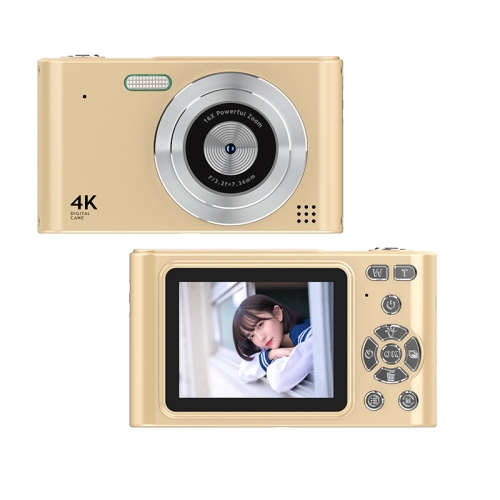
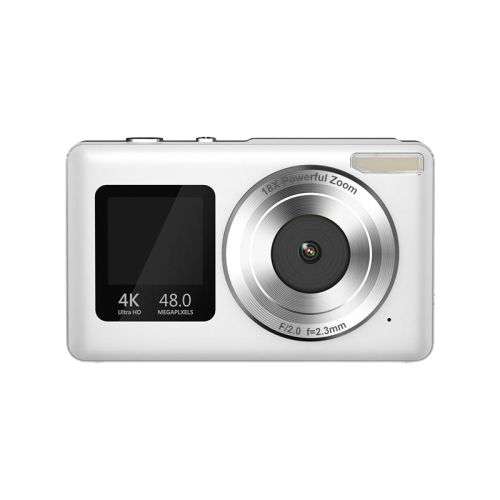
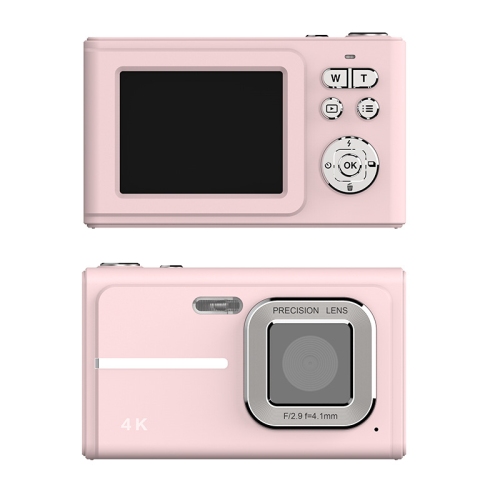
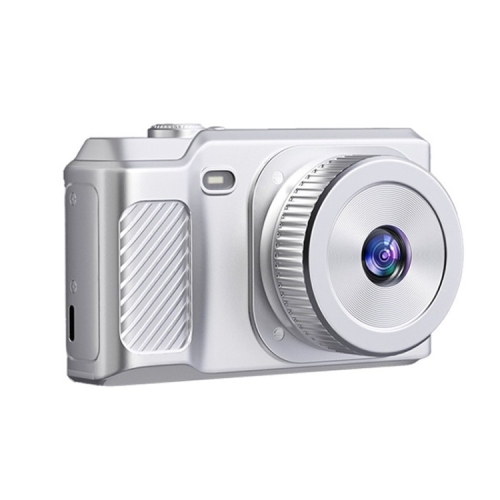
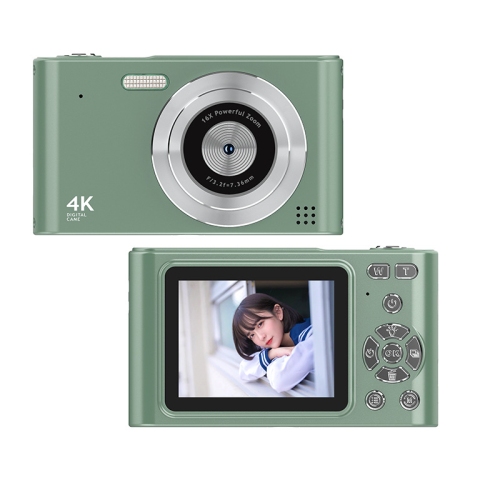
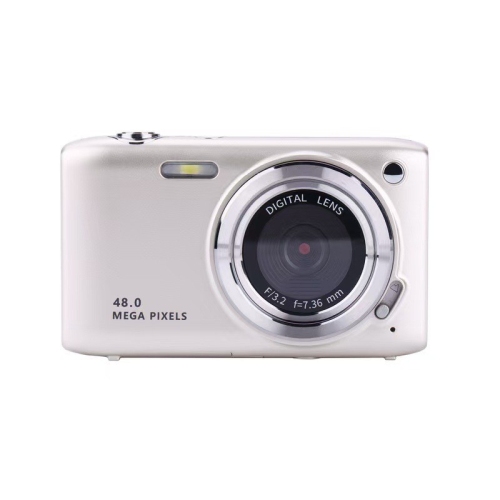
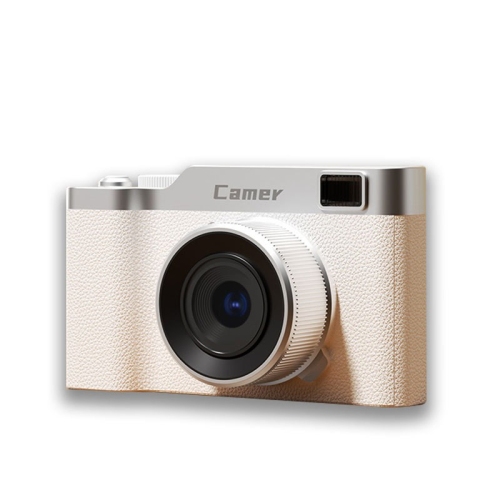
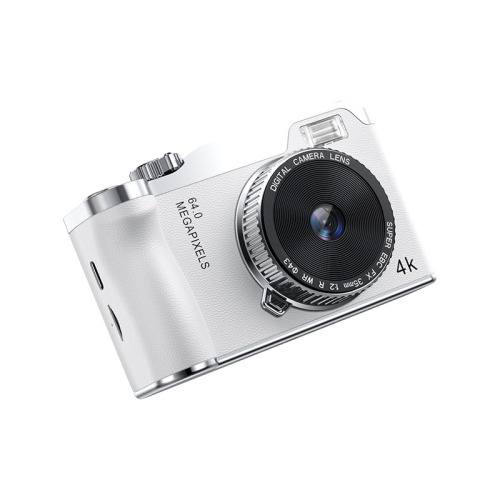
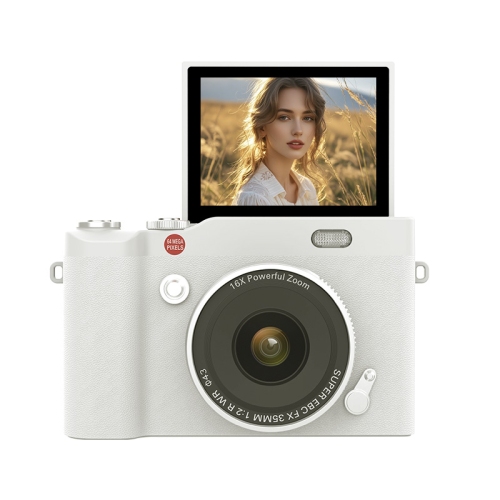
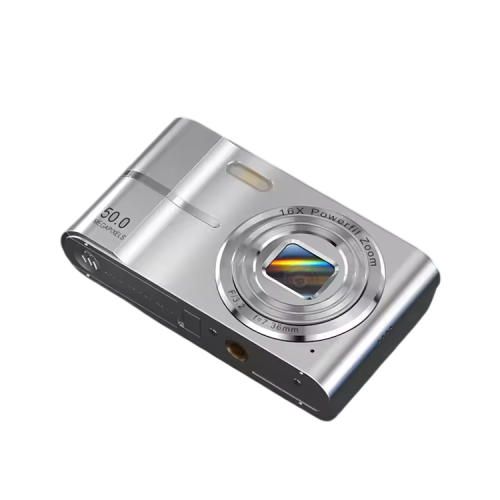
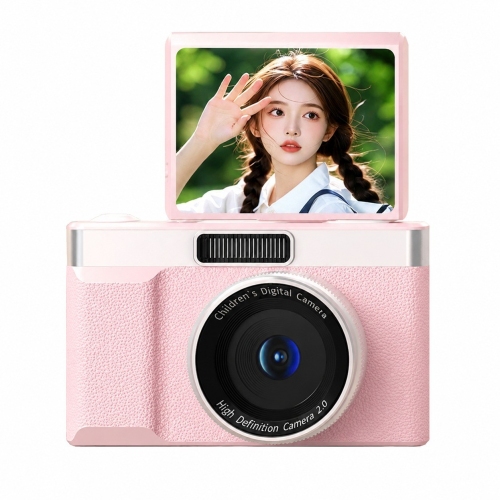
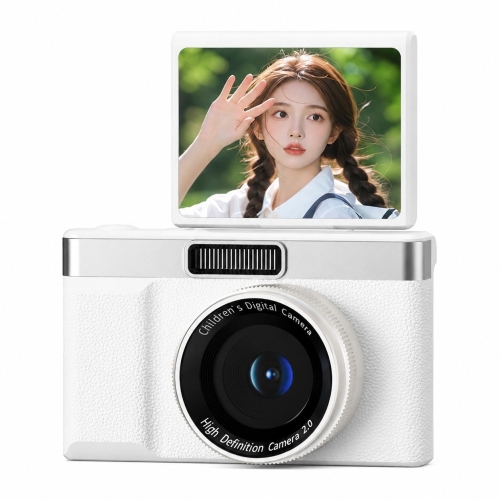
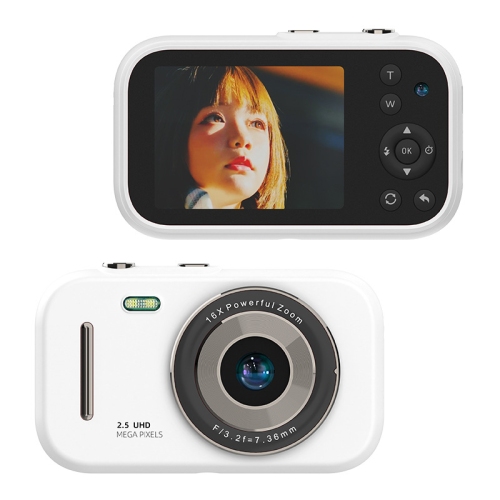
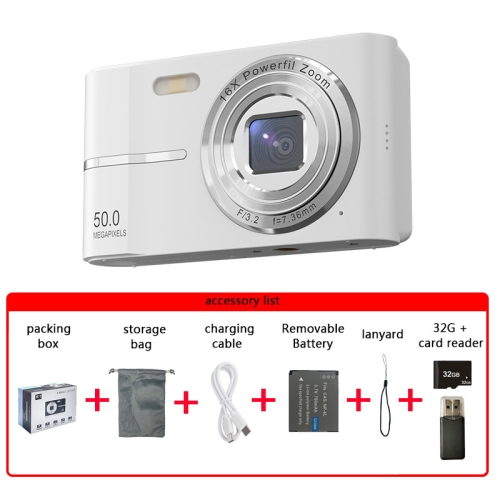
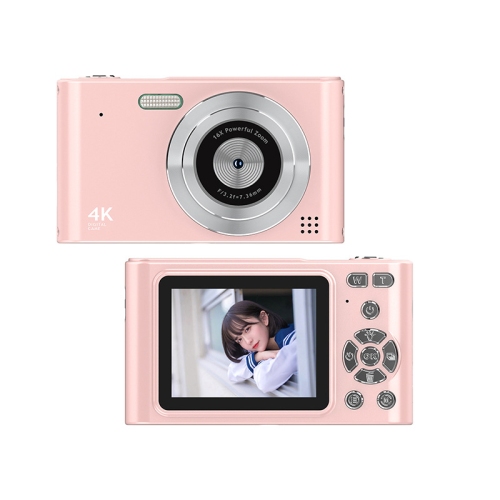
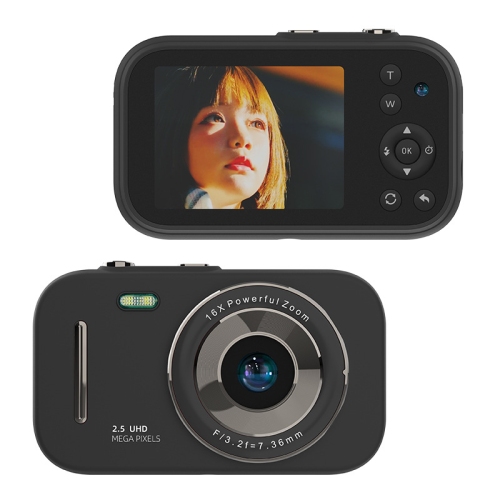
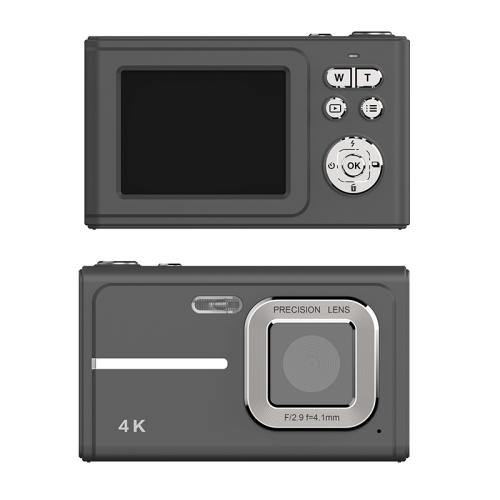
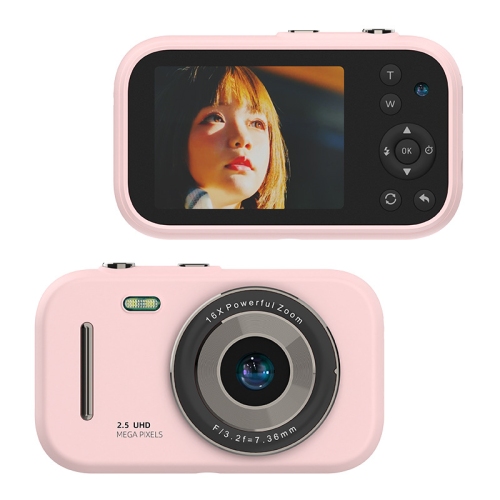
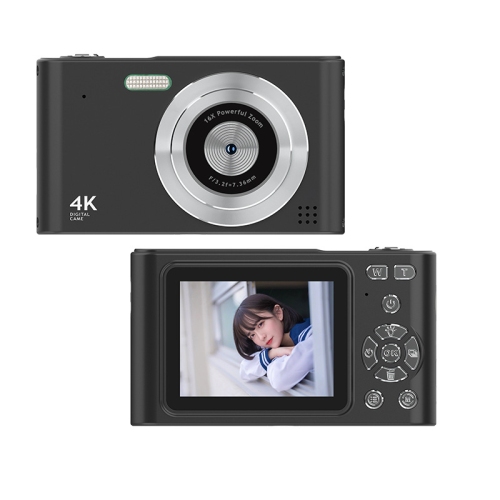
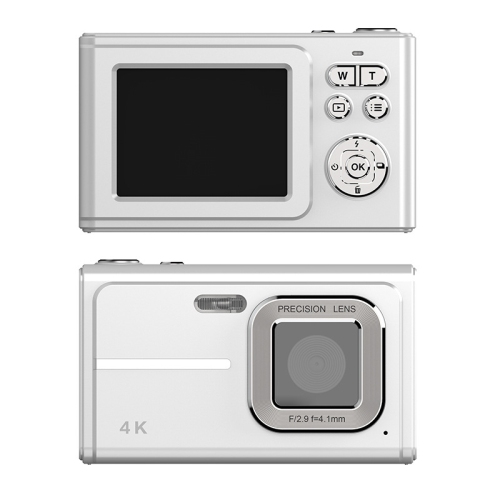
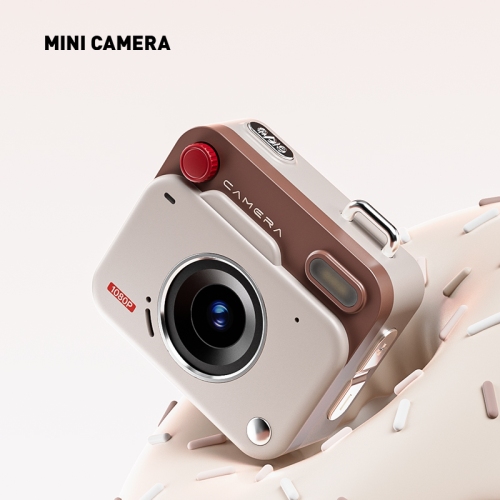
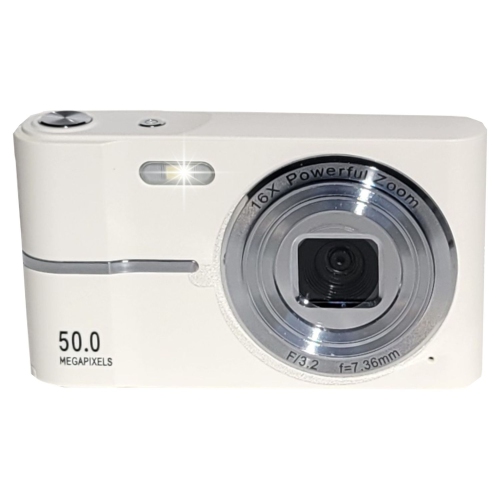
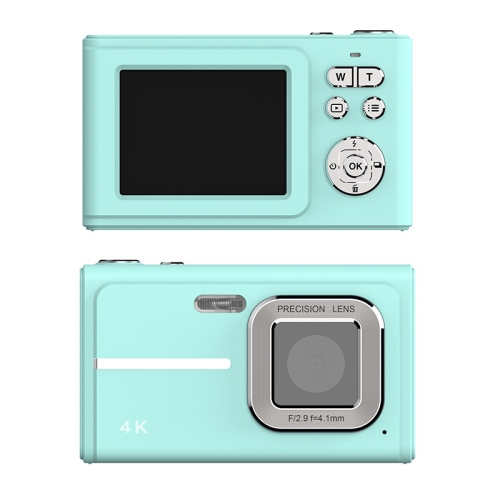
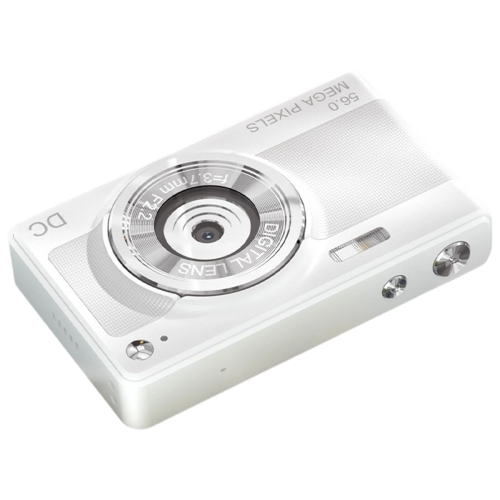
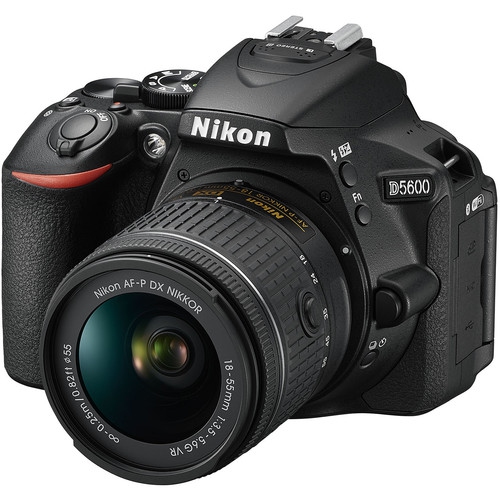
Budget cameras for school projects are most useful when their controls, image quality and durability match the student’s age and the assignment’s requirements. A younger student documenting a science experiment may need straightforward automatic settings and a body that is comfortable to carry, while a student in a photography course may need control over aperture, shutter speed and ISO. Compact point-and-shoot cameras suit visual reports, classroom displays and everyday documentation because they combine a built-in lens with a relatively small body. For a project following a seedling’s growth, a camera that focuses clearly at close range and mounts on a tripod can help produce consistent photographs from one observation to the next. A student photographing a model bridge may benefit from a simple self-timer, which allows the camera to settle before the picture is taken. These practical features often matter more to an assignment than a long list of shooting modes. For photography, journalism and media courses, DSLR and mirrorless cameras can offer room to practise exposure settings and work with different lenses, depending on the model. Their suitability depends on the complete setup, including the attached lens, rather than the camera body alone. Course requirements are an important reference point: an assignment may call for manual exposure, particular file formats or video capabilities that a basic automatic camera does not provide. A camera intended mainly for still photographs may also have different strengths from one used for interviews or short films. Across these uses, dependable focus, understandable controls and a manageable transfer process help students spend more time developing their ideas. The goal is a camera that supports the work, whether that means capturing a clearly labelled experiment, assembling a photo essay or learning how light changes the appearance of a subject. Parents and gift-givers can use the student’s course outline and interests to distinguish between a simple classroom companion and a camera intended for more involved creative practice.
Image quality involves more than the megapixel count printed on a specification sheet. Sensor size, lens quality, focus accuracy and available light all affect how much useful detail appears in a photograph. Clear lettering on a handmade poster, texture in a clay sculpture and detail in a scale model each place different demands on the camera. Close-focusing capability is particularly relevant for small objects, while optical zoom can help frame a subject that cannot be approached easily. Digital zoom generally crops or enlarges the image rather than providing the same result as a longer optical focal length. Image stabilization can reduce blur caused by small camera movements, although it cannot reliably freeze a moving subject; that depends partly on shutter speed and light. Automatic modes make casual documentation simpler, while accessible manual controls allow students to explore motion blur, depth of field and exposure deliberately. For assignments involving image editing, RAW capture can provide more adjustment flexibility when supported, but it also requires compatible software and additional storage. JPEG files are generally easier to share and insert into presentations. Physical design matters just as much during repeated classroom use. A secure grip, clearly marked buttons and a readable screen make a camera easier to handle when moving between a desk, a tripod and a group activity. Smaller hands may be more comfortable with a lightweight body, although an especially tiny camera can have closely spaced controls. Plastic and metal housings vary in construction, so body material alone does not establish resistance to knocks, dust or moisture. A fitted case and an appropriately used wrist or neck strap help protect a camera during transport. Lens caps protect exposed glass when the design includes them, and a padded compartment keeps the camera from rubbing against pencil cases or other supplies. For shared equipment, a simple control layout and clearly identified accessories make handovers easier, particularly when several students are contributing photographs to the same presentation.
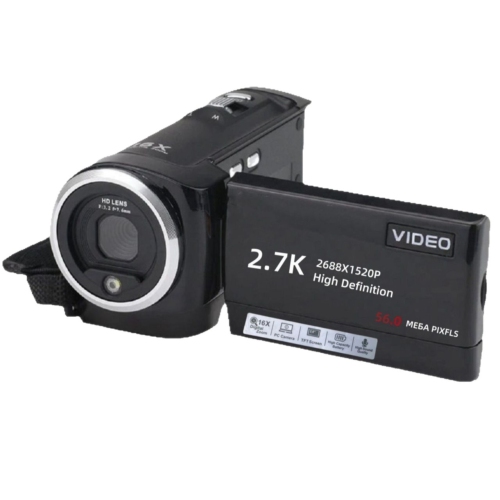
Video assignments add sound, stability and file handling to the list of practical considerations. Full HD recording can suit many classroom presentations and short films, while 4K footage may allow more cropping during editing but usually requires more storage and processing capability. The required recording format and the capabilities of the school’s editing software matter more than resolution alone. For a spoken presentation or interview, clear audio helps viewers follow the subject without distraction. Built-in microphones can pick up handling noise and nearby conversations, while an external microphone requires a compatible input or another supported connection. A tripod can keep a demonstration steady, and a screen that changes angle can make it easier to frame a tabletop experiment or a student speaking to camera. Recording limits, battery life and the ability to keep focus during video are also relevant to longer takes. Transferring finished work should fit the student’s routine: USB connections, memory card readers and supported wireless features offer different routes to a computer. Wi-Fi transfer may depend on a companion app, device compatibility and school network rules, so it should not be assumed to work in every classroom. Memory cards need to match the camera’s supported type and speed requirements, especially for video. Keeping original files in a separate folder and maintaining a backup helps protect work during editing or group collaboration. Students exploring a wider range of formats can also browse Cameras for School Projects with their classroom requirements in mind. Everyday care supports reliable use between assignments: a clean microfibre cloth and cleaning methods approved for the camera help protect screens and lenses, while a case keeps loose debris away during transport. Batteries, cables and memory cards are easier to manage when stored together and labelled for shared use. Permission to photograph classmates, school rules about recording and careful handling of personal images remain important parts of any project. With suitable features and a familiar workflow, a student camera can support clear documentation as well as experimentation with framing, storytelling and visual expression.
Top selling and popular products
-
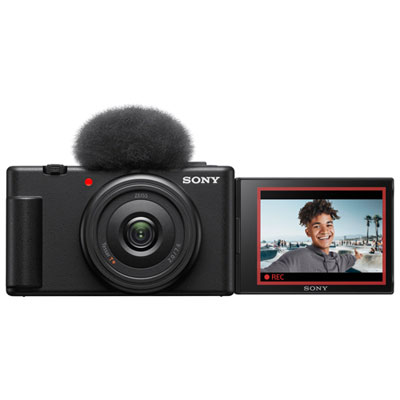 Your price for this item is $599.99
-
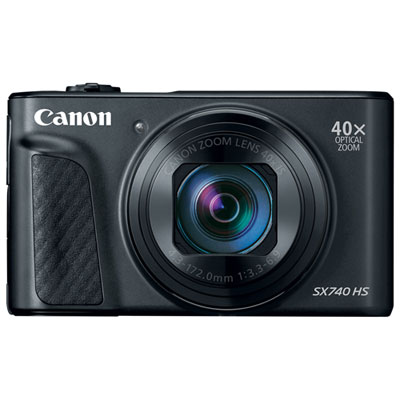 Your price for this item is $799.99
-
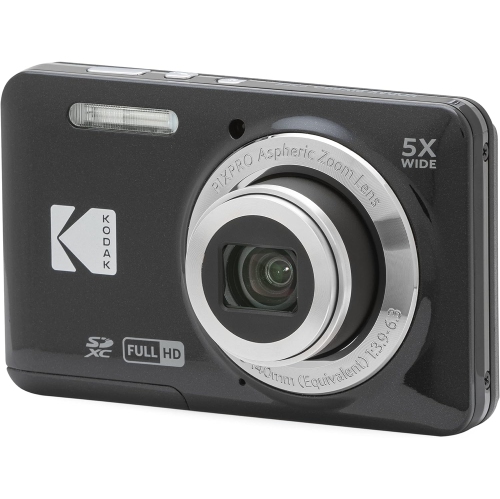 Your price for this item is $255
-
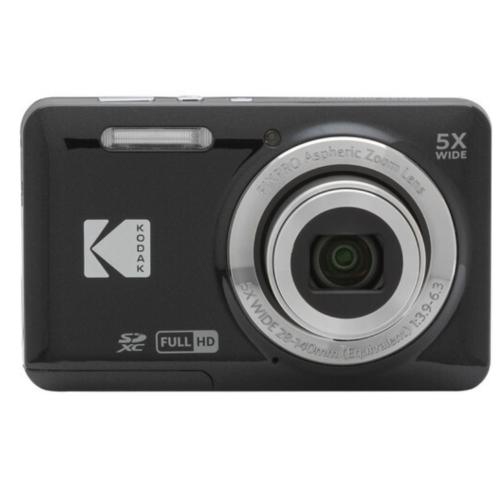 Your price for this item is $253
-
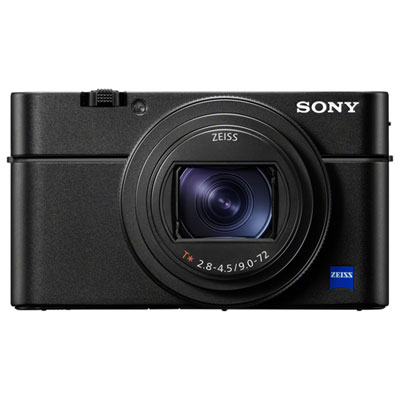 Your price for this item is $1799.99
-
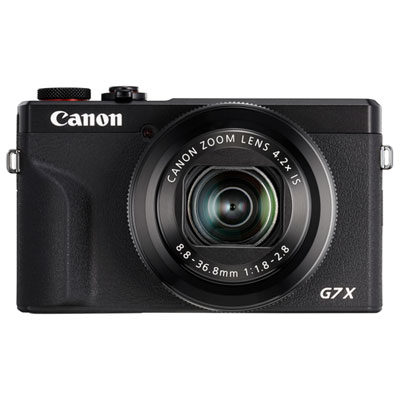 Your price for this item is $1999.99
-
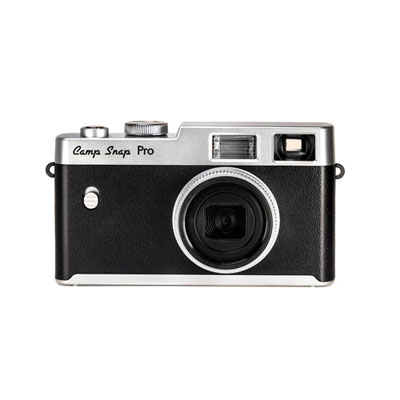 Your price for this item is $149.99
-
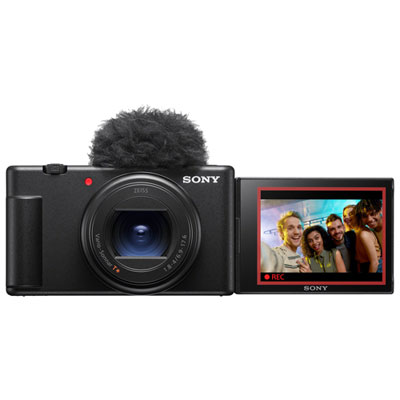 Your price for this item is $1099.99
Discover more categories related to Budget Cameras for School Projects
Top Collections:
Best Black Friday Deals This Year, Best Black Friday Deals On Electronics, Kindle Devices, Pokemon Centers, Best Black Friday Deals On Apple Products, Best Cameras for Sports Photography, Dyson Airwrap, Pokémon 30th Celebration Cards, Apple iPhone 17 Pro, Canon G7X Cameras
Some products may be subject to Environmental Handling Fees
(EHF) depending on your province.
Learn more about EHFs.