Digital Frames for Home Office
Digital frames for home office add a modern touch to your workspace, letting you display your favorite memories and important visuals with ease. These versatile devices help create a personalized setting, whether you're working, attending meetings, or simply enjoying a break. Explore a wide range of digital frames for home office use that blend seamlessly with your décor and keep your space feeling connected and inspiring.
Sort


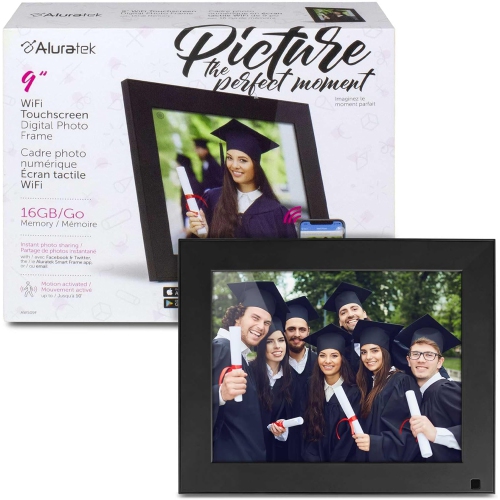
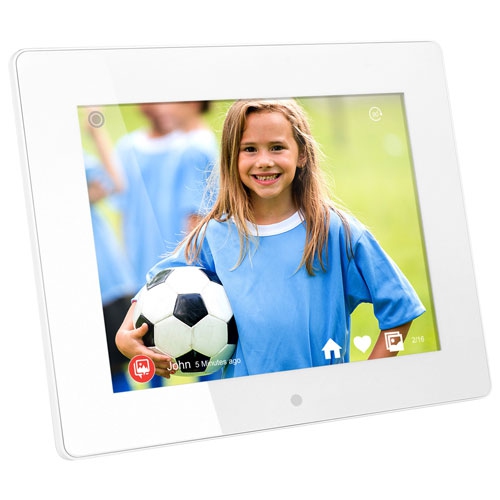

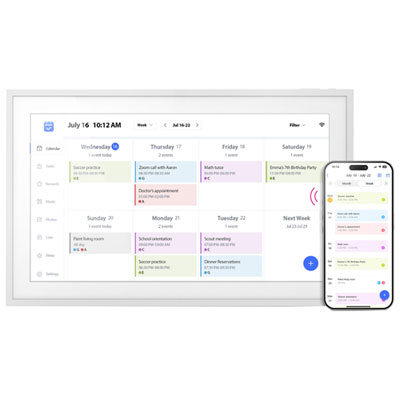
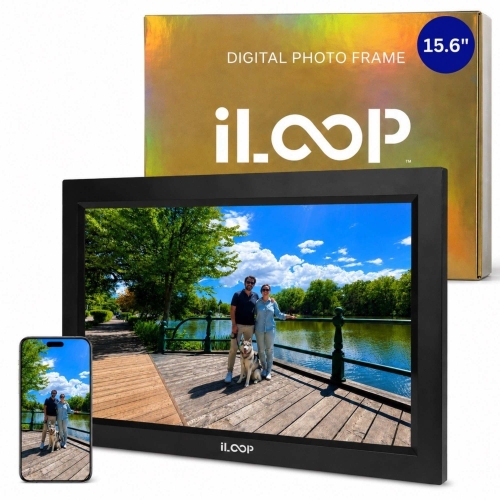




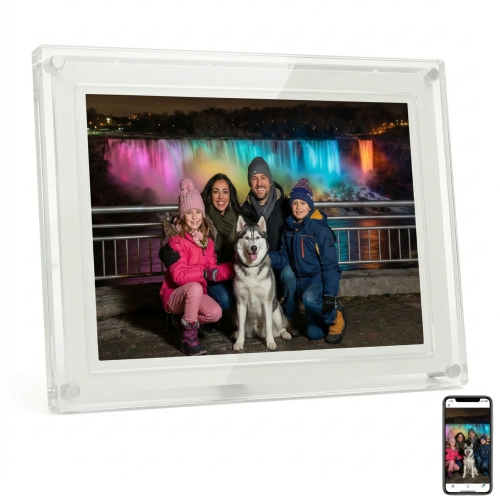


Favourite photos in view without crowding your desk
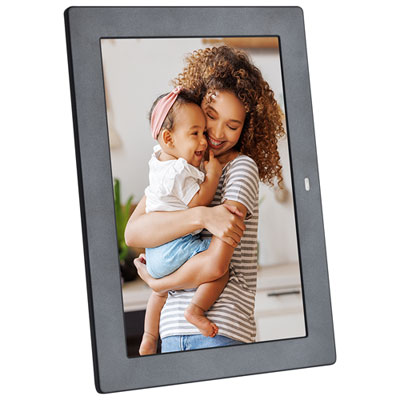
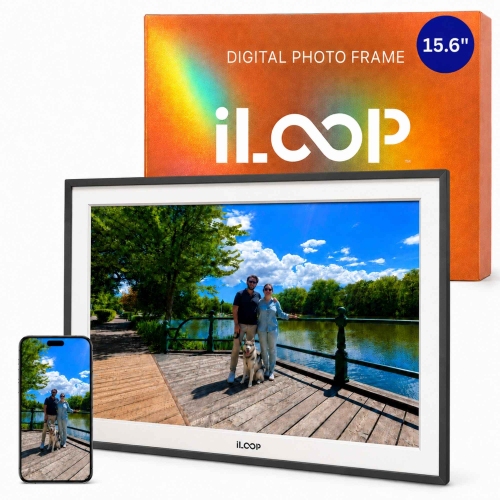
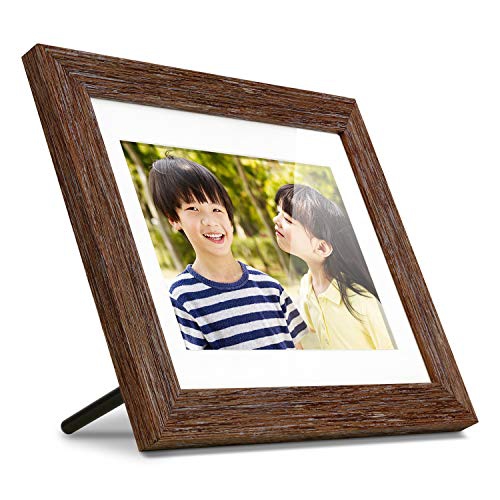
Digital frames for a home office bring personal photos and favourite artwork into a workspace without covering the desk with separate picture frames. A rotating display can hold family portraits, travel memories, pet photos, or scanned snapshots, giving a work corner a personal detail that changes without needing new prints. Unlike a computer wallpaper, a dedicated photo display stays visible when the main screen is filled with spreadsheets, video calls, or research. Its fit depends on both screen size and the space around it. A smaller display can sit beside a laptop or on a narrow shelf, while a larger one may be easier to enjoy across the room. Screen measurements describe the diagonal viewing area, not the full width of the frame, so the outer dimensions and stand depth matter when planning desk space. Leave room for the keyboard, mouse, notebook, and any monitor adjustments rather than treating the frame as an extra screen that must sit directly in front of the chair. Display quality also involves more than size. Resolution affects how clearly fine details appear, particularly faces, handwriting in scanned photographs, and distant scenery. Viewing angles matter when the frame sits off to one side; an IPS display can help colours remain more consistent when viewed from different positions. Matte surfaces or anti-glare treatments, where offered, can reduce distracting reflections, although placement still makes a difference. A spot away from direct window reflections is often more comfortable than a bright corner facing the glass. Adjustable brightness helps the display sit comfortably alongside a computer monitor, and some designs include an ambient light sensor that responds automatically to changes in room lighting. The frame’s proportions influence the overall look, too. A narrow border keeps attention on the image, while a wider border resembles a traditional picture frame. Neutral colours, wood-look finishes, and simple profiles can suit a professional workspace without making personal photographs feel out of place.
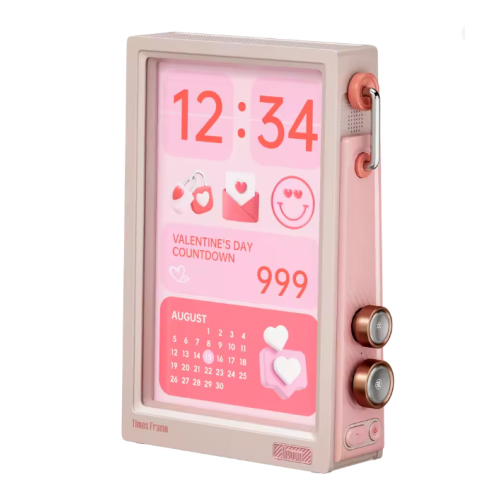
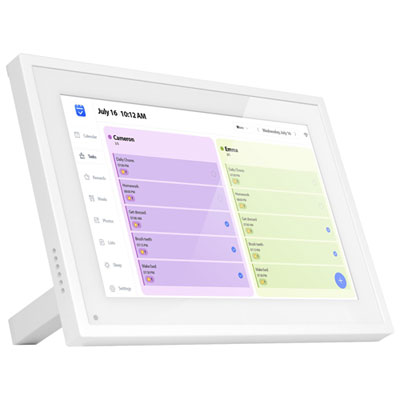
The way photos reach the display is another important distinction among digital photo frames. Wi-Fi-enabled designs may accept images through a companion app, a dedicated email address, or another supported sharing service, making it possible to refresh a slideshow without connecting the frame to a computer. Depending on the sharing controls, invited family members may also be able to send photos remotely. That can make a frame beside a work desk feel connected to everyday life elsewhere: a new picture from a relative, a child’s drawing photographed at home, or a favourite group portrait can appear without waiting for someone to print and post it. Frames with USB or memory card support offer a different approach, allowing compatible files to be loaded locally. This can suit someone who prefers managing folders on a computer or keeping the display separate from an online account. Offline playback varies by design; a frame that stores photos internally may continue showing saved images without an active connection, even if adding new photos requires Wi-Fi. Supported file formats, storage capacity, and transfer methods determine how straightforward it is to use an existing photo library. Image proportions deserve attention as well. A portrait photo on a landscape screen may appear with borders or be cropped to fill the display, depending on the available settings. Fit-to-screen options preserve the full photograph, while fill settings can create a fuller-looking image at the expense of details near the edges. Frames that support both portrait and landscape placement offer more flexibility for different collections, especially when orientation changes are detected automatically. Slideshow timing and transition controls help establish the right pace for a working space. A slowly changing set of still images is generally less distracting beside a monitor than frequent movement. Where video playback or sound is supported, separate controls are useful for keeping the workspace quiet. Clock, calendar, and scheduling features are available on some designs, but their usefulness depends on the layout and controls rather than the photo display alone.
Materials, stability, and everyday care help determine how well a digital frame fits into a home office over time. Housings may use plastic, metal, wood, or wood-look finishes, each with a different feel alongside desks, shelving, and other accessories. A lightweight housing is convenient to reposition, while a secure stand and well-balanced base matter wherever paperwork, cables, or an adjustable monitor could brush against the frame. Wall-mounting support can free up desk space when the design allows it, though compatible hardware, mounting points, and a safe route to an electrical outlet need consideration. Many digital frames use a continuous power connection rather than a rechargeable battery, so cord length and outlet placement can be as important as the frame’s appearance. Keeping the cable clear of chair wheels and walking paths makes the setup neater and reduces the chance of an accidental pull. For routine care, a soft, dry microfibre cloth can remove fingerprints and dust; any cleaning solution should follow the manufacturer’s directions rather than being sprayed directly onto the screen. Drinks, crowded desk edges, and locations within easy reach of curious pets are less suitable places for an electronic display. Touchscreen controls can make browsing convenient, while physical buttons or remote controls may appeal to someone who prefers fewer fingerprints on the viewing surface. For a more playful workspace, Cute Digital Photo Frames for Home Office offers a related direction for adding personality beside everyday work essentials. Digital frames can also be thoughtful gifts for remote workers, new graduates setting up a first workspace, or relatives who enjoy seeing family photos throughout the day. Ease of use matters especially when the recipient is less comfortable with apps: readable menus, straightforward photo transfers, and accessible controls can make regular use more enjoyable. For a shared household office, a carefully chosen album can reflect several people’s memories without overwhelming the room. For a client-facing workspace, a separate selection of landscapes, artwork, or professional images can keep the display appropriate for the setting while leaving personal photos for private viewing.
Top selling and popular products
-
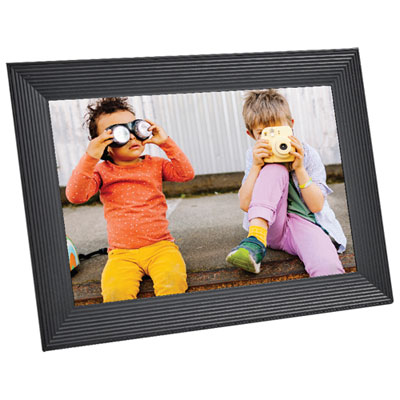 Your price for this item is $199.99
-
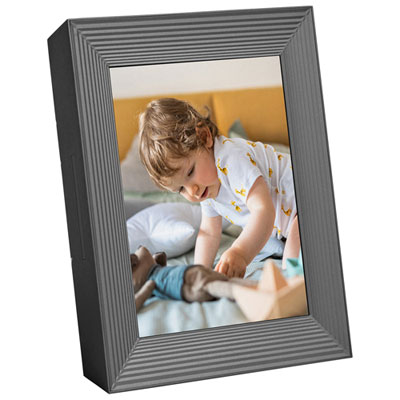 Your price for this item is $259.97
-
 Your price for this item is $119.95
-
 Your price for this item is $229.99
-
 Your price for this item is $149.99
-
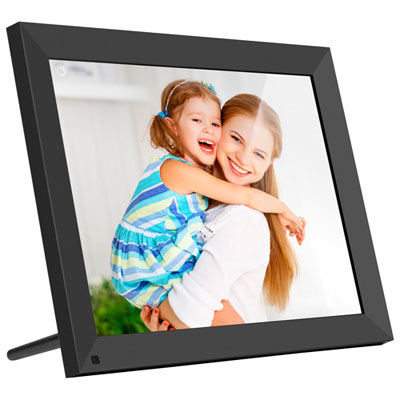 Your price for this item is $249.99
-
 Your price for this item is $120.39
-
 Your price for this item is $399.99
Discover more categories related to Digital Frames for Home Office
Top Collections:
Best Black Friday Deals This Year, Best Black Friday Deals On Electronics, Kindle Devices, Pokemon Centers, Best Black Friday Deals On Apple Products, Best Cameras for Sports Photography, Dyson Airwrap, Pokémon 30th Celebration Cards, Apple iPhone 17 Pro, Canon G7X Cameras
Some products may be subject to Environmental Handling Fees
(EHF) depending on your province.
Learn more about EHFs.