Digital Frames Mother's Day Gifts
Celebrate Mom with a thoughtful touch by choosing a digital frames Mother's Day gift that brings cherished memories to life. Digital frames make it easy to showcase favorite family moments, special occasions, and everyday smiles in one elegant display. Perfect for any room, these frames offer a modern way to keep loved ones close and add a personal touch to her space. Make this Mother's Day unforgettable by giving her a digital frames Mother's Day gift that she will treasure all year long.
Sort








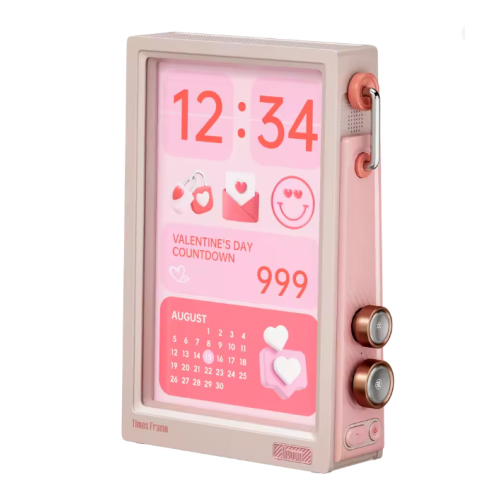
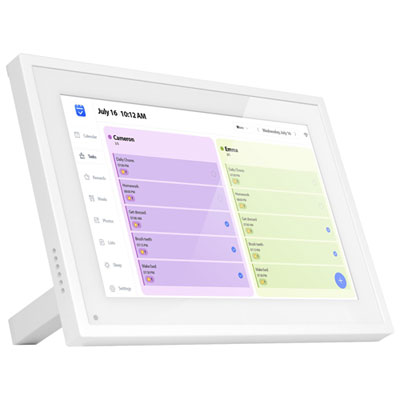


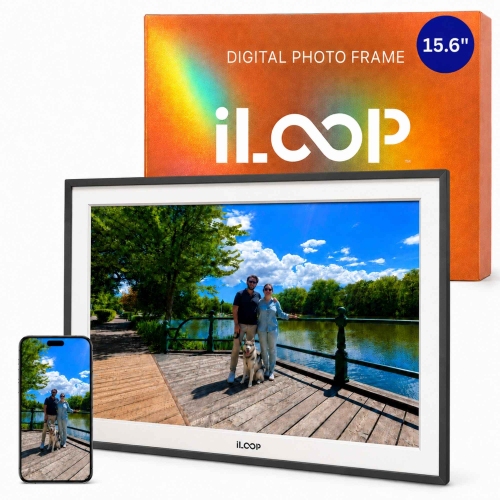
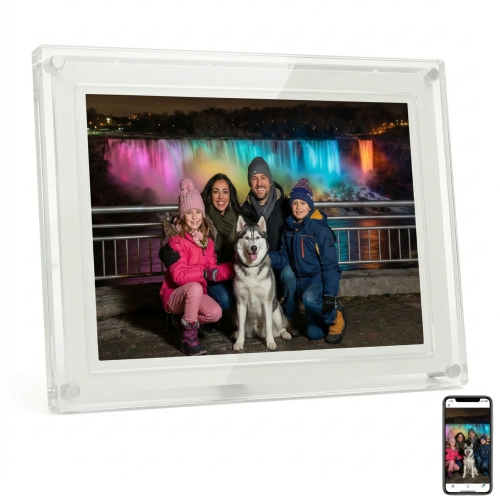

A changing display of the people she loves
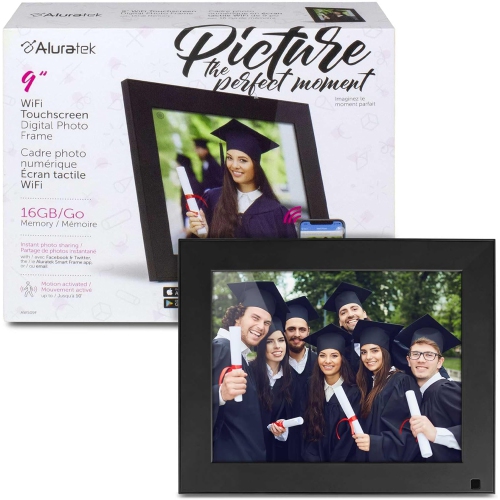
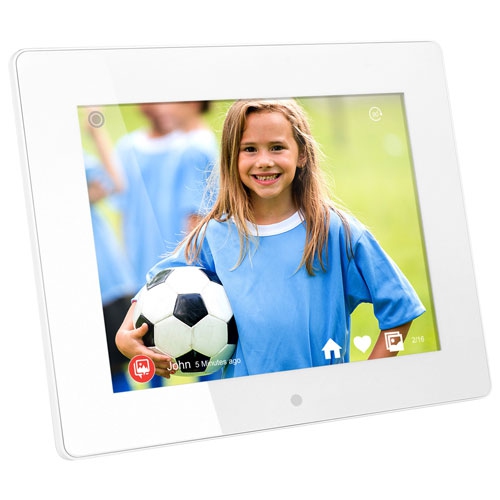
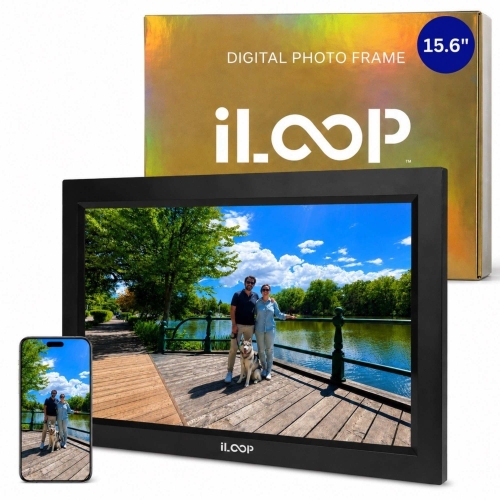
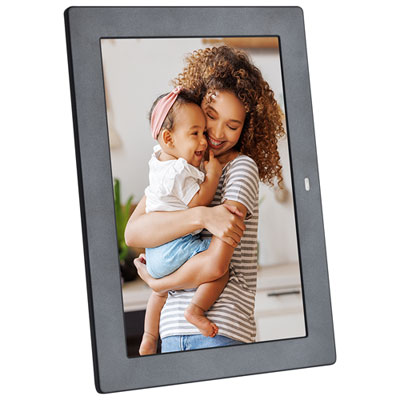
Digital photo frames make thoughtful Mother’s Day gifts because they bring meaningful family photos into everyday view, with a changing display that can hold far more memories than a single printed picture. Wi-Fi-enabled frames with remote sharing can let invited family members send new photos from different homes or cities, while other frames display images transferred through supported memory cards, USB storage or a direct connection. Some also support short videos, adding movement and familiar voices to the experience. For a mother, grandmother or mother figure, the appeal is personal: a grandchild’s first school photo, a favourite family gathering, an old portrait that has been carefully digitized, or a candid snapshot that might otherwise stay buried on a phone. A frame on a bedside table or living room shelf makes those moments part of an ordinary day without requiring someone to open an app or search through albums. The lasting appeal of Digital Photo Frame Gifts for Mother’s Day lies in that combination of a personal keepsake and a display that can change as family life unfolds. A prepared collection of photos gives the gift meaning from its first use, especially when it includes a mix of familiar faces, milestone celebrations and small moments that the recipient may never have seen. Scanned family photographs can sit alongside recent phone pictures, bringing several generations into the same rotation. Where captions are supported, names, places and brief descriptions can add context without overwhelming the image. This can be especially helpful for photographs from an extended family archive. The experience can also suit different comfort levels with technology: someone who enjoys adjusting albums may appreciate access to sharing and display controls, while someone who prefers simplicity may be happier with a frame that has already been configured, with permission, to show a familiar collection. The most meaningful presentation is one that feels connected to the recipient’s own life, rather than a screen filled with generic images.
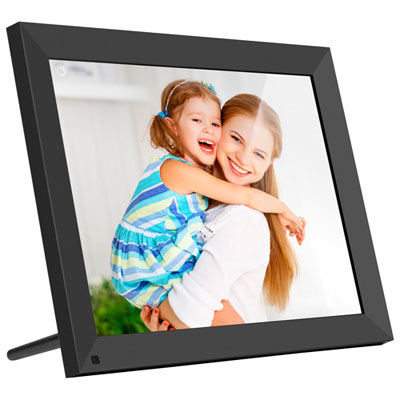
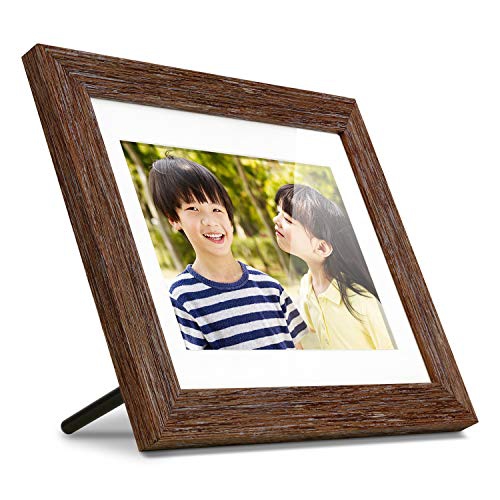
The screen and physical design shape how comfortably a digital frame fits into a home. A smaller display can feel at home beside a reading chair or on a compact nightstand, while a larger screen may make faces easier to see from across a room. Overall dimensions matter as much as screen size, since a wide border, projecting stand or power connector can take up extra space on a narrow shelf. Resolution affects how much detail appears in hair, clothing and distant scenery, but viewing distance, brightness and viewing angles also influence how natural the photograph looks. A display that stays clear when viewed slightly from the side is useful in a shared living space, where people rarely sit directly in front of it. Aspect ratio affects the presentation, too: a frame and a photograph with different proportions may leave borders around the image or crop part of the scene. Adjustable cropping and portrait or landscape orientation, where supported, can help keep a face near the edge from disappearing. Automatic rotation is useful for a collection that mixes vertical portraits with wider group pictures, although the frame’s stand and mounting options still need to suit its placement. Materials and finishes contribute to the overall feel. Wood or wood-look surrounds can complement family portraits and traditional furnishings, while slim plastic or metal borders may blend with a more understated room. A matte finish may make fingerprints less noticeable, and screen reflections are worth considering for a location facing a window or lamp. Placement on a stable, dry surface, away from splashes and direct heat, supports everyday durability. A secure stand is particularly helpful in a busy household, and a nearby power outlet keeps the cord from stretching across a walkway. Scheduled sleep settings and adjustable brightness, when included, can make a frame more comfortable beside a bed without requiring it to be unplugged each evening.
Photo sharing and everyday upkeep are just as important as appearance, particularly when a digital frame is a gift for someone who would rather enjoy pictures than manage settings. Connected frames generally need a compatible home Wi-Fi connection and may require an account or companion app for setup and remote uploads. Supported network requirements, phone compatibility and sharing permissions vary, so these details affect whether relatives can contribute easily from their own devices. An invitation-based sharing system can make it possible for siblings or adult grandchildren to add photos without giving everyone access to the same account. Privacy controls matter when the display includes children, personal milestones or pictures taken inside the home; uploads should be limited to trusted people, with the recipient retaining control over what appears. For someone who does not want a connected display, a frame that accepts local photo storage may offer a simpler arrangement, although adding pictures usually involves transferring files rather than sending them remotely. Storage capacity and supported file formats determine how much a frame can hold and which images or videos it can display. Playback behaviour also varies: some frames keep showing saved photos when the internet connection drops, while others need a connection for particular functions. Preparing the gift can include selecting clear images, checking that important faces remain visible and choosing a comfortable slideshow interval. A short written note explaining the main controls and how to add pictures can be more useful than a lengthy technical explanation. Care is usually straightforward: a soft, dry microfibre cloth helps remove dust and fingerprints, and cleaning instructions should be followed rather than spraying liquid directly onto the screen. Handling the frame by its edges helps keep the display clear. For Mother’s Day, a few carefully chosen photographs and a dependable way to receive more can turn a digital frame into a gift that stays personal well beyond the occasion.
Top selling and popular products
-
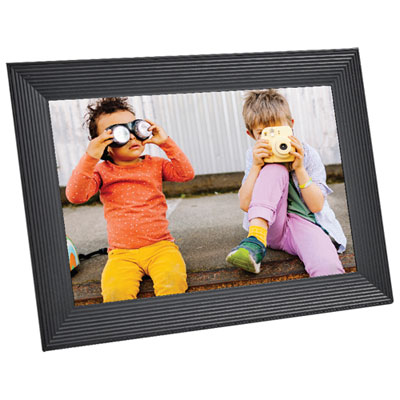 Your price for this item is $199.99
-
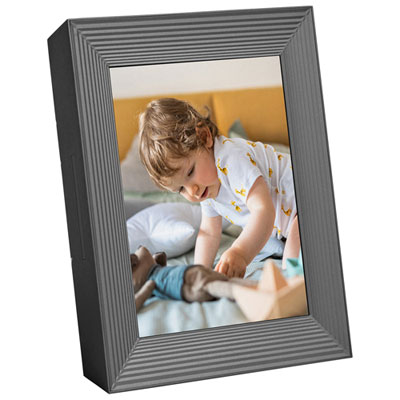 Your price for this item is $259.97
-
 Your price for this item is $119.95
-
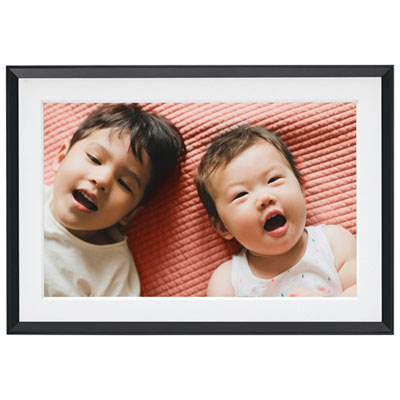 Your price for this item is $229.99
-
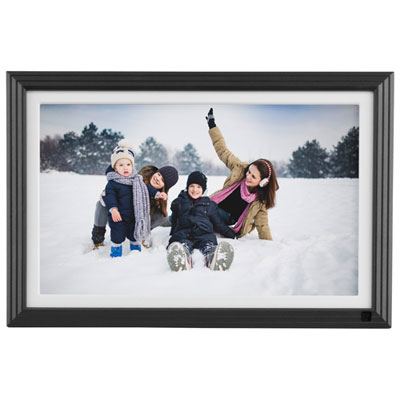 Your price for this item is $149.99
-
 Your price for this item is $249.99
-
 Your price for this item is $120.39
-
 Your price for this item is $399.99
Discover more categories related to Digital Frames Mother's Day Gifts
Top Collections:
Best Black Friday Deals This Year, Best Black Friday Deals On Electronics, Kindle Devices, Pokemon Centers, Best Black Friday Deals On Apple Products, Best Cameras for Sports Photography, Dyson Airwrap, Pokémon 30th Celebration Cards, Apple iPhone 17 Pro, Canon G7X Cameras
Some products may be subject to Environmental Handling Fees
(EHF) depending on your province.
Learn more about EHFs.