Gimbal Stabilizers for iPhone 7
Gimbal Stabilizer for iPhone 7 offers a reliable solution for capturing smooth, professional-looking videos and photos with your smartphone. Designed to help reduce unwanted movement during shooting, these stabilizers are ideal for creators, travelers, and anyone looking to elevate their mobile content. Explore a wide selection of gimbal stabilizers for iPhone 7 to find the perfect accessory that fits your filming needs and enhances your creative projects.
Sort
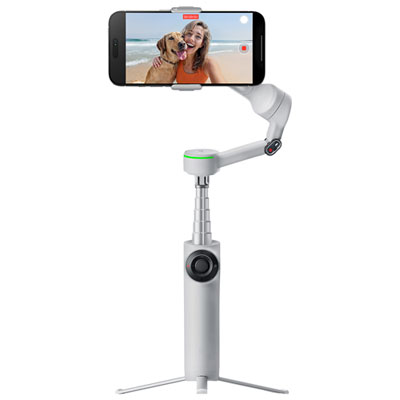
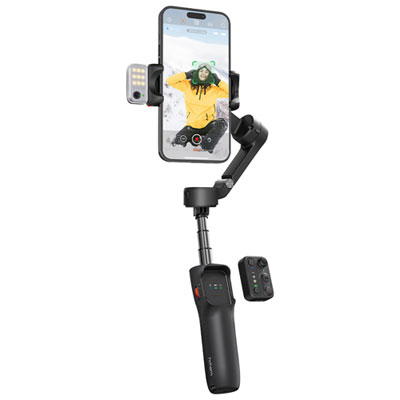
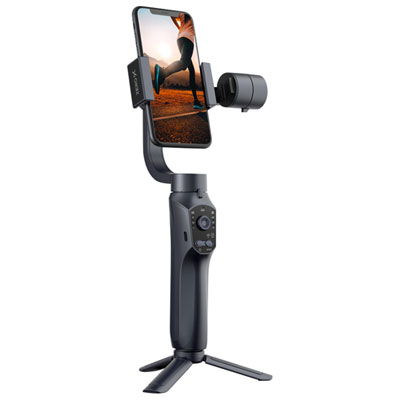

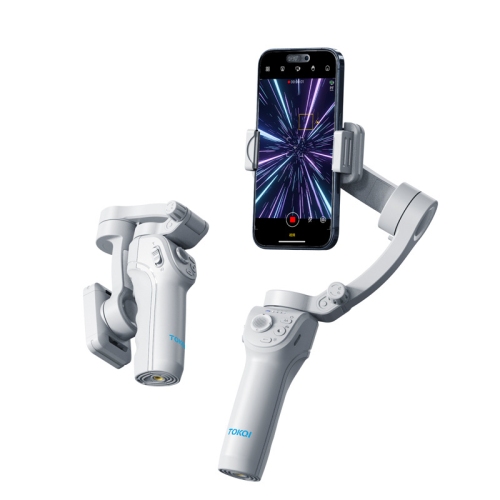
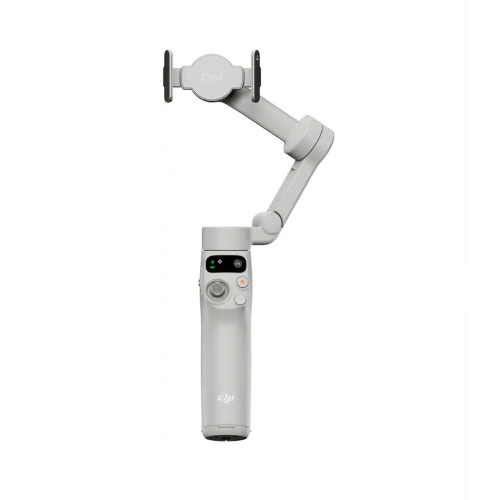
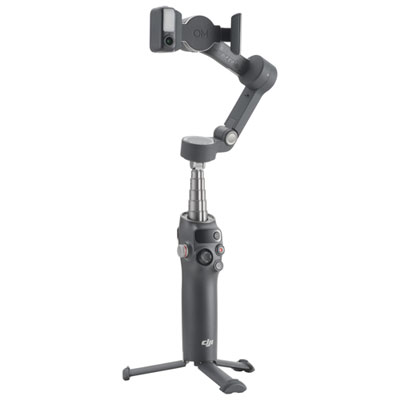
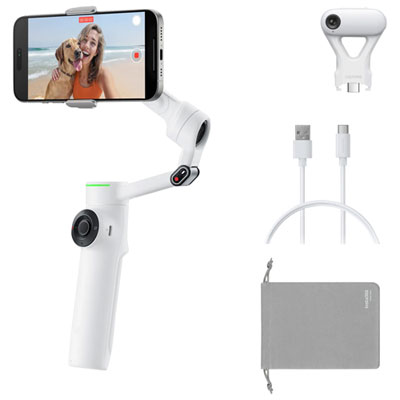
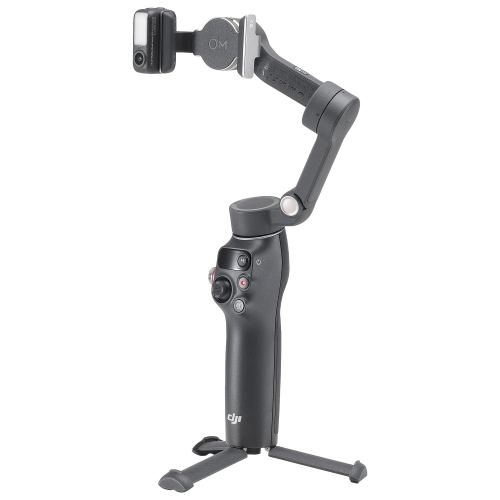
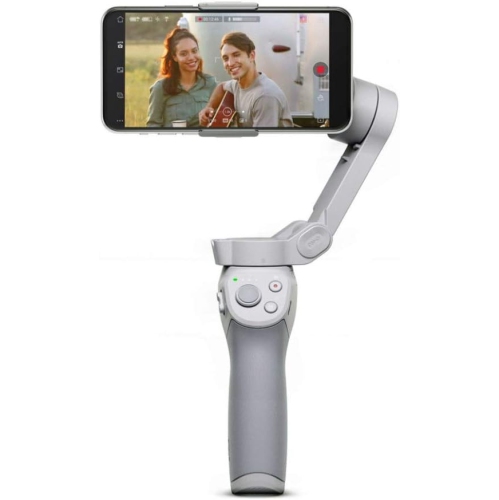
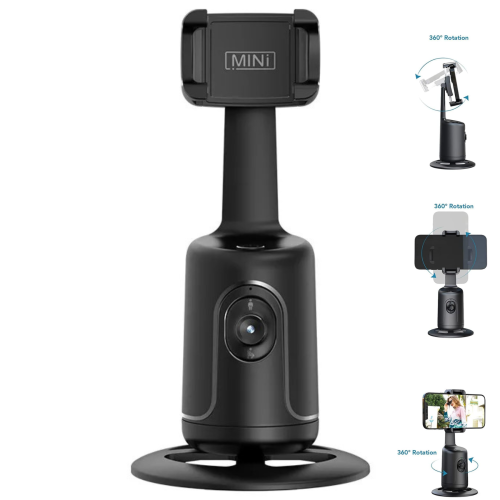
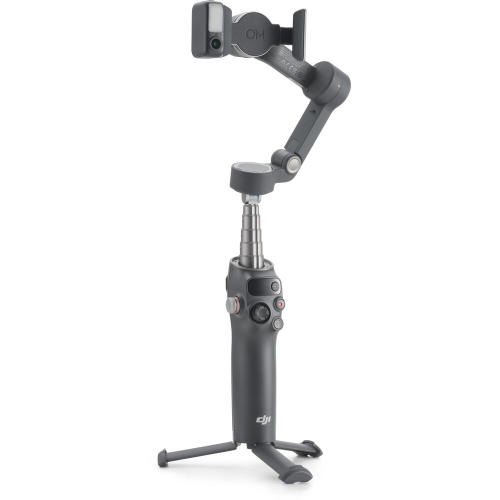
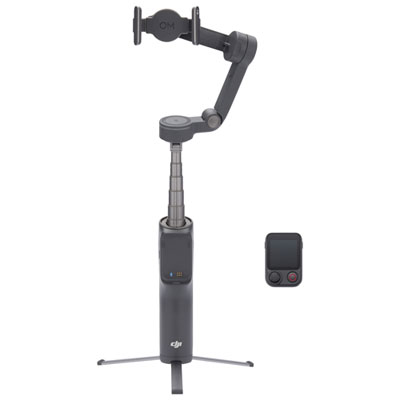
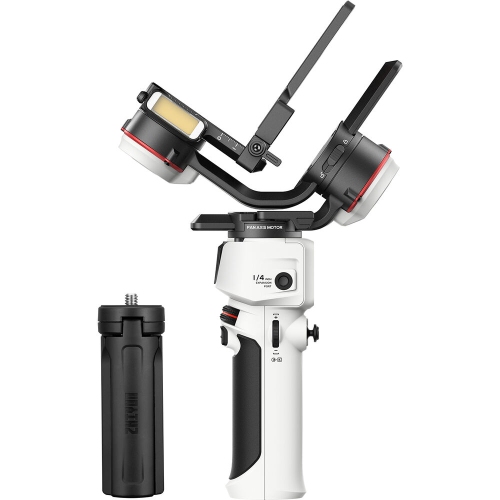
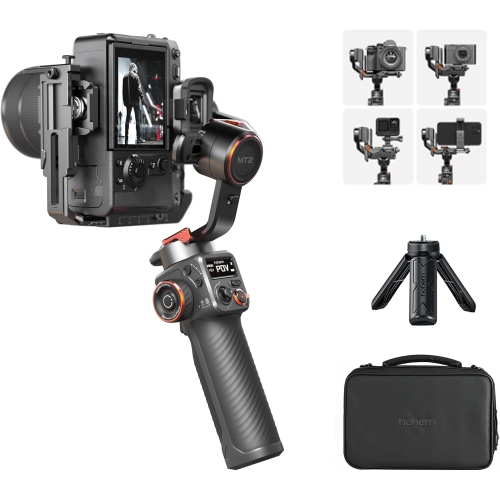
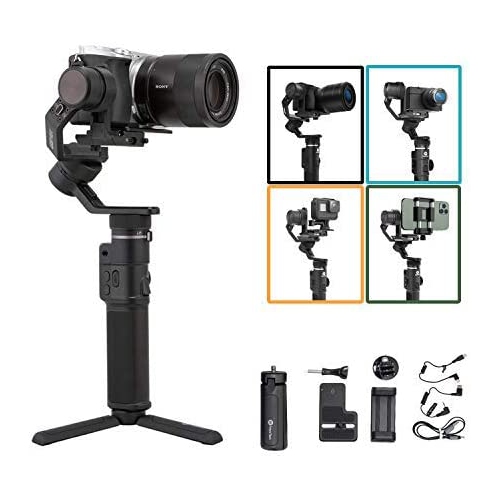
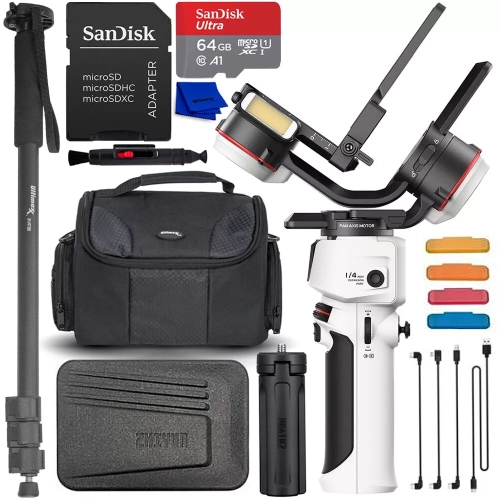
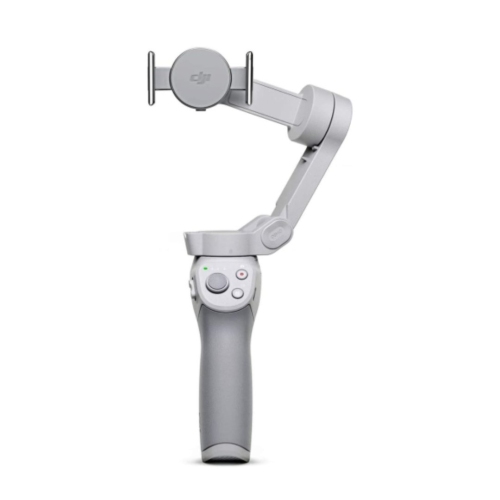
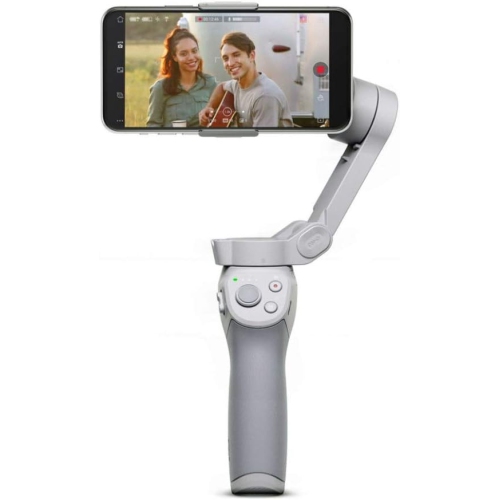
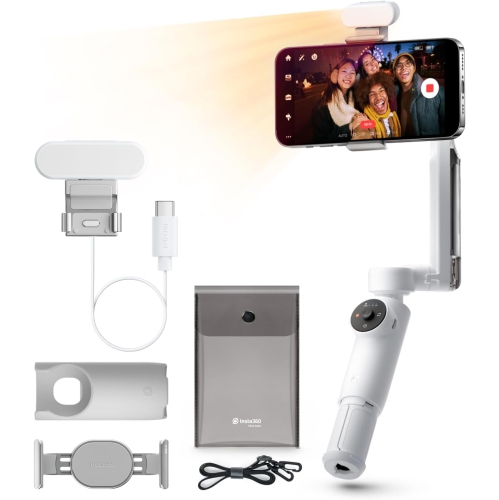
Steadier iPhone footage starts with the right fit
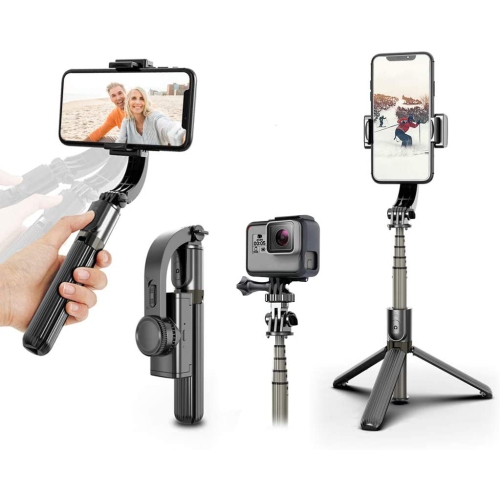
Gimbal stabilizers for iPhone 7 use motorized movement to help keep the phone steady while filming, making them useful for walking shots, gentle pans and handheld video with fewer distracting shakes. A compatible three-axis gimbal compensates for movement across the pan, tilt and roll axes, helping the camera maintain a steadier direction as the handle moves. Physical fit matters as much as the number of axes: the iPhone 7 measures 67.1 mm wide and weighs approximately 138 g without a case, so both measurements need to fall within the stabilizer’s supported specifications. The minimum payload is especially important for this relatively light phone; a gimbal designed for heavier devices may not balance it properly, even when the clamp closes securely. A case, microphone or lens attachment changes the total weight and balance, so compatibility should reflect the setup that will actually be used. Adjustable clamps with padded contact points help hold the phone securely without placing hard surfaces directly against its edges. The mount should also leave the rear camera clear and avoid pressing the side buttons. A slim case may fit comfortably, while a thick protective case or attached grip can interfere with the clamp or shift the phone too far from its intended balance point. Mechanical compatibility and app compatibility are separate considerations. Because the iPhone 7 is limited to iOS 15, a companion app that requires a later operating system will not be suitable, even if the phone fits the hardware. Depending on the stabilizer, basic motorized operation may work with the phone’s built-in camera, while subject tracking, special shooting modes or certain handle controls may require the manufacturer’s app. Clear support for the phone’s dimensions, weight and software version is therefore more useful than a broad claim of smartphone compatibility. This combination of secure mounting, appropriate payload support and usable controls is what makes a stabilizer practical for an older, compact phone, whether it is still used every day or kept as a dedicated video camera.
The most useful features depend on how the phone will be held and what will appear in the frame. For someone filming a family gathering, a comfortable grip and an easy-to-reach recording control can matter more than a long list of effects. A creator walking beside a subject may appreciate a follow mode that turns smoothly with the handle, while a locked orientation can help maintain a consistent direction during a controlled tracking shot. Mode names vary, so the important distinction is which movements the gimbal follows and which it resists. A joystick can provide deliberate framing adjustments without touching the phone, although recording buttons and other wireless controls still need compatible phone and app support. Portrait and landscape mounting are worth considering separately, particularly for anyone making both vertical social videos and wider footage for a television or desktop display. Some designs switch orientation easily; others require the phone to be repositioned and balanced again. Handle shape, overall weight and button placement become more noticeable during longer sessions, such as recording a performance or gathering footage around a shop. A compact folding design is convenient in a small camera bag, while a longer grip can offer more room for a relaxed hold. Battery runtime, charging connections and charging time also influence how comfortably a stabilizer fits into a filming routine. Quoted runtime depends on operating conditions, including how well the phone is balanced and how hard the motors are working. If phone charging during use is supported, cable clearance matters: a cable that catches on an arm can restrict movement or pull against the motors. A gimbal reduces unwanted rotation, but it cannot remove every rise and fall from walking, freeze a moving subject or improve focus automatically. Smooth footsteps, gradual turns and enough room around the subject still make a visible difference. For a slow pass across a countertop display or a steady introduction filmed at a desk, that controlled movement can make footage feel more intentional without requiring a large camera setup.
Materials and construction affect both everyday handling and how well a stabilizer tolerates repeated packing and setup. Common designs use moulded plastics, aluminum components or a combination of the two, with textured or cushioned grip areas for comfort. More metal does not automatically mean a better fit for every user: a lighter body can be easier to carry, while firm joints, a secure clamp and dependable adjustment mechanisms are important regardless of the outer material. Folding hinges should open smoothly and hold their working position without looseness. Motor arms are precision moving parts rather than carrying handles, so the main grip is the appropriate place to lift and hold the assembled setup. For storage, removing the phone and using the supplied transport locks or protective case, where provided, helps prevent the arms from swinging against other equipment. A soft, dry cloth is generally suitable for wiping the handle and clamp, while charging ports and motor joints should be kept clean and dry according to the manufacturer’s care instructions. Forcing an arm through resistance or switching on a model that requires balancing before setup is complete can place unnecessary strain on its motors. Accessories are most useful when they serve a clear purpose: a compatible mini tripod can support a stationary introduction, while a protective pouch keeps the folded stabilizer separate from loose cables and keys. Any tripod base still needs a stable, level surface and sufficient support for the assembled weight. The wider selection of Mobile Phone Gimbals includes different mounting styles and control layouts, with phone-specific compatibility remaining the deciding factor. These stabilizers can suit students developing video projects, travellers documenting places they visit, small-business owners filming demonstrations and families preserving favourite moments. As a gift, a gimbal is particularly thoughtful for someone who already enjoys filming with an iPhone 7, provided its fit and app requirements have been confirmed. A manageable design that gets used regularly can be more rewarding than extra features that complicate a simple recording routine.
Top selling and popular products
-
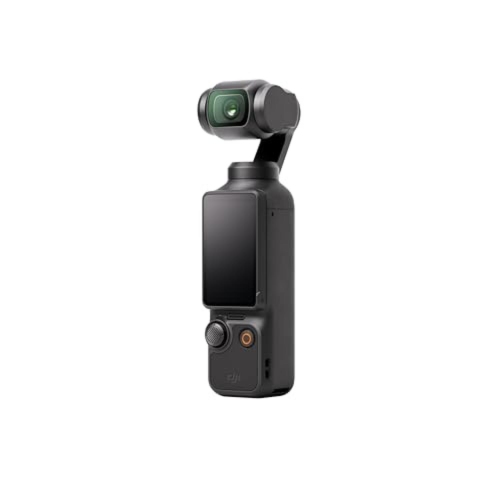 Your price for this item is $711.55
-
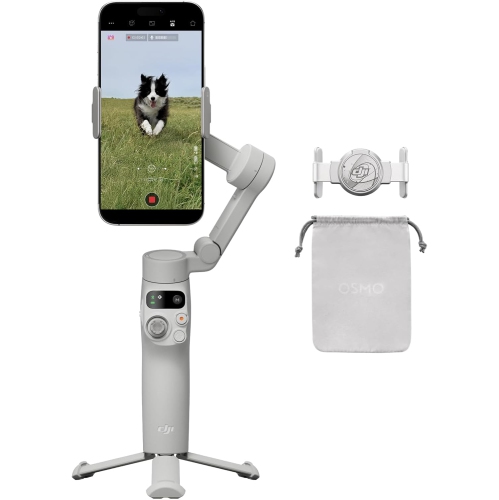 Your price for this item is $142.99
-
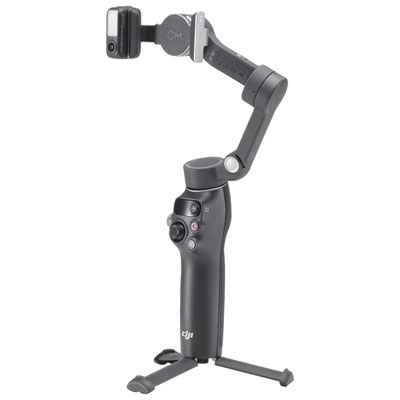 Your price for this item is $145.99
-
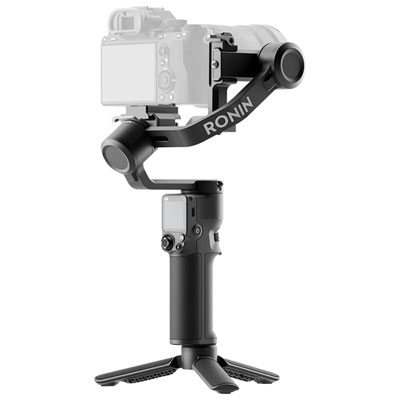 Your price for this item is $239.99
-
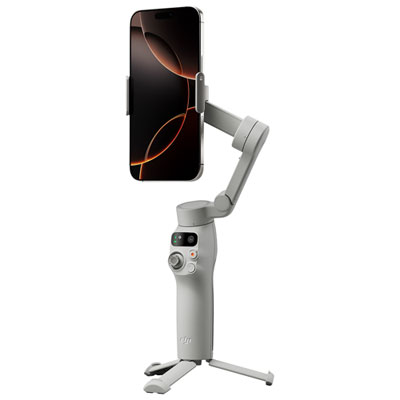 Your price for this item is $80.99
-
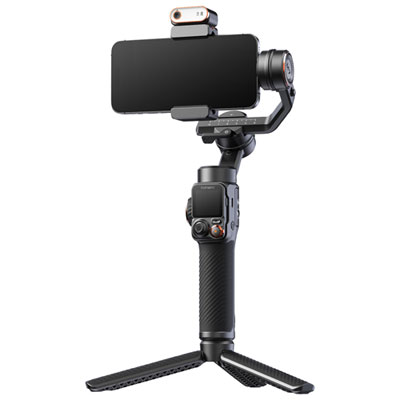 Your price for this item is $399.99
-
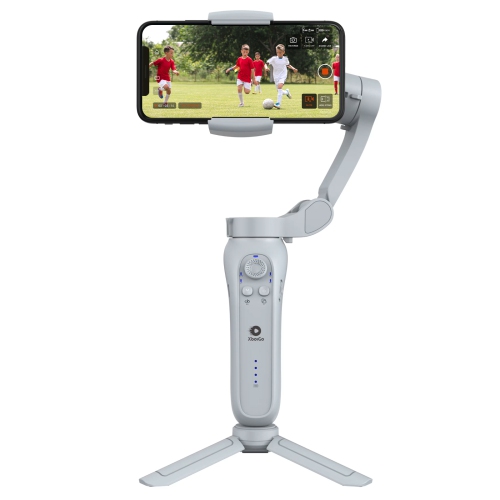 Your price for this item is $189.99
-
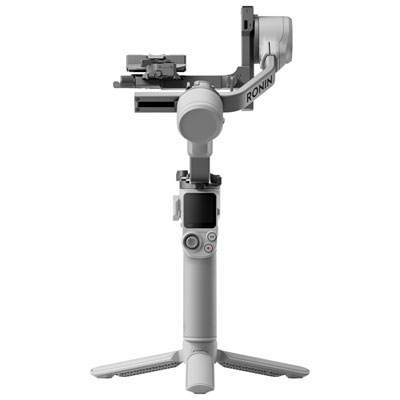 Your price for this item is $429.99
Discover more categories related to Gimbal Stabilizers for iPhone 7
Top Collections:
Best Black Friday Deals This Year, Best Black Friday Deals On Electronics, Kindle Devices, Pokemon Centers, Best Black Friday Deals On Apple Products, Best Cameras for Sports Photography, Dyson Airwrap, Pokémon 30th Celebration Cards, Apple iPhone 17 Pro, Canon G7X Cameras
Some products may be subject to Environmental Handling Fees
(EHF) depending on your province.
Learn more about EHFs.